Your smartphone likely travels farther in a day than most of the objects in your pocket, backpack, or living room. It moves from desks and kitchen counters to public transit, gyms, stores, and, for many of us, directly into gaming sessions. That makes cleaning it sensible. It does not make it a good candidate for the same cleaning products used on windows, bathrooms, or kitchen surfaces.
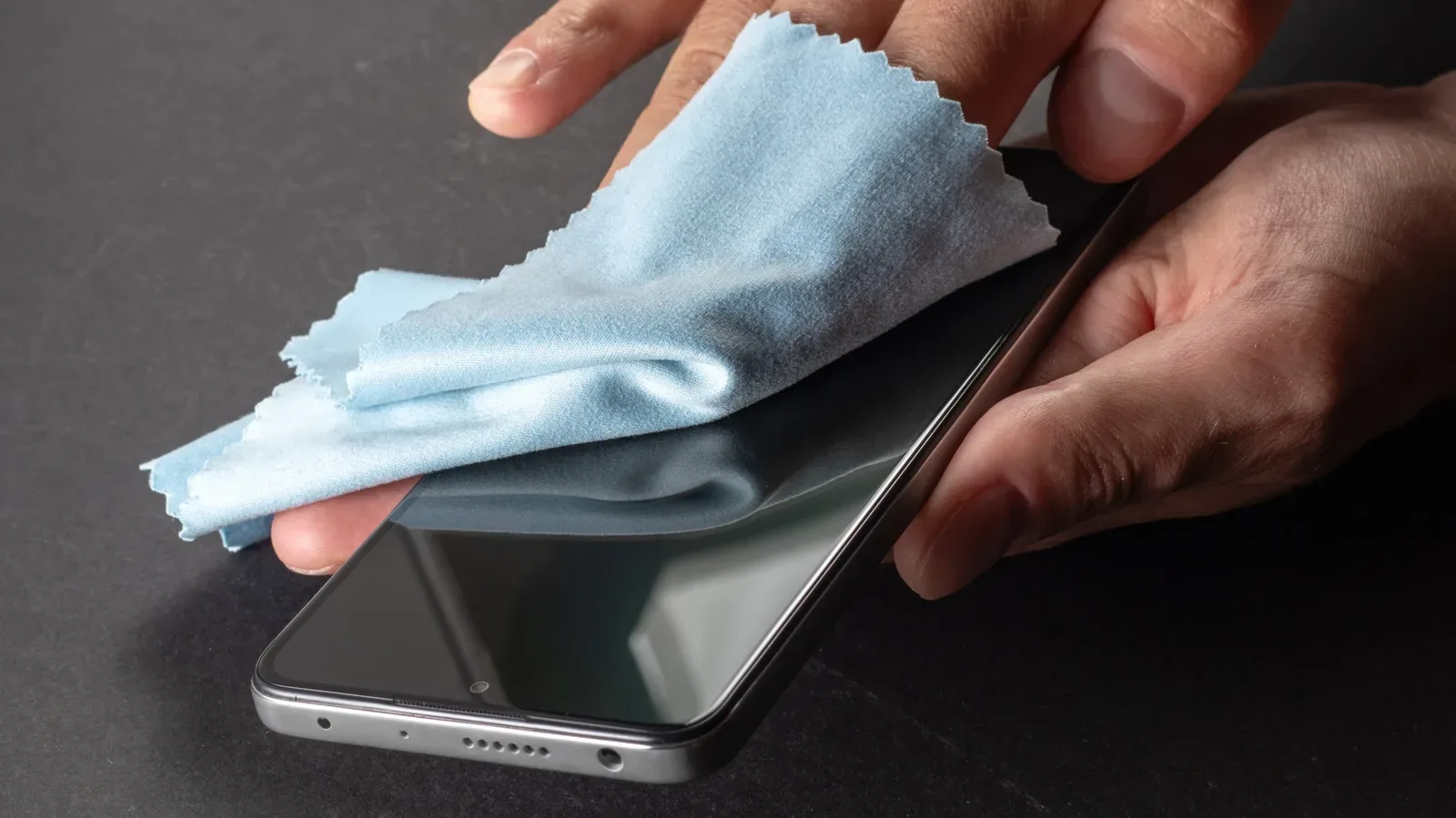
The basic rule is pleasingly unglamorous: clean the phone gently, with very little liquid. A lint-free microfiber cloth is the main tool. Mild soapy water or a 70% isopropyl alcohol solution or wipe can be used carefully, but neither should be poured or sprayed onto the handset. Bleach, hydrogen peroxide, window cleaner, compressed air, rough cloth, and paper towels all belong firmly outside this particular side quest.
That approach is about more than preserving a spotless-looking slab of glass. Modern phone displays commonly rely on an oleophobic coating, a thin treatment intended to resist skin oils and fingerprints while keeping the surface smooth. Aggressive chemicals and needless repeated scrubbing can wear away that coating. Once it has degraded, the screen may show fingerprints more readily and feel less slick during ordinary use.
Build a small, safe phone-cleaning kit
There is no need for a cabinet full of specialist gear. A practical setup is simple:
- A clean, lint-free microfiber cloth: This is the essential item. It is soft and non-abrasive, unlike materials that can leave fine scratches behind.
- Mild soap and water: Use only a small amount, and make sure the cloth is damp rather than wet.
- 70% isopropyl alcohol: A dedicated solution or wipe is an alternative to mild soapy water. Apply it to the cloth, not the phone.
- A dry section of microfiber cloth: Helpful for finishing the wipe-down and making sure no visible moisture remains.
The goal is controlled contact, not a dramatic cleaning montage. If the cloth is dripping, it is too wet. Squeeze it out thoroughly before it gets anywhere near a phone. Moisture can find its way into seams around a display, buttons, speakers, cameras, and charging ports. Water resistance is not a reason to invite liquid into those areas.
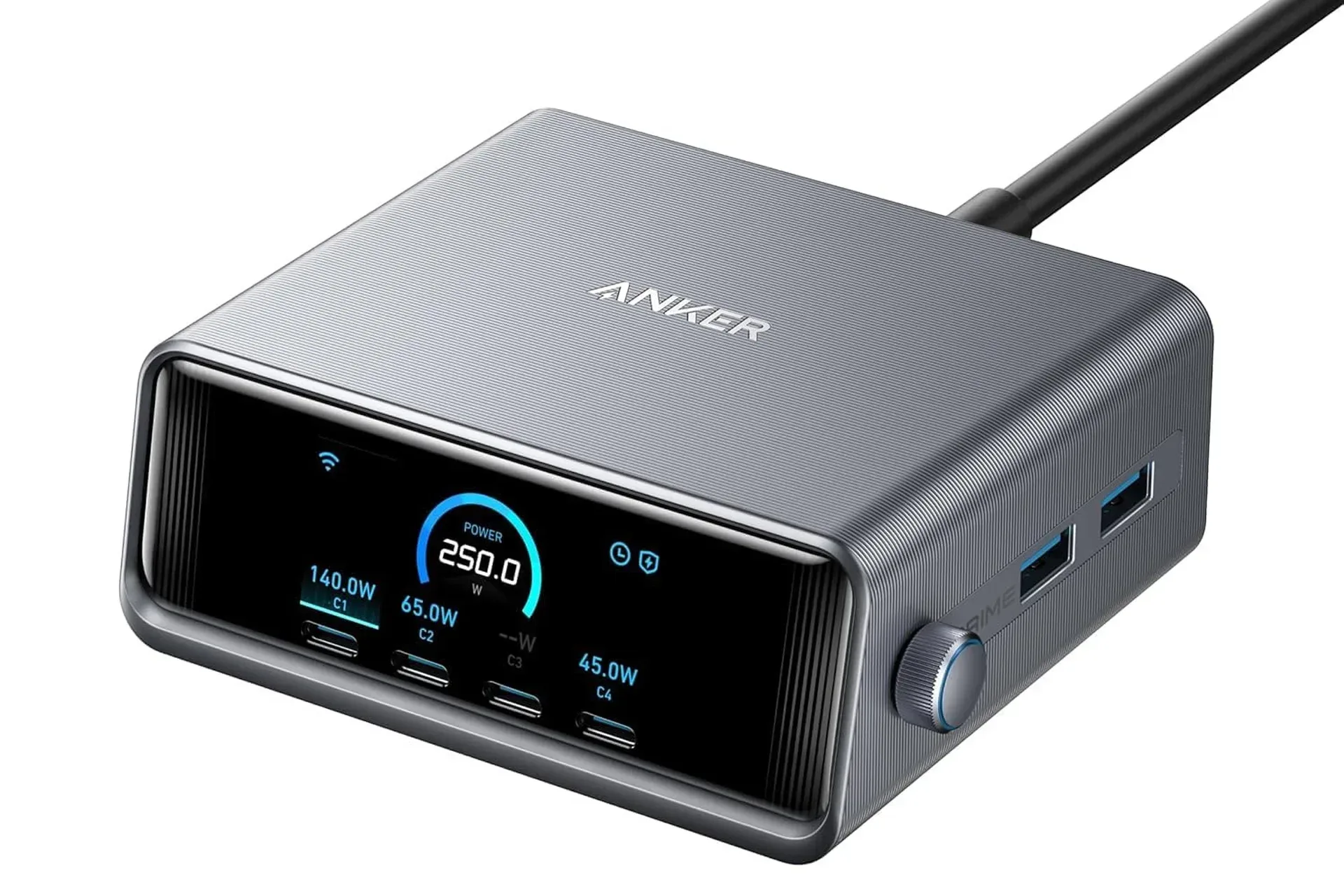
For anyone arranging a desk around controllers, handhelds, chargers, a monitor, and a phone, the same mindset applies to cable management as it does to cleaning: know where the openings are, and do not create an avoidable problem. A USB-C port is useful, but it is not a tiny car wash. If you are sorting out a broader cable-and-display setup, our guide to enabling HDMI-CEC on a Samsung TV covers another way to reduce needless hardware frustration.
The right order: switch off, remove the case, then wipe
Before cleaning, power the smartphone off and unplug it from charging accessories. Mixing moisture with an active electrical device is an unnecessary risk, even when the amount of liquid seems minimal. Turning the device off also makes it easier to see smears and fingerprints on a dark screen.
Next, remove the case. A case protects the phone from bumps and scrapes, but it also collects the same pocket lint, hand oils, and day-to-day grime as the device it covers. Cleaning only the exposed front of the phone while leaving the case untouched is a bit like washing one controller button and calling the whole pad refreshed.
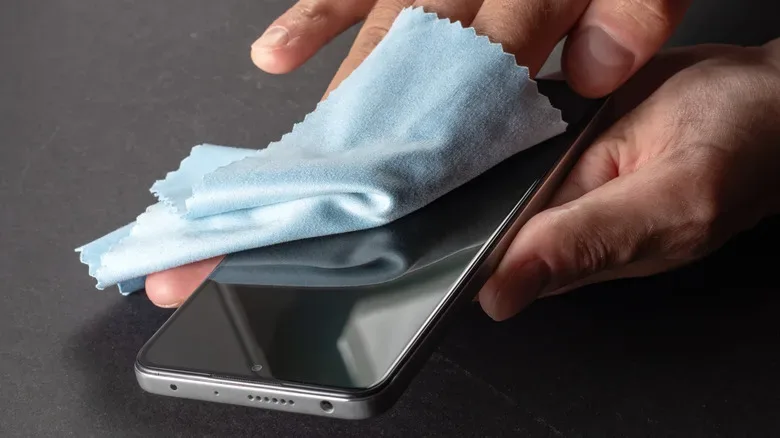
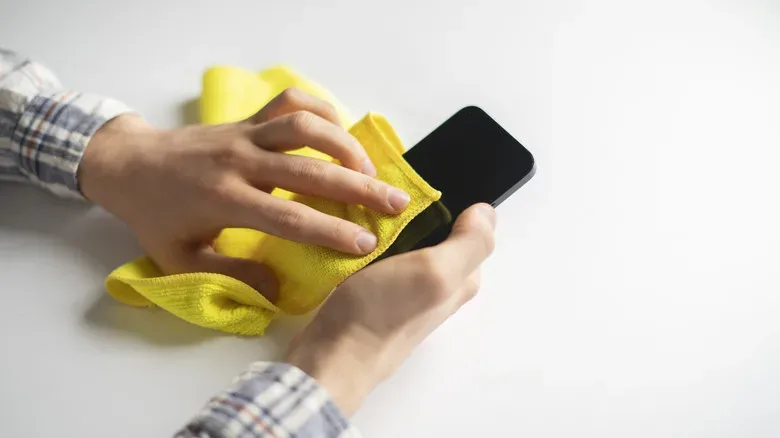
With the case off, prepare the microfiber cloth. For a soap-and-water approach, lightly dampen a portion of the cloth and wring out all excess water. For 70% isopropyl alcohol, put the solution on the cloth rather than applying it directly to the handset. The material should feel barely damp, never saturated.
Wipe the display and back panel with gentle, deliberate passes. There is no need to press hard. Work around camera lenses, side buttons, and the frame, while taking extra care near the USB-C port and any other openings. A controlled wipe is far safer than trying to flood debris out of a crevice.
Once the surface looks clean, use a dry portion of the microfiber cloth if needed. Let the phone dry fully before reinstalling the case or reconnecting charging equipment. This is not a process to rush between plugging in a cable and launching the next game.
Why harsh household products are a bad trade
It can be tempting to reach for whatever is under the sink, particularly when a screen looks especially grimy. That shortcut can cost more than it saves. Products such as window cleaner, hydrogen peroxide, and bleach are too harsh for routine display care. They can damage the oleophobic coating that helps the glass repel oils and fingerprints.
Compressed air is also best avoided for phone cleaning. Phones contain delicate openings and closely packed components; blasting air toward them is not a substitute for careful wiping. Likewise, a paper towel may feel soft enough in the hand, but its texture can be abrasive on a microscopic level. Repeated use can leave small scratches that become more visible over time.
Clean enough is the objective. A phone does not need to be treated like a countertop, and it definitely does not need to be pressure-washed by a soaked cloth.
Alcohol requires moderation, too. A 70% isopropyl alcohol solution or wipe is presented here as an appropriate option when used properly, but repeated unnecessary use can gradually affect the display’s oil-resistant coating. A routine gentle wipe with a dry microfiber cloth may be enough when the issue is simply fingerprints rather than visible grime.
Cases need their own material-specific plan
The cleaning method for the phone itself is fairly consistent, but cases are not all made from the same material. Silicone and plastic cases can generally be cleaned with the same restrained approach used for the device: mild soapy water or an alcohol wipe, with attention paid to avoiding excessive moisture.
Leather cases are the notable exception. Alcohol can dry leather and contribute to cracking, so a damp cloth with mild soap is the safer choice. Again, damp is the key word. The aim is to lift dirt from the surface without soaking the material.
Give particular attention to the case interior, its lip around the phone, and the cutouts around buttons and cameras. Those areas are where pocket lint and grime can accumulate unnoticed. Ensure the case has dried before putting it back on the handset. Trapping moisture between a case and phone defeats the careful handling used during the rest of the job.
Common mistakes that turn cleaning into damage control
The most important mistake to avoid is putting liquid directly on the smartphone. Even a light spray can run toward the screen edge, button gaps, speaker grilles, or charging port. A phone may be marketed as water resistant, but direct exposure to cleaning liquid in vulnerable openings is still an unnecessary gamble.
- Do not clean while charging: Power down and disconnect first.
- Do not spray the display or ports: Moisten the cloth instead.
- Do not use bleach, hydrogen peroxide, window cleaner, or other harsh cleaners: They may harm the screen coating.
- Do not use paper towels or abrasive fabric: Fine scratching can build up with repeated use.
- Do not soak the microfiber cloth: A barely damp cloth is enough.
- Do not forget the case: Clean it with a method appropriate to its material and allow it to dry.
A reliable routine is intentionally boring: switch the device off, remove its case, dampen a microfiber cloth with mild soapy water or apply 70% isopropyl alcohol to the cloth, wipe gently, avoid openings, dry the device, then clean and dry the case before reassembly. It asks for restraint rather than elbow grease.
That restraint protects the phone’s finish, keeps moisture away from its vulnerable areas, and prevents a small hygiene task from becoming a screen-coating or water-damage problem. Put the bleach down. Your phone is a pocket computer, not a bathroom tile.