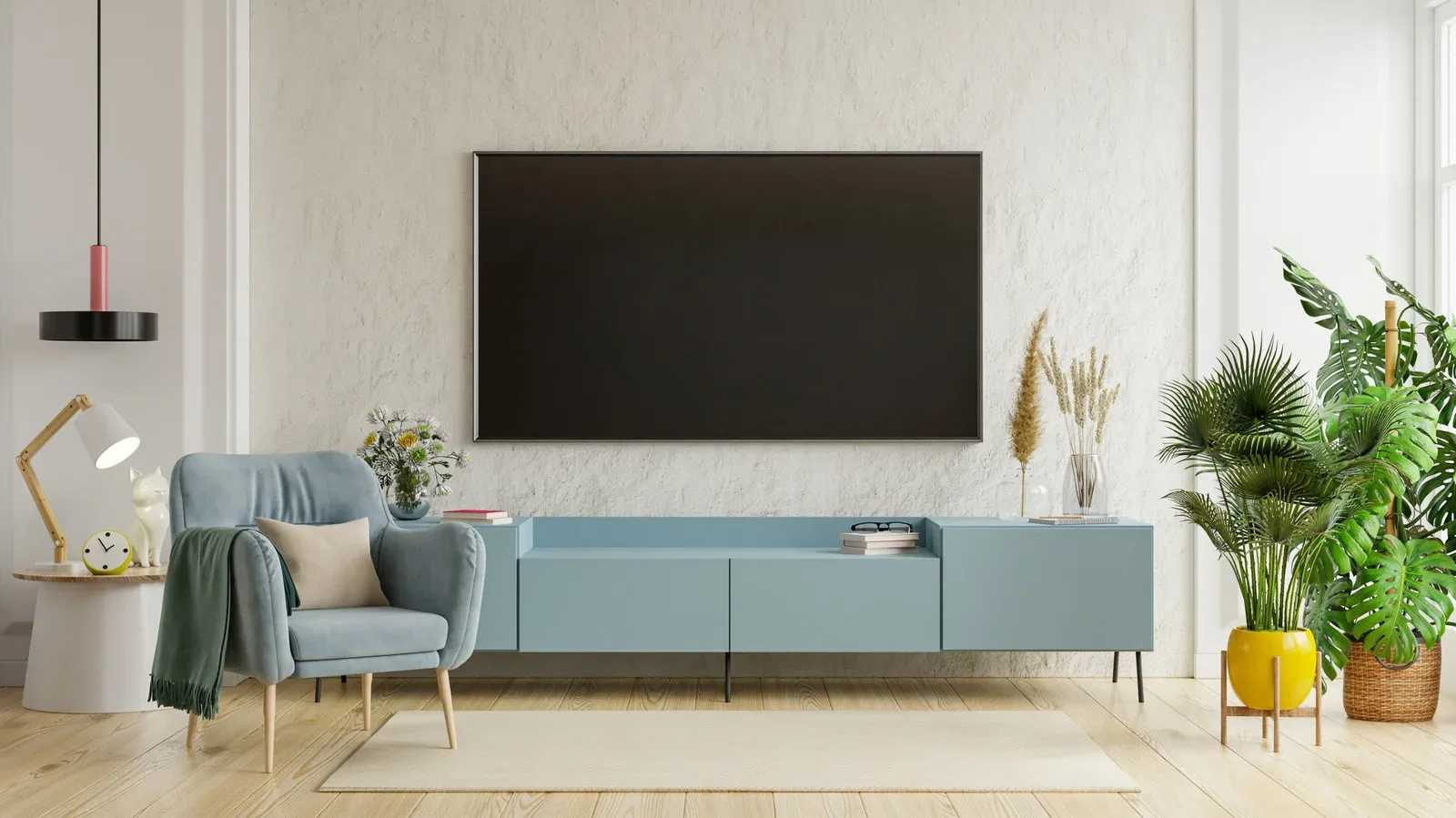
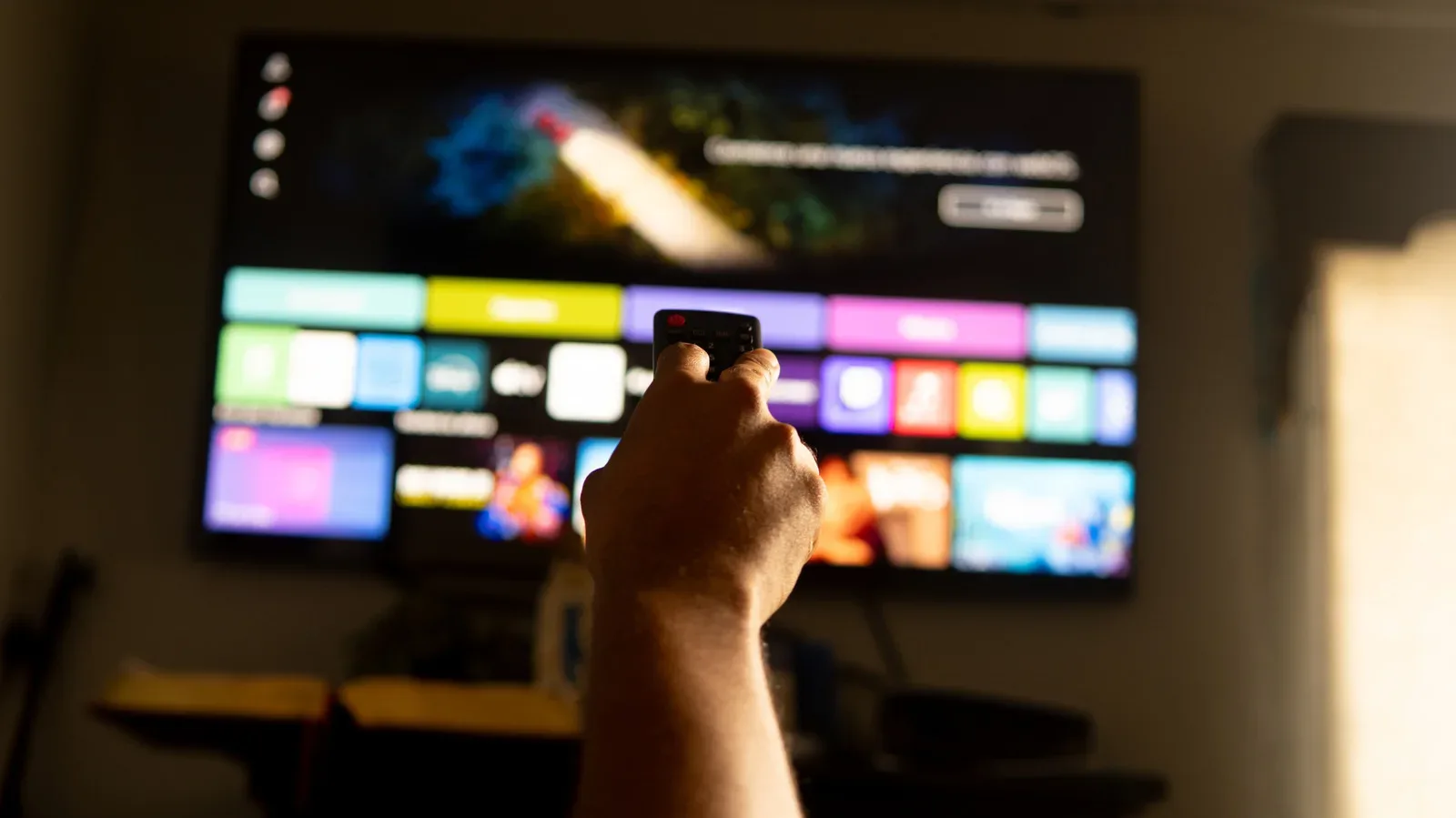
A new smart TV can feel like a long-term purchase: a big display, built-in apps, several inputs, and the implicit promise that it will handle movie nights, game sessions and background viewing for years. In broad terms, a modern smart TV may last around seven to 10 years. That is a useful starting expectation, not a warranty-like deadline.
The more practical answer depends on two separate things. First, there is the physical television: its panel, backlight where applicable, power supply and logic board. Second, there is the “smart” part: the operating system and the period in which it continues to receive updates. A television can have a healthy picture while its built-in software grows old; conversely, a current app platform cannot rescue a screen or power component that has failed.
For anyone using a TV for console gaming, streaming and ordinary daily viewing, the important takeaway is simple: do not read an advertised panel-hour rating as a countdown to sudden death. Those figures concern gradual loss of brightness under rated conditions. In everyday ownership, heat, extreme brightness settings, electrical fluctuations and wear in internal electronics may matter sooner.
Typical lifespans vary by display technology
Panel technology affects both the rated usage hours and the typical period an owner might get from a set. The ranges below should be treated as averages, because usage patterns and component failures can move a particular TV well outside them.
- LED/LCD: Standard LED/LCD televisions are rated for roughly 40,000 to 60,000 hours of use. A typical real-world lifespan is about five to seven years.
- QLED and mini LED: These sets are rated at approximately 60,000 to 100,000 hours and commonly last around eight to 10 years.
- OLED: OLED TVs may be rated up to 100,000 hours, with a typical lifespan of roughly eight to 12 years. Their distinct consideration is the possibility of burn-in from persistent static imagery.
- MicroLED: MicroLED has the longest stated lifespan in this group, at more than 100,000 rated hours and 11 years or more as a typical expectation.
It is tempting to see the 100,000-hour figures and conclude that a TV should run untouched for decades. That is not what the number means. A panel-hour rating refers to gradual dimming: specifically, the point at which the panel’s brightness falls below 50% of its original output. It does not promise that every circuit, connection, backlight component or power-related part will remain trouble-free until that point.
That distinction explains why an LED/LCD television can have a panel with substantial theoretical life left while developing a backlight or power problem. The TV is a system, not only a screen. The logic board and power supply are among the internal components that can wear or fail before the panel has reached its rated brightness threshold.
Why a TV may fail before its rated hours are exhausted
Heat is an enemy of long-term reliability
Heat is a major concern, especially for LED/LCD televisions. It can concentrate around the edges of the panel and accelerate backlight wear. This makes placement more consequential than it may initially seem. A TV boxed into a tight, poorly ventilated space has a harder time shedding heat than one with room around it.
Good ventilation is not about turning a living room into a server rack. It means avoiding an unnecessarily cramped position that traps heat around the television. If longevity is the goal, leave the set in a location where it is not tightly enclosed.
Related coverage includes How long should a new smart TV last?.
Maximum brightness is not a free setting
Brightness is another practical trade-off. A television constantly operated at its maximum brightness puts additional strain on components, speeding wear. The supplied guidance is to use a moderate brightness setting of 50% to 75%. Doing so can extend backlight life by as much as 67%.
This does not mean every scene must look dim, or that owners should ignore visibility in a bright room. It means that maximum output should not be the automatic, permanent setting when a lower level is comfortable. For gaming, that is particularly relevant: a console can ask a lot of a TV over long sessions, but the display does not need to be pinned at maximum brightness simply because it is available.
Electrical fluctuations can slowly take their toll
Electrical fluctuations can degrade a television’s logic board and power supply over time. A surge protector is therefore a straightforward protective measure. It is not a magic shield against every possible problem, but it is a sensible line of defense for electronics exposed to variable power conditions.
That same basic principle applies across connected hardware. Power management may sound less exciting than refresh rates or HDR, but it is part of keeping a screen usable for the long haul. The broader theme is similar to the everyday care considerations discussed in phone battery longevity: settings and habits that seem minor can compound across years of ownership.
OLED owners should take static images seriously
OLED televisions have a different caution attached to their otherwise strong projected lifespan: burn-in. This refers to the risk that static visual elements left on screen for hours can leave a lasting effect on the panel. The practical advice is direct: avoid leaving static images displayed for extended periods.
For game players, that can mean being mindful of persistent interface elements, paused screens or any fixed image that remains unchanged for a long time. It is not a claim that ordinary use will automatically create burn-in; it is a reason to avoid unnecessarily prolonged static display. Turning the TV off when it is no longer being watched or played is a simple habit that helps address both OLED-specific concerns and general component wear.
Turn it off rather than leaning on standby or a screensaver
When a TV is not in use, switching it off is preferable to relying on a screensaver or leaving it in standby mode. This reduces needless active time and avoids the “always on” pattern that eats into a TV’s lifespan.
That recommendation matters because real use adds up in less obvious ways. A set that serves as ambient background entertainment all day accumulates more operating time than one used for a few hours in the evening. The quoted seven-to-10-year expectation is therefore not a personal guarantee; a screen used lightly in favorable conditions and a screen left running from morning through night are not being asked to do the same job.
A concise maintenance checklist looks like this:
- Keep brightness at a reasonable 50% to 75% where possible.
- Turn the TV off when nobody is watching or playing.
- Ensure the television has adequate ventilation rather than sealing it into a tight space.
- Use surge protection against electrical fluctuations.
- On OLED, do not leave static images on screen for hours.
- Install available software updates.
Hardware lifespan and smart-platform lifespan are different clocks
A smart TV has an additional aging process that older “dumb” TVs largely avoided: software support. As streaming apps and connected services change, updates can determine whether the built-in experience remains current and secure.
Major TV makers offer support periods ranging from four to eight years. Samsung offers seven years of support for models released from 2024, as well as some 2023 models. LG offers five years. Hisense offers up to eight years of updates for TVs that use VIDAA OS.
These figures are useful for buyers because they frame a different question from panel durability. A TV might remain physically functional beyond its update window. The picture may still look good, the console inputs may still work, and the speakers may still be perfectly acceptable. What changes is the confidence that its built-in smart interface will continue receiving new software.
That does not automatically make the television obsolete. If the display is still in good shape after updates stop, it can continue as a screen by connecting an external streaming device such as an Amazon Fire TV Stick or Roku. In practical terms, this separates the display from the streaming platform: the TV supplies the panel, while the external device handles apps.
What the estimates mean when choosing or keeping a TV
If longevity is the priority, the panel category offers a useful guide, but it should not be the only deciding factor. LED/LCD has a stated typical range of five to seven years, whereas QLED/mini LED lands around eight to 10, OLED at eight to 12, and microLED at 11 years or more. Yet a lower-rated technology treated carefully can outlast expectations, while a higher-rated panel exposed to poor ventilation, constant maximum brightness and power issues can have a shorter practical life.
For an existing television, there is also no need to replace it merely because a headline lifespan range has passed. The relevant questions are whether it still operates reliably, whether the picture remains satisfactory, and whether its software situation can be solved with an external streamer. A healthy display does not become unusable simply because its original smart platform has aged out of updates.
Ultimately, the sensible expectation for a new smart TV is years of use rather than permanence. Choosing moderate brightness, giving the set air, protecting it from electrical fluctuations, avoiding long static OLED images, switching it off when idle and keeping software updated are all concrete ways to improve the odds that those years land toward the high end of the range.