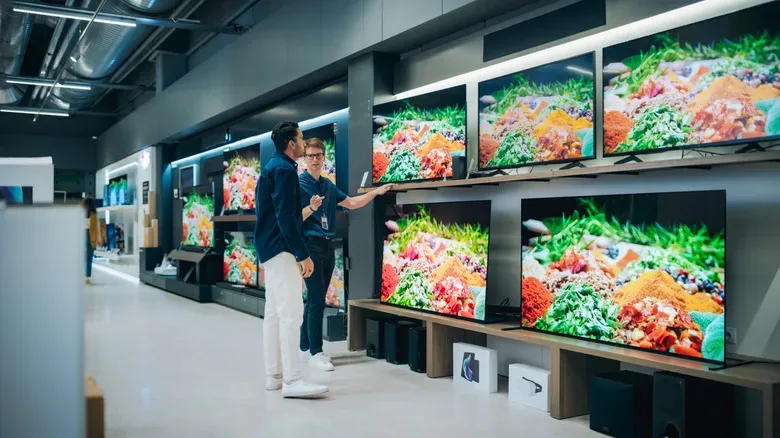
A cheap smart TV and a premium smart TV can look surprisingly alike on a store listing. Both may promise 4K UHD resolution. Both may carry an HDR label. Both can put familiar streaming services and YouTube a few remote clicks away. That similarity makes a large gap in cost—sometimes approaching $1,000—look difficult to justify.
For games and movies, though, the app list is rarely where the difference lives. The added money generally goes into the physical display and the hardware that prepares video before it reaches that screen. In other words, a lower-cost set may accept the same 4K stream or console signal as a costly model, while doing a much less convincing job of showing it.
The practical question is not whether an inexpensive television is capable of displaying modern content. Many are. It is whether its compromises are visible in the room, with the material, and on the platforms a buyer actually uses. A second screen for casual videos has radically different needs from a living-room display for HDR films or a PS5 setup built around compatible 120Hz games.
The panel is where the budget becomes visible
The display panel is the most consequential component in a television. It controls the light, color and contrast that make up every frame, and it is a major place for manufacturers to reduce cost. Resolution alone does not settle the quality question. Two 4K panels can place the same number of pixels on screen while producing very different dark scenes, highlights and colors.
Budget sets from brands including Hisense and TCL commonly use LCD panels paired with relatively basic LED backlighting. Those LEDs may sit at the edges of the display or behind it. The limitation is precision: the TV has less ability to brighten one small part of an image while keeping the neighboring area truly dark.
That can be especially apparent when watching in a dim room. Blacks may take on a gray appearance rather than looking deep, and bright objects can seem overly pronounced against darker backgrounds. The issue is not that the television cannot play the scene. It is that the backlight has fewer tools to separate its brightest and darkest elements cleanly.
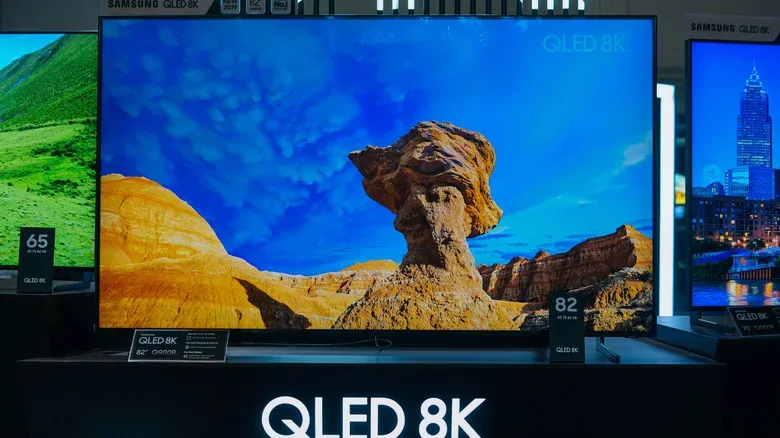
Higher-priced models tend to spend more on panel and backlight technology. QLED adds a quantum-dot layer intended to widen color performance. Mini LED designs use smaller LEDs, allowing more local dimming zones and therefore more selective control of brightness across the picture. Micro RGB sets take another route by using separate red, green and blue LEDs in the backlight, with finer control over color and brightness.
OLED remains the standout option for pixel-level lighting. Each pixel produces its own light and can shut off completely. That capability lets an OLED render perfect blacks without the spill from a conventional backlight, while also giving individual portions of an image exceptionally fine control. OLED televisions are generally among the most expensive choices, although their strengths do not automatically make them the ideal pick for every room or every buyer.
That last point matters. A person who mainly needs a spare television for occasional YouTube viewing may not gain enough from a premium panel to make the expense sensible. But someone who watches 4K films in a darker space is much more likely to notice the difference in shadow detail, contrast and the handling of bright points of light.
“Smart” features are shared; speed is not
The word smart can distract from the more important comparison. At both ends of the price range, buyers can often access the same major services and play the same 4K HDR-ready videos. Paying more is not usually a way to unlock a secret higher tier of streaming content.
Instead, part of the difference is the system-on-a-chip inside the TV. Like the hardware in a PC, this processor handles substantial work behind the scenes. It decodes incoming, often compressed, video into the frames the display can show. It also has a role in navigating apps and menus, preparing images, and dealing with material that does not match the panel’s native 4K resolution.
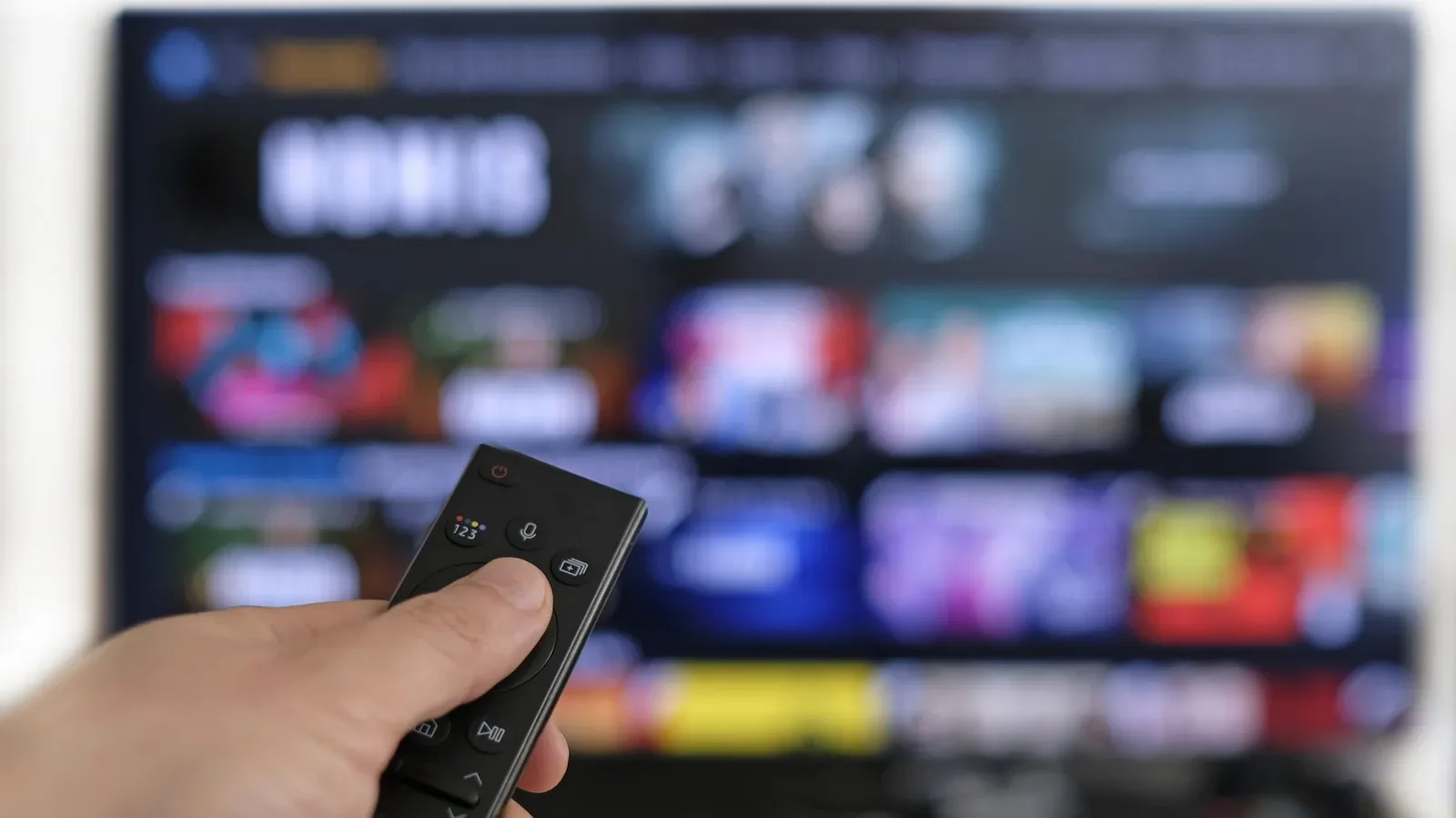
That processing gap may first announce itself in the least cinematic way possible: a sluggish home screen. On a less powerful television, menus can feel slow to respond and apps can lag as the hardware reaches its limits. Premium models are not permanently immune to slowdowns, but more capable processing typically offers a smoother experience, particularly early in a television’s life.
For viewers with older or lower-resolution content, processing also shapes how good the image looks once it is enlarged to a 4K panel. Upscaling is unavoidable when the source does not arrive in 4K. More advanced sets may use AI-assisted upscaling intended to reconstruct fine detail while enlarging the picture. Weaker processing can leave the result soft or make edges appear harsh.
This is an important distinction for anyone with a mixed diet of video. A TV is not judged only by pristine 4K showcase footage. It also sees compressed streams and lower-resolution material, and the quality of its processing affects all of it. The panel sets the ceiling, but the processor influences how gracefully the set handles what it is given.
Gaming: 60Hz versus 120Hz can be a real dividing line
Refresh rate is one of the more concrete premium features for players. Lower-end televisions are commonly limited to 60Hz. Better models can support 120Hz output from modern consoles such as PS5 in compatible games. The key qualifier is compatibility: a console being capable of 120Hz output does not mean every game will use it.
Still, for players targeting games that do support it, 120Hz capability is a meaningful reason to look above entry-level sets. It is a display-side limitation rather than a question of whether the TV has the same streaming apps as a more expensive alternative. The TV needs the appropriate screen hardware as well as the capability to handle that output.
Gamers should therefore avoid treating “4K” as a complete checklist. It tells you about pixel count, not necessarily refresh rate, the quality of HDR, local light control, menu responsiveness or the TV’s ability to upscale other material. A 4K badge is a starting point, not a full description of performance.
For broader display context, the distinction between a screen’s headline specifications and its actual experience has parallels elsewhere in consumer technology; Joking Joystick has also looked at where hardware such as LiDAR can make a practical difference on iPhone Pro models. In both cases, a feature name matters less than what the underlying hardware can really do.
Why the HDR logo is not a quality guarantee
HDR, short for high dynamic range, is supposed to expand the visible distance between the darkest and brightest areas of an image. Done well, it can preserve detail in darker sections while making highlights stand out. But a TV can technically support HDR playback without delivering an especially persuasive HDR presentation.
The core requirements are brightness and contrast control. A set needs enough brightness for highlights to look meaningfully bright. It also needs to keep the rest of the image dark when the scene calls for it. If brightness is limited, highlights lack impact. If the television cannot control its lighting precisely, deep black areas can rise into gray.
This is why inexpensive TVs can carry HDR branding yet fall short of the dramatic effect buyers may expect. The label confirms a kind of compatibility, not a uniform visual standard. The panel and its backlight architecture remain decisive.
More expensive televisions generally have an advantage because they can reach higher brightness and apply more accurate light control. Their processing can also tone-map HDR content to the specific display. Tone mapping can help the set make the best of the material it receives, but it cannot turn an inferior panel into one with the brightness and contrast capabilities it lacks.
What the upgrade budget usually pays for
When the price rises, the biggest spending tends to be directed toward picture fundamentals rather than content access. That can include a better panel, stronger brightness, improved color accuracy and more controlled contrast. Faster internal hardware helps with navigation, playback and upscaling. Depending on the model, buyers may also find higher refresh-rate support, improved build quality and a greater number of HDMI ports.
- Budget smart TV: Usually the sensible fit for a secondary room, basic streaming and casual video viewing, especially when 60Hz gaming and merely functional HDR are sufficient.
- Mid- and higher-tier LCD options: Often add technologies such as QLED or Mini LED, aiming for richer color and better local brightness control.
- Premium gaming and movie sets: More likely to pair stronger processing with better HDR performance and 120Hz support for compatible PS5 games.
- OLED models: Offer per-pixel lighting and perfect blacks, but their higher cost does not mean every room or use case demands one.
The correct purchase is therefore less about chasing the most imposing specification list and more about matching the TV to its purpose. A low-cost model can be perfectly adequate when its limitations will rarely be noticed. For dedicated gaming, HDR movies and viewers who care about the difference between grayish darkness and controlled blacks, the upgrades in a more expensive television are likely to be far easier to see.