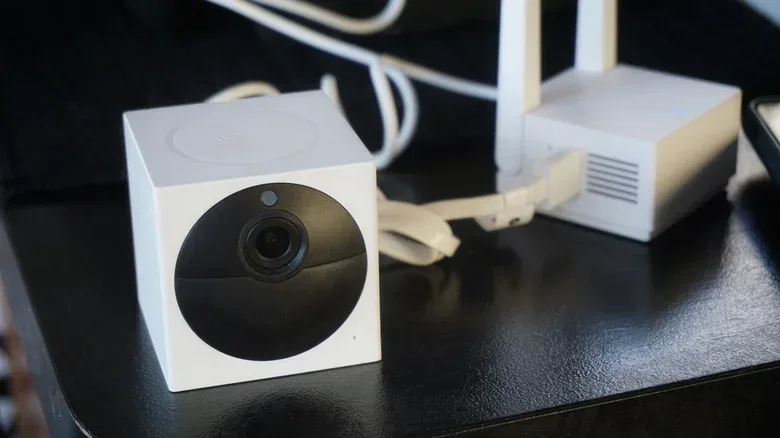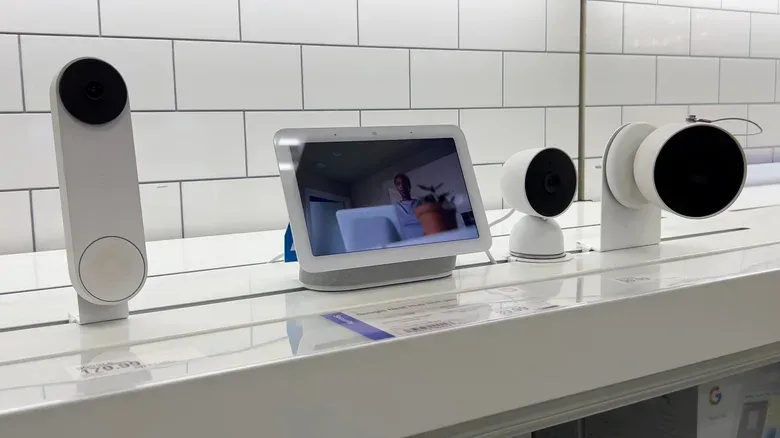
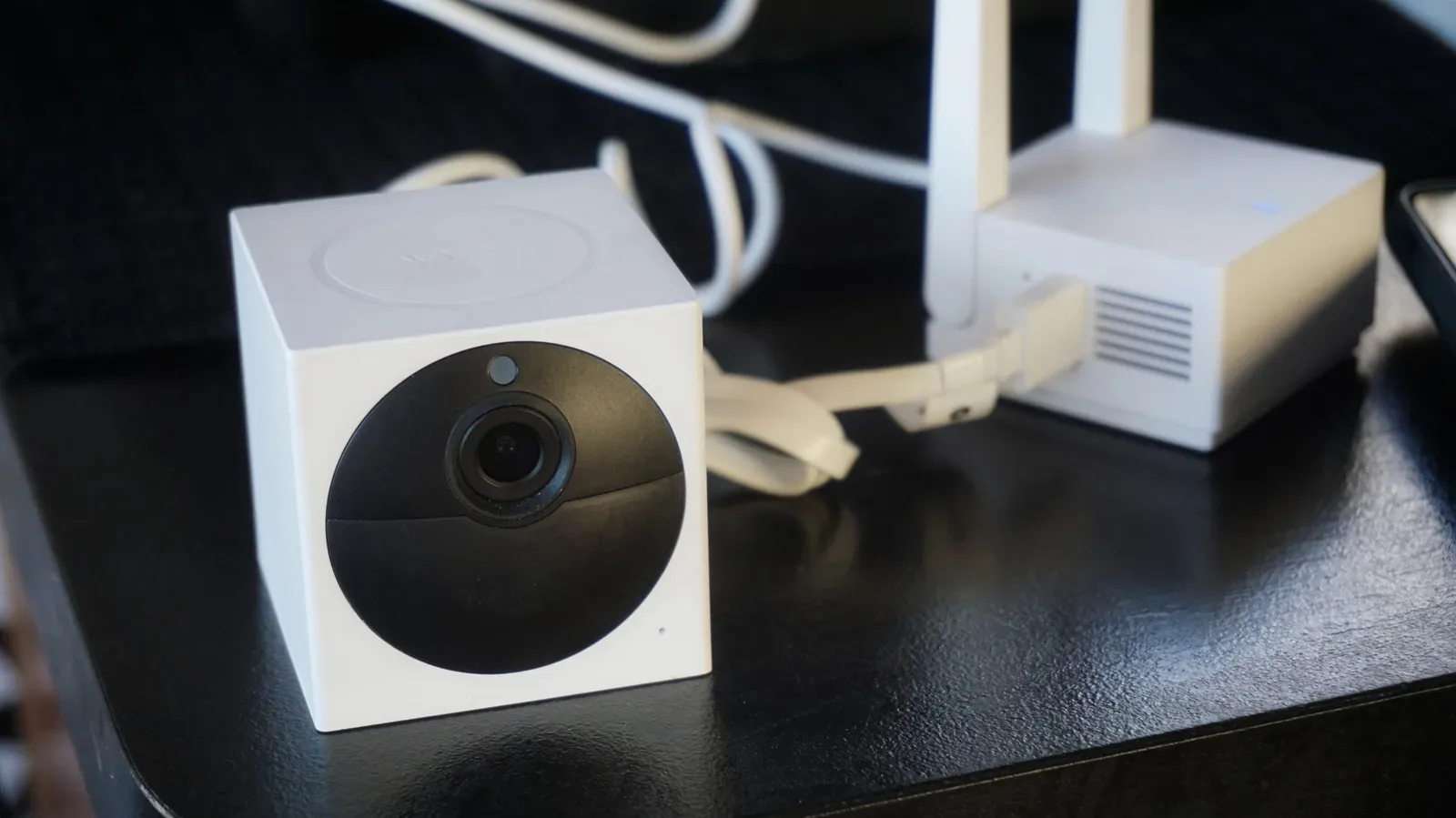
A home security camera is not a spec-sheet trophy. It is a tool that needs to produce a usable image, send a meaningful alert and retain evidence when something goes wrong. That changes the buying order considerably: a flashy 4K badge may be welcome, but it does not compensate for a narrow view, poor night performance, fragile outdoor construction or footage that disappears with the camera itself.
The right model depends on where it will sit, whether it is indoors or outdoors, how often the household is away, and which smart-home platform people already use. No single camera is guaranteed to remain fully operational through every power, Wi-Fi and cellular failure, either. The practical goal is to identify the failures that matter most at a particular home and buy the appropriate layers of protection.
Start with the image that will actually be useful
Resolution is easy to compare and easy to market, but it is not the whole picture. A camera with 4K resolution can be attractive, yet field of view and low-light performance deserve at least as much attention. Field of view is the width of the scene a camera sees. A wider view can cover more of a driveway, doorway or room from one placement; 180 degrees is an ideal target for broad coverage.
That breadth comes with a practical question: what needs to be visible in enough detail? The purpose is not merely to record that motion happened. In a security scenario, being able to distinguish a face in limited ambient light can be far more important than having an especially large pixel count. Color night vision is not a requirement by itself. A sharp, sensitive sensor that can make people identifiable when the area is dark is the more meaningful outcome.
A sensible baseline is 2K/1080p or better. Beyond that, prospective buyers should seek out real-world sample images rather than treating a headline resolution as proof of image quality. Samples offer a more concrete indication of night clarity and how much useful detail survives the conditions in which a camera will actually work.
Coverage and placement are the same decision
A wide lens may reduce blind spots, but it cannot see around a wall, through an obstruction or into an area outside its mounting angle. Before comparing models, define the zone that matters: a front approach, a package drop-off area, a driveway, or a room. Then consider whether the camera’s advertised view plausibly includes that zone. This is a simple but important distinction between collecting footage and collecting usable footage.
Doorbell cameras deserve the same scrutiny. They may be a first line of awareness for deliveries and package theft, so their useful view, alert behavior and recording options matter just as much as those of a larger outdoor camera.
Outdoor cameras need environmental protection, not optimism
An outdoor camera has to deal with more than a passing rain shower. Look for complete water and dust resistance, with IP68 or better as the recommended level. An IP rating is a protection classification for dust and water ingress; in simple buying terms, it is an indication that the device is designed to keep those elements out rather than merely tolerate a little weather.
Temperature limits are equally important. The rating does not replace checking whether a camera is specified for the climate where it will operate. A unit that looks ideal on paper may be a poor fit if its stated limits do not cover local heat or cold.
Power also shapes what a camera can reliably do. Wired and battery-powered models can both work outdoors. Battery operation avoids a wired installation, but it creates a maintenance schedule. Without a compatible solar panel, recharging may be needed every six to 12 months at best, and real endurance varies with motion activity, signal strength and how frequently live video is viewed. A camera that cannot make it at least a month between charges is a questionable fit for an exterior location.
That is not an argument that battery cameras are inherently unsuitable. It is an argument for treating battery claims as conditional. A busy area with frequent motion is different from a quiet side entrance, and weak connectivity can affect runtime. The relevant question is whether the upkeep is realistic for the location, not whether the box promises a particularly large number.
Turn motion alerts into information
Generic motion alerts can quickly become noise. Shadows, animals, vehicles and ordinary activity may repeatedly trigger them, encouraging people to ignore the very notification that deserves attention. This is where AI-based recognition can be genuinely valuable. Depending on the camera, it may identify people, packages, animals or vehicles, allowing the owner to receive a more specific category of alert instead of an undifferentiated motion warning.
Buyers should look carefully at how that recognition works. Some systems depend on internet access and a subscription. Others process recognition on the device, potentially without an added charge. On-device recognition means the camera itself handles the classification rather than relying on a remote internet service. The practical appeal is twofold: it can avoid an extra fee and can reduce dependence on connectivity for that particular task.
This does not mean every advanced alert feature must be free to be worthwhile. It means the recurring cost and internet dependence should be understood before purchase. A camera that only provides its most useful filtering through a paid plan may still suit a household, but that is a different ownership model from one that recognizes categories locally.
Local storage is economical; off-site footage is resilience
Recording options are another place where the cheapest answer is not always the most protective one. An SD card provides local recording and can keep costs down. It is a useful feature, especially as a basic means of retaining video. But it has an obvious weakness: if a person steals or destroys the camera, the recording stored with it may disappear too.
Cloud recording is therefore one of the more valuable subscription features. It stores recordings away from the physical camera, making the evidence less dependent on the device remaining in place. The trade-off is a likely ongoing cost, but this is a feature whose purpose directly aligns with a security camera’s job.
For many shoppers, the most productive way to frame the choice is not “cloud versus local” as a philosophical battle. Ask what threat is being planned for. If the main concern is reviewing ordinary activity, local storage may be appealing. If the concern includes equipment theft or damage during an intrusion, off-site recording has a much clearer advantage.
Fit the camera into the smart home people already use
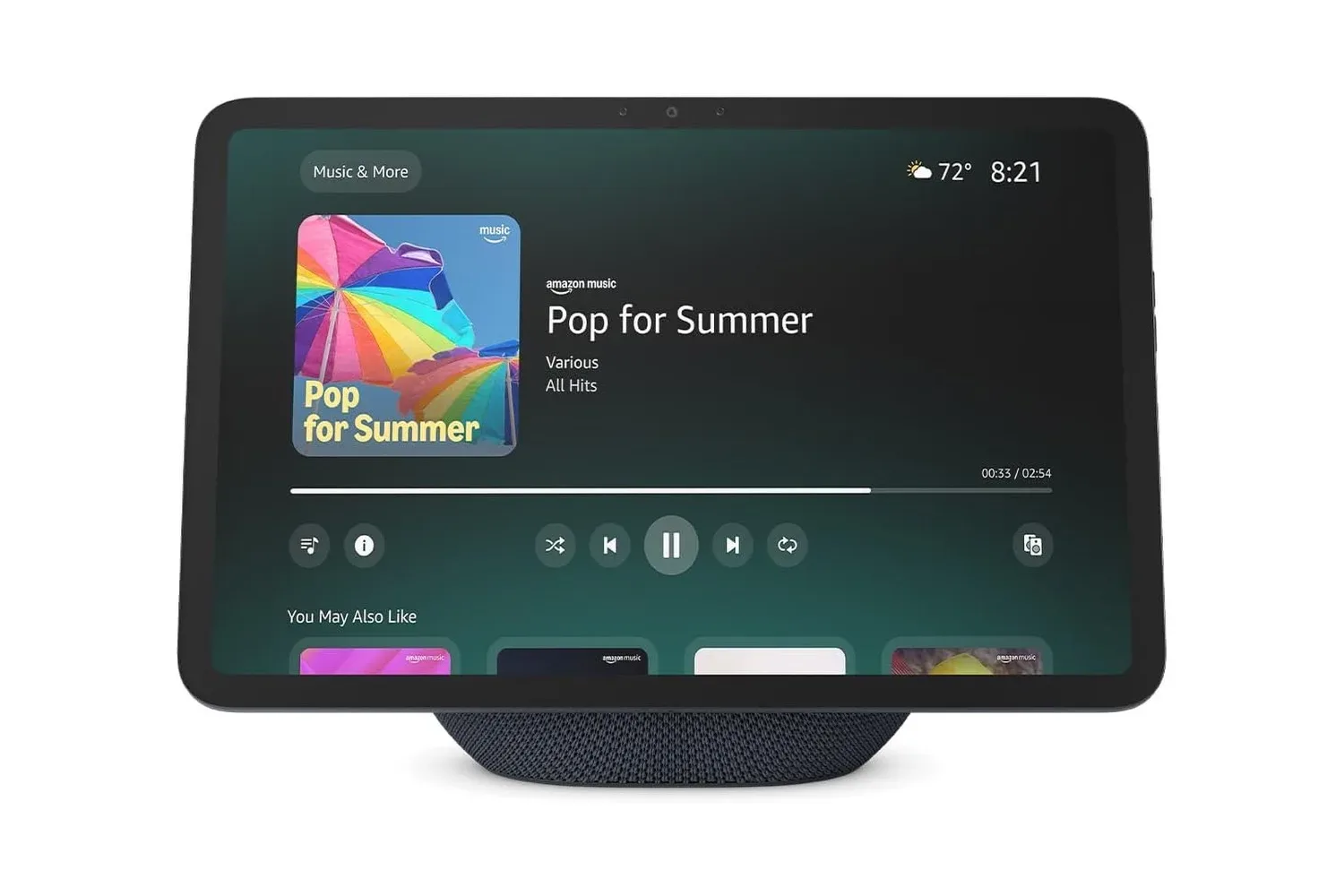
Platform compatibility can alter daily usefulness more than a marginal bump in resolution. A household already using Amazon Echo Show or Fire TV hardware may benefit from a camera with Alexa integration, enabling activity checks without reaching for a phone. Camera-connected automations can also be useful: a motion event while the household is away could trigger lights.
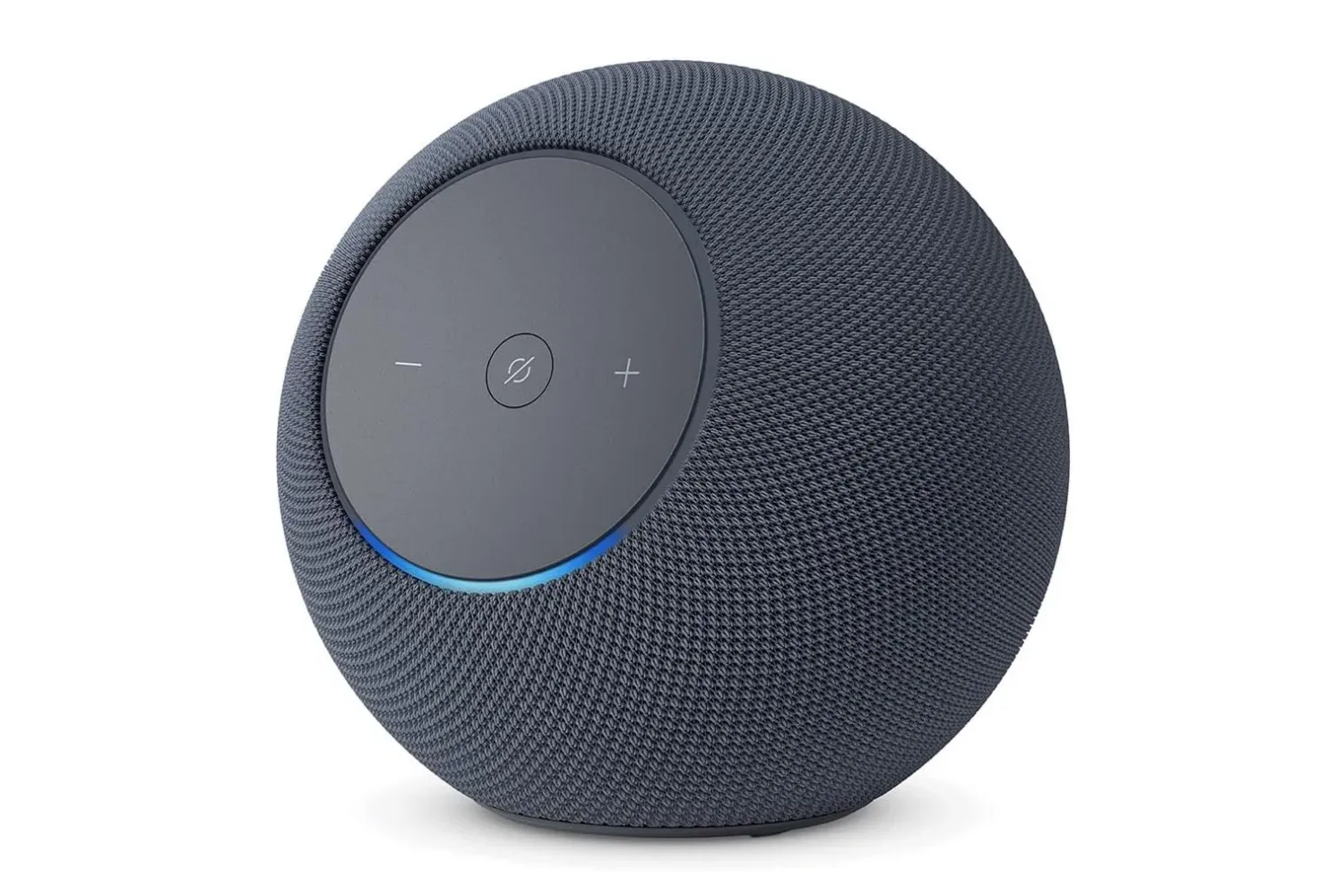
That makes existing gear part of the camera purchase. The same general principle applies to Apple and Google ecosystems: choose a camera that works with the platform the household can actually access. For readers building around Alexa displays or streaming hardware, the current Amazon Echo Studio deal is a reminder that smart-home hardware decisions often overlap, even though an audio speaker is not a camera-control screen.
Apple Home has a specific accessibility consideration: it can only be controlled through first-party hardware. That can make it an awkward choice if someone in the household relies on an Android phone. Compatibility here is not a minor convenience feature. It determines who can see alerts, check a feed and participate in the system at all.
Plan for the outage that matters to you
A camera that depends on Wi-Fi and mains power has two obvious points of failure. For households that are frequently away and want coverage during an internet or power interruption, the most comprehensive camera-level combination is a battery-equipped model with both cellular and SD-card backup. Cellular backup gives the camera an alternate route for connectivity; the card provides a local recording fallback. It is also expensive, particularly once a monthly data plan is included.
Another route is infrastructure-level backup: a Wi-Fi router with cellular backup combined with a whole-home battery solution. This can protect more than one device, but the battery portion alone may cost thousands of dollars. It is a substantially different investment from buying one resilient camera.
Neither route should be selected merely because it sounds maximally prepared. The better assessment is how long the property is commonly unattended, whether outages are a material concern, and what the consequences would be if video or alerts went offline. A household that is regularly empty for days or weeks has a stronger case for redundancy than one where somebody is usually nearby.
Professional monitoring is a judgment call, not an automatic upgrade
Professional monitoring may sound like the final layer of a complete system, but its value is situational. Monitoring staff can contact emergency services after an alert; they cannot physically intervene. If an owner receives an intruder notification and can promptly call police or the relevant local emergency service, paying for monitoring may not add enough to justify its cost.
The calculus can change when someone is away for long stretches, preoccupied with travel, or unable to readily contact authorities where the home is located. In that case, having another party place the call may provide meaningful support. The key is to identify this as a convenience and response arrangement, rather than confusing it with a guarantee that the incident will be prevented.
A concise pre-purchase checklist
- Image: Prioritize clear low-light footage and enough field of view for the target area; treat 2K/1080p as a floor and verify real-world samples.
- Outdoor durability: Seek IP68 or better, and confirm the stated temperature limits match the local climate.
- Battery reality: Account for motion, signal quality, live viewing and the potential need to recharge; aim for at least a month between charges.
- Alerts: Check whether people, package, animal and vehicle recognition is available, and whether it needs internet access or a subscription.
- Recordings: Understand the risk of SD-card-only storage if the device is removed or destroyed; weigh cloud recording accordingly.
- Compatibility: Choose support for the smart-home platform and devices everyone in the household can use.
- Resilience: If outage coverage is essential, assess battery, cellular and SD backup—or the larger cost of router and whole-home battery backup.
- Monitoring: Pay for it when a third party calling emergency services would materially help, not simply because it is presented as a default add-on.
The strongest purchase is rarely the camera with the biggest single number on its package. It is the one whose coverage, recordings, alerts, platform support and backup options match the property and the household’s real tolerance for maintenance, subscriptions and outages.