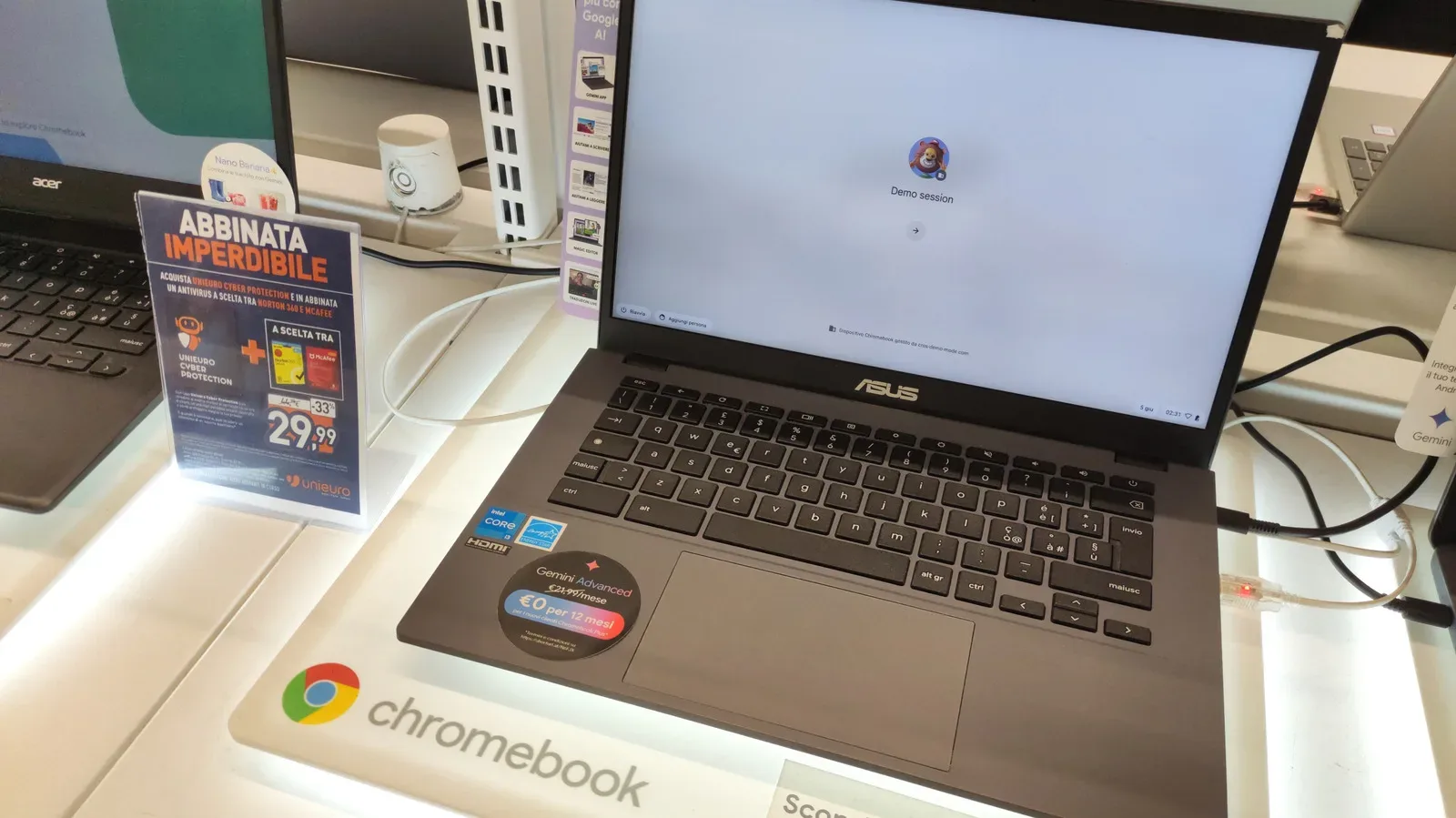
Googlebooks are positioned as a substantial step beyond the traditional Chromebook: newer Android-based laptops with stronger minimum specifications, access to the full Google Play Store, deeper Android phone integration and a price range that starts far above the Chromebook bargain bin. That does not make a Chromebook obsolete. It makes the buying decision more specific.
For someone who wants a laptop chiefly for web browsing, video, documents and straightforward online work, a Chromebook can still cover the mission at dramatically lower cost. For someone who wants to edit video, play casual games, run Android apps with fewer compromises or treat their Android phone and laptop as one closely connected setup, Googlebook hardware is designed to make a more persuasive case.
The important distinction is not simply old versus new. It is a question of what kind of computing experience someone needs, what ecosystem they already use and whether the considerable step up in price delivers value for their routine.
What a Googlebook is meant to change
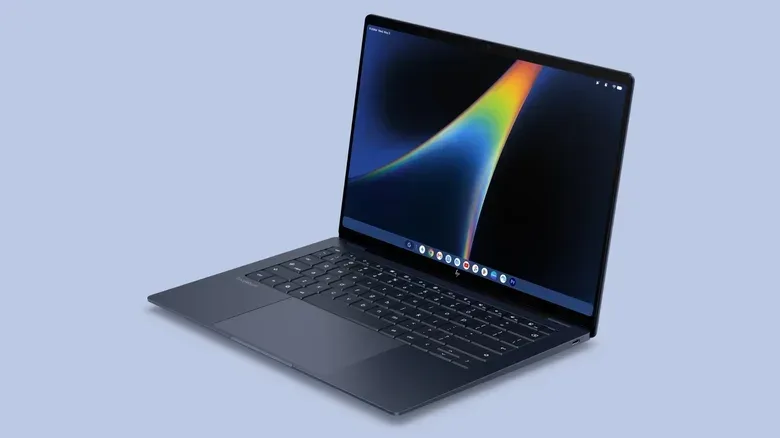
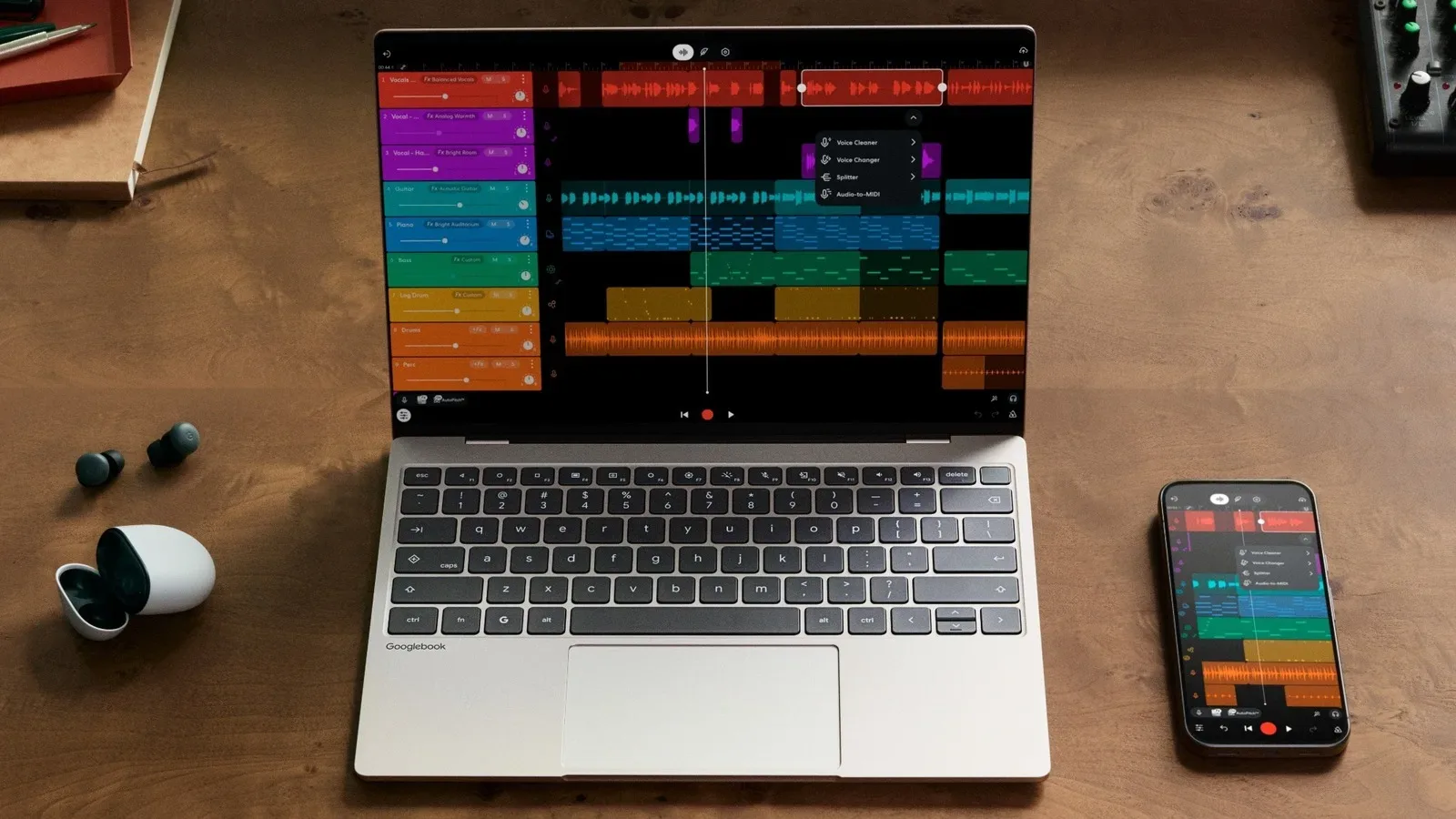
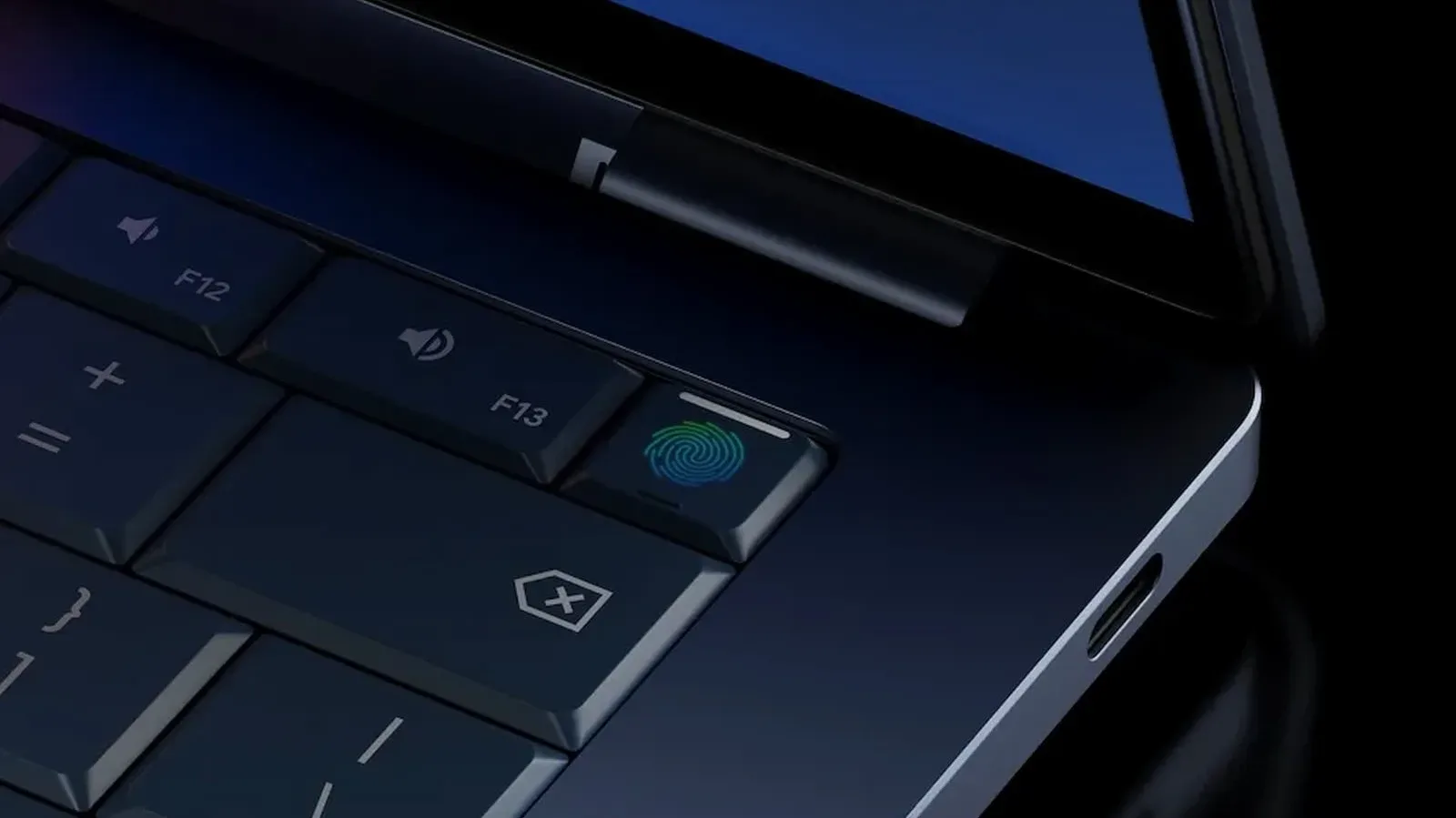
Googlebooks are not one particular laptop model. They are a certified category built with manufacturers including Acer, ASUS, Dell, HP and Lenovo. The certification comes with stated hardware expectations: a carbon-fiber chassis rather than inexpensive plastic, a high-resolution display and a higher-end Intel or Snapdragon processor. Gemini is integrated at the system level.
That is a notably different starting point from the Chromebook market, where devices can range from very inexpensive basic machines to the more capable Chromebook Plus tier. Googlebook models begin with 16GB of RAM and 256GB of storage, while the first systems are described as providing around 14 hours of battery life.
RAM, or random-access memory, is the workspace a computer uses while applications and browser tabs are open. More RAM can matter when multitasking, working with larger files or keeping several demanding apps active. Storage is the built-in space used for files and installed apps. Those 16GB and 256GB minimums therefore signal that Googlebooks are aiming beyond the most lightweight, browser-only workload.
The key software change is just as important. Googlebooks use an Android-based operating system instead of ChromeOS. ChromeOS can run Android apps, but does so through emulation. Emulation is a compatibility method in which one environment recreates the behavior expected by software made for another. It can make an app usable, but it can also introduce bugs or weaker performance.
Googlebooks instead run most Android applications natively, meaning the software runs directly in its intended environment. The proposed benefit is more complete use of the laptop’s hardware and a smoother Android app experience, along with access to the complete Google Play Store. There is still an important qualification: some apps may perform poorly on Intel-based Googlebooks. Native support is a strong general direction, not a promise that every app will behave identically on every processor.
Related coverage includes Are Chromebooks Still Worth Buying After Googlebooks?.
Android integration is a central part of the pitch
Googlebook buyers with an Android phone running Android 17 or later are expected to get the most from the new setup. Phone apps can be opened on the laptop, files can be accessed without separately transferring them, and settings such as passwords and notifications can synchronize across both devices.
This is less about a single headline feature than reducing the small pieces of friction that stack up through a day. A photo or file on the phone does not need an extra transfer step. A notification does not require a separate check of the handset. Passwords and related settings do not need to be rebuilt from scratch on both screens. People already committed to Android are therefore the clearest audience for the platform’s connected-device proposition.
That advantage has firm boundaries. The fuller feature set depends on Android 17 or newer, and it should not be assumed that an iPhone or a much older Android phone will receive the same experience. A buyer deciding between a Chromebook and Googlebook should treat their phone as part of the purchase calculation, not as an unrelated device.
There is a practical security angle, too. Synchronization is convenient, but it also makes account settings and sign-in habits more consequential across devices. Anyone setting up a new Google-focused laptop should give their browser and account protections a once-over. Our guide to Chrome privacy and security settings worth changing is a useful place to start before the tabs reproduce at alarming speed.
Why a Chromebook is still not a bad answer
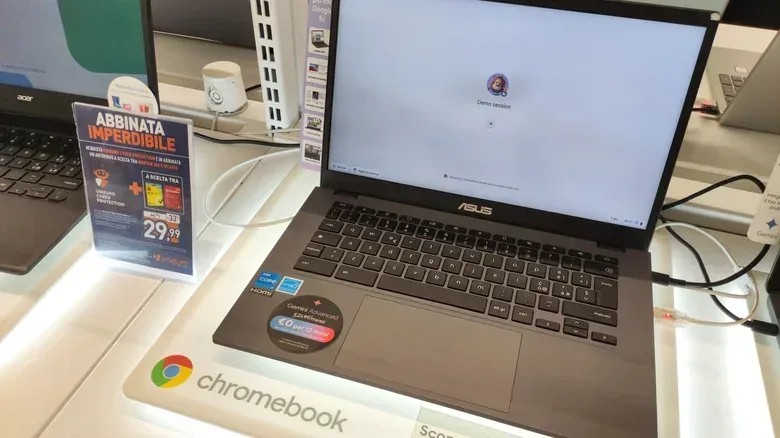
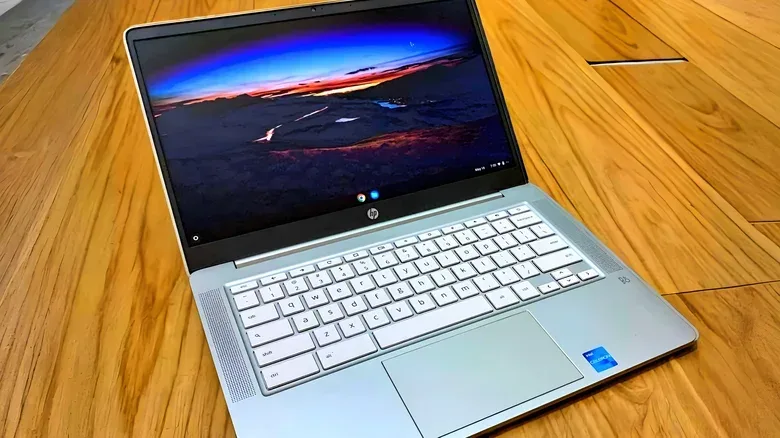
The straightforward reason is price. Chromebook Plus devices, with at least 8GB of RAM and 128GB of storage, generally cost under $500. Entry-level Chromebooks with 4GB of RAM can be found for under $300. Googlebooks start at $899 and can reach $1,299.
That gap is not a minor upsell. A shopper considering a sub-$300 Chromebook and an $899 Googlebook is looking at products separated by more than a different operating system. They are deciding whether a simple task machine is sufficient or whether they need a more ambitious laptop category with higher hardware standards and a much richer Android connection.
For light work, the Chromebook remains easy to justify. Web browsing, streaming and document editing are the stated sweet spots. Those jobs are common, and a user whose day is built around them may not gain proportionate value from a faster processor, 16GB of RAM or an expanded Android app strategy. Buying more capability than a workload calls for is not automatically a win, even if the more expensive device is technically superior.
That value equation is especially relevant for a second household computer, a student device used for browser-based tasks, or a laptop intended primarily for watching video and handling online documents. In each case, the question should be concrete: will the owner actually use the extra app performance, expanded storage and phone-linked workflow? If the honest answer is no, the lower price is not a compromise for its own sake. It is a fit.
Chromebook Plus is the sensible middle ground
Chromebook Plus is worth separating from the cheapest end of the lineup. Its minimum specification of 8GB RAM and 128GB storage is double the memory and storage cited for the entry-level 4GB Chromebook tier. It remains less expensive than Googlebooks while avoiding the most restrictive specifications in the category.
That does not mean every Chromebook Plus model will match a Googlebook’s expected display, processor, build materials or Android behavior. It does mean shoppers do not have to choose only between a bargain-basement Chromebook and a premium Googlebook. For a web-first user who wants more breathing room for tabs and files but does not need video editing or casual gaming performance, it is the part of the range most likely to deserve a close look.
Where the cheaper Chromebook experience can break down
Chromebooks have limits that should not be dismissed merely because the price is attractive. ChromeOS does not run much of the popular desktop software available on Windows or macOS. That is a major consideration for anyone who relies on a particular desktop application rather than a browser alternative.
Very inexpensive Chromebook hardware can also feel slow, and low-quality displays can make the experience less pleasant. This is where “a Chromebook” is too broad a label to settle a buying decision. A buyer comparing models should pay attention to memory, storage and display quality, rather than assuming every ChromeOS device offers the same day-to-day comfort.
The same caution applies on the other side of the divide. Googlebooks carry a better baseline specification and an Android-native app model, but they represent a new ecosystem. New platforms can have early growing pains. A mature ChromeOS setup has the advantage of familiarity: its behavior, strengths and restrictions are already well established after more than a decade in the market.
In other words, Googlebooks may be the more capable route, but capability and maturity are separate virtues. A person who needs dependable, uncomplicated web computing and already knows what ChromeOS does well may reasonably prefer the established platform—especially when the difference could be hundreds of dollars.
Gaming and creative work shift the balance toward Googlebooks
The case for Googlebooks becomes clearer when the laptop must do more than basic browser work. Video editing and casual gaming are specifically identified as better fits for the new class of machine. The combination of higher-end processors, 16GB of starting memory, 256GB of starting storage and native Android application support is intended to provide more room for those uses.
For casual games in particular, the distinction between Android emulation on ChromeOS and native Android execution matters. An Android game running natively should be better positioned to use the hardware as intended, while emulated Android applications on ChromeOS can encounter performance trouble or bugs. “Should” remains the responsible word here: the Intel-based Googlebook caveat means app compatibility cannot be treated as universal.
Potential buyers should also avoid mistaking Android app access for a complete replacement for the desktop software ecosystems of Windows or macOS. The available information supports a stronger Android experience and better suitability for video editing and casual games; it does not establish that every desktop program, game or specialist workflow will be available. Check the particular applications you need before choosing either platform.
Support through 2034 removes the urgency to flee ChromeOS
ChromeOS is set to continue receiving software updates and security patches through 2034. That does not turn every aging Chromebook into a high-performance device, but it matters for owners and bargain hunters worried that the arrival of Googlebooks suddenly makes ChromeOS unsupported.
It does not. Existing Chromebooks will not stop functioning because a new category exists, and their software support has a stated runway through 2034. That lets shoppers judge a Chromebook on present needs, condition and specifications rather than on fear that the platform is about to vanish.
For a light-use buyer, long-term support reinforces the budget case. For a power user, it simply clarifies that the reason to choose Googlebook is capability and integration—not a forced migration. That is an unusually helpful distinction in a laptop transition, because it leaves room for two sensible answers.
A practical way to choose
- Choose an entry-level Chromebook if cost is the overriding concern and the laptop will handle basic browsing, streaming and documents. Be realistic about the potential limits of 4GB RAM, slower performance and weaker displays on the cheapest options.
- Consider Chromebook Plus if the work remains web-first but you want a more comfortable baseline, with at least 8GB RAM and 128GB storage, while generally staying under $500.
- Consider a Googlebook if you want native Android apps, Play Store access, stronger hardware, about 14 hours of claimed battery life, video-editing or casual-gaming headroom, and close coordination with an Android 17-or-later phone.
- Pause before buying either if essential work depends on specific desktop software. ChromeOS’s desktop-software limitations are clear, and Googlebook app behavior—particularly on Intel models—still requires checking against the exact apps you need.
Googlebooks give Google a higher-end answer to the old question of whether a Chromebook can be someone’s only computer. But the arrival of that answer does not invalidate the inexpensive, web-focused machines. Chromebooks remain worth buying when their limitations align with the job, while Googlebooks are for buyers who can genuinely use the added performance, native Android environment and phone integration. The better laptop is not the one with the newer name. It is the one whose compromises you will notice least after the purchase.