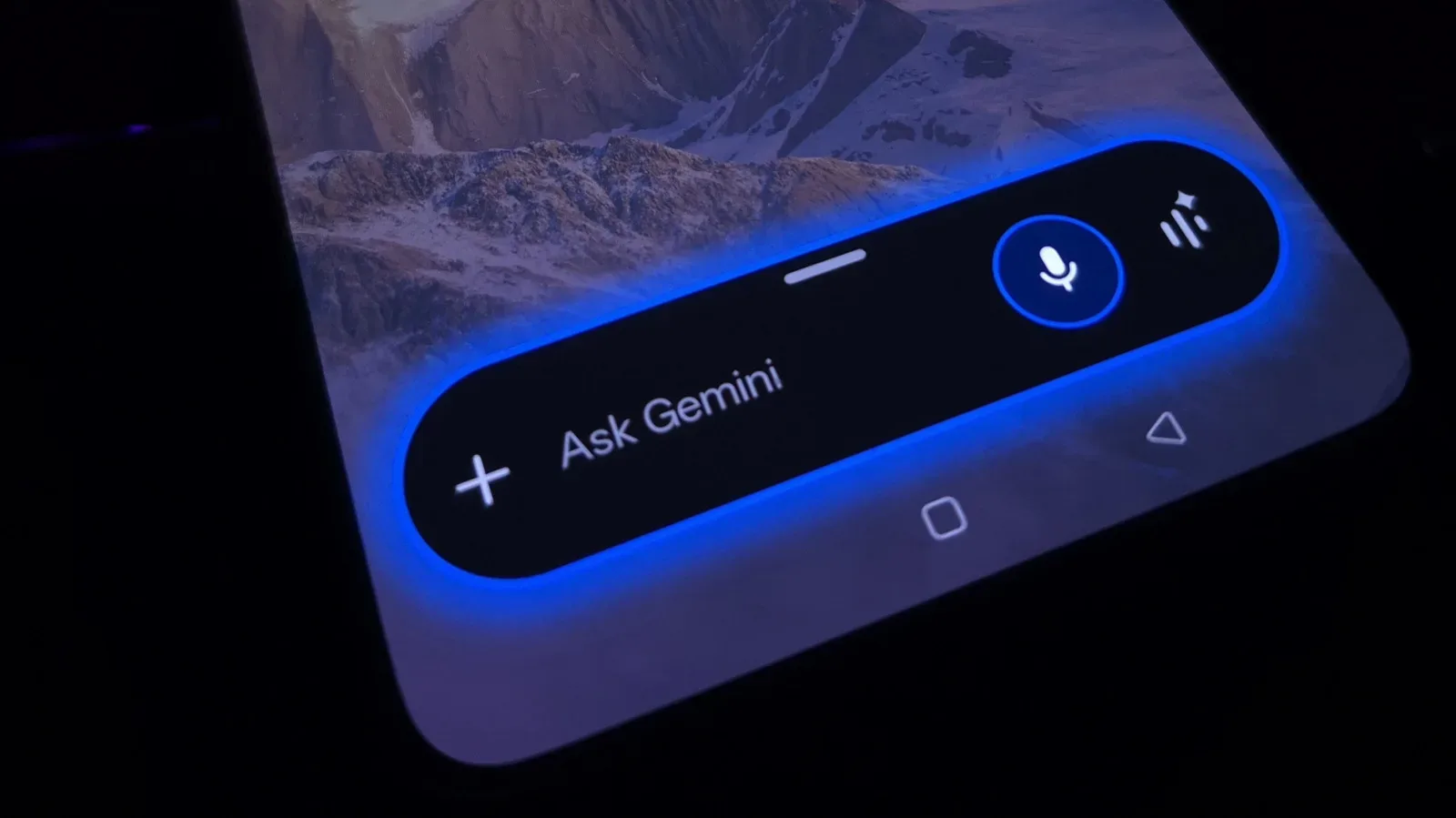
Google’s Gemini is moving beyond the familiar chatbot role of answering a question, producing a draft or explaining a topic. Its newer automation options are aimed at the chores surrounding a busy day: reviewing a calendar, compiling a recurring web briefing, suggesting a weekend plan and applying the same instructions to repetitive writing work.
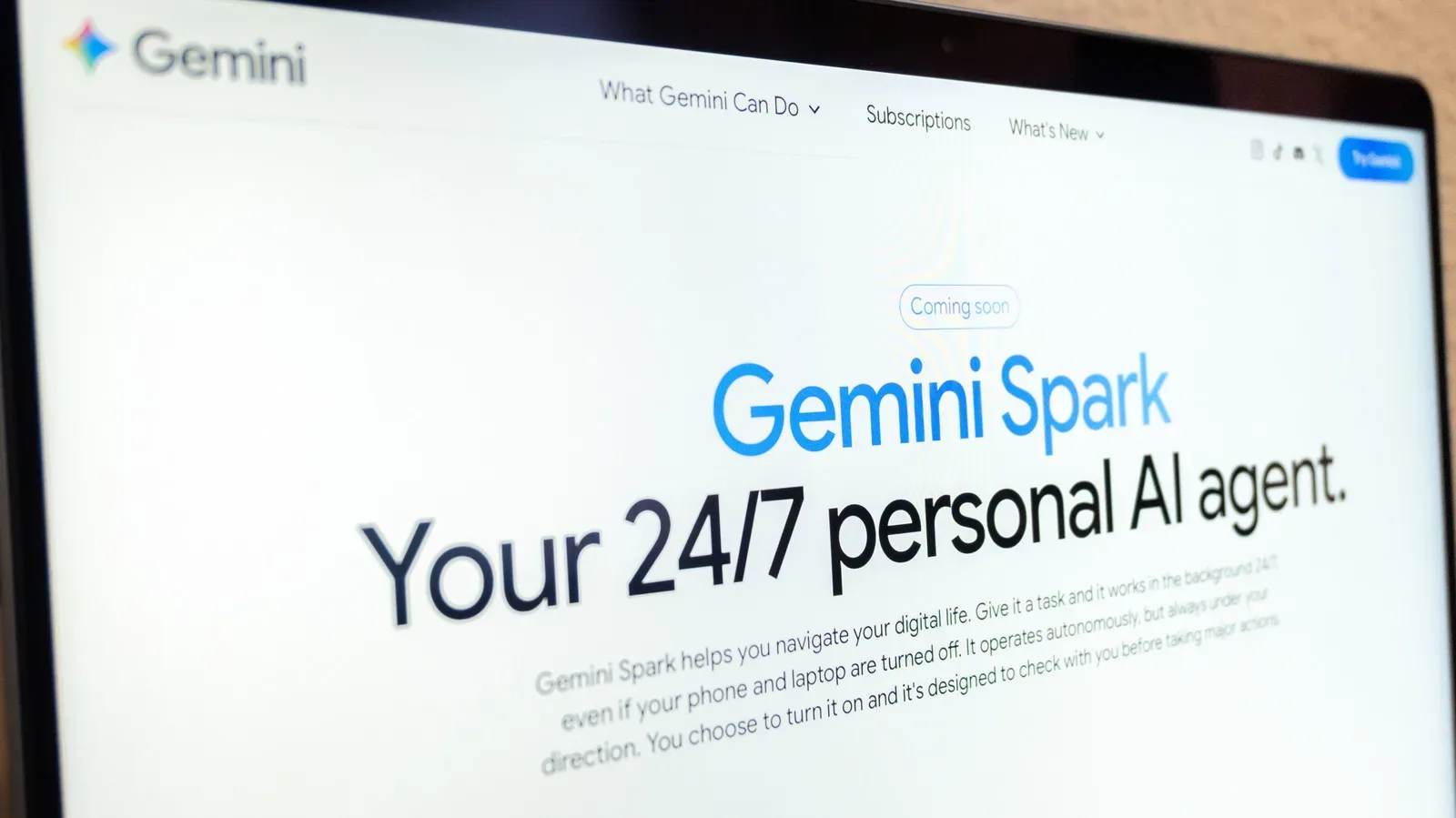
The important shift is that a request need not end when the chat does. A scheduled action can run at a selected time and notify the user when its result is ready. A reusable skill can carry a set of standing instructions into later conversations. And Gemini Spark, available to Google AI Pro and Ultra subscribers, is presented as an always-on agent that can work while a phone or laptop is off.
That combination could be useful for people whose lives are filled with small, repetitive decisions. It also makes the boring parts matter: which services are connected, what permissions have been granted, whether the underlying information is current, and when a generated recommendation needs to be verified rather than followed automatically.
Start with a scheduled action, not a grand personal assistant
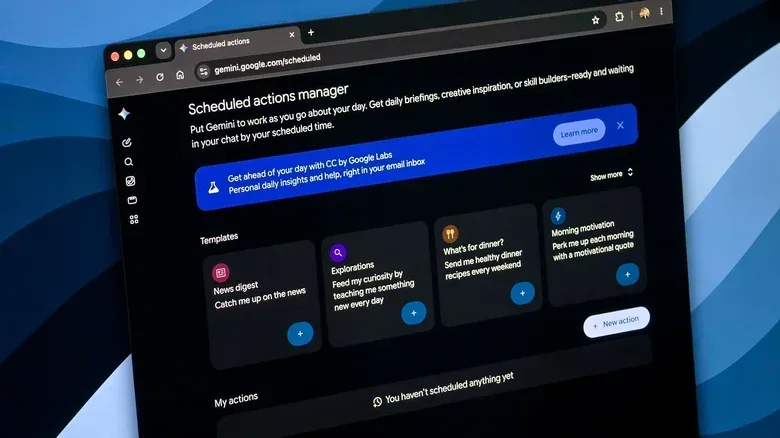
A scheduled action is exactly what it sounds like: a prompt that Gemini runs at a recurring time. Rather than opening a chat every morning and asking for the same digest, a user can set the task once and have Gemini return a result on schedule. Gemini supports up to 10 scheduled actions at one time, so the practical approach is to reserve those slots for questions that genuinely recur.
The limit is useful discipline. It discourages turning every passing curiosity into another automated notification. A handful of high-value routines is likely easier to check and refine than a queue of ten summaries competing for attention each day.
For players, creators and anyone managing a crowded hobby calendar, the model is easy to understand. A scheduled action is not magic knowledge or a guarantee of a correct outcome. It is a recurring request, run at a particular moment, using the information and connections available to Gemini at that time.
Morning travel estimates can expose a packed day
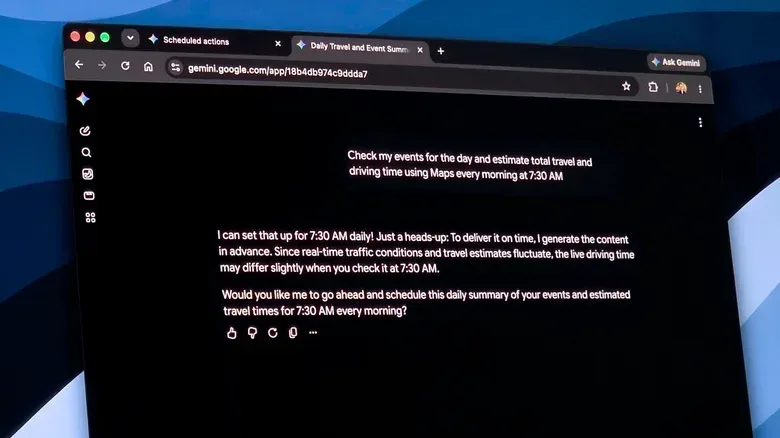
One of the clearest examples is a daily calendar review. Gemini can be asked each morning to examine the day’s events and estimate the time required to travel between them with Maps data. A useful prompt can specify both the desired output and its cadence, such as asking for the total driving and travel time every morning at 7:30 AM.
This can turn a calendar full of isolated appointments into a more practical view of the day. Events may look possible when viewed individually but become unrealistic once travel is considered. Seeing an estimated total early could prompt someone to move a meeting, leave earlier, or accept that there is no realistic gap for another commitment.
There are conditions. Relevant services, including calendar and email where needed, must be connected to Gemini. More importantly, the estimate may not reflect real-time traffic because it is based on the information available when Gemini generates its answer. That makes it a planning aid, not a final navigation instruction.
The sensible workflow is two-stage: use the morning summary to understand the shape of the day, then check the route directly in Maps before leaving. That distinction is small but significant. Automation is most reliable when it reduces the amount of routine thinking required without replacing the last decision that depends on changing conditions.
A recurring news brief needs a narrow question
Gemini can also search the web at a set time and summarize developments around a chosen subject. Someone following a company, a project or a work-related subject could ask for a morning briefing, then receive a notification when it is ready. A request such as “Every morning at 9 AM, search for the latest news about Apple” captures the basic idea.
The stronger version of this routine is specific about what deserves attention. “Latest news” can be a broad and noisy instruction. If the goal is to monitor one product category, a particular ongoing story, or developments relevant to a job, framing the prompt around that need should make the output more useful. The evidence here supports Gemini’s ability to search and summarize; it does not make any summary a substitute for reading the underlying reporting when details matter.
That caveat is especially relevant to time-sensitive technology news, financial decisions, public safety information and anything likely to change after the scheduled search runs. A summary is a triage tool: it can tell a user what may deserve attention. It should not be treated as an unquestionable record.
Before connecting more services or building a routine around any assistant, it is worth reviewing the broader browser and account controls involved. Our guide to Chrome privacy and security settings worth changing before your next tab spiral is a useful companion for thinking through that digital housekeeping.
Weekend recommendations come with a location caveat
Scheduled actions can also be more playful. Gemini can be asked on Friday morning to create a weekend itinerary with ideas for cafés and restaurants nearby. With location access, it can search in the user’s area without requiring the location to be re-entered every week.
This is a good example of automation handling a decision people often postpone until it is too late. Instead of beginning a search while hungry or when everyone has already run out of ideas, the routine can surface options before the weekend begins.
But location-based recurring tasks have a specific limitation: if the user is traveling, the scheduled action will use the location accessed when the action was originally set up rather than the user’s current location. In other words, it is better viewed as a home-area planning routine than a travel concierge. Someone heading out of town should update the setup or make a fresh request instead of assuming a Friday suggestion knows where they woke up.
It is also wise to treat recommendations as candidates, not reservations or guarantees. A plan can make the first stage of choosing easier; the user still needs to decide what fits their timing and preferences.
Skills reduce prompt repetition
Gemini’s skills are designed for a different sort of repetition. Google is positioning skills as the replacement for Gems. Instead of scheduling a request for a certain time, a skill stores a set of instructions or preferences that can be applied whenever it is called.
Consider a weekly newsletter governed by fixed institutional brand guidance. Without a skill, the writer might paste the same style rules, terminology and communication requirements into every new conversation. With a skill, those standing instructions can be defined once, then invoked as the work begins. Gemini applies the saved guidance without requiring the entire rule set to be restated each time.
That does not mean a skill eliminates editorial responsibility. It is best understood as a consistency shortcut. It helps a user remember the rules they chose to store, but the user must still assess whether the final wording fits the particular audience and purpose. A reusable instruction set can prevent omissions; it cannot independently establish that a generated message is appropriate.
Skills can currently be triggered through a command such as /skillname. Google has said the invocation method will move to the @ symbol in the future. The terminology matters because these are not simply one-off prompts. They are persistent instruction packages intended to carry preferences across conversations.
Spark reaches further, so its permissions matter more
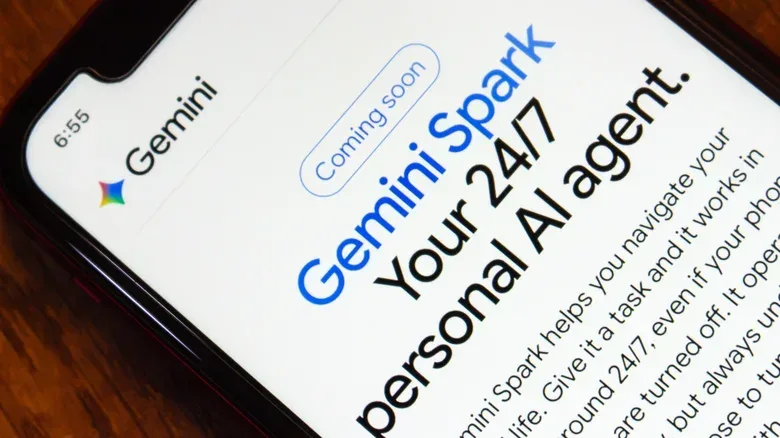
Gemini Spark is the most consequential option in this group because it can reach into services that hold personal and work information. Available for Google AI Pro and Ultra subscribers, Spark is described as an always-on agent: it can continue working even when the user’s phone and laptop are switched off.
A proposed use is to scan a week’s email, summarize the important messages, create a to-do list and add appointments to a calendar. That is potentially a meaningful reduction in administrative work. It also concentrates several sensitive tasks—reading messages, prioritizing them, extracting action items and creating calendar entries—inside one automated flow.
Gmail, Calendar and Drive are off by default for Spark and must be connected in settings. That opt-in step is not just setup friction. It is the moment to decide whether the convenience matches the access being granted. A person may be comfortable using Gemini for public web research but prefer not to let an agent process their inbox or files. Those are different levels of access and should be considered separately.
Google says Spark is designed to seek confirmation before major actions, so it should not abruptly delete important messages or files. Confirmation is a valuable guardrail, but it works best when users pay attention to the prompt and understand what they are approving. The agent may help identify an appointment; the human remains responsible for ensuring the resulting calendar entry is correct.
How to use the tools without automating the wrong thing
The most productive way to approach Gemini automation is to begin with an annoyance that is frequent, simple and easy to check. A daily travel overview, a tightly defined news briefing or a reusable newsletter instruction set are good candidates because the user can quickly tell whether the result is helpful.
- State the schedule and output clearly. Include when the task should run and what answer is wanted.
- Connect only what the task needs. Calendar access may be necessary for a schedule review; it is not automatically necessary for a web briefing.
- Keep critical checks manual. Confirm routes before departure, inspect important summaries, and review major actions before approving them.
- Remember the limits of the data. Traffic can change after an estimate is created, and saved location can differ from a traveler’s current location.
- Use the 10-action allowance deliberately. Choose routines that remove real repetition rather than generating more alerts.
Availability may vary by region, and Spark’s subscription requirement separates it from the broader Gemini features described here. The practical lesson is not that every chore should become an agent task. It is that recurring prompts, saved instructions and carefully scoped service access can remove some friction—provided the user knows where the automation ends and their own judgment begins.