Players who move between a PC, Nintendo Switch and Android device often face a small but persistent setup problem: a controller that feels familiar on one platform may not follow them to another. The GameSir Nova Lite 2 Wireless Controller is positioned as a budget-minded answer to that problem, with compatibility across those three device types and a current listed price of $26, compared with a stated regular price of $30.
A $4 drop is modest in isolation. At this starting price, though, the more important consideration is not the percentage saved but whether the controller’s feature set suits a particular setup. The Nova Lite 2 combines an asymmetrical stick layout, customizable controls, a two-way trigger lock, a mechanical D-pad, dual vibration motors and a claimed 1000Hz polling rate. It is also offered in white and grey.
That makes the listing most relevant to someone shopping for an extra all-purpose pad rather than trying to replace every controller they already own. A player who wants one controller for a desk PC, a Switch session and mobile play has different priorities from someone who only plays on one machine. Cross-device support and control customization can be more useful in that situation than paying for a narrowly specialized option.
What the $26 listing includes
The key factual case for the Nova Lite 2 is breadth. It is described as usable with PCs, Nintendo Switch systems and Android devices. Those three categories cover a common combination of home, portable and mobile gaming, potentially reducing the need to keep separate controllers around for each environment.
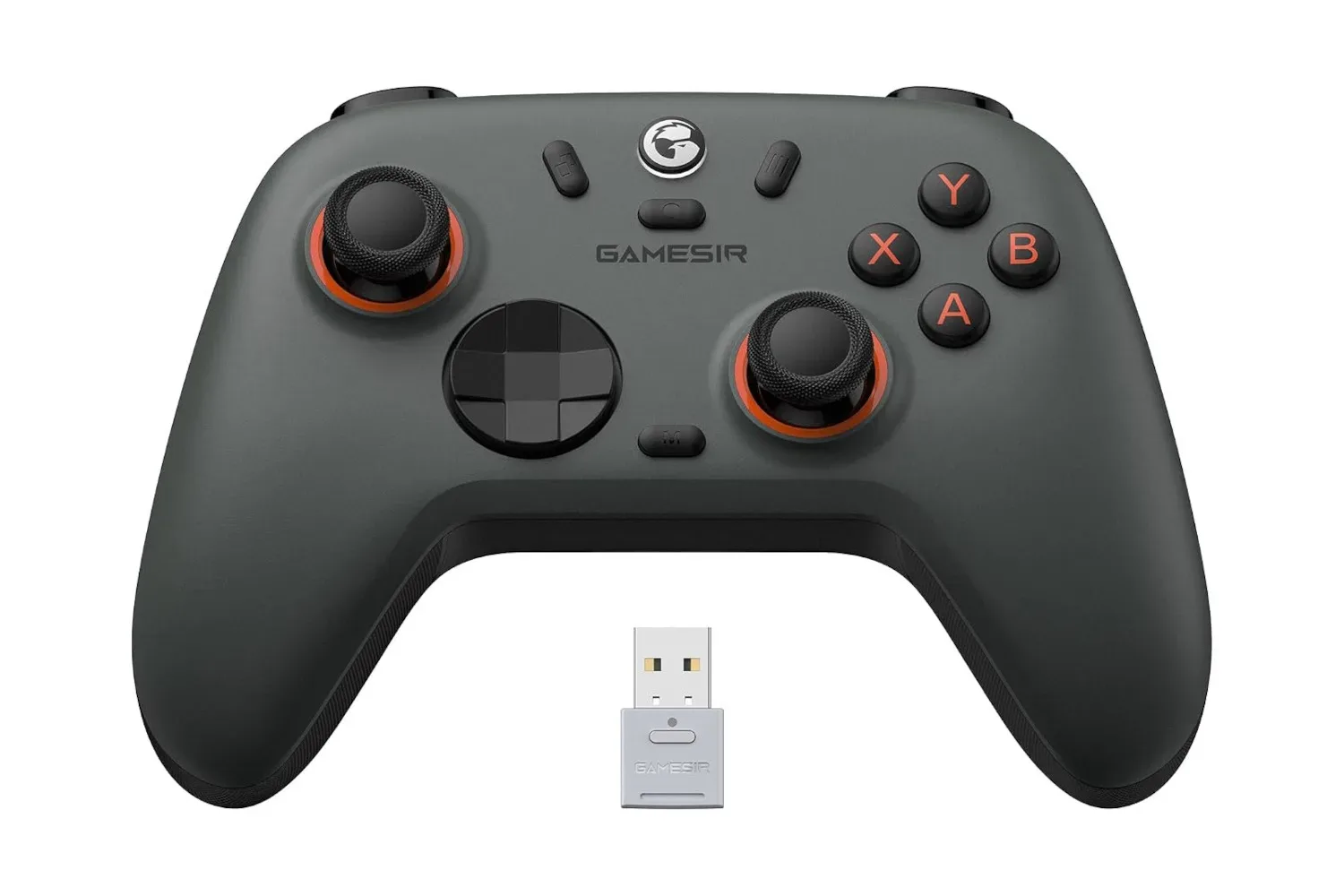
Its controls follow an asymmetrical joystick layout: the analog sticks do not sit at the same vertical height. This layout places one stick higher than the other rather than mirroring their positions. Layout preference is intensely personal, so it is better understood as a fit consideration than an automatic performance advantage. Players already comfortable with this arrangement may find the transition straightforward; players accustomed to a symmetrical layout may prefer to account for that difference before buying.
The controller also includes the expected standard buttons plus additional buttons that can be customized. Customizable controls means a player can alter how supported controller inputs are assigned, allowing the physical layout to better match personal habits or the needs of a game. For example, a player may value easier access to a frequently used action, though the exact assignment options and software process are not detailed in the listing information available here.
- Listed price: $26, versus a stated normal price of $30.
- Supported device categories: PC, Nintendo Switch and Android.
- Color options: white and grey.
- Layout: asymmetrical analog sticks.
- Control features: customizable buttons, mechanical D-pad and two-way trigger lock.
- Feedback and responsiveness claims: two vibration motors and a 1000Hz polling rate.
As with any retailer listing, price and stock can change. The $26 figure should therefore be treated as a current listing rather than a permanent price promise. Prospective buyers should confirm the displayed price, color selection and device compatibility details at checkout.
Why the trigger lock may matter more than it sounds
Among the stated features, the two-way trigger lock is one of the more practical additions because it affects the physical distance required to activate the triggers. A trigger lock changes the trigger’s travel: in one setting, the player may use a longer press; in another, the press can be shorter. The listing describes this as a way to get a quicker response when speed matters.
Related coverage includes GameSir Nova Lite 2 Drops to $26 for PC, Switch, and Android Players.
The usefulness depends on the game and on the player. A shorter trigger action can appeal to people who want rapid activation from the controller’s rear triggers. A longer range can better suit players who prefer more physical movement before an input registers. The important point is adjustability. Rather than imposing one trigger feel in every situation, the controller offers two positions from which to choose.
This is also a feature worth separating from broader system responsiveness. A shortened physical press may help a player actuate the trigger sooner, but it does not by itself determine how quickly a game reacts on screen. Game processing, connection behavior and display response can all influence the total time from button press to visible result.
Polling rate explained without the marketing fog
The Nova Lite 2 is specified with a 1000Hz polling rate. Polling rate refers to how often a controller can report its input state. A 1000Hz rate corresponds to up to 1,000 reports per second, or an interval of roughly one millisecond between reports.
That number is helpful context, but it should not be read as a guarantee that every action is visible instantly. The controller is only one part of the route an input takes. The device receiving the input, the game itself and the display all sit later in the chain. The available information specifically notes that screen response can be a limiting factor, which is a useful reminder that a fast controller specification is not the same thing as a universal latency fix.
In practical terms, polling rate is best treated as one component of responsiveness. It tells buyers something about the controller’s potential reporting frequency, while not answering every question about the experience on a particular PC, Switch or Android device. It also does not establish whether the controller will feel preferable to every alternative, since button tension, stick placement, D-pad preference and game genre are all subjective.
A mechanical D-pad and dual motors add different kinds of value
The Nova Lite 2’s mechanical D-pad is another design detail that can matter for players who use directional inputs heavily or simply favor a D-pad over analog sticks in certain games. A D-pad is the four-directional control commonly used for menus, movement and other directional commands. Calling it mechanical identifies the type of input construction described for this controller, but it does not by itself tell a buyer how its feel compares with another pad. Personal preference remains central here.
For feedback, the controller has two motors for vibration. Vibration is the physical rumble a controller produces in response to events in a game. Two motors indicate that the controller supplies this kind of tactile feedback; the supplied information does not provide further detail on intensity settings or how vibration behaves across its supported platforms. Buyers who consider rumble essential should avoid assuming more than the confirmed presence of dual motors.
Battery life is described positively, but no specific runtime is provided. That means it is reasonable to view battery performance as part of the controller’s advertised appeal, while avoiding numerical expectations that are not established. This distinction is especially useful for multi-device buyers, who may care more about their own charging routine and usage length than a general claim of strong endurance.
Who should consider this controller?
The Nova Lite 2 appears most suited to a clearly defined group: players who want a relatively inexpensive wireless controller usable on PC, Switch and Android, and who welcome customization plus physical control options such as a trigger lock and mechanical D-pad.
It can make particular sense as a spare controller. A secondary pad might be used for local multiplayer, kept in a bag for Android gaming, or left connected to a different device in a multi-platform household. At a $26 listed price, the appeal is flexibility at a low entry cost rather than a large markdown from a premium-tier price.
It may be less straightforward for shoppers whose first concern is a specific analog-stick layout, detailed battery-life expectations, or deep information about configuration behavior. The available details confirm the asymmetrical layout and customizable buttons, but they do not spell out every remapping option or give a battery-life figure. Those buyers should check the retailer’s current product information before deciding.
How it fits a broader low-cost gaming setup
For people building a practical setup piece by piece, a controller can be an efficient upgrade because it changes how several devices are used rather than serving only one. A PC can benefit from a familiar pad for controller-oriented games, a Switch gains another input option, and an Android device can become more convenient for compatible games. The Nova Lite 2’s listed platform coverage is therefore the central value proposition, with the trigger lock, D-pad and polling-rate specification acting as supporting features.
Controller shopping is often about avoiding false economy. The least expensive option is not necessarily useful if it only works where it is least needed, while a more versatile controller can earn its place by covering multiple devices. Conversely, compatibility alone is not the whole story: a buyer should still consider layout preference, desired control feel and whether wireless use is important to their own routine.
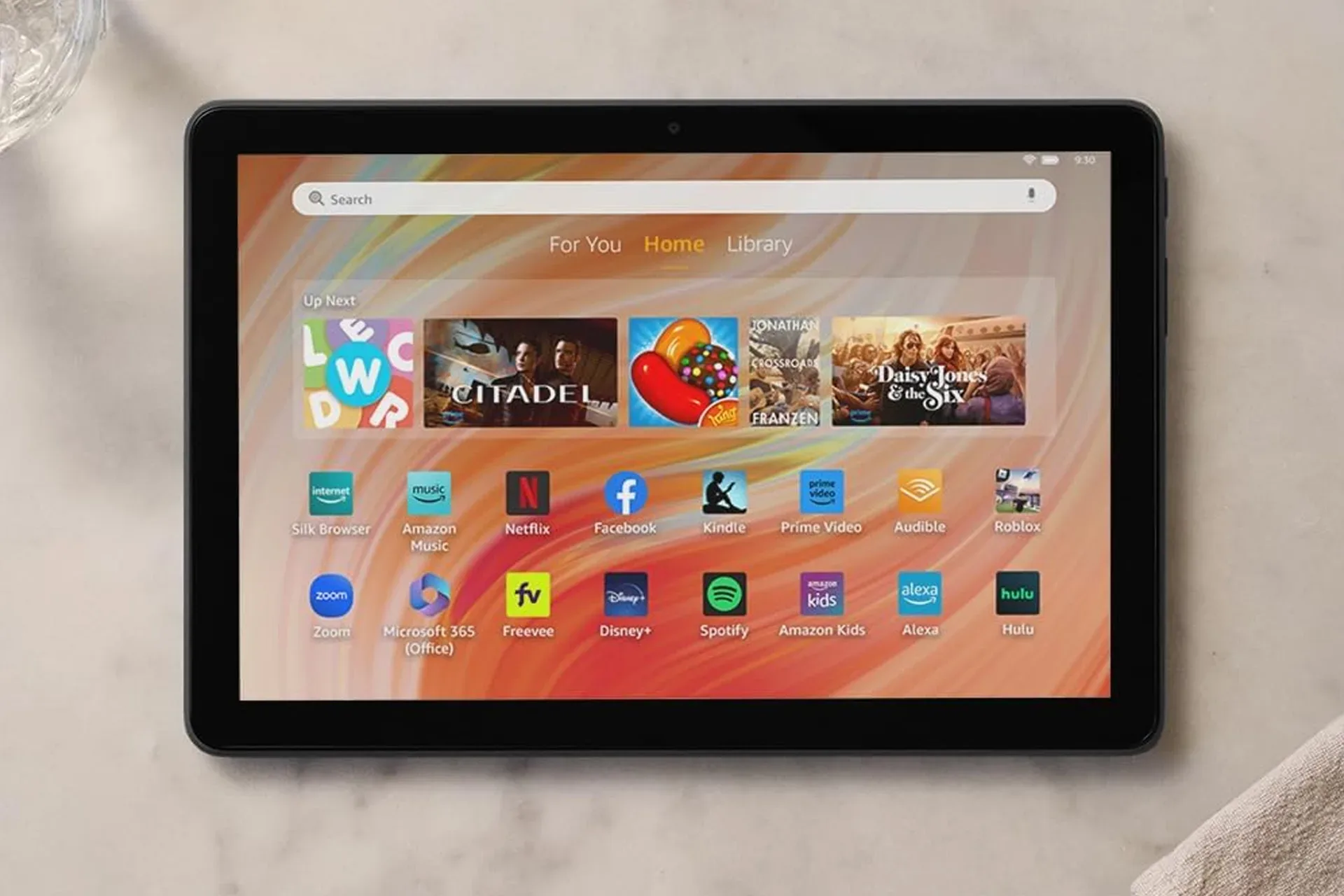
Those putting together an Android-centered casual gaming setup may also find value in considering the screen used alongside their controller. For related context, see what a budget tablet listing can offer for streaming, reading and casual gaming.
Ultimately, the deal is uncomplicated: the GameSir Nova Lite 2 is currently listed for $26 instead of $30, and its appeal rests on confirmed support for PC, Nintendo Switch and Android alongside a set of enthusiast-leaning control features. The discount is small, but the baseline price is also low. For a buyer who wants one customizable controller to move among those platforms, that combination is more meaningful than the size of the markdown alone.
Shop the products
Check current price, model and availability at the retailer.