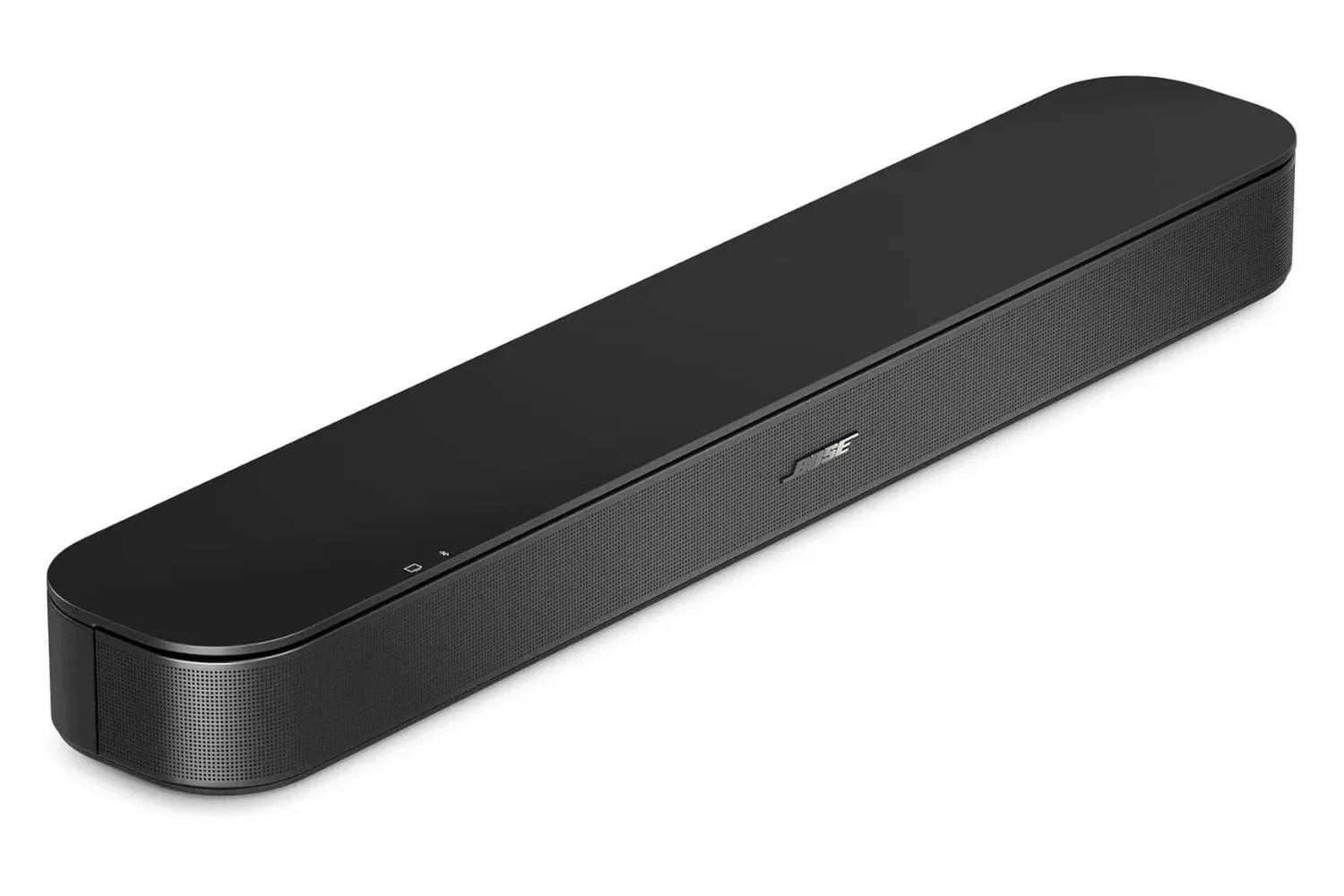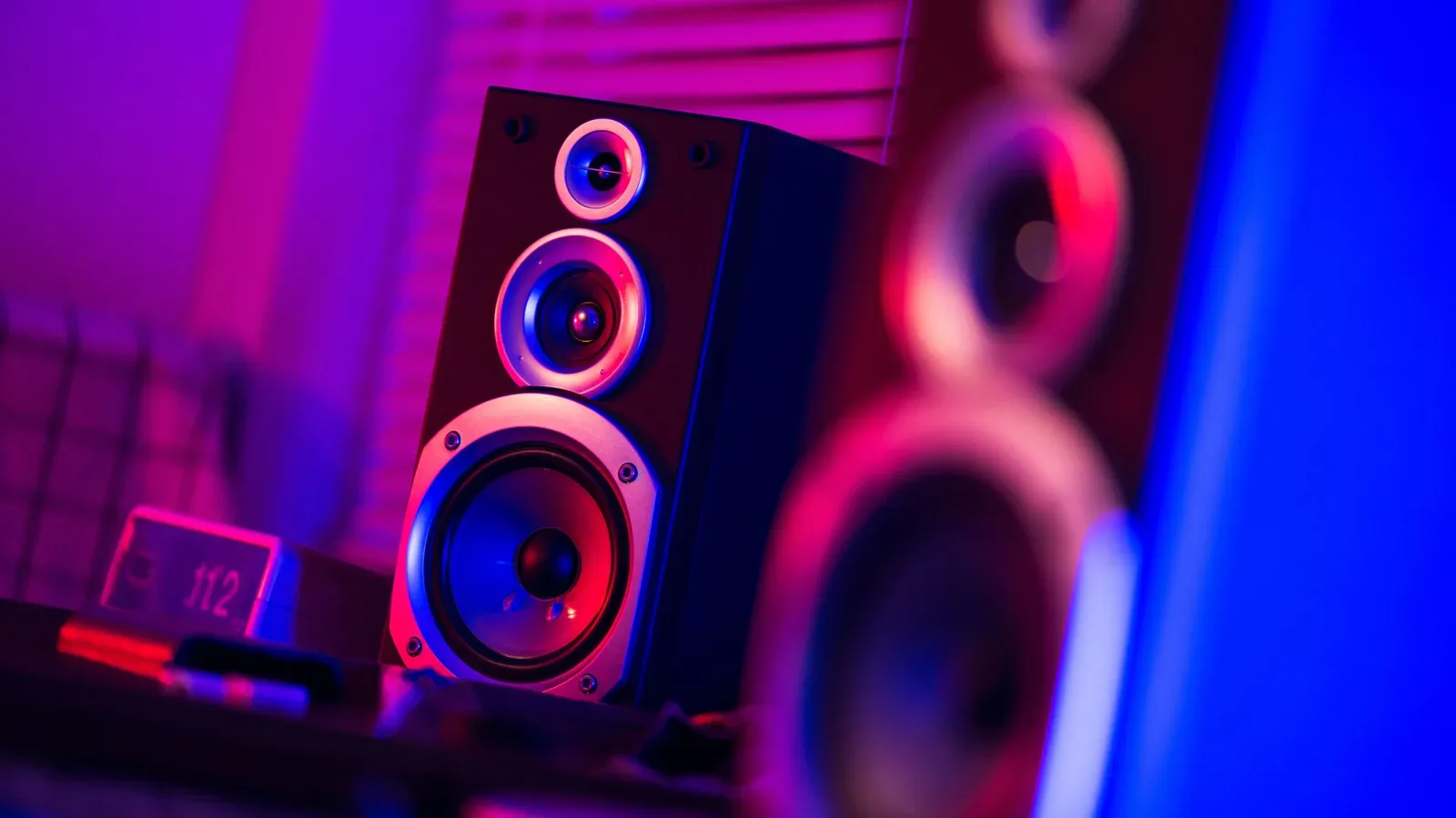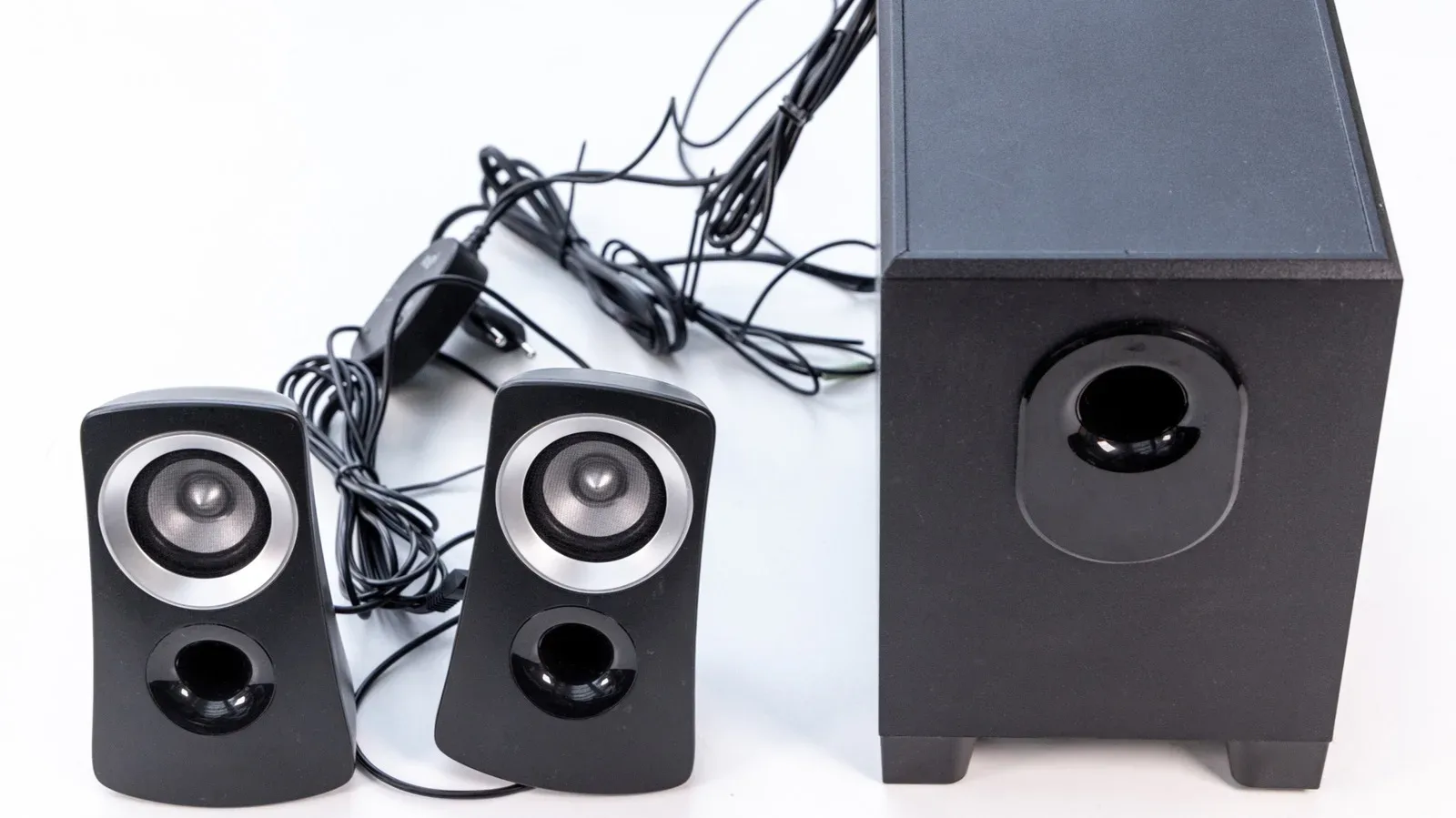
There is a particular shelf in many homes where unused electronics go to await either a glorious comeback or a trip to recycling. A pair of computer speakers, an old bookshelf-speaker set, a mystery box of cables: none may look exciting, but some of that gear can still have a very practical role beside a television.
Using older speakers with a TV can be a straightforward way to get more substantial sound without treating the built-in TV speakers as the final boss. The catch is that the job is not really about finding a cable. It is about identifying two things correctly: what kind of speakers you own and what kind of audio output the TV can provide.
Once those are clear, the setup falls into a few understandable paths. Some require only an appropriate audio cable; others need a small converter, an amplifier, or HDMI ARC-capable hardware. The crucial rule is simple: do not try to make a TV do the job of an amplifier when the equipment in question needs one.
First checkpoint: active or passive speakers?
The terminology sounds more intimidating than it is.
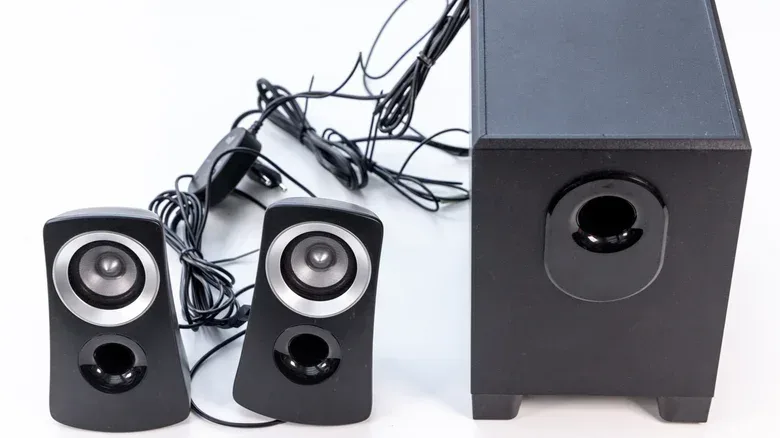
Active speakers have amplification built in. If the speakers have their own power cord or receive power over USB, they are generally active. Old desktop PC speakers are the familiar example. Their audio connection is often a permanently attached 3.5mm plug, though some use red-and-white RCA connectors or provide a 3.5mm auxiliary input.
Because active speakers already amplify the incoming signal, they can work with a TV’s analog output. They still need electrical power, but they do not need a separate stereo amplifier placed between the TV and the speakers.
Passive speakers, including many traditional hi-fi bookshelf and floor-standing models, contain no built-in amplifier. A TV cannot power them directly, nor can a basic digital-to-analog converter. Passive speakers need an external amplifier that is suitable for their stated ratings. Those ratings are commonly printed on the rear of the speakers and include watts and ohms.
That difference defines the signal chain:
- For active speakers, the TV or converter sends an audio signal to the speakers, while the speakers receive power independently.
- For passive speakers, the TV or converter sends audio to an amplifier, and the amplifier sends powered speaker-level output to the speakers through speaker wire.
Confusing those chains is the easiest way to turn a modest reuse project into a silent, cable-heavy puzzle.
Inspect the TV before buying anything
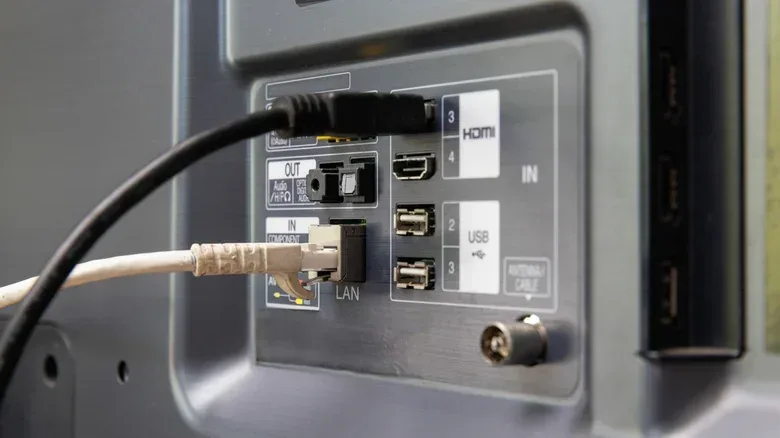
TVs vary widely in what they can send out. Looking at the labels on the side or rear panel is more useful than assuming a modern set has every kind of output. The practical possibilities here are analog audio, optical digital audio, and HDMI ARC.
Analog output: the simplest route
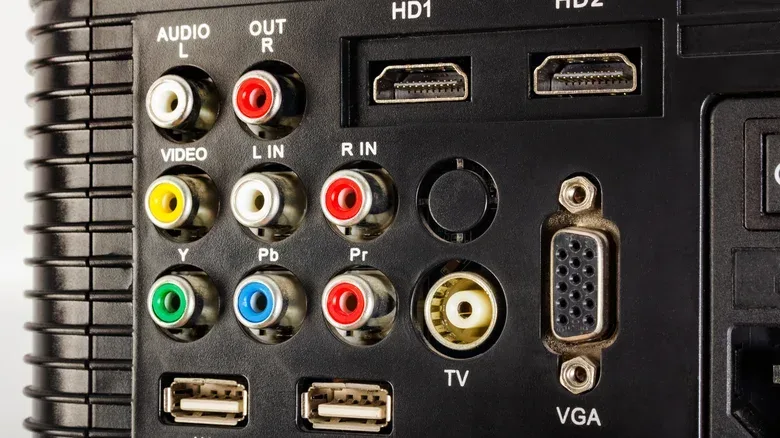
A port marked audio out, line out, or headphone is the friendliest option for active speakers or an existing amplifier. It can be a 3.5mm socket or a pair of RCA connections. RCA is the familiar red-and-white pairing, carrying right and left stereo channels.
A 3.5mm-to-RCA cable or adapter can bridge the formats when the TV and speaker setup use different connectors. That means a pair of PC speakers with a 3.5mm plug can connect to a TV headphone jack directly, while an amplifier with RCA inputs can accept the TV’s signal through the appropriate cable.
Using a TV headphone jack for speakers is a valid option. After connecting it, the TV’s sound settings may need to be switched from the internal speakers to the external, line-out, or headphone setting that corresponds to the port in use.
Optical output: digital audio that needs translating
If the TV has no analog output but does have a small square port labelled digital audio out or TOSLINK, it is using an optical connection. Optical carries digital audio, which cannot be fed directly into an analog-only set of PC speakers or a typical analog amplifier input.
A digital-to-analog converter, often shortened to DAC, is the bridge in this setup. The TV sends optical digital audio to the converter; the converter turns it into an analog signal; then a normal 3.5mm or RCA cable connects that signal to active speakers or to an amplifier.
Before adding a converter, inspect the speakers or amplifier. If an amplifier already has an optical input, it can accept the TV’s optical signal on its own and the extra box is unnecessary.
One settings detail matters with a basic optical converter: select PCM output on the TV rather than Dolby Digital or DTS. PCM is a stereo digital audio format that basic converters can handle. Dolby Digital and DTS are surround formats that a simple converter may not decode, producing silence or noise instead of the program audio.
HDMI ARC: the compact-TV complication
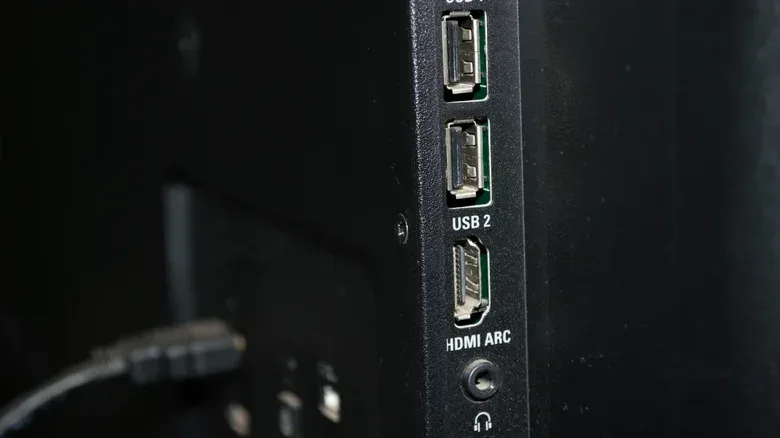
Some televisions offer HDMI ARC as the sole workable audio-output route. ARC means Audio Return Channel: the HDMI connection sends the TV’s sound to compatible audio equipment. It remains a digital connection, so it does not turn a 3.5mm plug or bare speaker wire into an immediate match.
For passive speakers, one integrated answer is a streaming amplifier with an HDMI ARC input. The WiiM Amp Ultra is one cited example: it accepts TV audio through ARC and powers passive speakers from the same unit. Other streaming amplifiers with ARC inputs can fill the same role, provided their specifications suit the desired setup.
The appeal is less about adding a gadget and more about avoiding a chain of separate ARC extraction, digital conversion, and amplification boxes. ARC can also allow the TV remote to control volume in the usual way.
Format support still deserves attention. The WiiM Amp Ultra handles stereo PCM and Dolby Digital, but not DTS. If sound disappears in that arrangement, setting the TV to PCM is the sensible compatibility step.
For a broader look at why a comfortable audio setup can matter as much as chasing the biggest specification sheet, see this take on the daily comfort trade-offs of personal audio.
USB-powered PC speakers: power is not audio
USB desktop speakers can create a misleadingly easy-looking setup. A TV may have vacant USB ports, and the speakers may have a USB cable. Plugging that cable into the television can power the speakers, but it does not normally deliver sound to them.
On many PC speaker sets, USB is for power only. Audio travels separately through the 3.5mm or RCA lead. TVs generally do not treat these speakers as USB audio devices requiring their own driver support. The audio cable still has to run from the TV’s analog output, or from a converter, to the speaker input.
Power capacity is the second wrinkle. A standard USB 2.0 port provides 5 volts at 500 milliamps, equivalent to 2.5 watts. That may be enough for a compact pair of desktop speakers at modest volume, but TVs often designed those ports for flash storage and firmware updates rather than sustained power delivery to external gear.
If the speakers demand more than the port can supply, protective behavior can interrupt the connection or put the port into standby. In everyday use, that can look like speakers that work until volume rises, then cut out.
Two useful USB checks
- Find an HDD-marked port. Some televisions include a USB socket intended for an external hard drive. It may provide just under 1 amp, or 900mA. Check the label beside the port or the TV manual.
- Check standby behavior. Turn the TV off and see whether the speaker power light remains lit. Some sets continue supplying USB power in standby; others stop. If the power stops, the speakers will naturally power down alongside the television. If it remains on, the speakers may stay active until switched off separately.
When the television’s USB power is inadequate, already occupied, or simply inconvenient, a USB phone charger is an alternative power source. Most chargers can supply more power than a TV USB port, leaving only the audio lead to connect the speaker system to the television. The trade-off is operational rather than technical: the speakers will not necessarily turn off when the TV does, so their own switch becomes important.
A practical connection checklist
Rather than shopping blindly for adapters, approach the job in order:
- Identify the speaker type. Power cord or USB power generally means active; no power connection means passive and therefore amplifier-dependent.
- Identify the TV output. Look for analog audio, headphone, line-out, optical/TOSLINK, or HDMI ARC.
- Map the path. Analog TV output can feed active speakers or an amplifier. Optical needs an optical-capable amplifier or a DAC. ARC needs compatible ARC audio hardware.
- Match connectors. A 3.5mm plug and RCA inputs are easily connected with the appropriate cable or adapter. A format mismatch is not a reason to force a connection; it is a reason to choose the correct link.
- Set the television output. Select the external output option in sound settings. For basic optical or ARC compatibility cases, PCM is the safest setting described here.
- Test before permanent cable management. Confirm audio is stable and that USB-powered speakers do not cut out at a reasonable listening level.
Placement is part of the upgrade
Even a correctly connected pair of speakers will not deliver a convincing stereo image if both are clustered on one side of the screen. Place the left speaker to the left of the television and the right speaker to the right. That physical separation is what lets stereo information do its work.
Where visible placement is undesirable, speakers can sit slightly behind the TV and be angled outward toward the room. This can keep the setup less conspicuous while allowing sound to project clearly rather than being trapped behind the display.
The practical implication is refreshingly modest: old speakers are not automatically obsolete just because their original computer or hi-fi arrangement is gone. The setup has to respect signal type, power needs, and TV settings, but the reward can be a more capable TV sound system assembled from equipment already waiting in storage.