A curved monitor is one of those PC upgrades that can look like pure spectacle until it clicks. Put a wide panel directly in front of a player, load a game that properly supports its full aspect ratio, and the screen’s edges can feel less like distant pieces of desk furniture and more like part of the view. For racing games, first-person shooters and expansive PC worlds, that sensation is the central appeal.
But “curved” is not automatically shorthand for “better.” The curve solves particular problems created by large, wide displays, while creating a few problems of its own. It is usually most persuasive for one person sitting centrally at a desk, close to an ultrawide screen. It is much less persuasive for shared office viewing, exacting image work, tight desk spaces and mixed multi-monitor arrangements.
The sensible question is not whether a curved monitor is objectively worth buying. It is whether its strengths match the way you play, work and physically arrange your setup. The answer may be an enthusiastic yes for a regular PC player, but a flat display is often the cleaner choice for everyone else.
What the curve actually changes
The essential idea is simple: on a broad flat panel, the left and right edges are farther from your eyes than the center. Bending the display inward brings those edges physically closer. On a large 21:9 ultrawide or 32:9 super-ultrawide display, that can make the full width easier to take in without as much head movement.
This is why curvature becomes more common once screens reach roughly 34 inches and beyond. A standard 16:9 monitor is relatively compact in width. A 21:9 ultrawide expands the horizontal workspace substantially, while 32:9 goes wider still. A curve is not a magical image-quality technology; it is chiefly a viewing-geometry choice intended to make a very wide canvas feel more natural from a centered seat.
It also explains why curved monitors are a more natural fit than curved televisions. Monitor users normally sit close and face the screen from its intended central position. A television is more likely to be watched from farther away, from several seats and at off-center angles. The focused, single-user desk setup is where the wraparound effect makes the most sense.
Gaming is the best case for a curved ultrawide
For PC gaming, a curved ultrawide can make a familiar game feel considerably broader. The benefit is strongest when a game supports the monitor’s native aspect ratio. Aspect ratio describes the proportional width and height of an image. Conventional widescreen content is commonly 16:9; ultrawides are often 21:9, while super-ultrawides can be 32:9.
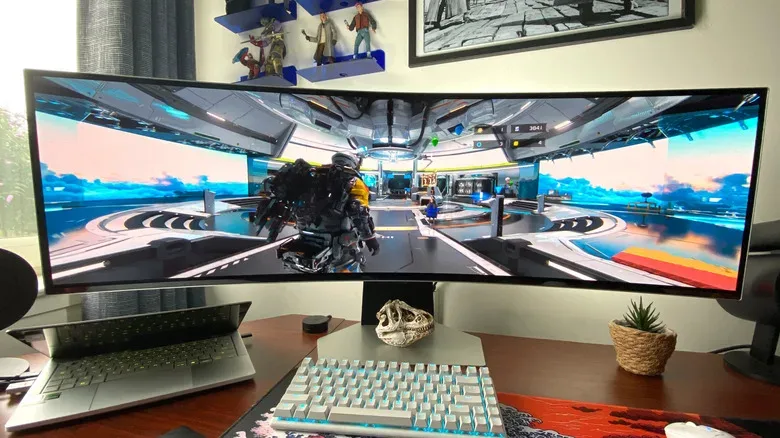
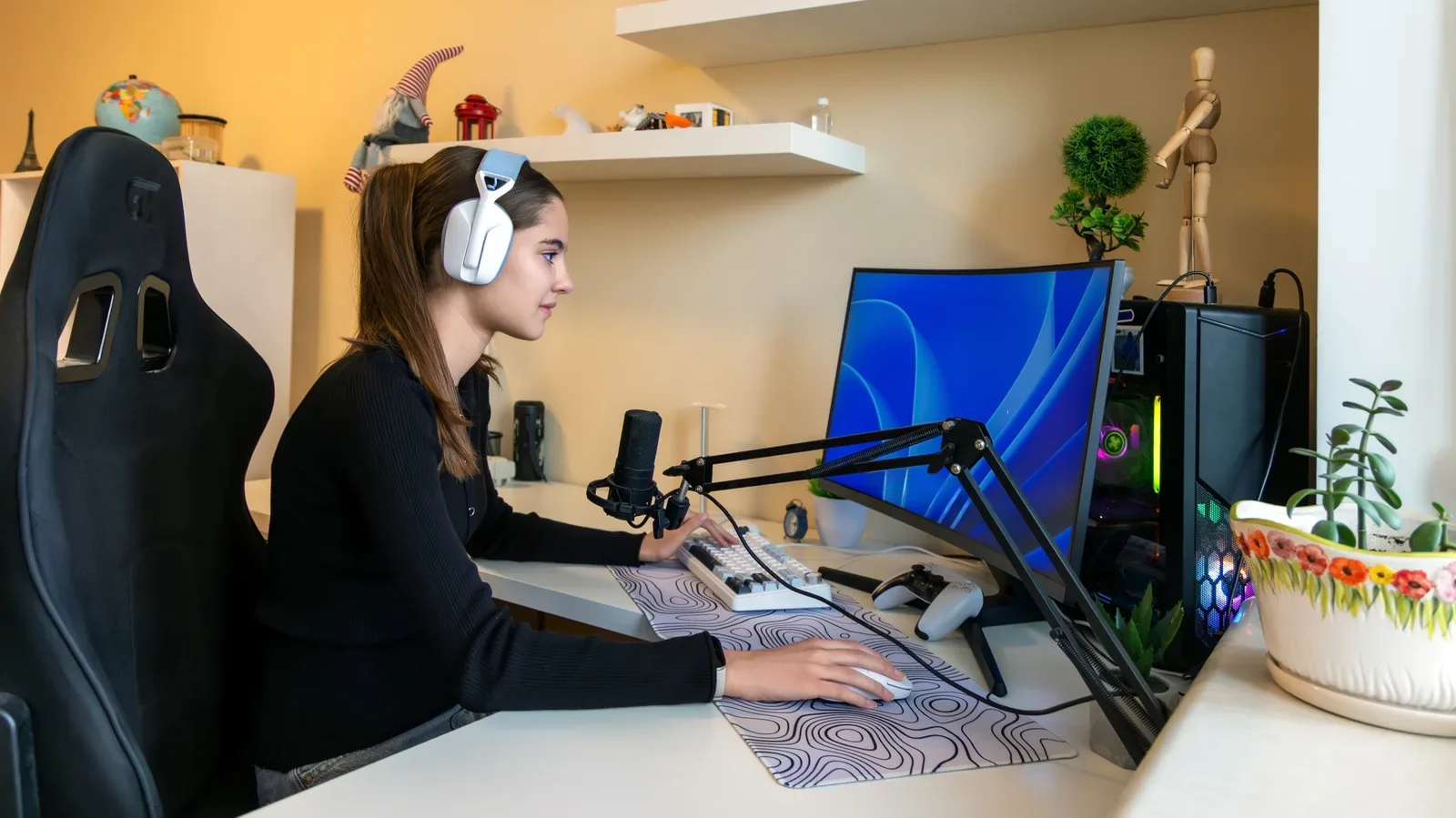
When a PC game correctly supports 21:9 or 32:9, it can fill the panel rather than treating much of it as unused space. That added horizontal field of view is especially compelling in genres where peripheral awareness contributes to the experience: racers can present more of the road and surroundings, while first-person shooters can make the play space feel more encompassing. The curve reinforces that effect by turning the outer portions of the display toward the player.
Story-focused games can benefit too, provided that both play and cinematic sequences support the wider format. A game such as Death Stranding 2: On the Beach can look especially cinematic in 32:9 when its presentation uses that full width. Yet support is the crucial qualifier. Many modern games still present cutscenes only in 16:9. On an ultrawide, that may mean conspicuous black bars at the sides. A huge screen is not a guarantee that every scene will use it.
That is a practical buying lesson: assess the games you actually play rather than assuming “PC gaming” is one uniform use case. A player who spends most of their time in well-supported racers and shooters has a clearer reason to choose an ultrawide curve than somebody who prioritizes narrative games whose cinematics remain fixed at 16:9.
Curved ultrawides also commonly arrive with gaming-oriented specifications such as Nvidia G-Sync and VRR. VRR, or variable refresh rate, is a display feature intended to vary the screen’s refresh behavior in step with a game’s output, helping the presentation look smoother when frame delivery changes. These features are not caused by curvature, and a curved screen is not inherently superior simply because it has them. They matter as part of the overall monitor specification, separate from the panel’s shape.
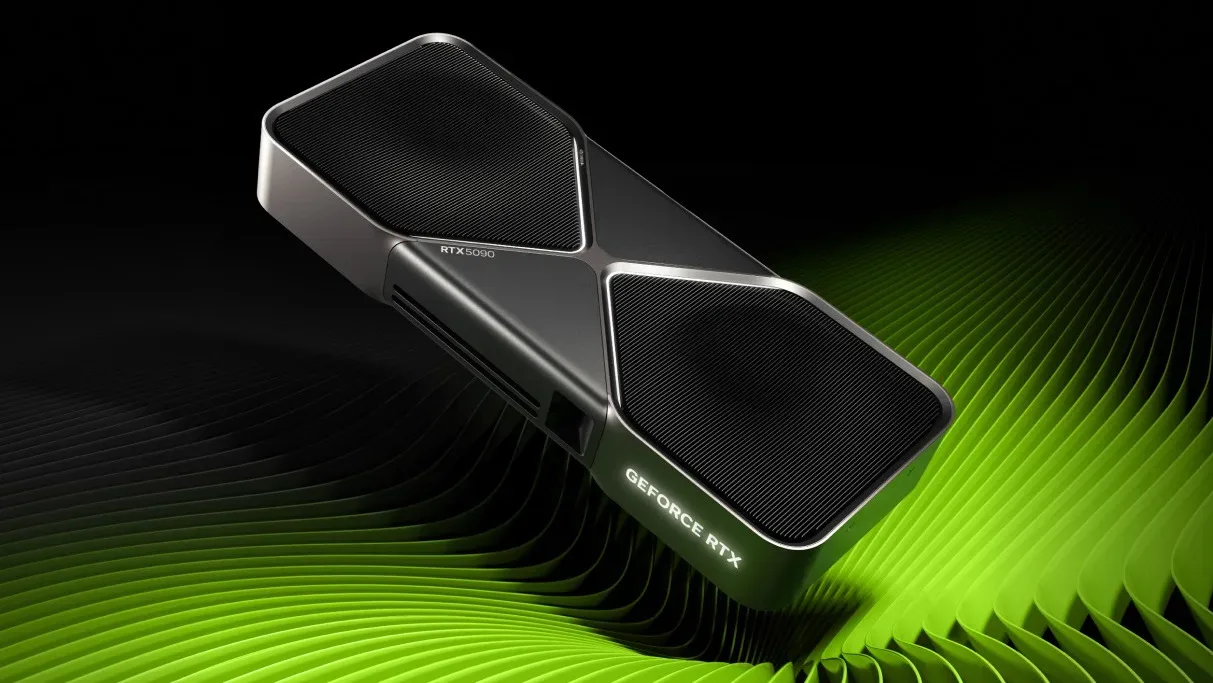
For anyone building a high-end PC around a very large, high-resolution display, display choice also belongs in the same planning conversation as graphics hardware. A 49-inch 5120 x 1440 super-ultrawide has a great deal of screen to drive. The broader problem of premium gaming-PC component costs is already visible in flagship GPU listings that illustrate the risks of supply scarcity. That does not establish what hardware any particular monitor requires, but it does underline why buyers should view a display as part of a complete setup rather than an isolated impulse purchase.
Ultrawide productivity has a genuine practical upside
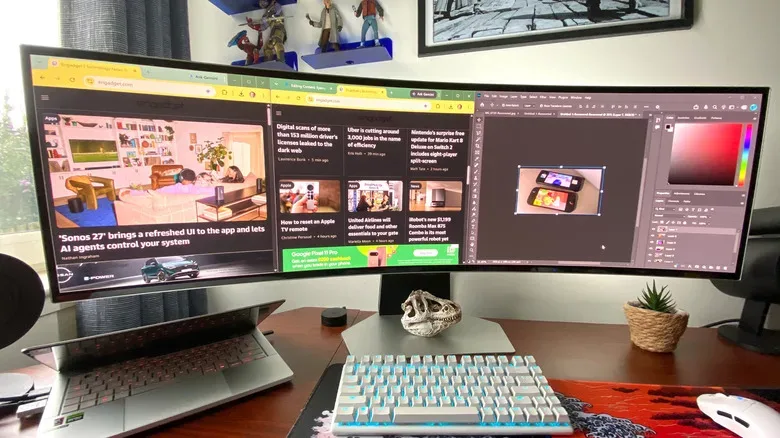
Gaming may be the sales pitch, but a large curved ultrawide can be useful when the workday begins. Its horizontal room makes side-by-side windows more practical: a browser alongside an image editor, multiple web pages, or other combinations that would otherwise require continual app switching. The appeal is less about the curve itself than the usable width, with the curve making the far edges less awkward to view.
A 49-inch 5120 x 1440 display, for example, can offer the same screen real estate as two 27-inch 1440p monitors. That is a meaningful proposition for someone who wants a dual-monitor-sized workspace without a bezel running down the middle. A single-panel solution can make large documents, browser windows and creative tools easier to arrange in parallel.
The absence of that central split is not merely cosmetic. With two separate screens, windows and visual elements must live on one display or the other. One super-ultrawide surface can give users more freedom to spread content across the width. For general multitasking, that can be a cleaner experience.
However, this is also where it helps to distinguish screen real estate from physical convenience. A large 49-inch curved monitor may replace the pixel area of two 27-inch panels, but it does not necessarily fit where those monitors did. Its sides project outward, and the display can claim significant desk depth and width. Measure the desk and consider the stand before treating a vast panel as a simple consolidation of existing hardware.
The drawbacks are not minor footnotes
Price is the first obvious concern. Curved monitors are frequently 34 inches or larger, and their size and manufacturing complexity tend to make them more expensive than many flat alternatives. Buyers should resist comparing only two displays with different sizes and calling the difference a “curve premium,” but the broader point holds: large curved ultrawides are generally not budget-minded purchases.
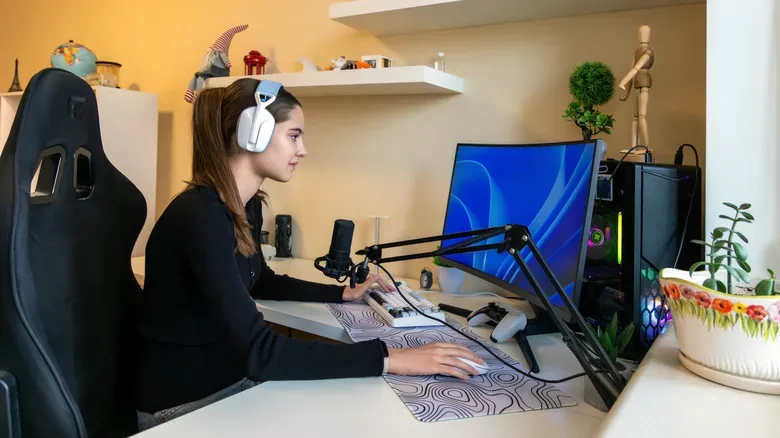
Desk placement is the second. The screen shape means its outer edges extend further into the room than the center, so a curved display may demand more usable desk space than a flat option. This affects viewing distance as well. Sitting close is key to getting the intended immersive effect, but a desk must allow that central seating position without turning keyboard, mouse and monitor placement into a compromise.
Wall mounting is another complication. A curved monitor will not sit flush against a wall in the way a flat screen can. That does not make mounting impossible in every setup, but it means the finished arrangement needs more thought and more clearance. Anyone choosing a monitor primarily to preserve desk surface should factor in the display’s shape rather than assuming a mount erases its footprint.
Multi-monitor users should be particularly cautious. Pairing a curved screen with a flat one rarely creates a seamless visual line. The mismatch can be functional, but it may feel disjointed when windows move between displays or when the screens are intended to act as one broad workspace. A curved monitor is best treated as a centerpiece rather than a universally flexible addition to an existing collection of flat panels.
Why shared viewing and precision art work favor flat panels
Curved monitors are designed for a central viewer. That is ideal for a player at their desk, but less friendly for collaboration. Colleagues gathered around the display, friends watching from the side, or anyone regularly sharing a screen in an office may have a less comfortable view. The very geometry that directs the picture toward the central position works against broad, equal viewing positions.
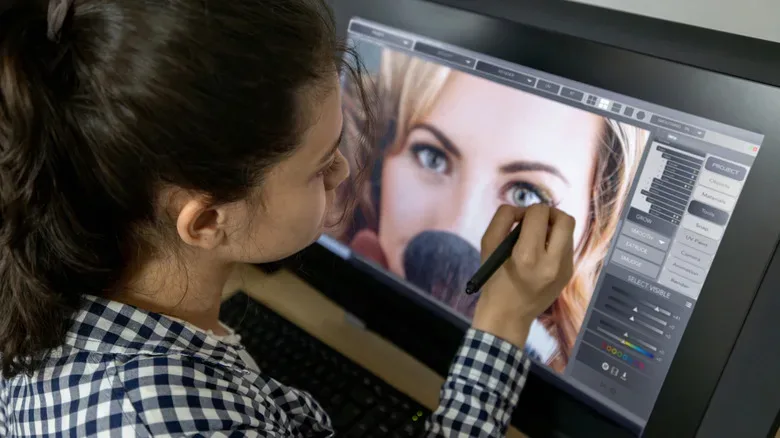
Creative professionals and serious hobbyists should also separate general multitasking from precision visual work. A wide curved panel can still accommodate Photoshop next to other windows, but it is not the best default for image editing where straight lines, grids and precise edge judgment are vital. Curvature can introduce apparent distortion toward the sides of the screen, making a flat panel the safer option for work that depends on an unambiguous sense of straightness.
That distinction matters because “productivity” is an umbrella term. Writing, browsing, research and managing several applications can benefit nicely from ultrawide space. Detailed graphic design and art editing impose a different requirement. More room is helpful, but it does not override the need for a geometrically straightforward view.
A buying checklist before embracing the bend
Curved monitors reward buyers who start with their habits rather than the headline size. Before committing, consider the following.
- Games: Do your most-played PC games properly support 21:9 or 32:9, including their cutscenes?
- Seating: Will you normally sit centrally and close enough to benefit from the wraparound effect?
- Desk: Is there enough depth and width for the screen, its stand and a comfortable keyboard-and-mouse position?
- Workspace: Are you replacing two screens with one continuous ultrawide surface, or trying to attach a curve to an existing flat-monitor arrangement?
- Collaboration: Is the screen mostly for one viewer, or must people regularly see it together from different angles?
- Creative work: Do you need to inspect straight lines, grids or images with precision near the display edges?
- Budget: Are you paying for a larger panel and an immersive format you will actually use, rather than buying curvature as a novelty?
The best argument for a curved monitor is focused, not universal. It can make an ultrawide gaming setup feel strikingly involving and can turn a desktop into a broad, bezel-free multitasking surface. But it asks for the right games, the right viewing position and enough physical space. If those conditions describe your PC life, the bend is more than decoration. If accuracy, shared visibility, wall-flush placement or maximum setup flexibility comes first, a flat panel remains the smarter line to hold.