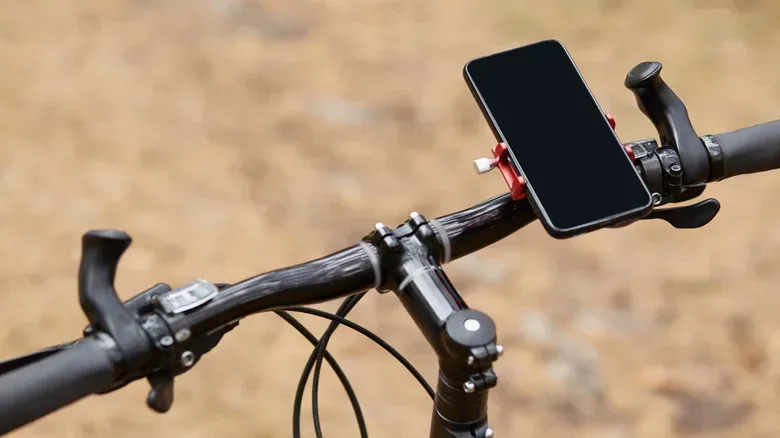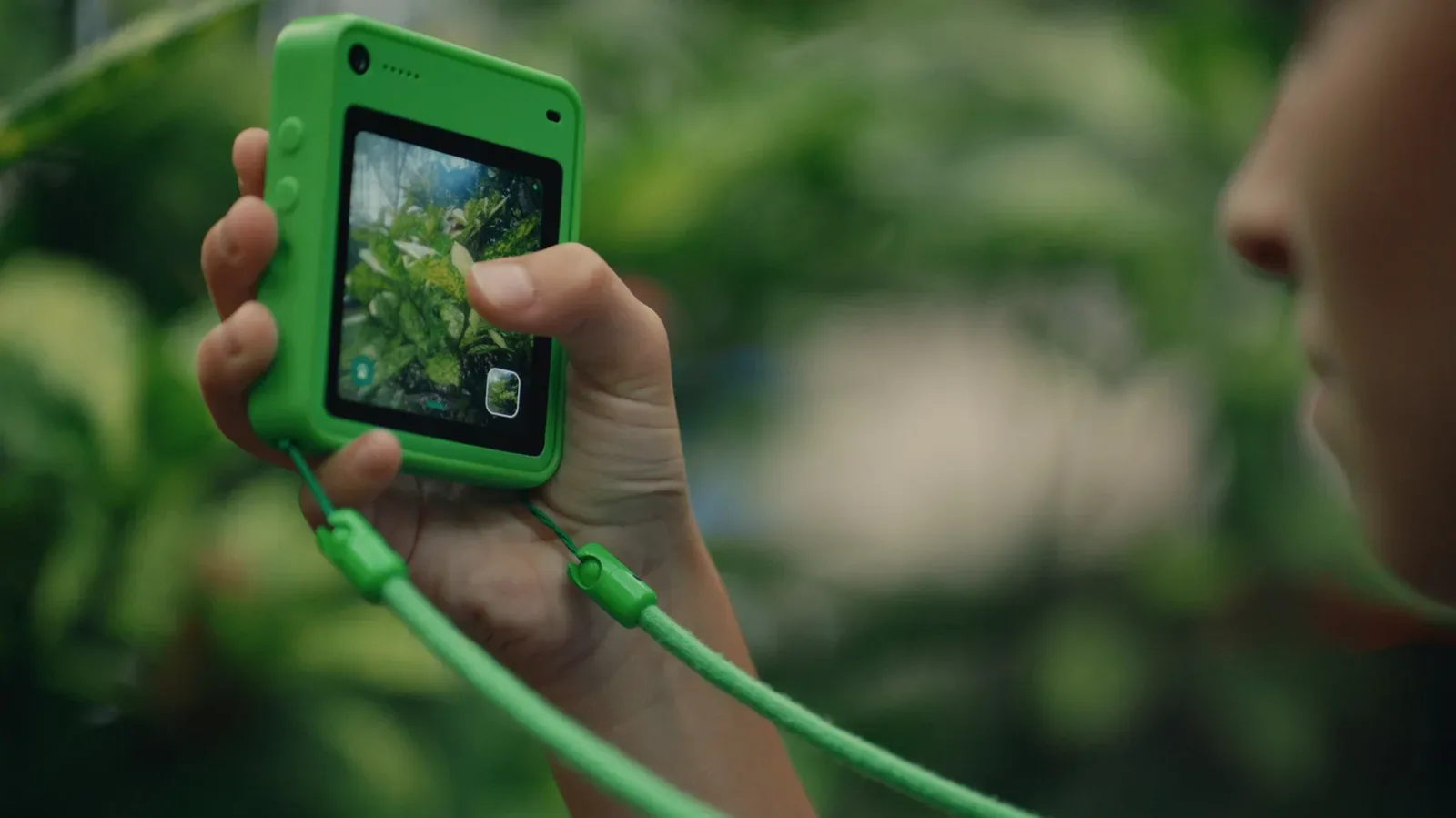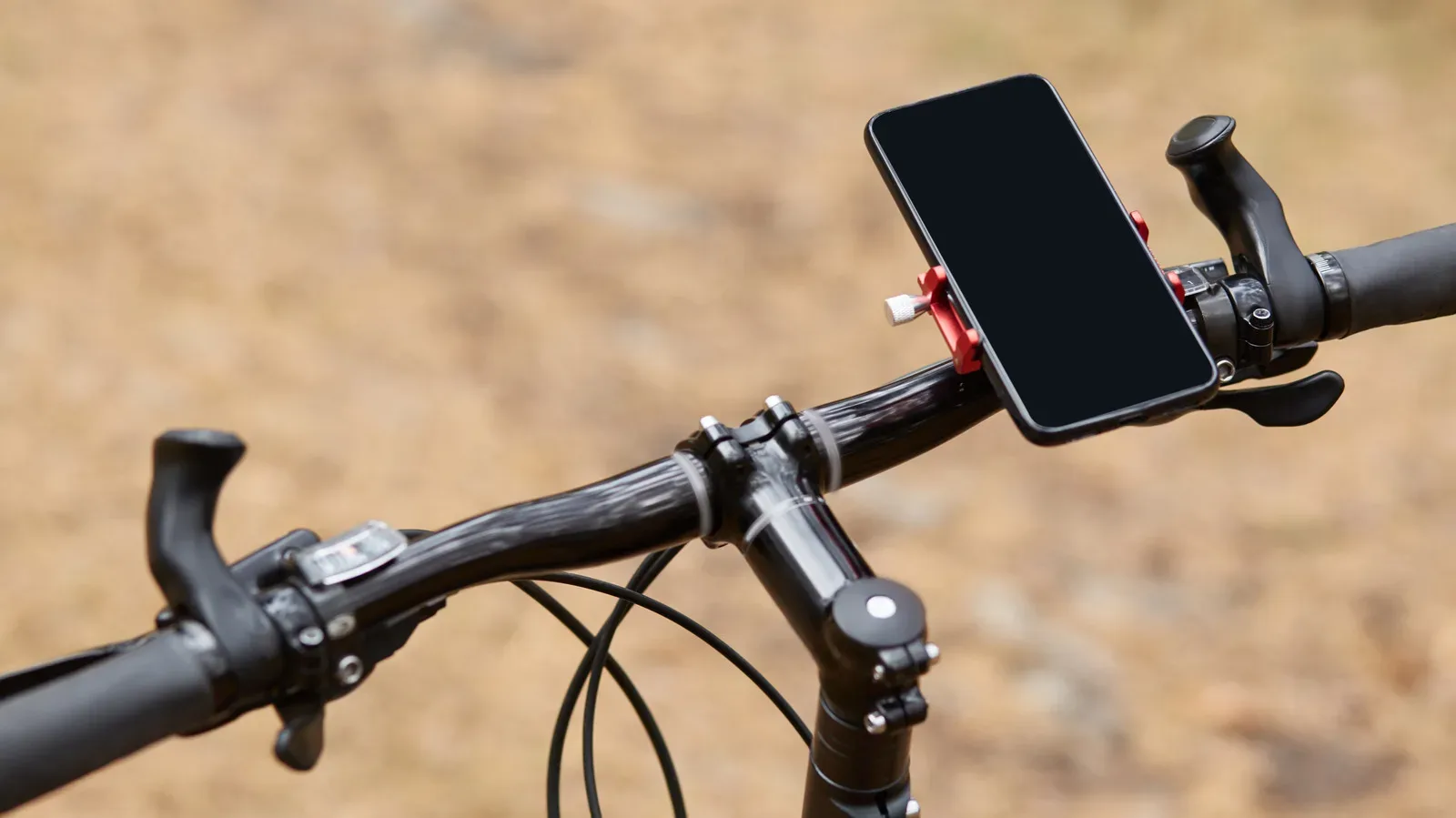
A dedicated bike computer can look like an unnecessary extra screen when a smartphone is already in your pocket. For plenty of cyclists, it is. Put the phone in a secure handlebar mount and it can show directions, record a GPS track, and present the basics: speed, distance and elapsed time. Add a smartwatch for heart-rate and exercise data, and the case for buying another device is not automatic.
The useful way to approach the decision is not to treat a bike computer as inherently “better” technology. It is purpose-built technology, and it earns that distinction only when its specific advantages solve recurring problems on a rider’s actual routes. A casual commute or occasional weekend outing may need no more than a phone, a dependable mount and perhaps a small power bank. A rider who repeatedly deals with all-day navigation, rain, gloves, sensor-heavy training or a phone battery that needs to remain available for emergencies has a much stronger reason to separate cycling duties from their handset.
A smartphone already handles the cycling basics
For navigation and ride recording, the smartphone starts with a substantial advantage: it is equipment most people already own. The marginal purchase is a quality handlebar mount rather than a separate GPS unit. Navigation apps can guide a route, while GPS tracking can create a record of where and how long someone rode. The phone’s display can also show the core ride statistics casual riders tend to want at a glance.
A larger phone screen has a practical upside, too. It can be easier to inspect a map in detail, find a restaurant, or revise plans when a ride changes. That matters because navigation is not always simply following a line from start to finish. A rider may need to make a detour, check the wider area, or decide whether a stop is nearby. In those moments, the flexible, familiar phone interface can be more useful than a smaller dedicated display.
Google Maps offers bicycle directions where that feature is supported. Its limitation is important for riders leaving reliable coverage: downloaded maps do not make its cycling directions work offline. That is the difference between having a map image and having route guidance available without reception. Apps such as Komoot and Ride with GPS can provide offline cycling navigation, although particular features may involve a subscription or a map purchase.
That is not an argument that every cyclist must pay for an app or buy specialist hardware. It is a reminder to test the exact navigation workflow before a ride depends on it. Someone who mostly travels familiar city streets with mobile coverage has a different problem than someone taking an unfamiliar route through areas where a connection may disappear.
A spare phone can be a pragmatic middle ground
An older GPS-equipped phone can take on the role of a low-cost bike computer. Routes can be loaded over Wi-Fi in advance, while the primary phone stays in a bag or another safer location. GPS recording and downloaded navigation do not require an active SIM, so a spare handset can still perform the essential route task without cellular service.
This setup does not remove every drawback of mounting a touchscreen to a bike, but it changes the risk calculation. The handset that holds calls, emergency access and everyday personal use is no longer the one exposed on the handlebars. For a rider who wants a dedicated screen but does not yet have a persistent reason to purchase dedicated cycling hardware, repurposing an old device is a sensible option.
A smartwatch makes the dedicated-device case narrower
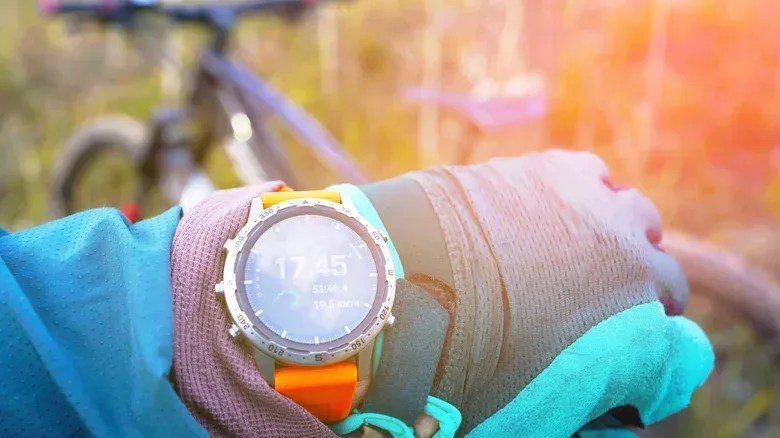
Fitness watches further reduce the number of gaps a bike computer needs to fill. An Apple Watch can track heart rate and cycling activity, pair with Bluetooth speed, cadence and power sensors, and show the workout on an iPhone through a full-screen Live Activity. In that arrangement, the watch can collect workout metrics while the phone takes responsibility for the map.
It helps to separate those metrics, because they are often grouped together as “ride data” even though they describe different things:
- Heart rate measures the rider’s heart activity during exercise.
- Cadence is the pedaling rate.
- Power is a cycling measurement supplied by a power meter.
- Speed and distance describe movement and route progress.
For a rider already using a watch and phone comfortably, a cycling computer needs to address something beyond simply displaying those readings. If the current combination works on typical rides, there is no technical virtue in buying another screen just because dedicated equipment exists.
Battery life can also be less decisive than it first appears for riders whose long outings are rare. Carrying a small power bank in a bag may be a perfectly workable answer on the occasional extended trip. It adds an item to manage, but it may be preferable to buying and maintaining another device for a problem that appears only once in a while.
The phone compromises that matter most
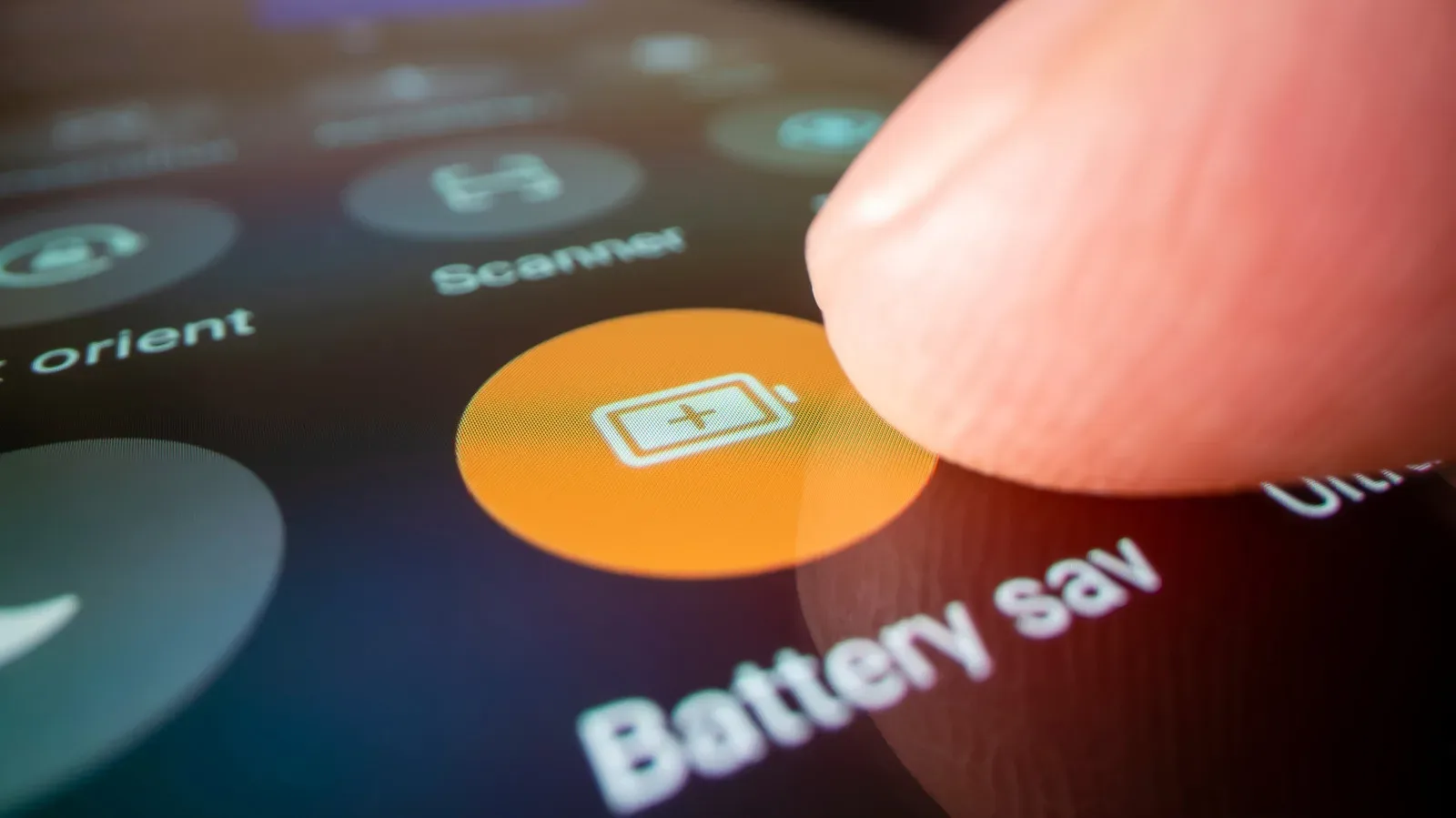
The smartphone’s convenience comes with a trade-off: it puts a daily-use device directly in the conditions of the ride. Rain, direct sun, crashes and trail or road debris are not theoretical hazards when a phone is on the handlebars. Even when it remains physically safe, navigation and GPS logging use battery capacity that might otherwise be reserved for calls and emergencies.
This is the moment where the debate stops being about feature checklists. If a rider regularly finishes a journey worrying about whether their phone will remain charged, the issue is not merely an inconvenience. The phone is serving two competing purposes: it is both the cycling display and a device needed after the ride. A bike computer can separate those jobs by handling GPS and navigation itself, preserving the phone’s charge.
Privacy is another less visible compromise. Uploading rides to a fitness service can create highly precise records of regular routes. That can reveal where a rider begins frequent trips, including a home location. Anyone sharing ride data should review the service’s privacy controls rather than treating the route upload as a harmless default. The relevant question is not whether ride tracking is useful—it clearly can be—but whether the chosen sharing settings disclose more location information than intended.
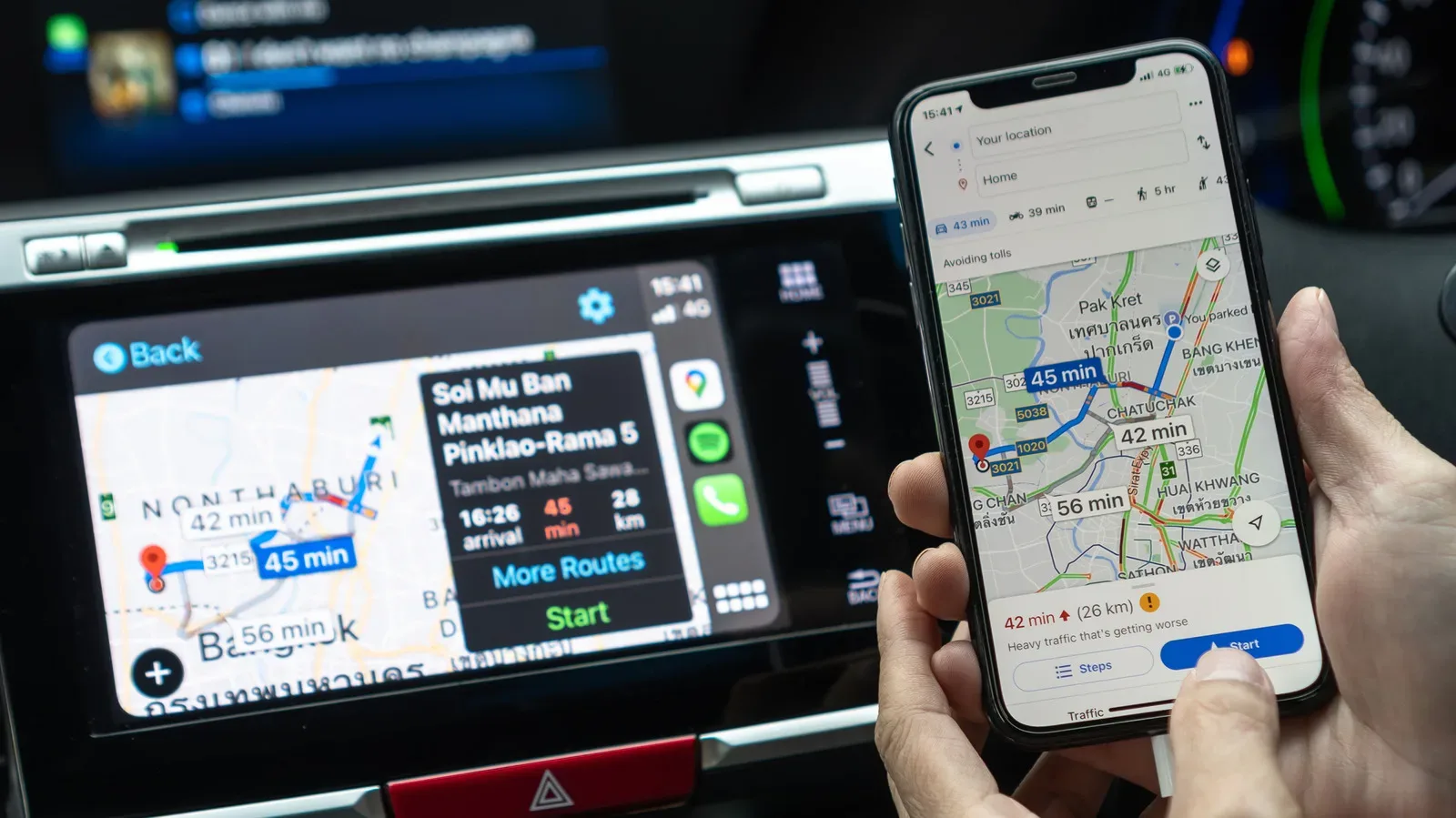
For broader mapping habits, readers may also find our guide to making Google Maps easier to use in Apple CarPlay with iPhone settings useful. It is focused on the in-car interface rather than cycling, but the underlying lesson is similar: navigation works best when its setup matches the environment in which it will be used.
Where dedicated bike computers pull ahead
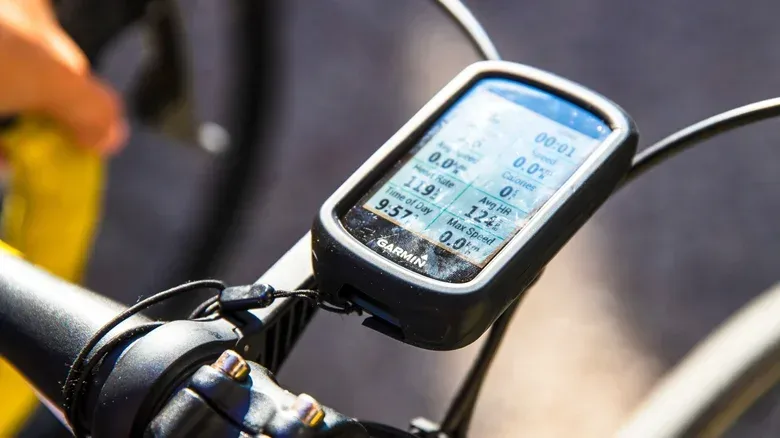
The strongest practical case is endurance. Dedicated bike computers are designed to keep GPS and navigation running while the screen stays visible for many hours, without draining the rider’s phone. That is more valuable for people who routinely spend half a day riding, including endurance riders and bikepackers, than for a quick commute.
GPS, or Global Positioning System, is the positioning technology used to record movement and support route guidance. Keeping GPS and an active display running for a long time is precisely the kind of workload where a phone can become a compromise. The dedicated unit is not necessarily adding a new category of information; it is handling that information for longer while leaving the phone battery alone.
Weather and controls are the next dividing line. Purpose-made units are built around secure mounting and water resistance. Many have controls that can be used in rain, mud or while wearing gloves. A phone remains a capable computer, but that does not mean a touchscreen is the most convenient interface when the rider’s hands and surroundings become difficult.
Dedicated hardware can also serve riders building a broader sensor setup. Many bike computers pair with power meters, heart-rate straps, cadence sensors and rear-facing radar through Bluetooth or ANT+. Bluetooth is a common wireless connection standard. ANT+ is another wireless protocol used by compatible fitness and cycling equipment. Their importance is not the technical label itself; it is that they allow several pieces of ride equipment to communicate with the display without turning the phone into the center of every connection.
Rear-facing radar belongs in a different category from basic route tracking. It is a sensor used behind the rider, while heart-rate, cadence and power equipment focuses on physiological or pedaling-related data. A rider who simply wants directions may have no use for this ecosystem. A rider who already uses multiple sensors may value a single dedicated screen that consolidates the information.
A bike computer does not automatically replace the phone
Buying dedicated hardware should not be mistaken for a promise that the handset can always stay home. Some bike-computer safety functions still need a paired phone for data. The specific feature set matters, so a cyclist should identify which phone-independent task they are trying to solve—battery preservation, offline navigation, wet-weather use or sensor support—rather than assuming every feature works separately from a handset.
The phone also retains the better all-purpose screen for unscripted decisions. A larger display can be more helpful when finding a destination, reading the wider map, or altering a plan. In practice, the two devices can complement one another: the bike computer stays visible as the ride-focused display, while the phone remains protected and available for wider map searches, communication and the services that may still require it.
A practical decision checklist
The purchase becomes easier when framed around frequency. It is not enough that a bike computer would be handy in an edge case. The question is whether the phone’s shortcomings repeatedly interfere with rides.
- Keep the phone-first setup if rides are generally short, phone battery is not a recurring concern, weather exposure is limited, and a secure mount plus apps provide the needed navigation and recording.
- Improve the phone-first setup if the friction is occasional. Consider offline-capable cycling navigation, a power bank for rare long rides, privacy-setting checks before sharing routes, or an old GPS-equipped phone for the handlebars.
- Consider a bike computer if all-day GPS use is common, you want to protect phone battery for calls or emergencies, wet-weather and glove-friendly operation regularly matter, or you rely on several compatible sensors.
The best answer is therefore personal rather than universal. A phone, smartwatch and modest accessories can be an efficient and capable cycling toolkit. A bike computer starts to justify its place when that toolkit repeatedly asks the rider to accept the same compromises: a depleted primary phone, unreliable connectivity for route guidance, difficult controls in poor conditions, or a growing web of cycling sensors. When those are routine realities rather than hypothetical annoyances, the dedicated display is no longer redundant—it is specialized equipment doing a specialized job.