There is a familiar ritual in modern device setup: accept a string of defaults, get to the home screen, and promise yourself you will review the privacy menu later. “Later” has an impressive win rate. Apple’s Improve Siri & Dictation setting is exactly the kind of unobtrusive opt-in that can remain enabled for years while its name reveals far less than the decision actually involves.
When enabled, the setting permits Apple to use recordings, transcripts and associated information from Siri, Dictation and Translate requests to improve its speech-related systems. That can include human review of a selected subset of interactions. The company describes the work as helping refine Siri, Search, Voice Control, Translate and automatic speech-recognition models.
This is not a claim that Apple is selling a user’s request history to advertisers; it says it does not do that. Nor is it a claim that every request is listened to by a person. Apple says only a selection is reviewed, and that recordings are linked to a rotating, random identifier rather than directly to an Apple Account or email address. Those distinctions matter. They also do not make the choice meaningless.
The sensible question is not whether voice-data improvement is inherently sinister. It is whether the benefit a person receives from contributing is worth allowing a much broader slice of conversational and device context to be processed. For many people, especially those who use dictation for personal messages, notes, names, addresses, work material or health-adjacent reminders, the answer may be no.
What “Improve Siri & Dictation” actually permits
Voice assistants are not one single feature. A spoken Siri request, a dictated message and a translation prompt may have different immediate jobs, but all rely on speech processing: turning audio into text, interpreting what the user meant, and producing a useful response or action. Improving those systems requires examples of accents, noisy rooms, unusual phrasing, proper names, corrections and the countless ways humans decline to speak like a script-reading robot.
That is the functional argument for voluntary data sharing. Real requests can expose failures that are hard to predict in advance. An automatic speech-recognition model, for example, needs to distinguish between words that sound similar and make sense in different contexts. A model can get better at this through training and evaluation on varied examples.
But an improvement program is not the same as the minimum processing needed to fulfil an individual request. Apple’s setting allows review of the audio, a transcript, and related request information. The related material may include when and where a request was made, device specifications, performance statistics and the request category. Apple may also review contextual information, including contacts or downloaded apps.
That last category explains why a plain-language label matters. A voice request rarely exists in a vacuum. Saying “text Sam I’m running late” is mundane, but contacts can make the command useful. Dictating a reply can contain more. A translation request can be a single harmless phrase or a sensitive conversation excerpt. The point is not that every command is sensitive; it is that users generally cannot predict which ordinary moment will become the representative example selected for quality review.
Apple says reviewers are subject to strict confidentiality obligations, while its terms also allow a subset to be reviewed by graders and allow processing or storage through trusted third-party service providers. Privacy protections can reduce risk, but they do not transform shared material into material that never leaves the user’s device. People deciding whether to participate should keep that basic boundary in view.
Identifiers and retention: useful safeguards, not invisibility cloaks
Apple’s approach includes a rotating, device-generated identifier. The company says this identifier changes multiple times per hour and that Siri, Dictation and Translation history is not directly attached to an Apple Account or email address. This is a meaningful technical distinction from attaching each recording to a stable, obvious account identity.
De-identified does not mean that the content becomes context-free or impossible to recognize. It means that the most direct account linkage has been removed or replaced. A recording can still contain a person’s voice, names, places or details volunteered in the request itself. The supporting metadata can also say something about how and where the feature was used. The setting is therefore best understood as a privacy mitigation around data contribution, not a guarantee that the interaction is somehow no longer personal.
Retention is another practical dividing line. Apple typically keeps voice data for up to two years, while acknowledging that some information may be retained beyond that period. Separately, Siri and dictation interactions may remain on a device to personalize the Siri experience. These are different questions: one concerns participation in the improvement program, while the other concerns local history and personalization.
Switching off Improve Siri & Dictation stops future participation through that setting. If a user wants to remove Siri and dictation history stored on the device as well, that takes a separate deletion step. Privacy menus often create confusion by grouping these adjacent controls together, but opt-out and deletion do different jobs. One governs future sharing for improvement; the other addresses existing local history.
Why the decision is becoming more relevant
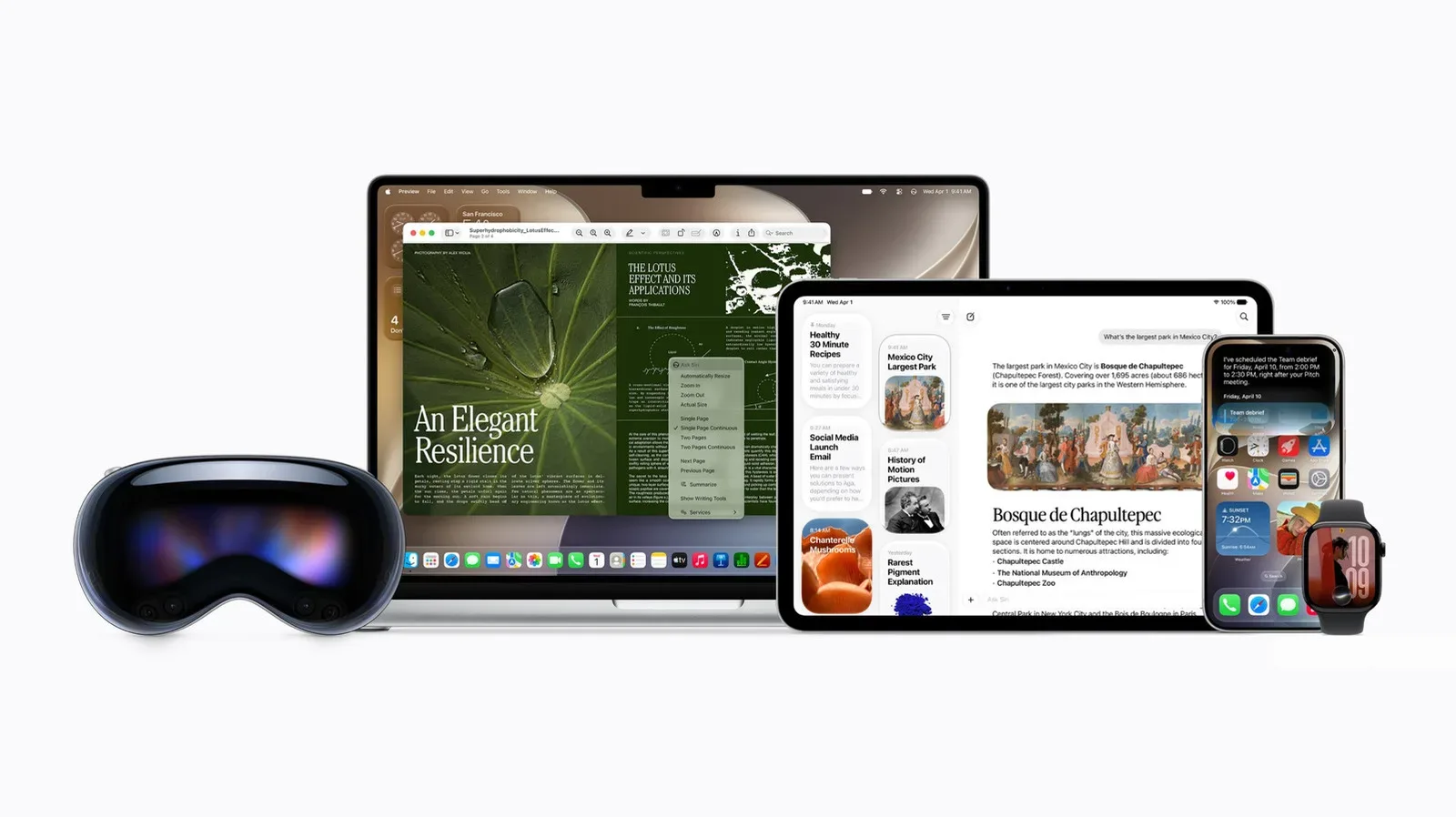
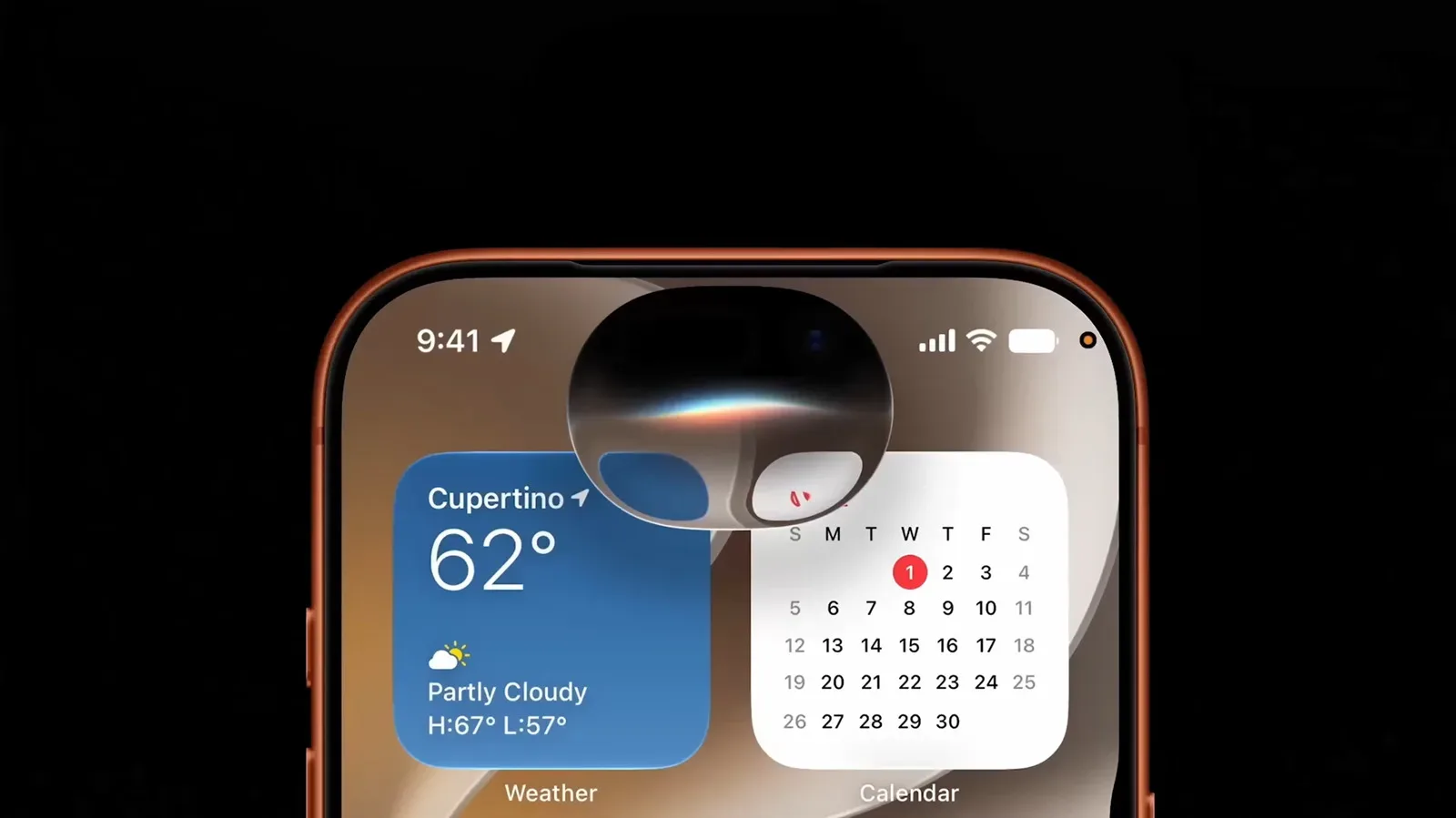
The importance of the setting rises as voice input becomes less occasional. Apple’s iOS 27 includes a new AI-powered Siri and additional dictation capabilities, making speech data increasingly relevant to the company’s AI development. Newer Apple Watch models also include an optional Apple Intelligence feature called Live Rewind, which listens to conversations and generates transcripts.
That does not mean every Apple owner uses every feature, and Live Rewind remains optional. It does mean the old mental model of voice assistance as a few short “set a timer” commands is no longer sufficient. The more a device is invited into messages, conversations, translation, search and task management, the more consequential its settings become.
This is a broader consumer-tech issue, too. As AI features become central to platforms, companies need data to train, tune and test their models. Users are increasingly asked to decide whether their own material should help. The terms may speak in technical language—models, graders, identifiers and diagnostics—but the real decision is human: how much access are you comfortable granting in exchange for helping a feature improve for everyone?
That trade-off is worth considering across the industry. For example, changes to paid AI access and support can reshape what users receive and what companies prioritize, as seen in recent AI subscription-tier changes. The details differ from Apple’s speech-improvement program, but the shared lesson is simple: AI settings and policies are product features, not fine print to ignore by default.
How to decide whether to leave it on
There is no universal correct setting. Leaving Improve Siri & Dictation enabled is a reasonable choice for users who understand that selected requests and associated data may be reviewed and who wish to contribute to speech-feature quality. Turning it off is equally reasonable for users who prefer not to share recordings and transcripts beyond what is necessary to use the feature.
A useful way to assess it is to ask a few direct questions:
- Do you regularly dictate sensitive messages, notes or reminders?
- Do you use voice features around other people who have not agreed to have a conversation potentially captured?
- Are you comfortable with selected interactions being reviewed for quality purposes, even with Apple’s identifier and confidentiality safeguards?
- Would you still choose to participate knowing that some related context, such as device data and potentially contacts or installed apps, may be reviewed?
- Do you actively want to contribute examples that can help improve speech-recognition and language models?
If the answers lean toward discomfort, disable it. There is no need to frame that as a punishment for Apple or a rejection of voice features altogether. It is simply choosing a narrower data-sharing boundary. Likewise, opting in is not automatically careless; it is an affirmative decision to participate in a product-improvement program with defined, though not zero, privacy exposure.
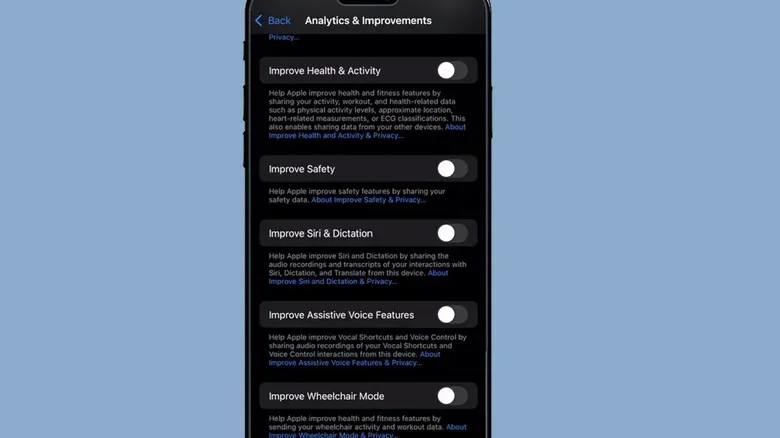
Where to turn off Improve Siri & Dictation
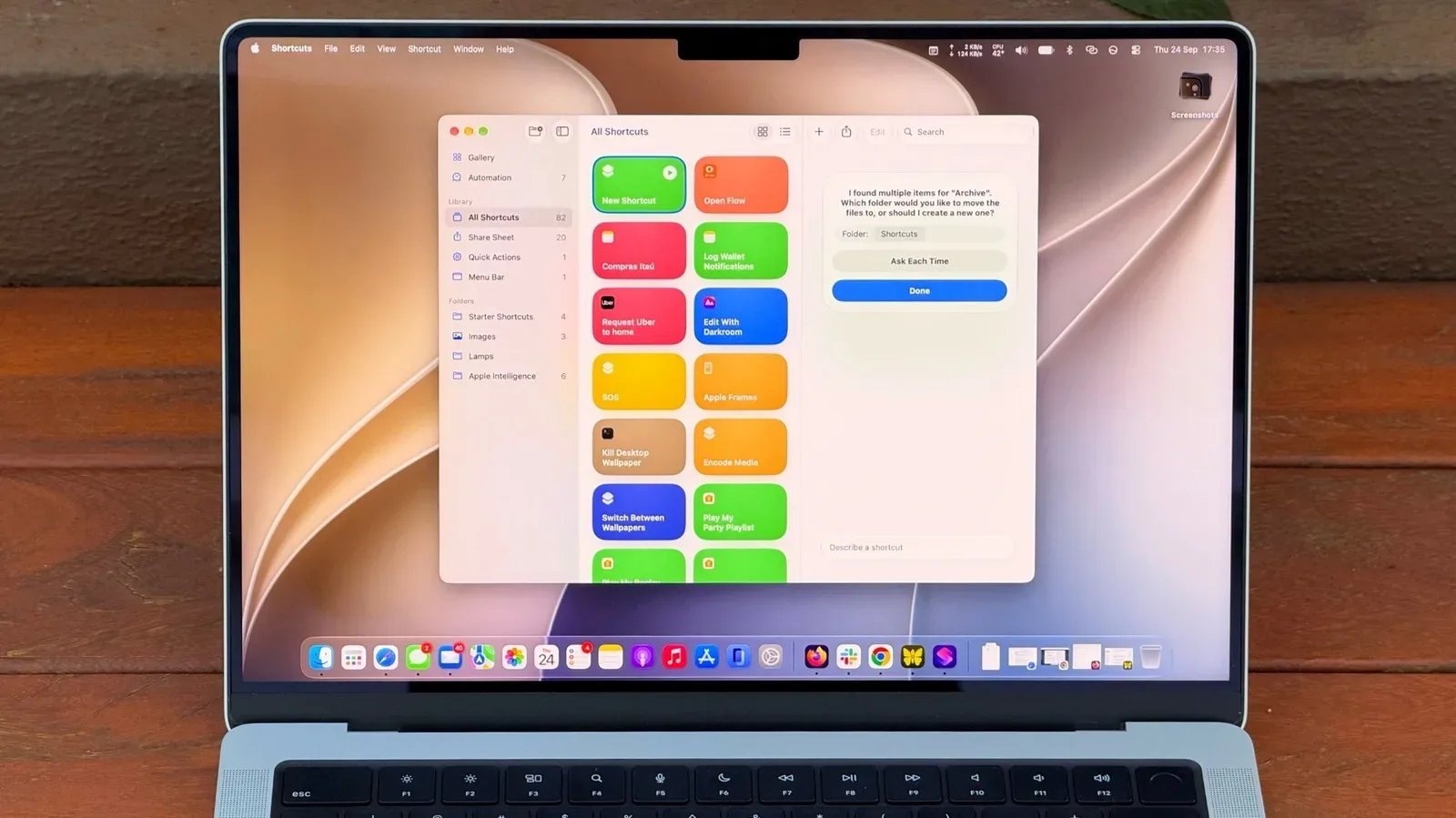
Apple places the control in its Analytics & Improvements menus, with slightly different routes depending on the device. The wording may be easy to overlook, so use the paths below rather than assuming that a general Siri toggle controls it.
iPhone and iPad
- Open Settings.
- Choose Privacy & Security.
- Tap Analytics & Improvements.
- Turn off Improve Siri & Dictation.
To delete local Siri and Dictation history, go to Settings > Apple Intelligence & Siri > Siri & Dictation History > Delete Siri & Dictation History.
Mac
- Open the Apple menu and select System Settings.
- Choose Privacy & Security in the sidebar.
- Open Analytics & Improvements.
- Disable Improve Siri & Dictation.
Apple Watch
On the watch, open Settings > General > Analytics & Improvements, then switch off Improve Siri & Dictation.
HomePod
On an iPhone or iPad, open the Home app, touch and hold the HomePod, then select Accessory Settings > Analytics & Improvements. Adjust Improve Siri & Dictation there.
Apple TV
Open Settings > General > Privacy > Analytics & Improvements and locate Improve Siri & Dictation.
Apple Vision Pro
Open Settings > Privacy & Security > Analytics & Improvements, then deselect Improve Siri & Dictation.
Apple Watch and HomePod settings can mirror the iPhone or iPad choice by default, and Apple TV may do the same when it is set up with an iPhone or iPad. That convenience is precisely why it is worth checking devices individually if privacy preferences have changed since setup.
The practical takeaway: Improve Siri & Dictation is optional. Apple provides privacy safeguards, and it does not sell request history to marketers, but enabling the feature still permits selected voice interactions, transcripts and related data to contribute to product improvement. Review the toggle deliberately, delete local history if desired, and make the choice that fits the kinds of things you actually say to your devices.