Android’s old Smart Lock label sounded like a clever way to make a phone more secure. The setting’s actual job was more specific—and potentially more consequential—than that: after you unlock your device once, it can keep the device unlocked while certain conditions remain true.
That is why Android relabeled the feature Extend Unlock in 2023. The change is small, but it makes the setting’s purpose much harder to misread. It is not another lock that springs into action. It is an option to extend the period in which the lock screen stays out of your way.
For people who found “Smart Lock” in an Android settings menu and assumed it was a broad security suite, the newer name is more useful. It tells users what decision they are making: trading some lock-screen friction for convenience in places, around devices, or while carrying the phone.
That distinction matters because the feature can be perfectly reasonable in a controlled situation, yet risky when its trusted conditions are too broad. An unlocked phone is an unlocked phone, regardless of whether it got there through a PIN, biometrics, or an automation designed to save time.
What Extend Unlock actually does
Extend Unlock works after the phone has already been unlocked. Instead of asking for a PIN repeatedly, it can allow the unlocked state to continue under selected conditions. The central idea is not that Android permanently removes security, but that it prolongs access that the owner has already authenticated.
Android presents three ways to do that:
- On-body detection: the phone can remain unlocked while it is on your person.
- Trusted places: the phone can stay unlocked at locations the user adds.
- Trusted devices: the phone can remain unlocked while connected over Bluetooth to a selected device.
Each option relies on a different signal. On-body detection uses the fact that the handset is being carried. Trusted places use the location entries chosen by the owner. Trusted devices depend on a Bluetooth connection to gear that has already been paired with the phone.
The practical appeal is obvious. A person at home, walking with a phone in a pocket, or using familiar Bluetooth accessories may not want to re-enter a PIN whenever the display turns off. Extend Unlock can reduce those interruptions.
But the feature should be understood as a convenience setting, not a guarantee that only the owner has physical possession of the device. The important limitation is plainly implied by the conditions themselves: a phone can remain unlocked in a trusted location or around a trusted Bluetooth device even when somebody else is holding it.
Why “Smart Lock” was too vague
“Smart Lock” was an understandable name when the feature arrived in late 2015. It suggested that a phone could make an informed decision about when the usual lock behavior should be relaxed. The problem is that the phrase puts the emphasis on “smart,” not on the result.
Modern device settings are crowded with smart-sounding labels. Those words can refer to automation, adaptive behavior, connected hardware, or AI-related features. None necessarily explain whether a setting increases protection, reduces it, or simply changes how the device behaves.
Extend Unlock is more literal. It describes the outcome: unlocking is extended under conditions picked by the user. That wording is especially valuable because the outcome is a security trade-off. A user does not need to infer the purpose from a brand-like feature name.
The rename also separates this feature from Android’s distinct Watch Unlock behavior on Pixel. The two labels describe related but different moments in the process:
- Watch Unlock can unlock a phone when a compatible paired Pixel Watch is unlocked, worn on the wrist, and nearby.
- Extend Unlock keeps a phone unlocked after it has been unlocked, when its chosen condition applies.
That difference may seem semantic, but it is operationally meaningful. One mechanism helps you get past the lock screen. The other reduces how often you return to it after gaining access.
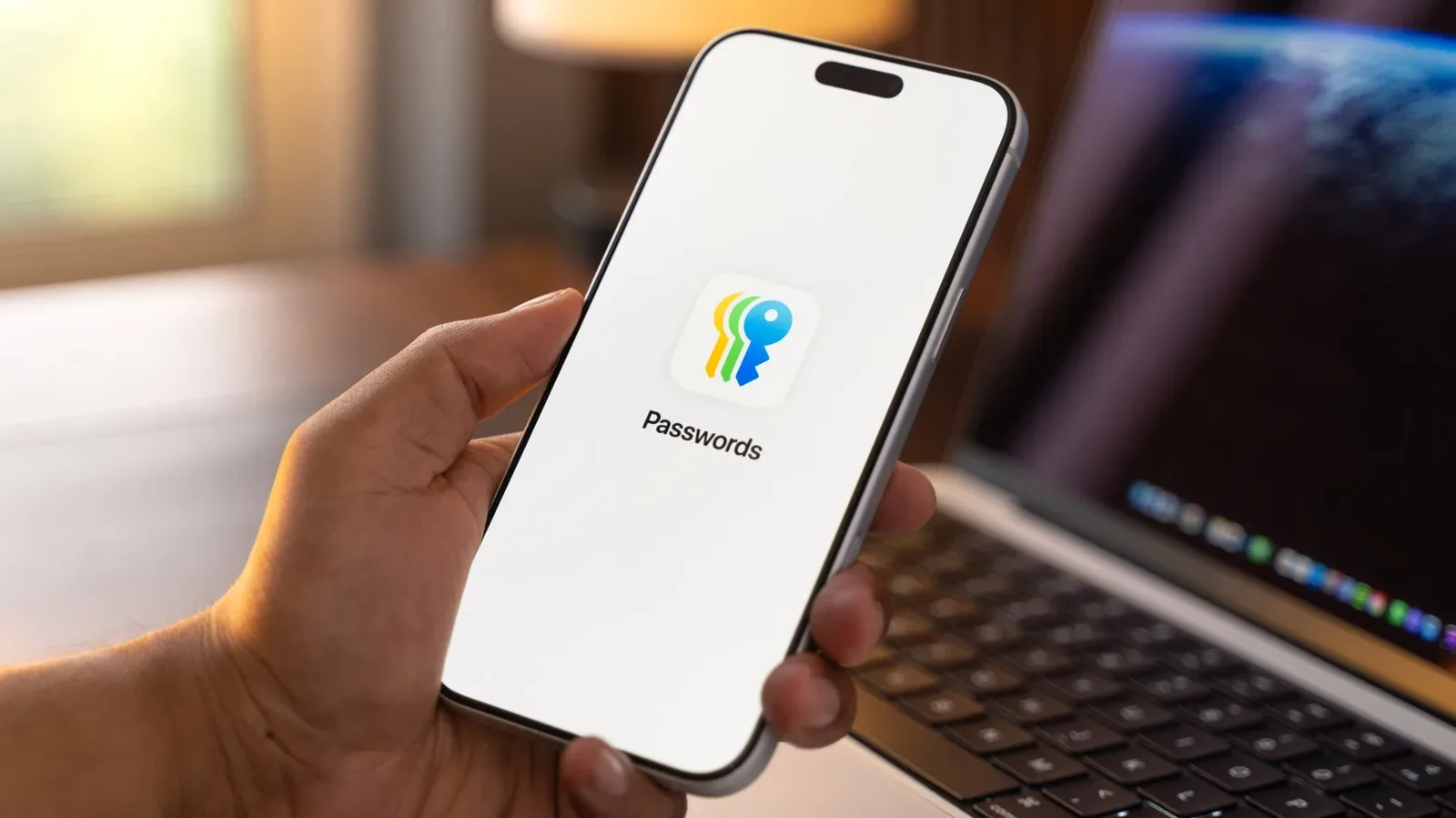
The clearer terminology is also helpful when comparing phone-security conveniences with password-management choices. As explored in Apple Passwords and Google Password Manager on iPhone, the important question is often not which product has the fanciest label, but where and how a security tool operates. Extend Unlock is another reminder that the plain-language behavior of a setting is more important than its old name.
Choosing a trusted condition means defining a threat model
A threat model is simply a way of thinking about what could go wrong and who or what you are protecting against. It does not require imagining espionage or sophisticated attackers. For Extend Unlock, the everyday question is straightforward: if your phone stays unlocked in this circumstance, could another person gain access before it locks again?
The answer will vary by setting and by person. A trusted place might be sensible for someone living alone in a secure home. It demands more caution in shared housing, busy workplaces, dorms, or public-facing environments. “Place” does not mean “only I can reach the phone here.” It means the device is allowed to remain unlocked there.
Trusted devices deserve the same consideration. Bluetooth pairing establishes a relationship between devices; it does not prove that the phone is currently in the owner’s hands. A nearby trusted accessory could keep the phone in its extended-unlock state while someone else is able to pick it up.
On-body detection is convenient for people who frequently pull a phone from a pocket, bag, or jacket. Yet “on body” is not identical to “in the owner’s control.” The feature is designed to reduce repeated authentication while the device is carried, rather than to establish identity continuously.
None of that makes Extend Unlock inherently bad. It means users should select only conditions they genuinely trust and should recognize the kind of convenience they are enabling. The less controlled the environment, the less attractive a broad trust rule becomes.
A practical way to decide
- Name the benefit. Decide what repeated prompt you are trying to avoid: a phone locking at home, during a walk, or while using a particular Bluetooth device.
- Name the exposure. Ask whether another person could realistically handle the unlocked phone in that same circumstance.
- Keep the rule narrow. Add only the place or already-paired device that solves the problem. Avoid treating “trusted” as a synonym for “generally familiar.”
- Revisit the setting. If a living arrangement, workplace routine, or accessory changes, a previously sensible trusted condition may no longer be appropriate.
This approach focuses on the actual behavior rather than the feature’s branding. It also avoids a common mistake with convenience settings: enabling an option because it sounds helpful without deciding whether its assumptions fit your environment.
How to find the setting on Android
On the Android path described for the feature, start with Settings, then go to Security and privacy, More security and privacy, and finally Extend Unlock. From there, users can configure the available options, select previously paired Bluetooth devices, and add locations where the phone should remain unlocked.
Menu wording and placement can differ by device, so this exact route may not appear on every Android phone. That is another reason the new name is useful: searching a device’s settings for “Extend Unlock” gives the user a direct description of the behavior they want to review.
For Pixel Watch owners using the separate watch-based function, the path described is Watch app, then Watch preferences, Security, and Watch Unlock. It requires a compatible paired Pixel Watch and depends on the watch being unlocked, on the wearer’s wrist, and nearby.
The broader lesson of a modest rename
Android did not turn Smart Lock into a wholly new concept by calling it Extend Unlock. The underlying purpose remains a familiar one: reduce authentication prompts when circumstances chosen by the owner suggest that the device can safely stay available.
What changed is the clarity of the promise. “Smart Lock” could sound like a feature that adds a layer of protection. “Extend Unlock” makes the trade-off visible in three words. It says that the device’s unlocked period will last longer.
For settings that affect access to a personal device, that clarity is not merely cosmetic. It helps users understand why they might want the feature, where it can be useful, and why careful choices about trusted places and devices are essential. In a menu full of increasingly broad “smart” labels, a name that describes the result is the smarter one.