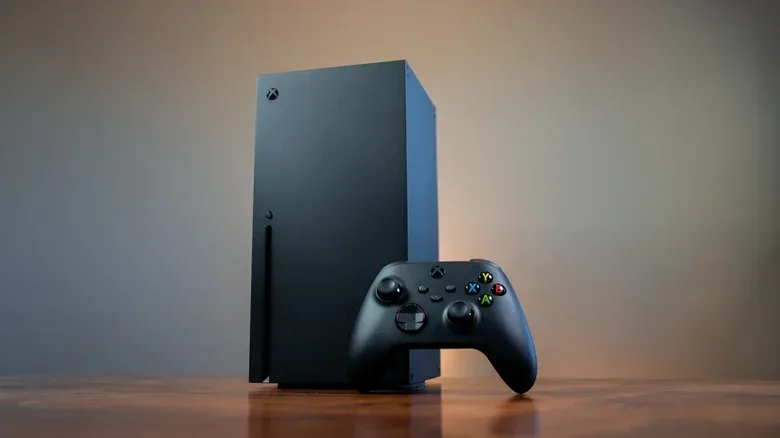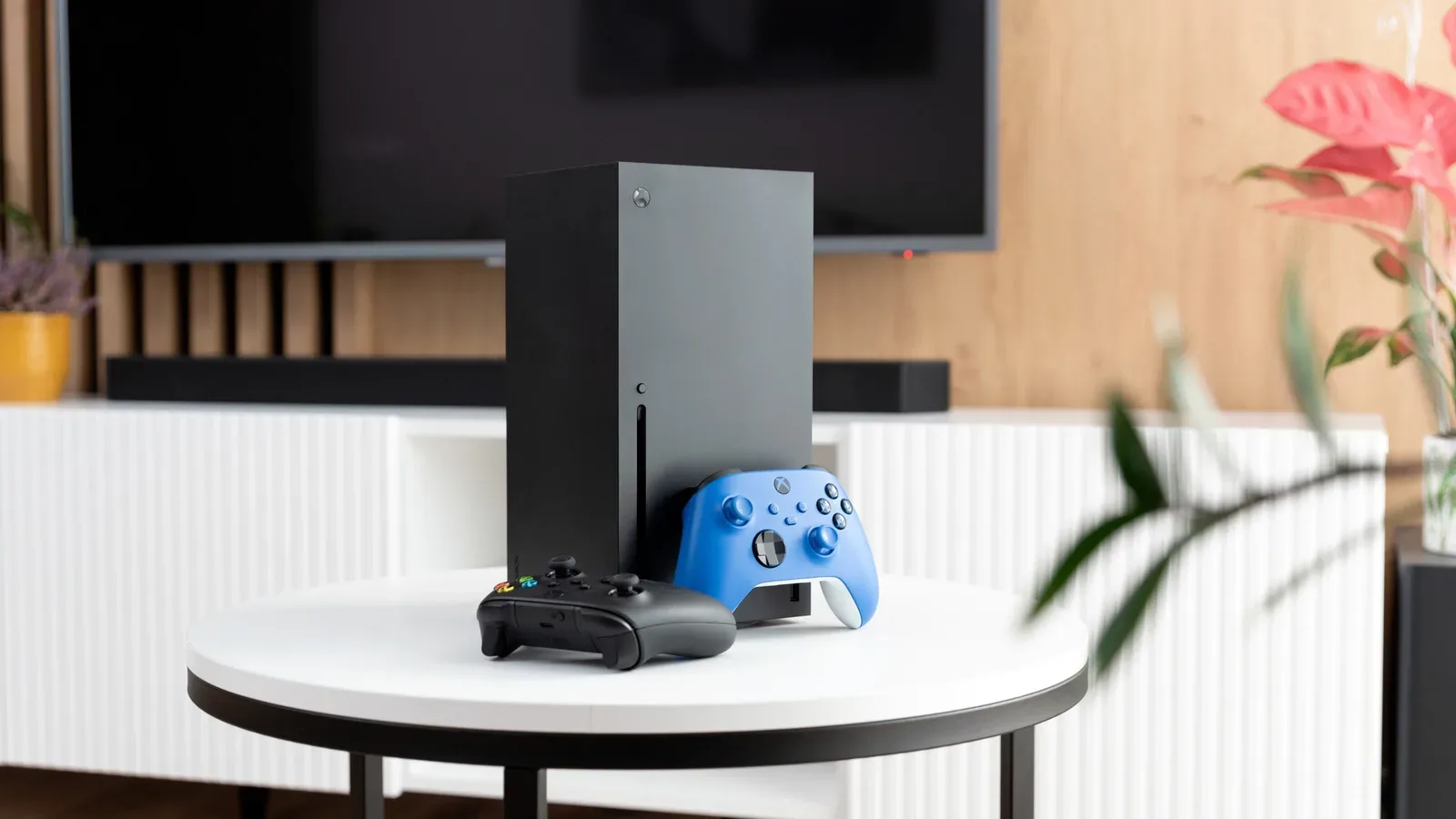
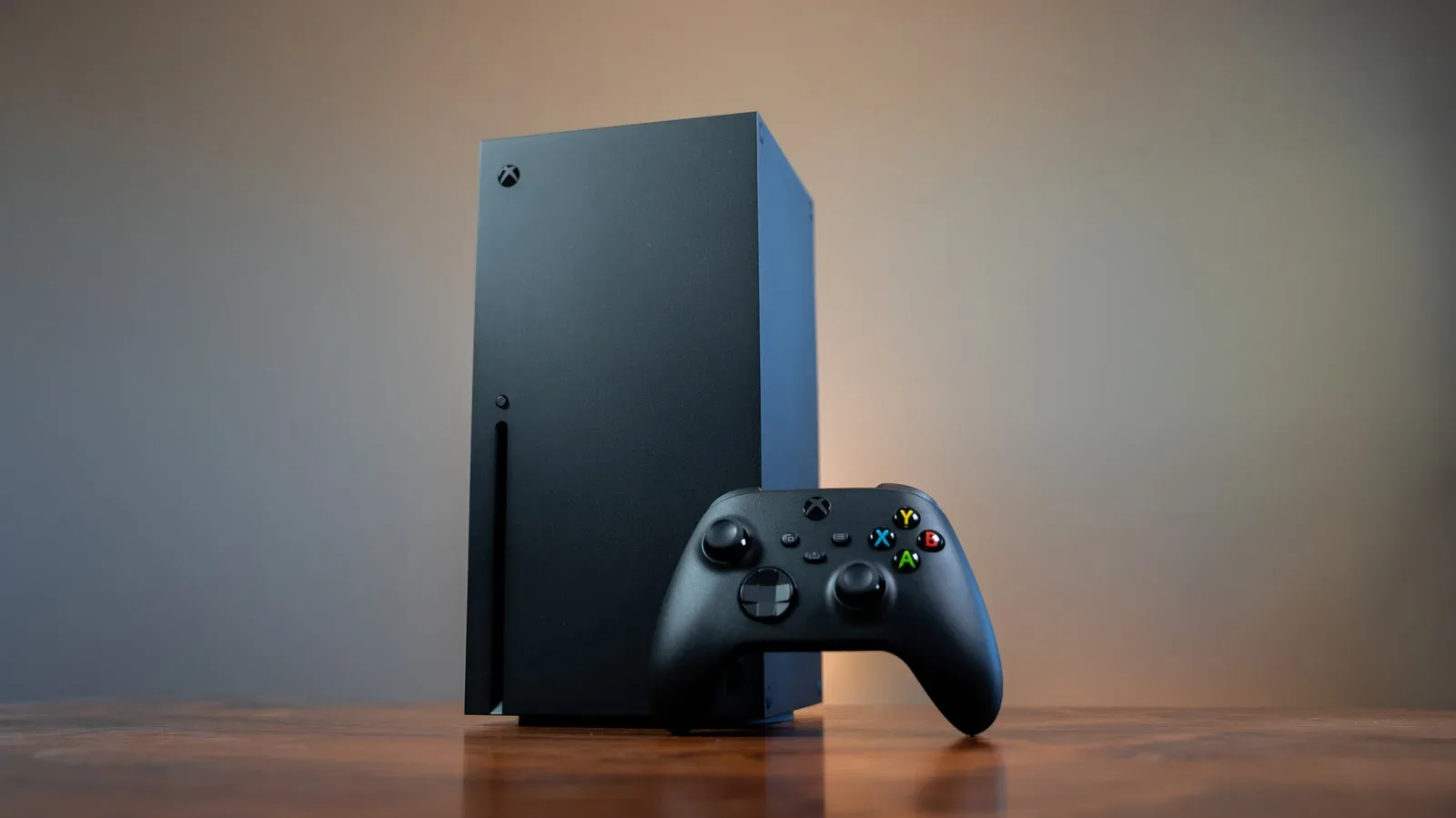
The Xbox Series X offers a deceptively consequential choice every time you turn it off: should it enter Shutdown or Sleep? Both settings leave some background capability intact, and both preserve Quick Resume, but they make very different demands on the wall socket. The practical distinction is simple: Shutdown prioritizes lower idle energy use, while Sleep prioritizes immediate access from the couch or away from home.
For most players, Shutdown is the sensible default. It uses dramatically less power when the console is not actively being played, still permits automatic console and game updates, and does not discard Quick Resume states. Sleep is the better fit for players who specifically use Remote Play or want to wake the console and start downloads from the Xbox mobile app. That convenience has an ongoing energy cost.
How to find Xbox Series X power settings
On the Series X home screen, press the Xbox button on the controller to open the guide. Go to Profile & System, select Settings, then open Power options. This is where you choose whether the console’s Turn off console command uses Shutdown or Sleep.
The menu also provides extra controls rather than treating either mode as a rigid preset. In Shutdown, you can set the period before the system automatically turns off and decide whether updates require manual input. Sleep includes options for remote features and external storage devices. Those settings matter because a console owner’s ideal arrangement may be a mix of lower-power behavior and selected conveniences.
Shutdown is the energy-saving choice
Shutdown is the Series X’s default power mode. Microsoft says it consumes 20 times less power than Sleep while the console is off. Its idle draw is about 0.5 watts.
A quick terminology note helps put those numbers into perspective. A watt measures the rate at which a device is using power at a given moment; a watt-hour measures energy accumulated over time. At the stated 0.5-watt draw, a Series X in Shutdown would use roughly 12 watt-hours over 24 hours, or 0.012 kilowatt-hours. The exact bill impact depends on the local electricity rate and the amount of time the console stays off, but the advantage over Sleep is clear because the difference persists throughout every idle hour.
Low power does not mean a Series X becomes completely disconnected from its usual housekeeping. In Shutdown mode, the console can still automatically download game and system updates. It also retains Quick Resume, Xbox’s feature for keeping supported game states suspended so players can return near where they stopped rather than navigating through a game’s startup sequence again.
There are limitations to understand before relying on that update behavior. External storage devices remain off in Shutdown, so games installed on them will not receive updates while the console is in that state. Players with a substantial external game library should therefore check where a particular game is installed when deciding how hands-off they want updates to be.
Related coverage includes Xbox Series X Sleep vs. Shutdown: Which Power Mode Fits Your Setup?.
Startup is slower from Shutdown than it is from Sleep, but the difference is described as negligible in ordinary use. For someone who powers on once for an evening session, the small wait is unlikely to outweigh a much lower off-state draw. It could be more noticeable only for a player who repeatedly turns the console on and off throughout the day.
Who should choose Shutdown?
- Players who primarily use the Series X at home with a controller and TV.
- Anyone looking to reduce electricity used while the console is idle.
- People who do not use Remote Play or mobile wake-up features.
- Owners who still want Quick Resume and automatic updates for games on the console’s internal storage.
Sleep trades electricity for remote access
Sleep maintains a more active standby state. The Series X draws between 10 and 15 watts while off in this mode. That allows the console to boot in a few seconds and keeps the system ready for its remote-focused functions.
Put into daily energy terms, 10 to 15 watts sustained over 24 hours works out to approximately 240 to 360 watt-hours, or 0.24 to 0.36 kilowatt-hours. Compared with the roughly 12 watt-hours implied by Shutdown’s 0.5-watt draw, Sleep’s convenience comes with a substantially higher always-on baseline. The 20-times-lower comparison for Shutdown makes the broad takeaway more important than picking a single number within Sleep’s 10-to-15-watt range.
The major benefit is remote functionality. Sleep lets an owner wake the Series X and initiate new game downloads while away from home through the Xbox mobile app. It also enables Remote Play, which streams games from the console to another device. In plain terms, the game is running on the home Xbox and its video is sent across the network to the player’s other device; the player’s inputs travel back to the console. Because the Series X has to be reachable for that arrangement, Sleep is the necessary choice for people who rely on it.
Quick Resume remains available here as well, and the few-second startup is useful for households that dip into short gaming sessions often. External storage can be enabled or disabled through the Sleep settings, providing another point of control for owners balancing readiness against what they want running in standby.
Who should choose Sleep?
- Players who routinely use Xbox Remote Play on other devices.
- Anyone who wants to wake the console or queue game downloads from the Xbox mobile app while away.
- Households where the console is turned on and off many times in a day and the shortest possible startup is valuable.
- Owners who consider remote convenience more important than reducing the system’s off-state power draw.
Quick Resume is not the deciding factor
It is easy to assume that selecting a lower-power mode means abandoning a modern console convenience. On Series X, that is not the case for Quick Resume: it remains active in both Shutdown and Sleep. That means this feature alone should not push an owner toward Sleep.
Instead, the decision comes down to what cannot be replicated in Shutdown. Remote wake-up, remote downloads through the mobile app, and Remote Play are the meaningful differentiators. If none of those features are part of your routine, Shutdown retains the background functions that matter to many players while cutting idle use sharply.
Automatic updates need a little more nuance. Shutdown can download automatic console and game updates, but external drives remain powered down, so software stored there will not update in that mode. If an update is needed for a game on external storage, the console will need a different operating state before that content can be refreshed. This is a storage-specific constraint, not a reason to assume Shutdown blocks all updating.
A practical way to choose your mode
Start with your actual habits rather than the appeal of the word “instant.” If you turn on the Series X after work, play at home, and turn it off afterward, choose Shutdown. It keeps Quick Resume, can handle automatic updates, and uses about 0.5 watts while inactive.
If your routine includes playing from another device, preparing downloads before arriving home, or waking the console via the Xbox app, choose Sleep. Those features require the console to maintain a more available state, and the 10-to-15-watt draw is the trade-off for that availability.
There is also no need to think of this as a permanent identity test. Power options can be changed in the settings menu. A player might use Sleep during a period when Remote Play is useful, then switch to Shutdown when those remote features are no longer needed. The best setting is the one that matches the features being used rather than leaving higher-power standby enabled out of habit.
Small setup checks worth making
After selecting a mode, review the related options. In Shutdown, confirm the desired automatic shutoff timing and whether you want updates to wait for manual input. In Sleep, decide whether remote features should be enabled and whether external storage needs to stay available. These choices determine whether the system’s behavior matches the reason you selected the mode in the first place.
It is also worth separating standby-power decisions from general console care. Changing from Sleep to Shutdown reduces off-state energy use; it is not a substitute for keeping a gaming setup clean and safely maintained. For PC players managing a broader game room, our guide on why vacuuming inside a gaming PC can create a hardware hazard covers a separate maintenance concern.
For the Series X itself, the answer is refreshingly uncomplicated. Use Shutdown unless you need Sleep’s remote capabilities. The lower-power mode preserves automatic updates for internal storage and Quick Resume, while Sleep earns its extra consumption only when mobile wake-up, remote downloads, or Remote Play are regular parts of the way you game.