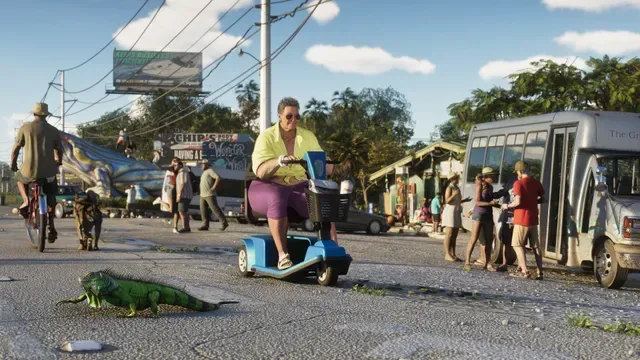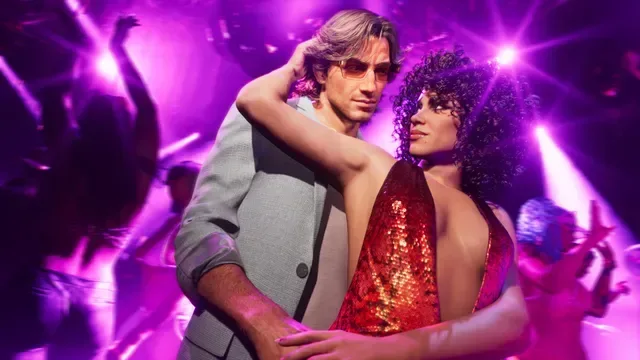
Grand Theft Auto 6 is built around a mature crime-world setting, and that makes one Xbox capture setting worth checking before your clip library starts doing the sharing for you. Xbox consoles can be set to automatically upload captured clips to Xbox Network. For players who would prefer to decide which GTA 6 moments become public uploads, the practical answer is simple: turn that setting to Don’t Upload.
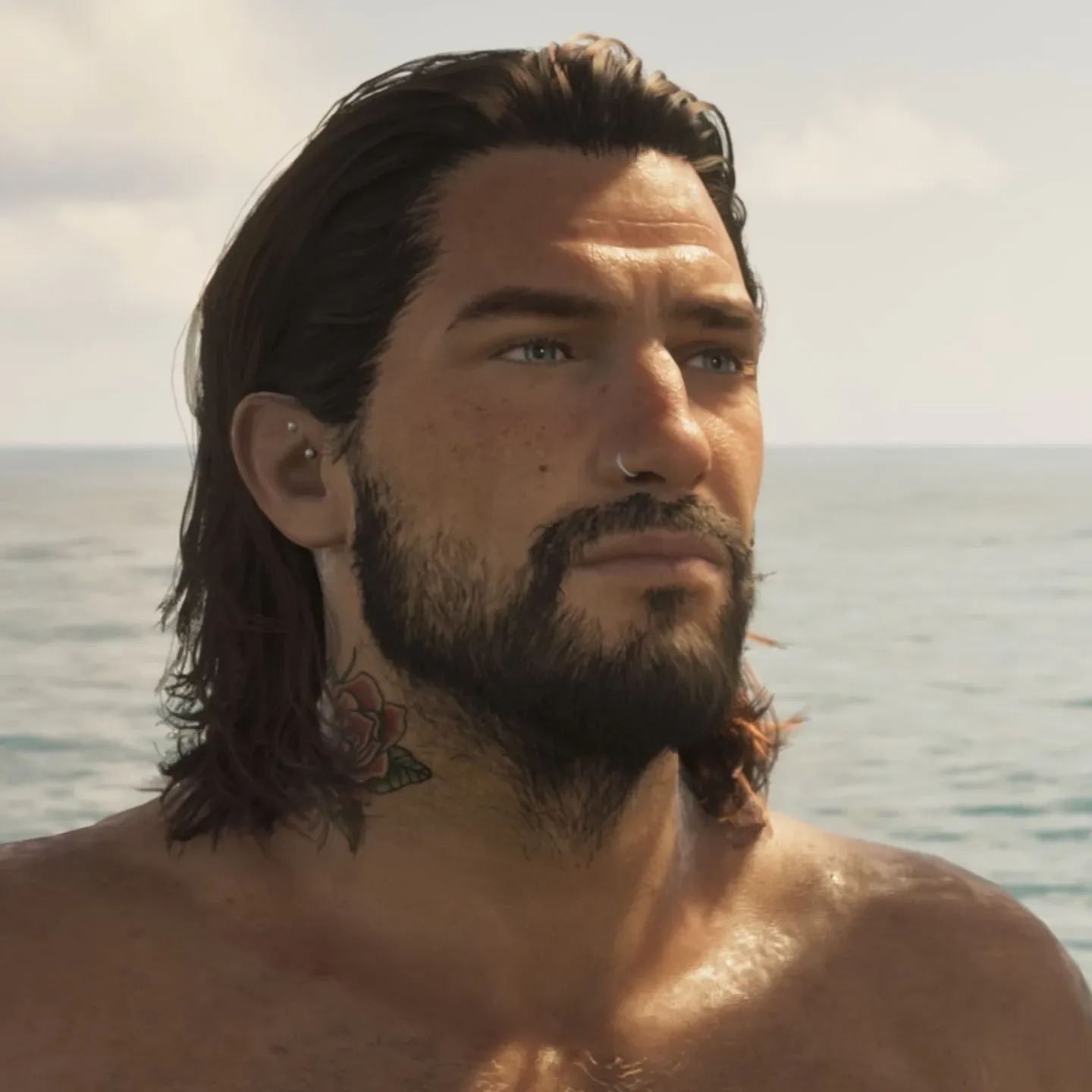
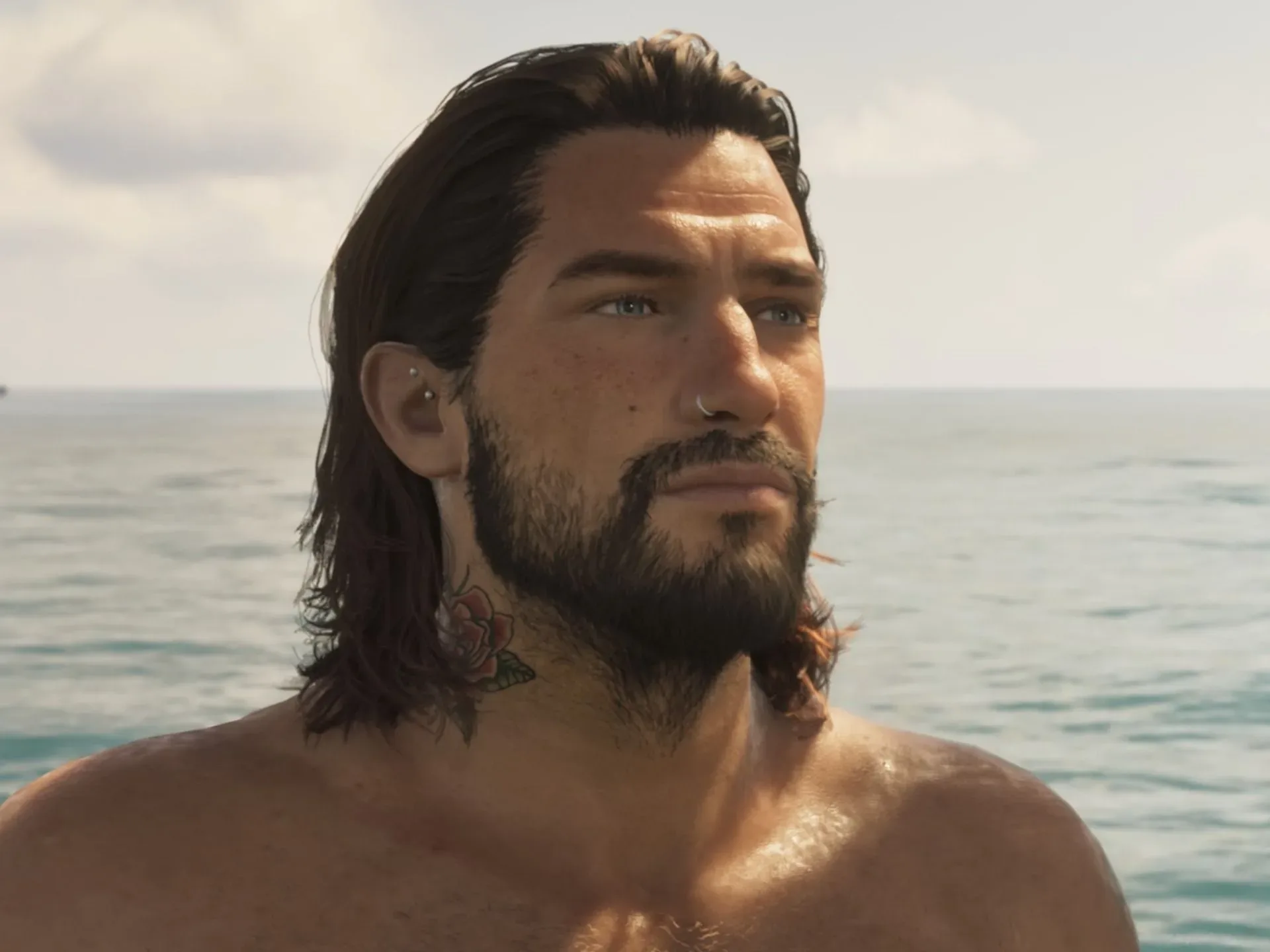
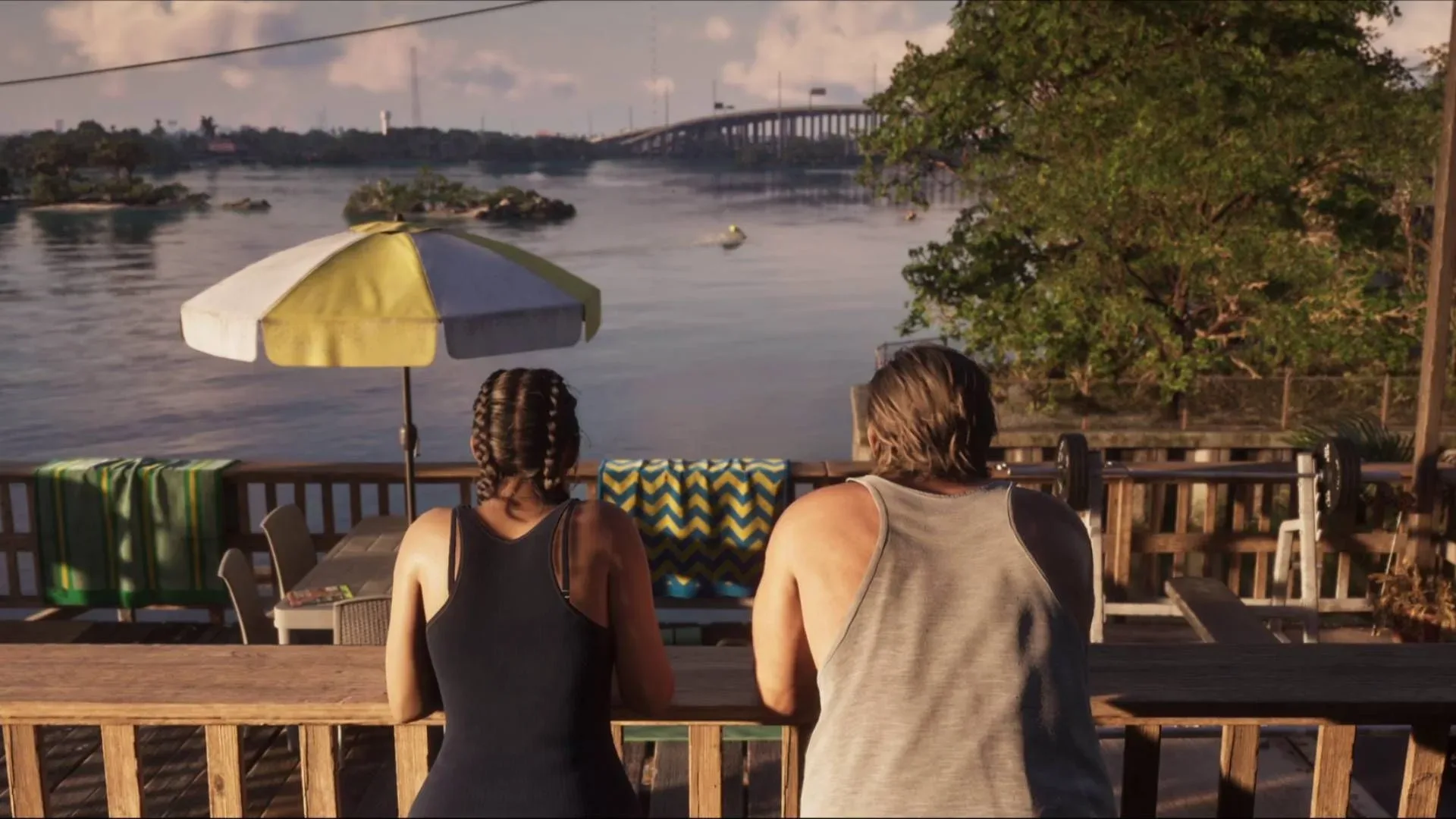
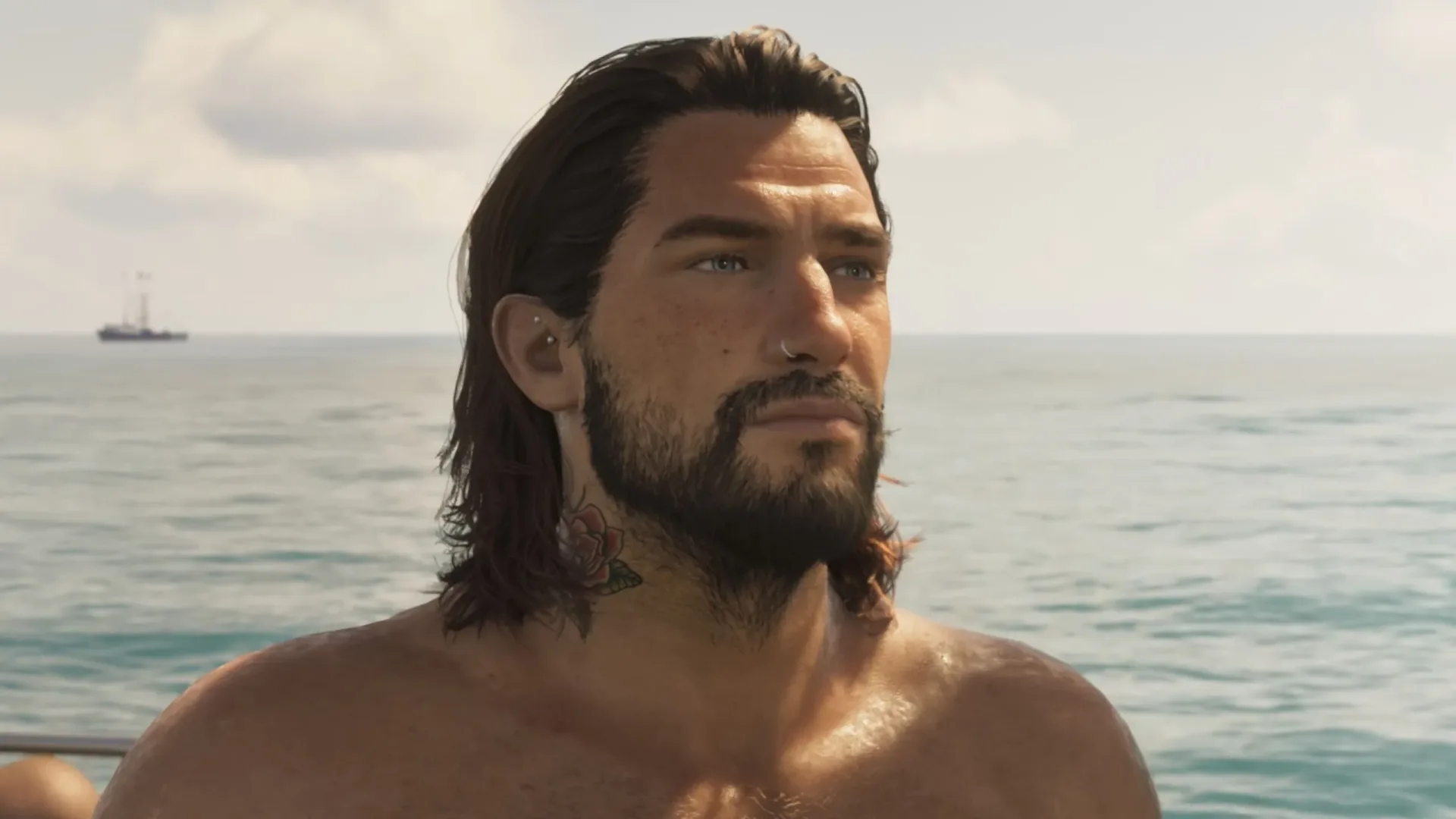
The precaution has drawn attention following a Reddit post from an Xbox user who said their account received a two-day suspension after a 28-second GTA 6 beach clip was automatically uploaded. The user said the enforcement email did not specify whether the clip was found to conflict with Xbox Community Standards or the Microsoft Services Agreement, and they maintained that it showed only characters wearing beach attire.
That is one user’s account, not confirmation that every GTA 6 beach capture will prompt moderation action or that the cited clip was assessed incorrectly. Still, it illustrates an important distinction: a clip saved locally for personal use is not the same thing as a clip uploaded to a platform-facing network. If the goal is to keep control over that decision, disabling automatic uploads is the clearest option.
How to disable automatic GTA 6 uploads on Xbox Series X
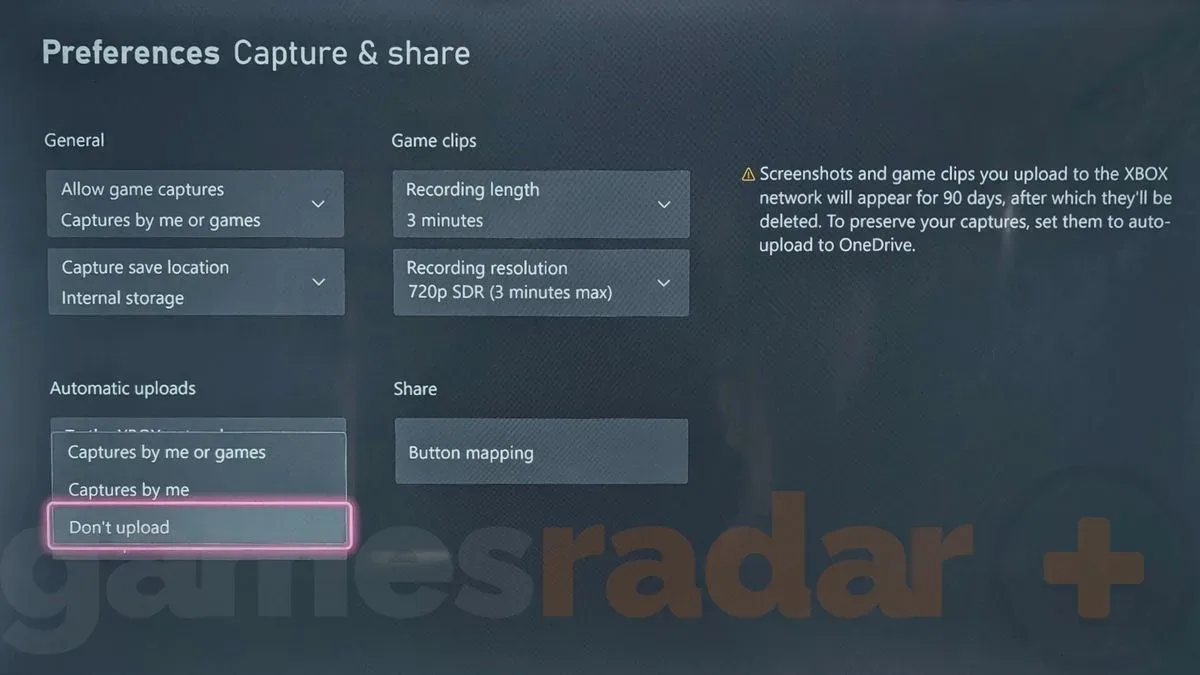
Automatic uploads are enabled by default for Xbox captures. To stop clips from being automatically sent to Xbox Network, use the following console path:
- Press the Xbox button on the controller.
- Open Profile & System, then select Settings.
- Go to Preferences, followed by Capture & Share.
- Find the Automatic Uploads section and select Xbox Network.
- Choose Don’t Upload from the available drop-down options.
Those steps prevent new captures from automatically going to Xbox Network. They do not mean players must stop recording GTA 6 entirely. The setting changes the upload behavior, leaving the choice of whether to share a capture in the player’s hands.
Check OneDrive too if you want no automatic cloud uploads
Xbox’s automatic-upload controls can apply separately to Xbox Network and OneDrive. OneDrive has been described as less restrictive about what can be stored there, but that is a separate question from whether players want their GTA 6 captures automatically uploaded anywhere at all.
For the most cautious setup, set both Xbox Network and OneDrive to Don’t Upload. That approach is useful for anyone who wants to review a clip first, retain it only on the console, or make a deliberate manual choice about where it goes.
It is also a sensible housekeeping measure for long sessions. GTA games can generate unexpected moments quickly, from story scenes and ambient encounters to activities players may not intend to publish. Disabling automatic uploads removes the possibility that a capture made with the record button will be shared before its contents have been checked.
Related coverage includes GTA 6 Players on Xbox May Want to Disable Automatic Clip Uploads.
Why GTA 6 clips may need extra care
“Automatic upload” refers to a process in which the console sends captured gameplay to a connected online destination without requiring a separate approval for every individual clip. It is convenient for players who regularly share highlights. The trade-off is that the upload decision occurs before a player has necessarily rewatched the footage.
That matters more with a game whose content can include adult themes. Xbox’s Community Standards include a section commonly framed as keeping content clean and suitable for audiences of all ages. The rule is aimed at public posts and messages, with Xbox stating that its community should be accessible to everyone and is not the place for sexual content.
Examples identified in the standards include pornography, non-consensual intimate imagery, mature sexual content in screenshots or game clips, nudity in custom gamerpics, lewd messages, and inappropriate pictures. In practical GTA 6 terms, a player should be especially careful with clips involving overtly sexualized material, including footage from strip-club content.
That does not establish a universal rule that any clip featuring adult-oriented surroundings, beachwear, or a particular in-game location will violate policy. Context and moderation decisions matter, and the reported suspension email did not identify the exact reason for the action. The useful takeaway is narrower: players should not assume that because material appears inside a game, it is automatically appropriate for a public network upload.
A safer capture routine for Xbox players
Turning off automatic uploads is the strongest first step, but it works best as part of a simple routine. Record gameplay when you want to preserve an achievement, funny encounter, mission moment, or technical issue. Then review the clip before deciding whether it belongs on a public service, a private cloud location, or nowhere beyond the console.
- Use Don’t Upload for Xbox Network if you want each public share to be a manual decision.
- Set OneDrive to Don’t Upload as well if you do not want any captures automatically sent to cloud storage.
- Review footage before sharing, particularly scenes containing sexualized, nude, or otherwise mature material.
- Keep public-audience rules in mind even when the clip comes from an adult-oriented game.
This is not an argument against sharing GTA 6 clips. Captures are a core part of how players document discoveries, missions, spectacular failures, and unexpected open-world chaos. It is an argument for retaining a final review step. A manual upload gives players time to see exactly what the recording includes and whether it is suitable for the destination they have chosen.
What this setting does—and does not—solve
Disabling automatic uploads addresses one specific risk: it stops newly captured clips from being sent to Xbox Network automatically. It does not rewrite Xbox’s community rules, remove existing uploaded clips, or guarantee an outcome in any future moderation situation. Players should still exercise care when manually posting captures, messages, screenshots, or custom images.
Nor should the single reported ban be treated as a complete explanation of Xbox enforcement for GTA 6 content. The reported account holder described the clip as beachwear-only, while the cited email apparently left the underlying policy basis unspecified. Without a detailed enforcement explanation, there is no way to draw a definitive line from that report alone about what footage is or is not allowed.
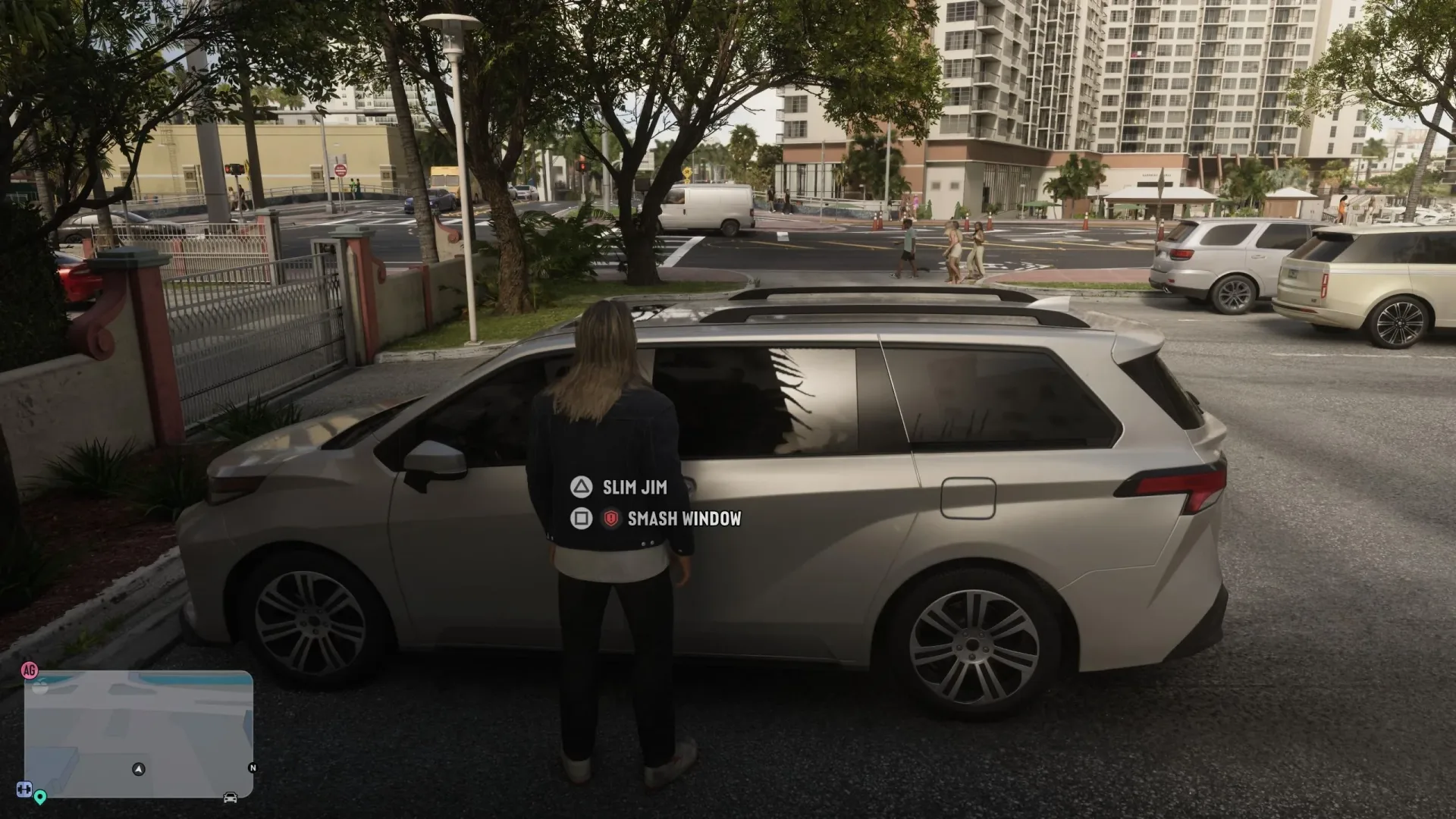
What can be said with confidence is that Xbox offers a direct opt-out for automatic uploads, and GTA 6 players who do not want a captured moment published by default can use it. For help with another early-game practical concern, see our GTA 6 Slim Jim guide.