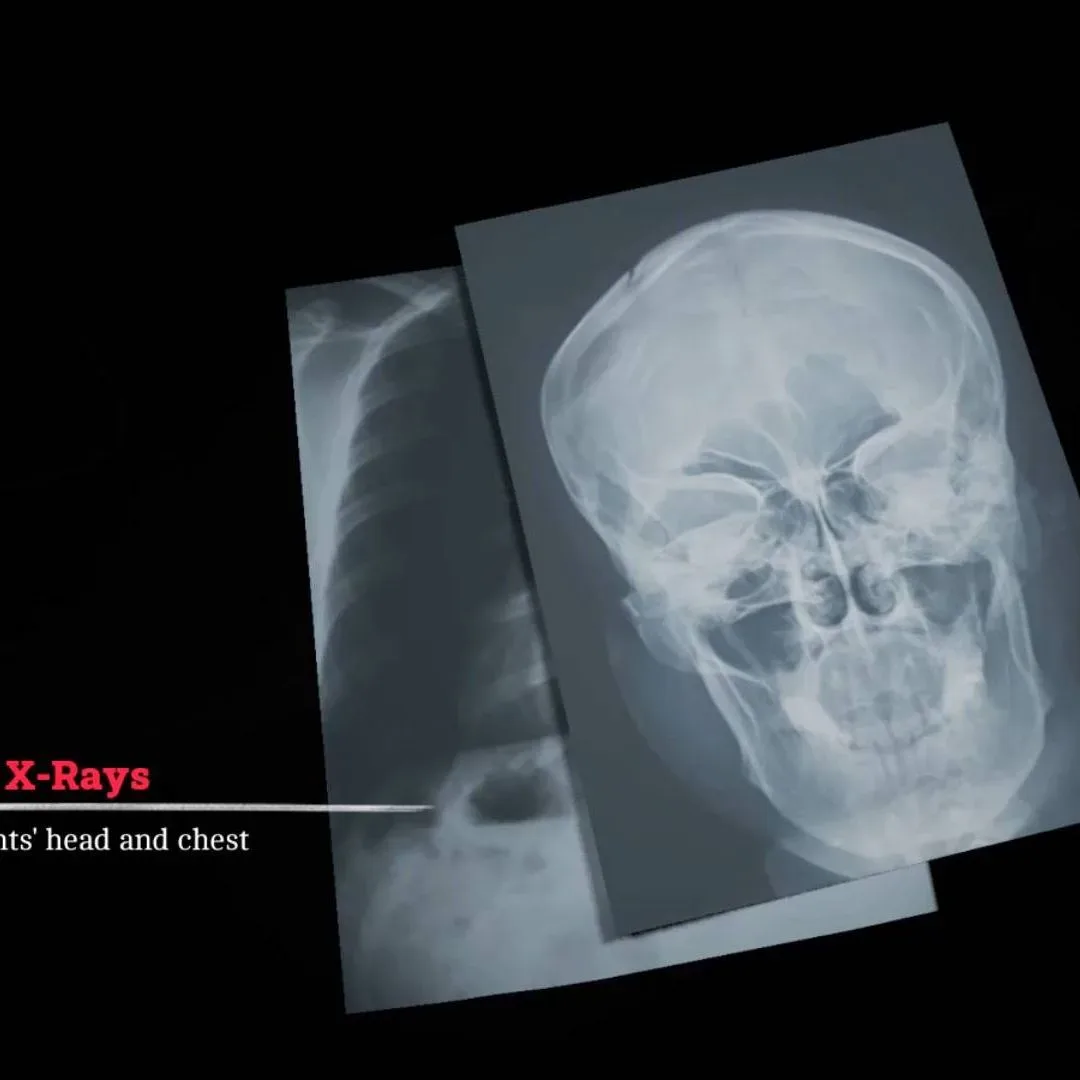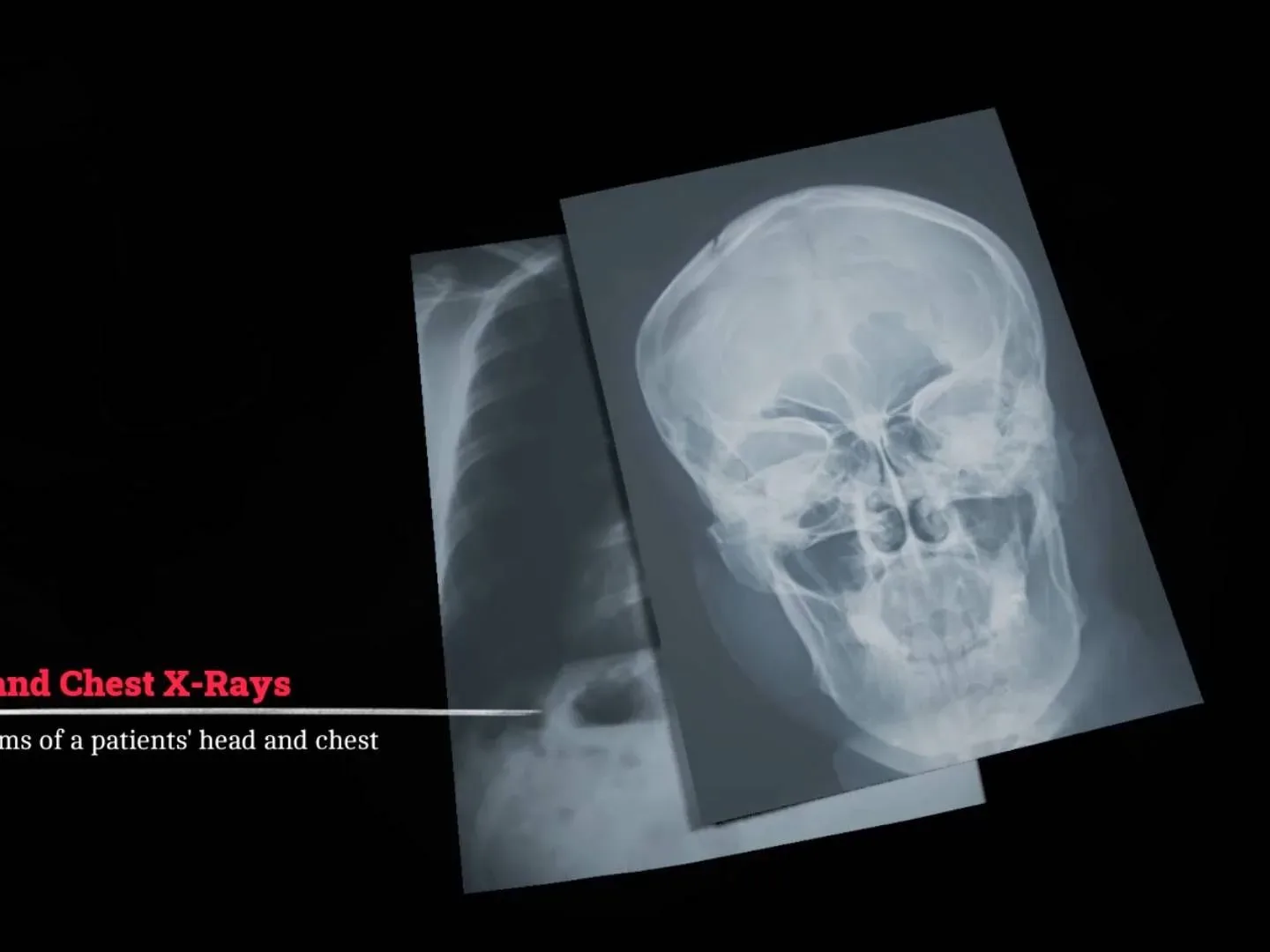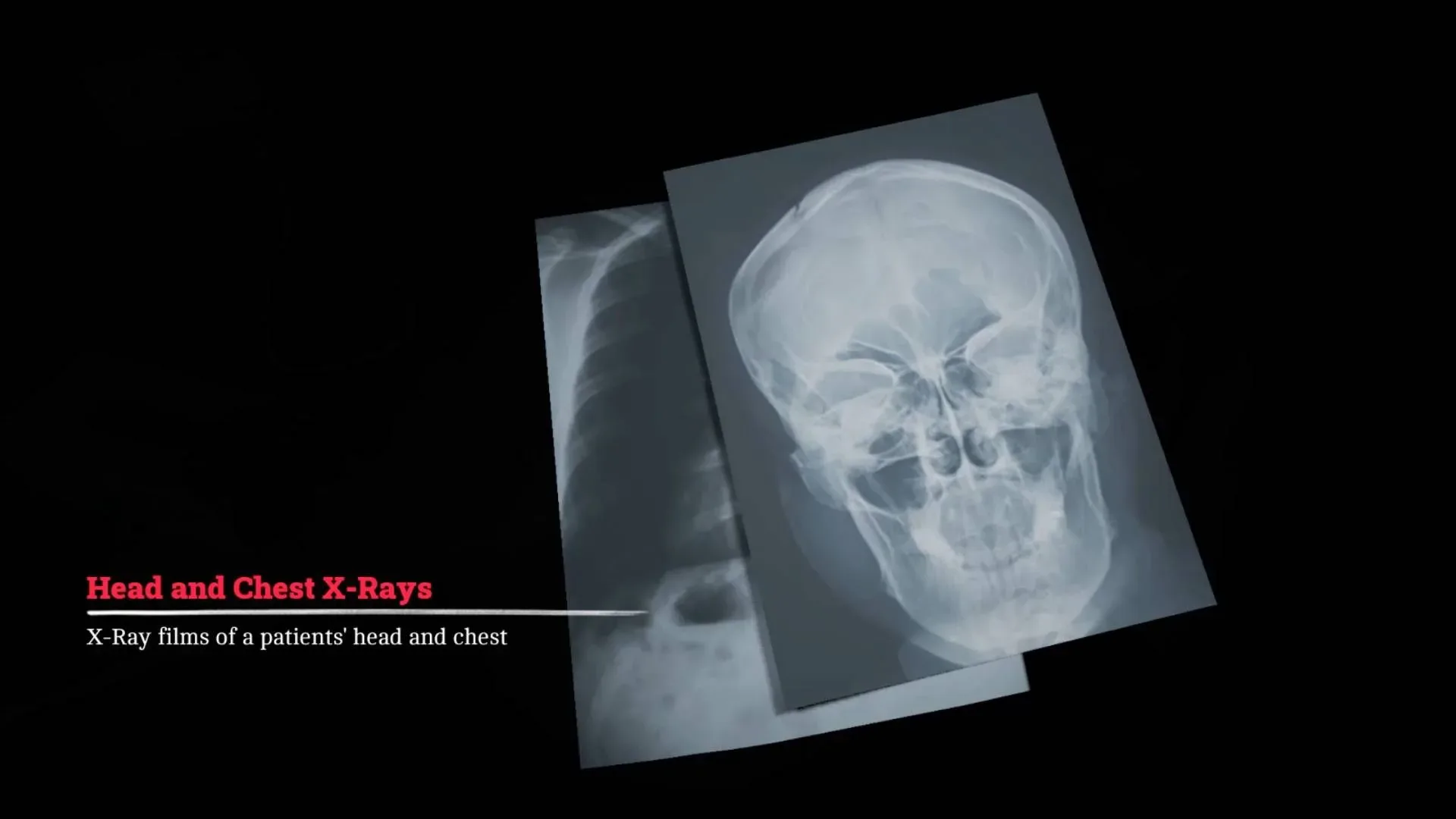
The X-ray sequence in Silent Hill Townfall asks you to do more than press a button: you must position the machine correctly, consult a dosage table, change several control-panel values, and take two separate images. The targets are the patient’s skull and chest. A single incorrect setting or misaligned view can stop the process, so the useful approach is to treat it as a two-part checklist rather than trying to memorize everything while moving between rooms.
This guide gives the exact settings for both shots, explains what confirmation to look for before activating the machine, and covers what to do once the images have printed. The numbers below are puzzle inputs within the game’s X-ray apparatus; this is not real-world medical guidance.
Silent Hill Townfall X-ray puzzle answer at a glance
Skull X-ray
- Site: Skull
- kV: 3
- Time: 1
- mA: 7
Chest X-ray
- Site: Chest
- kV: 7
- Time: 1.2
- mA: 3
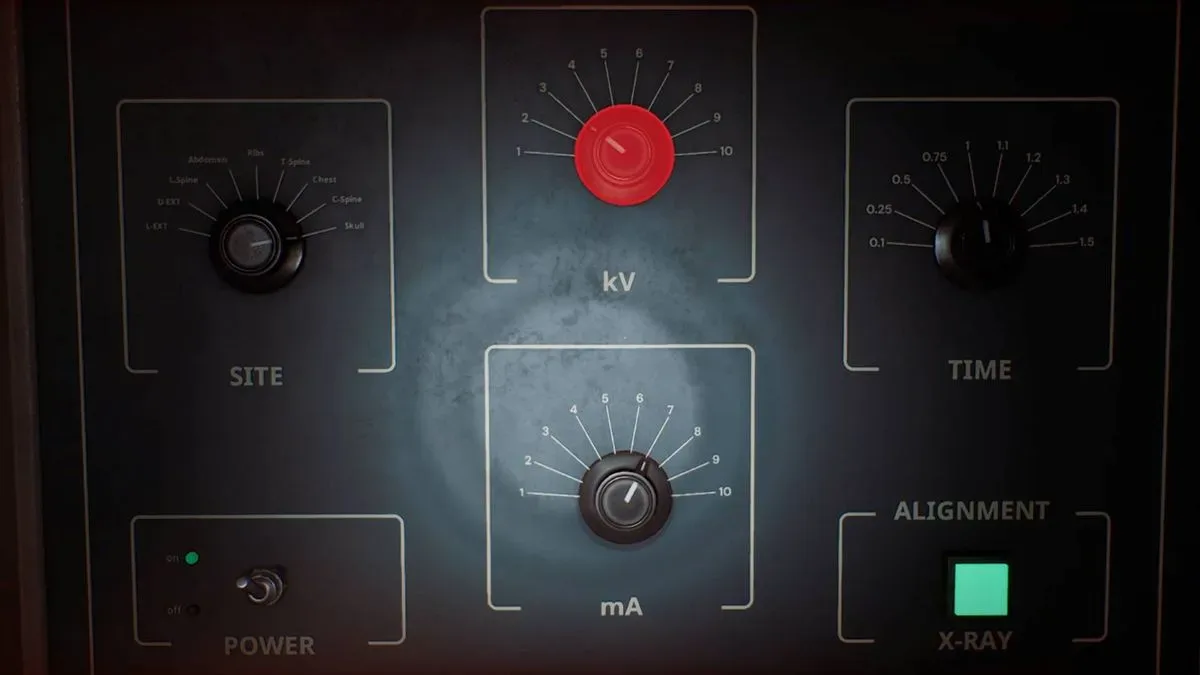
For each image, alignment comes first. After the appropriate site and values are selected, use the green X-ray button to capture that image.
How to start the X-ray machine
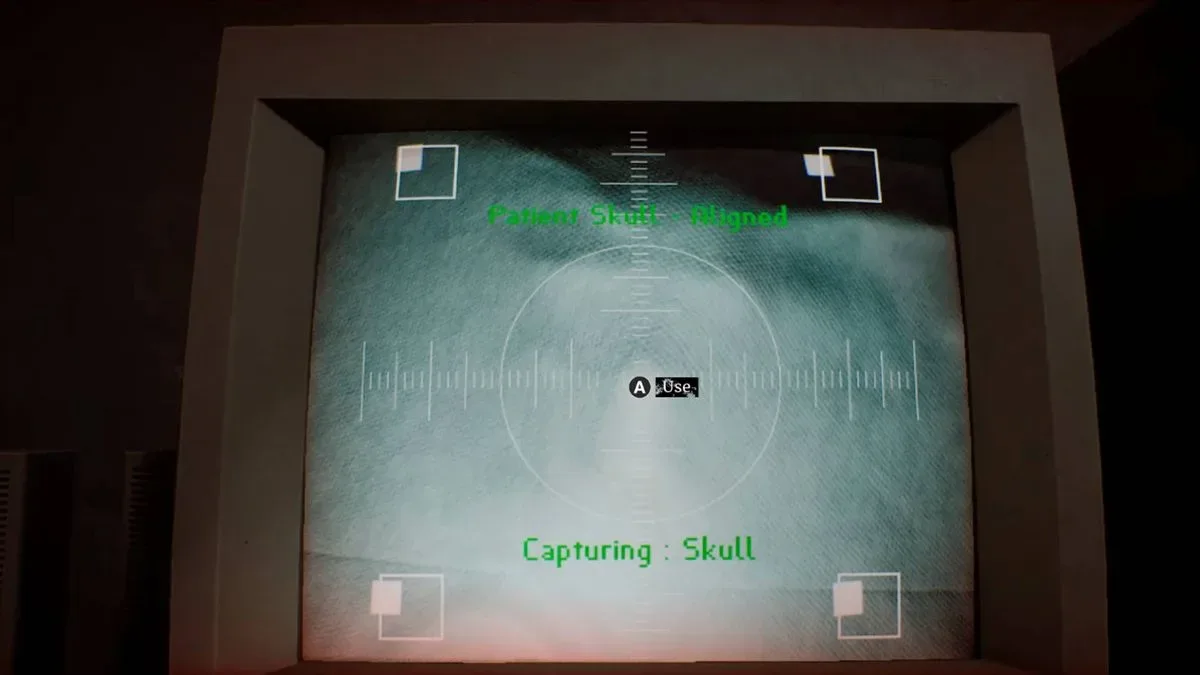
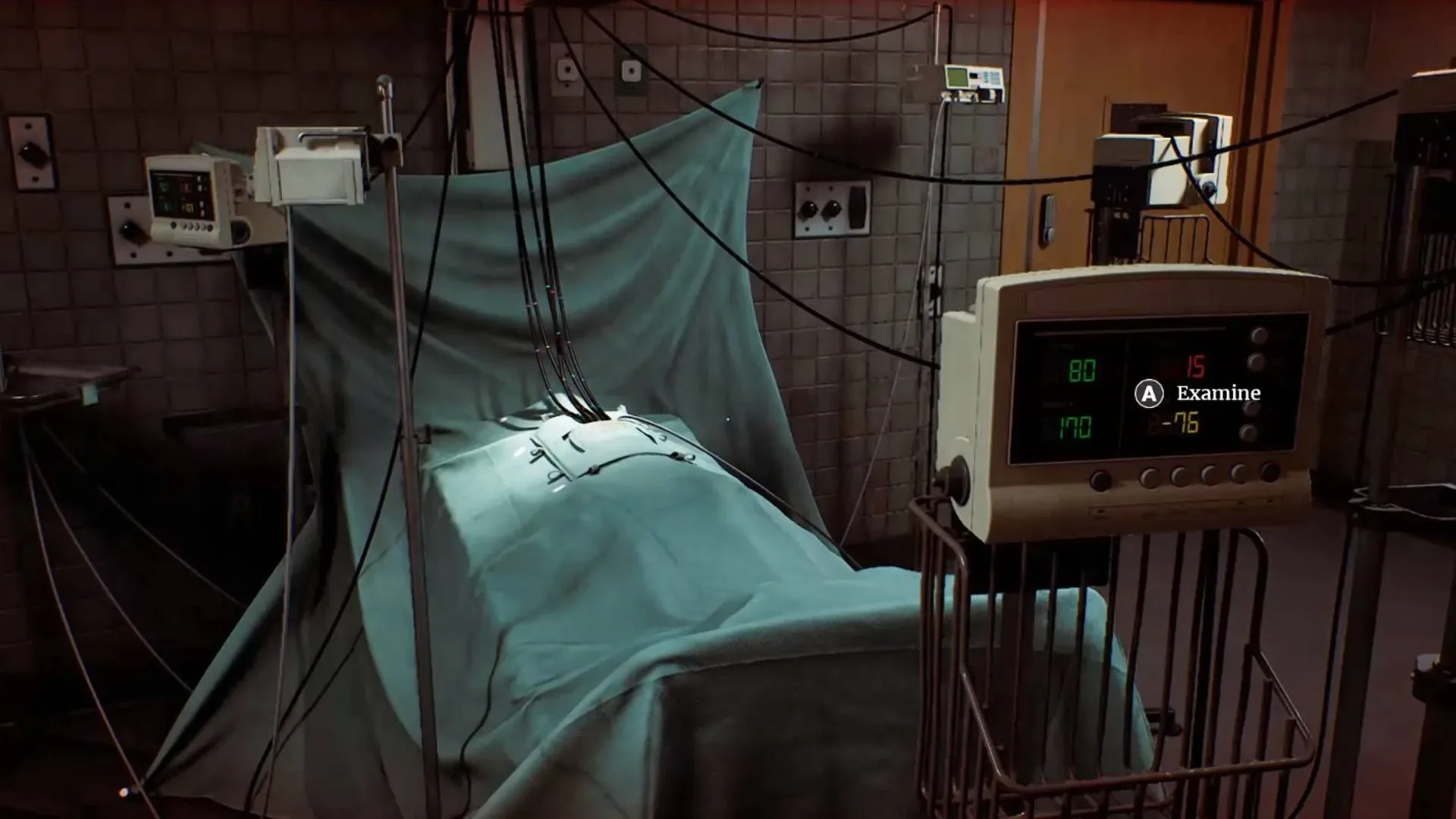
Begin at the computer and turn it on. Its camera image is used to position the equipment over the patient. The patient’s head is concealed under a cloth, so do not wait for a clearly visible face or skull model to guide you. Instead, watch for the small white square markers in the camera view.
For more context, explore What the Broken Triangle Icon Means on a Samsung Galaxy Phone.
Move the image upward until those markers line up for the head position. The important confirmation is the on-screen message: “Patient Skull - Aligned.” Do not move on merely because the machine looks roughly centered. That specific status tells you the game has accepted the skull position.
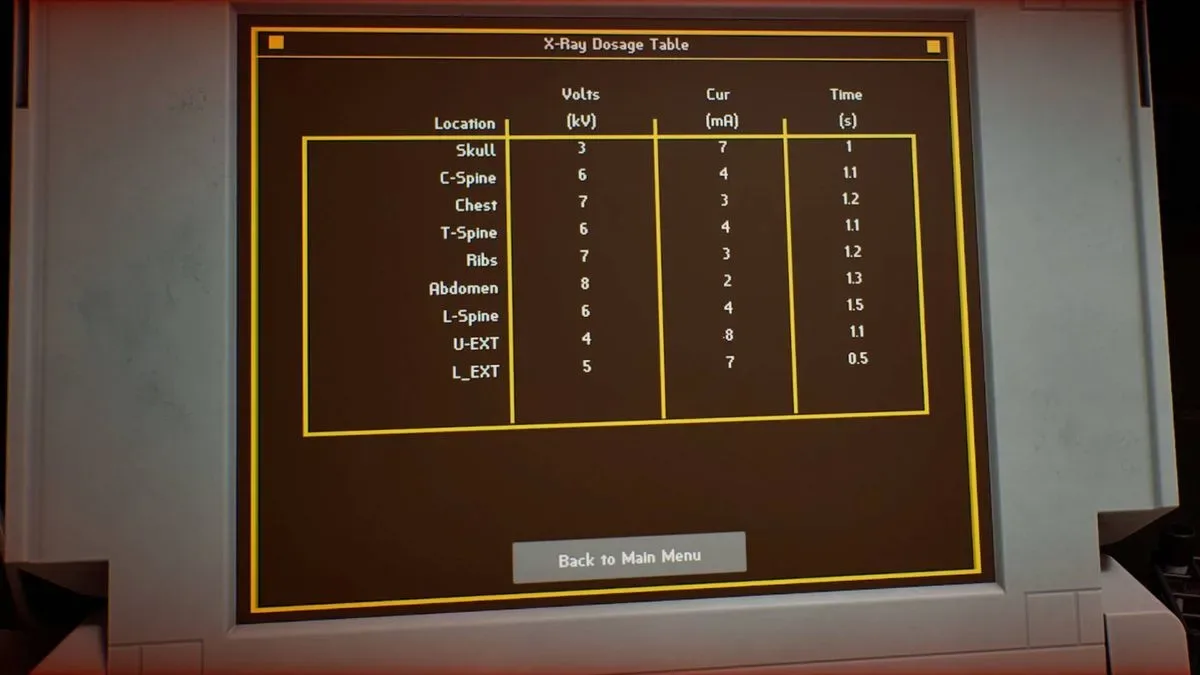
Once the skull is aligned, switch on the X-ray machine with the power switch on its control panel. You will also need the X-Ray Dosage Table found on the laptop in the other room. The table is the in-game reference that pairs each body site with its required control settings.
Skull X-ray: exact setup
With the on-screen alignment reading Patient Skull - Aligned and the machine powered on, set the control panel for the skull image:
Related coverage includes Silent Hill Townfall X-Ray Puzzle Guide: Skull and Chest Settings.
- Set Site to Skull.
- Set kV to 3.
- Set Time to 1.
- Set mA to 7.
- Press the green X-ray button.
If the positioning and all four values are correct, the skull picture is taken and the puzzle advances to the chest image.
What kV, mA and time mean in this puzzle
The X-ray controls deliberately use abbreviated labels, which can make the panel more intimidating than it needs to be. kV is the label for the voltage setting, while mA labels the current setting. Time is the duration value shown by the machine. For Townfall’s puzzle, there is no need to calculate a dosage or infer values from a medical rule: match the selected body site to the figures in the X-Ray Dosage Table exactly.
The most important practical detail is that the skull and chest use different values across the panel. Getting one number right is not enough, and it is especially easy to carry over the skull’s higher mA value when the chest requires a lower one.
How to align the chest X-ray
After taking the skull image, return to the camera controls and move the machine downward. The chest target is lower on the patient and is identified by another group of white squares. Look around the panel where a wire enters; the lower markers in that area indicate the correct place for this second image.
As with the skull, alignment is a separate requirement from entering the dosage settings. First get the camera position onto the lower chest markers, then change the control-panel values. This order makes troubleshooting simpler: if the next stage does not trigger, you can check position and settings as two distinct possible errors.
Chest X-ray: exact setup
Once the apparatus has been moved to the chest position, use the dosage table and configure the panel as follows:
- Set Site to Chest.
- Set kV to 7.
- Set Time to 1.2.
- Set mA to 3.
- Press the green X-ray button to take the chest image.
The key change is the decimal time value. The chest shot is 1.2, not 1, so make sure the time control is not left at the skull setting. The site selector also needs to change from Skull to Chest; changing only the numerical dials will not reproduce the required configuration.
Where the X-ray pictures go next
A successful chest image causes hard copies of the X-rays to become available from the printer at the back of the room. Pick up the prints, then take them to the light box on the wall in the other room. Place them there and communicate what they reveal to the doctor via the intercom.
That completes the X-ray portion of the medical sequence. The next objective is to locate infusion drugs. The search moves into a larger building with several floors and is described as a lengthy, stealth-focused stretch, so resolving the images and relaying their contents is the clean break between the diagnostic-room puzzle and the more dangerous exploration that follows.
Fast troubleshooting checklist
If the green button does not produce the expected progression, work through the requirements in order rather than changing values at random:
- For the first shot, verify the computer displays Patient Skull - Aligned.
- Confirm that the X-ray machine’s power switch is on.
- Check the Site selection as well as kV, Time, and mA.
- For the skull, use Skull / 3 / 1 / 7.
- For the chest, move the camera down to the lower white-square target near the wired panel.
- For the chest, use Chest / 7 / 1.2 / 3.
- After both shots, look at the printer at the rear of the room rather than expecting the puzzle to end at the control panel.
- Place the printed images on the wall light box and use the intercom to continue.
Townfall frames this puzzle as a test of observation and procedure. The laptop table supplies the figures, the white-square indicators establish the target location, and the printer plus light box provide the follow-up steps. Follow that chain—align, power on, set the correct site and values, take the shot, collect the print—and the two-image sequence is straightforward.