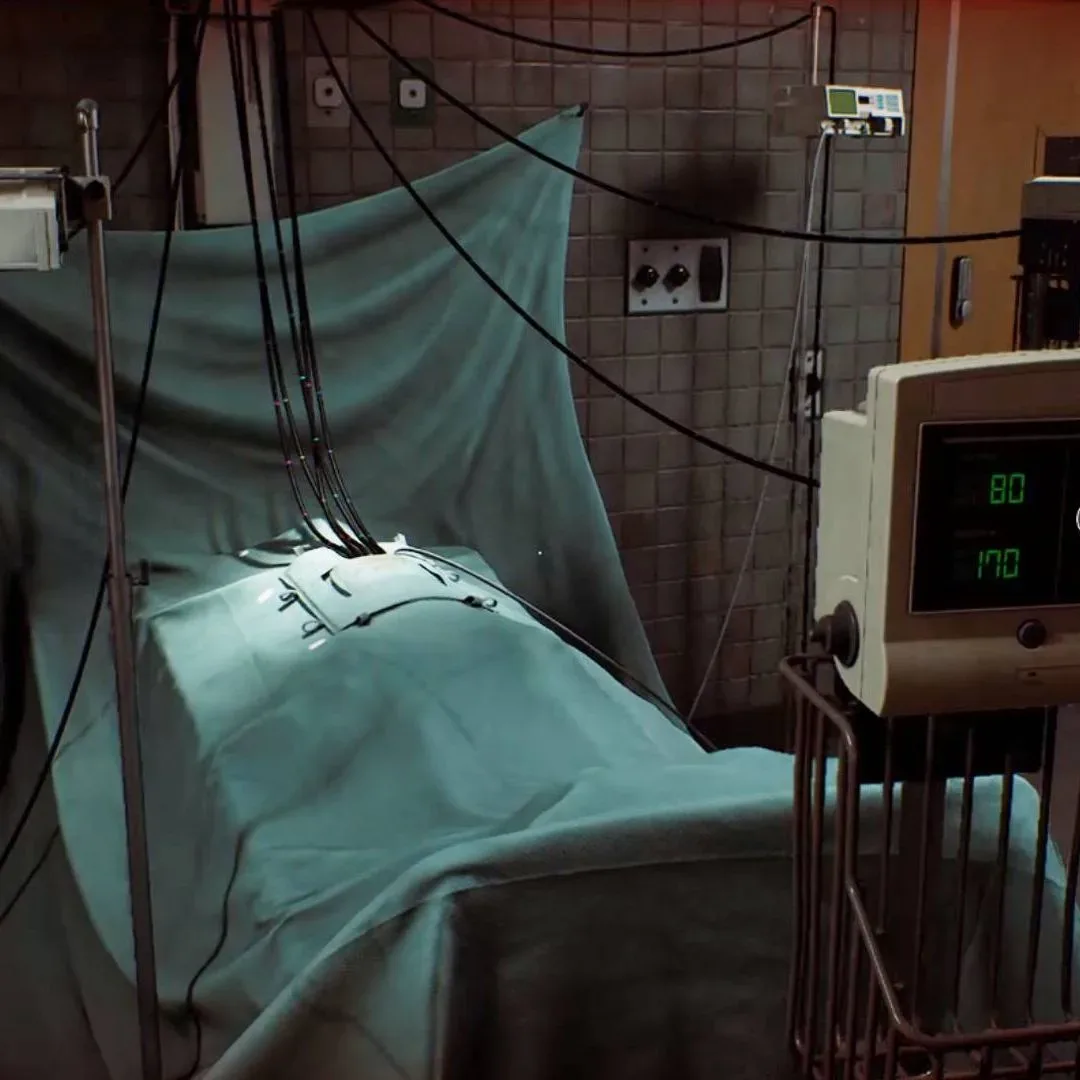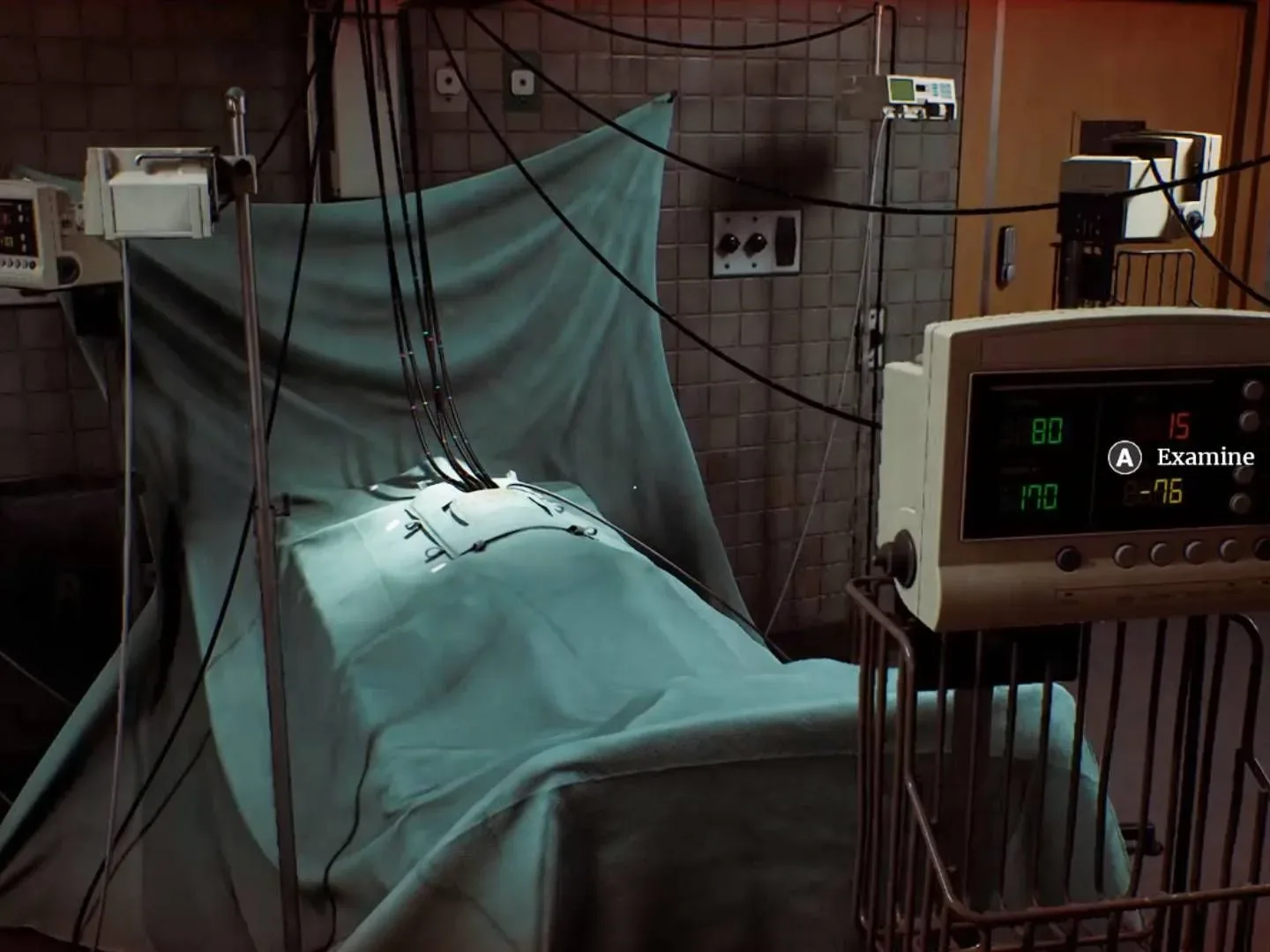
Silent Hill Townfall’s vital signs puzzle is not really asking you to diagnose anyone. It is asking you to catch a contradiction in a piece of equipment documentation, then use that contradiction to choose the correct monitor when a doctor requests blood pressure, pulse and blood oxygen over an intercom.
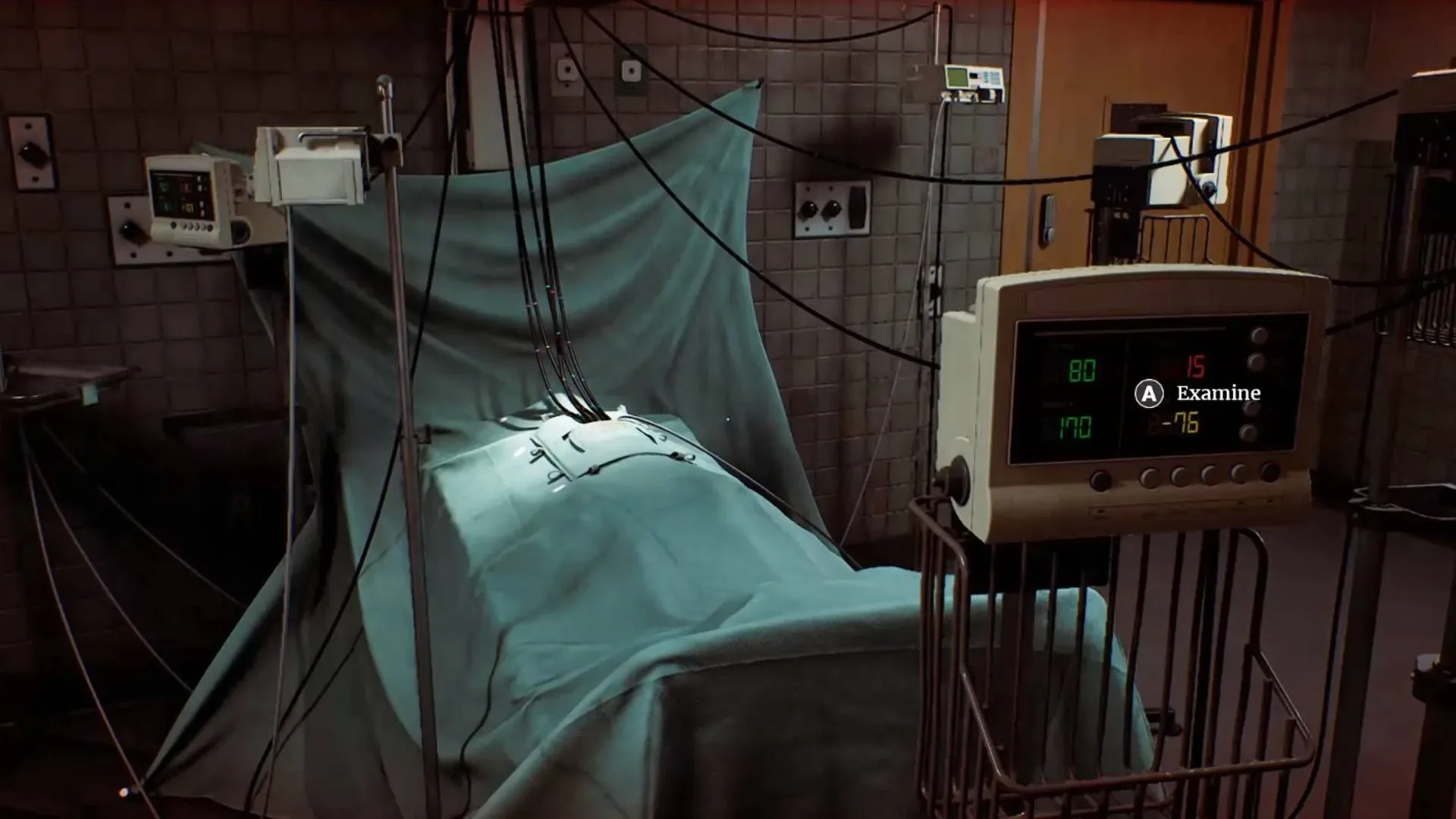
The stakes are unusually sharp for what initially looks like a simple readout puzzle: interacting with an incorrect machine damages the player. Do not start pressing buttons based on whichever numbers look plausible. The room contains several monitors and a laptop, and the laptop is the actual solution tool.
Go to the laptop in the corner, open Equipment Overview, and select Valentudo View S-100. The listed instructions establish which figure to inspect, the color assigned to that figure, and—most importantly—which readings the game wants you to treat as suspect. The monitor values can change slightly, so the important part is the rule rather than assuming one fixed number will appear on every attempt.
Vital signs puzzle answer at a glance
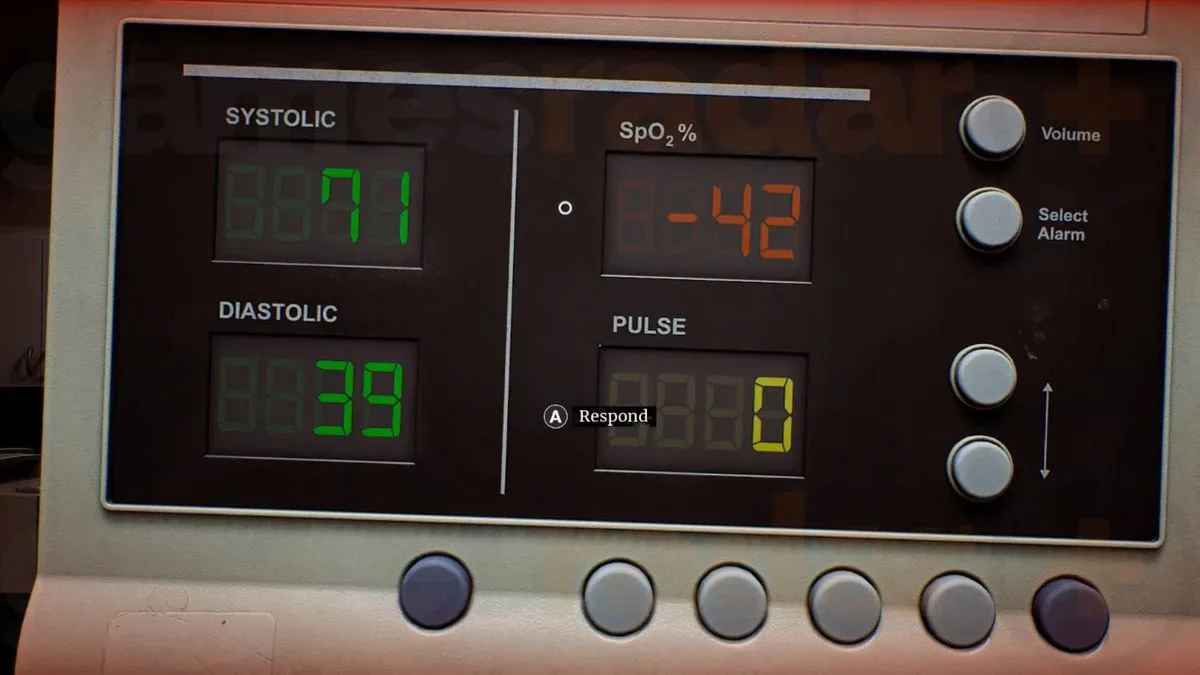
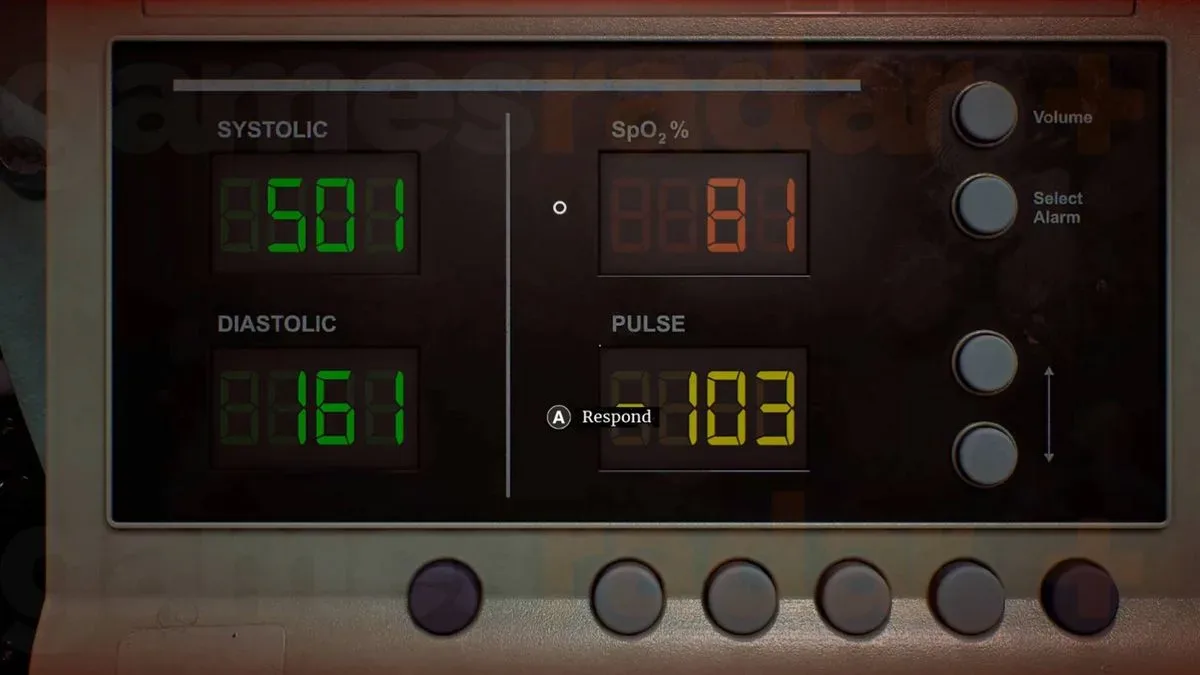
- Blood pressure: inspect the green systolic and diastolic figures on the left side of each display. A reported solution has used 71/39, with the machine also seen changing to 70/40.
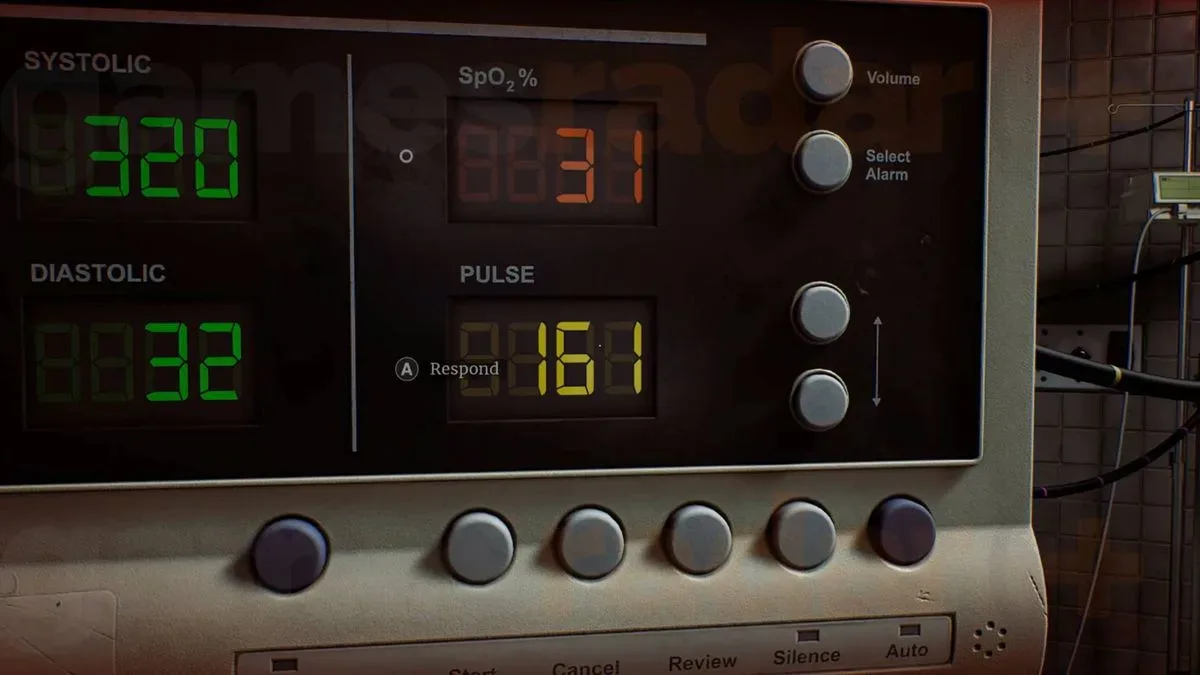
- Pulse / heart rate: inspect the yellow BPM number. Pick a reading above 160 BPM, such as 161; it may change to 162 when reported.
- O2 / blood oxygen: inspect the red SpO2 percentage. Use a value at or above 75%; an observed valid reading is 81%, which may become 80% when reported.
If a number changes by one point between looking at the screen and giving the answer, that behavior is consistent with the observed readings. Focus on the category and threshold described by the equipment entry, not a single screenshot-perfect value.
Step 1: Read the Valentudo View S-100 entry first
The puzzle’s central trick is its manual. Each requested measurement has a reliability warning in the Valentudo View S-100 documentation. The game uses those warnings to sort the room’s machines into readings you should reject and a reading you should report.
That makes this a process-of-elimination puzzle. Rather than attempting to interpret the medical data as real clinical information, match three things on the monitors:
- The measurement requested by the doctor.
- The corresponding display color.
- The reliability range described in the laptop entry.
For clarity, BPM means beats per minute, the displayed unit for heart rate. SpO2 is the blood-oxygen percentage label shown on the monitor. In this puzzle, those terms matter because they direct you to the yellow and red fields respectively; they are not an invitation to make a real-world medical judgment.
Blood pressure: find the green reading
When asked for blood pressure, use the Valentudo View S-100 entry and then look at the green numbers on the left side of each machine’s display. These are the systolic and diastolic figures, displayed as a pair in mmHg.
Related coverage includes Silent Hill Townfall Vital Signs Puzzle Guide: Blood Pressure, Pulse and O2 Answers.
The equipment note tells you to disregard blood-pressure values outside 70/100 mmHg. The wording is deliberately awkward when compared with the readings on screen, so the practical route is to use the monitor behavior that matches the documented puzzle solution: the appropriate machine has been observed showing 71/39, and subsequently 70/40.
In other words, identify the green blood-pressure field rather than confusing it with yellow heart rate or red oxygen saturation, then report the machine that supplies the qualifying blood-pressure result. Do not be alarmed if the two-part value shifts slightly while you interact with it.
Why the colors matter
Every monitor has several values, which creates the puzzle’s main source of misdirection. Looking only for a familiar-looking number is risky, especially because a wrong interaction causes damage. For the blood-pressure request, ignore the yellow BPM and red SpO2 readouts. The green paired figures are the relevant data.
Pulse: choose a yellow BPM reading outside 40–160
For the doctor’s pulse or heart-rate request, return to the same laptop entry if necessary. It states that heart-rate values outside 40 to 160 BPM are often inaccurate. The puzzle’s required selection is the machine whose yellow BPM readout falls outside that interval.
An observed successful monitor showed 161 BPM, changing to 162 during the reporting step. Because 161 is just above the upper boundary, it is easy to overlook if you are scanning quickly. Check the yellow number carefully and use the machine above 160 rather than one inside the stated 40–160 range.
This is the clearest example of Townfall asking players to follow the game’s written logic rather than everyday intuition. The manual flags the out-of-range readings as unreliable, yet that warning is exactly what identifies the selection the puzzle expects. Treat the note as a sorting instruction for the room, not as advice about actual health monitoring.
O2: use the red SpO2 percentage at or above 75%
For O2, inspect the red SpO2 (%) figure on the machines. The equipment documentation says SpO2 values below 75% are unreliable. The appropriate monitor has been seen at 81%, then changing to 80% when reported.
The useful dividing line here is simple: eliminate red SpO2 values under 75%, then report the machine with the qualifying percentage. As with the other measurements, do not depend on the exact observed number remaining frozen. A shift from 81 to 80 still leaves the reading on the correct side of the threshold.
A safer order of operations
Since failed monitor selections cost health, the least risky method is to pause at the laptop before every request and make a quick checklist. This reduces the chances of accidentally selecting a machine because it has a number that appears close to a remembered answer.
- Listen for whether the doctor needs blood pressure, pulse, or O2.
- Open Equipment Overview on the laptop and review Valentudo View S-100.
- Find the matching display field: green paired numbers for blood pressure, yellow BPM for pulse, or red SpO2 percentage for oxygen.
- Apply the manual’s relevant range rule.
- Interact only after confirming both the correct color and the correct threshold.
This approach also accounts for changing values. The reported successful examples—71/39 or 70/40 for blood pressure, 161 or 162 for pulse, and 81 or 80 for SpO2—show that the puzzle is better approached through its conditions than by chasing one immutable sequence of digits.
What opens after the three readings
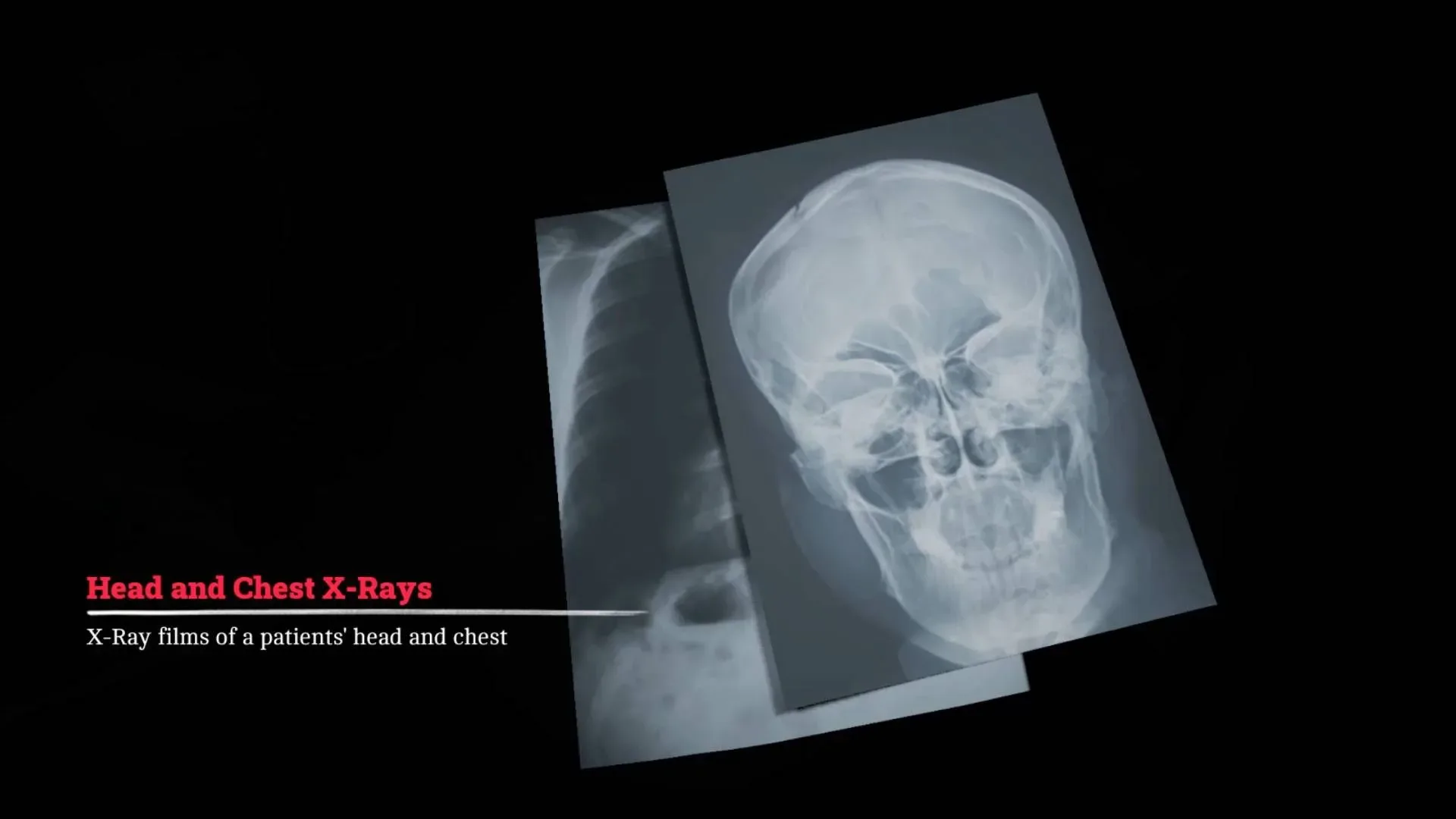
Reporting all three requested values opens the next room. The following obstacle is another instruction-led challenge rather than a continuation of the vital-signs screens: see our Silent Hill Townfall X-Ray puzzle guide for the skull and chest settings.
The vital-signs room establishes a useful pattern for this stretch of Townfall. Read the available equipment guidance, identify the specific display component it describes, and let the written constraint eliminate the wrong choices. In a room designed to punish trial and error, the laptop is the closest thing you have to a damage-free diagnostic tool.