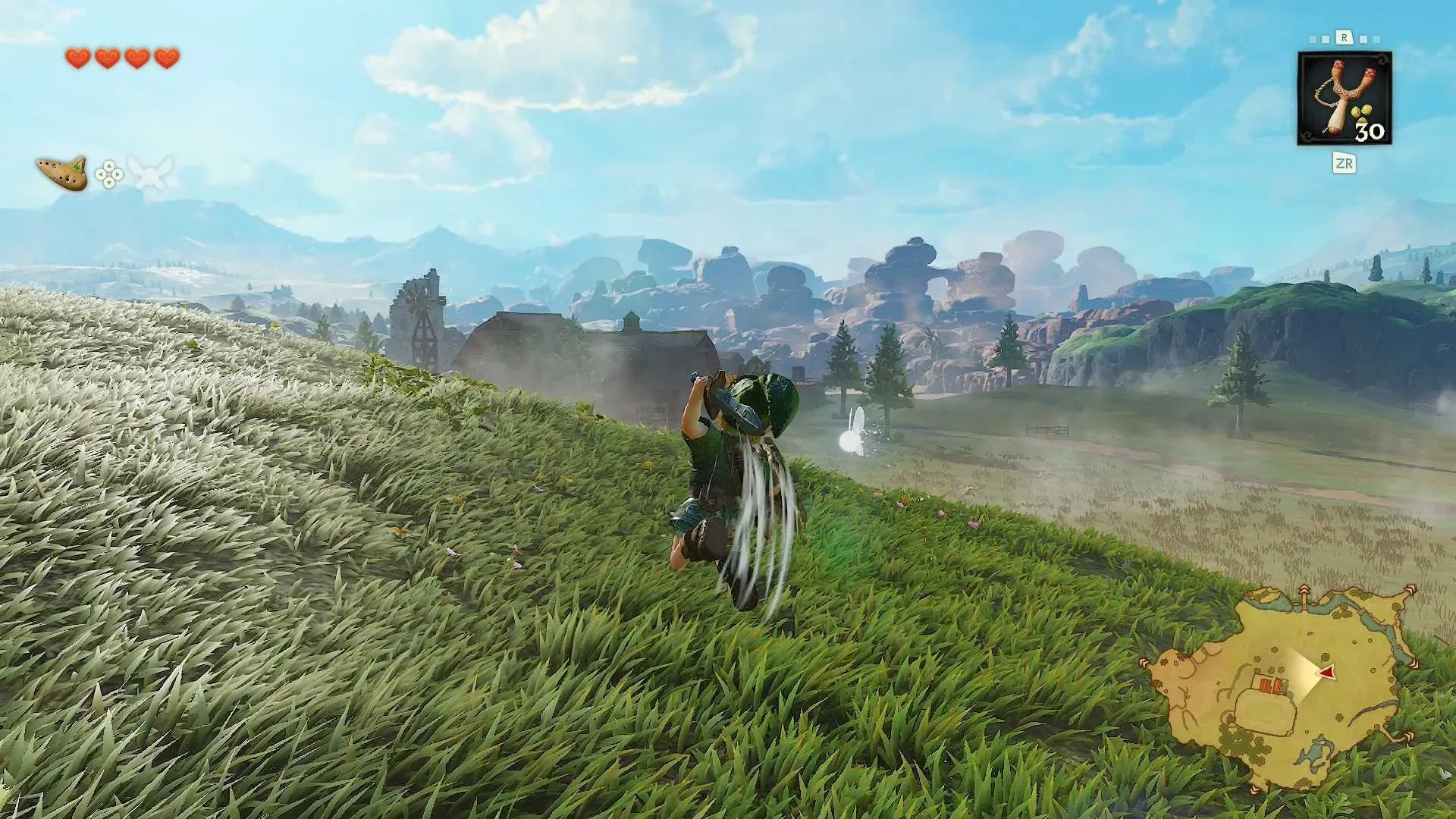
Link’s jump attack is supposed to be the emphatic punctuation mark in a fight: he leaves the ground, brings the weapon down, and deals twice the damage of a normal smash. In the original The Legend of Zelda: Ocarina of Time, using that powerful move was wonderfully straightforward. Lock onto an enemy with Z-targeting, press A, and Link does the rest.
The remake changes the equation because Link can now jump on command. That added freedom creates a more involved default route to the same attack: target an enemy, press forward, jump with X, then attack with Y while Link is airborne. It is a logical mapping on paper, but a demanding one in practice. Link’s jump does not leave much time to finish the sequence, so a move that once felt like a single deliberate command can become a hurried four-part input.
Fortunately, there is a simpler shortcut built into the game. After learning the jump attack in Kokiri Forest, players can target an enemy, tilt the stick forward and press A. Link will perform the jump attack without requiring the separate X jump followed by the Y strike.
That option is easy to overlook because it is not part of the initial tutorial presentation. It appears instead in the menu’s refresher tutorials after the move has been learned. For anyone whose battles have turned into a brief argument with the controller, that menu entry is worth checking.
For more context, explore Firebase Studio Is Closing in 2027 as Google Steers Developers Toward AI-First Tools.
The shortcut, step by step
- Lock onto the enemy.
- Tilt the control stick forward, toward the target.
- Press A.
With those inputs, Link jumps and attacks as part of one action. The forward direction matters: simply targeting and pressing A is not the stated shortcut. Likewise, this is intended for a targeted enemy rather than as a general free-jump attack.
Players who prefer the fully manual approach can still use the longer sequence: target, move forward, press X to jump, then press Y to attack during the short window in the air. The shortcut does not erase that option; it provides a more direct way to access the same high-damage maneuver.
Why the remake’s controls can feel so different
The original game did not give Link a free jump button. He jumped automatically when running toward an appropriate ledge, which meant the combat jump attack could occupy a special, simple command of its own. With Z-targeting active, A could cleanly mean “jump toward the foe and strike.”
In the remake, X is assigned to jumping at any time, whether Link is approaching a gap, facing an opponent or standing in open space. That is a meaningful control change beyond combat. Crossing gaps now calls for a manual jump, which may alter the instincts of players accustomed to the original’s automatic ledge behavior.
It also explains why the manual jump attack is structured around individual actions. Forward movement establishes direction, X initiates the jump, and Y supplies the attack. Each part has an understandable purpose, but combining them rapidly is less immediately comfortable than one context-sensitive button press.
A quick technical note: what Z-targeting does here
Z-targeting is the lock-on system that keeps Link focused on an enemy. For the jump attack shortcut, it does more than help keep the camera and character pointed in the right direction: it establishes the targeted combat context needed for the forward-and-A input. Without a target, the control instruction is not the same.
The practical benefit is consistency. Rather than trying to judge the exact interval between the X jump and the Y attack, a player can make the target selection first, push toward the enemy and commit to the attack with A. The timing burden moves away from a rapid button sequence and toward positioning and target choice.
Where to find the reminder
The game’s refresher tutorials hold the key detail. Once Link learns the jump attack in Kokiri Forest, open the menu and look through those tutorials for the jump-attack information. This is a useful reminder that tutorials are not always a one-time event. When a control scheme adds new actions or exceptions, the later reference material can contain the instruction that makes a troublesome move click.
The discovery also reflects a design adjustment credited to Eiji Aonuma, the original director and remake producer. He recognized that the X-plus-Y version did not feel good enough and asked the team for a workaround. The result retains manual jumping while restoring a much faster route to one of Link’s most valuable attacks.
Target the foe, lean forward, press A: that is the input worth committing to muscle memory.
When to use each input method
The A-button shortcut is the sensible default for players who want a reliable jump attack in ordinary enemy encounters. Because the move does double the damage of a normal smash, reducing the chance of an input slip can matter more than preserving the feeling of manually assembling every part of the action.
The full X-and-Y sequence may still appeal to players who want direct control over the jump itself. Since the remake allows Link to jump anywhere, manually jumping before attacking is consistent with that broader movement system. But the short airtime makes it a less forgiving method if the immediate goal is simply to land the powerful downward hit.
Neither approach changes the underlying value of the attack. The distinction is one of execution: the longer command asks for speed and coordination across several inputs, while the shortcut packages the jump and strike into a targeted forward attack.
A small control detail with a large combat payoff
Control shortcuts can sound minor until they affect an action used repeatedly in combat. The jump attack is not a rare novelty; it sits alongside Link’s familiar basic slashes, defensive movement and spin attack as part of his core combat vocabulary. Making it dependable means players can spend less attention negotiating button placement and more attention on the enemy in front of them.
There is still an adjustment period, especially for anyone used to the original game’s A-button placement for the move. The remake’s regular attack button is in a different location, so even the easier shortcut may initially feel unusual. But it removes the most awkward part of the revised method: having to hit X and Y in quick succession while Link is already in the air.
If a jump attack has been coming out late, failing to appear, or leaving Link doing an ordinary jump instead of a decisive strike, the answer may not be faster fingers. It may simply be using the alternate command the game keeps in its refresher material. For additional detail on the input, see this jump-attack shortcut overview.
In short: lock on, press forward, hit A. It is a compact solution to a control change that otherwise makes one of Link’s strongest attacks unnecessarily fussy.