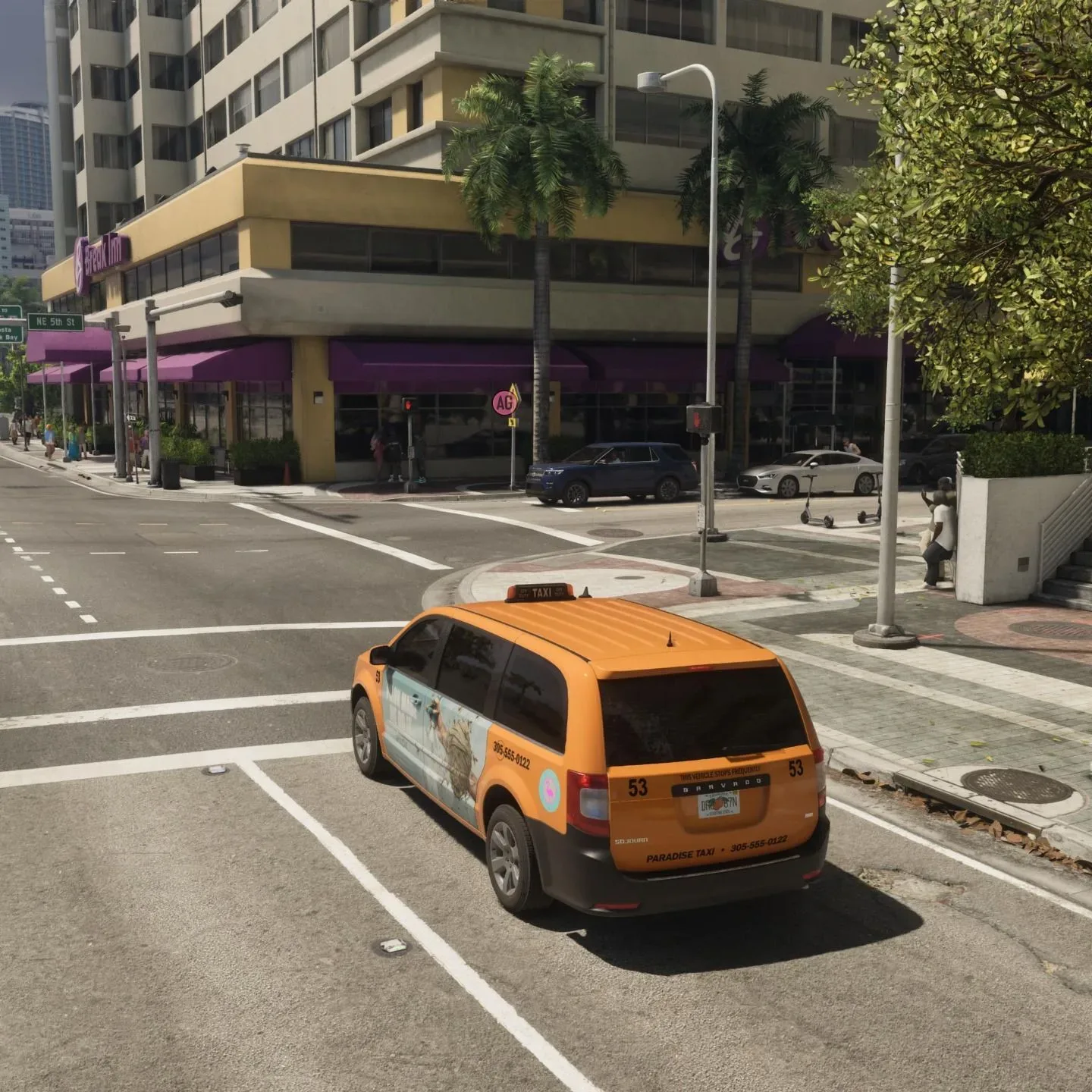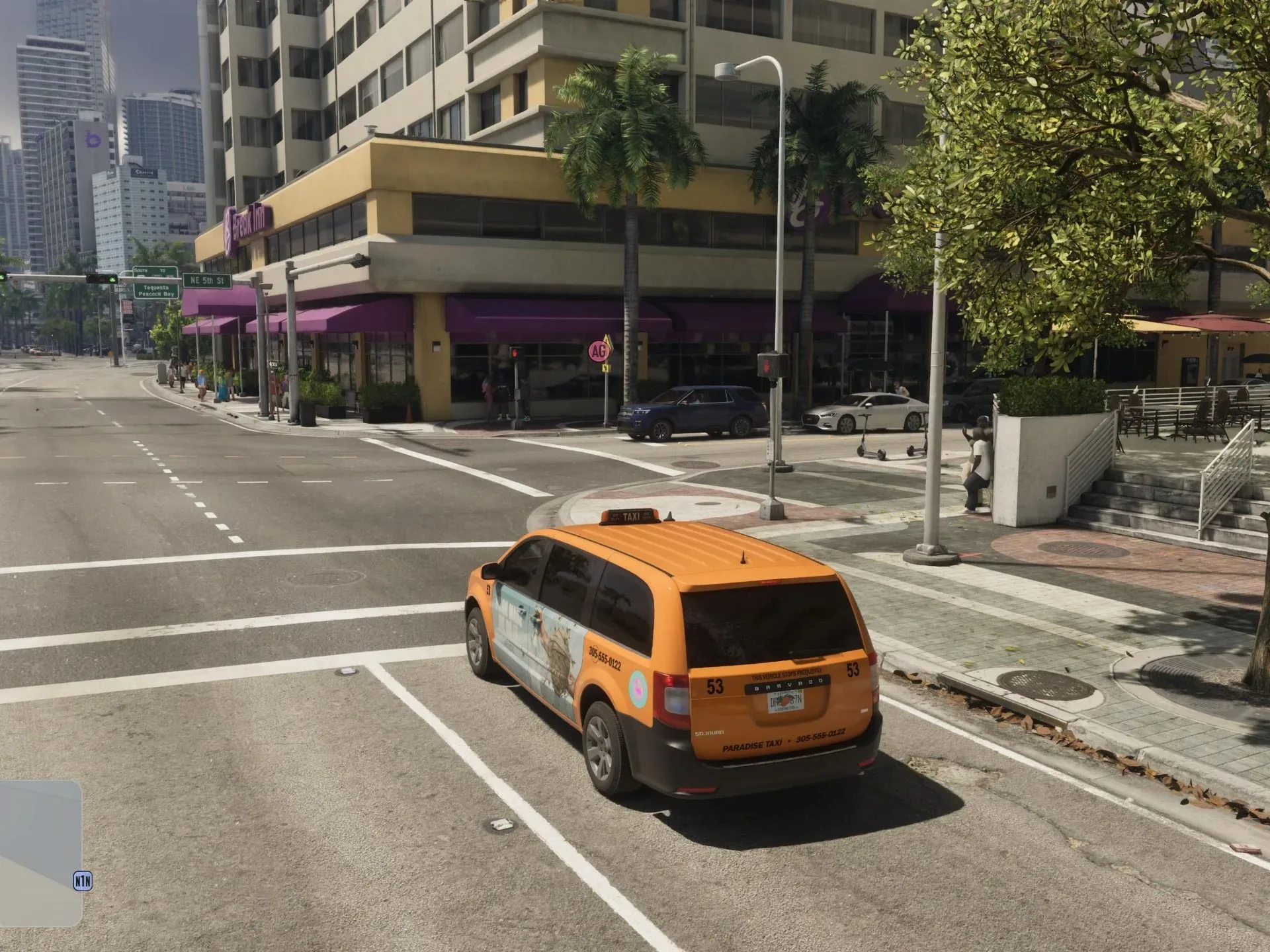
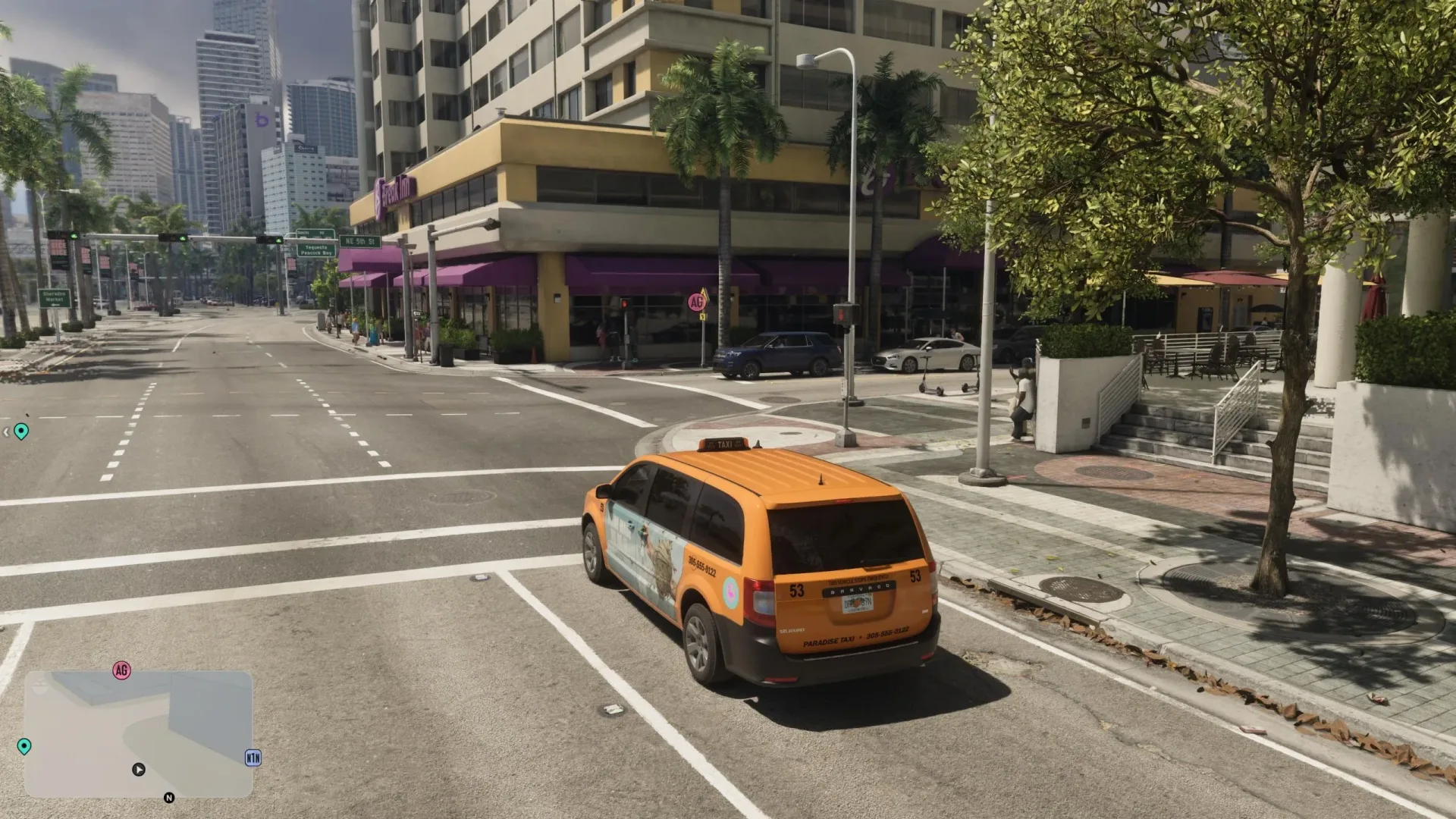
Leonida is built to be traveled through, rather than treated as a menu full of instant map jumps. That makes the first question after setting a faraway waypoint fairly obvious: how do you fast travel in GTA 6 without spending the whole session behind the wheel?
There are three travel options: calling a Paradise Taxi, booking a driver through the RydeMe phone app, or using the state’s bus and train network. Each route has a different unlock point, payment method, and amount of waiting involved. Taxis and RydeMe can be summoned on demand once available, while public transportation requires going to a stop and catching the next scheduled service.
The important wrinkle is that “fast travel” has two stages here. A vehicle initially takes the trip in real time. Once aboard, you can elect to skip ahead to the destination. That optional shortcut costs an additional $100 for taxis and RydeMe trips; on public transit, holding the skip command after setting a destination advances the journey without that stated extra charge.
For help deciding where to head after arriving, use the GTA 6 Index guide for missions, robberies, activities and destinations.
At a glance: every GTA 6 fast-travel method
- Paradise Taxi: Unlocked during a Chapter 1 mission. Call the taxi number from the Contacts app. It is paid with Pocket Cash.
- RydeMe: Available in Chapter 2. Order a ride through its phone app to a safehouse or a specified destination. It charges a BuckMe online bank account.
- Bus and train: Available through Leonida’s public transport network. Find a nearby stop, wait for service, board, select a stop on the route, and skip if desired.
All three are useful, but they solve slightly different problems. Paradise Taxi is the earliest reliable option. RydeMe is the more flexible app-based service once Chapter 2 begins, particularly for safehouse returns. Public transport is the alternative for players who are already near a station or bus stop and do not mind working around a timetable.
1. Call a Paradise Taxi in Chapter 1
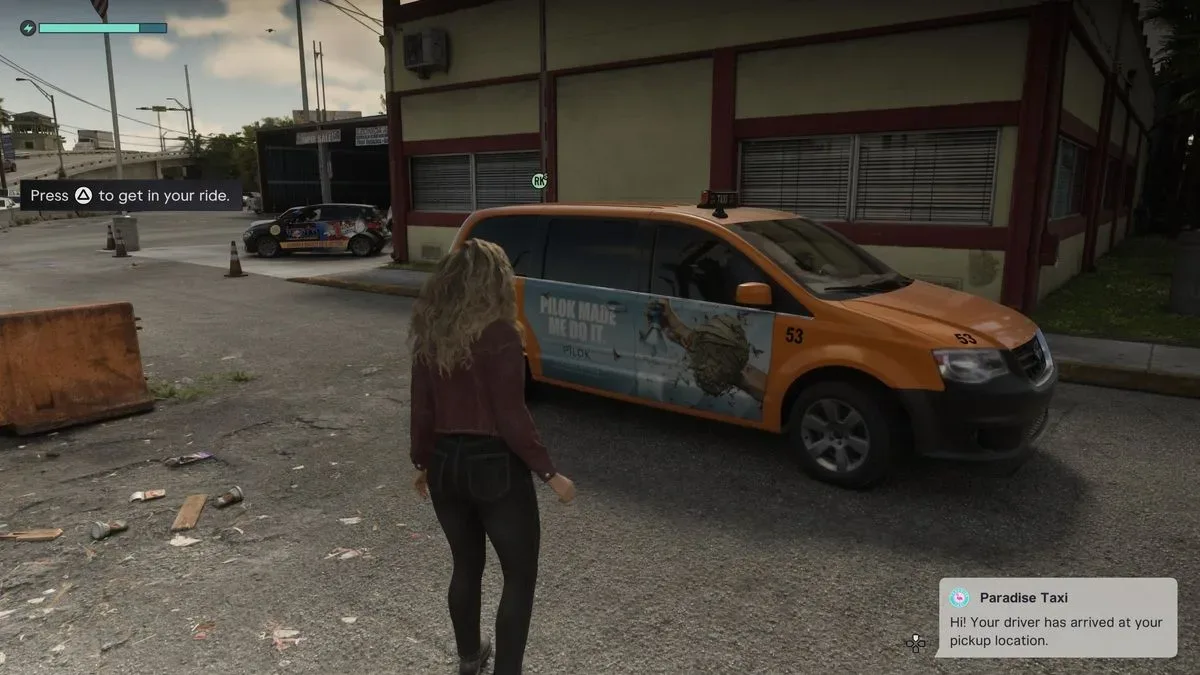
Paradise Taxi becomes available early in Chapter 1 when a mission provides its phone number. Once it has been added, open the in-game phone by pressing Up on the D-pad, go to Contacts, and call Paradise Taxi.
This is the game’s direct taxi option: choose where you want to go, get in, and let the driver handle the route. The ride can be watched in real time, which is useful if you would rather stay immersed in the journey or simply do not need to arrive immediately.
Paradise Taxi payment: Pocket Cash
A Paradise Taxi takes Pocket Cash, meaning physical cash carried by the character rather than money held in the online banking system. If there are not enough small bills on hand, make a withdrawal at an ATM before calling for the cab.
That distinction matters because the two on-demand travel services do not draw from the same place. A player with money in BuckMe but no usable Pocket Cash should not assume that a taxi fare will be automatically covered. Check the payment source before booking, especially when using the service repeatedly across a long stretch of travel.
How to skip a taxi ride
After entering the cab, focus on the driver with L2 on PlayStation or LT on Xbox. Then press Triangle on PlayStation or Y on Xbox to request a ride skip. The game sends you straight to the intended destination, but this convenience costs an additional $100.
In practical terms, the taxi gives you a choice between time and money. Letting the drive play out avoids the skip charge. Paying the extra $100 removes the transit time once the car is underway. Players managing their cash may prefer the real-time ride when there is no urgency, saving the instant arrival option for a mission, activity, or safehouse return on the other side of Leonida.
2. Book RydeMe from the phone in Chapter 2
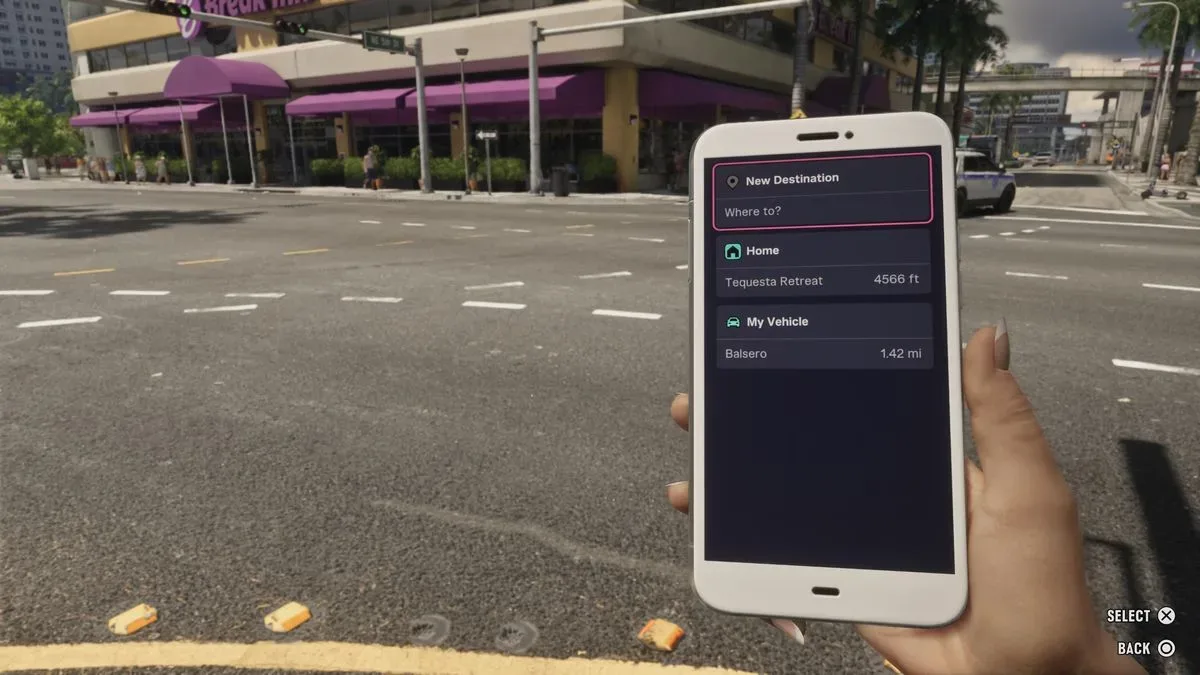
RydeMe unlocks in Chapter 2. It is a digital ride-booking service accessed through the phone rather than by dialing a saved contact. Press Up on the D-pad to open the phone, scroll to the RydeMe application, and request a driver.
The app supports two destination choices: it can call a car to take you back to your safehouse, or it can be used to enter a specific destination. That makes it a straightforward option when a job, activity, or point of interest is already marked, while the safehouse option provides a direct way home without setting a separate destination.
RydeMe uses BuckMe, not Pocket Cash
RydeMe charges the BuckMe online bank account. BuckMe is therefore the relevant balance for this service, unlike Paradise Taxi’s Pocket Cash requirement. The distinction is more than flavor: it means a player can have funds for one type of ride but not necessarily the other.
Before making RydeMe part of a regular routine, it is worth treating the app as a bank-funded travel expense. If Pocket Cash is limited, RydeMe may still remain usable provided the BuckMe balance can cover it. Conversely, spare cash on hand does not change the fact that RydeMe draws from the online account.
Skipping a RydeMe journey costs another $100
Once the driver arrives and the ride has started, RydeMe uses the same control sequence as Paradise Taxi. Focus on the driver with L2/LT, then press Triangle/Y to skip to the chosen destination. As with the taxi, doing so carries an additional $100 fee.
It is useful to think of this as an optional express charge rather than the base cost of ordering the car. Booking the ride gets you transport; requesting the immediate cut to the endpoint is the extra paid step. If the point is to avoid driving but not necessarily to eliminate every moment of travel time, riding normally preserves that $100.
BuckMe Premium reduces RydeMe fares in Chapter 3
Chapter 3 introduces the option to sign up for a BuckMe Premium Account. One listed perk is 20% off all RydeMe journeys.
The discount applies specifically to RydeMe, so it should not be treated as a blanket reduction for Paradise Taxi or public transport. It is most relevant for players who use the app often enough that a recurring percentage discount matters. The available information identifies the reduction as applying to RydeMe journeys, but does not establish a price for Premium itself or spell out every other benefit, so those details should not be assumed when weighing the perk.
3. Use buses and trains for scheduled travel
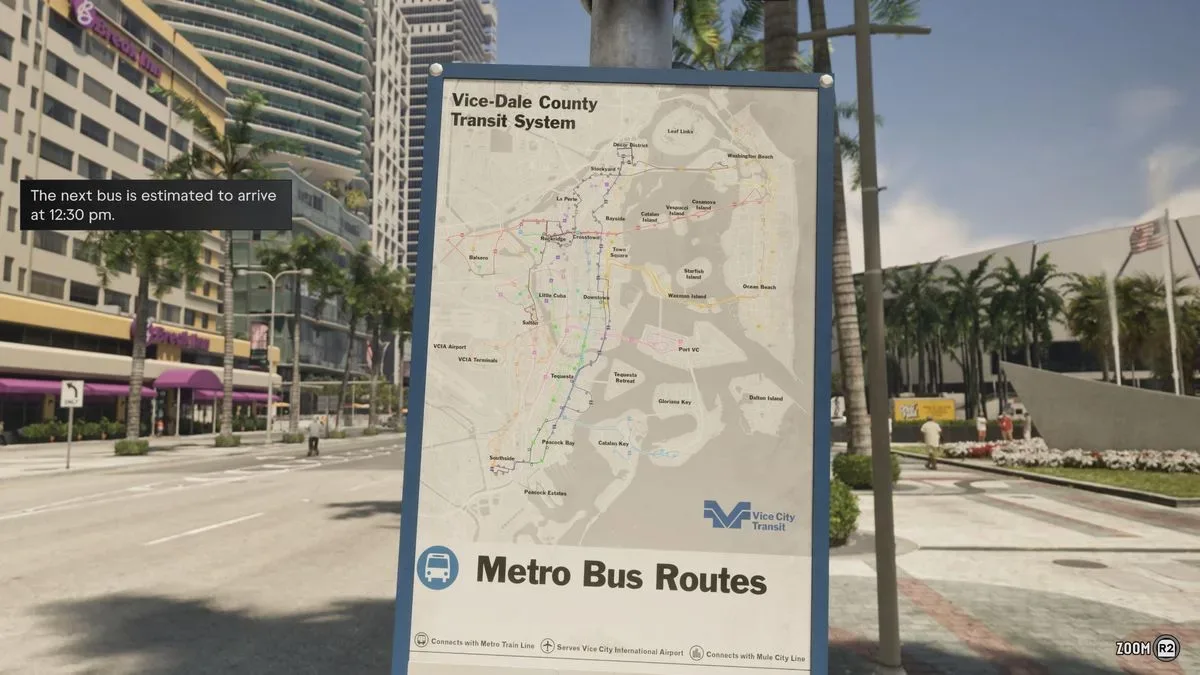
Leonida’s public transport network includes buses and trains. It offers another way to move around the map, but it operates differently from the two private-driver services: you cannot order a bus or train to your current location.
Instead, travel to a bus stop or train station and wait for the next service. This makes public transport less immediate but potentially appealing when you are already nearby, are not in a hurry, or want to use the world’s existing routes rather than summon a car.
Find stops with the D-pad
Hold Down on the D-pad to see whether there are bus or train stops near your current position. This is the quickest first check before setting out on foot toward a station that may not actually be close.
Once you reach a stop, approach it to see when the next service is due. Because the network follows a schedule, timing is part of using it. A nearby stop is not automatically the fastest option if the next vehicle is still some time away; in that situation, an on-demand taxi or RydeMe booking may better suit the trip.
If you need to compare the arrival information with the current in-game time, press Up on the D-pad to pull out the phone and check the time. This small step helps clarify whether you have just missed a service or whether it is close enough to justify waiting.
Set a destination after boarding
When the train or bus arrives, board it and choose a destination that is on that vehicle’s route. This route requirement is important: public transport is not a universal point-to-point teleport. The selected stop must be one the service actually reaches.
After setting the destination, hold Triangle/Y to skip the trip. The result is a fast-travel-style arrival while retaining the structure of the transit system: locate the stop, wait for the right service, ride its route, and select an appropriate destination.
Which fast-travel option should you use?
The best option depends on what has unlocked, where your money is held, and whether you prioritize instant access or a lower-friction route through the city.
- Use Paradise Taxi in Chapter 1 after receiving its contact number, or whenever Pocket Cash is the convenient payment source.
- Use RydeMe from Chapter 2 when you want app-based pickup, a return to the safehouse, or travel paid from BuckMe.
- Use BuckMe Premium’s RydeMe discount in Chapter 3 if RydeMe is becoming a frequent travel habit.
- Use buses or trains when a stop is nearby and the scheduled route serves the destination you need.
- Skip the ride only when the saved time is worth the added $100 for a taxi or RydeMe trip. On transit, first make sure the service and stop align with the route.
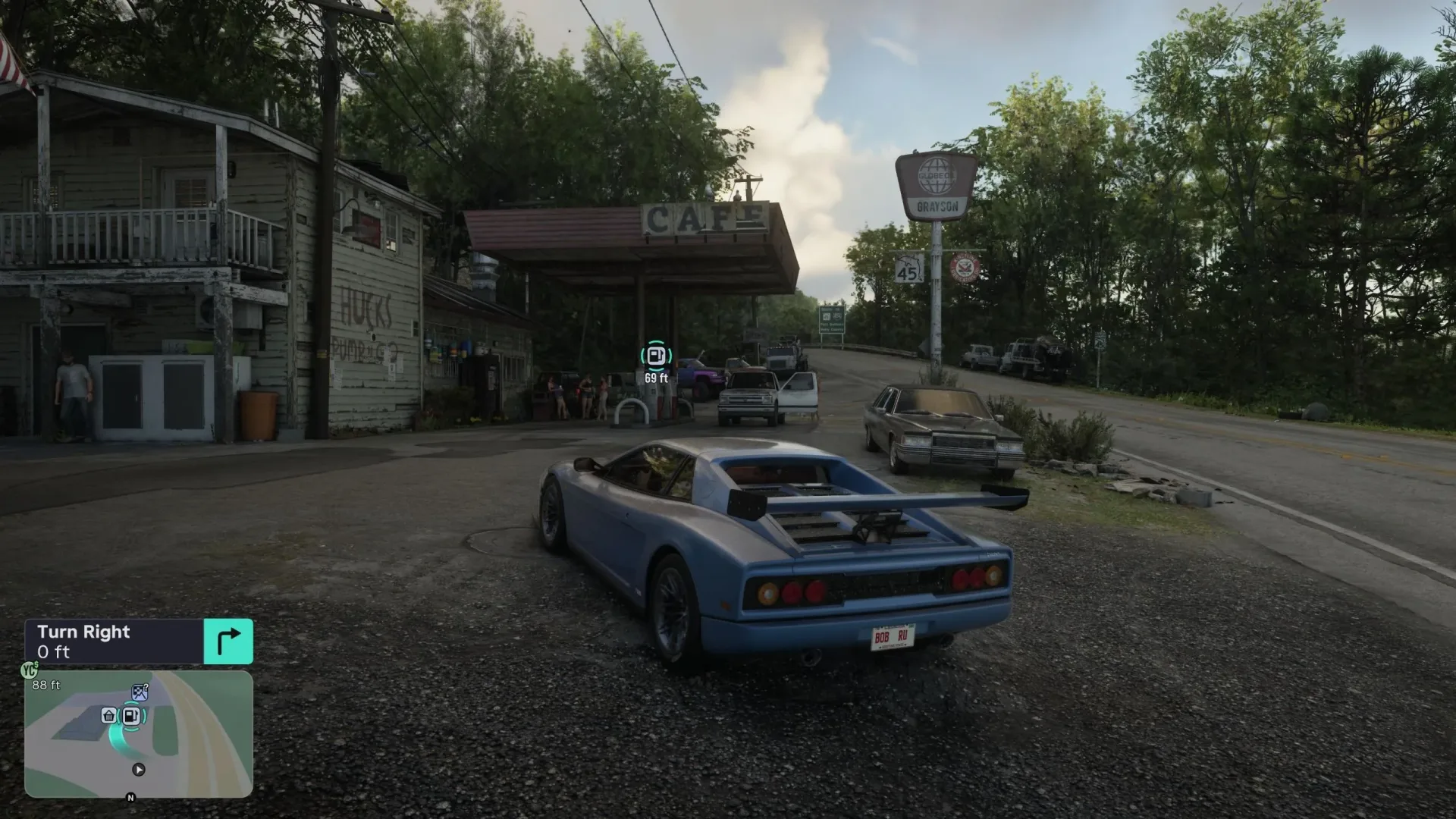
For vehicle-based travel, it can also help to plan fuel or charging before setting out in your own car; see the guide on how to refuel cars and charge EVs in GTA 6.
Fast-travel controls and costs recap
- Open phone: Up on the D-pad.
- Find nearby public transit: Hold Down on the D-pad.
- Skip taxi or RydeMe ride: Focus on driver with L2/LT, then press Triangle/Y.
- Skip bus or train trip: Set a destination on the route, then hold Triangle/Y.
- Taxi skip surcharge: Additional $100.
- RydeMe skip surcharge: Additional $100.
- Paradise Taxi payment: Pocket Cash.
- RydeMe payment: BuckMe online bank account.
- BuckMe Premium perk: 20% off RydeMe journeys after it becomes available in Chapter 3.
Fast travel in GTA 6 is therefore less about selecting a single “go here now” button and more about choosing the transport system that fits the moment. Paradise Taxi arrives first, RydeMe adds phone-based convenience and a Chapter 3 discount path, and public transit turns schedule awareness into a useful alternative. Know which wallet each service uses, remember the $100 skip charge for private rides, and Leonida’s long distances become much easier to manage.