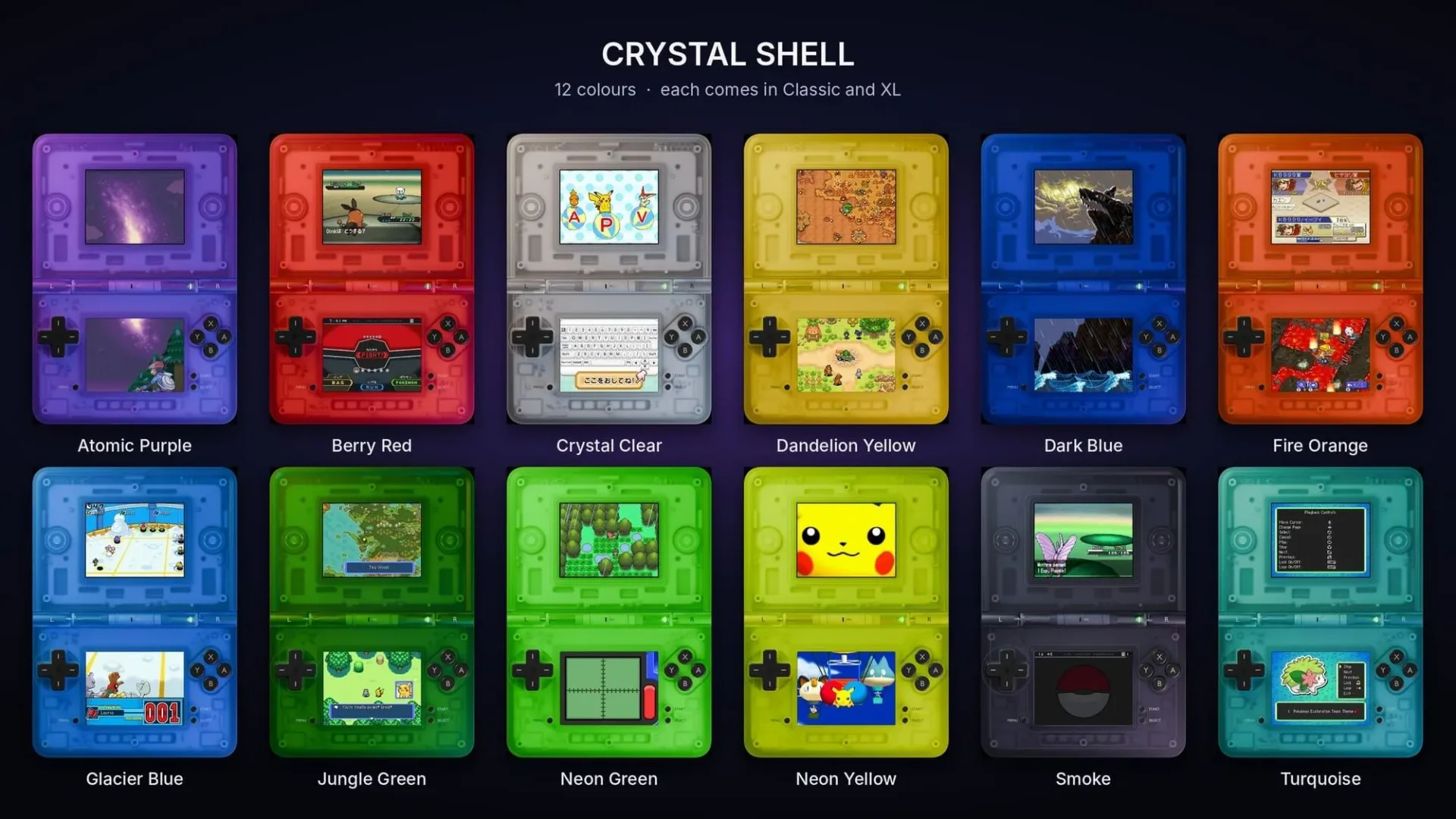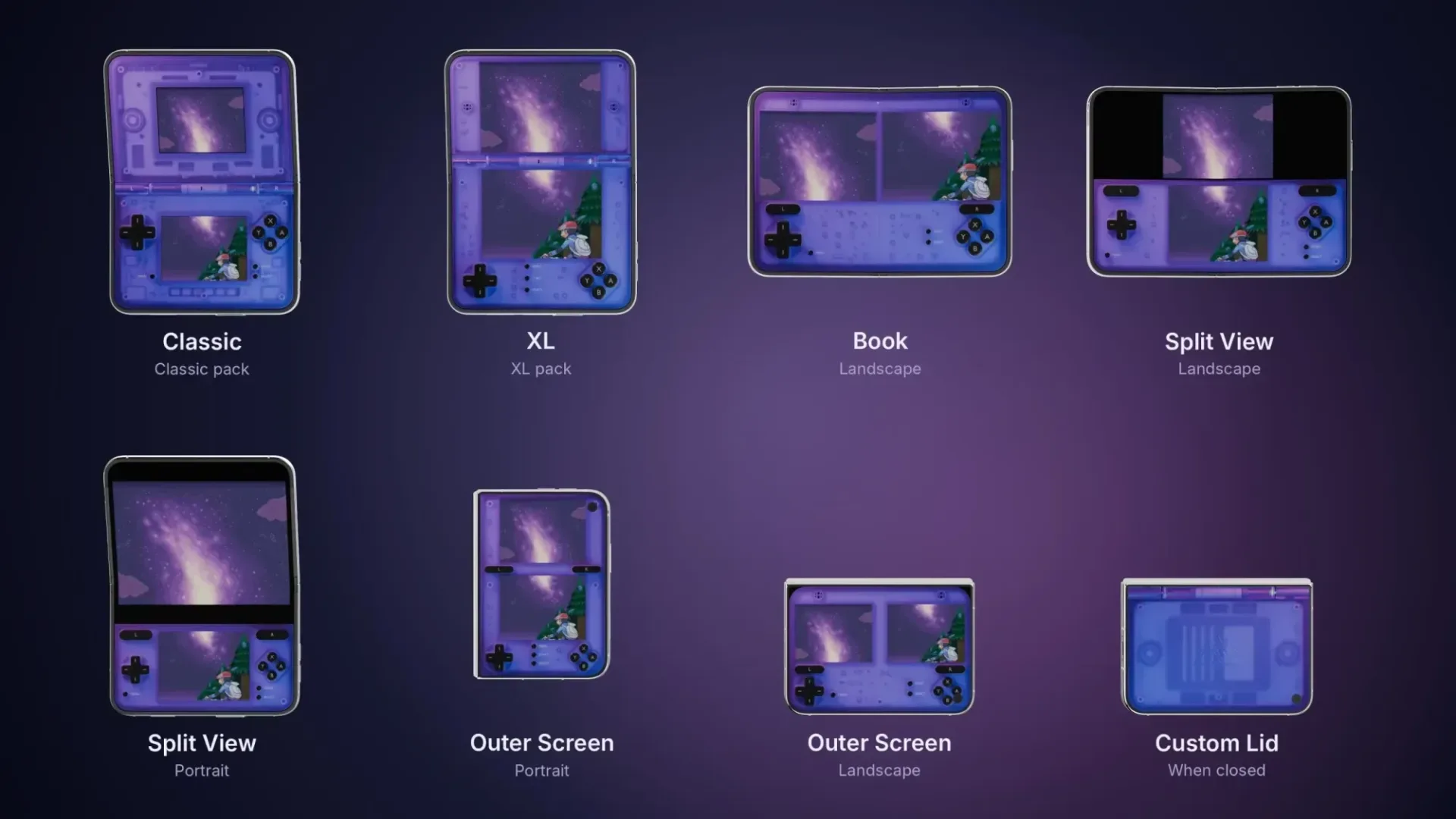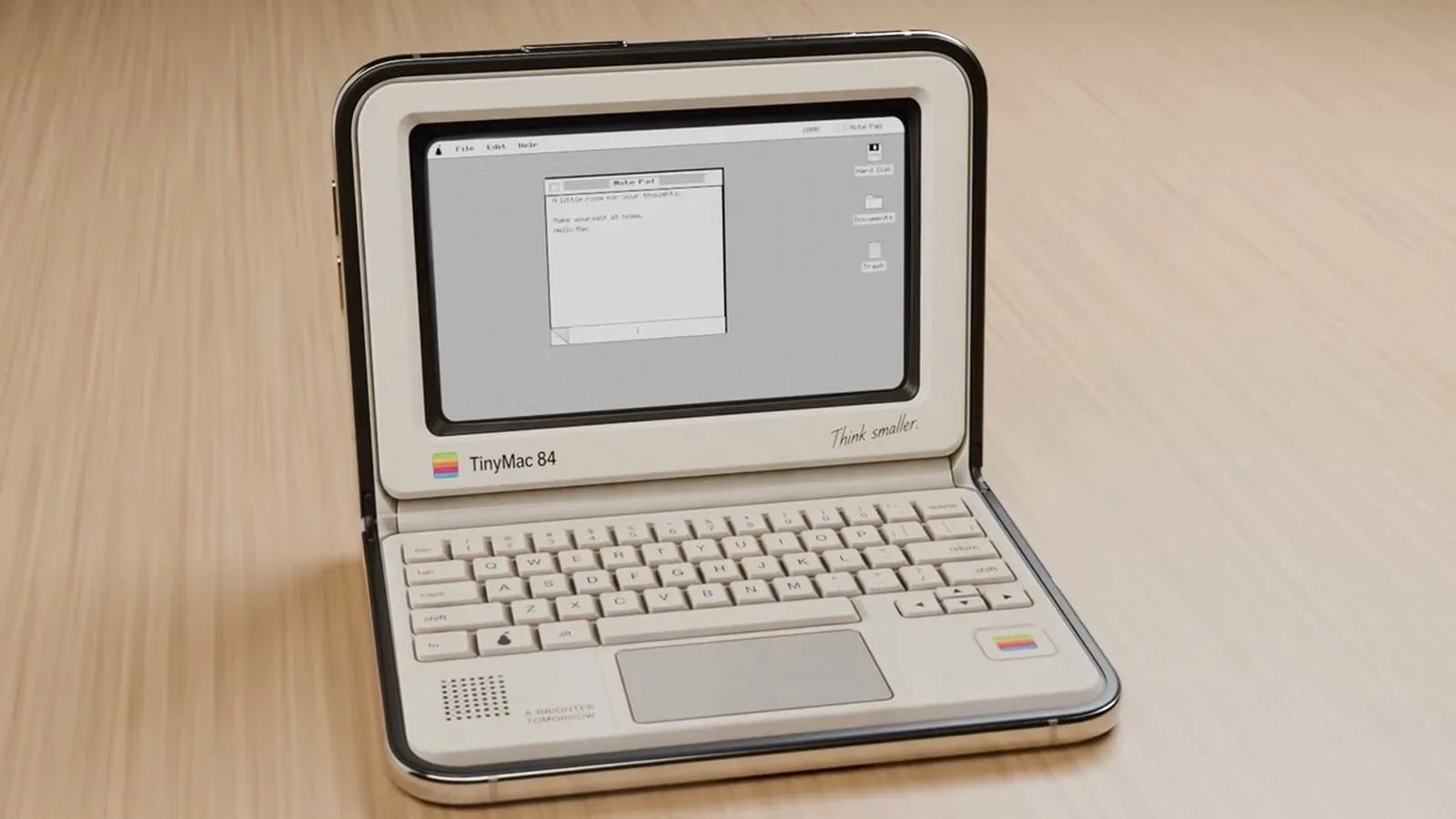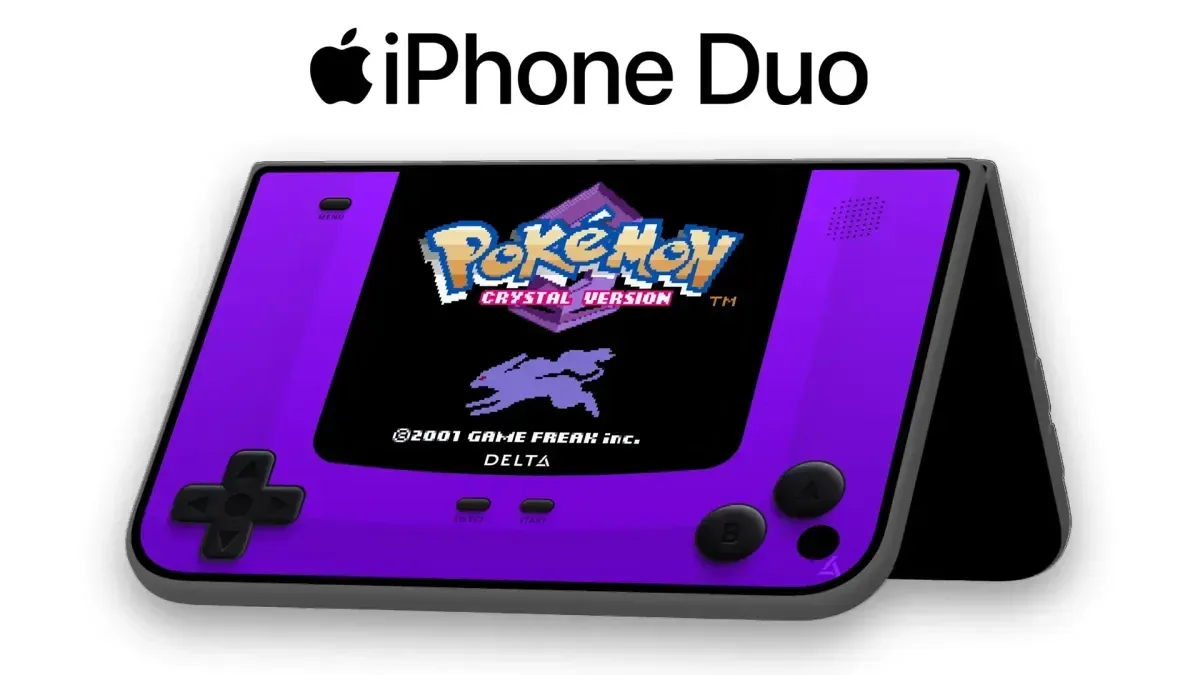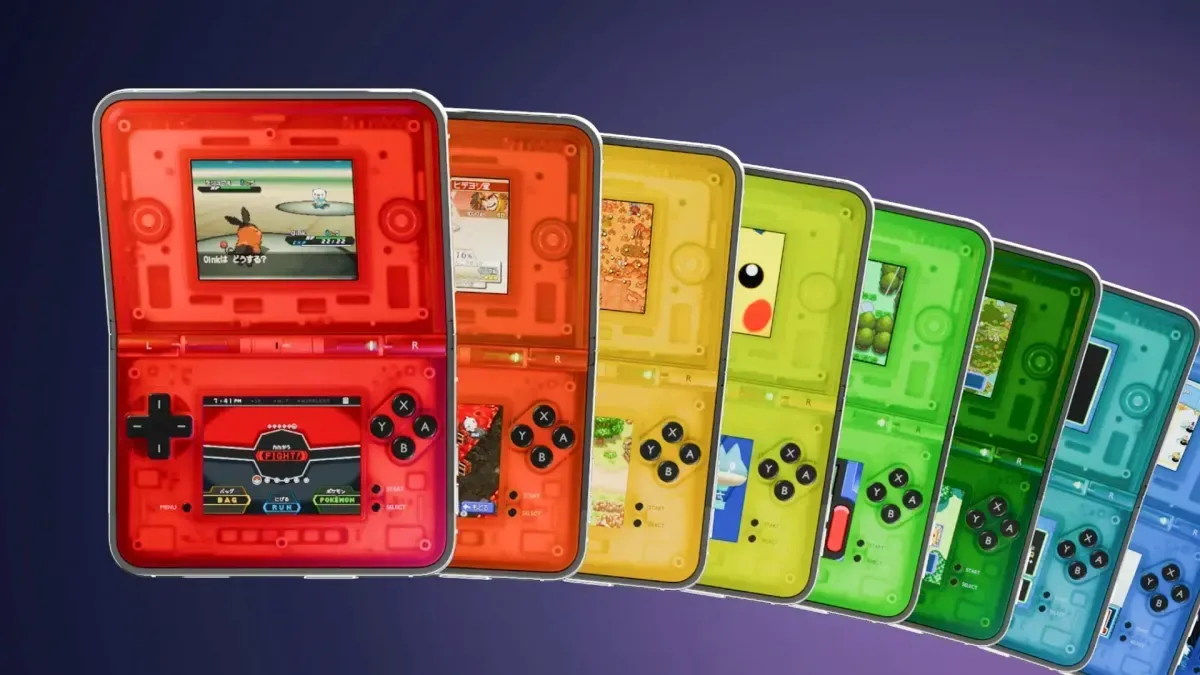
Delta users on iPhone Duo now have a more purpose-built way to lean into the device’s folding form factor. Crystal Shell, a new set of controller skins created by graphic designer Alan of Clearcase Studio, gives the emulator a transparent, Nintendo DS-inspired look designed around the phone’s inner display, outer display and Split View arrangements.
The appeal is primarily visual, but it is also about presentation. A folding phone already carries some of the physical language associated with clamshell handhelds. Crystal Shell turns that resemblance into a deliberate interface theme: on-screen controls are wrapped in a rendered clear plastic shell, with visible-looking internal components and a hinge treatment. There is even a custom lid image intended to appear when the iPhone Duo is closed.
For people using Delta’s DS-oriented layouts, that means the virtual controls can better match the hardware shape around them rather than looking like a generic overlay placed on top of two screens.
What Crystal Shell includes
Crystal Shell is a collection of transparent DS-style controller skins rather than a new emulator or a game release. In this context, a controller skin is an interface package that changes the appearance and layout artwork of the virtual buttons, directional pad and surrounding controls. It does not change the underlying game, add content to a game or alter the emulation itself.
The collection is 3D-rendered to evoke transparent hardware. The shell, internal details and hinge are all part of the visual design, intended to make the phone resemble a clear clamshell handheld while Delta is in use.
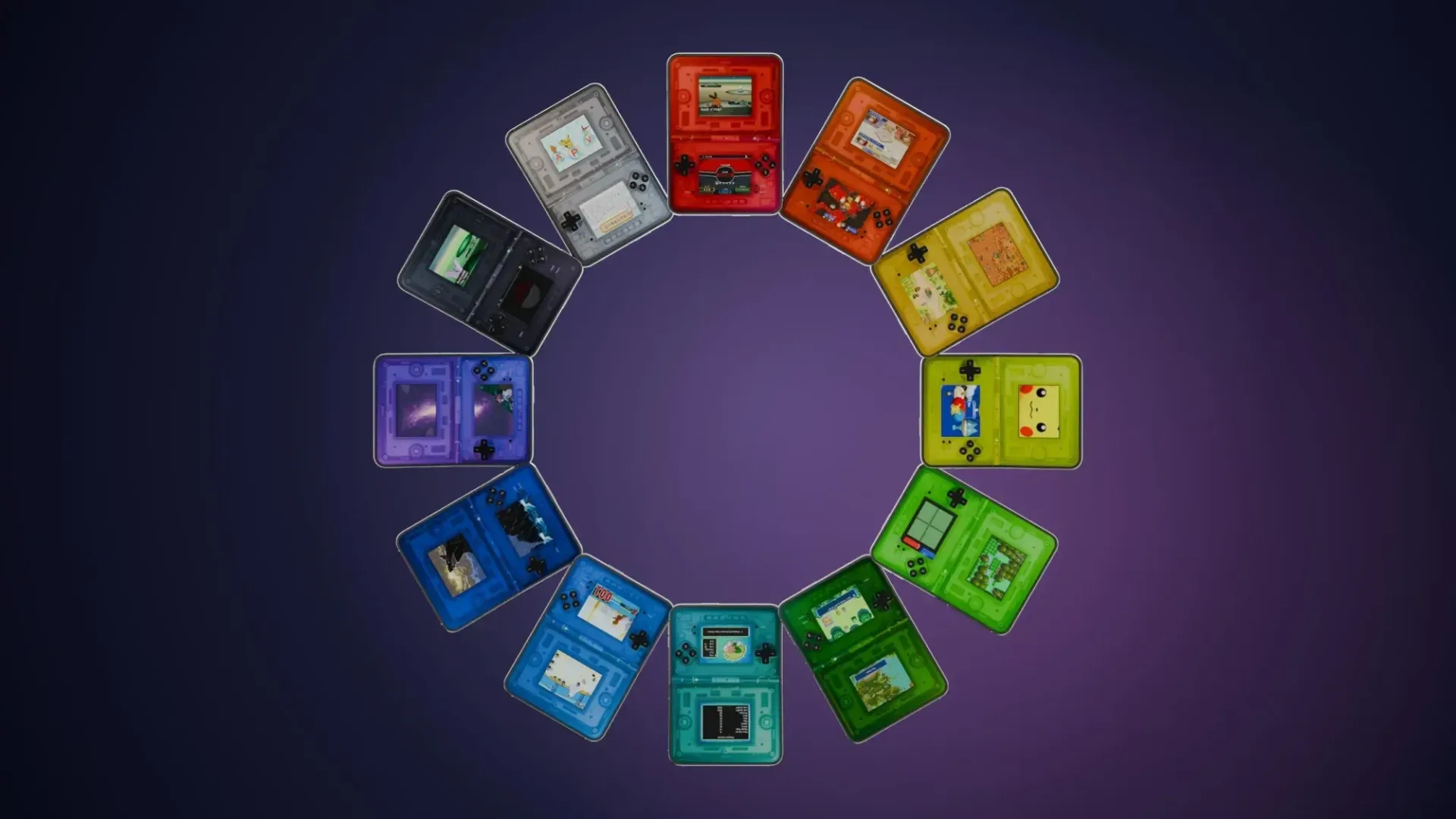
- 12 colour options are available in the collection.
- Every colour is offered in Classic and XL versions.
- The designs account for the iPhone Duo’s inner and outer displays.
- They support Split View, the arrangement that makes use of the folding display.
- A custom lid display is included for when the phone is closed.
The Classic and XL labels matter because screen layout is a practical part of any touch-control design. Players can select the version that better suits their preferred scale, rather than treating one fixed arrangement as the only option. The supplied information does not specify the precise differences in control placement or dimensions between the two versions, so prospective buyers should regard them as distinct size options rather than assume a particular layout change.
Why a dedicated foldable skin makes sense
Nintendo DS games are a natural fit for a device that can present more than one display area. The DS format is famously built around two screens, and a foldable phone can visually echo that arrangement. Crystal Shell extends the idea beyond screen positioning by bringing the hinge and closed-device state into the theme as well.
That is a small but important distinction. A skin is not merely decorative wallpaper behind buttons: it can establish a consistent visual frame for play. Here, the frame attempts to make the device read as a single clamshell-inspired object, whether open or closed. The transparent aesthetic also draws on the appeal of seeing the implied structure beneath the controls, even though the internals shown are rendered artwork rather than a view into the phone.
Related coverage includes Crystal Shell Transparent Skins Bring a Clamshell Look to Delta on iPhone Duo.
There is a broader industry context to the attention on the iPhone Duo’s display design, with foldable-display competition increasingly becoming part of the mobile conversation. Crystal Shell’s focus is more modest: it is an example of interface customization responding directly to a new hardware shape.
Price and purchasing options
Crystal Shell is sold through Alan’s Gumroad store. A single-colour purchase starts at £2.99/$2.99 and includes both the Classic and XL versions for that colour. The complete set, which includes every listed colour in both sizes, is priced from £8.96/$8.96.
The “from” pricing is worth retaining because it reflects the listed starting amount rather than a universal final total in every purchasing situation. No other pricing details are provided here, so buyers should check the store listing before completing a purchase.
There is also a free transparent-purple version available for users who want to try the concept before buying further colours. The available material confirms that the free option exists, but does not provide a direct destination URL for it. It should therefore be accessed through the creator’s offered download route rather than through an assumed link.
How to install a Crystal Shell skin in Delta
The installation process uses Delta’s existing skin-import controls and the iPhone’s Files location. Before starting, download the skin you want and make sure it is saved somewhere accessible through Files.
- Open Delta and go to Settings.
- Select the console associated with the skin you downloaded.
- Choose the skin orientation you intend to change: vertical or horizontal.
- Use the + button in the upper-right corner of the screen.
- When Files opens, locate and select the downloaded Crystal Shell skin.
- After import, find it in the Controller Skins selection and choose it.
Orientation is the key decision in that sequence. A vertical skin is for an upright arrangement, while a horizontal skin is for a landscape-style arrangement. Import the file that corresponds with the way you plan to hold and use the device. If a skin does not appear when you expect it to, the first sensible checks are whether it was downloaded to Files and whether the console and orientation selected in Delta match the file you are importing.
A note on what changing skins does—and does not—do
Installing Crystal Shell should be understood as customization of Delta’s controls and visual shell. It is not a fix for a game that fails to run, nor is it a substitute for configuring an emulator’s other requirements. Its tangible benefit is making the touch interface look and feel more tailored to the iPhone Duo’s foldable presentation.
That may be exactly the point for players who care about a cohesive handheld illusion. A transparent DS-style layout on a conventional phone might be a fun novelty; on a folding device with a hinge and a closed lid state, it can become a more complete visual theme. Crystal Shell’s inclusion of inner-screen, outer-screen, Split View and closed-phone elements shows that the design is trying to account for the whole device rather than only the open play screen.
Who this is for
Crystal Shell is most directly aimed at iPhone Duo owners who use Delta and want their Nintendo DS play setup to look less generic. It is especially relevant to people who enjoy virtual controller customization, transparent handheld aesthetics or matching an app’s interface to the hardware it runs on.
It is less compelling for anyone looking for a functional emulation upgrade rather than a visual one. The supplied details describe skins, colour choices, size variants and installation steps; they do not claim performance changes, new game compatibility or control features beyond the skin customization itself.
Still, the available package appears unusually complete for a themed interface set. By including multiple colours, two size versions, display-specific coverage and a lid treatment, Crystal Shell treats the foldable form factor as part of the design rather than an obstacle to work around. For Delta users who want their iPhone Duo setup to wear its DS inspiration openly—and transparently—it offers a focused way to do it.