A New Xbox, and a Different Kind of Locked Door
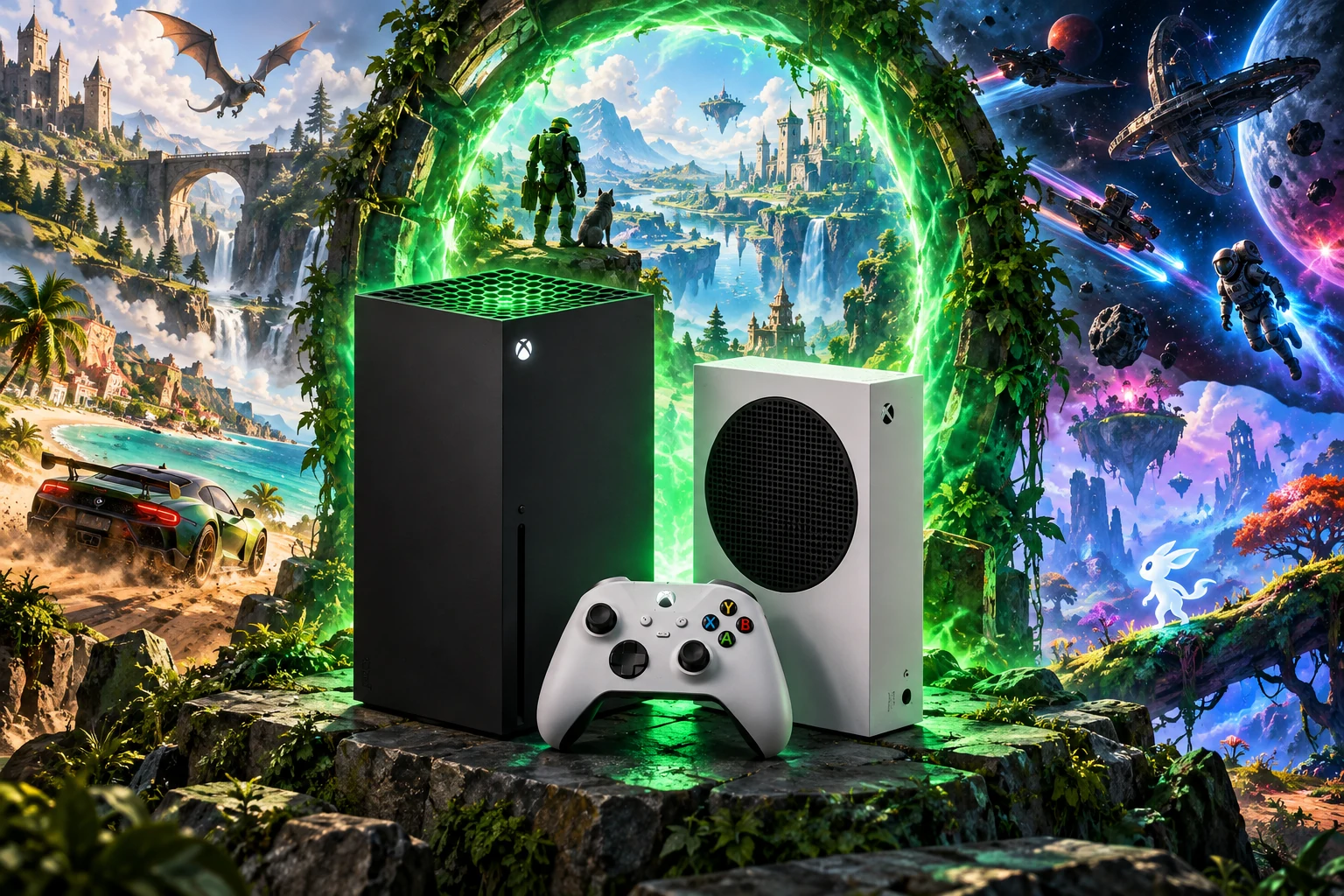
When Xbox Series X and Series S arrived on November 10, 2020, they looked like familiar Xboxes in one important respect: their software still lived inside Microsoft’s tightly managed console ecosystem. Underneath, however, the hardware had been rebuilt around a much faster storage and graphics model. The Series X paired an eight-core Zen 2 processor with a custom RDNA 2-derived GPU, 16 GB of GDDR6 memory and a 1 TB NVMe solid-state drive. The Series S used the same broad CPU generation but reduced the graphics budget, memory capacity and internal storage to reach a smaller, less expensive design.
The differences mattered to anyone interested in modifying or repurposing the machines. This was not simply an Xbox One with a new menu and a quicker disk. Microsoft and AMD designed a custom system-on-chip, or SoC, in which the CPU, graphics processor, memory controllers and input/output systems were planned together. That integration improved performance, but it also meant that the Series consoles were not open PCs hiding inside television-shaped cases. The owner could use the interfaces Microsoft exposed; the most privileged parts of the machine remained governed by the platform.
Microsoft’s public technical descriptions are strongest when discussing those interfaces and weakest when describing the complete trust architecture beneath them. They document the processor arrangement, the storage pipeline, package formats and development tools. They do not publish a full Series X|S secure-boot diagram, production key hierarchy, hypervisor specification or partition-isolation map. That absence is significant. It leaves room for careful historical interpretation, but not for confidently importing terminology from Windows PCs or older Xbox reverse-engineering work.
Silicon Built for Streaming
The most conspicuous architectural change was storage. Xbox Velocity Architecture described a coordinated system rather than an SSD considered in isolation. The custom NVMe subsystem, hardware decompression, the texture-oriented BCPack format and DirectStorage APIs were intended to move large quantities of game data with far less CPU involvement than older consoles required. Microsoft presented the design as a way for games to make vast asset collections rapidly accessible, reducing the need to duplicate data merely to hide the limitations of mechanical storage.
For a modding history, the important point is what that promise does not mean. A title uses documented storage APIs; it does not receive unrestricted ownership of the physical SSD. DirectStorage can closely interact with the NVMe path while remaining an application-facing interface. The conclusion that an application lacks raw ownership of the drive, firmware, package database or system partitions is an architectural inference from that exposed API boundary, not a published complete map of Series storage partitions or privileges.
The Series X|S SoC was likewise designed around console constraints. Microsoft’s Hot Chips presentation emphasized the relationship among CPU, GPU, memory, I/O and power consumption. Those details explain why later unofficial software could benefit from substantial computational resources, particularly when emulating demanding systems. They do not reveal a method for launching arbitrary retail code. Hardware capability and software privilege are separate historical threads, and the Series generation made that separation especially visible.
The Security Story Microsoft Actually Published
Microsoft describes the Game Core environment as a small, fast operating system optimized for games, with explicit guarantees concerning processor time, graphics resources, memory and I/O. Those statements describe commercial Game Core development, not every application that can be deployed through Developer Mode. A commercial title is identified, packaged and tested through Microsoft’s GDK and partner-submission workflow; a community UWP application belongs to a separate deployment and authorization class.
The public record supports a restrained description of a chain of authorization beginning before a game’s normal execution. It does not support a detailed account of every boot stage or a definitive claim about the internal role of a particular hypervisor. Microsoft’s public Game Development Kit documentation separates material available to ordinary developers from secure partner information. That boundary shows why commercial developers can work with packaging, APIs and testing workflows without receiving the complete map of the console’s trust anchors; it does not itself prove a particular Series secure-boot, virtualization or partition-isolation design.
That distinction matters because enthusiast discussion often treats “secure boot,” “virtualization” and “the operating system” as interchangeable explanations. They are not. Secure boot concerns whether successive software stages are authorized to run. Virtualization may describe how resources or privilege boundaries are arranged, but the public documentation does not disclose enough to identify the Series implementation precisely. The environment visible to an application is another layer again. A program can run successfully inside that environment while remaining far from the privileged code that establishes it.
The practical result was a platform that became more PC-like in its development language and silicon while remaining console-like in retail use. Developers received modern graphics APIs, high-speed storage facilities and sophisticated profiling tools. Consumers received a machine whose executable content still depended on Microsoft’s identity, signing and distribution systems. That combination shaped the first experiments far more than the mere presence of an x86-derived processor.
The Earlier Experiment That Carried Forward
One documented route into Series homebrew inherited a doorway Microsoft had created for Xbox One. At Build 2016, Microsoft presented Xbox Developer Mode as a way to turn a retail Xbox One into a development target for Universal Windows Platform applications and games. UWP was Microsoft’s managed application model for software intended to run across Windows device families. On Xbox, it offered developers graphics, storage, networking and controller APIs without opening the retail system itself.
Microsoft’s September 17, 2020 Series compatibility notice said that the Xbox One UWP and Dev Mode features were intended to carry forward to Xbox Series X|S. That announcement is the strongest Series-specific evidence for continuity. The currently maintained UWP FAQ still describes the Retail Mode/Developer Mode distinction largely in Xbox One terms, so it should not be treated as a complete Series-specific security specification. It supports the broad historical model, not a detailed map of every current Series entitlement or resource boundary.
The distinction between the two states remained central. A Series console in Developer Mode presented a development-oriented shell and deployment facilities; Retail Mode restored the ordinary consumer environment for commercial games and services. Switching states was an authenticated, supported transition between managed environments, not a permanent retail-system modification. A package accepted for development did not thereby become a retail title.
The old UWP model also imposed meaningful resource limits. Historical Microsoft support material preserves the distinction between an approximately 1 GB foreground budget for an ordinary UWP application and a larger budget associated with the earlier Creators Program game category. Those figures belong to the Xbox One-era UWP model and should not be presented as current Series X|S Game Core guarantees. Their historical importance is clearer: the development doorway was never identical to the resource allocation available to a commercial, partner-developed Xbox game.
Microsoft’s commercial path later centered on the Game Development Kit and Game Core, but that did not erase the older public UWP route used by community applications. A UWP emulator in Developer Mode and a partner-developed Game Core title may run on the same physical console while belonging to different application, entitlement and resource environments. That distinction explains how substantial emulators could exist without demonstrating a retail security defeat.
Commercial Game Packages and Community Applications
Two relevant development paths coexist on Xbox Series: commercial GDK/Game Core development and UWP applications deployed through Developer Mode. Retail Mode describes a distribution and use context, not a third mutually exclusive package class; commercial retail games commonly come through the GDK/XVC pipeline. Keeping those concepts separate explains why deploying a community application does not confer the same identity or entitlements as a commercial title.
Microsoft’s GDK documentation says that Xbox Code Integrity scans and signs files during commercial title preparation. It distinguishes test signing from production-oriented signing and documents encryption modes for development, performance validation and submission. The resulting commercial package carries identity associated with Partner Center, including publisher, package-family, application and title information. For console GDK packages, Microsoft documents embedding a Game OS file during the final package-creation step. That documentation concerns commercial GDK titles and should not be applied automatically to UWP/MSIX community packages.
The commercial workflow makes one point clear: copying installed retail game data to another storage location does not, by itself, create a runnable commercial title. Identity, signing, encryption, metadata, installation context and entitlement all participate in that pipeline. This is an interpretation of the documented commercial workflow, not a universal description of every Series application. Public documentation does not expose production private keys or describe a supported conversion of retail content into arbitrary executable code.
UWP deployment has a different historical purpose. Its package still has an application identity, manifest, architecture and declared capabilities, and the development environment controls where and how it is installed. But a UWP package deployed to Developer Mode should not be described as a miniature commercial XVC title. The public evidence supports saying that it operates inside Microsoft’s managed application model; it does not justify importing every GDK signing or Game OS assumption into community sideloading.
Community Ports Put Developer Mode to Work
The documented projects discussed here used Microsoft’s Developer Mode pathway. Community developers adapted UWP software to host multi-system front ends and demanding emulators in that environment. Microsoft officially provides the development pathway; the individual community applications are unofficial and are not thereby Microsoft-endorsed.
Projects such as RetroArch, Dolphin UWP and XBSX2 became important because they turned that opportunity into documented community ports and guides rather than isolated demonstrations. Their repositories, issue discussions and release notes exposed a form of collaborative systems work focused on interfaces and behavior: identifying what a UWP application could request, measuring how the console responded and changing the port when a desktop assumption failed. Contributors did not need Microsoft’s confidential security documentation to discover that file paths, graphics initialization, controller enumeration and memory pressure behaved differently on Xbox.
Separate UWP and GDK documentation describes different application models. It is reasonable to infer different resource and privilege arrangements, but that is not a published, complete comparison of current Series allocations. The community’s visible achievement consists of platform-specific fixes, configuration guidance and title-by-title testing within the application environment.
The Front End Became an Operating Environment of Its Own
RetroArch’s importance came from its ability to absorb platform-specific work behind a familiar interface. The libretro model separates the front end from individual cores, allowing different emulators to share input handling, video presentation, audio output, save management and configuration systems. On Xbox, that abstraction became a survival strategy: fixes to the UWP layer could benefit multiple systems, while core developers could concentrate on emulation rather than rebuilding a television interface for every target.
A desktop emulator can assume broad filesystem access, unrestricted background processing and a keyboard available for configuration. A UWP application must respect package storage rules, lifecycle events and declared capabilities. When the console suspends or resumes an application, the front end must preserve state cleanly. When a core expects a large cache or temporary file, a failure may appear as a mysterious crash unless the port handles the platform’s storage conventions explicitly.
The controller-first design shaped the interface as well. Menus had to remain legible from television distance and navigable with an Xbox gamepad, while advanced configuration was often easier on a computer. That division of labor—computer for package preparation or file organization, console for playback—became part of the platform’s practical identity. A port that boots once is a technical proof; one that survives updates, preserves settings and explains recovery is a community platform.
Why Emulation Performance Was Uneven Rather Than Magical
The Series consoles’ Zen 2 CPU cores and custom graphics hardware provided ample headroom for many older systems, but emulation performance is governed by more than a specification sheet. An emulator must reproduce timing, memory behavior, graphics commands, audio scheduling and device responses while translating them into a different machine’s rules. A faster host can compensate for some inefficiency, but it cannot automatically solve an inaccurate renderer or a missing peripheral model.
This was especially visible in XBSX2. Adapting PCSX2 to UWP and Xbox meant carrying a demanding PlayStation 2 emulation core into an environment with different graphics, input, filesystem and application-lifecycle expectations. The project could make effective use of Series hardware, but every title still presented its own mixture of timing behavior, effects, audio demands and compatibility quirks. A game that ran at a high internal resolution on Series X did not establish that the same settings would suit Series S, nor that another title using an unusual graphics effect would behave similarly.
The Series S made those comparisons more complicated. Its CPU generation and software environment connected it to Series X, but its reduced graphics resources and memory configuration narrowed the margin available for resolution increases, texture enhancements and demanding render paths. Developers could target both machines with one codebase while still needing separate performance expectations. This was not necessarily a defect in the port; it was the familiar consequence of designing an emulator around a family of hardware with different budgets.
Dolphin UWP exposed another kind of limit: accuracy depends on the original machine’s controls as much as on its processor. GameCube software generally maps well to an Xbox controller, although analog triggers, accessory behavior and button placement can require compromises. Wii software is more variable because the Wii Remote, infrared pointer and motion sensing were part of the system’s identity. A button substitution may make a title playable, but it does not recreate the physical act of aiming, tilting or swinging. The community could improve mappings and offer alternatives; it could not make a standard gamepad possess every property of a Wii Remote.
That difference affected how projects described compatibility. Responsible documentation tended to identify target hardware, controller requirements and known limitations rather than promise that an entire platform library was preserved. Community videos were useful evidence that a particular game could run under particular settings, but they were not systematic compatibility surveys. The most credible progress therefore appeared in issue trackers, release notes and configuration guidance, where developers recorded individual failures and workarounds instead of converting one successful demonstration into a universal claim.
The Storage Problem Became a Preservation Problem
Large disc images and firmware files made storage one of the scene’s defining practical constraints. Current Xbox emulation guides commonly recommend external NTFS storage for large libraries and user data, separating the emulator’s executable package from the preservation collection. That arrangement is useful, but it introduces additional permissions and path-handling questions.
An application might install correctly while failing to enumerate a library because the relevant directory was not accessible, had changed its drive path or was being interpreted through a package-specific filesystem layer. RetroArch’s Xbox-related development work around virtual filesystems, large files and LocalState shows that these were engineering problems in their own right. An empty directory was not necessarily evidence of a missing emulator feature; the application might simply lack a usable route to the data.
Save files, memory-card images, shader caches, controller profiles and playlists could be as important as the executable itself. A new build might improve performance while changing the location or interpretation of user data. The community’s documentation therefore served both operational and archival purposes, recording how a difficult system had been made usable without treating configuration as disposable.
The legal boundary remained separate from the storage arrangement. Emulator projects could distribute source code and their own compiled software, but original BIOS files, console firmware and commercial game images remained separate materials. PCSX2’s contributor guidance excludes proprietary console data from project repositories. The emulator recreated a machine in software; it did not grant ownership of that machine’s firmware or of the games that ran on it.
A Managed Door Became a Policy Flashpoint
Developer Mode and the Microsoft Store were related but distinct channels. Microsoft Store Policy 7.6 prohibited applications that emulated a game system or platform. That rule was not a technical explanation of Series security, but it established the company’s position on public Store distribution. A Microsoft community-support reply dated July 29, 2022 warned that using emulators on Xbox consoles could result in account or device suspension and pointed to the Store policy. It is evidence of Microsoft’s stated enforcement position, not a detailed engineering announcement or proof of identical treatment for every package.
During 2023, emulator developers and users widely reported that several retail-mode packages disappeared from access or stopped functioning. The available public record supports describing this as a reported enforcement period consistent with Microsoft’s policy. It does not establish one universal technical cause, one exact rollout date or identical treatment of every package.
For the community, the episode changed the practical balance between channels. Retail distribution offered a smoother consumer experience while it lasted, yet it sat against Microsoft’s published restrictions. Developer Mode was less convenient but remained the documented development pathway. The policy dispute did not erase the technical achievements of the emulators; it changed the conditions under which those achievements could be used and circulated.
Microsoft’s broader Xbox rules prohibit tampering, exploits, piracy and unauthorized software or hardware. Those rules explain the company’s enforcement posture, not whether a particular UWP package passed commercial code integrity, how a console classified it or which undocumented security layer rejected it.
Old Courtrooms, New Platform Boundaries
Earlier emulator cases supplied legal background, not rulings on Xbox Series X|S. In Sega v. Accolade, the Ninth Circuit treated certain intermediate copying and reverse engineering as potentially protected when undertaken to discover functional requirements for compatibility and when the resulting software was independently created. The opinion concerned an older platform and a particular record; it did not decide whether a Series package was authorized or whether proprietary game data could be redistributed.
The Ninth Circuit’s final appellate opinion in Sony Computer Entertainment, Inc. v. Connectix Corp., 203 F.3d 596 (9th Cir. 2000), treated certain intermediate copying during emulator development as potentially fair use. That is a Ninth Circuit precedent, not universally controlling law. Its historical outcome does not authorize redistribution of Sony’s firmware, commercial game images or modern retail-package bypasses.
These opinions help explain why an independently developed emulator can exist while separate questions remain about firmware, game images, trademarks, distribution and platform contracts. A narrower historical formulation is appropriate for preservation: copies made or used where applicable law permits belong to a different category from redistributed commercial content or unauthorized retail packages. The legal record supplies context, not a general permission slip.
What the Developers Had to Leave Alone
No public Series documentation located for this history provides a complete secure-boot chain, production key hierarchy, hypervisor specification or partition-isolation diagram. Developers could document the package formats and deployment workflow exposed to them, but they could not fill the confidential portions of Microsoft’s partner documentation with assumptions borrowed from Windows or Xbox One research.
That restraint also separates Series work from the Xbox One Bliss project. Bliss documented a voltage-glitching research target associated with an original Xbox One model and a particular hardware and boot process. Its existence showed that serious security research had reached Xbox hardware, but it did not establish that the same timing, SoC behavior, power delivery or boot sequence applied to Series X or Series S. A generational name was not an exploit chain.
Browser demonstrations require the same narrow reading. Code execution inside a browser context does not automatically demonstrate a sandbox escape, persistence after reboot, privileged code execution or acceptance of unsigned retail packages. The documented Series record therefore remains a history of adapting emulators and other applications within a supported development environment, not a verified universal retail jailbreak.
What Current Project Evidence Demonstrates
XBSX2’s September 1, 2026 v2.0.9.0/v2.0.9.1 release series recommends the AVX2 build for Xbox Series S/X and SSE4 for Xbox One. The notes say Series consoles can run either build. This identifies an available Series-targeted port, not universal PlayStation 2 compatibility: renderer, timing, audio, input and enhancement settings still affect individual titles.
The Dolphin UWP guide dated May 5, 2025 describes the project’s tested Series S/X Developer Mode setup, including USB/NTFS storage and controller configuration. It is project documentation, not an independent survey of the GameCube and Wii libraries.
RetroArch’s upstream repository lists Xbox Series S/X as a supported platform and records Xbox/UWP-specific changes. That establishes platform support in the project, not a guarantee that one particular current compiled package is maintained or that every core functions. Xbox-focused community builds and documentation provide additional evidence of practical deployment, while compatibility remains core-specific and game-specific.
A Different Kind of Console Afterlife
Xbox Series homebrew shows what developers can achieve through an officially provided development environment. Its strongest examples are working ports and the patient engineering behind them: making graphics behave, keeping saves intact and adapting controls to a television and gamepad. Those achievements stand on their own without turning every new emulator build into a claim that the retail console has been defeated.
Explore more modding histories
Compare these experiments with our original PlayStation modding history, original Xbox modchip and homebrew history and Dreamcast boot discs and homebrew story. Find more long reads in Editorial Spotlight and explore our game walkthrough library.