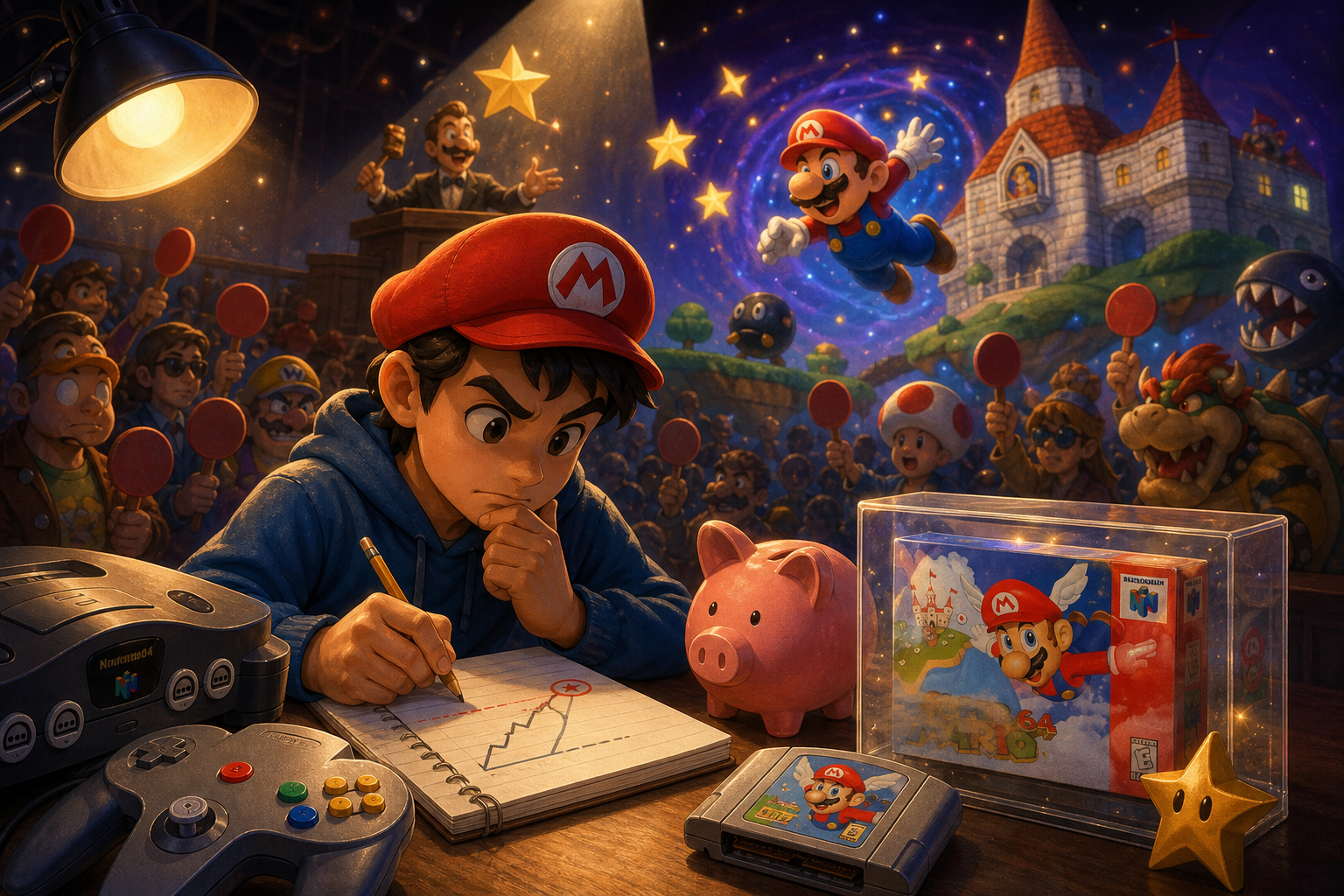
A mixed Nintendo 64, PlayStation 2 and Nintendo DS bundle can look like a shortcut to several classic libraries. A photograph showing three consoles and a pile of games, however, does not prove that any of the systems are ready to play. Missing parts may be inexpensive individually, incompatible with the console, or difficult to verify before the return window closes.
The useful comparison is not the bundle’s sticker price against the price of a complete setup. It is the total cost of reaching your actual goal: starting Super Mario 64, The Legend of Zelda: Ocarina of Time, Shadow of the Colossus, God of War, Phoenix Wright: Ace Attorney or Final Fantasy III with working controls, suitable display connections and dependable saving. Inventory every requirement first, then assign uncertainty a cost.
Define what “ready to play” means
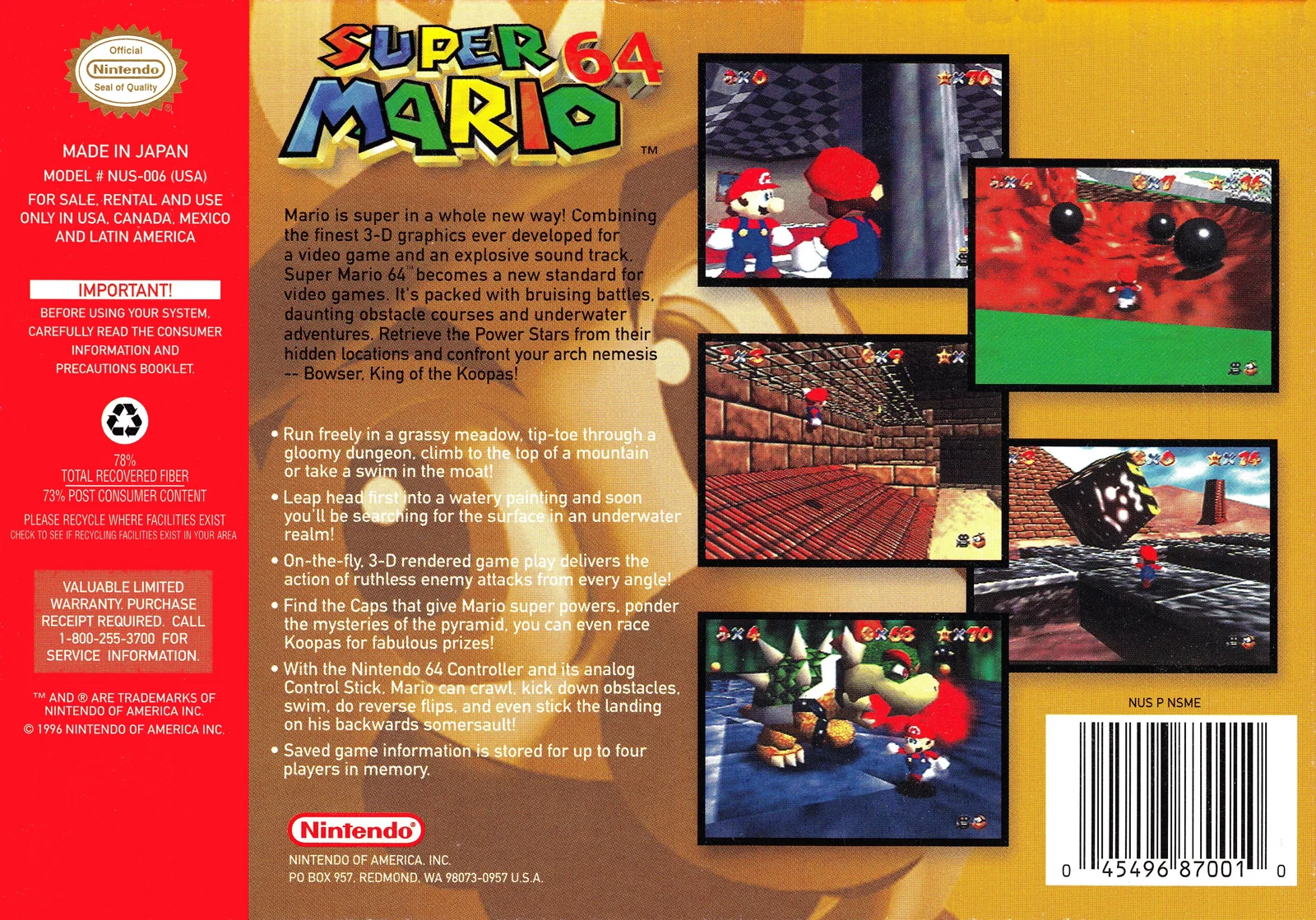
Begin by writing down the systems and games you actually intend to use. A Nintendo 64 setup for Super Mario 64 or The Legend of Zelda: Ocarina of Time needs a compatible Control Deck, power supply, display connection, controller and cartridge. Nintendo’s Super Mario 64 instructions treat the Game Pak, console and controller as separate parts of the setup, including a direction to connect the controller to the first controller socket. That is a useful reminder that a console shown beside a game is not a complete playing system by itself.
A PlayStation 2 setup for Shadow of the Colossus or God of War adds an optical drive, controller, video connection and suitable memory card. A Nintendo DS setup for Phoenix Wright: Ace Attorney or Final Fantasy III requires a charged battery, the correct charger, a stylus, readable screens, responsive controls and a working Nintendo DS Game Card slot.
This definition prevents a common mistake: treating every item in a box as equal value. An extra case may help storage, while an unidentified power adapter creates a compatibility and safety question. A Nintendo 64 Expansion Pak may matter for a future library, but it does not substitute for a controller or video lead. A PlayStation 2 memory card is useful only if it is the correct type and readable. Separate play-critical items from collection extras before comparing offers.
- Write down each intended console, game and region before reviewing the listing.
- Mark every required item as included, missing, unverified or incompatible.
- Separate play hardware from packaging, manuals and cosmetic accessories.
- Define whether “ready” means tested gameplay, reliable saving, portable use or display-quality collecting.

Build an inventory sheet before comparing prices
Record the exact console model, every cable, each controller, all games and any storage or battery accessory. Do not use broad descriptions such as “Nintendo cables” or “controllers included.” Connector shapes can look similar while serving different systems, regions or electrical requirements. Ask for photographs of both ends of each cable and the labels on power hardware. For a portable system, record the charger, stylus and condition of the battery compartment separately.
The inventory should distinguish an item that is physically present from one that has been shown to work. A power light or game title screen demonstrates only limited power and video behavior. It does not establish that all buttons respond, a disc drive reads consistently, a memory card saves, a DS touch screen tracks accurately or a cartridge boots repeatedly. Use separate columns for “seen,” “identified,” “tested” and “included in shipment.”
Packaging deserves its own line rather than being mixed into hardware value. A missing case or manual affects collection completeness and transport, but it does not necessarily prevent play. Conversely, a cracked cartridge shell, damaged controller cable or corroded battery compartment can create functional risk even when the outer appearance seems acceptable.
Photograph or save the listing before purchase. Capture the item description, included accessories, visible damage, seller disclosures and messages about testing. Marketplace descriptions and photos are claims to verify, not independent evidence that a component is authentic or functional.
- Identify the exact console model and regional version.
- List power, video, controller, save, battery and storage items separately.
- Record whether each component is pictured, identified and tested.
- Treat cases and manuals as collection or protection items, not substitutes for missing hardware.
- Save a copy of the listing and your completed inventory before purchase.
Nintendo 64: check the complete control path
For a Nintendo 64, inspect the chain from wall power to display and controller. The console needs a compatible power supply, a video connection that matches the display, a functioning controller and the correct cartridge. Super Mario 64 saves through files within the game, so a seller’s claim that the cartridge is included does not remove the need to check whether the console reaches the game and whether the save function behaves normally.
The analog stick deserves special attention. A controller can look clean while its stick is loose, off-center or unable to produce accurate movement. For platforming, aiming and camera control, this is more consequential than ordinary shell wear. Request a close view of the stick at rest and evidence of movement in more than one direction. A photograph cannot establish whether the stick returns to center or whether its range is consistent. If the seller cannot demonstrate it, budget for service or treat the controller as unverified rather than counting it at full value.
Check the console’s accessory bay and ask whether a Jumper Pak or Expansion Pak is installed. Nintendo describes the Expansion Pak as adding 4 MB of memory and identifies software such as Donkey Kong 64 and The Legend of Zelda: Majora’s Mask as requiring it. The accessory has future-library value, but it is not a universal requirement for Super Mario 64 or Ocarina of Time. Do not let an Expansion Pak distract from missing power, video or input hardware.
Cartridge labels and shells can support identification, but one photograph cannot establish authenticity, clean contacts or reliable booting. Ask for front and back photographs, including the cartridge edge where appropriate, then request a boot demonstration with the exact game. A title screen is useful evidence, but it still does not prove long-term save reliability or every button response.
- Request photographs of the console model label, power connector and video output.
- Confirm the power supply is intended for that console and region.
- Ask for controller movement evidence, especially a centered analog stick.
- Verify whether the accessory bay contains a Jumper Pak or Expansion Pak.
- Ask for front and back cartridge photographs and treat function as unproven without a boot test.
- Stop if corrosion, cracked ports or damaged insulation is hidden or unexplained.
PlayStation 2: account for discs, controls and saving
A PlayStation 2 bundle is incomplete when it includes only the console and discs. Sony’s user documentation identifies the AC connection, AV output, controller ports and memory-card slots as separate parts of the system. The exact cable and power requirements vary by console revision and region, so identify the model number rather than assuming that any PlayStation 2 lead is suitable.
For Shadow of the Colossus or God of War, ask for evidence that the optical drive loads a disc beyond a menu or power screen. A photograph of a shiny disc underside can reveal some scratches, but it cannot prove that the drive reads the disc or that the game reaches playable content. Request a video showing the actual disc loading and, if possible, a transition into gameplay. Deep scratches, cracks near the center hole, warping or a disc that is only shown in its case should be recorded as risk rather than treated as a working copy.
Verify the controller type and condition. A controller that powers the menu may still have worn analog input, intermittent shoulder buttons, an unreliable pressure-sensitive button or a damaged cable. Ask the seller to show several inputs, not just a title screen. Also confirm that the memory card is a PlayStation 2 card. Sony distinguishes the 8 MB PlayStation 2 Memory Card from the older PlayStation Memory Card, and the two are not interchangeable for all save tasks.
Some software designates a particular memory-card slot, and Sony notes that save and load procedures can vary by software. Ask whether the card is recognized and whether the seller can show a browser or save-data screen. The card’s label, shell and capacity may help identify it, but none alone proves that it is readable. If the listing does not demonstrate loading, saving and returning to the game, assign the card a replacement-risk allowance.
- Identify the PlayStation 2 revision and confirm the AC lead is included.
- Request evidence of disc loading with one of the listed games.
- Check disc undersides for deep scratches, cracks or signs of warping.
- Confirm the controller has functioning analog sticks, buttons and cable.
- Verify that the memory card is for PlayStation 2 and is recognized.
- Do not count a menu screen as proof of a healthy optical drive or save system.

Nintendo DS: inspect the parts that photos hide
The Nintendo DS has more small failure points than a stationary console. Nintendo’s manual identifies the rechargeable battery, specified AC Adapter, stylus, touch screen, Game Card slot and physical controls as distinct components. A DS that powers on in a photograph may still have a weak battery, an unsuitable charger, inaccurate touch input, a damaged hinge or a screen defect. Ask for photographs of both screens while powered on, the hinge from several angles, the battery compartment and the charger label.
The original Nintendo DS uses its own specified AC Adapter, and the manual warns that battery performance decreases over time and after repeated recharging. A power-on photo therefore proves very little about usable battery life. Ask whether the system remains powered away from the charger and whether the seller knows if the battery has been replaced. Swelling, leakage, corrosion or a distorted battery cover should be treated as a stop condition until the issue is assessed safely.
The lower screen is touch-sensitive and is intended to be operated with a licensed stylus. A missing stylus is usually a manageable accessory omission, but a scratched, cracked or poorly calibrated touch screen can directly affect Phoenix Wright: Ace Attorney and other touch-dependent software. Request a short demonstration of taps near the corners and across the screen. A static photograph cannot show dead areas or inaccurate input.
Check the Nintendo DS Game Card slot separately from the Slot-2 Game Boy Advance area. Nintendo distinguishes these locations and states that Slot-2 is not compatible with original Game Boy or Game Boy Color cartridges. Do not treat every visible slot as interchangeable storage. For Final Fantasy III or Phoenix Wright, ask for a boot demonstration with the exact cartridge if possible, while remembering that a title screen still does not prove save reliability.
Inspect the hinge, shoulder buttons, volume control, charging port, screens and shell seams. Cracks around the hinge or charging connector may not prevent an immediate boot, but they increase the chance that ordinary use will worsen the problem. Cartridge labels can help identify a title and region, but they cannot prove clean contacts, authentic internal hardware or working save memory.
- Confirm the charger is intended for the exact DS model and region.
- Inspect both screens, hinge, shell, buttons and shoulder controls.
- Ask for touch-input evidence across the lower screen.
- Check the stylus, battery compartment and signs of leakage or corrosion.
- Verify that the listed games fit the Nintendo DS Game Card slot.
- Treat cartridge labels as identification clues, not proof of clean contacts or working save memory.
Translate listing language into evidence
Marketplace wording needs interpretation. “Tested” should mean the seller can identify what was tested, with which accessory and for how long. “Works” is too vague unless it covers power, video, controls, game loading and saving. “Untested,” “as-is” and “console only” should be priced as risk categories rather than optimistic invitations to discover a bargain. “Includes accessories” is not an inventory; ask for a component-by-component list.
Request targeted proof that matches the intended use. For the Nintendo 64, that may be a power-on video, game screen and controller movement. For the PlayStation 2, it should include disc loading, controller input and memory-card recognition. For the DS, it should show battery operation, touch response, buttons and the exact Game Card. Ask the seller to show the items that will ship rather than relying on stock images or old photographs.
A seller’s test may also be narrower than your intended use. A PS2 that plays an audio CD has not necessarily demonstrated reliable game-disc reading. A DS that reaches its menu has not demonstrated touch accuracy or battery endurance. An N64 that displays a picture has not demonstrated a centered analog stick or working cartridge saves. Match the proof to the component that could fail.
Uncertainty is not automatically a reason to reject a listing, but it must be reflected in the decision. A seller who refuses to identify cables, show ports or provide basic evidence is not offering the same product as a tested ready-to-use setup. Preserve messages and listing images. If the received items differ from the documented description, those records can help with an on-platform claim.
- Ask what “tested” means and which exact games were used.
- Request current photographs rather than stock or representative images.
- Ask for model labels, cable ends, ports and all included accessories.
- Treat refusal to provide basic evidence as a stop condition.
- Keep the listing, messages, payment record and delivery photographs.
Calculate total usable cost, not sticker price
Use a worksheet with the purchase amount, tax and shipping at the top. Add missing power hardware, video conversion or display compatibility, a controller, memory card, charger, stylus, battery allowance, protective case and any professional service allowance. Keep disc cleaning or cartridge-contact attention separate from invasive repair. These categories make small omissions visible and prevent several replacement purchases from being dismissed as minor.
Compatibility can create a second layer of expense. A cable may fit physically but fail to match the display. A power adapter may have an unsuitable regional specification. A replacement controller may be for the wrong console. A memory card may fit the slot but not be the correct format or may be unreadable. Include additional shipping, adapters and the time or risk involved in returning incompatible parts.
Add a separate uncertainty allowance for untested optical drives, loose analog sticks, aged batteries, intermittent buttons and unverified save media. This is not an invented market price; it is a reminder that the bundle may require service or replacement after arrival. You can set the allowance according to your own tolerance for repair work, professional help and delay.
Then add return and shipping exposure. A complete bundle packed carelessly can arrive with cracked shells, bent connectors, separated cases or damaged discs. Compare tracking, packaging evidence, the seller’s stated returns and the marketplace’s claims procedure. On eBay, its current Money Back Guarantee information says that many transactions may be covered when an item is missing, faulty, damaged or materially different from the listing, subject to eligibility requirements and the platform’s process. The return instructions also tell buyers to document relevant damage and use the prescribed return request. Protection is valuable only when the transaction remains on-platform and evidence is preserved.
Compare the completed total with the cost of a ready-to-use setup, not with another incomplete listing. A cheap bundle can require several separate purchases, each with its own shipping charge and compatibility risk. The bundle is only financially attractive when the missing items are known, replaceable and reflected in the worksheet.
- Add purchase amount, tax, shipping and replacement categories.
- Include compatibility adapters and second-shipping risk.
- Assign an uncertainty allowance to untested drives, controllers, batteries and save media.
- Record packaging quality and the marketplace return deadline.
- Compare the completed total with a ready-to-use setup, not with another incomplete listing.
Set stop conditions before paying
Decide in advance which problems end the comparison. Walk away when critical power hardware is unidentified, corrosion is concealed, a seller refuses basic testing, stock images stand in for the actual item, the return path is unclear or the missing part cannot be compatibility-checked. A low price does not compensate for an unknown electrical accessory, a cracked port or a disc drive that the seller will not demonstrate.
Do not open a console, probe a power supply or attempt electrical repair merely to evaluate a marketplace purchase. External inspection, clear questions and platform-supported returns are safer first steps. If a system has suspected battery leakage, damaged insulation, severe corrosion or an unexplained burning smell, use qualified repair help rather than improvising.
Region and edition matter throughout the decision. North American, PAL and Japanese hardware and software can differ in power, video behavior, language and compatibility. Confirm the buyer’s display, electrical environment and intended game versions before treating a cable or console as universal. A seller’s reference to “original” or “OEM” also does not eliminate the need to inspect the actual component.
Choose the cheap bundle only when its missing items are known, compatible and covered by a clear return process. Choose the ready-to-use alternative when testing evidence is thin, essential accessories are unidentified or the uncertainty allowance erases the apparent saving.
- Stop when the seller cannot identify essential power hardware.
- Stop when corrosion, cracks or damaged insulation are hidden or minimized.
- Stop when the listing depends on stock photos or an unclear return route.
- Stop when regional compatibility cannot be confirmed.
- Do not perform invasive or electrical repair as part of a purchase inspection.
- Use qualified help when a hardware fault cannot be safely assessed externally.
A cheap mixed bundle is worthwhile only when you can convert its contents into a verified inventory and a realistic usable-cost estimate. The Nintendo 64 needs a complete control and display path, the PlayStation 2 needs dependable disc and save hardware, and the Nintendo DS needs a healthy portable input system as well as a charger. Games such as Super Mario 64, Ocarina of Time, Shadow of the Colossus, God of War, Phoenix Wright and Final Fantasy III make useful test targets, but their presence alone does not prove a working setup.
Choose the bundle when the missing items are known, compatible and covered by a clear return process. Choose the ready-to-use alternative when testing evidence is thin, essential accessories are unidentified or the uncertainty allowance erases the apparent saving. The goal is not the fullest box; it is the least surprising path to the games you intend to play.