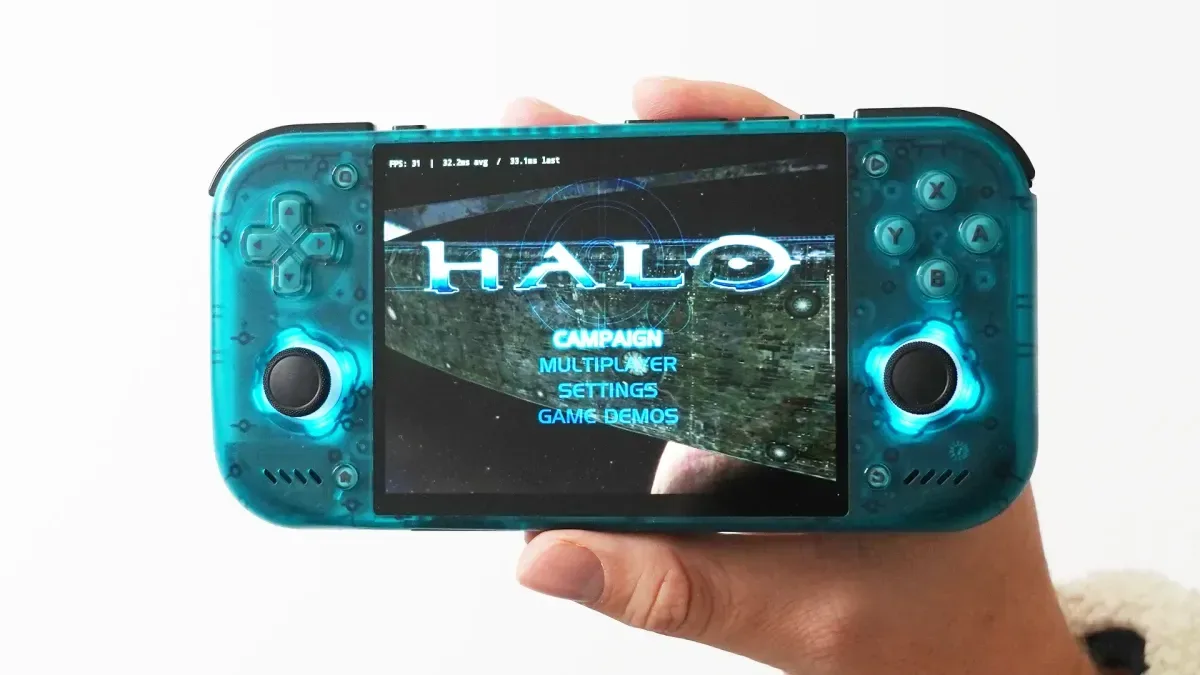
Android handheld owners looking to revisit original Xbox games have a new emulator to watch: HakuX. Its version 1.2.0 update is attracting attention for potentially strong performance on Android hardware, particularly devices using Adreno graphics. That enthusiasm needs an important qualifier, however. HakuX appears promising rather than finished, with game-by-game compatibility differences and some setups requiring driver changes before performance improves.
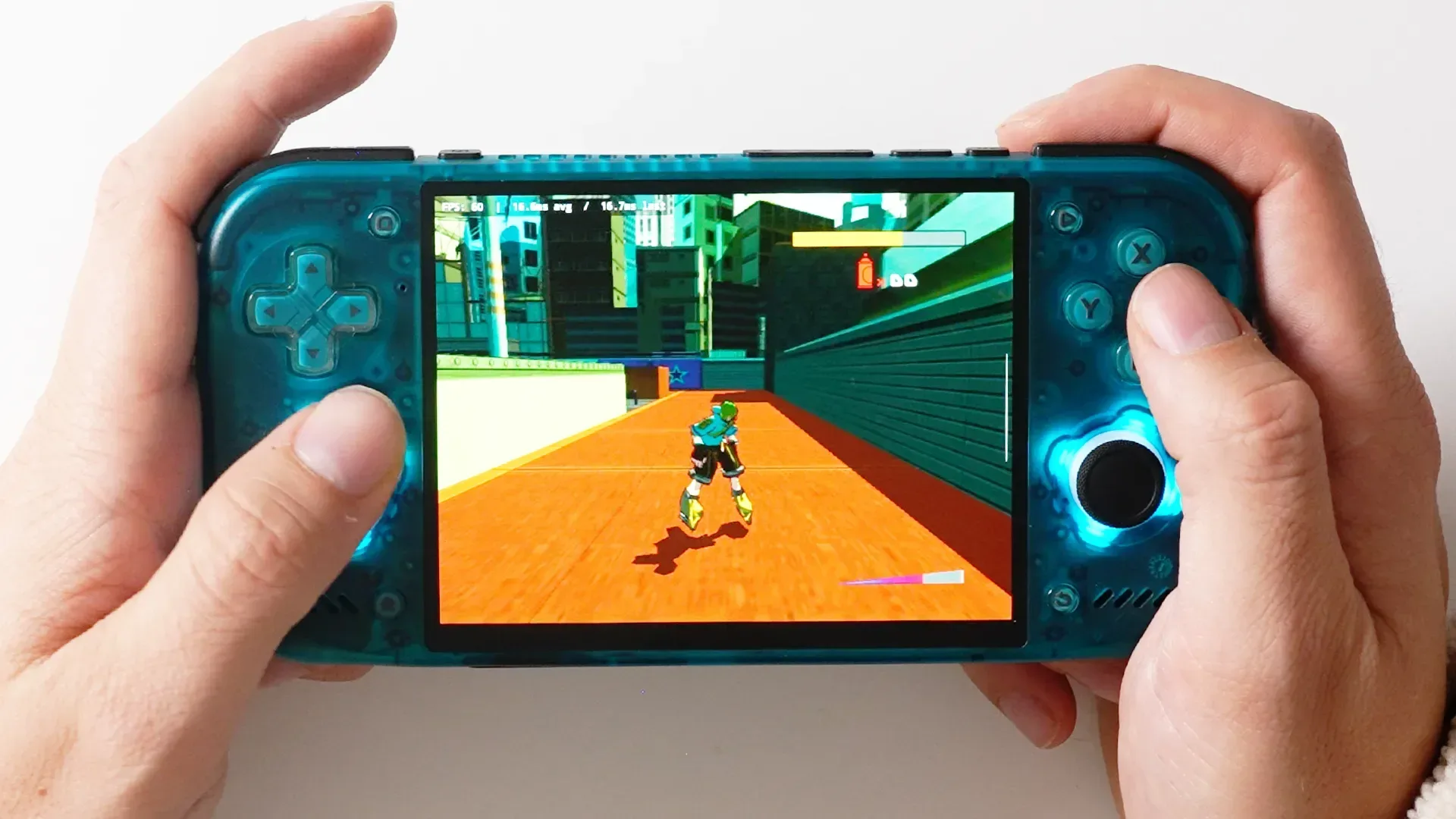
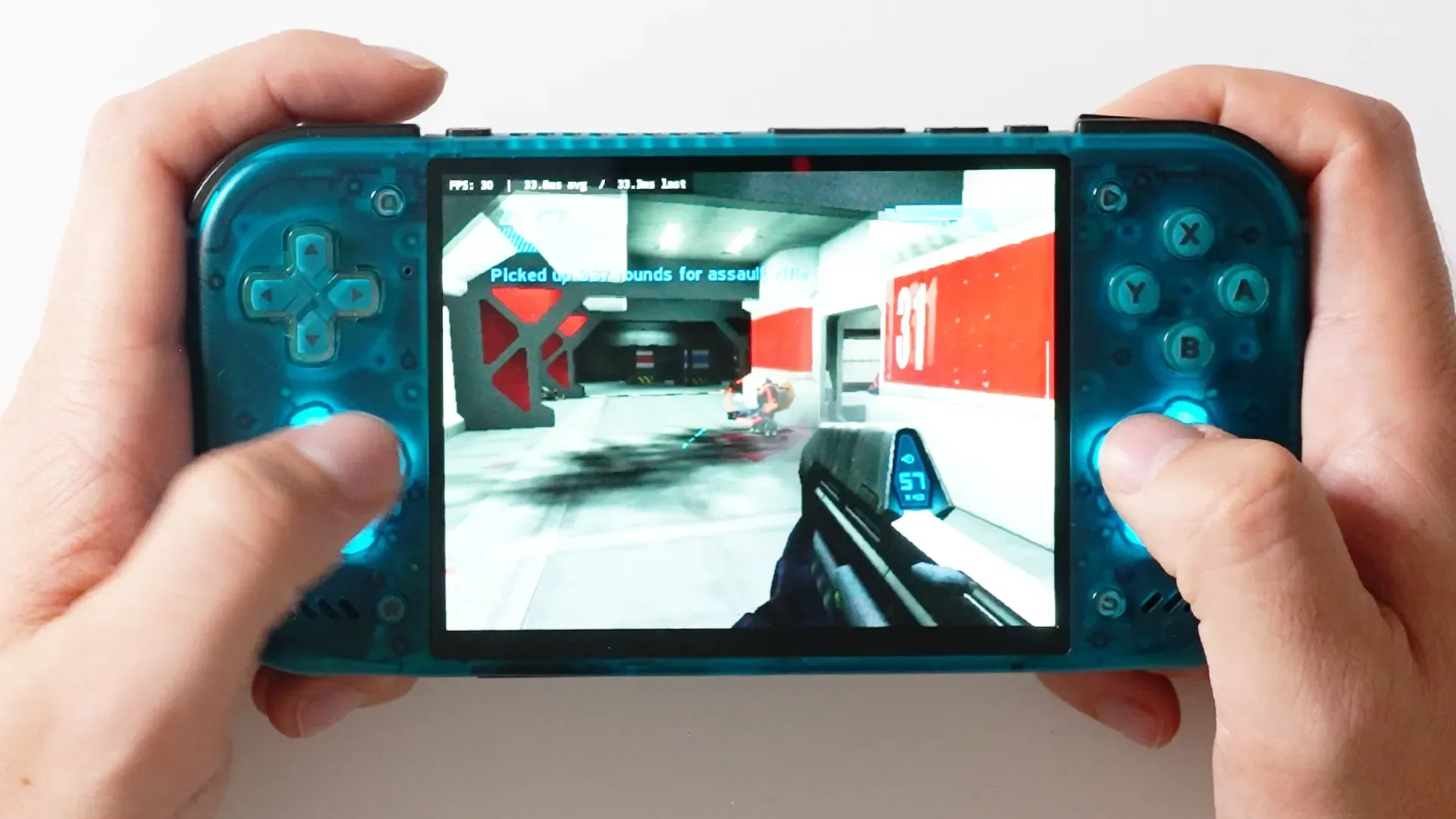
That is still meaningful progress. Original Xbox emulation on Android has often been a difficult target, so reports of games such as Halo: Combat Evolved and Jet Set Radio Future running above 30 frames per second are encouraging. The early picture is not one of universal, plug-and-play support, but of an emulator that may already work very well for a useful portion of a player’s library.
What HakuX is, and where it stands
HakuX is an Android emulator for the original Xbox. It is not presently listed through Google Play; the app is distributed as an Android application package, or APK, through GitHub. An APK is the installable file format used by Android. Installing one outside an official storefront is commonly called sideloading.
The developer, known as r-fandango, previously created a Xemu fork, but has described HakuX as a complete rebuild that applies lessons learned from the limitations of optimizing that earlier port. That distinction matters because a fresh codebase can pursue different technical choices, though it does not automatically guarantee broader compatibility or better performance in every game.
For more context, explore The FCC Isn’t Singling Out Minions Routers—But Kevin and Bob Are Stuck in the Same Regulatory Queue.
Version 1.2.0 is the build associated with the current performance gains. Reports specifically point to benefits on Adreno-based handhelds. Adreno is the family name used for graphics processors found in many Android devices, and the reference is useful because emulator performance does not depend on a game alone. The same title can behave differently across hardware, graphics drivers and emulator settings.
For a closer look at the emulator’s early Android handheld prospects, additional HakuX coverage is available here.
The early compatibility picture is encouraging, not complete
Reported testing on Retroid Pocket Duo and Pocket Nova hardware found that roughly 80 percent of a small game sample ran well. Halo: Combat Evolved and Jet Set Radio Future were highlighted as examples that loaded quickly and exceeded 30fps. For players interested in a portable original Xbox library, those are encouraging signs because they suggest HakuX can handle at least some demanding games without immediately collapsing into severe slowdown.
But the other part of the testing is equally useful. Fable and Halo 2 reportedly showed graphical artifacting before additional driver work. An artifact is a visual error produced during rendering: it can mean corrupted-looking textures, stray geometry, flicker, incorrect effects or other imagery that does not belong in the game. Such problems can range from mildly distracting to game-breaking.
After Turnip drivers were installed, performance reportedly improved in both games. Turnip is relevant here as an alternative graphics-driver route used by some Android enthusiasts on compatible hardware. The practical takeaway is simple: HakuX may reward users willing to configure their device, but it cannot yet be treated as a frictionless option for every original Xbox title.
What users can configure
HakuX scans a selected game folder and supports game images described as .iso or .xiso.iso. An ISO is a disc-image file: a digital representation of a disc’s contents. The naming distinction matters because the emulator expects compatible image formats in the folder it is asked to scan, rather than an arbitrary collection of compressed files.
The app presents the detected library from its home screen and includes pre-mapped buttons, while still allowing control adjustment. That is a welcome baseline for handheld devices, where physical controls vary from one model to another. Players can also alter the aspect ratio, a setting that determines the shape of the image, and increase rendering resolution up to 1080p where their device and a game’s stability allow it.
Upscaling deserves some care. In this context, it means asking the emulator to render a game at a higher resolution than its original presentation. It can make an older game look cleaner on a modern screen, but it also increases graphics workload. A game that is steady at a default resolution may become less reliable after a resolution increase, so it is sensible to establish a stable baseline before pushing visual settings.
HakuX also offers local-area-network multiplayer. A LAN is a local network, such as devices connected to the same Wi-Fi network. This is distinct from broadly connecting players across the internet. The feature could be valuable for nearby multiplayer sessions, but its usefulness will ultimately depend on the individual game and how reliably the emulator handles that game’s networking behavior.
Why driver setup is part of the story
Emulation is software recreating the behavior of one machine on another. That work has to bridge very different hardware environments: original Xbox software expects an original Xbox, while HakuX must translate that behavior for Android devices with their own processors, graphics chips and operating system layers.
Graphics drivers are a key part of that translation path. They help software communicate with the graphics hardware. If an emulator and a driver combination disagree over how a graphical operation should be handled, users may see artifacting, crashes or poor speed. Conversely, a driver that better suits the hardware and emulator can improve the outcome, as the reported Fable and Halo 2 results suggest.
That does not mean drivers are a universal cure. Better results in two games do not establish that every problematic title will be fixed by the same adjustment. It does mean that a compatibility issue should not automatically be read as a permanent verdict on a game or the emulator. HakuX users may need to think in terms of combinations: a particular game, on a particular Android device, with a particular graphics-driver setup and set of emulator options.
A sensible approach for curious users
Because HakuX is distributed outside Google Play and remains in active development, it is best approached with measured expectations. Users should verify the project and download they are obtaining before installing any APK, keep their game files organized, and begin with default settings. If a title works properly at baseline settings, then changes such as upscaling, aspect-ratio adjustments and control remapping can be evaluated one at a time.
- Start with one game: Confirm that HakuX finds the selected folder and that the title boots normally.
- Test default rendering first: This makes it easier to distinguish an emulator problem from one introduced by aggressive visual settings.
- Watch for artifacting as well as speed: A high frame rate is not enough if the image is unstable or important visual elements render incorrectly.
- Consider drivers only when needed: The reported Turnip improvements are encouraging, but they also illustrate that extra setup is not necessarily required for every game.
- Expect title-by-title variation: Strong results in one original Xbox game should not be treated as a guarantee for another.
Promising progress for a difficult Android target
HakuX’s appeal is not that it has solved original Xbox emulation on Android outright. The current evidence does not support that claim. Instead, its appeal is that it appears to have moved the conversation beyond mere boot tests for a number of games, with reported quick loading, mapped controls, adjustable presentation and workable performance in notable titles.
Its limitations are just as important to preserve: Fable and Halo 2 showed visual issues before driver changes, feedback around performance remains mixed, and some users may find the required tweaking too involved. Yet the reported gains after installing Turnip drivers suggest there is room for improvement both from HakuX itself and from careful configuration on compatible Android handhelds.
For now, HakuX looks like an emulator worth tracking for players interested in preserving access to their original Xbox game libraries on Android hardware. It is not the effortless all-games solution yet, but version 1.2.0 provides credible reasons to see where its development goes next.