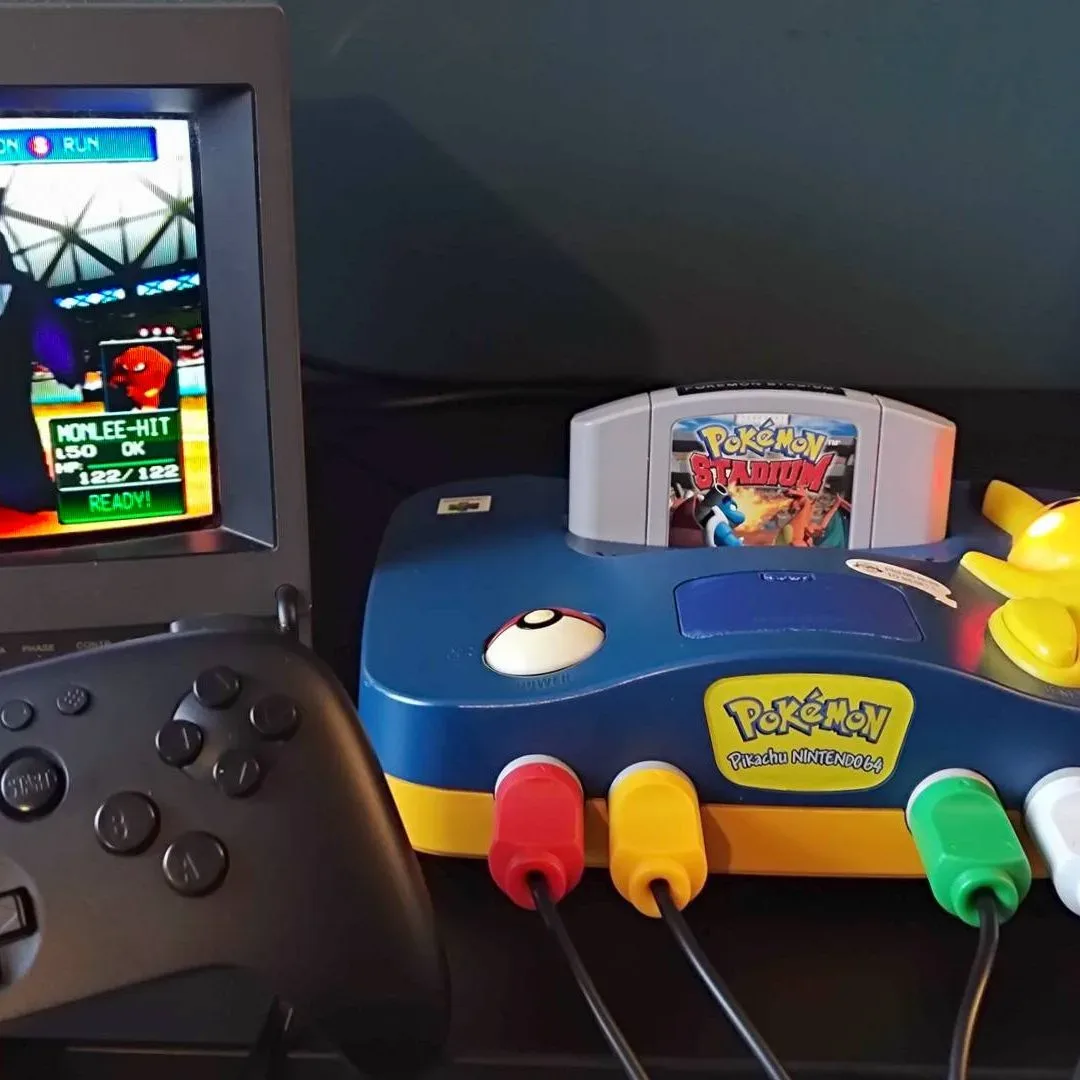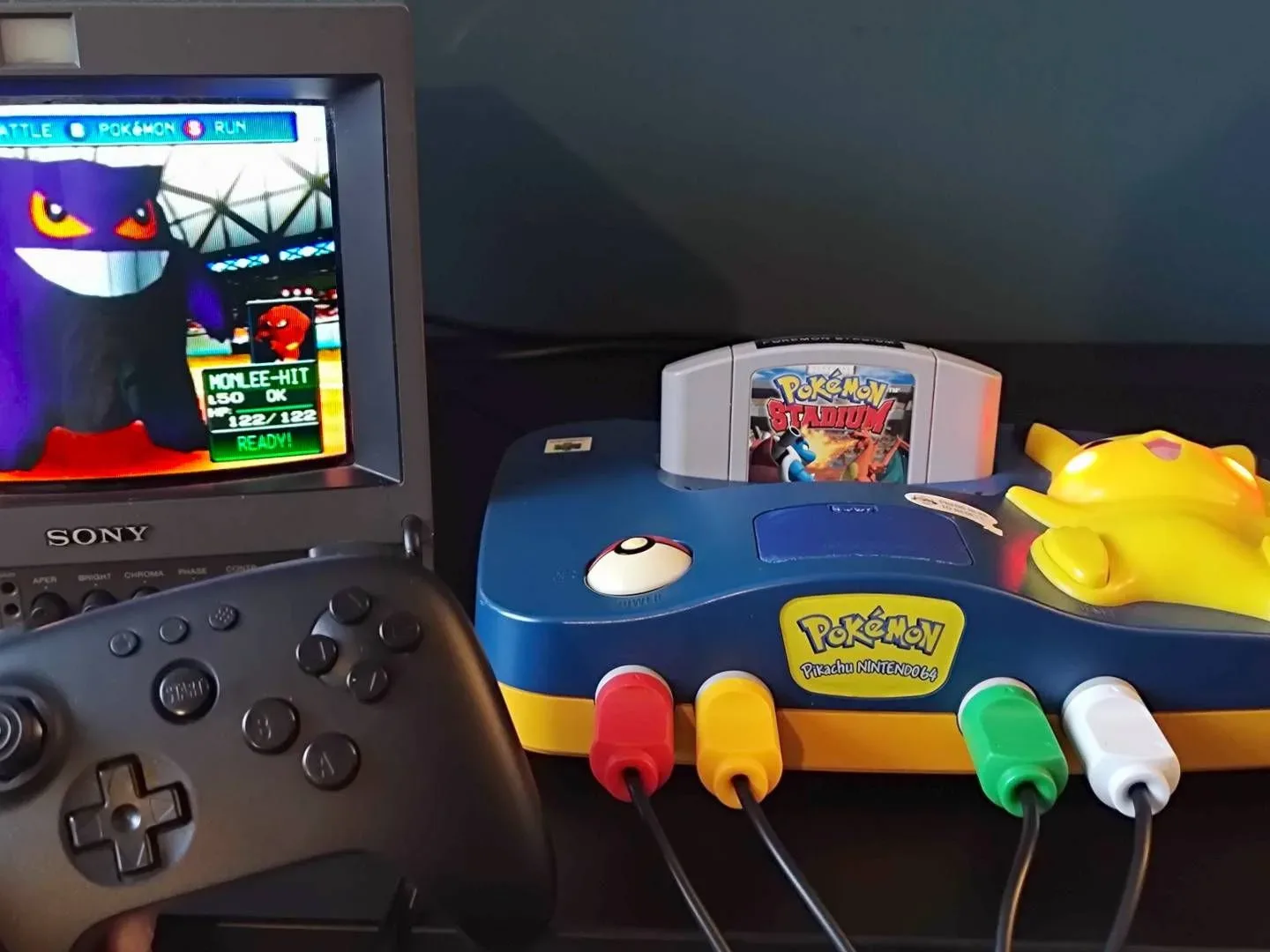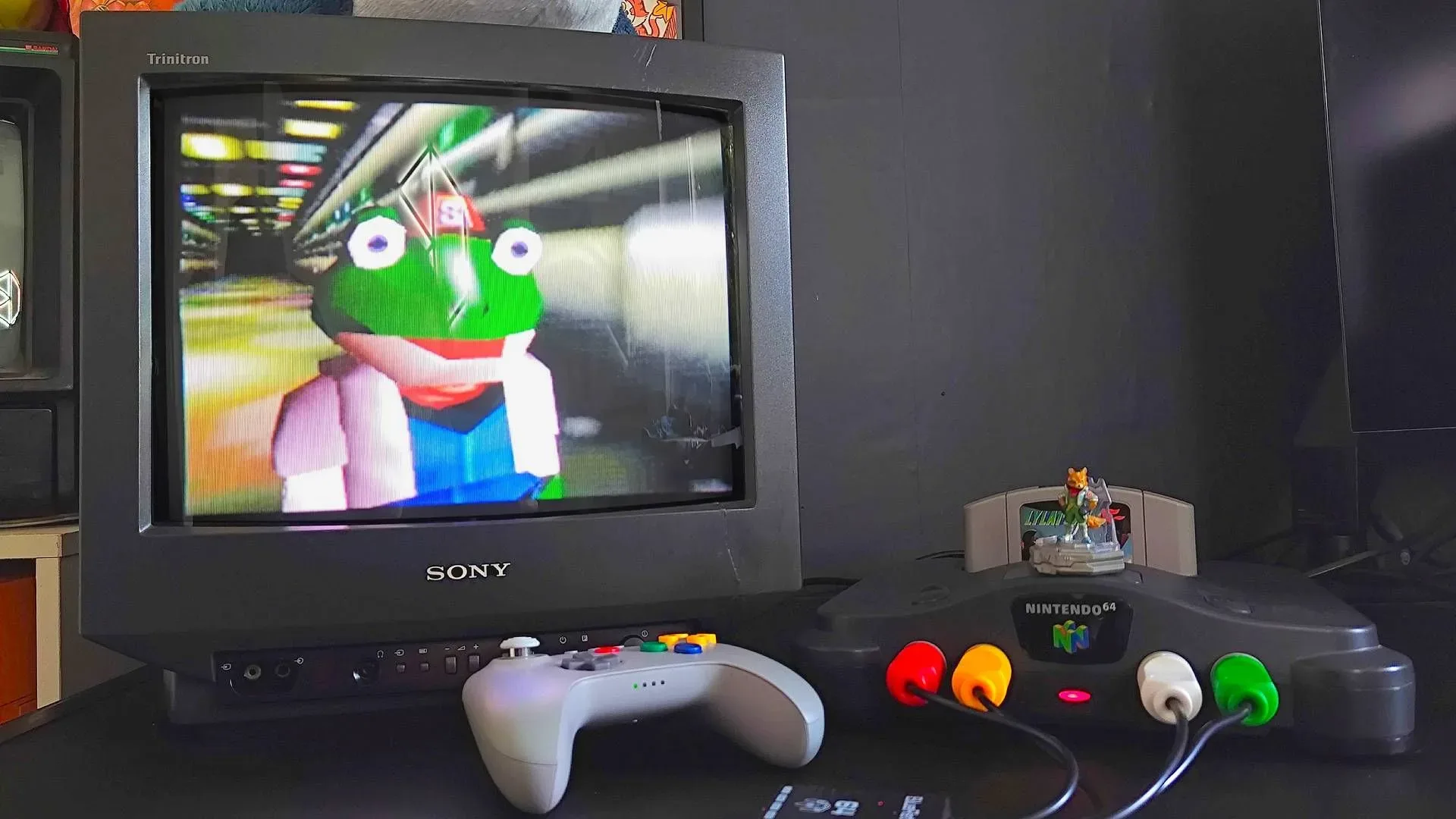
The Nintendo 64 reached its 30th anniversary with a library that remains unusually easy to remember and unexpectedly complicated to revisit. The obvious plan is simple: locate a console, insert Super Mario 64, and prepare to hear that startup chime. The practical plan involves old video standards, region-specific cartridges, potentially tired controller sticks, and an expansion-bay accessory that can decide whether certain major games run at all.
None of that makes Nintendo’s first 3D console less worth playing. It simply means an N64 setup benefits from choosing a lane early. Players seeking cartridge compatibility and period-correct behavior can maintain an original system. Players who want HDMI convenience and extensive display settings can consider FPGA-based hardware. And players who value portability, resolution options, or save states can look at licensed collections or emulation, with the usual legal and performance caveats.
The choice comes down to what matters most: the real cartridge ritual, a clean picture on a modern television, broad convenience, or the ability to take a library on the road.
Start with the three ways to revisit Nintendo 64
Original console: the cartridge-first route
An original N64 remains the direct route to original cartridges, official accessories, and native console behavior. It is also the route with the least ambiguity around compatibility: a properly working console, the correct region of game, and any needed Expansion Pak should behave as intended.
The trade-off is video. The machine was made for CRT displays, where low resolutions, soft edges, dithering, and anti-aliasing were part of the intended visual cocktail. On a large 4K panel, that same output can look considerably blurrier than memory suggests. Nintendo 64 hardware also does not natively provide clean RGB output, relying instead on composite and, on compatible models, S-Video.
FPGA hardware: modern output without abandoning cartridges
FPGA systems aim to reproduce hardware behavior in programmable logic rather than through conventional software emulation. The Analogue 3D is positioned as a 4K-ready N64-focused option with cartridge, controller, and accessory support, HDMI output, save states, screenshot features, and display modes intended to recreate characteristics of CRTs. Its options include scanline, shadow-mask, and aperture-grille effects, as well as settings that can reduce blur, dithering, or anti-aliasing in supported circumstances.
A MiSTer configuration with the appropriate core is another FPGA-oriented path, although it is a more do-it-yourself proposition and uses game files rather than an N64 cartridge slot. These solutions can make sense for enthusiasts who want hardware-minded accuracy but do not want a chain of analog cables and video processors occupying the entertainment center.
Software emulation: flexible, but not always effortless
N64 emulation offers the most places to play: PCs, handhelds, and iOS devices among them. It can bring higher-resolution rendering, controller remapping, save states, and library management. The catch is that Nintendo 64 emulation has long been more demanding and game-sensitive than emulation for many other 1990s machines. Extra processing power helps, but does not guarantee that every title, setting, and graphics plugin combination will act perfectly.
For game files, keep the legal question in view. Backing up media you own for private use can still involve jurisdiction-specific legal uncertainty. Anyone who would rather avoid that argument can choose licensed modern releases instead. Nintendo Switch Online offers 44 N64 classics, supplying a convenient, officially distributed option without ROM management.
Making an original N64 behave around a modern TV
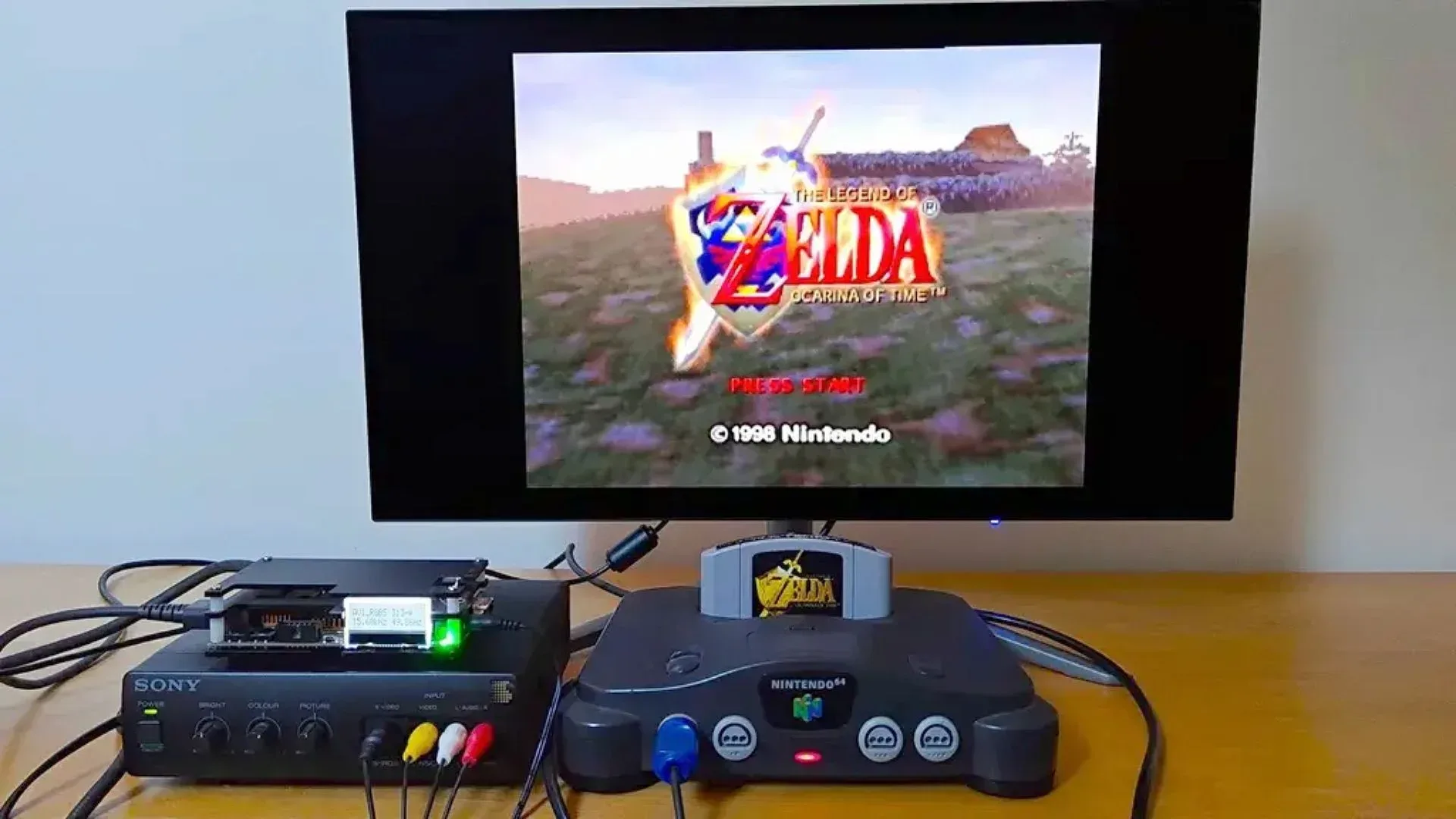
A CRT remains the low-drama answer if one is available and functioning: connect the console with the appropriate analog cable and play. For nearly everyone using a newer TV or monitor, the first job is identifying inputs. Many recent displays only accept HDMI, meaning an adapter or upscaler becomes necessary.
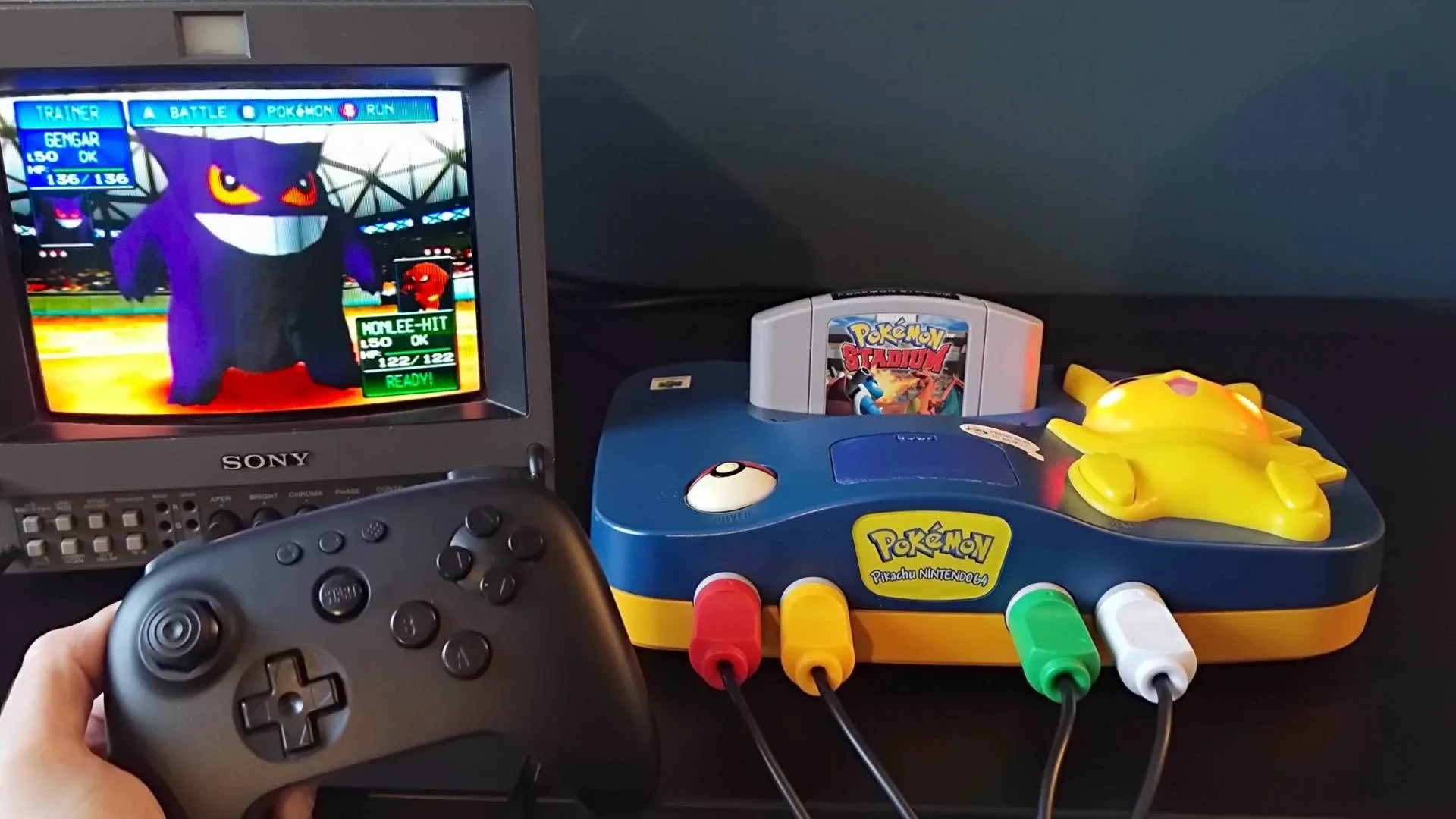
Composite is the familiar yellow video connection, but it is the softest option. S-Video can provide a cleaner image on N64 models that support it, making it the preferable unmodified signal where available. Not every regional or hardware revision supports the same arrangement, however. Later models such as NUS-CPU-P-02 revisions and the Pikachu edition may not output S-Video, so buying a cable before identifying the console can produce an alarming but solvable black screen.
A basic HDMI adapter converts the existing analog signal, but conversion should not be mistaken for enhancement. The image may reach the screen while retaining every limitation of the source. A dedicated scaler can improve the presentation, but the N64’s unusual output means compatibility deserves research before buying. The OSSC, for example, is built around RGB signals; because the unmodified N64 does not natively output RGB, it may require a compatible transcoder or add-on approach. GBS-C variants with composite and S-Video inputs reduce some of that cable choreography. Higher-end RetroTINK and Morph 2K hardware can offer more advanced processing at much higher cost.
Before building a stack of boxes, read the connection checklist for retro console HDMI adapters. It is much cheaper to map the N64 model, its available output, and the television’s inputs before discovering that an expensive cable solves a problem the console never had.
Mods can simplify the picture, with a risk warning
Modding is an alternative for owners comfortable with opening aging hardware or paying an experienced installer. RGB modifications can provide a much cleaner feed for compatible upscalers. Tim Worthington boards are among the higher-quality options cited for RGB capability, PAL support, and de-blur features. HDMI modifications can instead pull a clean signal from the console and output HDMI directly; kits from Highspeedio have been sold for under $40 and target 720p output, while UltraHDMI represents a pricier option.
These modifications are not mandatory. They also are not consequence-free: soldering, board revisions, installation quality, and the condition of a three-decade-old console all matter. A basic unmodified setup with a reliable cable may be the wiser first step for a player who mainly wants an occasional round of Mario Kart 64.
The accessories that actually change what you can play
The N64 controller’s three-pronged form is one of gaming’s great oddities. An original pad is part of the authentic experience, but worn sticks are widespread. Its optical-mechanical mechanism can wear down, producing a loose stick and reduced precision. Replacement modules or Hall effect stick upgrades are possible; Hall effect designs are intended to avoid conventional stick-drift problems. Hyperkin replacement sticks have been listed at $14.99, though prices and availability naturally move around.
Modern alternatives include the 8BitDo N64 controller, which combines N64-oriented controls with Bluetooth or 2.4GHz wireless support. A BlueRetro Bluetooth adapter can connect up to four wireless controllers, including pads made for Switch, PlayStation 5, or Xbox. That could make a four-player night much easier to arrange, although anyone hosting one should still observe the unwritten rules of couch multiplayer before assigning the worst seat and the questionable controller.
The essential add-on for many players is the Expansion Pak. This RAM upgrade installs in the front bay and is required for Donkey Kong 64, The Legend of Zelda: Majora’s Mask, and Perfect Dark. A black Jumper Pak merely completes the circuit required for a standard console to operate; it does not provide the extra memory. Original Expansion Paks have been selling around $50 on eBay, and the red plastic top is a common identifying feature. Listings can confuse the two accessories, so inspect carefully.
Memory Paks are separate controller-slot accessories used by certain games for save data, including Doom 64, Turok, and Rayman 2: The Great Escape. The drawback is that a Memory Pak occupies the same slot needed by a Rumble Pak or Transfer Pak. Some newer wireless controller solutions include storage recognized as a memory card, which can reduce that inconvenience.
Cartridges, regions, and the dreaded black screen
Start trouble-shooting with the humble cartridge contacts. Dust, grime, and corrosion can prevent a game from booting. A cotton swab and 99% isopropyl alcohol are a sensible cleaning combination. Blowing into cartridges may be nostalgic, but breath introduces moisture and can worsen corrosion over time.
Also check the modular power supply, the cartridge seating, and the Jumper Pak or Expansion Pak. Any of these can lead to a blank display. If the TV chain appears correct but no game starts, cleaning the cartridge and reseating the bay accessory are sensible early checks.
Importing adds another layer. Japanese and North American NTSC cartridges use different physical shapes, but an altered or replacement cartridge tray can remove that physical barrier. PAL games are a different problem: their 50Hz standards mean that simply fitting the cartridge in an NTSC machine does not make it work. Older adapters such as the N64 Passport can attempt workarounds with two cartridges, but results are not assured.
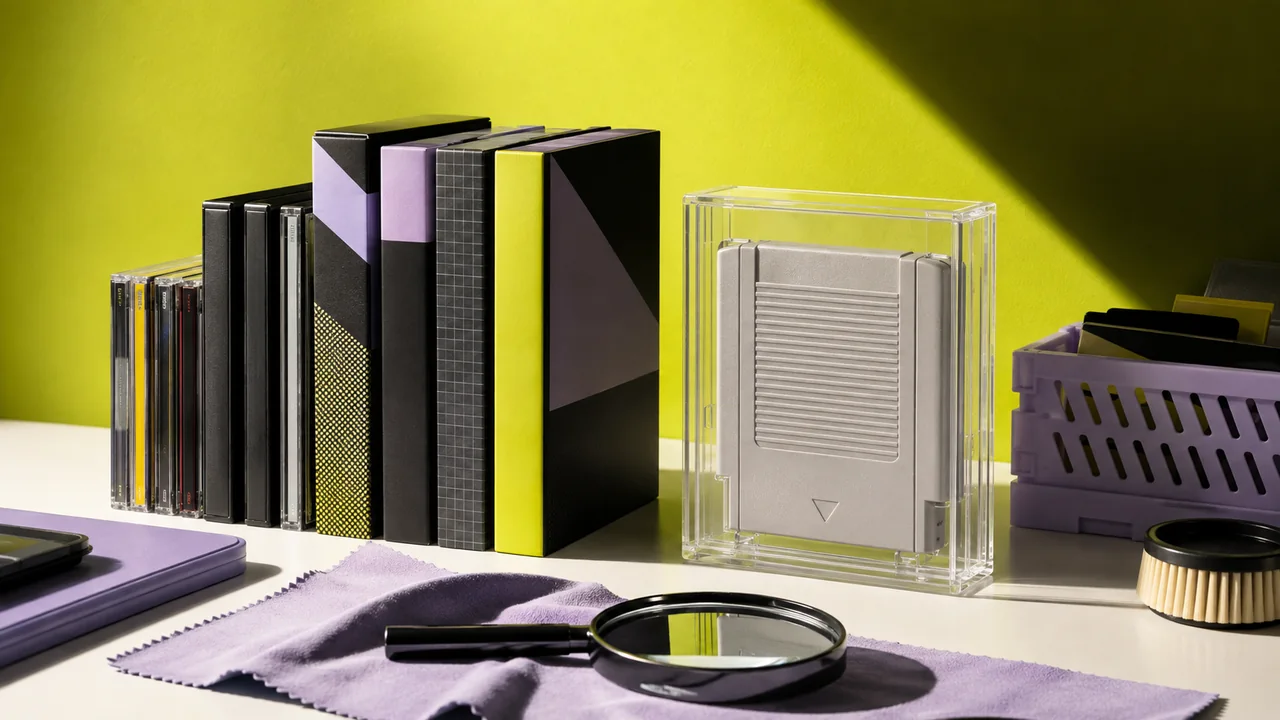
A flash cartridge such as the open-source SummerCart64 offers another way to use privately dumped files and homebrew on compatible original hardware. It includes an 8GB SD card, can simulate N64 Disk Drive titles, and has support intended to address PAL and NTSC use. It has been listed at $87.99. For collectors, physical games still deserve sensible shelving and protection; a storage plan that keeps retro games playable is better than leaving cartridges loose in a box until the next nostalgia emergency.
Portable and PC emulation expectations
A capable retro handheld should have at least a 640 x 480 display, one thumb stick, a d-pad, four face buttons, shoulder buttons and triggers, 3GB of RAM, 32GB of storage, and a quad-core ARM Cortex-A55-class chipset or better. Windows, Android, and Linux devices can all host relevant emulation software. More capable handhelds, such as the Anbernic RG Cube, are better suited to the difficult end of the library.
Cheaper portable devices can manage lighter titles such as Super Mario 64, but games that use the Expansion Pak or tax emulators more heavily, including Perfect Dark and GoldenEye 007, may show frame-rate limitations. On PC, emulators including Ares and Gopher64 can be paired with a USB controller and configured with per-game display or graphics settings. On iOS, Delta and RetroArch are available options for compatible game files.
The N64 is still a wonderfully strange machine: a console that can ask for an Expansion Pak, a precise video chain, and a controller held in a way that looks like a small ritual. Choosing the right route lets the quirks remain charming rather than becoming obstacles between you and the game.
Keep reading
Shop the products
Check current price, model and availability at the retailer.