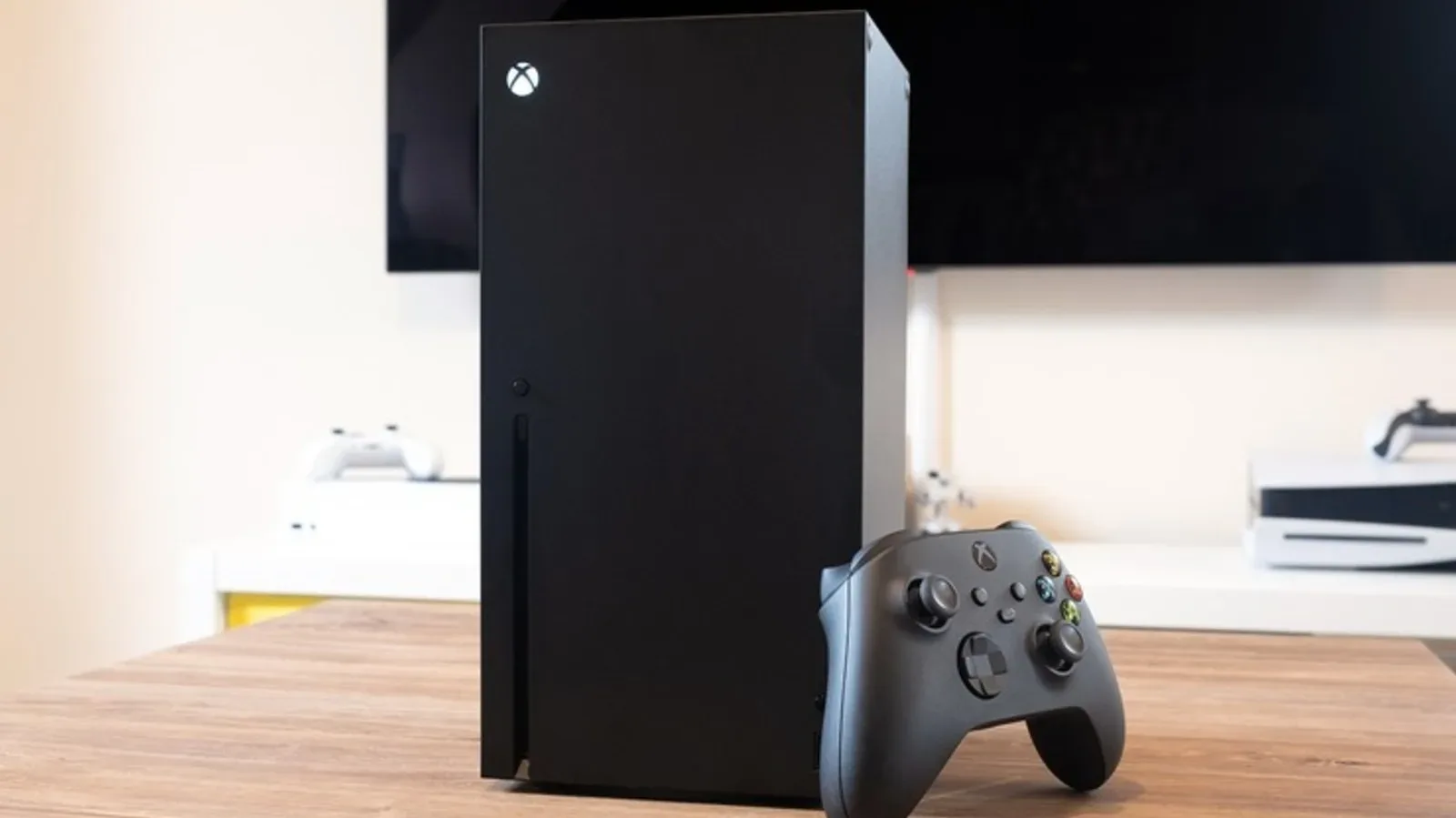
The PlayStation 5 Pro may be the more powerful console on paper, with stronger graphics hardware, advanced ray tracing and built-in AI upscaling. Those gains matter for players who want the best possible image quality and performance in supported games. But buying a console is not solely a contest of rendering power.
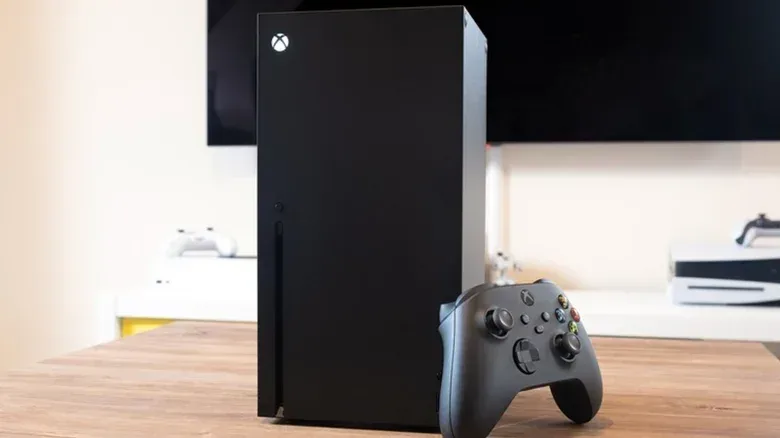
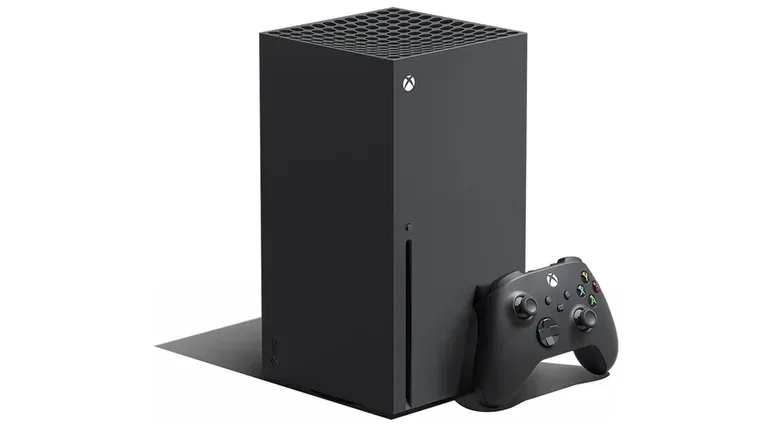
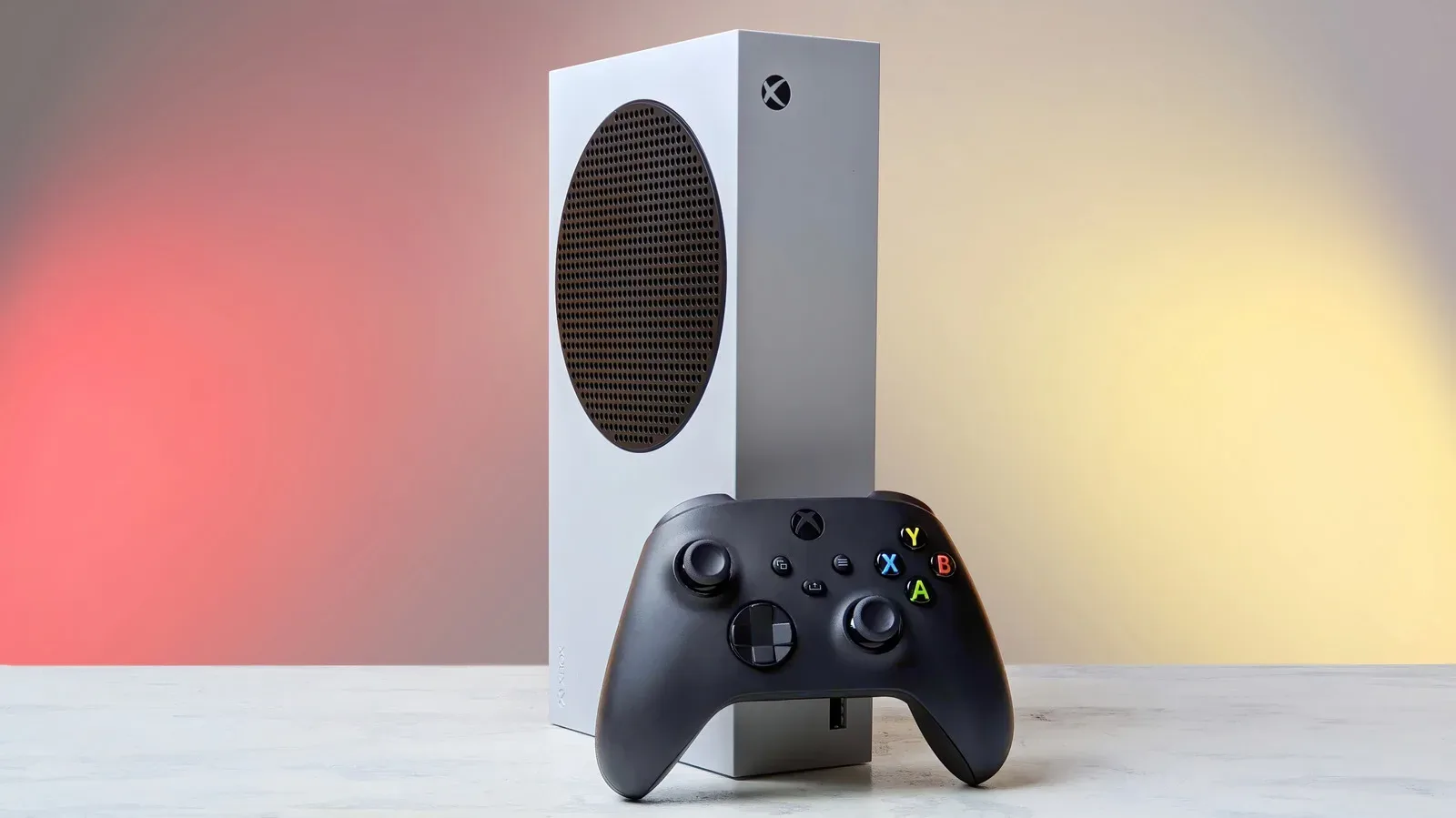
The Xbox Series X remains a compelling alternative because its strengths are often about friction: getting the right game version, returning to several paused games, using an existing disc library, moving saves between devices and expanding storage without opening the console. The all-digital Series X starts at $750, while PS5 Pro costs $900 following a price increase earlier in the year. That is a meaningful $150 gap before accounting for subscriptions, storage or a PS5 disc drive.
None of the following makes the Series X categorically better for every player. PS5 Pro’s performance advantage is real, even if visual differences can sometimes be subtle. Instead, these are eight areas where Microsoft’s flagship offers a capability, workflow or level of convenience that PS5 Pro does not currently match.
1. Smart Delivery reduces version-management hassles
Smart Delivery is Xbox’s system for delivering the best available version of a purchased game for the hardware being used. On Series X, that means a compatible title should install with the Series X assets and applicable enhancements rather than asking the player to decipher a list of cross-generation editions.
That distinction can sound mundane, but cross-generation releases can make libraries messy. A player may own a game with separate Xbox One and Series X versions, and Smart Delivery is designed to select the appropriate build automatically. Updates that add features such as ray tracing or an unlocked frame rate also arrive as part of keeping the installed game current.
The related benefit is save continuity across Xbox generations. Smart Delivery carries saves forward automatically, making a move from an older Xbox version less likely to require manual cloud-save intervention.
PS5 Pro can run PS4 and PS5 software, but it does not have a direct equivalent that handles every version choice in this way. Players may need to select a PS4 or PS5 edition when downloading from their library. In some cases, an older save may also need to be manually retrieved from cloud storage before the newer version sees it. That is not an insurmountable obstacle; it is simply another decision and another possible snag in an otherwise straightforward installation.
2. A disc drive is included on the standard Series X
Physical media remains important for players with shelves full of Xbox One games, Blu-ray movies or disc-based Series X titles. The standard Xbox Series X includes an optical disc drive. Microsoft later introduced an all-digital Series X model in 2024, but the drive-equipped version preserves the ability to use compatible physical games without another hardware purchase.
Related coverage includes 8 Xbox Series X Features the PS5 Pro Still Doesn’t Match.
PS5 Pro takes a different approach: it ships without a disc drive. A separately purchased drive can be added for just under $80, but that makes the effective cost of a physical-game-ready PS5 Pro higher than its $900 console price. Until that accessory is installed, physical PS5 games cannot be used on the system.
This is more than a nostalgia issue. A disc library is an existing investment, and a built-in drive lets a console owner continue using that library immediately. It also matters for movie playback. For people who still prefer buying boxed games, the contrast is particularly sharp at the premium end of the console market. Physical gaming culture has an appeal well beyond practicality, as seen with hardware designed around the look and memory of the format, including this PlayStation-themed arcade cabinet.
There is also a longer-term question behind the drive debate. Sony plans to stop making disc-based PS5 games in 2028. That does not make the current add-on drive irrelevant, but it does make ownership models and library portability more central considerations for anyone purchasing a premium console now.
3. Quick Resume handles multiple games, including after a full shutdown
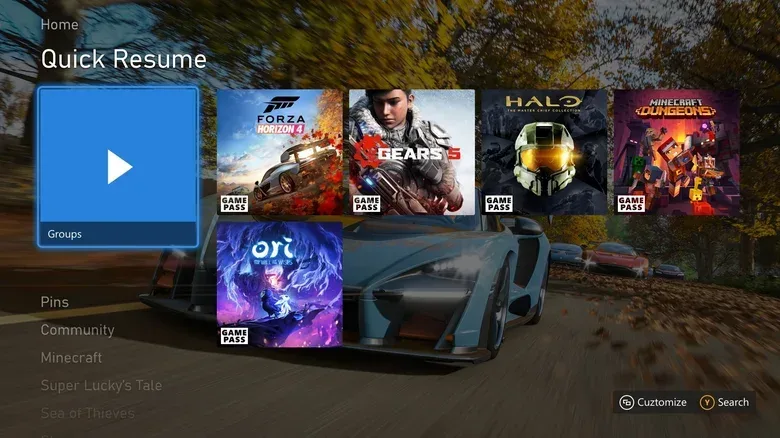
Quick Resume is arguably Series X’s clearest quality-of-life win. Using the console’s SSD, it stores suspended game states so players can jump back to where they stopped with minimal delay. The feature supports up to three current-generation games at once, with room for more suspended older titles.
In practical terms, a player can pause a single-player game, open another game, then return later without sitting through a full boot sequence, title screen and loading process. Crucially, those suspended states can persist even if the console is switched off or unplugged. It is a feature built for people who rotate between games instead of treating one title as their entire evening.
Quick Resume does have an important limitation: constantly connected live-service games do not always cooperate. A game that needs to recheck its server connection may still force a return to the menu or a fresh login. The feature is most dependable and useful with single-player games.
PS5 can suspend a game, but only one at a time, and that state remains available while the system is on or in rest mode. A fully powered-down PS5 requires the game to reload next time. PS5 Pro’s speed can reduce the wait, but faster conventional loading is not the same experience as retaining several ready-to-resume game states.
4. Dolby Vision works in supported Xbox games
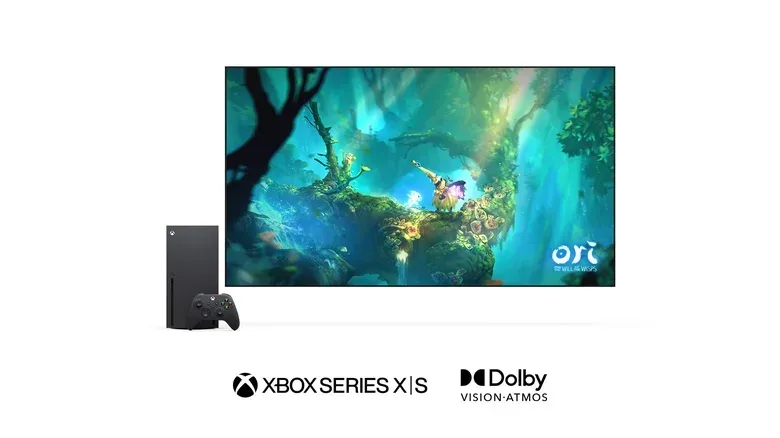
High dynamic range, or HDR, expands the range between dark and bright areas while also improving color presentation on compatible displays. HDR10 is the baseline HDR format supported by PS5 Pro. Xbox Series X additionally supports Dolby Vision in games that have been optimized for it.
Dolby Vision is often regarded as a higher-end HDR standard because it can provide more accurate color and contrast handling on compatible TVs. The important caveat is that the game itself needs Dolby Vision support and the television must support the format too. It is not a universal visual upgrade that automatically transforms every Series X title.
Still, PS5 Pro does not offer Dolby Vision for either games or movies. It supports Dolby Atmos audio, but audio format support does not address the missing video format. Series X also has a limitation here: Dolby Vision is not available for Blu-ray disc playback. The distinction is therefore specific: Series X can offer Dolby Vision in optimized games, while neither its Blu-ray playback nor PS5 Pro’s games and movies provide that benefit.
For a player with a Dolby Vision-capable TV who dislikes prolonged display calibration, native support in a compatible game can be a welcome advantage. For everyone else, HDR10 remains the common fallback.
5. Game Pass emphasizes day-one first-party access
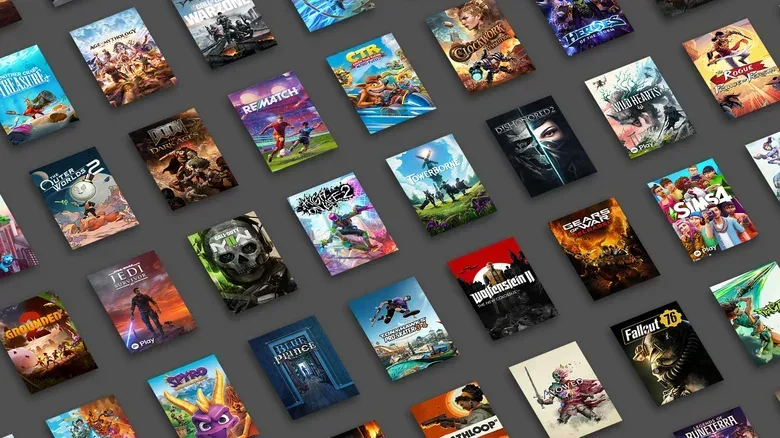
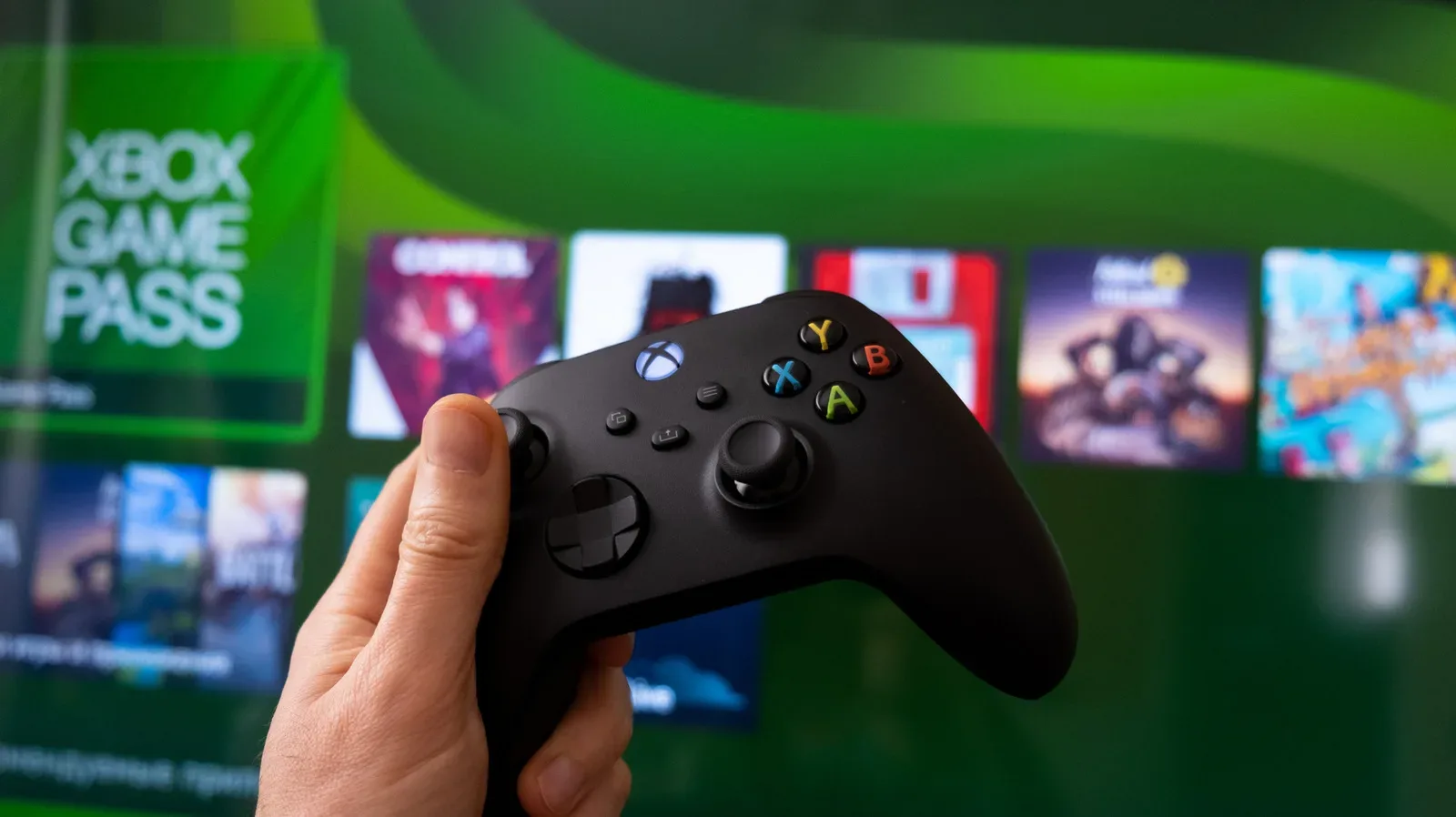
Hardware value is often shaped by the service attached to it. Game Pass Ultimate offers access to almost every Microsoft first-party game on the day it launches, alongside third-party and independent games in the catalog. Subscription pricing has changed over the years, but the central proposition remains clear: instead of buying each eligible first-party release separately, Ultimate subscribers can play it as part of the membership.
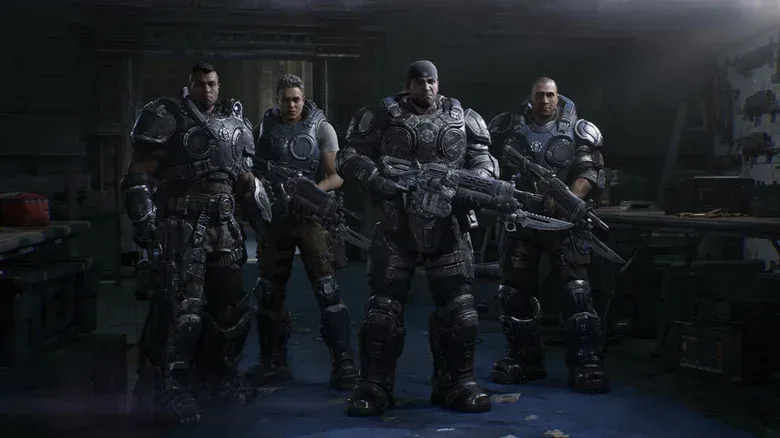
That model has included games such as Forza Horizon 6, Halo: Campaign Evolved and Gears of War: E-Day this year. Whether that is a better deal than buying games outright depends on the individual. Someone who finishes only one or two games annually may prefer ownership. Someone who samples widely or intends to play multiple major Xbox releases can make much greater use of the catalog.
The Xbox proposition also extends beyond the console. Xbox Play Anywhere-supported games can be used across Xbox, PC and Windows handhelds, with save data carrying over. That continuity means a Series X can function as one part of a broader Xbox-and-Windows library rather than a closed living-room endpoint.
PlayStation Plus still has value, but Sony’s own games generally do not arrive there on the same day they launch. Players who do not intend to buy those releases outright typically wait at least a year or two before they reach the service. That makes the difference less about whether either company offers a subscription and more about when a subscriber can expect access to first-party games.
6. Backward compatibility reaches further into Xbox history
Both consoles support a substantial amount of software from the prior generation. PS5 Pro plays most PS4 games, often with improved loading and potentially stronger frame rates. Series X supports the vast majority of Xbox One games as well.
Microsoft’s lead appears when the library reaches further back. Series X also accepts hundreds of Xbox 360 games and select original Xbox discs. The backward-compatibility program has largely stopped adding titles, but the existing catalog is still significant for players whose libraries span several Xbox generations.
Some compatible older games can gain technical enhancements. FPS Boost can raise frame rates for supported titles; Auto HDR applies HDR-like presentation to suitable games; and enhanced resolution can improve image sharpness. These features do not mean every old game is remastered, nor do they overcome licensing constraints that prevent some releases from returning. They do make the supported selection more than a simple archival option.
PS5 Pro has no equivalent support for physical PS3, PS2 or PS1 games. Sony has introduced retro games through the Premium tier of PlayStation Plus, but the selection is limited. PS3 games in that service are streamed rather than installed locally, which makes dependable network quality a requirement. For collectors of older Xbox software or players with a large disc backlog, Series X therefore provides the more direct path to using what they already own.
7. Disc-to-digital licensing creates a bridge for eligible physical games
Microsoft’s disc-to-digital licensing program is a newer effort to make physical ownership more flexible. For hundreds of eligible Xbox Series X and Xbox One games, inserting the disc once can create a digital token. After confirmation, the game can be played without leaving the disc in the drive.
There are constraints worth understanding. The program does not cover every game, and it applies to Xbox Series X and Xbox One software rather than older generations. More unusually, the license is tied to the disc, not permanently to the player’s Microsoft account. Selling or lending that disc cancels the digital license automatically. This is not a way to turn a resellable physical copy into an unrestricted permanent digital entitlement.
Within those limits, the system gives a compatible disc owner more of the day-to-day convenience associated with a digital library. If the title also supports Xbox Play Anywhere, it can be installed on PC or a Windows handheld as well. Sony currently has no matching program.
The idea matters because console makers are increasingly navigating a future where physical distribution is less certain. Disc-to-digital does not eliminate the trade-offs of that shift, but it offers a possible bridge: retain a disc-based collection today while gaining some flexibility if future hardware leans harder toward digital access.
8. Storage expansion is almost tool-free
PS5 Pro starts with 2TB of internal storage, twice the capacity of Xbox Series X. That is an important PS5 Pro advantage, particularly as large modern games can consume substantial space. Yet even 2TB can eventually feel tight for someone keeping many big releases installed.
Both platforms allow expansion, but their methods differ. PS5 Pro uses an M.2 SSD installed in an internal expansion bay. The process involves removing the console faceplate, opening the slot cover, fitting and securing the drive, then putting everything back together. It is manageable, particularly for anyone familiar with PC components, but it is still a small hardware task.
Series X uses officially licensed Storage Expansion Cards from Seagate or Western Digital. The card plugs into a dedicated port on the rear of the console, without removing panels or using a screwdriver. The process takes seconds.
This is a convenience advantage rather than a reason to ignore capacity, performance, preferred games or price. PS5 Pro begins with more room. But when expansion is required, Xbox’s card system is simpler for players who want a direct, appliance-like upgrade rather than an internal installation.
What these differences mean for a buying decision
The PS5 Pro is the better fit for a buyer who puts maximum console performance first and wants its stronger graphical toolkit. The Series X makes a more persuasive case for someone who values practical continuity: a built-in disc drive, a deeper usable legacy library, several games suspended at once, automatic version handling and day-one first-party subscription access.
Some advantages are conditional. Dolby Vision needs both supported software and a compatible display. Game Pass is only valuable if its library suits the player’s habits. Disc-to-digital works only with eligible Xbox One and Series X games, and its license remains associated with the disc. But taken together, these details show why raw specifications do not settle the comparison. A console’s everyday experience is shaped by the small moments between playing games, too.