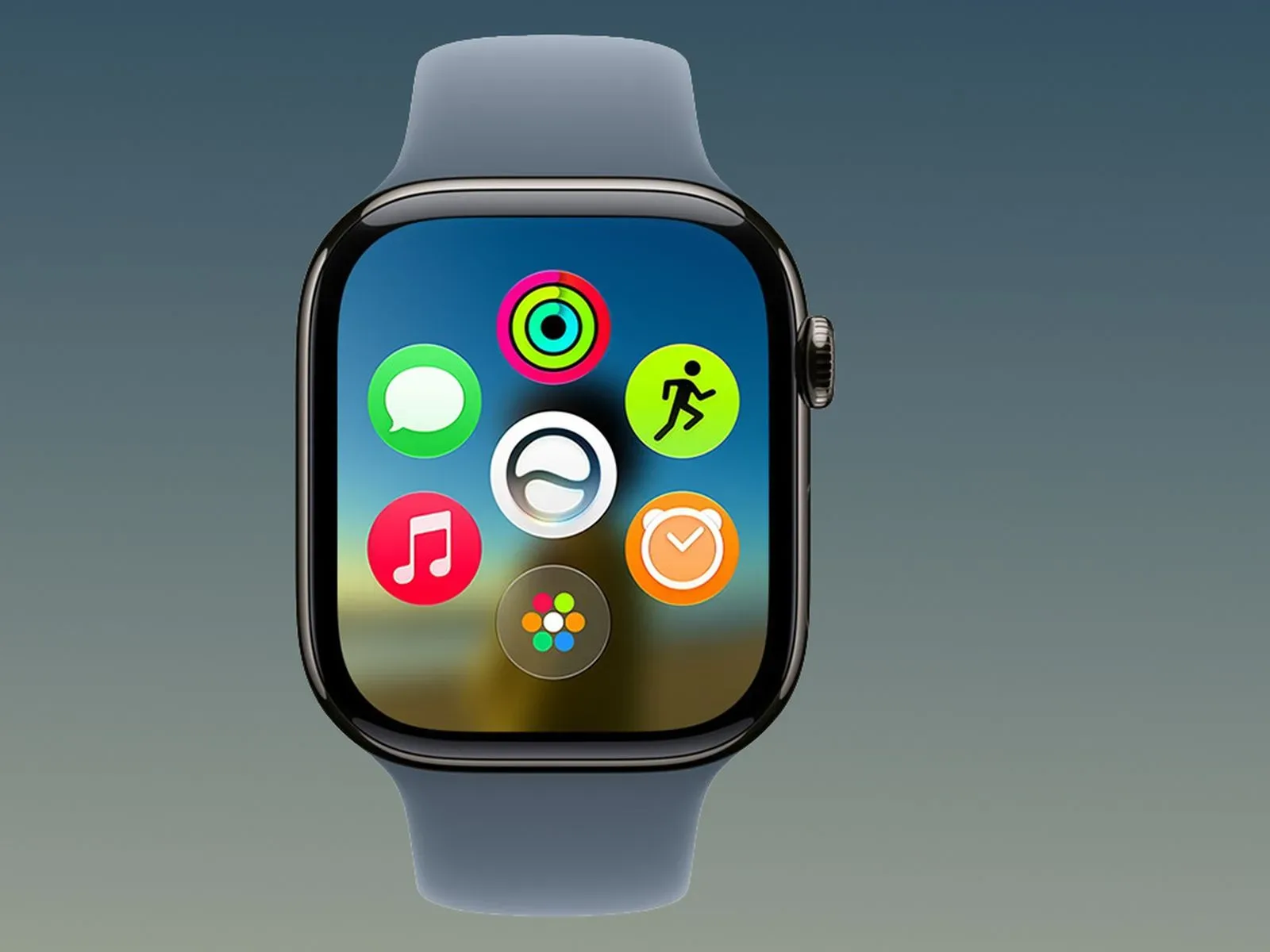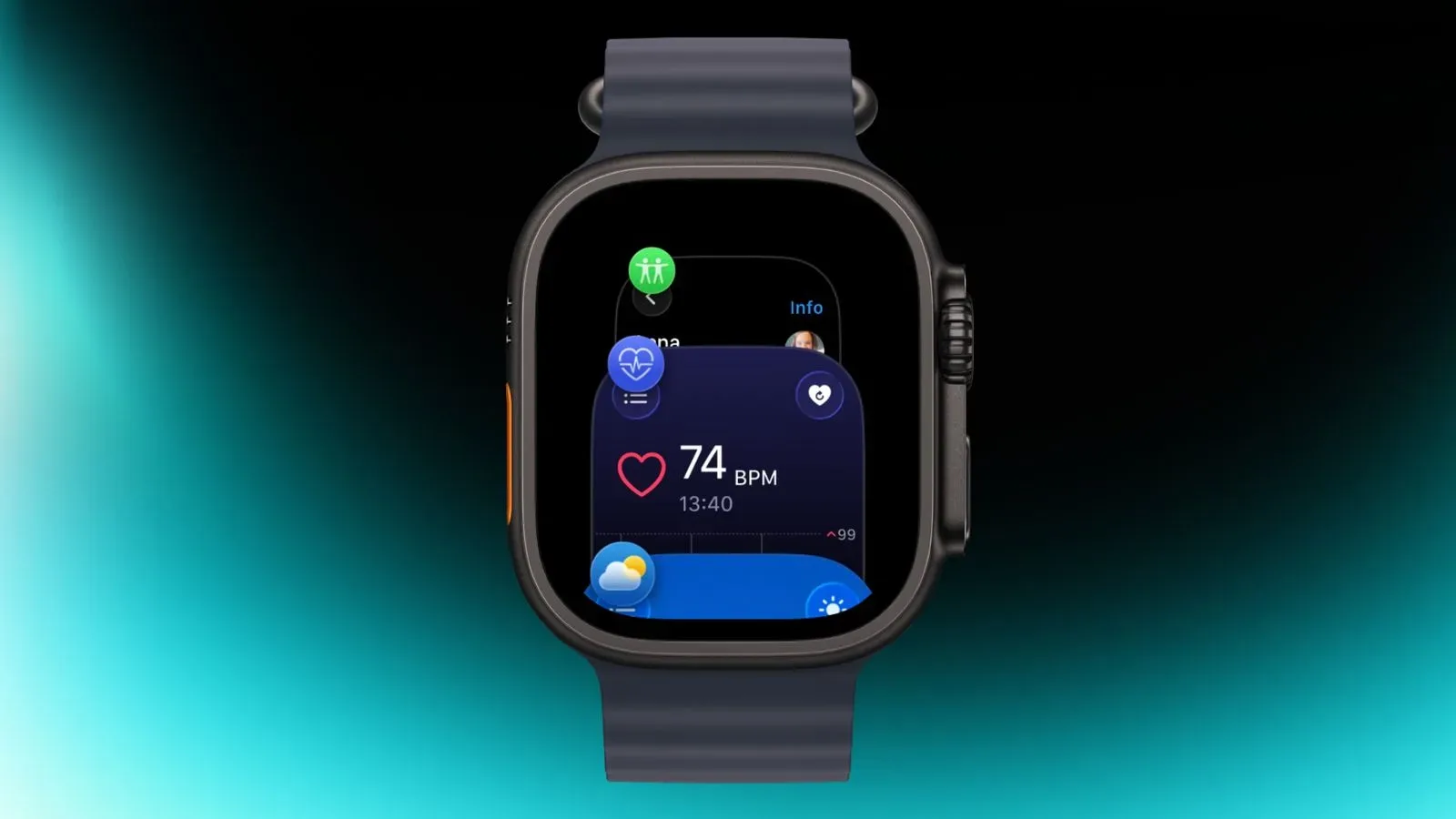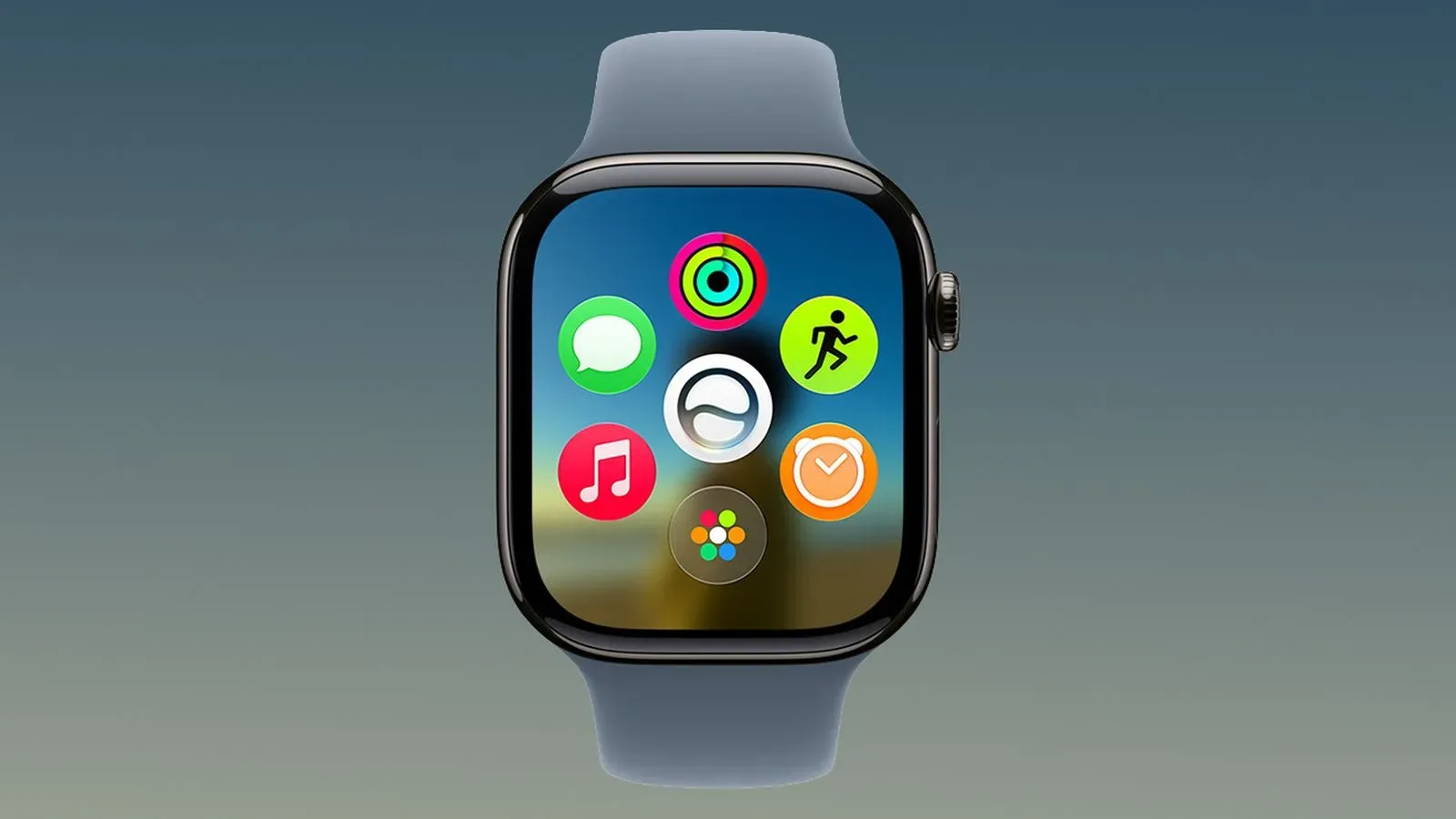
Apple has issued an updated watchOS 27.2 release candidate, arriving four days after the first release candidate build. The software is available to registered developers and public beta testers through the Apple Watch Settings app or the Apple Watch app on an iPhone.
The prominent changes in watchOS 27.2 concern Siri AI. The update is set to give the assistant a stronger sense of conversational continuity, access to a wider selection of personal information when responding, and faster responses on the watch itself. It also expands Siri AI language support to French, Japanese, Korean, Portuguese and Spanish.
Apple is expected to release watchOS 27.2, alongside the other version 27.2 updates, next week. A release candidate is generally a near-final pre-release build intended for wider testing before a public launch, but the existence of a revised RC is an important reminder that the final version can still change. Apple has also said the update includes unspecified bug fixes and security updates.
What is changing for Siri AI on Apple Watch
The headline capability is Siri AI’s ability to retain useful context from previous interactions. In practical terms, that means a person could ask about something Siri discussed earlier rather than starting the request from scratch. Apple’s example is following up on restaurant recommendations Siri supplied the previous week.
That is different from a conventional one-off voice command. Instead of treating every query as isolated, a context-aware assistant can use the subject of a prior exchange to understand a shorter follow-up. The usefulness is not merely novelty: a watch is often used when someone is walking, exercising, commuting or otherwise wants to keep a request brief. Reducing the need to repeat names, dates or an earlier question could make voice interaction less cumbersome on the small-screen device.
The stated feature should not be read as a promise that Siri will remember every conversation indefinitely or perfectly. Apple describes the retained information as useful context, which leaves room for limits on what is retained and when it can be used. Users should approach the feature as conversational continuity where supported, not as a complete personal archive.
More sources can inform an answer
watchOS 27.2 also broadens the personal context Siri AI can draw upon. The listed sources include photos attached in Messages, attendees on Calendar events, voicemails, and improved results from Safari history and Reading List on the connected phone.
“Personal context” is a technical phrase for information specific to the user that helps an assistant produce a more relevant answer. Rather than answering only from the wording of a spoken request, the system may be able to connect that request to data in the user’s own apps and services. A question about an upcoming meeting, for example, is potentially more useful if the assistant can identify the event’s attendees. Likewise, a prompt related to a previously shared image may benefit from access to photos sent through Messages.
For Apple Watch owners, the significance is that the watch can become a more capable access point for information already associated with the iPhone. The watch interface is not designed for prolonged searching through messages, voicemail or browser history. A successful voice request could surface the relevant detail without requiring a user to navigate multiple apps on a phone.
However, greater contextual reach also makes the privacy controls more consequential. Messages attachments, voicemail, calendar participation and browsing-related information can be sensitive, even when the user is only asking a seemingly ordinary question. The value of a more personalized answer depends on users being comfortable with the categories of information the assistant can consult.
Excluded Apps is the key control to know
Apple is adding an Excluded Apps setting on iPhone. It lets users select which apps Siri, Search and suggestions can access from one place. The setting matters because it creates a central way to limit the inputs available to the assistant and related system features.
That is especially relevant in an update that promotes broader personal context. People may want Siri AI to consult some areas of their digital life while keeping others outside its reach. A single centralized setting should be simpler to understand than hunting through several apps for individual permissions, though users will still need to review their own choices carefully.
- Someone who values highly tailored results may choose to leave more relevant apps accessible.
- Someone who prefers tighter boundaries can exclude apps they do not want contributing to Siri, Search or suggestions.
- Users sharing devices or managing particularly sensitive communications may want to review the setting before relying on the expanded context features.
The supplied details do not specify the default state of every app, nor do they spell out every setting within the feature. That makes it sensible to inspect Excluded Apps directly after the update rather than assume the preferred privacy configuration is already in place.
Faster watch responses could matter as much as new intelligence
Apple also says Siri AI will respond faster on Apple Watch. That is a short line in the feature list, but speed is central to whether a voice assistant feels useful on a wearable. A request that takes too long can be abandoned in favor of pulling out an iPhone; a faster result better fits the quick, glanceable role of a watch.
The available notes do not provide a measured performance comparison, define which requests will be quicker, or explain the technical changes behind the improvement. As a result, it is too early to claim a particular speed increase. The safe reading is simply that quicker Siri AI responses are an intended enhancement in watchOS 27.2.
Speed and context also reinforce each other. The update’s promise is not just that Siri knows more potential sources; it is that those sources can be used in a form suited to a wrist-worn device. If the assistant can interpret a brief follow-up, locate the relevant personal detail and answer promptly, the watch becomes better at handling small informational tasks without an extended interaction.
Five additional languages, with regional limits
Siri AI support is expanding to French, Japanese, Korean, Portuguese and Spanish. That adds five languages to the feature’s availability, though the information supplied does not identify regional variants, device requirements or which exact Siri AI functions may be available in each language.
There are also clear geographic exclusions: Siri AI is not available in the European Union or mainland China. Language support and regional availability are separate questions. A person may use one of the newly supported languages yet still be unable to access Siri AI if they are in an excluded region.
That distinction is worth keeping in mind when assessing the update. Software feature announcements often list language additions in a way that sounds universal, but access can depend on where the device is used. Anyone specifically updating for Siri AI should check availability for their location rather than rely solely on the language list.
Why a second release candidate matters
A release candidate is a build distributed before broad public availability. It is commonly used to identify final issues across supported devices and real-world account configurations. The updated RC arriving four days after the first indicates that Apple has made another pre-release revision before the expected launch window.
For testers, that means installing the newer build is the practical way to evaluate the version likely closest to release. For everyone else, it is a reason to avoid treating every beta-era behavior as settled. The overall direction is clear—more capable Siri AI, expanded languages, faster responses, controls for excluded apps, plus bug and security work—but finer details can still be adjusted before the public version lands.
Those already participating in Apple’s developer or public beta programs can obtain the updated candidate using the watch’s Settings app or the Apple Watch app on iPhone. Everyone outside those programs can wait for the expected public rollout next week. As with any update that increases access to personal context, it will be worthwhile to take a moment afterward to check the available Siri and app-access controls.
watchOS 27.2 is ultimately less about adding another isolated command than about changing how Siri AI handles the information around a request. Conversation recall can make follow-ups more natural; additional sources can make an answer more specific; and Excluded Apps gives users a stated way to draw boundaries. The practical test will be whether those three pieces—memory, access and control—feel balanced on a device designed for fast interactions.
For more Apple ecosystem coverage, see our look at Apple Pencil support and the iPhone Duo.