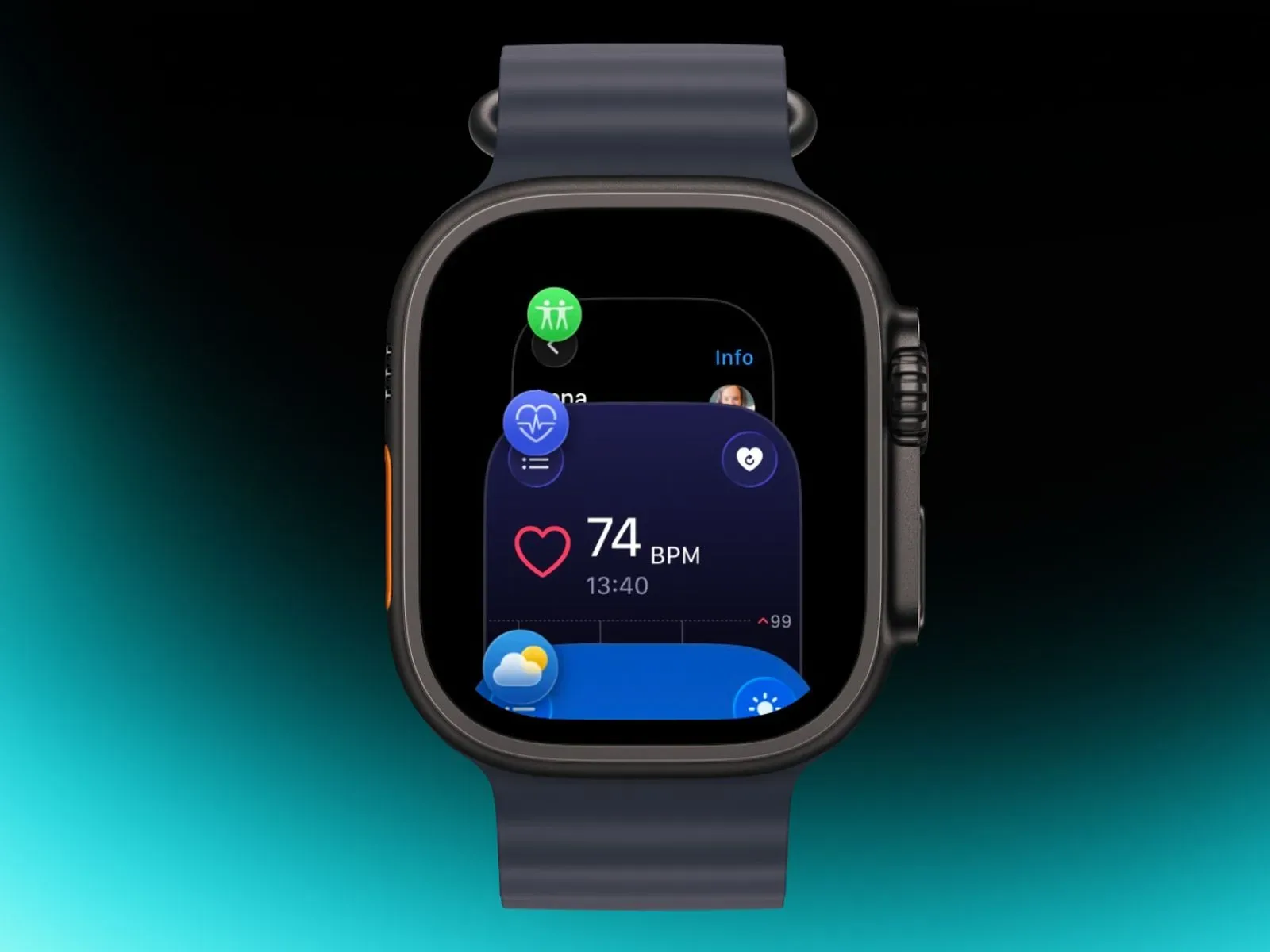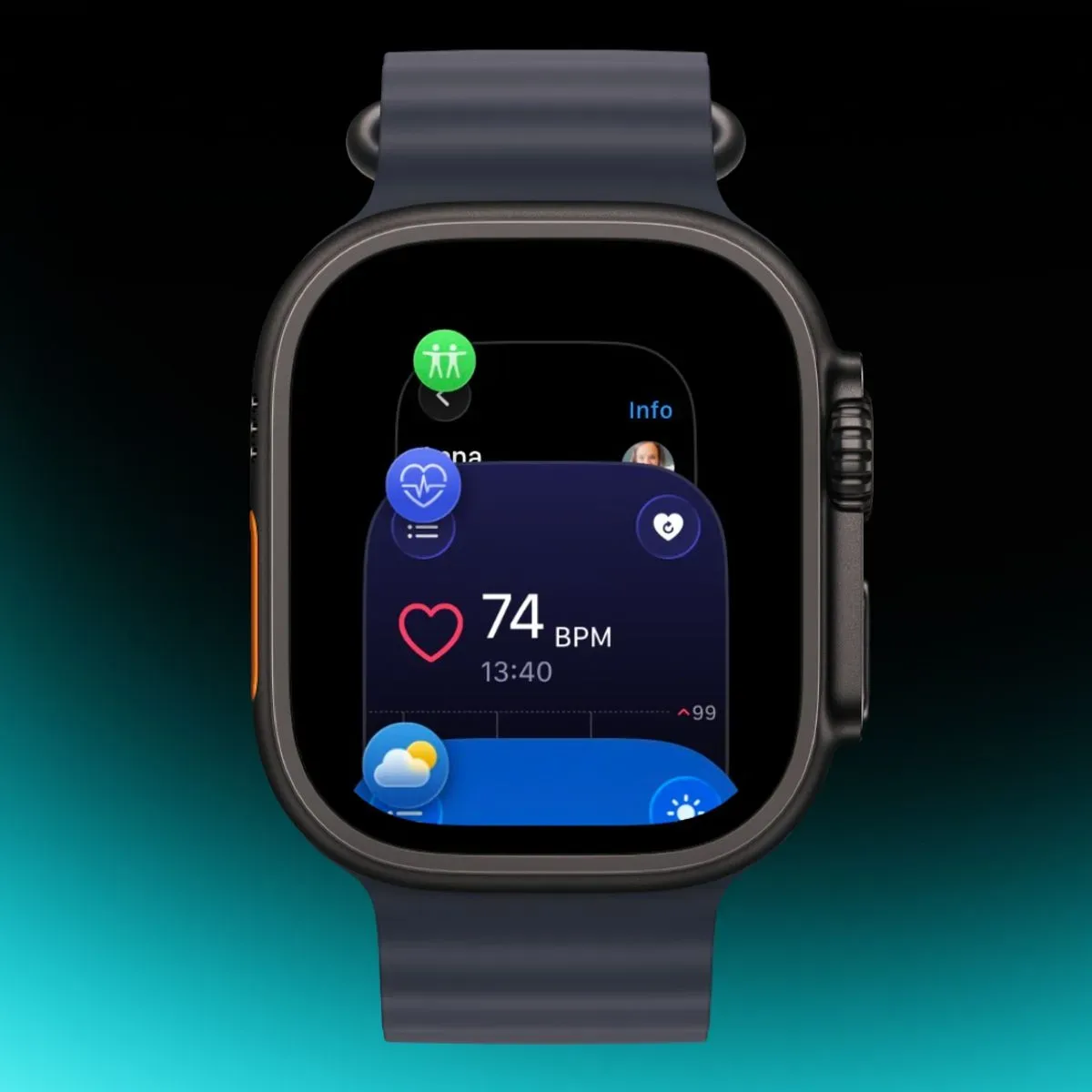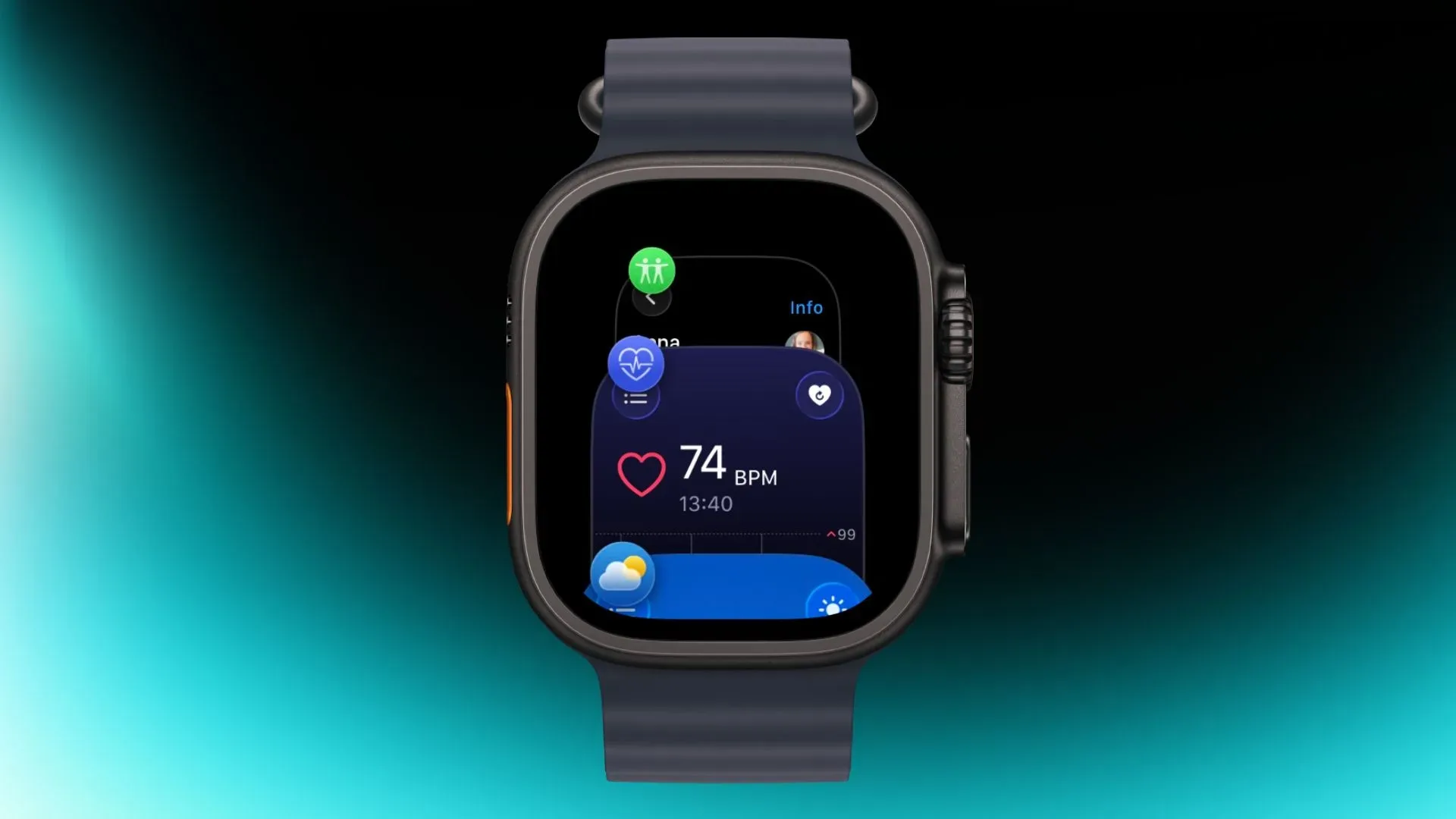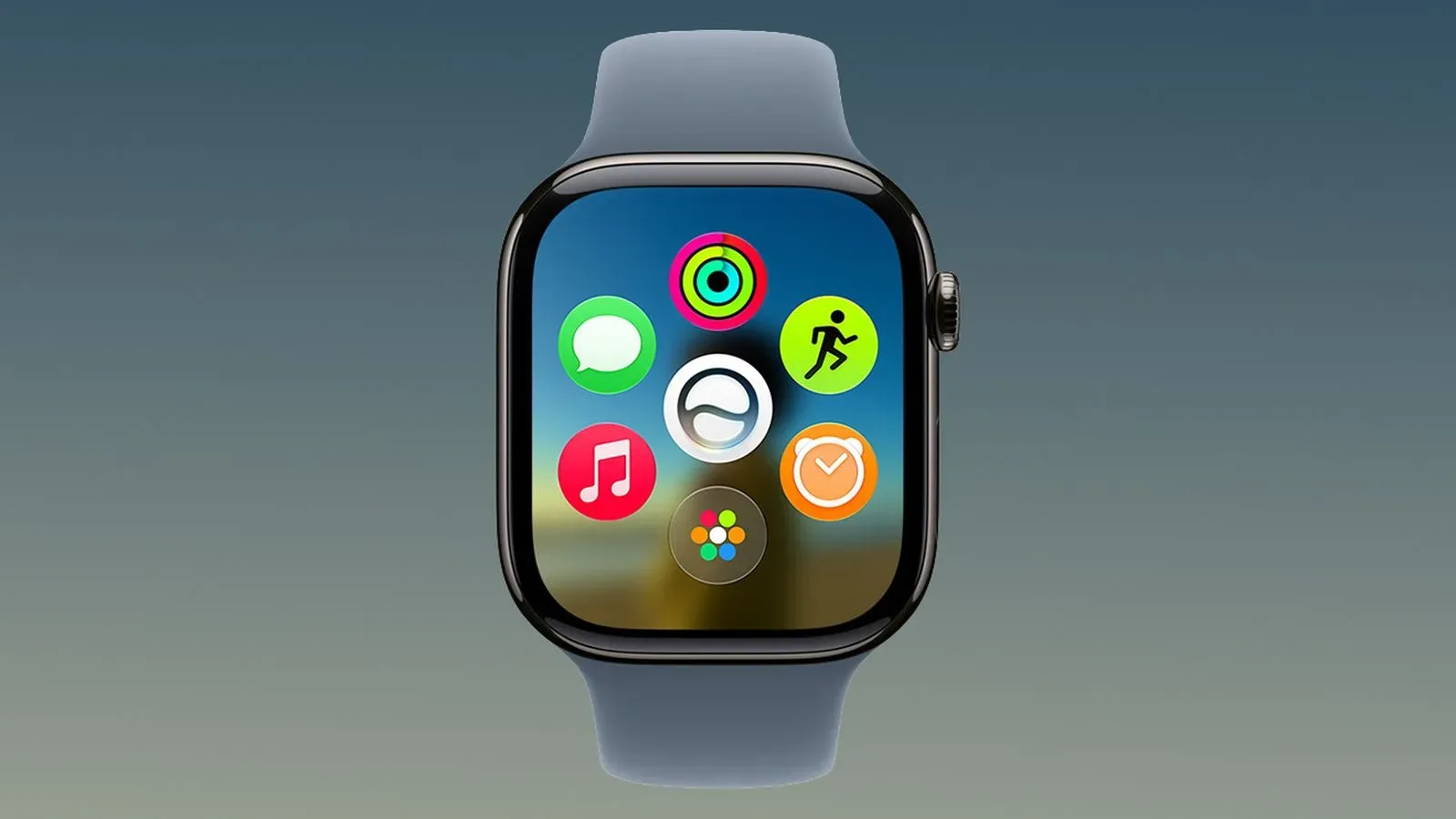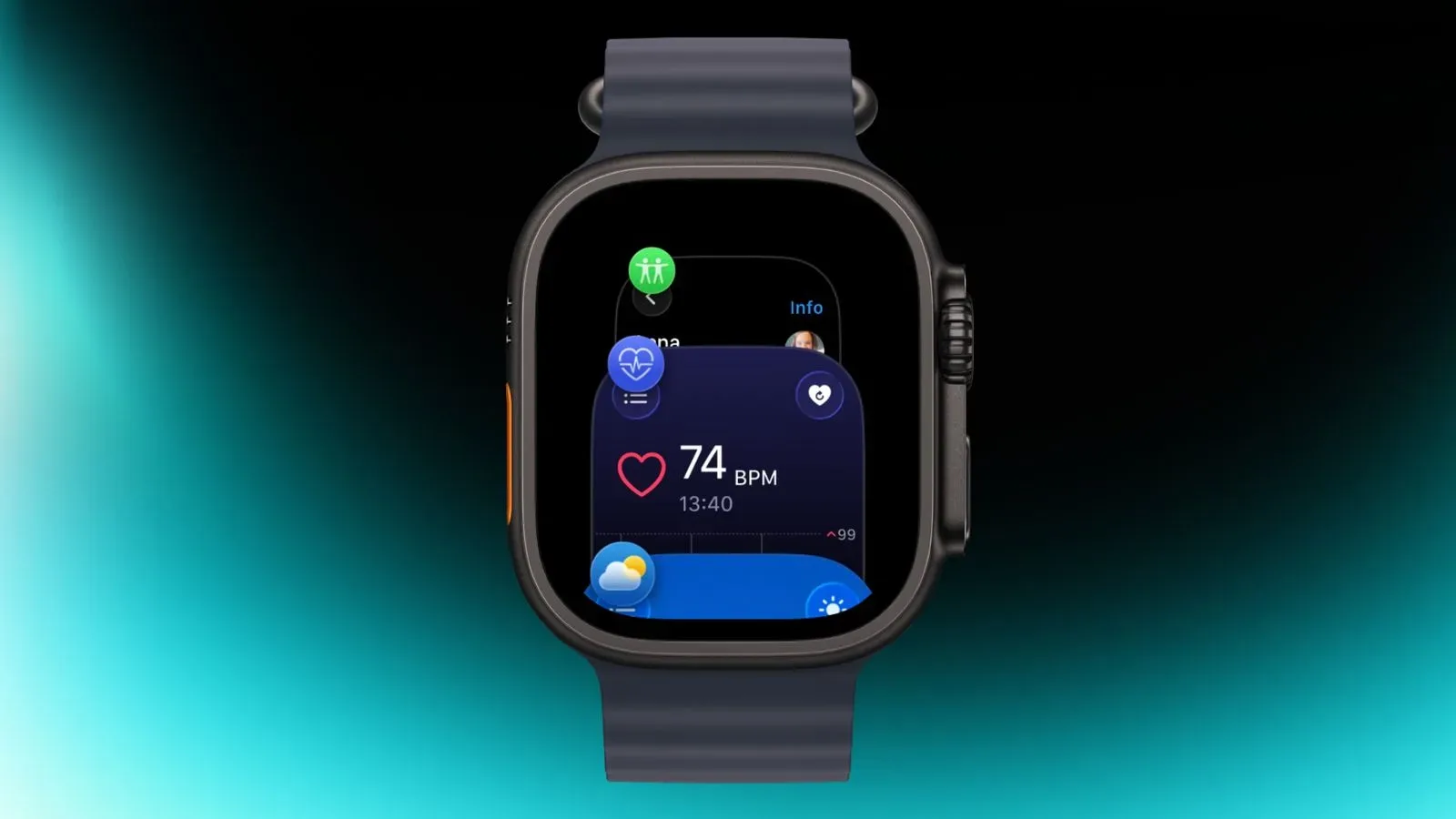
The App Switcher is back in the second watchOS 27.2 beta, restoring a small but important piece of Apple Watch navigation that appeared to have been displaced in watchOS 27. The catch: it no longer lives behind the double press of the Digital Crown.
Instead, the beta uses a touch-driven shortcut. While an app is open, press and hold at the bottom edge of the watch display to bring up the App Switcher. From there, users can again move among recently used apps, including returning quickly to the last app they had open.
That may sound like a modest interface adjustment, but it addresses a meaningful concern created by watchOS 27. The App Switcher is not merely a decorative list of software. It is the system-level screen that has historically provided a rapid route back to recent apps and an option to deal with an app that is not behaving itself.
Why the App Switcher disappeared from its old shortcut
In watchOS 26 and earlier releases, a double press of the Digital Crown opened the App Switcher. The Digital Crown is the physical control on the side of an Apple Watch, used for navigation and scrolling as well as button-like presses. A double press, in this case, was a quick hardware gesture that could be performed without having to locate a particular on-screen control.
With watchOS 27, that double-press gesture has been assigned to Apple’s forthcoming Live Rewind AI feature. As a result, the old App Switcher trigger no longer launches the recent-app view. The reassignment raised the possibility that Apple might remove the App Switcher entirely rather than offer it a new entrance.
The watchOS 27.2 beta suggests otherwise. The feature has been retained, but its access method has moved from a physical control to the lower portion of the touchscreen. It is a useful reminder that the disappearance of a familiar gesture does not necessarily mean the underlying function has been removed—although, for users, finding the replacement is often the important part.
How the new gesture works
The available demonstration indicates that the gesture is contextual: it is used while inside an app, rather than from a general watch face view.
- Open an app on Apple Watch.
- Press and hold the bottom area of the display.
- Wait for the App Switcher to appear.
- Select a recently used app to open it.
A long press means maintaining contact with the screen rather than tapping and immediately lifting a finger. This distinction matters on a small display, where short taps, swipes, and press-and-hold actions can serve very different functions.
Because this behavior is currently in a beta build, it should be treated as pre-release software behavior rather than a guaranteed final implementation. Beta software is testing software: it can expose interface changes before broad release, but gestures, placement, and availability can still change before a public version ships.
What returns with the App Switcher
Apple Watch users had relied on the App Switcher to see and reopen recent apps, particularly the most recently used one. That makes it a practical navigation tool when moving between short tasks—for example, resuming an app after checking something else—without returning through the full app layout.
The prior App Switcher also offered an escalation path for a problem app. Swiping left on an app in the list exposed an option to force close it. Force closing means ending an application rather than simply moving away from it. It is a troubleshooting action for software that has become unresponsive or otherwise misbehaves; it is not the same thing as ordinary app switching.
The supplied details establish that the App Switcher has been reinstated and that it previously supported this force-close interaction. They do not spell out whether every element of the earlier presentation or each interaction is unchanged in the current beta. For now, the reliable takeaway is that recent-app access has returned and that its trigger has changed.
A hardware shortcut becomes a touch shortcut
The swap is notable because it changes the feel of a common action. A Digital Crown double press is a physical-input gesture. It can be learned as a consistent button sequence and does not require targeting a precise area of the display. The new method asks the user to use the screen’s bottom edge and hold it, which could make the feature less immediately discoverable for anyone accustomed to the older shortcut.
On the other hand, moving the App Switcher to the touchscreen preserves the Crown’s double press for Live Rewind AI without sacrificing a recent-app utility outright. In interface-design terms, Apple is resolving a shortcut conflict: one established gesture cannot simultaneously launch two system functions, so one function needs a different path.
Whether that replacement feels equally convenient will depend on routine use, especially for people who switch apps frequently. The beta’s reintroduction is nevertheless more consequential than simply putting a menu back where it was. It preserves a way to recover recent context on a device designed around brief, interruptible interactions.
What Apple Watch owners should take from the beta
For people testing watchOS 27.2, the practical change is simple: do not expect the Digital Crown double press to open recent apps. Use the bottom-screen press and hold from within an app instead.
For everyone else, the larger point is that the App Switcher has not been abandoned in this beta. That should ease concerns around the loss of a familiar navigation and troubleshooting tool, while also setting expectations that watchOS 27’s control map differs from watchOS 26 and earlier.
The change also sits within Apple’s broader cycle of platform revisions, where device controls and software features can be segmented or reassigned. For related Apple platform coverage, see the report on iOS 27 camera-control availability.
For now, the important detail is not that a long-standing watch shortcut stayed exactly the same—it did not. It is that a missing system utility has a route back in watchOS 27.2 beta, and users who rely on recent apps or force-closing troublesome ones have a new gesture to learn.