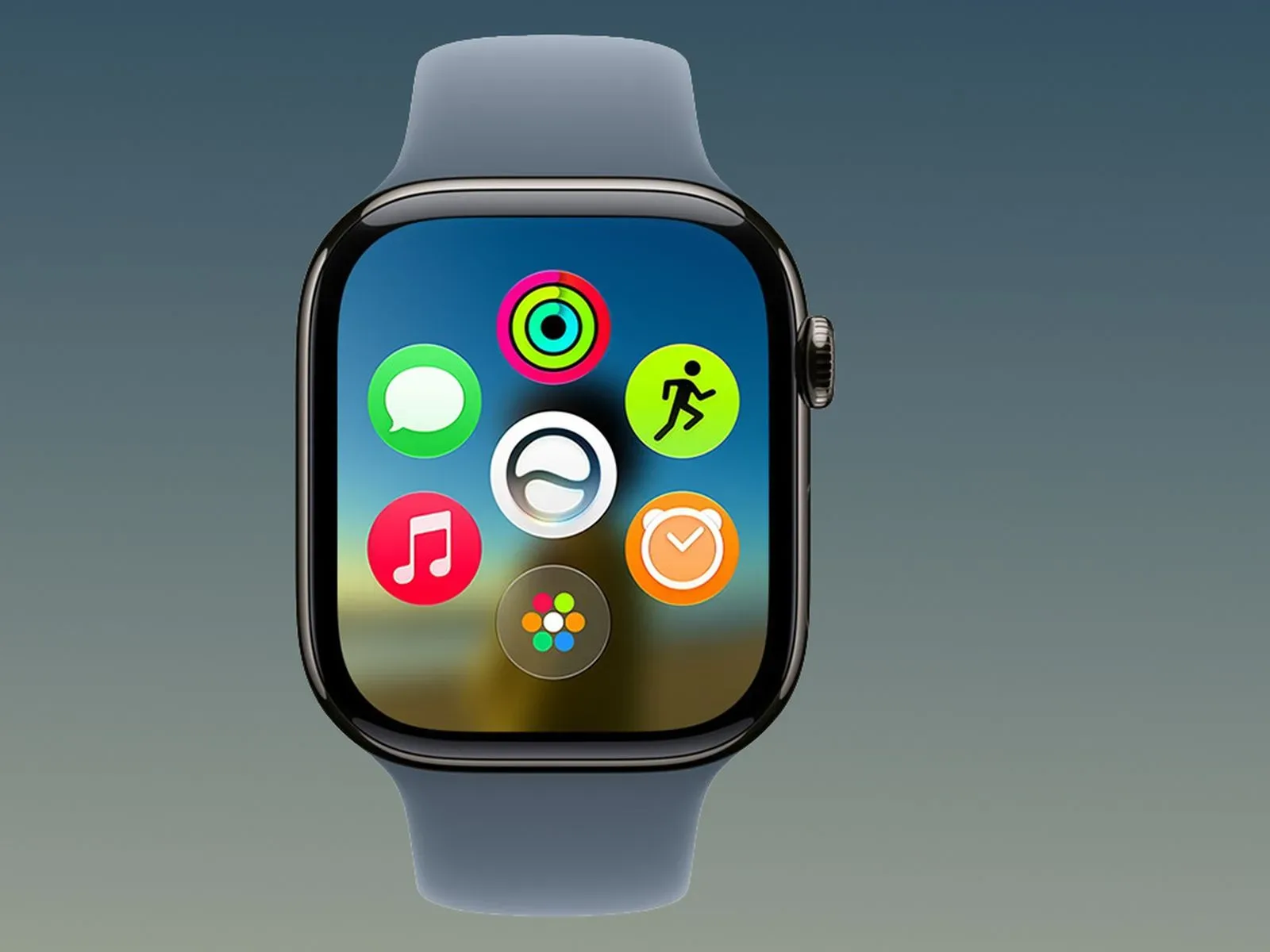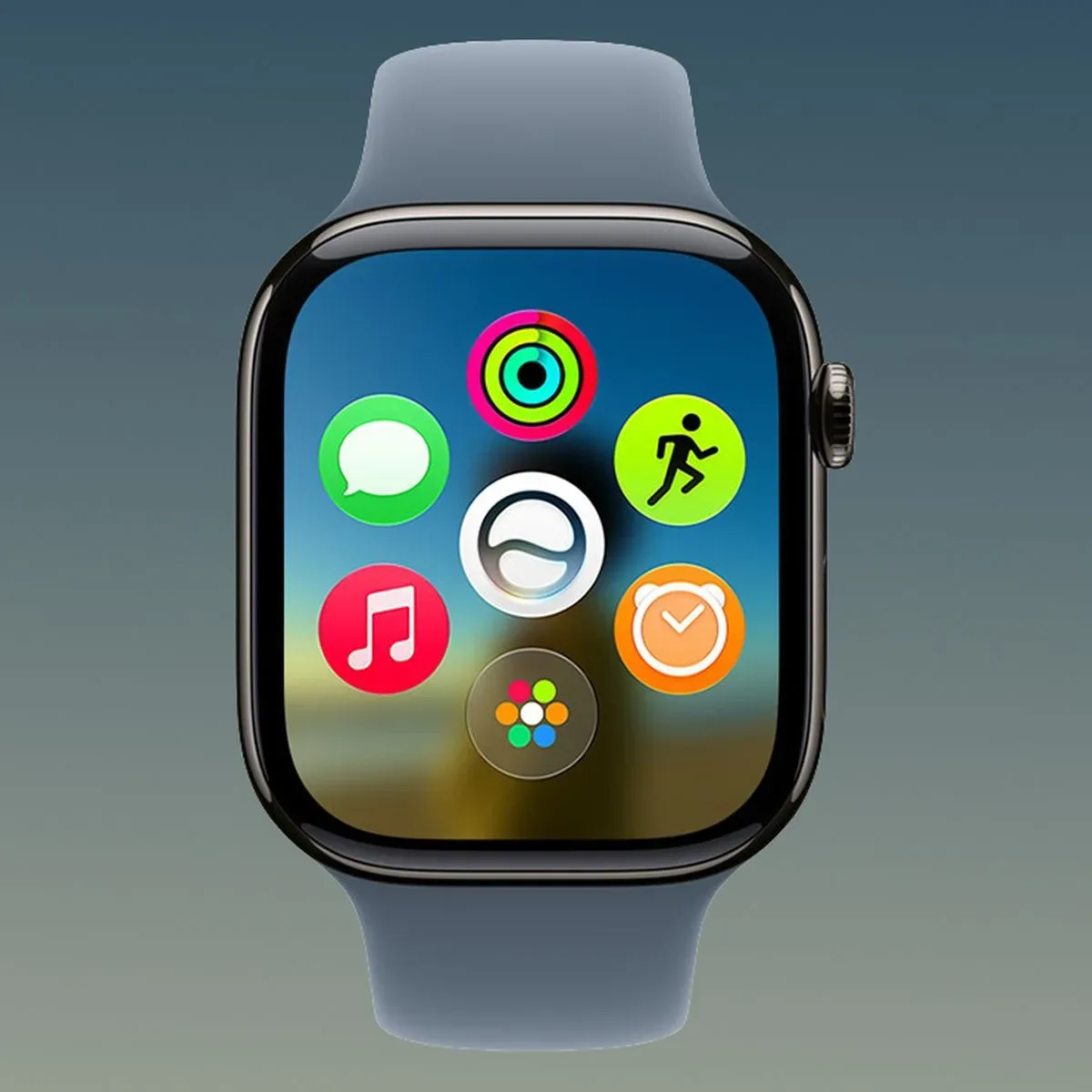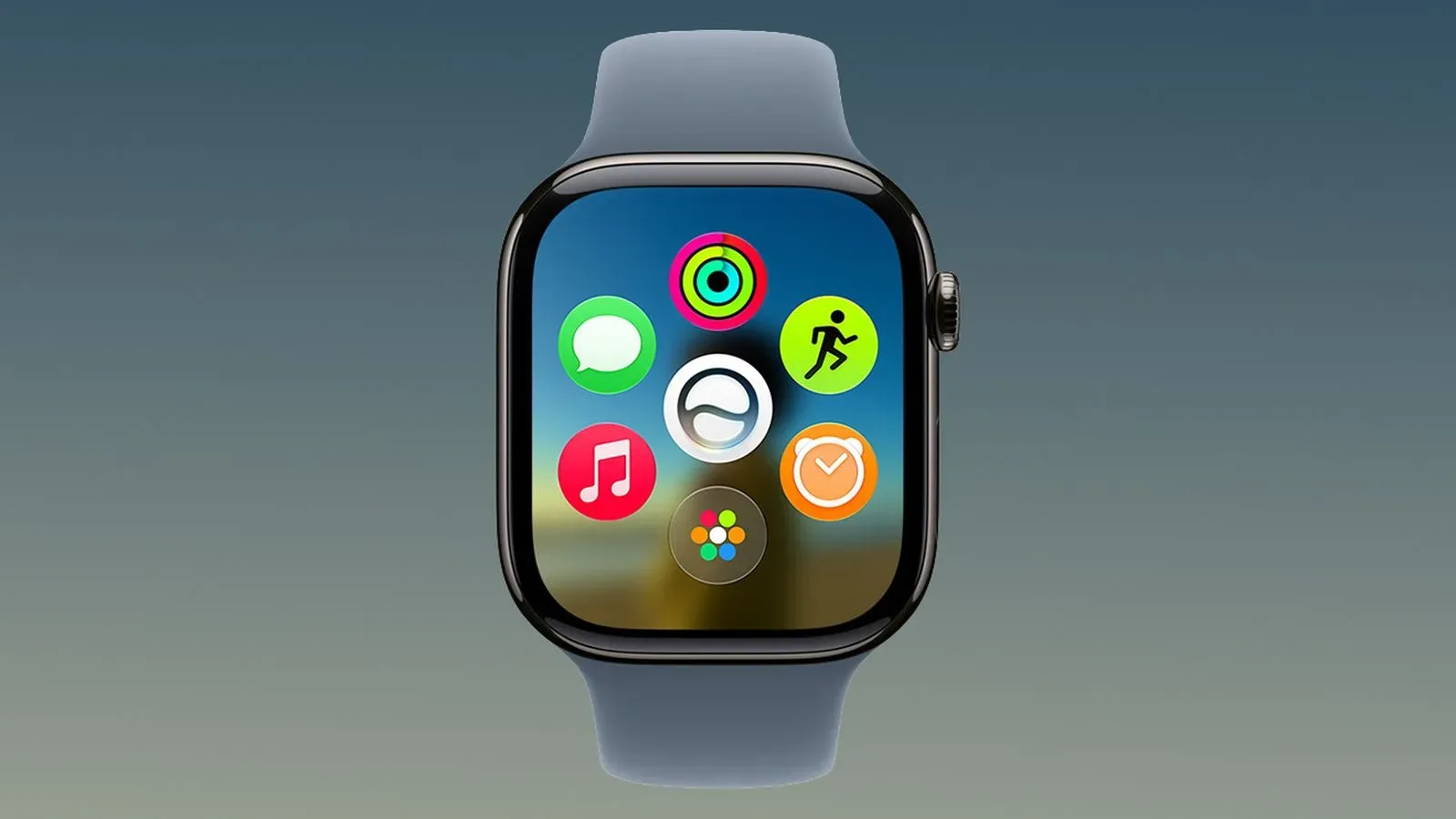
Apple has released watchOS 27.2, the first major update to watchOS 27, with a clear focus on making Siri AI more useful from the wrist. The update adds the ability for Siri AI to retain helpful context from earlier interactions, expands the personal information it can draw upon for answers, and promises quicker responses on Apple Watch.
The release also broadens Siri AI language support to French, Japanese, Korean, Portuguese and Spanish. Availability still has an important geographic limitation: Siri AI is not available in the European Union or mainland China.
For Apple Watch owners, the headline is less about a brand-new command and more about continuity. A watch is often used for short, immediate requests: checking plans, setting reminders or asking for a detail without pulling out a phone. Being able to follow up on a previous answer could make those small exchanges feel less like starting over every time.
Siri AI can remember a useful earlier exchange
watchOS 27.2 lets Siri AI recall past conversations. Apple’s example is a user asking about restaurants Siri recommended the previous week. In practical terms, that means a later question can refer back to an earlier Siri response instead of requiring the user to repeat every detail from scratch.
Context, in this case, means information that gives a new request its meaning. If someone asks for restaurant suggestions and later asks which option was closest, the second request depends on the previous discussion. Conversation memory is intended to preserve that thread.
That distinction matters on Apple Watch. Voice input on a small wearable is naturally suited to concise follow-ups, but it is also less convenient to restate names, dates, locations or a long list of options. Retained context may reduce that friction, provided the earlier interaction contained information Siri can meaningfully use.
The wording is important, too: the feature is described as retaining useful context from prior interactions. That does not establish that every past Siri request becomes permanently available, nor does it detail a retention period or the conditions under which a previous exchange can be recalled. Users should treat it as a more capable follow-up mechanism rather than assume it is a complete searchable record of everything they have ever said to Siri.
More sources can inform a Siri AI answer
The update expands the range of personal context Siri AI can use. Apple lists photos attached in Messages, attendees on Calendar events, voicemails, Safari history and Safari Reading List results from the connected iPhone among the new or improved sources.
Personal context is a useful technical term here. Rather than answering only from the wording of a spoken question, an assistant can use information associated with the user’s own devices and services to make the answer more relevant. A Calendar attendee list, for example, can provide names connected to a scheduled event. A photo sent in a Messages conversation may contain information relevant to a question about that conversation. Safari history and Reading List can help connect a question with pages the user has visited or saved on their phone.
That expansion is potentially valuable, but it also makes settings more consequential. The helpfulness of an assistant that can connect information across Messages, Calendar, voicemail and browsing-related data depends on it having access to the relevant apps and services. Some users will want that convenience; others may prefer to limit the sources involved, especially where messages, voicemail and browsing activity are concerned.
Apple is addressing that choice with Excluded Apps, a setting on iPhone that allows users to decide which apps Siri, Search and suggestions can access. It is a single control point rather than a setting described as living separately inside each Apple Watch interaction. The practical implication is straightforward: before relying on Siri AI to locate something connected to an app, users may want to review whether that app has been excluded.
What app exclusions do—and do not—suggest
The supplied release details say Excluded Apps controls access for Siri, Search and suggestions. They do not spell out a complete list of app-by-app behavior, nor do they describe precisely how an exclusion affects each type of Siri request. The sensible reading is that this setting is a privacy and personalization control: it lets a person narrow which app data those system features may use.
It should not be confused with a guarantee that Siri will never respond to a request involving an excluded app in any way. The release information only establishes that users can choose which apps Siri, Search and suggestions can access. Anyone making a decision around sensitive data should review the setting directly and consider which apps they are comfortable making available to those features.
Faster responses matter more on a watch
Apple also says Siri AI now provides faster responses on Apple Watch. No performance measurements, specific commands or comparison conditions were provided, so there is no basis for assigning a numerical speed improvement. Still, faster response time is an especially meaningful goal on a watch.
Wearables tend to be used in brief gaps: while walking, cooking, commuting or checking something between other tasks. In those moments, a delayed answer can make a voice interaction feel more awkward than it would on a phone or computer. A quicker response can therefore improve perceived usefulness even when the answer itself has not changed.
There is also a tension worth noting. Siri AI is being asked to consider more personal context while also responding faster. Those goals are compatible, but the release notes do not explain how responses are accelerated or whether speed varies depending on the type of information involved. Apple Watch owners should expect the update to bring the stated improvement, without assuming identical timing for every request.
Language expansion—and a regional boundary
French, Japanese, Korean, Portuguese and Spanish join the languages supported by Siri AI with watchOS 27.2. That is meaningful for people who prefer to interact with their devices in those languages and for households where the watch’s language needs to match the user rather than default to English.
However, language support and regional availability are separate questions. Even with the newly listed languages, Siri AI remains unavailable in the EU and mainland China. The release information does not provide a reason, a timetable, or an exception process for that limitation. Users in those regions should not assume that selecting one of the supported languages will enable the feature.
For everyone else, the expansion should be understood narrowly and accurately: Siri AI support is being extended to the five named languages. The notes do not provide further detail on differences in capability between languages, so there is no stated basis to rank one language’s features against another’s.
How to install watchOS 27.2
watchOS 27.2 can be downloaded either through the Settings app on Apple Watch or through the Apple Watch app on a connected iPhone. Installation has two stated prerequisites: the watch must be on its charger and have more than 50 percent battery remaining.
- Put the Apple Watch on its charger.
- Confirm that its battery is above 50 percent.
- Use Settings on the watch, or open the Apple Watch app on the connected iPhone, to download the update.
Those requirements are worth checking before beginning. They are not merely advisory in the release notes; software installation can only proceed when both charging and the battery threshold are satisfied.
After updating, users interested in the new Siri AI behavior can approach the changes in a deliberate order. First, check whether Siri AI is available in their region. Next, consider whether the added language support applies to their preferred device language. Finally, review Excluded Apps on iPhone before expecting Siri to use information from messages, calendars, voicemail or browsing-related sources.
That last step may be the most important practical one. The update is designed to make answers more personalized, but personalization is strongest when the user understands which apps have been made available. This is the same broader tradeoff behind many device conveniences: better context can produce better answers, while tighter exclusions can reduce the amount of information an assistant is able to consult.
For a related look at making Apple’s living-room hardware less cumbersome to use, see our guide to Apple TV Remote shortcuts for streaming, audio and menu navigation.
Bug fixes and security updates are also included
Beyond the Siri AI additions, watchOS 27.2 includes other features, bug fixes and security updates for Apple Watch. The provided release notes do not identify individual fixes or security items, so users should not infer a specific issue has been addressed from this release alone.
The larger picture is that watchOS 27.2 moves Siri AI in three connected directions: it can carry forward more of a conversation, consult a wider set of permitted personal sources, and respond more quickly on the wrist. The new Excluded Apps setting gives users a way to define the boundary around that expanded access. Whether that feels like a major improvement will likely depend on how often someone asks Siri follow-up questions and how comfortable they are allowing the assistant to draw on the listed information.