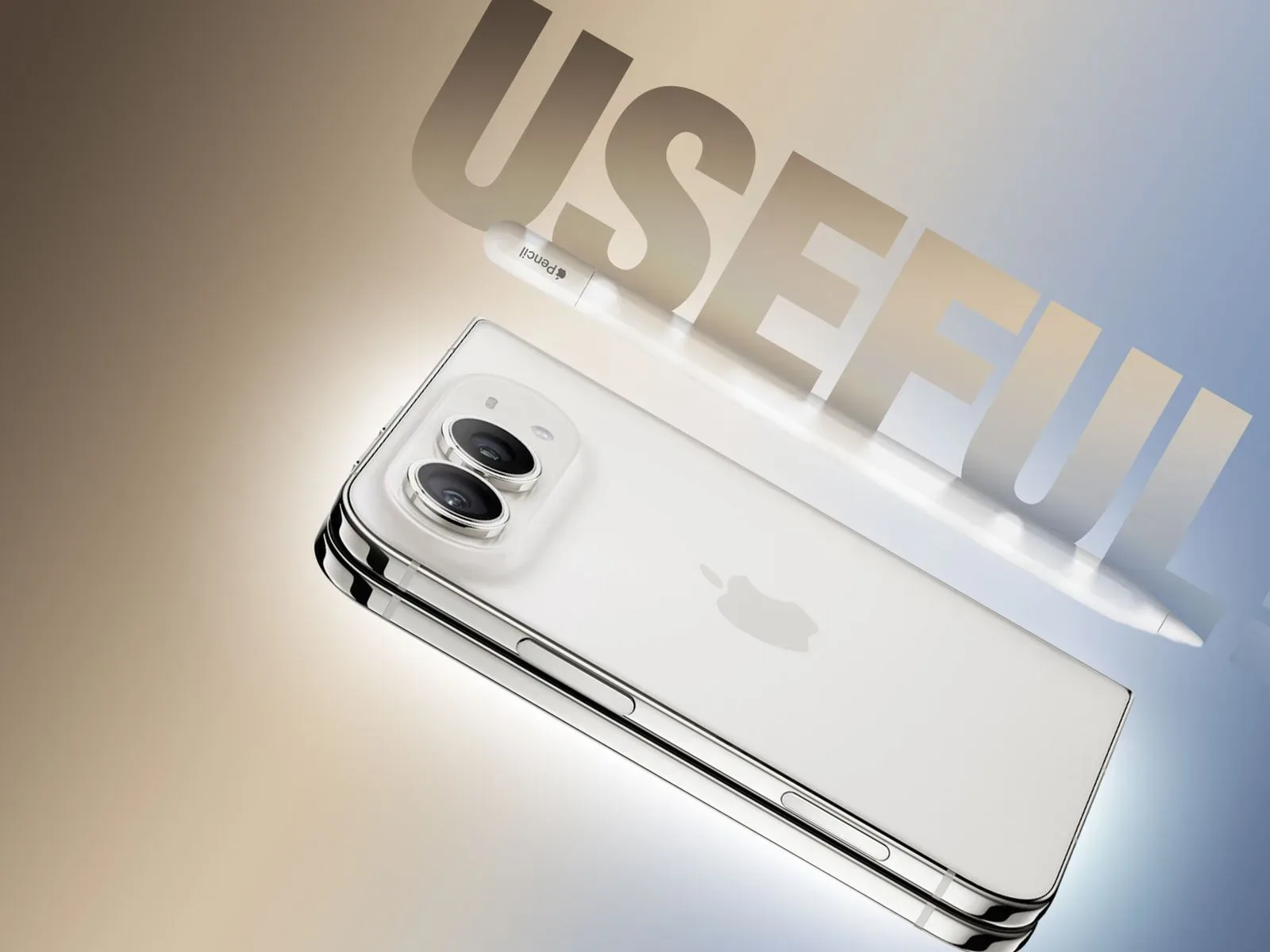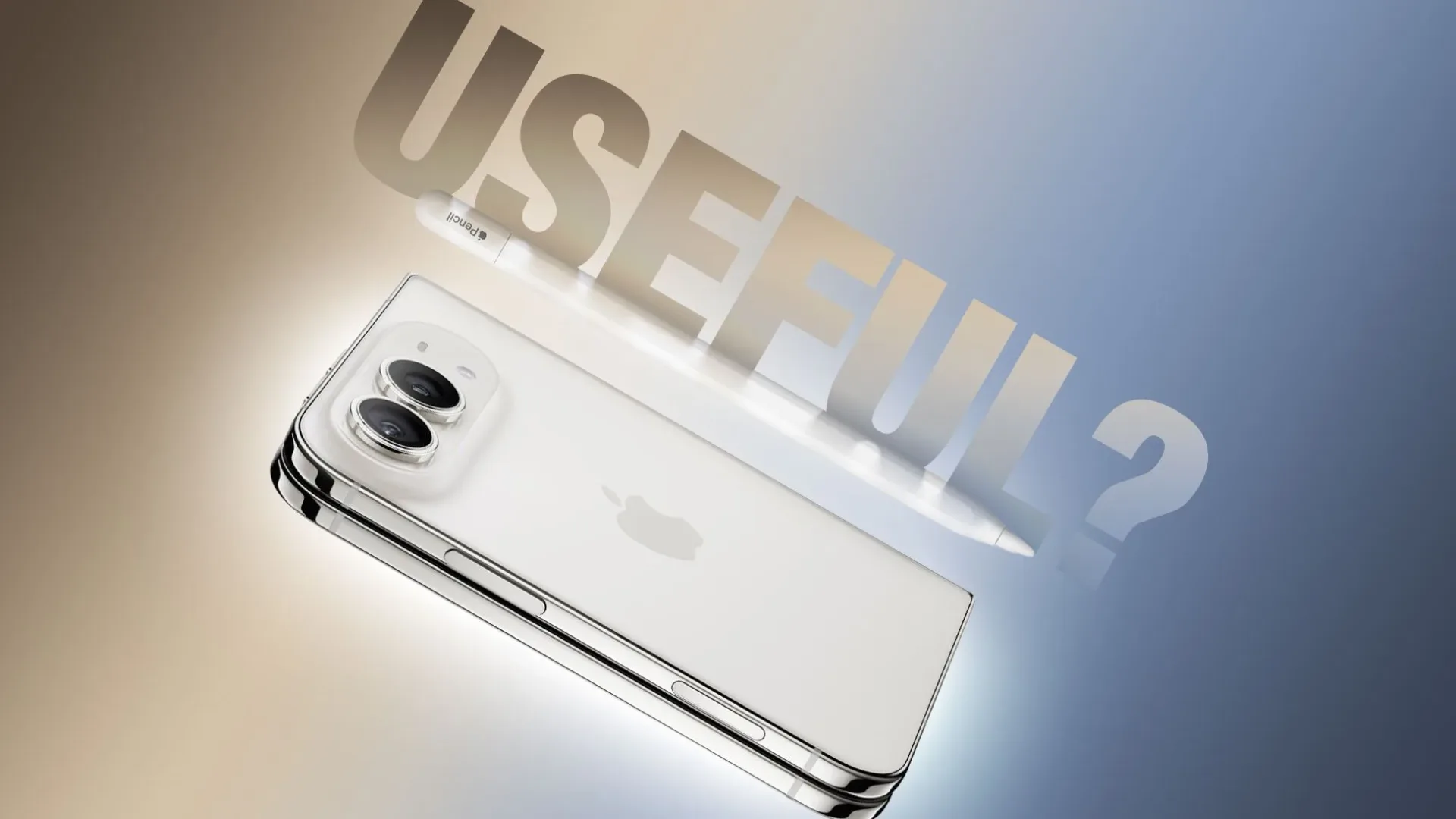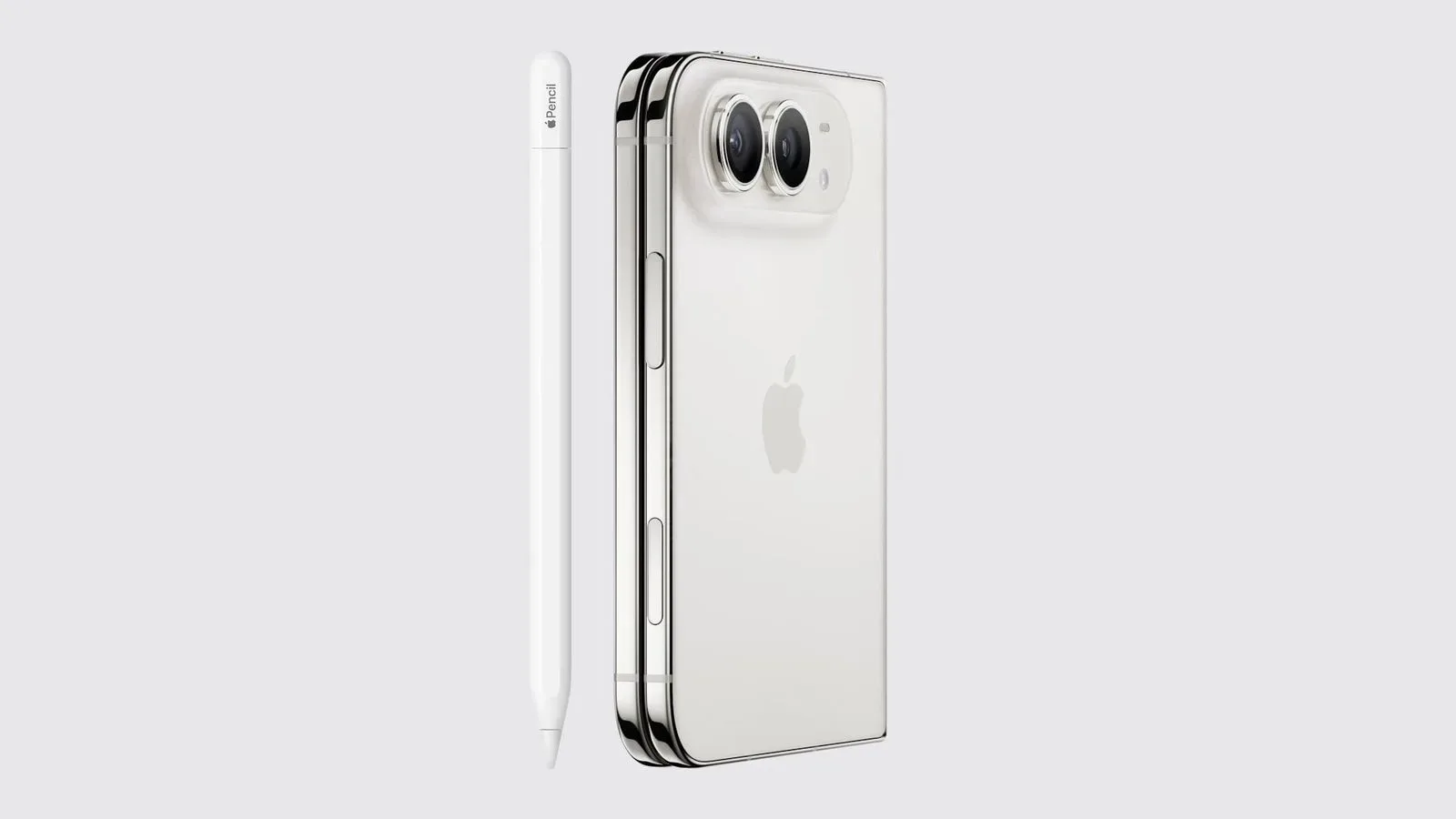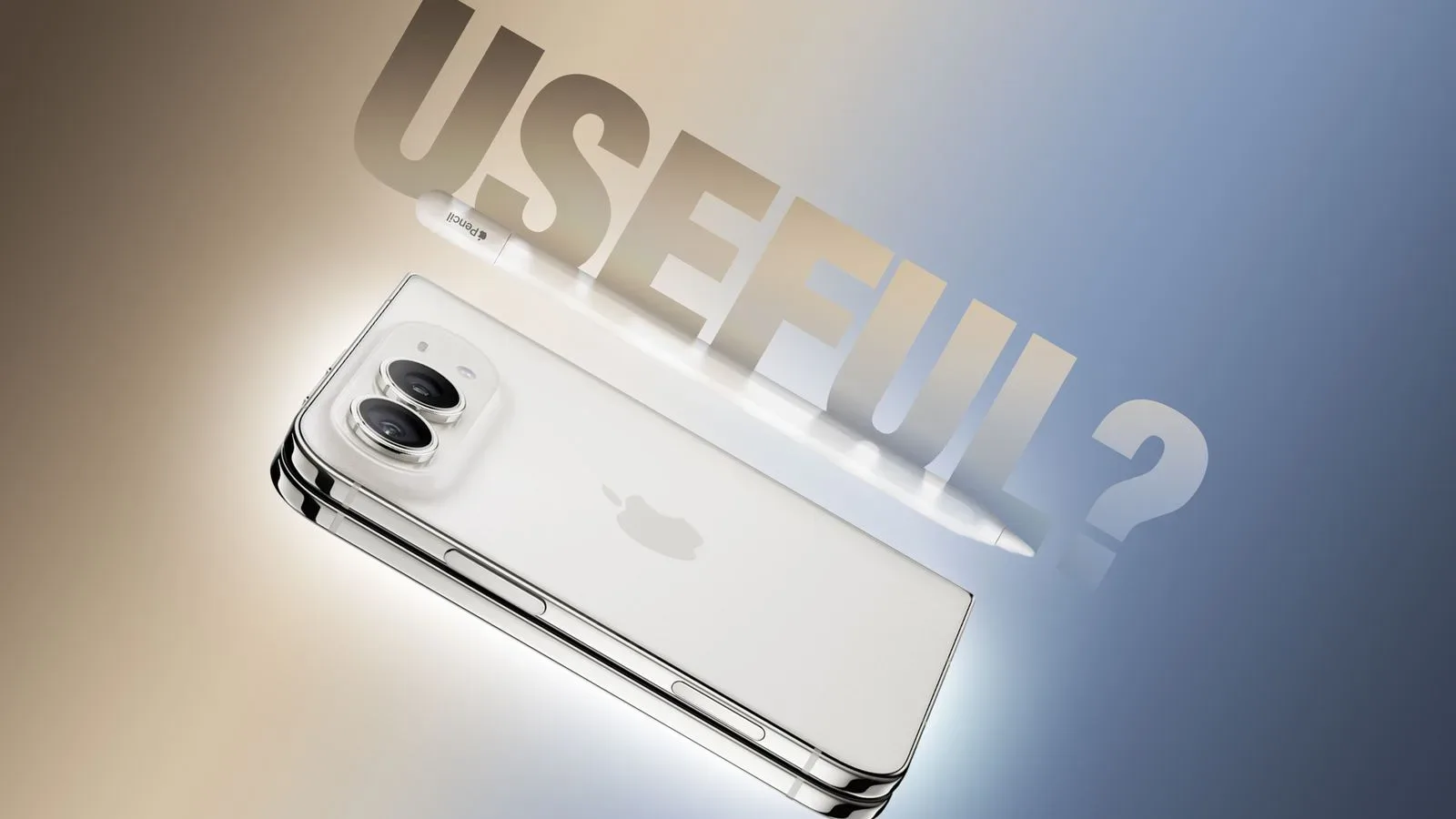
The iPhone Duo is set to gain Apple Pencil support through the iOS 27.2 beta, opening up a new option for handwritten notes and quick sketching on Apple’s foldable phone. There is an important compatibility catch, though: the accessory in question is the Apple Pencil with USB-C, not the Apple Pencil Pro.
That distinction affects nearly every practical part of the experience. The USB-C Pencil must be paired with iPhone Duo using a USB-C cable. It can later sit magnetically on the phone’s hinge for storage, but that magnetic connection does not charge the Pencil. The result is a setup that is more deliberate than the magnetic pairing-and-charging arrangement used by Apple Pencil Pro with compatible iPads.
For people who want a stylus primarily for a pocketable digital notepad, the support could be genuinely useful. For anyone imagining an iPhone Duo turning into a fully featured miniature iPad canvas, the limitations are equally important.
What works on iPhone Duo
Once it has been paired, the USB-C Apple Pencil can be used on both of iPhone Duo’s displays: the inner display and the outer display. Users can write and draw, and iOS includes a palm-rejection setting.
Palm rejection is the feature that helps a touch display distinguish between a hand resting on the screen and intentional Pencil input. It is particularly relevant to handwriting, where supporting the hand naturally against a screen is often more comfortable than keeping it raised. Its inclusion means stylus use is not restricted to carefully hovering over the display; it is designed to accommodate conventional note-taking posture.
The inner screen is the obvious place for longer notes and sketches, while the outer screen provides a smaller surface for short annotations, lists, or fast marks. The supplied details do not establish how individual apps will implement Pencil tools, so it is best not to assume that every drawing or productivity app will offer the same controls. What is clear is that the operating-system-level support permits writing and drawing across both panels.
That makes the Duo’s Pencil compatibility a matter of flexibility rather than sheer workspace. A foldable phone can offer more room when open, but it remains less expansive than an iPad. Anyone whose regular work involves lengthy handwriting sessions or detailed illustrations should keep that physical constraint in mind.
Why Apple Pencil Pro is not the answer here
The Apple Pencil Pro may sound like the more capable option, but iPhone Duo’s stated support centers on the USB-C Apple Pencil. Apple Pencil Pro is built around magnetic attachment and pairing with iPads, whereas Duo pairing requires a cable and the USB-C model.
There is also a feature gap. Compared with Apple Pencil Pro, the USB-C Apple Pencil lacks:
- Pressure sensitivity
- Double-tap input
- Squeeze input
Pressure sensitivity refers to the Pencil detecting how firmly it is pressed to the display, an input commonly associated with more expressive drawing controls. Double-tap and squeeze are gesture controls available on the Pro model. Their absence does not prevent writing or sketching, but it narrows the number of inputs available directly from the stylus.
In simple terms, the supported Pencil is positioned for straightforward pen input rather than the fullest version of Apple’s stylus feature set. That is a meaningful dividing line for artists or other users who depend on richer stylus controls. Conversely, a person whose goal is to write a shopping list, mark up a brief thought, or draw a quick diagram may not miss those advanced interactions.
Pairing, storage and charging are separate considerations
iPhone Duo owners considering the Pencil should treat three related tasks as separate:
- Pairing: Connect the USB-C Apple Pencil with a USB-C cable to pair it with the phone.
- Storage: The Pencil can attach magnetically to Duo’s hinge.
- Charging: The magnetic hinge attachment does not charge the Pencil.
This is the central practical trade-off in the setup. A magnetic resting place makes the accessory easier to keep with the handset, but it should not be mistaken for a charging dock. Users who store the Pencil on the hinge will still need to account for charging separately.
That distinction may sound small, but accessory convenience often comes down to the steps around the creative task. A stylus is most useful when it is nearby and ready. Cable pairing and non-charging magnetic storage introduce more routine management than an iPad arrangement where a compatible Pencil Pro can magnetically attach, pair, and charge.
Screen marks: what the reported behavior means
The Apple Pencil tip can leave visible lines on iPhone Duo’s display. Those marks can be wiped away with a polishing cloth, and permanent damage is described as unlikely. This suggests a user may occasionally see temporary traces and should not automatically interpret them as lasting screen damage.
Care still matters, especially on a device intended to be written on directly. A polishing cloth is the stated remedy for the observed lines, and owners should be aware of Apple’s cover-layer replacement option. The listed cost is $19 with AppleCare+ and $49 without AppleCare+.
Those figures are specifically for the cover layer, not a broad claim about every kind of display repair. They do, however, provide a concrete ownership consideration for people deciding whether the convenience of a stylus outweighs their concern about putting one into regular contact with the display.
A useful add-on, not an iPad substitute
The most realistic case for the USB-C Apple Pencil on iPhone Duo is quick, available input: handwritten notes when a keyboard is inconvenient, rough sketches, small visual reminders, and similar short tasks. The ability to use both displays gives the phone more versatility than a single-screen handset, while palm rejection makes the handwriting use case more plausible.
The same evidence points away from treating it as a replacement for an iPad-based Pencil workflow. The Duo’s screen is more limited in size, pairing uses a cable, magnetic storage does not replenish the Pencil, and the compatible stylus leaves out pressure sensitivity and the Pro model’s double-tap and squeeze controls.
None of those omissions makes the feature pointless. They define its scope. iPhone Duo Pencil support appears aimed at making a foldable phone better at occasional pen-based tasks, not at replicating every advantage of a larger tablet and a more advanced Pencil.
That sort of distinction also matters across game-related tools: a feature can be valuable without being the most comprehensive option. The same tension between access, control, and specialized data has surfaced in discussions around Street Fighter 6 hitbox information and player tools, albeit in a very different context.
Who should consider it?
The USB-C Apple Pencil is most compelling for iPhone Duo owners who already know they will take notes or make quick sketches on their phone. In that scenario, the accessory adds a more precise alternative to finger input and can be kept on the hinge between uses.
It is less persuasive for buyers seeking advanced drawing controls, a large permanent canvas, or a friction-free magnetic charging routine. Those expectations align more closely with the Apple Pencil Pro and a compatible iPad setup than with the Duo’s stated implementation.
iOS 27.2 remains in beta, so the current support arrives in software that is still being tested. The bottom line for prospective users is straightforward: choose the USB-C Apple Pencil, expect cable pairing, remember that hinge storage is not charging, and view the capability as an extra tool for compact notes and sketches rather than a wholesale tablet replacement.
Shop the products
Check current price, model and availability at the retailer.