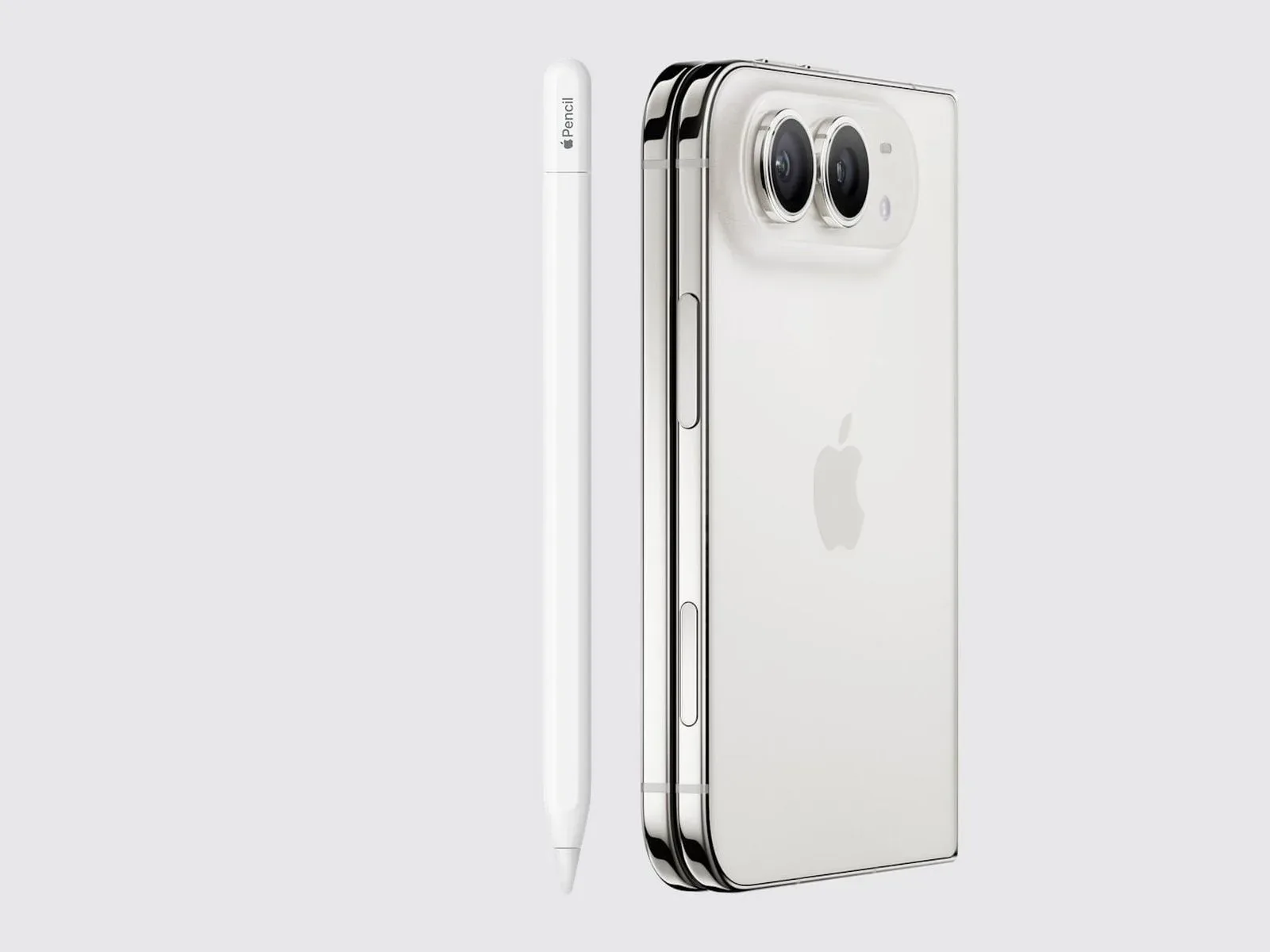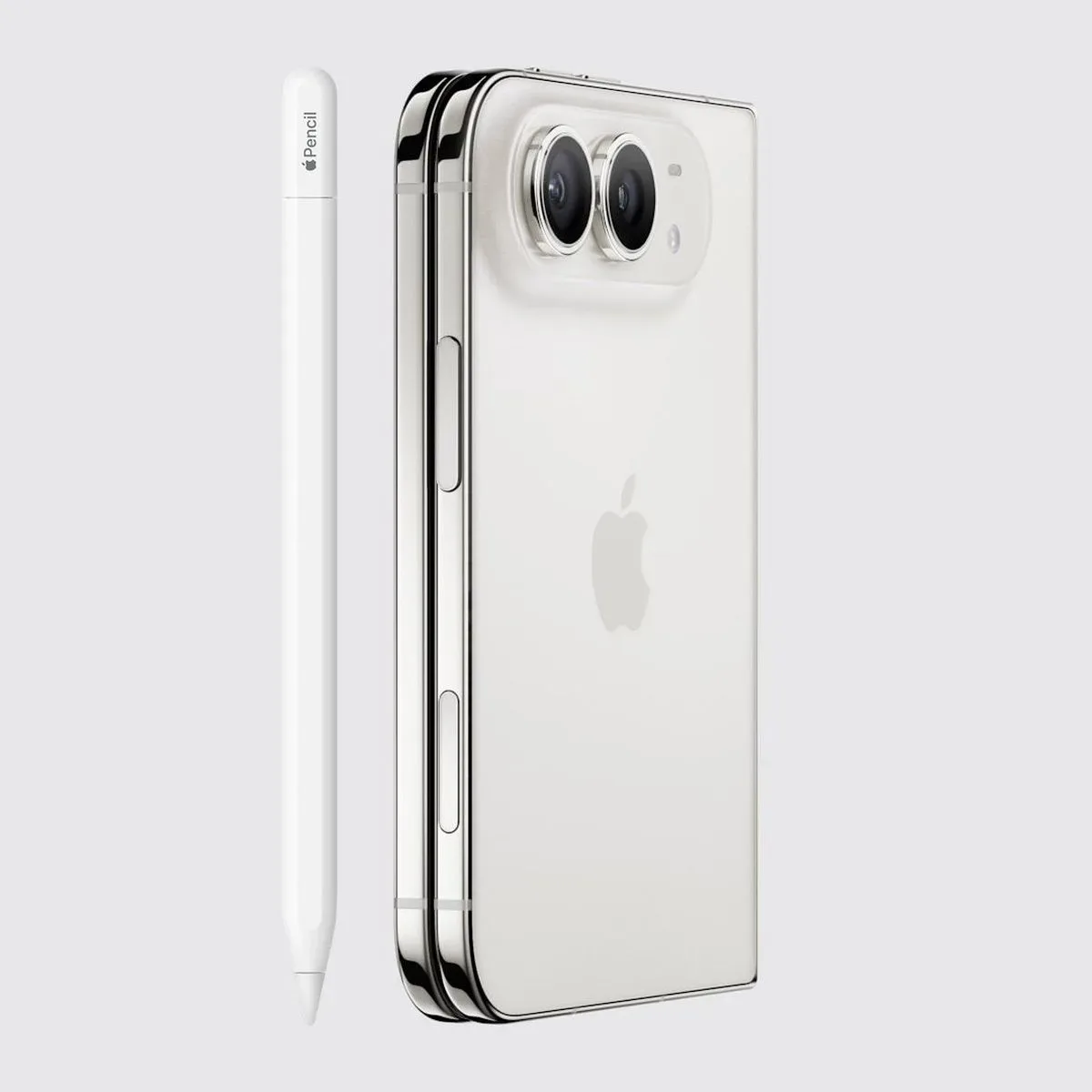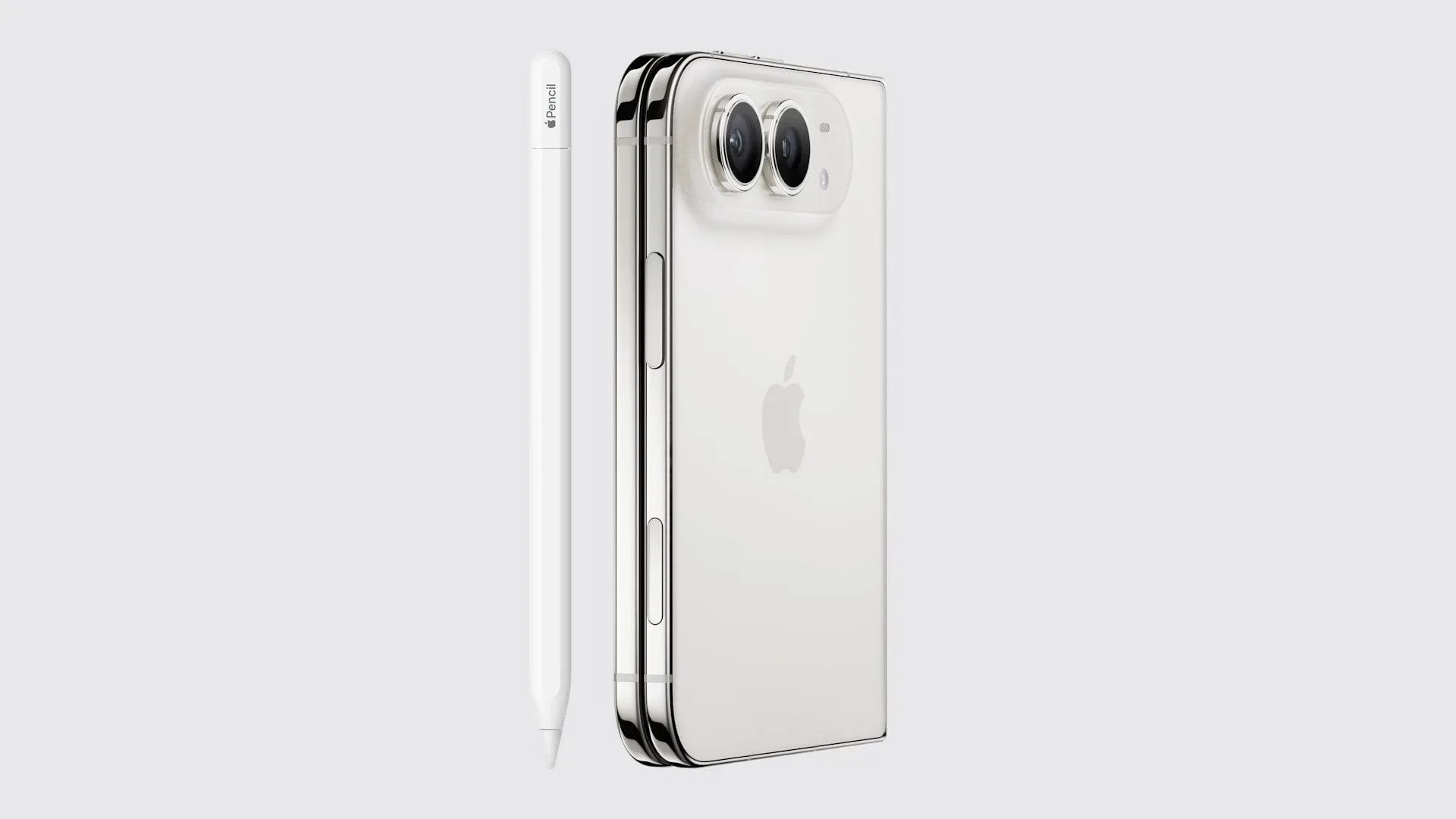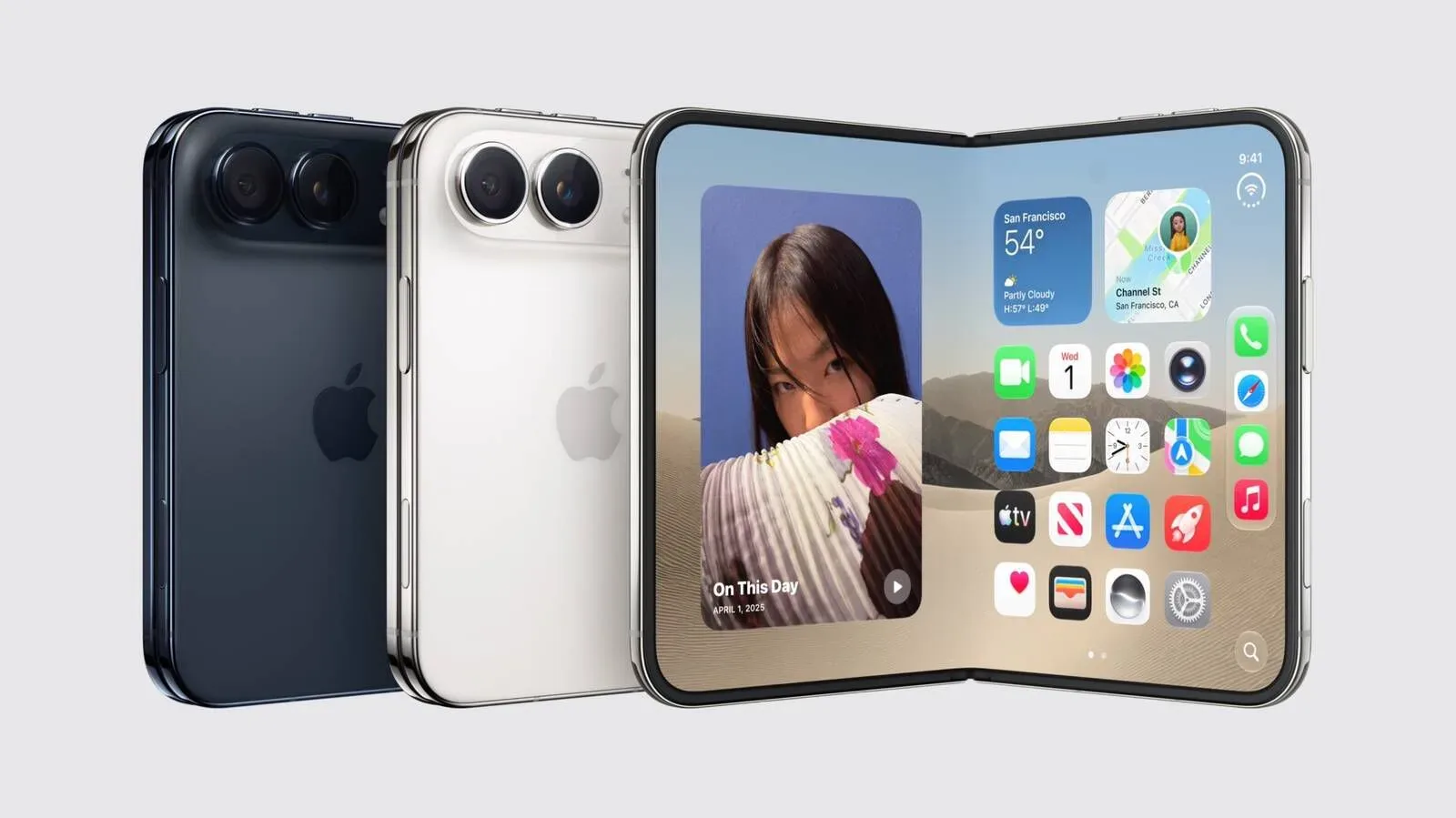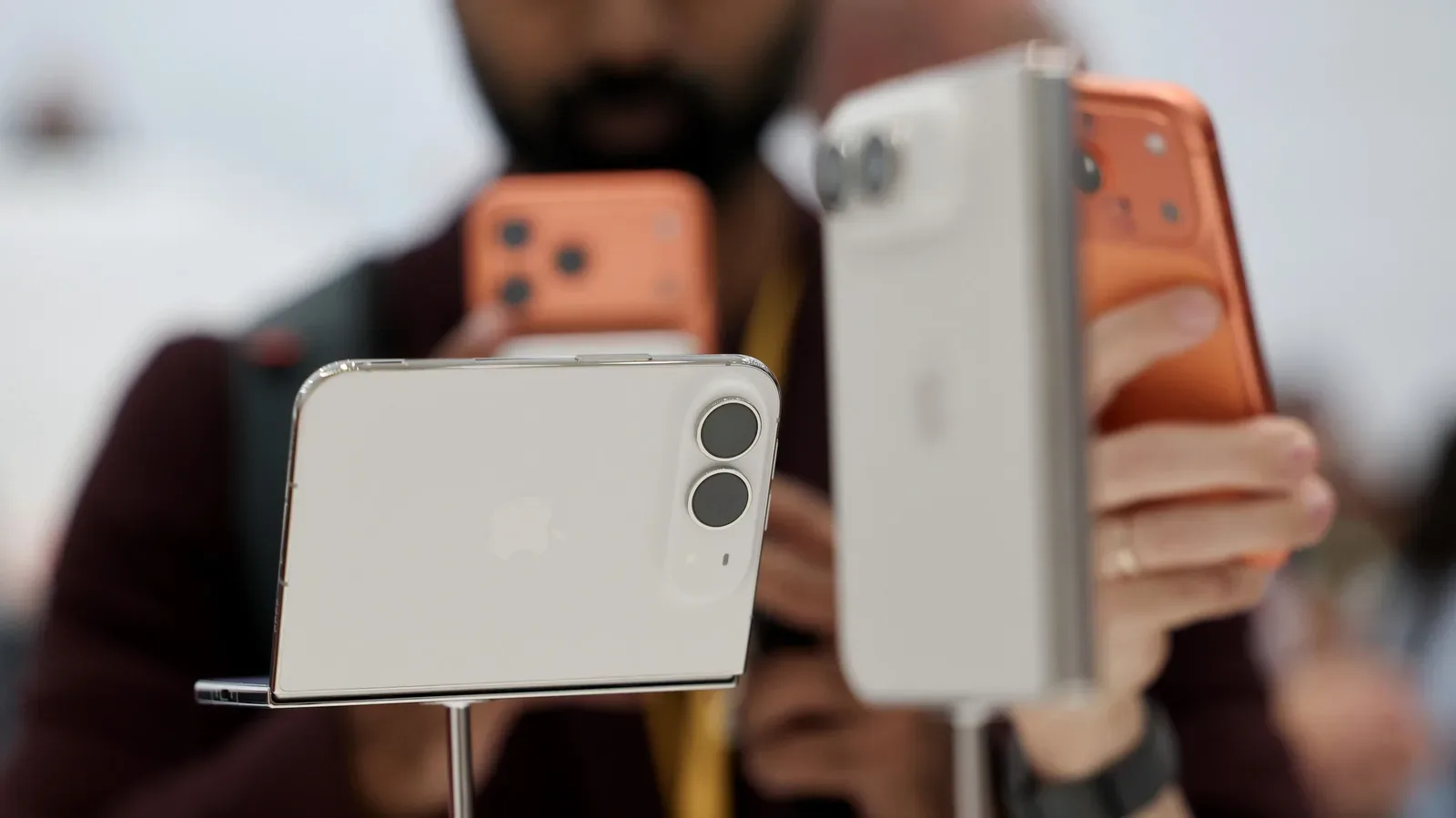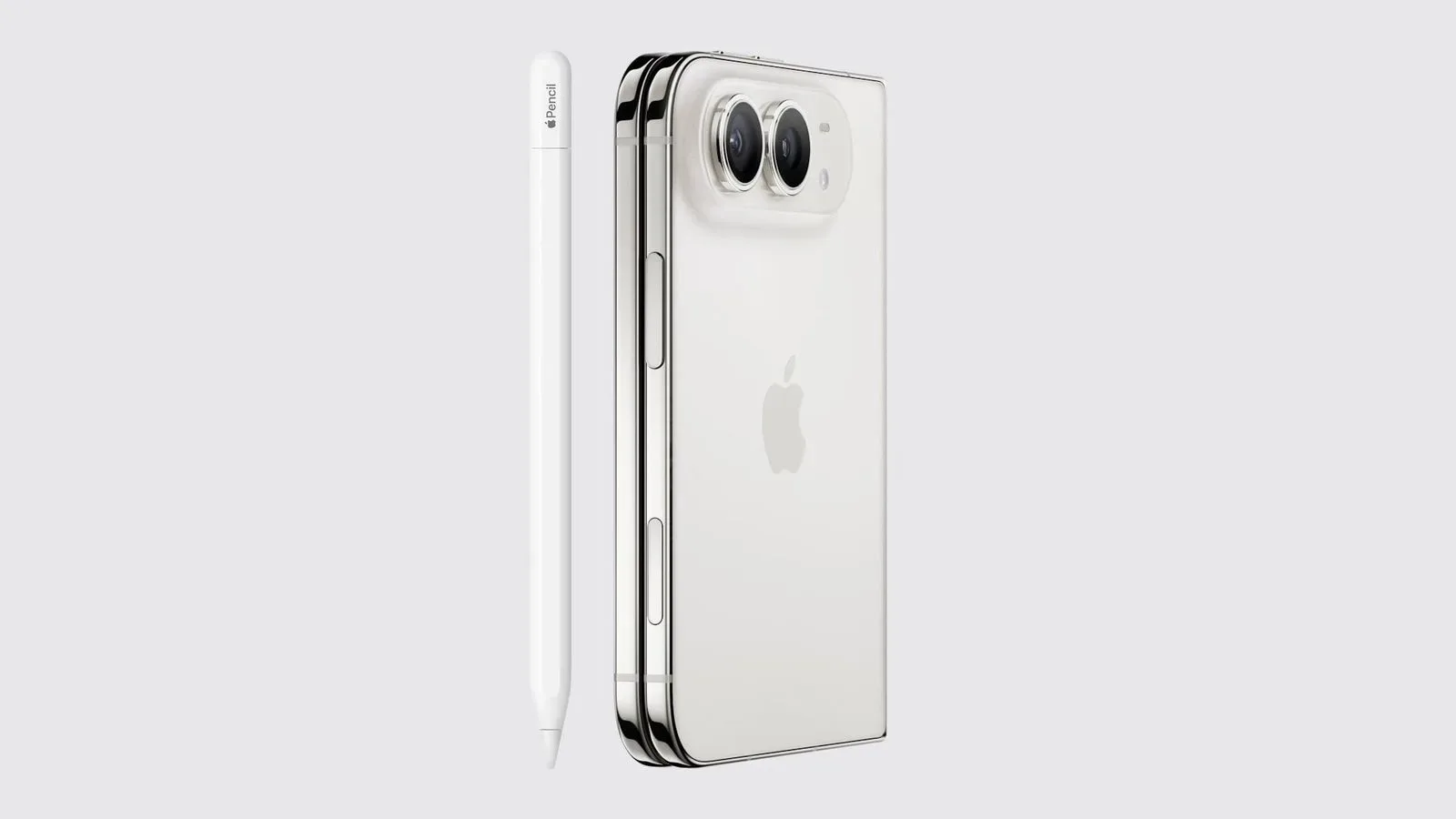
The iPhone Duo is expected to gain support for the USB-C Apple Pencil when iOS 27.2 reaches the public, a release anticipated next week. The addition would allow owners to draw, annotate and scroll in supported apps, whether they are using the device’s inner display or its outer display.
Apple Pencil functionality was enabled on an iPhone Duo running the iOS 27.2 Release Candidate, as confirmed by Creative Strategies analyst Max Weinbach. A Release Candidate, often shortened to RC, is a pre-release build generally intended to be the final version supplied to testers before a public rollout, although changes can still occur before release.
What iPhone Duo owners can expect
The reported support is specifically for the USB-C Apple Pencil. That distinction matters: the information does not establish compatibility for every Apple Pencil model, nor does it promise that every app will recognize stylus input in the same way.
Within apps that do support it, the Pencil can serve three stated purposes:
- Drawing: creating marks, sketches or other freehand input.
- Annotation: writing or marking directly on compatible documents, images or app content.
- Scrolling: navigating vertically or otherwise moving through on-screen material with the Pencil rather than a finger.
The important part for a dual-display phone is that these capabilities are said to work on both screens. Users would not need to open the iPhone Duo to access Pencil input, but could instead use the outer display for a quick note, a simple mark-up or navigation. The inner display, meanwhile, should offer a larger canvas when an app supports drawing or annotation.
Why supported-app language is important
“Supported apps” is the key limitation in the current information. It means Pencil use should not be treated as a blanket guarantee that every installed app gains specialised pen tools.
There is a practical difference between an app accepting a stylus as a way to tap or scroll and an app offering meaningful drawing or mark-up features. A note-taking or image-editing app, for example, may be designed around writing and drawing tools. Another app may only regard the Pencil as an alternate pointing method. The reported update confirms the input capability, but it does not provide an app-by-app compatibility list or define exactly which tools individual developers will expose.
For gaming, that distinction is especially worth keeping in mind. Nothing presently indicates that iOS 27.2 adds Apple Pencil-specific controls, game support, or any particular gameplay feature. Some apps may make good use of precise pointing or sketch-like interaction; others may not have a reason to do so. The update’s confirmed scope is drawing, annotation and scrolling in compatible software.
Inner and outer screens change the use case
Support across the inner and outer displays is more significant than a simple checkbox on a spec sheet. A device with two usable screen states can encourage different kinds of interaction depending on whether it is folded or opened.
On the outer display, Pencil support could make sense for brief tasks: a fast annotation, a few handwritten strokes, or scrolling through supported content. On the inner display, the same Pencil can potentially be used where more workspace is useful. That is an inference from the two-screen arrangement, not confirmation of any particular Apple-designed workflow.
The relevant point is flexibility. Input support on only one display would divide the experience, forcing people to change the device’s physical state before using the Pencil. The reported iOS 27.2 behavior instead extends the same basic input options to both displays.
What iOS 27.2 changes—and what remains unconfirmed
Based on the current details, iOS 27.2 is the software update that enables the USB-C Apple Pencil on iPhone Duo hardware. Owners should not assume the feature is active until their device has received the public release, even though it is already active in the Release Candidate build reported by Weinbach.
Several details remain outside the available information. There is no confirmed list of compatible apps, no stated description of pressure sensitivity or other stylus behavior on either display, and no claim that older Apple Pencil hardware will work. There is also no reason to read the feature as a broader promise that every iPhone model will receive Pencil compatibility.
That restrained reading is useful for anyone considering how the update will affect their daily setup. The reliable expectation is simple: iPhone Duo users with the USB-C Apple Pencil should be able to use it for drawing, annotations and scrolling in supported apps on either display once iOS 27.2 arrives publicly. Anything more specific will depend on the apps being used and on further compatibility details.
A small platform change with wider creative implications
Apple Pencil support is not automatically a replacement for touch controls. Fingers remain the most immediate way to operate a phone, particularly for quick taps and gestures. A stylus is most useful where precision, handwriting or deliberately placed marks matter. The iPhone Duo’s coming support therefore looks less like a wholesale change in how the phone is operated and more like an additional input option for work that benefits from it.
It also puts added attention on the software ecosystem. Hardware compatibility enables the possibility of Pencil-friendly work, but the quality of the experience will ultimately vary by app. People who plan to annotate files, make sketches or navigate creative tools will want to check whether the specific apps they rely on recognize the Pencil and which functions are available there.
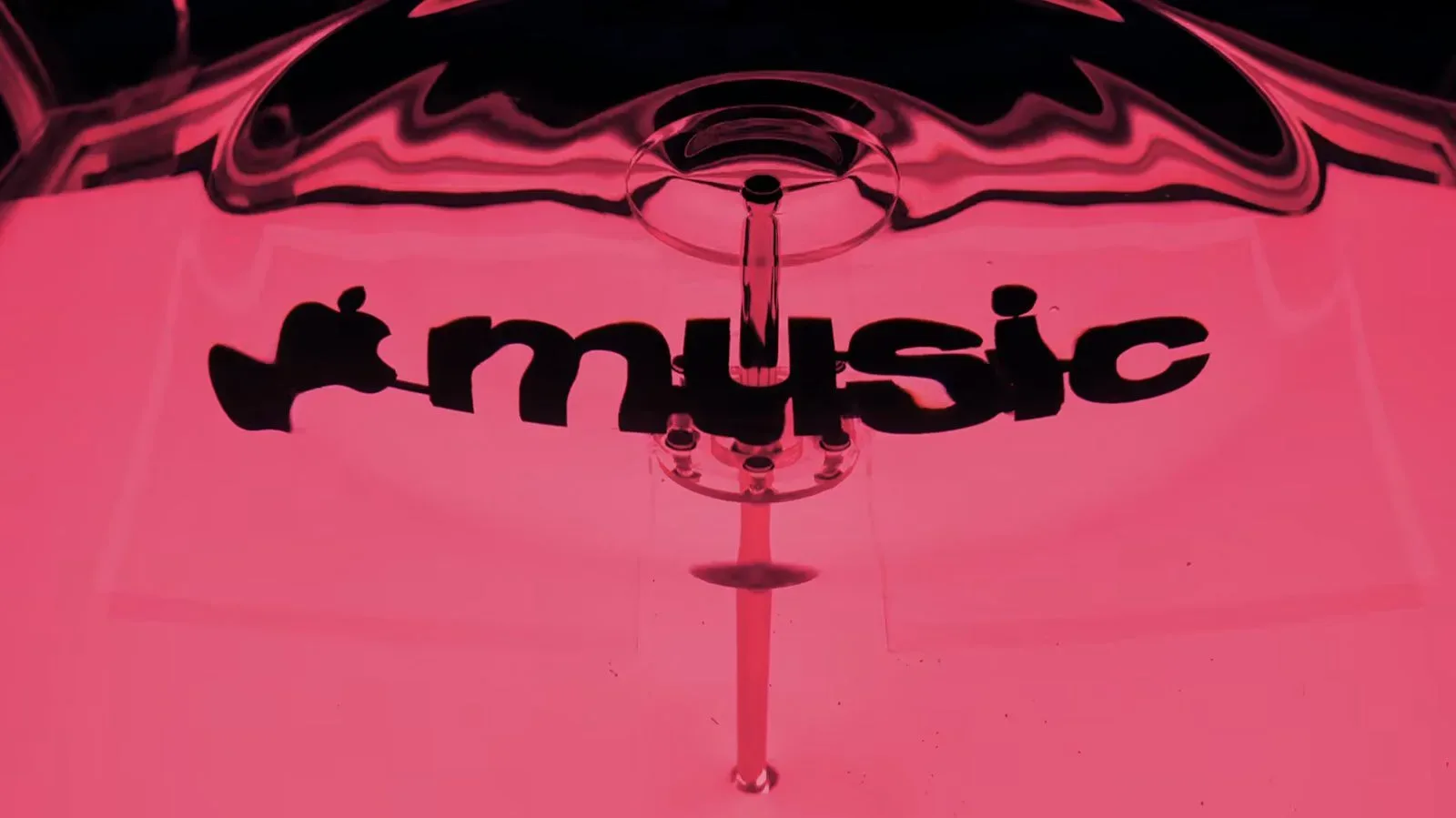
For those following Apple’s wider software and creative direction, the company has also recently been connected with a new sound-and-water visual identity for its music service in Apple Music’s Liquid-inspired brand identity. The iPhone Duo update is a separate development, but both illustrate how software presentation and input options can shape how people engage with a device beyond basic touchscreen use.
For now, the near-term checklist is straightforward: update an iPhone Duo when iOS 27.2 is publicly available, use the USB-C Apple Pencil, and look for Pencil-aware functions inside supported apps. The capability has appeared in a Release Candidate build, but public availability remains expected rather than confirmed until the update is released.