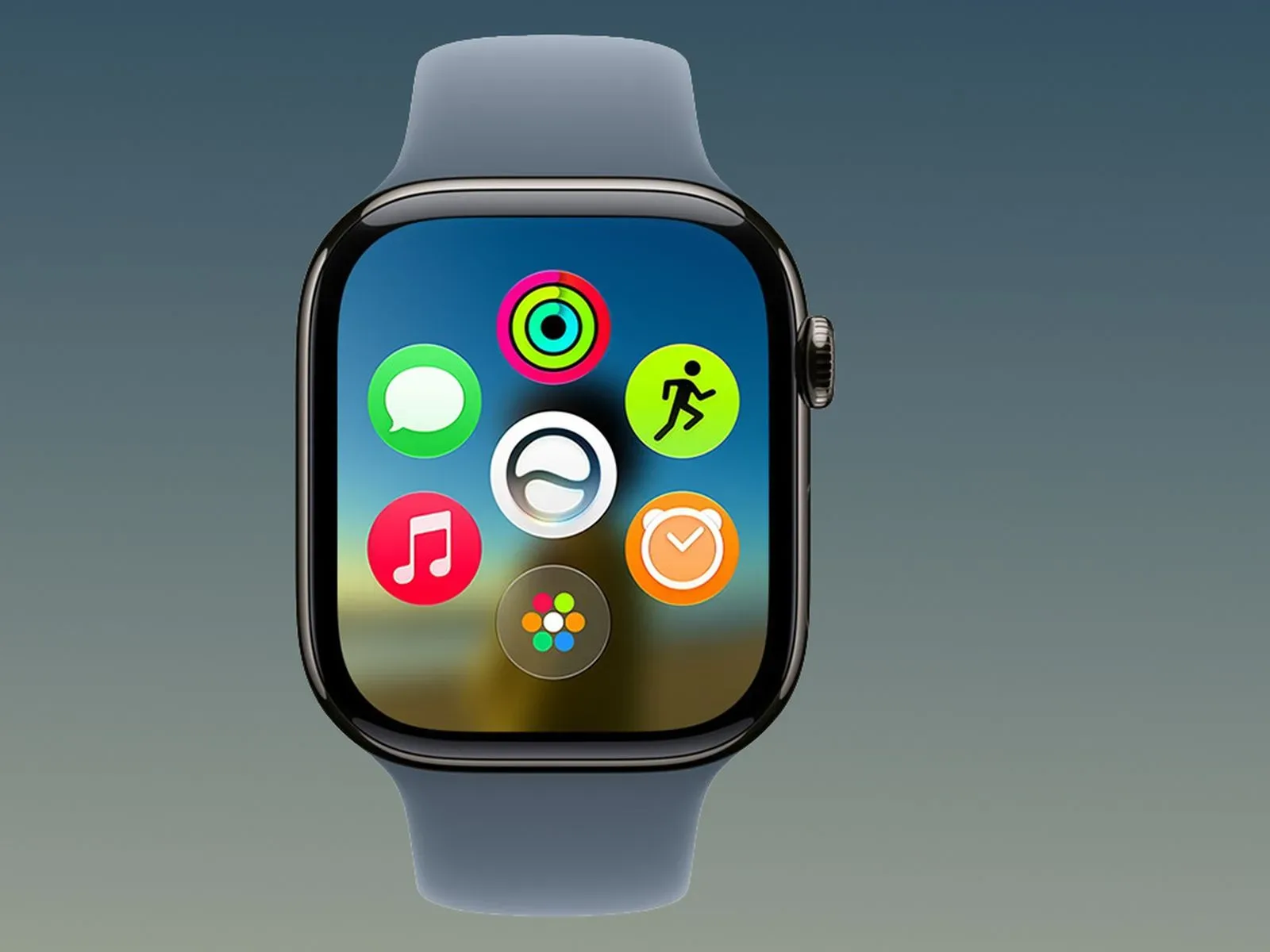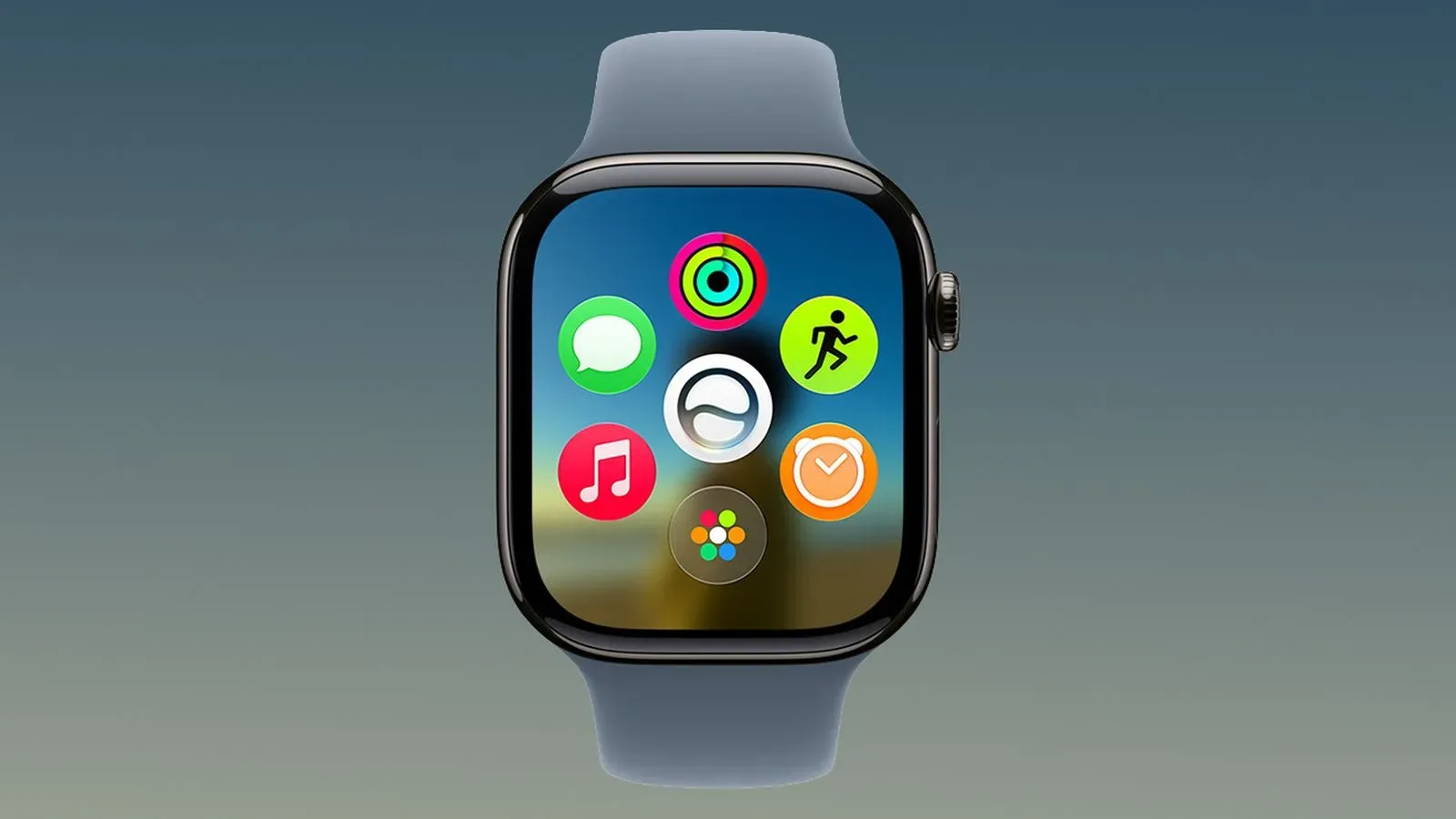
watchOS 27.0.1 is now available for the Apple Watch Series 12 and Apple Watch Ultra 4, delivering a small but meaningful maintenance update just one week after watchOS 27 arrived. Its stated purpose is straightforward: fix bugs, including an issue that could cause an affected watch to restart unexpectedly.
The update is limited to those two Apple Watch models. That means owners of other Apple Watch hardware should not expect watchOS 27.0.1 to appear as an available update, at least based on the release details currently provided.
A focused update for two current watch models
The “.0.1” numbering matters here. In software-version language, it generally signals a point release: a smaller follow-up intended to address problems in the just-released major version rather than introduce a newly described set of headline features. In this case, the published notes identify bug fixes and specifically call out unexpected restarts.
An unexpected restart is exactly what it sounds like: the watch reboots without the wearer intentionally choosing to restart it. The available notes do not describe the circumstances that could trigger the problem, how frequently it occurs, or whether every Series 12 or Ultra 4 owner is affected. They also do not identify any other individual fixes beyond the general reference to bugs.
That uncertainty is worth keeping in mind. A fix being included in an update does not establish that every compatible watch has encountered the issue. But it does make watchOS 27.0.1 a sensible update for Series 12 and Ultra 4 owners, especially anyone who has seen their watch restart on its own since moving to watchOS 27.
How to install watchOS 27.0.1
The update can be initiated in either of two places:
- Open the Settings app directly on the Apple Watch.
- Use the Apple Watch app on the connected iPhone.
There are also two installation conditions. The Apple Watch needs to be placed on its charger, and its battery must be above 50 percent. Those requirements mean this is best handled during a period when the watch is not needed immediately, rather than while heading out the door or relying on it for the rest of the day.
For anyone checking manually, the practical sequence is simple: put the watch on its charger, ensure the battery is over the required threshold, then look for the update from the watch’s Settings app or from the paired iPhone’s Apple Watch app. If the update is not offered, confirm the device is one of the two supported models: Apple Watch Series 12 or Apple Watch Ultra 4.
Why the restart fix is the key detail
A restart does not necessarily mean a device is permanently damaged. It means the software and device have gone through a reboot cycle, returning to an operational state afterward. Still, a restart that happens without warning can be disruptive precisely because a watch is designed to be worn and checked quickly throughout the day.
The immediate practical effect can be an interruption: the display and apps are unavailable while the watch restarts, and the user must wait for it to return. The release notes do not provide additional technical detail about what causes the affected behavior, so it would be speculation to attribute it to a particular app, sensor, battery condition, connection, or watch activity.
What can be said is that Apple has treated the problem as a software issue worth addressing in the first follow-up update to watchOS 27 for these models. For owners experiencing unexplained reboots, updating is the clear first troubleshooting step supported by the available information.
What this update does not claim to change
There is no published indication that watchOS 27.0.1 adds new watch faces, apps, health functions, performance modes, or interface changes. Nor do the notes promise a fix for every possible stability issue a wearer might encounter. The stated scope is bug fixes, with unexpected restarts named as one of them.
That restrained scope is useful for setting expectations. Users should approach watchOS 27.0.1 as a maintenance release aimed at reliability, not as a second launch for watchOS 27. If a Series 12 or Ultra 4 has been stable, the update still contains the listed bug fixes. If it has been restarting unexpectedly, the update directly targets that symptom—but the notes do not quantify results or provide a guarantee for any individual device.
Compatibility is unusually narrow
The hardware limitation is one of the most important details in this release. watchOS 27.0.1 applies only to Apple Watch Series 12 and Apple Watch Ultra 4. Software updates are often discussed as though every product running the same operating system receives the same revision at once, but this release is explicitly model-specific.
For shoppers, collectors, and families managing multiple Apple Watches, that distinction avoids confusion. Seeing coverage of watchOS 27.0.1 does not mean an update should necessarily be visible on every watch paired with an iPhone. The update’s availability is tied to the specific Series 12 and Ultra 4 hardware named in the release information.
The timing also provides context. watchOS 27 itself arrived last week, and 27.0.1 follows shortly afterward. Quick point releases after a major operating-system launch are often most relevant because they deal with issues identified after that broader rollout. Here, the specific public-facing item is the unexpected-restart fix.
What Series 12 and Ultra 4 owners should do
- Check the model. This update is for Apple Watch Series 12 and Apple Watch Ultra 4.
- Use a charger. Installation requires the watch to be on its charger.
- Check battery level. The watch must have more than 50 percent battery.
- Choose an update route. Look in Settings on the watch or in the Apple Watch app on the paired iPhone.
- Give the process time. Since the watch is unavailable during installation, update when a brief interruption is manageable.
Owners who have noticed restarts should pay particular attention to the version shown after installation, making sure the watch has moved to watchOS 27.0.1. The supplied release details do not specify additional diagnostic steps, nor do they list a workaround for those unable to update immediately.
A broader 27.0.1 update cycle
The watch release also arrives alongside attention on an expected iPhone-side point update. For related context, iOS 27.0.1 has been anticipated with Face ID fixes as a likely focus for iPhone 18 Pro users. The two releases serve different products, and the watchOS 27.0.1 notes should not be read as confirmation of iPhone fixes. Still, their shared version pattern reflects the familiar role of early point updates: resolving issues found around a new operating-system generation.
For Apple Watch Series 12 and Apple Watch Ultra 4 users, the message is less complicated. watchOS 27.0.1 is available now, it requires charging and more than half a battery to install, and its confirmed repair list includes an issue that could make the watch restart without warning. There is no announced feature checklist to weigh against the interruption of updating; this one is about getting the watch back to behaving more predictably.