Two unsecured databases discovered by security researchers reportedly contained more than 3.6 billion records between them, a staggering collection of usernames, passwords, documents, phone numbers, national identity details and business information. The databases were removed from the locations where they were found, but their apparent scale is an important reminder: account security is not a one-time chore, and it matters just as much for gaming profiles as it does for email, shopping and banking.
One database was reported to hold roughly 2 billion login credentials spanning a wide range of online services. Its contents reportedly included hundreds of millions of email accounts, more than 100 million social-media accounts and tens of millions of e-commerce accounts. Among the service-linked totals identified were nearly 42 million Roblox accounts, alongside more than 114 million accounts connected to Google services, 88 million Facebook accounts, almost 33 million X accounts and 36.6 million Amazon accounts.
Those figures are alarming, but they need to be read carefully. They are records or accounts associated with services, not a confirmed count of unique people whose accounts were newly compromised. A person can have multiple accounts, the same person may appear across several services, and information may have been gathered at different times and from multiple places. The reported presence of an account in a database also does not prove it can be accessed today. Passwords may have changed, accounts may be protected by extra sign-in checks, or data may be incomplete or old.
Still, a large pile of logins can be extremely useful to criminals even when portions are outdated. The risk grows further when usernames, passwords, browser data and personal documents are assembled together rather than circulating as isolated fragments.
Why the login database is especially concerning
The credential-focused database reportedly contained thousands of folders holding account details and plaintext credentials. Plaintext means information is stored in readable form rather than being protected by encryption or another mechanism that obscures its contents. If a password is truly present in plaintext, someone who obtains the file does not need to crack a protected password value before attempting to use it.
Reported folder names pointed to material beyond a conventional username-and-password list. The collection included folders described as applications, cookies, Edge, important files and operating systems, as well as text documents labelled with terms such as system, process, clipboard, brute force and passwords. There were also roughly 400,000 documents that appeared to have been arranged into separate folders for individual victims.
This is where the practical danger changes. A bare credential list may enable an attacker to try a password on the service named beside it. A fuller device profile can potentially reveal browser sessions, installed applications, copied text, system information and other clues that help an attacker make a scam more convincing or identify additional accounts worth targeting.
Cookies, in this context, are small pieces of browser data that sites use to remember information about a session. They are not automatically a master key to an account, but their exposure can create additional security concerns depending on the service and how its session protections work. Likewise, clipboard data can be sensitive because people sometimes copy passwords, recovery codes, wallet addresses or personal messages without considering that a compromised device might capture them.
The database was said to include material gathered by infostealer malware. An infostealer is malicious software designed to collect data from a victim’s device. It can target saved browser credentials and other locally available information, which is very different from a breach limited to one company’s servers. A single infected PC can expose accounts across games, email, storefronts, social networks and many other services used on that machine.
What the Roblox number does—and does not—mean for players
The reported total of almost 42 million Roblox accounts should not be interpreted as proof that 42 million active players lost access, that Roblox itself suffered a single breach, or that every password in the dataset still works. The database reportedly combined data from multiple sources. Some entries may overlap, and some credentials may have been obtained from infected devices rather than directly from the services to which they belong.
For players and parents, the number is nevertheless a useful prompt to check whether a gaming account has become a weak point in a wider online life. Gaming accounts can hold friend lists, in-game purchases, digital inventories, chat histories and links to other platforms. They can also be valuable targets for impersonation: an attacker who gains control of a familiar account may contact friends with a believable request, malicious link or fake trade offer.
The same applies to social accounts connected to gaming communities. Compromise of an email inbox is particularly serious because email is commonly used to reset passwords elsewhere. An attacker who controls the email address behind a game account may have a route to change that game account’s password too. That is why protecting the email account associated with a gaming profile deserves top priority.
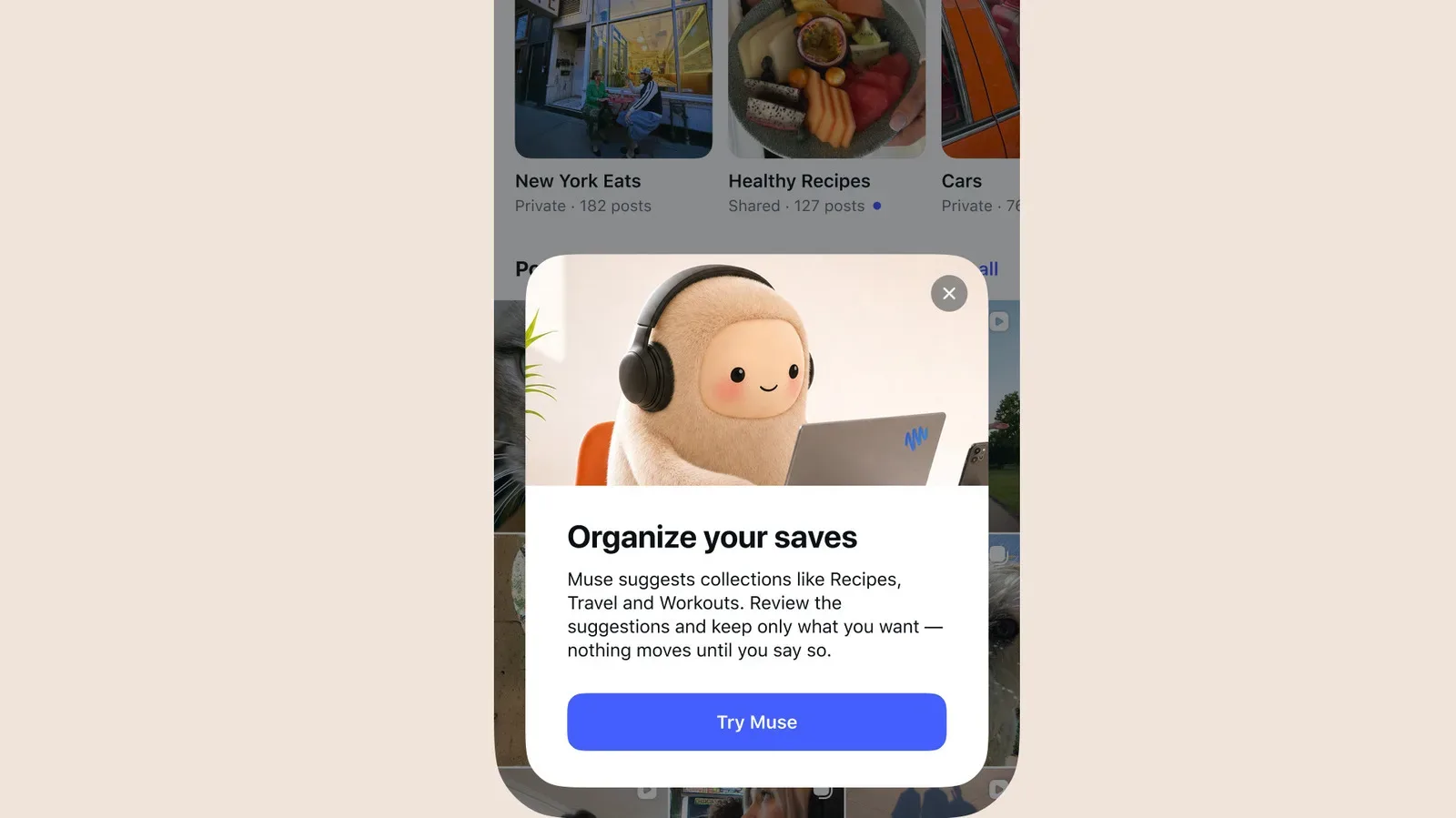
Players who use Meta-owned services should also pay attention to account separation and sign-in protections, especially as social tools increasingly handle messages and saved material; see the latest details on Meta’s Muse features in Instagram. Convenience features are not inherently unsafe, but every service tied to a person’s identity or messages merits a distinct, protected login.
A second database reportedly combined highly sensitive records
The other publicly exposed database reportedly held more than 1.6 billion documents, mainly related to people and businesses in China. Its contents were said to include at least 840 million distinct national ID numbers, 300 million phone numbers, around 11 million student-enrollment records—many involving minors—and 7.8 million business registrations.
That collection is distinct from the credential database in both the kind of information involved and the potential consequences. National identity numbers, phone numbers, enrollment records and business-registration information can be used to construct a much more detailed profile of an individual or organization. A criminal does not necessarily need a current password to exploit that kind of information. It may instead support targeted fraud, identity abuse or highly tailored social-engineering attempts.
Social engineering is the practice of manipulating people into revealing information, approving access or taking another action that benefits an attacker. A phishing email that merely says “reset your account” can be easy to dismiss. One that uses a real name, phone number, organization or other personal detail can appear much more credible. The reported dataset’s value, therefore, lies not only in any individual record but in the way many types of information can be correlated.
The China-focused database was reportedly found on a framework associated with gray-market activity and had been updated as recently as a week before it was identified in October. Its records appeared to originate from sources controlled by separate government, telecom, education, payment and corporate systems before being assembled in one place. That alleged aggregation is a central concern: combining disparate stolen data can create a usable product that is more revealing than any individual source.
What to do now: a practical account-security checklist
There is no reliable way for an individual to guarantee that no personal data has ever been exposed. The useful goal is to reduce the damage a leaked record can cause. The strongest protections are often straightforward, but they work best when applied consistently.
- Give every account a unique password. Reusing one password across email, Roblox, social media and shopping sites turns a compromise on one service into an opportunity to try the same login elsewhere. Unique passwords contain the blast radius.
- Use a password manager. A password manager can create and retain long, distinct passwords without requiring someone to memorize all of them. The point is not simply complexity; it is preventing repetition across accounts.
- Secure the email account first. Review its password, recovery options and sign-in protections before moving to less critical accounts. Because email often controls password resets, it is the account that can unlock many others.
- Enable multi-factor authentication wherever available. Multi-factor authentication, or MFA, requires another proof of identity in addition to a password. It can make a stolen password less useful, though users should still be wary of scam prompts and never approve a login they did not initiate.
- Choose passkeys when a service supports them. Passkeys are an alternative sign-in method intended to reduce reliance on conventional passwords. They can help counter phishing because the sign-in process is tied to the legitimate service rather than asking a person to type a reusable secret into a lookalike page.
- Inspect devices for warning signs. Since infostealers target data on a device, unexpected browser extensions, unfamiliar applications, repeated account alerts and unexplained logouts should not be ignored. Keep software updated and be deliberate about downloads, particularly unofficial tools, cheats, mods, attachments and “free currency” offers.
- Be skeptical of urgent messages. A message from a friend’s compromised account can still be fraudulent. Treat unexpected links, trade requests, QR codes and requests for one-time codes with caution. Verify through another channel when possible.
- Share less where possible. Limit the personal information provided to services and consider data-removal services if they suit your circumstances. Less exposed information can mean less material for an attacker to assemble into a persuasive profile.
Strong passwords alone are not the whole answer
A password manager, unique passwords, MFA and passkeys address different parts of the problem. A unique password limits credential reuse. MFA adds a barrier after a password is entered. Passkeys aim to avoid password entry in the first place. Device hygiene matters because malware can attempt to steal information before any service-side protection becomes relevant.
A VPN can also be useful in appropriate situations, but it should not be mistaken for a complete defense against stolen credentials or malware. A VPN generally changes how network traffic is routed; it does not automatically remove malicious software from a device, reverse a data exposure or make a reused password safe. It is one tool, not a replacement for account protections.
These databases underline an uncomfortable reality: personal data can move through criminal ecosystems long after an original compromise, and separate fragments can later be joined together. Players do not need to panic or assume their accounts are already lost. They should, however, treat the reported scale as a reason to make the easy security improvements now—starting with the email address and gaming accounts they would least want someone else to control.