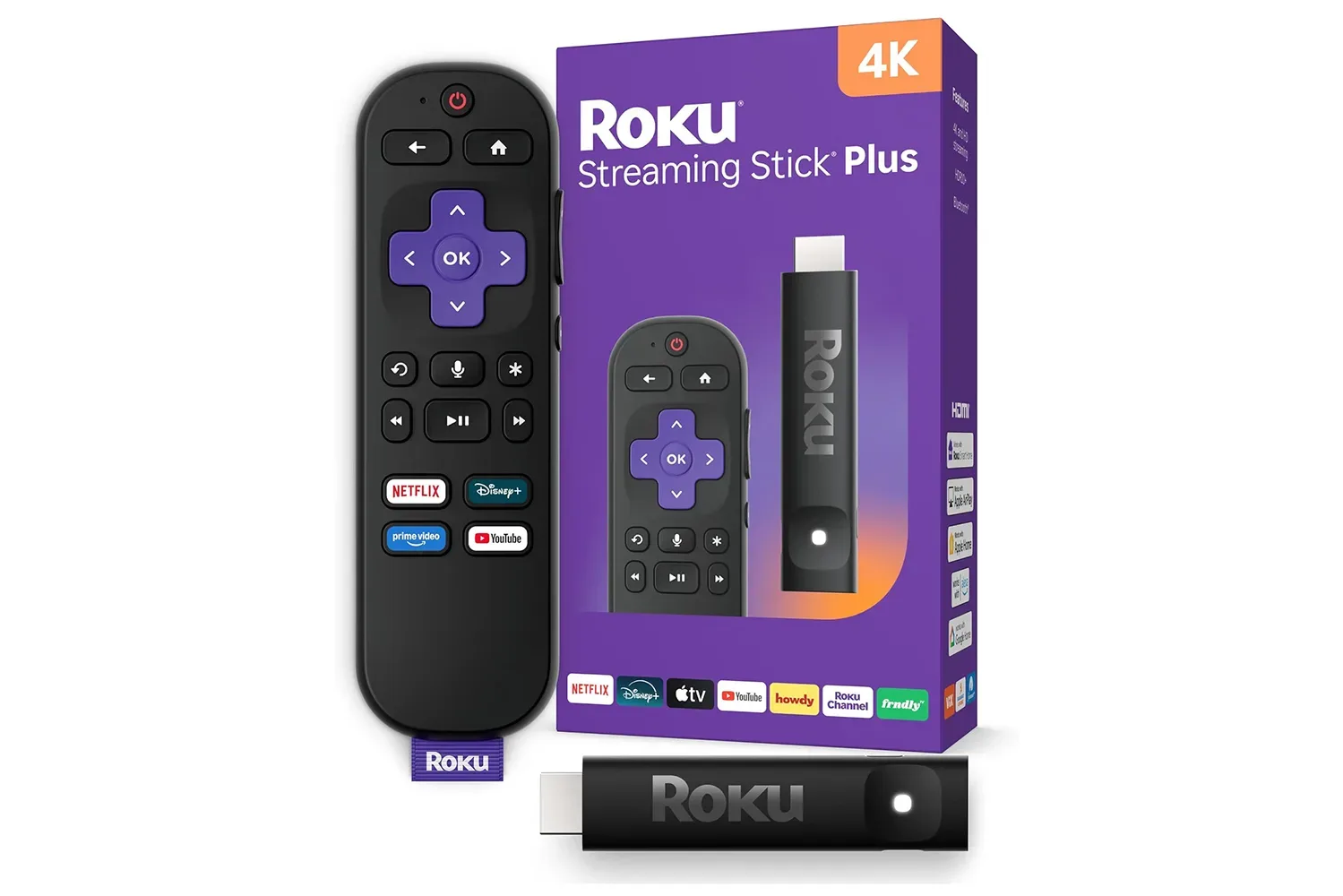
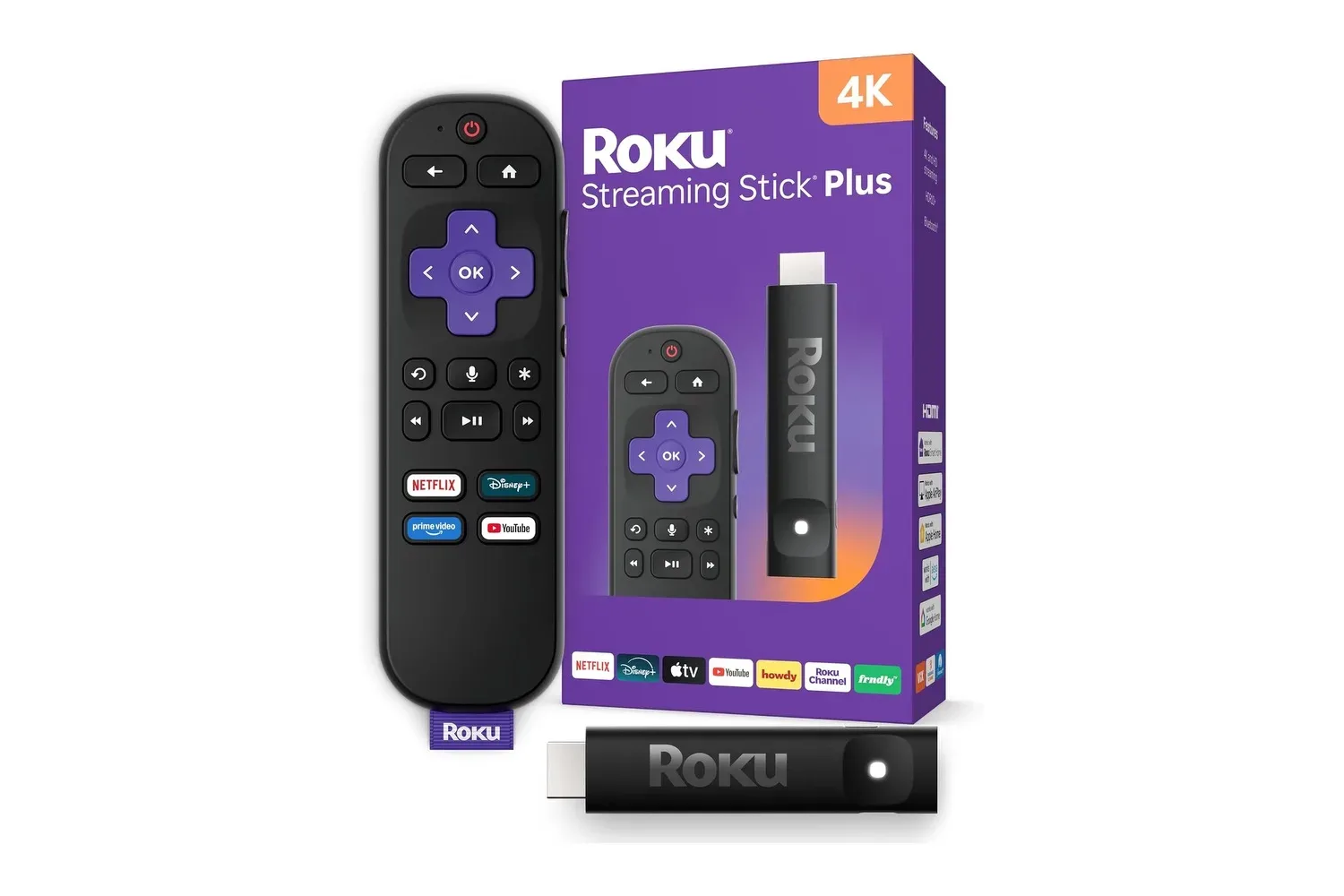
The Roku Streaming Stick Plus with Voice Remote is listed at $34, a $26 reduction from its stated $60 price. That works out to 43% off, although retail pricing can change. For a television that has an open HDMI input and a USB port capable of supplying power, the appeal is straightforward: it adds a modern streaming interface without requiring a separate box, another wall outlet, or a particularly adventurous cable-management project behind the screen.
It is a small device with a relatively broad brief. Roku says the stick can stream at up to 4K resolution at 60 frames per second, supports HDR10, HDR10+ and HLG, connects over 2.4GHz or 5GHz Wi-Fi, and includes a voice remote. Alongside subscription apps such as Netflix, Disney+, Hulu, YouTube, Peacock and Prime Video, Roku points users toward free films, shows and hundreds of live-TV options through The Roku Channel.
For households trying to make an older TV more useful, or simply reduce the friction of jumping between services, the $34 listing makes the Streaming Stick Plus a low-cost route to a unified streaming setup. It is not a promise that every app or stream is free—many of the major services still need their own subscriptions—but it does combine paid app access with a pool of no-extra-charge programming.
What the $34 Roku Streaming Stick Plus includes
The package includes the Streaming Stick Plus, a Roku Voice Remote and two AAA batteries. The stick measures 3.7 by 0.8 by 0.45 inches and weighs roughly 0.8 ounces. Those figures matter less as a feat of miniature engineering than as a practical advantage: the hardware sits directly in the TV’s HDMI port rather than occupying a shelf or entertainment unit.
It can be powered from a USB port on the television, removing the need for a dedicated power brick in the stated setup. Before buying, it is sensible to check that the TV has both an available HDMI connection and a USB port. That is the cleanest installation described here, and it is the reason this kind of stick can be a more discreet upgrade than a standalone streamer.
Initial setup is conventional. Plug the stick into HDMI, choose a wireless network, sign into the relevant account information and add or access streaming services. Roku also says future software releases are delivered automatically through the internet, so routine system updates should not require manual installation.
4K, 60fps and HDR: the terms worth knowing
“4K” refers to a higher-resolution picture format intended for compatible 4K televisions. The Streaming Stick Plus can deliver video at up to 4K and 60 frames per second. A frame rate is the number of individual image frames displayed each second; 60fps support is relevant for material supplied at that rate. The actual result still depends on the content, the streaming service, the television and the home connection.
The stick can also upscale 720p and 1080p material for display on a 4K television. Upscaling means adapting lower-resolution video to the display’s higher-resolution output. It does not turn an original 720p or 1080p stream into native 4K source material, but it allows those streams to fit a 4K screen through the device.
Related coverage includes Roku Streaming Stick Plus was listed at $34: What it adds to your TV.
HDR is short for high dynamic range. In broad terms, it is a video capability designed to handle a wider range of brightness and colour information when the TV and content support it. The Roku Streaming Stick Plus lists HDR10, HDR10+ and HLG support. That compatibility is useful only in the complete chain: a compatible television, a compatible stream and the appropriate format all matter. Buyers with a non-4K or non-HDR television can still use the streamer, but should not expect the set itself to gain display capabilities it does not have.
Wi-Fi is another part of that chain. The device supports dual-band wireless networking on 2.4GHz and 5GHz. These are two Wi-Fi frequency bands rather than two separate internet plans. A home router may offer one or both; having both options can help a user select the network connection that works best where the television is located. Anyone evaluating streaming reliability should remember that the stick’s specification is only one piece of the setup. Router placement, household network traffic and the quality of the broadband connection can all affect playback.
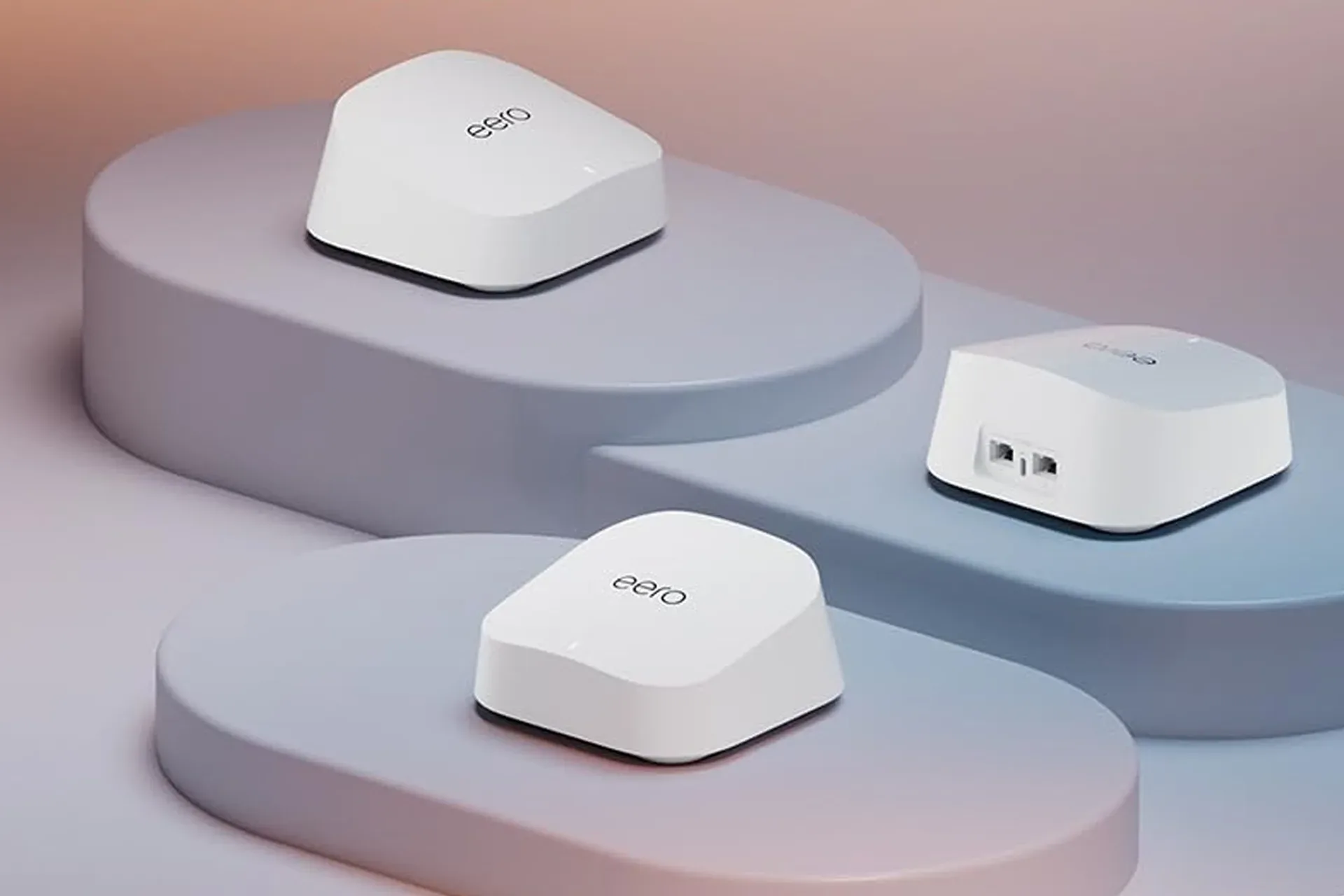
That is also why upgrading the network can be a different conversation from adding a streamer. For larger homes or difficult Wi-Fi layouts, a mesh system may be relevant; our look at an eero 7 three-pack and its gaming-setup implications explains the separate role network coverage plays. The Roku stick provides the streaming interface, while the home network has to deliver the stream to it.
A single interface for subscription services and free programming
The key everyday function is less about raw video specifications than navigation. The Roku interface provides access to major streaming apps and can search for a title across services, helping identify where a film or series is available. That is potentially useful for people with several subscriptions, where opening app after app to locate one show can become the least enjoyable part of watching it.
Roku also includes The Roku Channel, which has a catalogue of free movies and TV shows as well as hundreds of live-TV choices. “Free” in this context should be read carefully: it means this programming can provide viewing options without adding a subscription service, not that outside subscription apps become free or that every show a viewer wants will be included. It is a supplementary library, potentially helpful for viewers who want something to watch between paid-service releases or who do not intend to maintain every subscription at once.
That split is an important buying consideration. This is best understood as a portal to content and services, not as a replacement for the individual accounts needed by paid platforms. The savings case is strongest for someone who already has access to services they use, wants Roku’s free options as an extra layer, or needs an inexpensive device to bring streaming apps to another screen.
Voice search, TV controls and the phone app
The bundled Roku Voice Remote lets viewers search for titles by speaking instead of spelling them out with directional buttons and an on-screen keyboard. It also has power, volume and mute controls intended to work like the TV’s own remote controls on most televisions. Consolidating those basic television controls onto the streaming remote can reduce the number of remotes needed for ordinary viewing, though compatibility with a particular TV is still worth considering.
Roku’s iOS and Android app is a useful backup rather than merely a duplicate remote. It can function as a second control, provide voice search and offer a virtual keyboard for entering titles. A virtual keyboard can be particularly convenient when a password, email address or long search term has to be typed into the TV interface.
The mobile app is also the route to private listening. Headphones connected to a smartphone can be used for private audio playback through the app. This is a practical feature for late-night viewing or shared living spaces: the person using the Roku can listen without relying on the television speakers. It does, however, mean using a compatible phone or tablet and headphones with that device.
Apple and smart-home connections
The Streaming Stick Plus supports Apple AirPlay and Apple Home. AirPlay support enables video and photos to be sent from an iPhone to the Roku-connected TV. For Apple device users, that makes the television a more convenient destination for personal photos and compatible video without separately moving files to a different device.
It also works with Google Home and Amazon Alexa for voice control through a smart speaker. This should be viewed as an additional control option, not a requirement for normal use. The included remote already provides voice search and standard controls; a smart speaker is relevant to people who already use Google Home or Alexa in their household and want the Roku in that broader voice-control setup.
Who this streaming stick suits
At the listed $34 price, the Roku Streaming Stick Plus makes the most sense for a few clear situations:
- An older or less capable TV needs streaming apps: HDMI connectivity turns the television into a streaming screen without replacing it.
- A 4K TV needs a compact streamer: The stick offers up to 4K/60 output, HDR10, HDR10+ and HLG support for compatible equipment and content.
- You want a tidier installation: Direct HDMI connection and TV USB power can avoid a separate streaming box and wall power adapter.
- Several people share a room or home: The phone app’s private-listening option and the remote’s TV controls can be useful conveniences.
- You want paid apps plus no-subscription viewing options: The Roku Channel’s on-demand catalogue and live channels complement, rather than replace, paid services.
It is also a plausible travel companion because of its size: Roku says it can be connected to a hotel television so users can access their own services instead of signing in on someone else’s device. Travelers should still be mindful of the particular television, Wi-Fi arrangement and account-security choices involved wherever they stay.
Ultimately, the Streaming Stick Plus is a compact interface upgrade rather than a new television experience in isolation. Its strongest practical advantages are the simple physical setup, 4K HDR compatibility for supported displays and content, voice-led navigation, and a mix of familiar streaming apps with free Roku programming. At $34, it is a notably cheaper entry point than the stated $60 price—provided the TV, Wi-Fi setup and desired services line up with what the stick is built to do.
Shop the products
Check current price, model and availability at the retailer.