For owners of expanded Amiga systems, faster hardware has not always produced the effortless upgrade one might expect. Accelerator cards can offer far more processing power than the machines for which many early-1990s games were designed, yet the software itself may still be tied to timing assumptions, rendering routines and hardware behavior from its original era. The result is an awkward historical irony: an expensive, powerful Amiga can still run a beloved game unevenly, or run it at a speed its original logic was never meant to handle.
Developer Vesuri is working to narrow that gap with AI-assisted patches for classic Amiga games. The project combines modern AI tools with knowledge of the Amiga’s custom architecture and experience rooted in the demo scene. Its stated goal is more than simply raising a frame-rate number. The patches seek to deliver smoother visual updates while keeping simulation speed, controls, collisions, timing and other parts of the game behaving consistently on accelerated systems.
That distinction matters. A game can render more frames without necessarily playing correctly. If game logic is connected too tightly to drawing frames, increasing rendering speed can make movement, animation, races or input operate incorrectly. Vesuri’s work addresses that underlying compatibility problem alongside rendering performance, and the patch notes describe fixes ranging from flickering scenery to incorrect projectile hits, replay behavior and audio repetition.
From a 50fps Stunt Car Racer project to a broader patching effort
Vesuri’s earlier optimization of Stunt Car Racer to 50 frames per second established the potential of the approach. That first effort involved painstaking manual programming. AI tools have subsequently made it possible to pursue a broader set of updates more quickly, although the supplied details make clear that AI is not presented as a magical one-click conversion process. The work still depends on technical understanding of Amiga hardware and on careful fixes to the game code and behavior.
Frame rate, usually abbreviated as fps, describes how many distinct images are drawn each second. Higher or steadier frame rates can make scrolling, camera movement and moving objects appear more fluid. But a better-looking frame rate is only part of the experience, especially in games built around racing, flying or aiming. A patch has to ensure that the game’s internal simulation—the calculations determining position, collisions, AI and timing—does not accidentally accelerate or become inconsistent as rendering changes.
That is why the repeated emphasis on consistent game speed is arguably the most important technical thread in these updates. The supplied patch details describe game and race timing remaining correct regardless of rendering speed, an accelerated path with consistent simulation speed, and revised gameplay timing when the enhanced mode is active. In practical terms, that should prevent upgraded hardware from turning improved performance into a different, less reliable version of the game.
What the enhanced-frame-rate work changes
The available changes show that the effort reaches well beyond a general “runs faster” claim. Some releases offer an optional enhanced frame-rate setting for smoother flight, cameras, ship effects, driving, traffic and scenery. Other notes specify faster, tear-free rendering and full ground detail on fast Amigas. “Tear-free” generally refers to avoiding visible splits or mismatched portions of frames while the image is refreshed, which can make motion look cleaner.
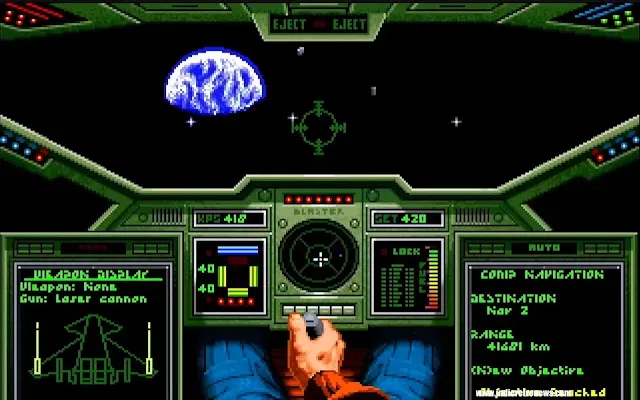
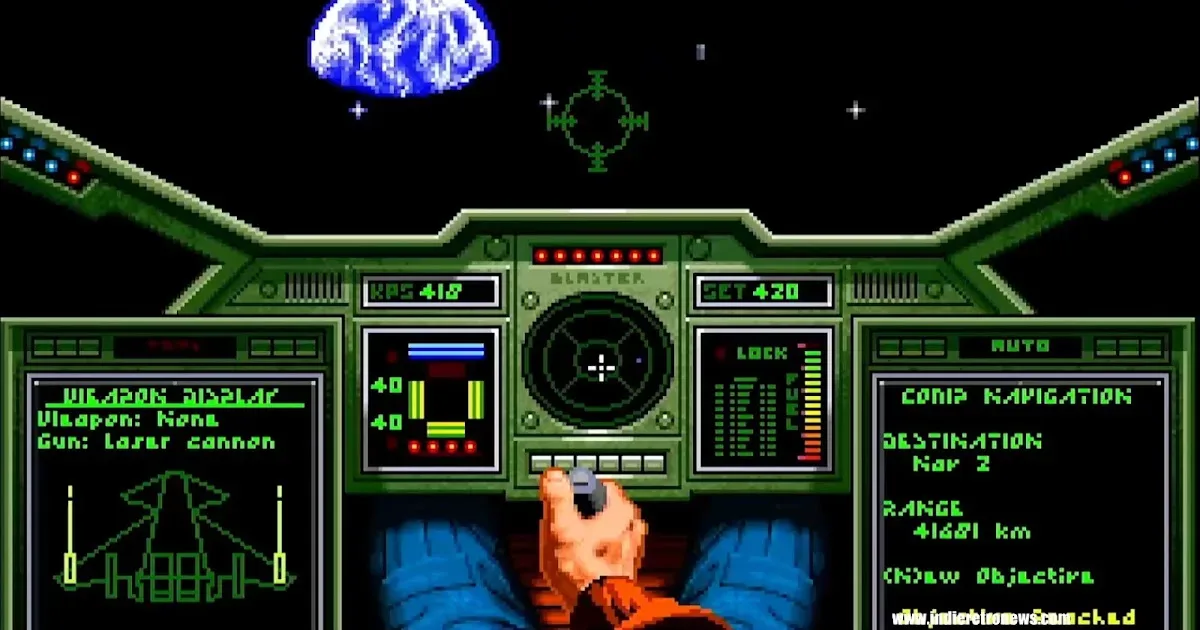
Several fixes concern the kind of visual inconsistencies that can have gameplay consequences. Notes mention improved projectile presentation and asteroid or mine hit detection; waypoint markers that remain visible in front of nebulae in English modes; distant and mirrored bike flicker repairs; and corrections to vertical jumps on hills. Another racing-focused update addresses road and scenery shifting sideways, including while taking bends, plus nearby vehicles vanishing before a collision.
Related coverage includes Vesuri Uses AI-Assisted Patches to Boost Classic Amiga Games.
Those are useful examples of why game preservation and enhancement are often more complicated than simply pushing old software to a higher speed. A flashing object may be a cosmetic problem, but an opponent disappearing before impact, a missed hit, or a lost waypoint can affect player decisions. Likewise, steering that is sluggish or inconsistent can make a racing game feel wrong even if its image is substantially smoother.
The patch descriptions also include controls and responsiveness. One update reduces visible steering lag and corrects opponent lane occupancy; another restores steering response through bends. Joystick steering recentering and keyboard/CD32 pause handling have been corrected in one case, while a flight-oriented update adds mouse-sensitivity choices of 1x, 2x, 4x and 8x, with 2x as the default. Responsive input is especially important when higher rendering performance makes a game look quicker: the controls need to remain in step with the presentation rather than lag behind it.
Animation, sound and the less visible details
The changes extend to sequences players may not associate with performance at first glance. A set of cinematic events has been retimed, including intro, room, briefing, launch, landing, death and funeral animations. This reinforces the point that timing adjustments are not confined to the moment-to-moment action. If a game was authored around a particular processor speed or presentation cadence, menus and scripted scenes can be affected too.
There are audio fixes as well: repeating explosion and splash sounds have been repaired in one release, while repeated drum hits in opening music have been addressed in another. Elsewhere, the flickering blue backdrop in a DSI intro is fixed. Such repairs may sound small in isolation, but they show a patching approach concerned with the complete software experience rather than just a benchmark result.
Some work specifically targets compatibility across different Amiga configurations. The notes reference Fast RAM Amigas, ECS/AGA machines, an uncached 68030 loading crash, and CPU-specific rendering improvements. Fast RAM is memory that can be accessed by the processor without competing in the same way for the system’s custom-chip resources; in this context, it is part of the hardware environment used by the enhanced rendering mode. ECS and AGA are Amiga graphics chipsets, while 68030, 68040 and 68060 identify processors commonly used in upgraded Amiga systems.
One update blanks the border during play on ECS/AGA machines. Another includes an experimental A4000 simulation mode for smoother and more responsive driving on faster PAL Amigas, selected by default on 68040 and 68060 systems. The A4000 mode uses automatic defaults and saved preferences, supports replay saving and playback, and leaves original replays supported. However, the notes also flag a clear compatibility limit: older A4000 replays are incompatible, and A4000 jumps are now closer to A2500 behavior. That caveat is a useful reminder that enhanced modes can introduce their own separate replay formats or behavior expectations.
WHDLoad makes the approach comparatively approachable
The releases build on WHDLoad infrastructure created by JOTD, Psygore, StingRay and CFou!. WHDLoad is a familiar Amiga system for installing and launching games from hard-drive-based setups rather than relying on original disk swapping during play. In this case, the key practical detail is that users can apply Vesuri’s updated work by replacing the relevant slave files, rather than changing the upstream package itself.
A slave file is the WHDLoad component that handles the game’s launch and environment. Replacing it is intended to keep the enhanced patch separate from the established installation while avoiding disruption to the original maintainers’ work. One installer was adapted to the WHDLoad Install Template while retaining JOTD’s three-disk arrangement, executable decompression and icon selections. Other installer changes preserve an existing installation if replacement is cancelled, and clearer setup directions have been added.
Most importantly for players who prefer an untouched experience, enhanced frame rate is optional. Supplied icons enable it through CUSTOM2=1, while the original mode remains available by unchecking the enhanced option in WHDLoad’s startup settings. Newly installed icons may also enable enhanced mode and caches by default. This fallback is an especially sensible design choice: it lets users compare modes, accommodate their hardware, and retain an original-style path if a particular game, setup or replay is better served by it.
Movie and replay support is handled with similar care, albeit with limitations users should understand. Improved flight recording and playback includes 128-second recordings in one enhanced release. New enhanced movie saves require the enhanced frame-rate setting in that slave, but original movie files can still be loaded. For the experimental A4000 simulation, new replay saving and playback are supported alongside original replays, while older A4000 replays do not carry forward. Anyone preserving recordings should therefore keep the mode used to create them in mind.
Why this matters for retro-game maintenance
These patches are a practical form of maintenance for software that has outlived the hardware assumptions it was built around. They do not erase the original versions: the availability of original modes, loading of original movie files, and support for original replays in the stated cases all point toward enhancement with an escape hatch. The goal is to let upgraded Amiga hardware show its capability without casually sacrificing the game behavior players expect.
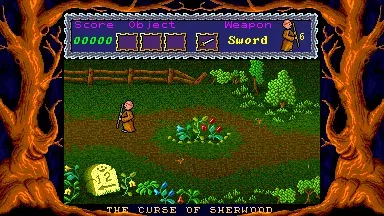
It is also a useful counterpoint to the idea that retro games are fixed artifacts. Their original releases remain historically important, but old code can still be investigated, repaired and made more compatible with the machines enthusiasts actually use. A separate recent project, The Curse of Sherwood, illustrates another route by which older design traditions can receive modern attention. Vesuri’s work is different: rather than rebuilding a game around a new release, it focuses on refining the existing Amiga software and its WHDLoad setup.
The scope described so far is encouraging but should be read as a continuing patching effort, not a promise that every Amiga title is now transformed. Individual releases have different fixes, hardware requirements and replay caveats. Still, the combination of smoother rendering, corrected timing, input improvements, bug fixes and an easily reversible enhanced-mode setting offers a compelling use for the accelerators that classic games often failed to exploit. For Amiga owners with fast configurations, the prospect is not merely more frames—it is a more stable, deliberate version of the games those systems have carried for decades.