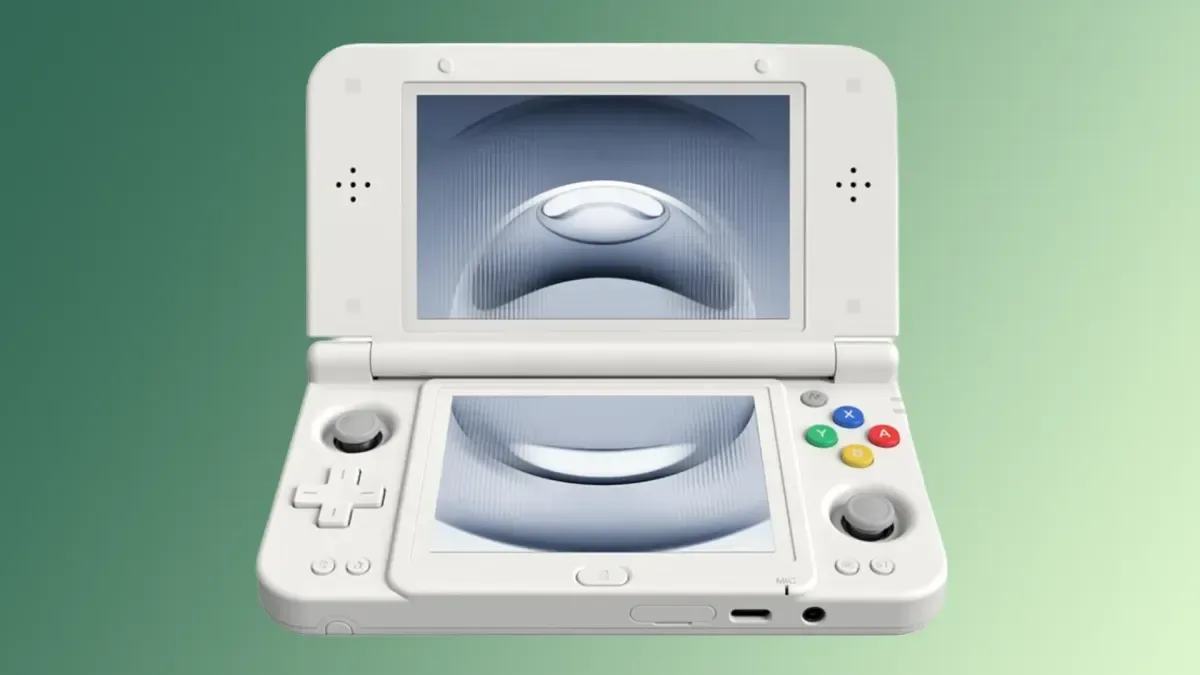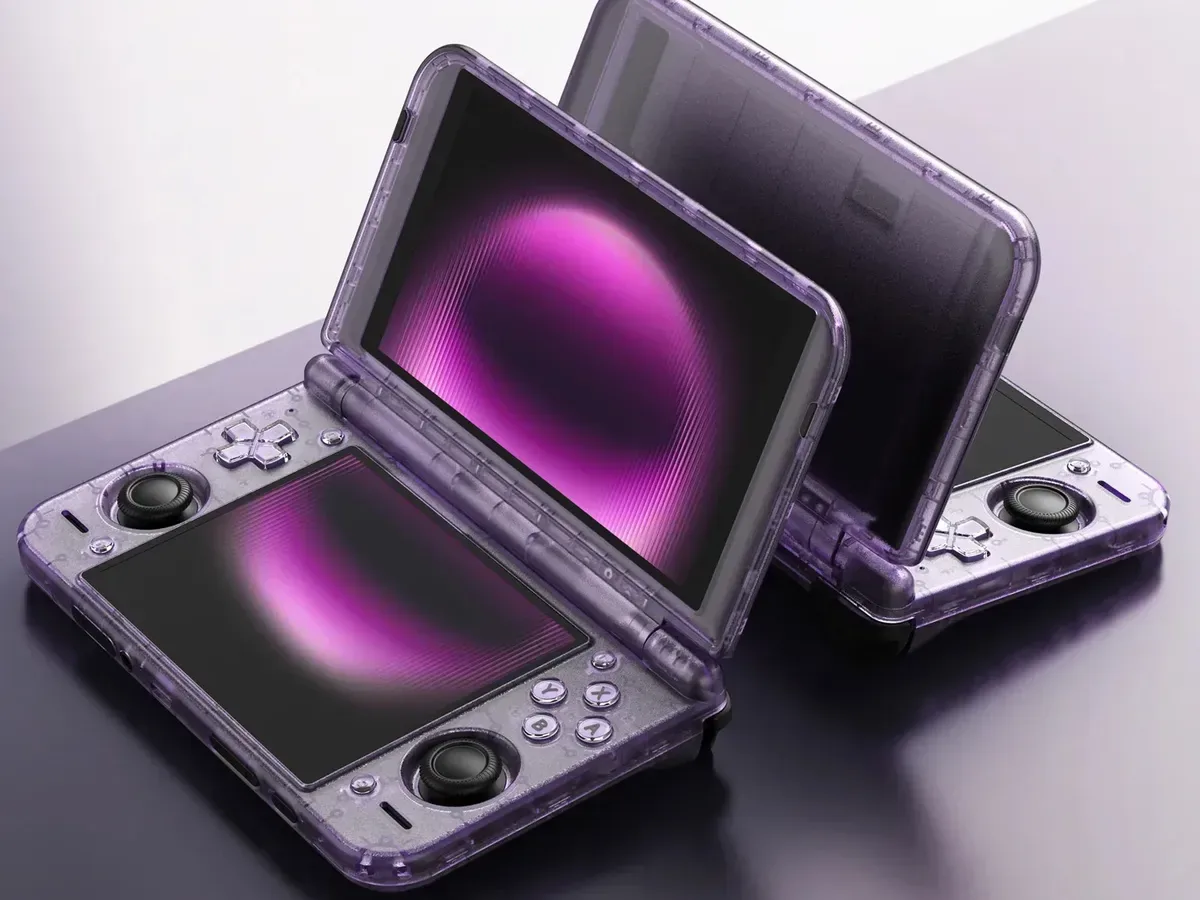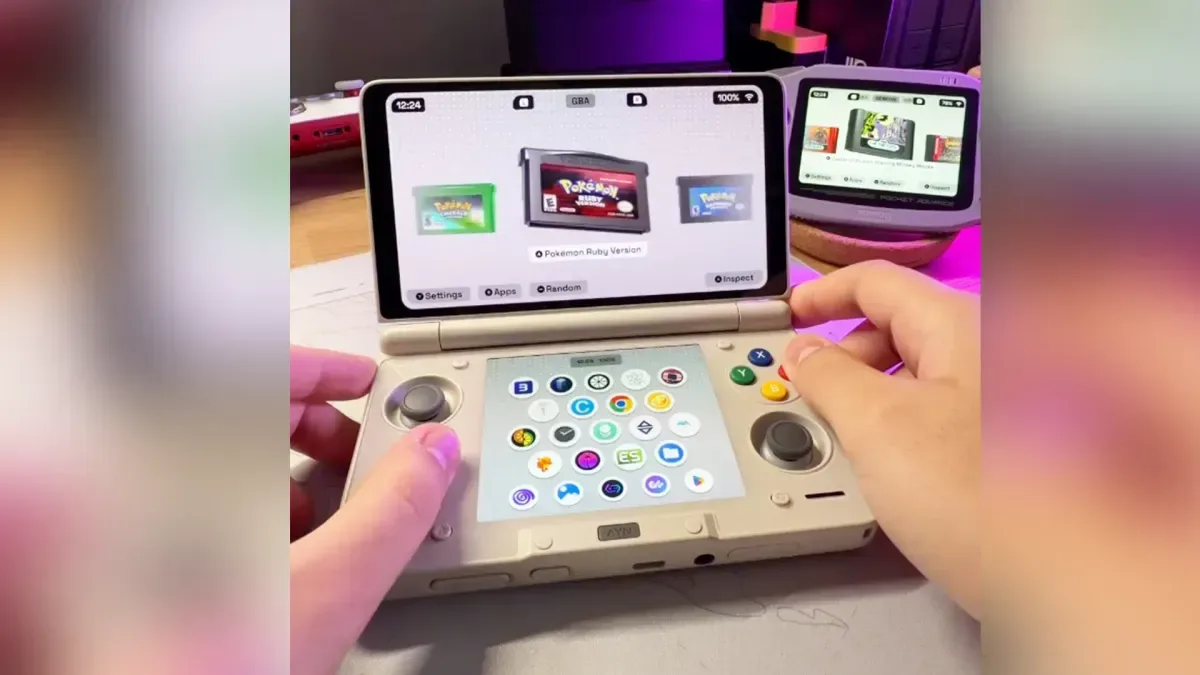
Socket’s Android gaming-library frontend is gaining a feature that makes considerably more sense the moment a handheld has two displays: Socket 0.8.0 adds dual-screen support for devices including the Ayn Thor and similar hardware. The update is initially available for paid Patreon testers, while a wider free release is expected only after older builds have been debugged for broader downloading.
The headline change is not simply an extra screen used for decoration. Socket can place Android app controls and information on the bottom display while the main screen remains focused on the library or the game. It is a logical extension of an app built around presenting ROM libraries through cartridge and disc artwork, animated library touches, and visual customisation such as stickers, holographic disc art and transparent cartridge shells where appropriate.
Version 0.8.0 also introduces playtime tracking, per-platform sorting, a random-game control, haptic and alphabetical-navigation toggles, a new keyboard designed for handheld controls, and checks intended to prevent confusing controller-button layouts or performance expectations. For people maintaining a small, deliberately selected library rather than an enormous all-at-once archive, those changes are about reducing friction before and after pressing Play.
What dual-screen mode does
On compatible dual-screen Android handhelds, Socket’s lower screen becomes an app-management and status area. It can show installed apps and offer actions labelled Pin, Add to Android Platform, App Info and Uninstall. These controls give the frontend a clearer role as a bridge between a curated game library and the Android software installed on the device.
“Add to Android Platform” is particularly useful as a library-organising idea. A frontend is the software layer that presents games and apps in a browsable interface; it does not replace the games themselves. Being able to group Android software in an Android platform section can help separate native apps from ROM-based systems while still keeping them inside one launcher-like experience.
When a game is running, the second screen can retain a dimmed snapshot alongside a timer. That means the lower panel continues to provide a lightweight view of the session rather than becoming dead space. The feature should be especially appealing on hardware designed around a split-screen format, where leaving the auxiliary display unused can make an otherwise polished library interface feel incomplete.
Users who prefer the traditional one-display presentation are not locked into the new layout. Socket includes a Single Screen Mode switch under Settings > Tweaks. That matters because support for a capability and a requirement to use it are very different things. A handheld owner may want to browse only one display at a time, or simply decide that a less busy interface suits their own setup better.
A keyboard that accounts for handheld controls
The update’s new on-screen keyboard is another practical feature with a specific purpose. It can be used with a d-pad, analogue stick or touch input, rather than assuming that the user is typing on a phone touchscreen. Socket maps B to delete, Y to space, X to Shift, and a second X press to Caps Lock. L and R, or the triggers, move the cursor; holding them continues the cursor movement. Start confirms the entry.
Related coverage includes Socket 0.8.0 Adds Dual-Screen Support for Android Gaming Handhelds.
Those details may sound small, but text entry is frequently where a controller-first interface becomes awkward. A keyboard that has been deliberately mapped to physical controls can make searches, naming and other text fields more manageable without switching grips or relying entirely on touch.
Socket does not force that method, either. The Use System Keyboard option, also found in Settings > Tweaks, keeps Android’s keyboard available for people who prefer it. The two options serve different habits: the new keyboard favours consistent gamepad navigation, while the system keyboard preserves the standard Android approach.
Playtime and sorting make curation more useful
Socket 0.8.0 adds playtime tracking beneath a game’s title and in its Inspect view. Tracking time spent with a game is not the same as measuring completion or quality, but it can make a library easier to understand at a glance. A player can quickly see which titles have become regular picks and which ones remain promising but untouched.
There is also a Precise Playtime (Usage Access) toggle under Settings > Tweaks for exact times. Usage Access is an Android permission category that lets an app use device-usage information. Here, the practical trade-off is clear in the setting’s name: enabling the permission is intended to improve accuracy, while keeping it off leaves that additional access unused.
The new sorting choices work per platform and can be changed through Edit Platform. Available orders are:
- Title, for an alphabetical shelf-like view;
- Most Played, for returning to regular favourites;
- Recently Played, for picking up a current rotation; and
- Recently Added, for finding new additions quickly.
Per-platform sorting is the important qualifier. A preferred order for one system may be a poor fit for another. Alphabetical order may be ideal for a larger catalogue, while a short list of personal favourites may work better in recently played order. Treating each platform separately lets the library reflect those differences instead of applying a single rule everywhere.
A random-game button complements that approach. Random selection is a simple answer to a familiar browsing problem: spending more time choosing than playing. It will not replace deliberate selection when someone has a particular title in mind, but it gives a compact library a useful “surprise me” option.
Small options, clearer behaviour
Several additional changes are aimed at making navigation and feedback more predictable. The Jump by Letter option offers quicker movement through title lists, while Haptic Feedback can be enabled or disabled based on preference. Both live in the Tweaks area.
The update also adds an extra confirmation step after choosing a controller layout: Socket asks the user to press A. The purpose is to ensure the expected A and B inputs are correctly assigned on handhelds whose firmware swaps those buttons. Firmware is the low-level software that helps a device’s hardware operate; if it changes button behaviour, an application can otherwise appear to have the wrong confirm and back controls. Asking for an A press makes the selected layout correspond to the buttons the player actually uses.
Another notice appears beneath the Max FPS setting when the device’s power-saving mode is restricting the CPU. FPS means frames per second, a measure of how often a game produces a new image. A frame-rate limit may be intentional, and a device’s maximum configured FPS does not by itself guarantee performance. But a power-saving mode that reduces CPU capability can be an easy-to-miss reason for performance that falls short of expectations.
For a broader explanation of why a limit can sometimes be desirable rather than a defect, see when capping FPS makes sense in games. In Socket’s case, the new warning is valuable chiefly because it distinguishes an application setting from a device-wide power constraint.
Who the update is for right now
Socket has positioned itself as a minimal, artwork-led frontend rather than a tool aimed only at people with vast libraries. Its cartridge and disc presentation, optional cosmetic alterations and animated elements are well suited to a hand-picked collection where each game is meant to be visible rather than buried in a huge list.
That framing helps explain why the 0.8.0 additions fit together. Dual-screen support gives compatible handhelds a more purposeful layout. Playtime and sorting offer better ways to revisit a carefully chosen set of games. Random selection adds spontaneity. The keyboard, controller confirmation and power-saving warning all target the less glamorous moments that can interrupt the experience.
For now, the build is a paid Patreon testing release. People not enrolled will need to wait for a later public version. Older Socket releases have typically been made free after debugging and preparation for wider downloading, though no specific public date for 0.8.0 is established here. That uncertainty is worth keeping in mind for anyone planning a purchase around the new dual-screen feature: support is present in the testing update, but general availability has not been confirmed.