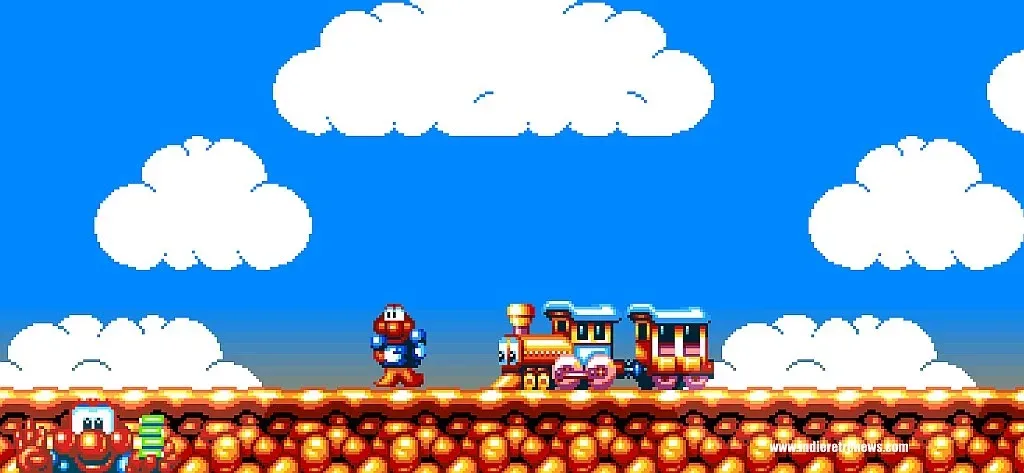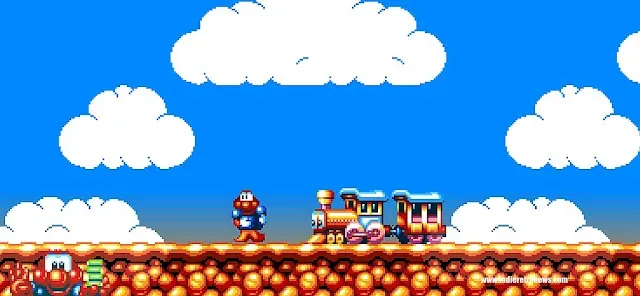
James Pond 2: Codename RoboCod, the 1991 platformer starring an unusually elastic aquatic agent, has received a ground-up native recompile from Gary Riches. The project translates the original game’s 68000 assembly code into native C++, rather than running the original release through conventional emulation.
That distinction matters because the project is built to let the original game logic operate alongside present-day conveniences. It supports Windows, macOS, Linux and Steam Deck, while adding a wider image, display-rate-aware rendering, save options, controller rumble, a level-select menu and picture and sound configuration. The aim is not simply to put an old game in a window; it is to make its original behavior more practical on current hardware without discarding the character of the Amiga version.
Native recompile, explained
A recompile takes code intended for one type of processor and turns it into code that can run directly on another. In this case, the original 68000 assembly code has been translated into C++. The Motorola 68000 family was central to the original Amiga era, but it is not the processor architecture used by typical modern desktop PCs or Steam Deck hardware.
That is different from emulation, where software recreates enough of an older machine’s environment to run the original program. Emulation remains a valuable route for preserving and playing older games, but a native recompile can provide deeper control over how a title meets modern displays, operating systems and input devices. Here, that control is behind additions such as ultrawide presentation, higher-refresh smoothness and contemporary controller prompts.
The project does not claim that the game’s underlying timing has been reinvented. James Pond 2 still operates on the Amiga-era 50 frames-per-second logic it was designed around. Instead, the image between those game updates can be drawn at the display’s own refresh rate, including 60Hz, 90Hz or 120Hz and beyond. In practical terms, the goal is smoother scrolling and motion on modern panels while retaining the cadence that governs the game itself.
That separation is an important technical choice. A game’s internal update rate affects the movement, collisions and input behavior it was built around; merely speeding it up to match a high-refresh monitor can alter how it plays. Rendering additional in-between frames is intended to improve visual fluidity without making RoboCod’s platforming run at a fundamentally different pace.
Ultrawide support is more than a stretched picture
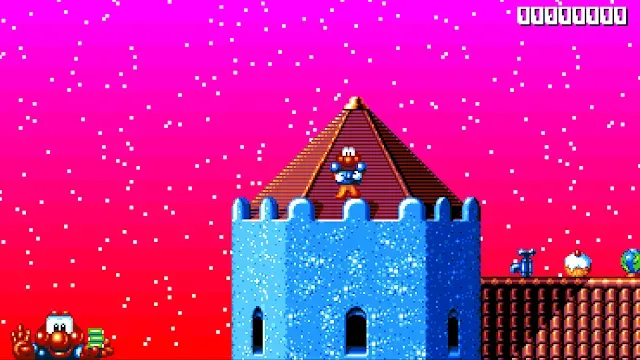
The headline feature is genuine widescreen support, including ultrawide displays. Rather than enlarging the old 4:3 image horizontally, the recompile draws additional scenery, backgrounds, enemies and items from the game state. The score and life display move to the far corners to accommodate the larger view.
That distinction deserves emphasis. A stretched image changes the shape of pixels and sprites, producing a wider-looking picture without revealing additional game space. This implementation instead expands what is drawn at the sides. For players using wide monitors, that should make the playfield use the available screen space more naturally while preserving the art’s intended proportions.
Related coverage includes James Pond 2: Codename RoboCod Gets Native PC Recompile With Ultrawide Support.
The original 4:3 view remains available for anyone who prefers the historical presentation. That option is useful because preservation is not a one-size-fits-all exercise: some players want a contemporary full-screen experience, while others want the tighter framing associated with the original hardware.
Display options for clean pixels or CRT texture
The visual settings cover several ways of presenting the game’s pixel art. Players can choose crisp, pixel-perfect output, a softer appearance, or a CRT-style treatment. Optional scanlines are also available.
Pixel-perfect generally means the image is scaled in a way that keeps each original pixel aligned cleanly, rather than blending neighboring pixels into a blur. It is often the preferred option for players who want sharp sprite edges and stable scrolling on a modern flat panel.
The CRT option approaches the image from the opposite direction. It can simulate elements associated with older television displays, including curved glass, glow and the fine color stripe structure of a TV screen. Scanlines add horizontal gaps or shading intended to resemble how an image was drawn across a CRT display. Neither approach is inherently more authentic for every player: a clean LCD presentation and a screen-effect approximation each highlight different parts of the original art.
These choices are especially relevant to retro releases because display technology has changed as much as processors have. A game originally seen through an Amiga-era setup can look markedly different when presented with hard-edged scaling on a large modern monitor. Providing several options lets players decide whether they value precision, softness or a stylized echo of older displays.
Amiga-inspired audio handling
The recompile also pays attention to sound. Its four sound channels can pass through a model of the Amiga 500’s output filter, the Amiga 1200’s filter, or no filter at all. Stereo width can be narrowed for headphones, and sounds that the original game would cut off abruptly can instead fade away.
An output filter shapes the character of audio after the game has generated it. Modeling different Amiga filters gives players a way to choose between a more hardware-flavored sound and a cleaner untreated output. The headphone setting is a practical addition: very wide stereo can be fatiguing or distracting when heard at close range, so reducing that separation can make listening more comfortable.
The option to fade cut-off effects reflects a thoughtful compromise. Abruptly stopped sounds may be faithful to how the original game behaved, but smooth fades can be easier on modern audio setups. Crucially, the source material describes this as an option, not a replacement for the original behavior.
Saves, level select and built-in cheats lower the friction
Several additions tackle the practical barriers of returning to a platformer from 1991. There is a one-button quick save, three pictured save slots and an option to continue from the prior session when starting the game. A pause menu is included as well.
Those features can matter as much as resolution support. Older games were made around the expectations and limitations of their era, and modern players may not have the uninterrupted time needed to replay long sections after a mistake or an unexpected interruption. Save systems do not change the original levels, but they can make a session easier to fit into everyday life.
A level-select menu allows access to any level in any world from the menu. The project also exposes the game’s own cheat options—invincibility, infinite lives, wings and skipping to the exit—without requiring entry of a secret word. That is a welcome distinction from adding entirely new modifiers: these are capabilities already associated with the game, surfaced in a more accessible form.
For newcomers, level selection and cheats can be useful tools for seeing later areas without treating a full uninterrupted run as the only legitimate route. For returning players, they provide an efficient way to revisit a favorite section or investigate a particular challenge. Players who want the older structure can simply avoid them.
Modern controllers receive first-class treatment
The recompile supports controller rumble with configurable strength. RoboCod being hit or losing a life produces a buzz, explosions produce a heavier thump, and screen shakes can trigger a corresponding vibration. Button prompts also adapt to Xbox, PlayStation, Nintendo and Steam Deck controllers, displaying the icons that match the connected device.
Adaptive button prompts are a small but meaningful accessibility and usability improvement. A game that asks for one button symbol while a player is holding a controller labeled with another can create needless hesitation. Matching the on-screen prompt to the controller makes the game easier to read at a glance, particularly for players switching between devices.
Steam Deck support is notable in the wider context of the project’s platform reach. The handheld PC can benefit from an application designed for controller use, quick save access and display-aware presentation, rather than a setup that assumes a keyboard, desktop resolution or emulated-machine configuration.
A long-running platformer gets another route forward
James Pond 2 originally launched in 1991 for Amiga, Atari ST and Sega Genesis, with separate publishers involved across those versions. It subsequently appeared on a broad list of systems: Amiga AGA, CD32, Game Gear, Commodore 64, Master System, MS-DOS, Acorn Archimedes, Game Boy and Super NES are among the platforms named for the game’s historical run.
Later redevelopments brought it to Game Boy Advance, Nintendo DS, PlayStation and PlayStation 2, followed by PlayStation Network availability for PSP and PS3 and, more recently, Nintendo Switch. That long chain makes James Pond 2 a fitting candidate for a project centered on compatibility and presentation. Its history is one of repeated migration between formats; the native recompile adds another path that is tailored to modern PC-style hardware.
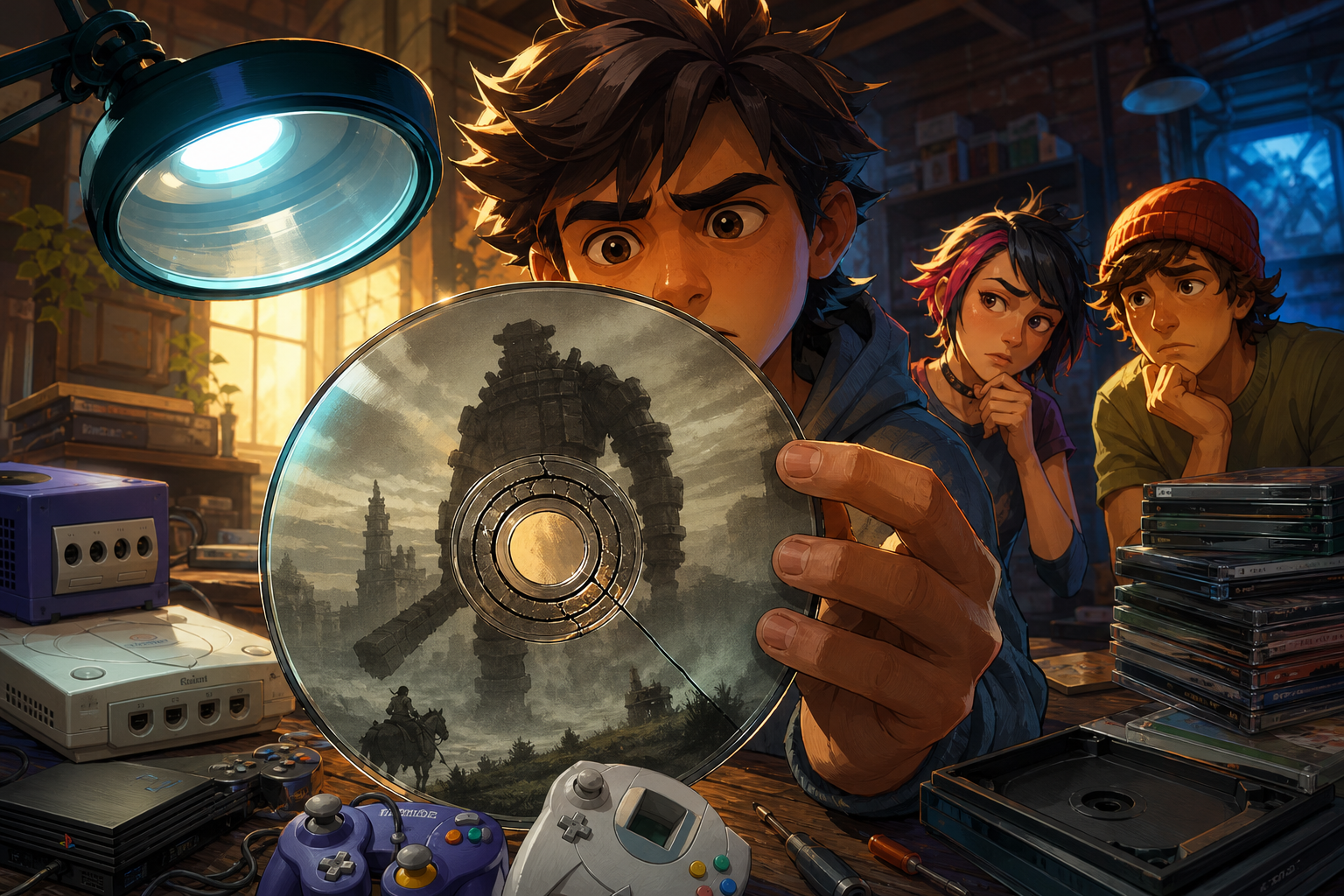
It also illustrates that retro preservation is not limited to keeping original media playable. Care for original discs and cartridges remains important—physical collectors may need to watch for issues such as center-ring cracks in older game discs—but software-focused work can preserve the experience in a different way. A native recompile can retain a game’s logic while addressing modern displays, inputs and operating environments.
For James Pond 2, the result is a version built around choice. It can show more of the world on an ultrawide screen or retain 4:3 framing; it can present clean pixels or CRT-style texture; it can preserve Amiga-like audio filtering or offer an unfiltered alternative. Alongside saves, level selection and controller-aware prompts, those options make the 1991 platformer easier to approach without requiring its original machines.