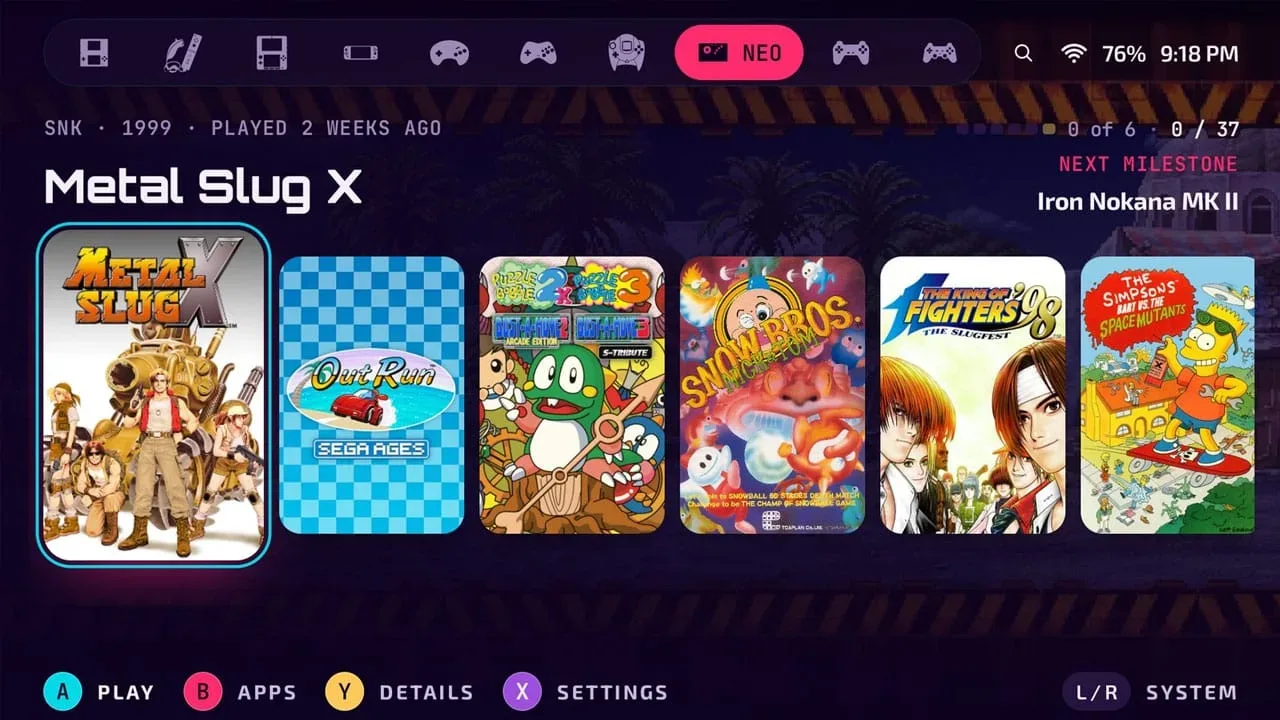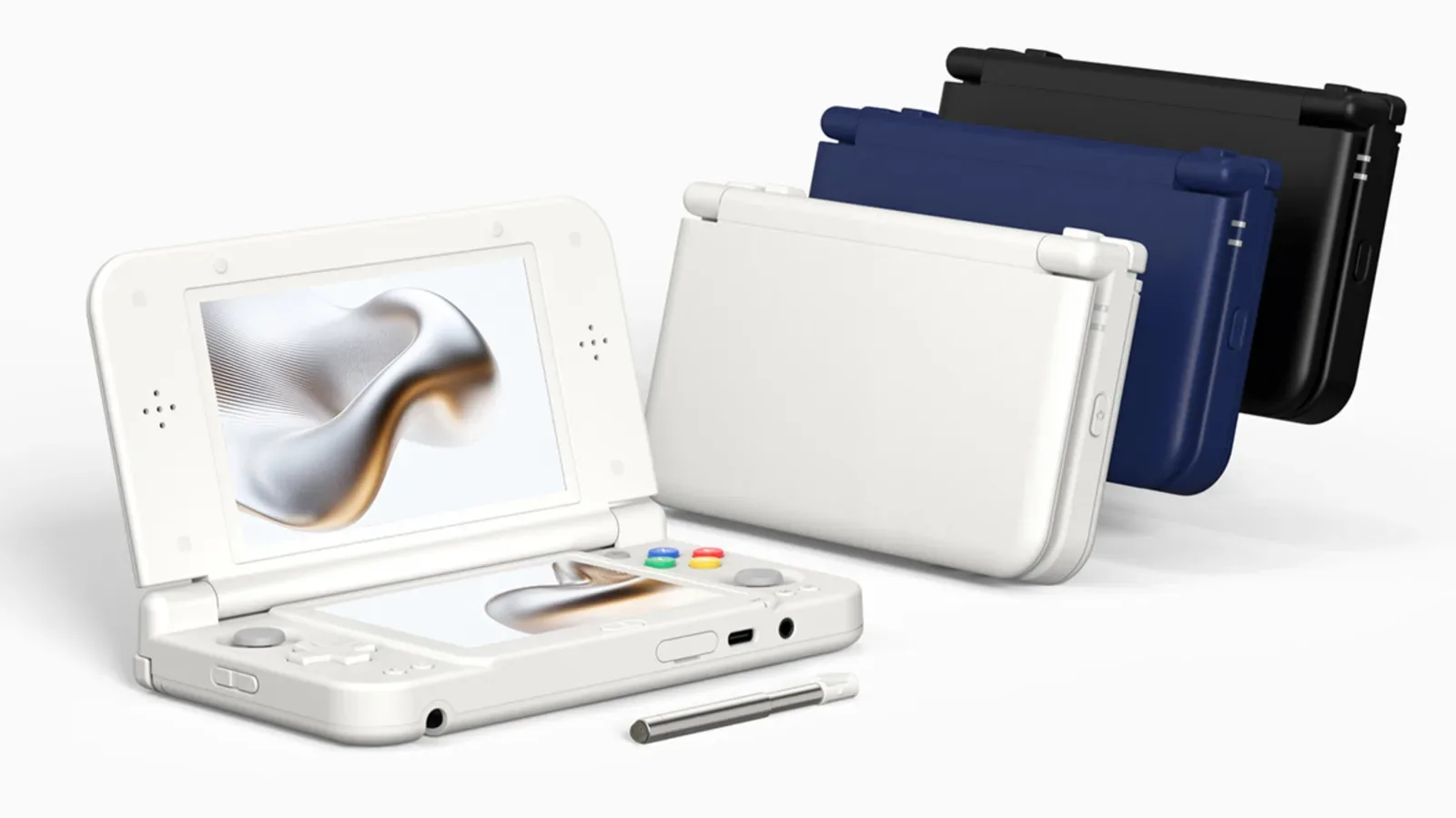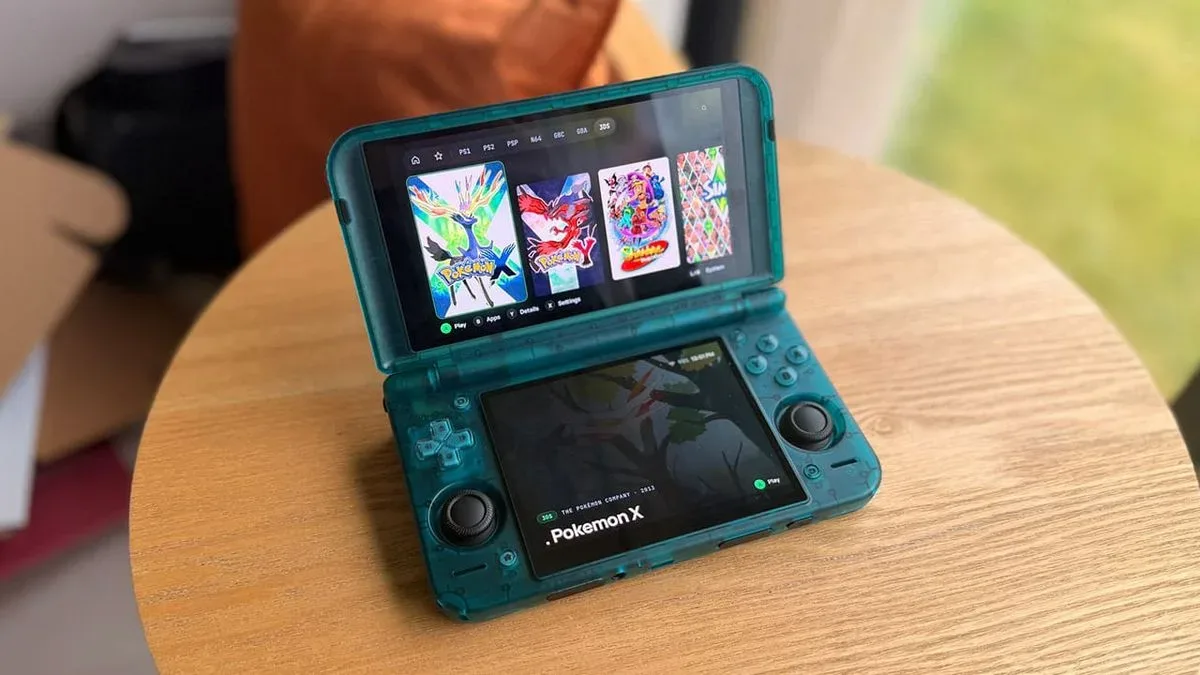
Android gaming handhelds are increasingly capable machines, but their software experience can still feel like an afterthought—especially when a device has two displays. Blip is a new Android frontend designed to address that specific problem. Created by Spanish software engineer Endika, it is a native launcher intended for both conventional single-screen use and dual-screen hardware from the outset.
The core idea is straightforward: a frontend should do more than provide a list of installed games. On dual-screen devices, Blip can spread its interface across both panels. When the game being launched does not itself need two screens, the secondary display can become a companion space for cover art, instruction booklets, game information, play-time data and other metadata.
That makes Blip a potentially practical option for people who want their library, reference material and progress information in one place rather than treating a second display as unused space. The base frontend is free on Google Play, while RetroAchievements and RomM integration sit behind a one-time Pro unlock. A forthcoming save-sync service, Blip Cloud, is in private beta and is planned to include 100MB of free storage for every user.
What an Android frontend actually does
A frontend is the layer that organizes a game library and launches the apps or emulators behind it. It is not the emulator itself, and it does not replace the games a person owns or the software used to run them. Its job is to provide the interface: sorting titles, presenting artwork and details, giving the user a way to browse their collection, and passing a selected game to the relevant app.
That distinction matters with Android handhelds because these devices can include a mix of native Android games, emulators, streaming apps and locally managed libraries. A launcher designed around gaming can make that mixture feel more coherent, but its usefulness ultimately depends on how well it recognizes a user’s setup, library and preferred applications.
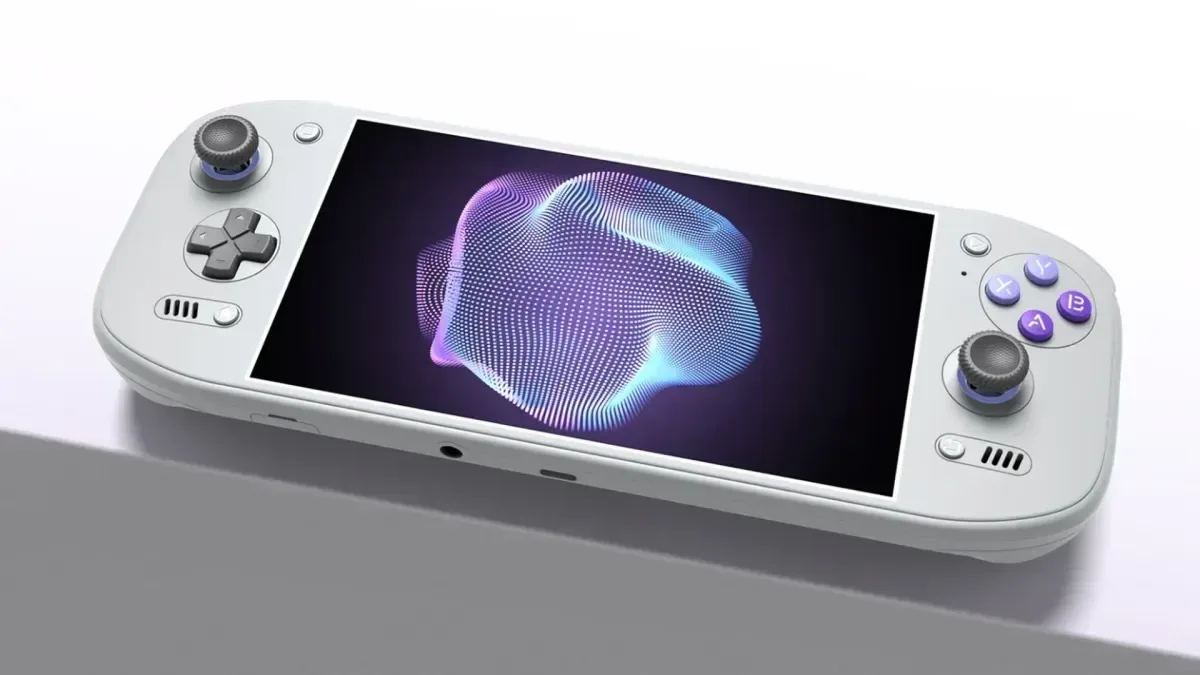
Blip is framed as a fast, native Android option with setup kept deliberately simple. It supports Android 12 and above, which broadens its potential audience beyond dedicated handhelds. The compatibility list includes AYN’s Odin and Thor lines; Retroid Pocket devices, including the Duo; AYANEO Android Pocket handhelds; and Anbernic’s Android RG systems. It can also be used on phones and tablets when paired with a controller.
The second screen is the point, not a novelty
Two-screen handhelds create an obvious interface question: what should occupy the lower panel when a game only uses one display? Blip’s answer is a persistent companion view. Rather than duplicating the primary screen or leaving the second panel dormant, it can show visual and informational material tied to the currently selected or launched game.
Available companion content can include:
Related coverage includes Blip Brings a Purpose-Built Dual-Screen Frontend to Android Gaming Handhelds.
- Game art and library imagery
- Instruction booklets
- Play-time information and other game details
- Metadata gathered from multiple sources
- Personal artwork or instruction files
The support for ScreenScraper and SteamGridDB is important in that context. Both are used by enthusiasts to identify games and associate them with images or descriptive information. Metadata means the supporting details around a title—such as its name, artwork or play statistics—rather than the game software itself. Blip’s lower-screen layout gives those details a dedicated place instead of forcing players to open a separate menu or interrupt their browsing.
For a non-dual-screen game, a manual on the secondary display could be a particularly sensible use case. It can make reference material easier to reach while keeping the game display uncluttered. The same principle applies to artwork and play-time tracking: those elements are optional context, but a second panel gives them room without competing directly with the game library navigation.
There is also a broader design lesson here. Hardware with two displays needs software that understands the extra screen as an interface opportunity, not merely a second rectangle of pixels. Blip’s proposition is that the launcher should be designed around that reality at the library level, whether the selected title uses one display or two.
RetroAchievements and RomM are optional paid additions
The free version provides the main frontend experience. Blip’s integration with RetroAchievements and RomM is available through a one-time Pro unlock.
RetroAchievements adds achievement-style goals to supported retro games. In Blip, the integration is intended to carry throughout the frontend, with visible progress across game-related elements, including story progress. For players who enjoy long-term completion tracking, surfacing that status while browsing can make a large library feel less anonymous: a title is not just cover art in a grid, but a game with an existing record of what has been completed.
RomM support serves a different purpose. RomM is used to pair a personal server and its library with the frontend. In plain terms, a server is a system that stores and provides data to another device; in this case, the practical appeal is linking Blip to a user’s own library arrangement. This can be useful for people who already organize their games through RomM and want their handheld interface to reflect that setup.
Neither feature is presented as necessary to use Blip. That separation is significant because it keeps the essential launcher available at no cost while reserving connected services and deeper library tooling for the paid tier. Anyone considering the Pro unlock should therefore distinguish between what Blip itself offers for free and the specific integrations they want to add.
Blip Cloud aims to make save movement less painful
Save files can become an awkward part of owning more than one Android gaming device. A game started on one handheld may have progress stored locally there, leaving a second device behind unless the player moves the relevant files themselves. Blip Cloud is intended to address that issue by backing up saves and synchronizing them across devices.
The service is planned to be built into the frontend, with 100MB of free storage for all users. It is currently in private beta, so it should be treated as an upcoming feature rather than a generally available part of the platform. Details beyond the stated backup, synchronization and storage allowance have not been established here, including which game or emulator setups it will support.
Still, the direction is clear. A cloud save service, if it works across a player’s chosen devices, could make switching between a handheld, phone or tablet substantially more convenient. It also gives Blip an identity beyond a visual library browser: it is being positioned as a central layer for organizing where and how someone plays.
Nine themes go beyond a color setting
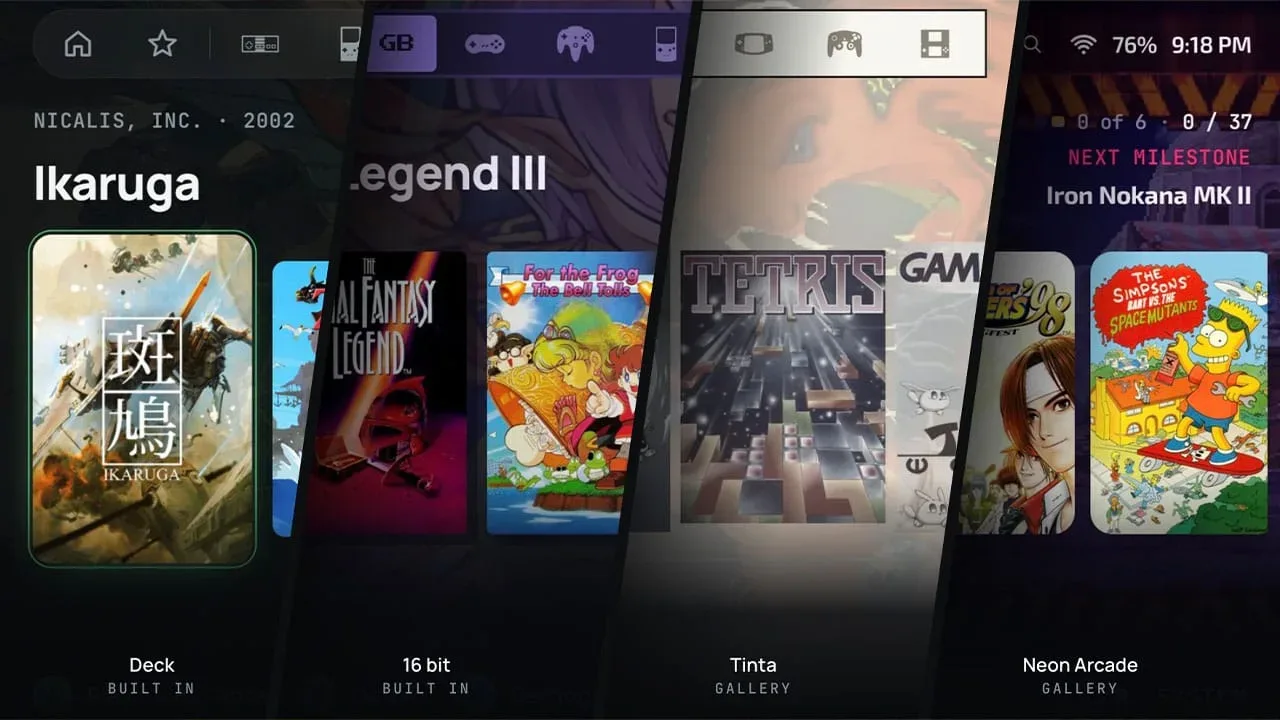
Blip includes nine themes, each available in light and dark versions, and supports nine languages: English, Spanish, German, French, Italian, Brazilian Portuguese, Russian, Japanese and Simplified Chinese.
The themes are described as broader interface identities rather than simple palettes. Color, shape, typeface, surface styling and interface sounds are all included. The 16-bit theme uses squared corners and is intended to complement handhelds with a 1994-inspired visual design. Deck uses slate and near-black blue tones, with a selection treatment that inverts the item being chosen.
That degree of theming may sound cosmetic, but handheld frontends are something users repeatedly navigate for a few minutes at a time, often across an extensive library. Clear contrast, legible text and predictable selection states matter as much as a visual style. Offering themes in both light and dark variants also gives users an option better suited to their environment and display preference.
For enthusiasts who care about a handheld’s physical identity, a theme that intentionally matches a retro-styled shell can also make the software feel less disconnected from the device. It is an aesthetic benefit, but it reinforces Blip’s wider focus on treating the handheld as a deliberately designed gaming object rather than a generic Android screen.
Why this matters for Android handheld owners
Blip does not promise that every game becomes a native dual-screen experience. Instead, it focuses on the space around games: browsing, organization, manuals, imagery, progress and save management. That is a more realistic target for a frontend, and potentially a valuable one. A device with two panels needs an interface that makes everyday navigation feel intentional even when the game running on it is designed for one screen.
Its Android 12 requirement and compatibility with phones, tablets and controller-equipped devices also mean the project is not limited to a narrow set of dedicated handhelds. People considering a flexible Android setup may find the same library-centric approach useful across several form factors, particularly if Blip Cloud reaches general availability as described.
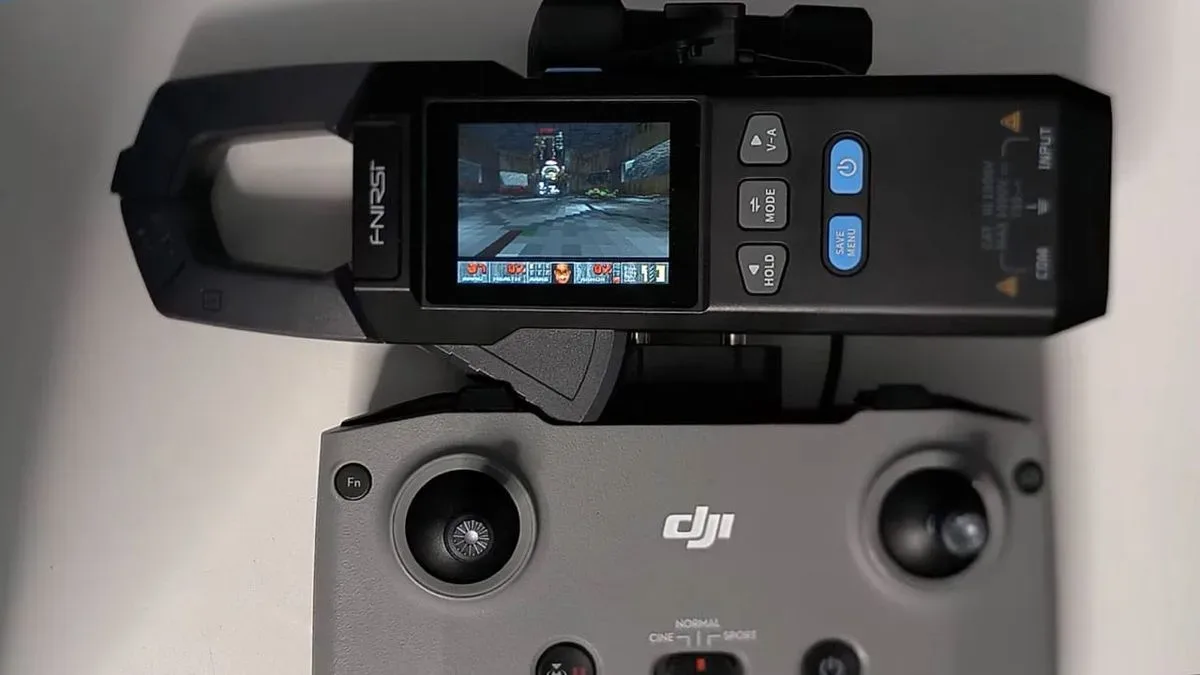
There is growing room for specialized interfaces as portable hardware diversifies. The inventive spirit behind adapting games to unusual small screens is visible in projects such as DOOM’s multimeter experiment, but Blip takes a more everyday route: making the launcher itself better suited to the device in a player’s hands.
For now, the headline is a free frontend with a clear dual-screen purpose, broad Android 12-and-up support, multilingual options and extensive visual customization. Those who want RetroAchievements or RomM can consider the one-time Pro unlock, while save backup and synchronization remain features to watch as Blip Cloud progresses beyond its private beta.