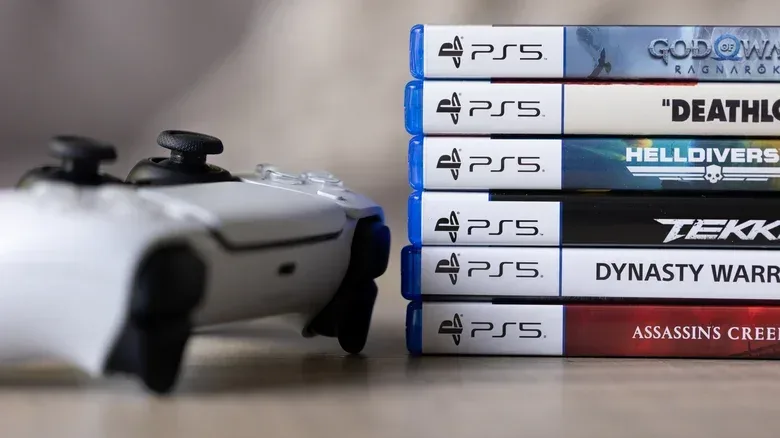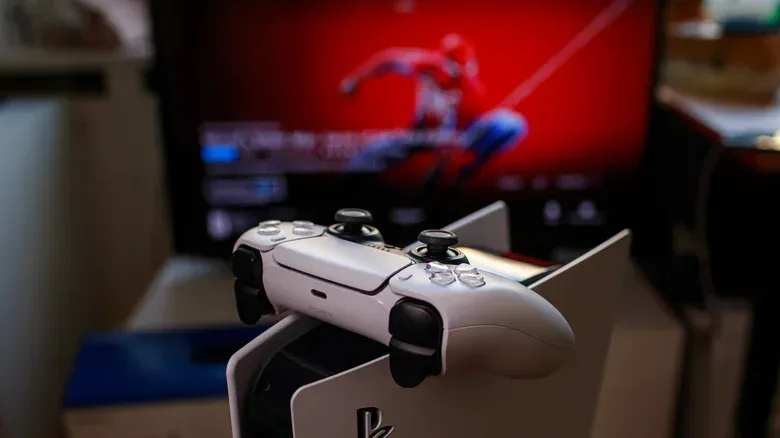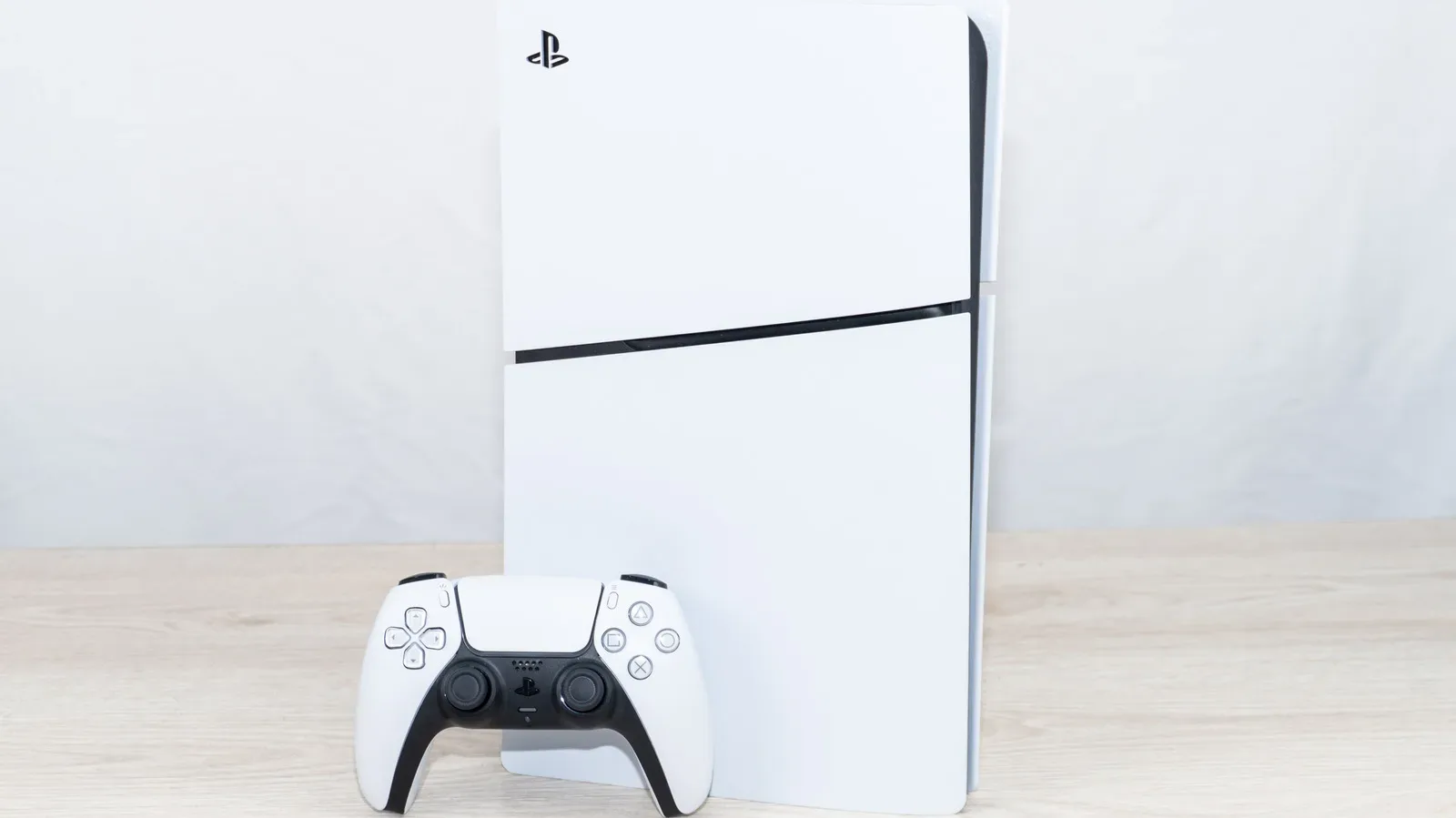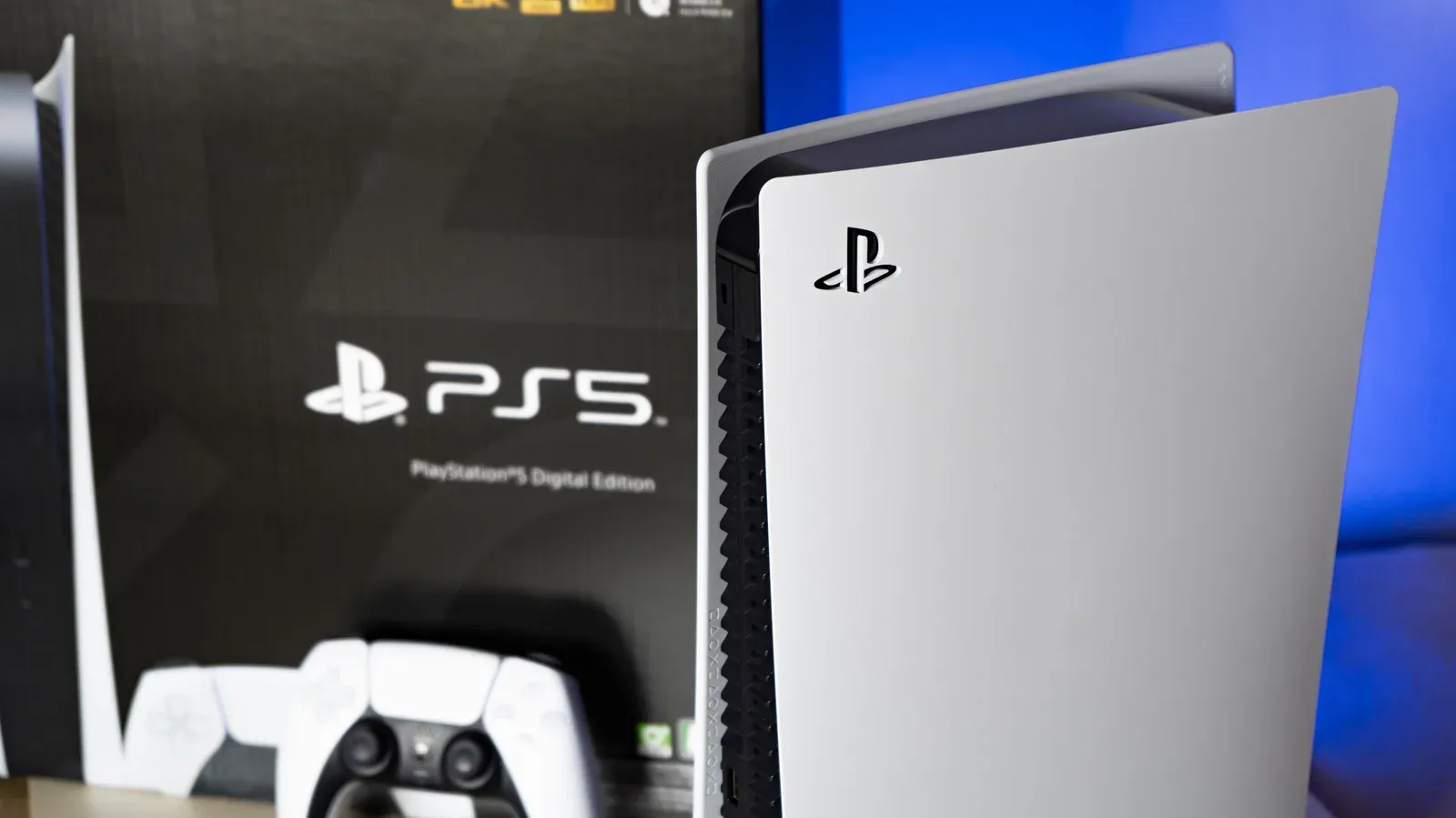
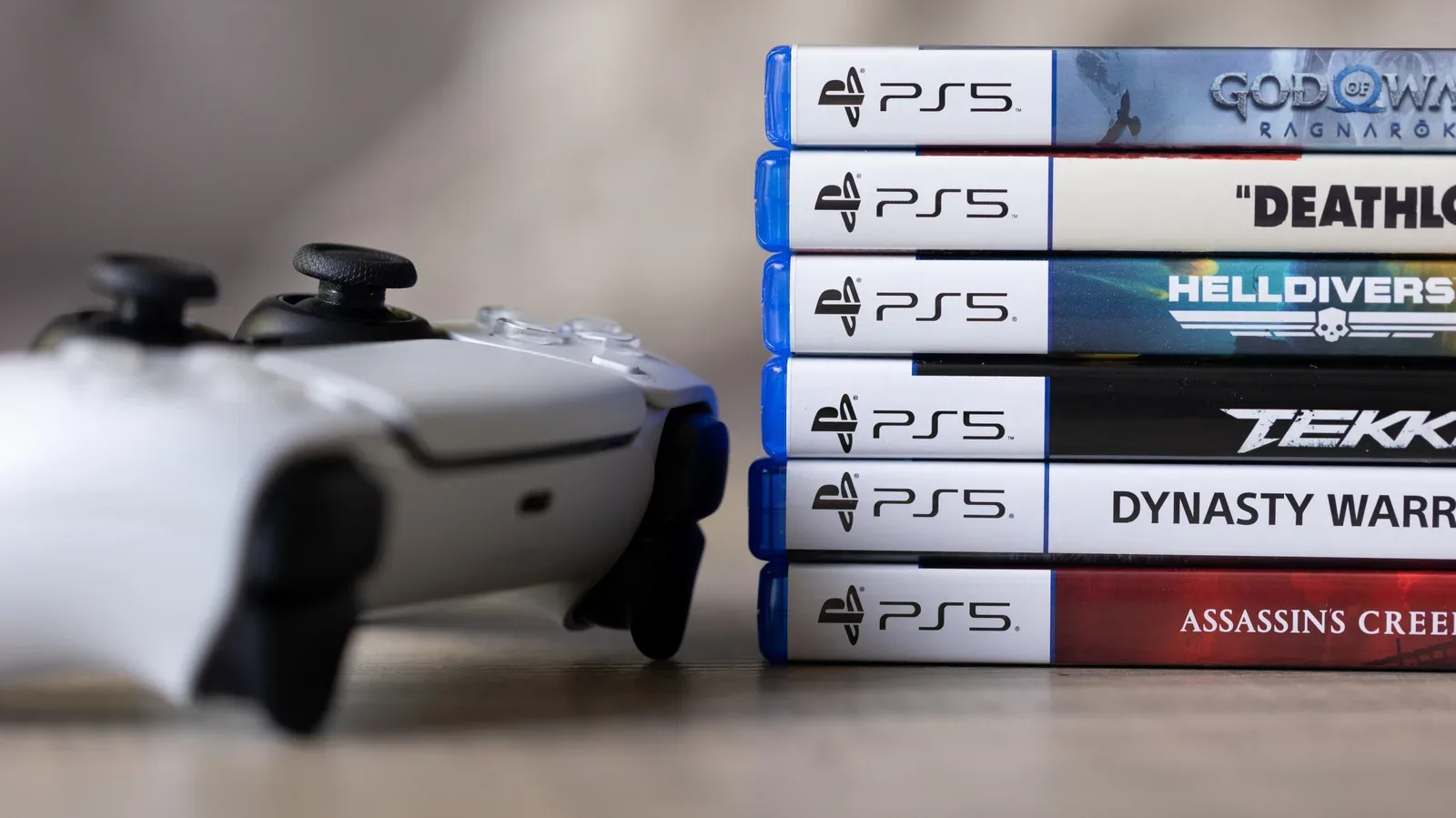
The PlayStation 5 can still make a persuasive case for itself as a living-room disc machine—provided the console in question actually has a compatible disc drive. A standard PS5 with its drive intact can run PS5 game discs and the overwhelming majority of PS4 discs. It also plays Ultra HD Blu-ray, standard Blu-ray and DVD video discs. That gives one box a practical role for a current game library, a sizeable portion of a PS4 shelf, and plenty of movie and television collections.
Compatibility is not the same thing as “every shiny round thing goes in the slot,” though. PS1, PS2 and PS3 game discs are outside the PS5’s physical backward-compatibility range. So are audio CDs and 3D Blu-rays. Homemade video discs may work only in some circumstances, while oddly shaped discs and mini-discs are an emphatic no. The useful answer is therefore less about the disc itself than the format it carries, the PS5 model in the room and what the owner expects the console to do.
First question: does your PS5 have a usable disc drive?
A disc is only useful on a PS5 configured to read one. The original disc-free Digital Edition cannot accept the detachable PS5 disc drive. Owners of the Slim digital PS5 and PS5 Pro can add the detachable drive, listed at $79, while PS5 systems sold with an integrated disc drive are already equipped for physical media.
That distinction is easy to overlook when comparing console versions, but it changes the answer to every compatibility question. A PS5 game disc, a PS4 disc, a Blu-ray or a DVD will not be usable on a digital-only console without compatible drive support. Before sorting through an old game shelf or movie binder, identify the machine first.
- PS5 with an integrated drive: can read supported game and video disc formats.
- PS5 Slim Digital Edition: can use the detachable PS5 disc drive.
- PS5 Pro: can use the detachable PS5 disc drive.
- Original PS5 Digital Edition: is not compatible with that detachable drive.
There is a separate practical point for people who use the PS5 as their main entertainment device: disc compatibility does not eliminate the need for sensible placement. Airflow still matters during long sessions, whether the console is running a game or spinning a movie. Our PS5 setup guide on keeping vents clear and the console off carpet covers the basics.
PS5 game discs: supported on a disc-capable console
PS5 game discs work on a compatible PS5 disc drive. This is the straightforward part of the equation, but it remains important amid wider concern about the future of physical releases. Sony is described as planning to stop producing disc-based games beginning in 2028; under that plan, existing discs would continue to work even if new releases after that point no longer receive physical editions.
For players who buy physical copies, the immediate implication is stability for the games already on the shelf. A change in future release strategy would not by itself turn existing PS5 game discs into decoration. It does, however, put a sharper focus on which console models retain a pathway to physical media and on whether a player wants their next purchases tied solely to a digital account.
That is an ownership and access consideration rather than a performance guarantee. A disc lets the compatible console install and authenticate the game, but it does not mean every title is insulated from updates, patches or online-service changes. Those broader issues are not solved merely by the presence of a disc. What the physical format clearly provides here is a supported way to use the PS5 game itself on hardware with the appropriate drive.
Related coverage includes What Discs Work on a PS5? Game and Movie Compatibility Explained.
PS4 discs work too—almost all of them
The PS5 is backward compatible with the overwhelming majority of PS4 games, including physical PS4 discs. That makes the system a particularly convenient upgrade for someone with a substantial PS4 library: titles such as Bloodborne and Red Dead Redemption 2 can remain part of the active library even without dedicated current-generation releases.
“Backward compatibility” simply means newer hardware can run software made for an older platform. In this case, it does not mean that the PS5 becomes an all-generations PlayStation disc reader. Its supported physical game compatibility begins with PS4 and continues with PS5; it does not extend backward to PS3, PS2 or PS1 discs.
There are exceptions within PS4 compatibility. Six PS4 games are not playable on PS5, with Hitman Go: Definitive Edition, We Sing and Just Deal With It! among the identified examples. Demos and media apps from the PS4 era may also be incompatible. The sensible approach is to treat a PS4 disc library as broadly usable rather than assume a guarantee for every individual item, especially where demos, applications or less conventional releases are involved.
What Game Boost means for older games
Some compatible PS4 games can benefit from PS5 Game Boost support. Game Boost is Sony’s label for performance improvements available to certain older titles on the newer console. It is not a universal remaster switch, and it does not apply to every game. Where a title received the relevant support or patch, the benefit can include smoother performance and, in many cases, a move to 60 frames per second.
Frames per second, often shortened to fps, measures how many individual frames a game displays in one second. A higher, steadier frame rate can make motion appear smoother and improve how consistently a game responds. That is a material upgrade for games that originally ran below 60 fps on a standard PS4, but players should not presume it happens automatically for all PS4 discs.
God of War, The Last of Us Part II and Days Gone are among the games associated with improved 60 fps performance on PS5 when patched. The important qualifier is the patch: a disc’s presence alone is not the whole story. Compatibility determines whether the game can run; title-specific support determines whether a particular performance enhancement is available.
Older PlayStation discs stop at PS4
For physical media, the PS5 does not play PS1, PS2 or PS3 game discs. That is the boundary most likely to disappoint collectors and long-time PlayStation owners who hoped a single current console might replace multiple legacy systems.
Some older games are available digitally through the PlayStation Store, but digital availability is not the same as disc compatibility, and it does not create a complete archive. A player may be able to find selected classic titles digitally while still needing original hardware for games that have not been carried forward. LittleBigPlanet and Shadow Hearts: Covenant are examples of games that remain tied to their original-console circumstances rather than being solved by placing the old disc in a PS5.
This difference matters when planning a retro setup. A PS5 can reduce the number of machines needed for PS4 and PS5 libraries, but it cannot replace a PS1, PS2 or PS3 for physical collections. Keep the appropriate legacy console if the goal is to continue using those discs directly.
Movie discs: UHD Blu-ray, Blu-ray and DVD are supported
A disc-capable PS5 supports Ultra HD Blu-ray, regular Blu-ray and DVD video discs. For households with a mixture of newer 4K movie releases, older Blu-ray sets and standard-definition DVD box sets, that is the most useful media answer: all three major video-disc categories can stay in rotation through the console.
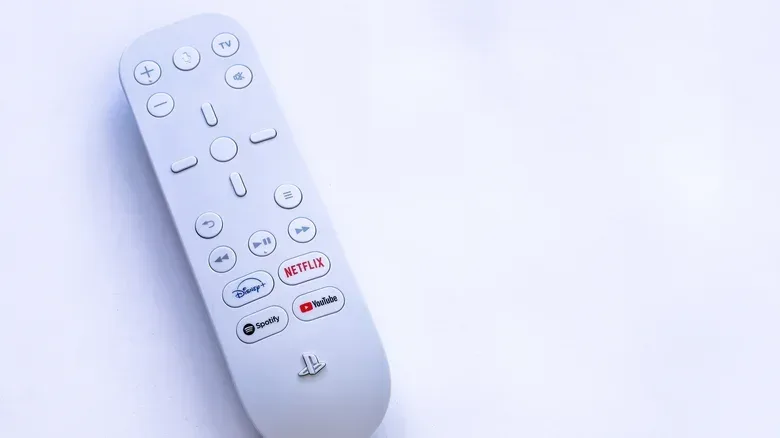
Ultra HD Blu-ray is the format commonly associated with 4K video discs. Standard Blu-ray is the earlier high-definition format, while DVD is the older standard-definition disc format. Their visual capabilities differ, but the PS5 supports each of them as video media. The console also offers apps for services including Netflix and Disney+, so it can combine streaming and a physical movie library in the same setup.
There is one notable Blu-ray caveat: 3D Blu-ray discs are not supported. A Blu-ray logo on the case is therefore not enough to settle the question if the release is specifically a 3D edition. Check the format rather than relying only on the disc’s broad category.
Formats the PS5 will not play
The following formats or disc types are not part of the PS5’s supported playback list:
- PS1, PS2 and PS3 game discs
- Audio CDs
- 3D Blu-ray discs
- Non-circular novelty discs, including card-, star- or heart-shaped media
- Small GameCube discs
The audio-CD exclusion may surprise owners of older PlayStation systems, since the PS3 could play CDs. On PS5, music listening is better handled through supported apps such as Apple Music and Spotify rather than a compact-disc collection. The lack of CD playback is a format limitation, not a sign that the console has lost all music options.
Likewise, do not experiment with physically unusual discs. The PS5 is designed for standard circular media, and non-circular shapes are rejected. A small GameCube disc is not a workaround for anything; it is unsupported and should not be inserted.
Home-burned video and USB files: treat them differently
Home-burned video discs occupy a less certain category. They may work when properly finalized, but playback is not guaranteed. Finalizing is the process that closes a recordable disc so compatible players can recognize its contents and structure. A disc with raw video files copied onto it is not automatically something the PS5 can play.
For personal video or audio files, USB storage is the more practical route described for the console. Put the files on a USB drive and follow Sony’s specified folder names and supported file-type requirements. This does not mean every file will work regardless of format or organization; it means the USB workflow is the intended alternative to relying on homemade discs or audio CDs.
The cleanest buying and setup rule is simple. Choose a PS5 with a usable disc drive if PS5 or PS4 discs, UHD Blu-rays, Blu-rays, DVDs, or any combination of them are part of the plan. Keep expectations limited to PS4-era physical backward compatibility for games. And for personal files, use USB storage with the required file and folder structure instead of assuming a burned disc will behave like a commercial movie release.