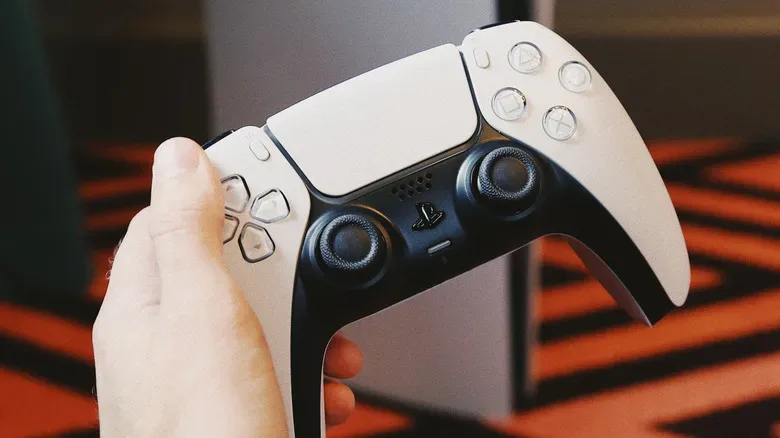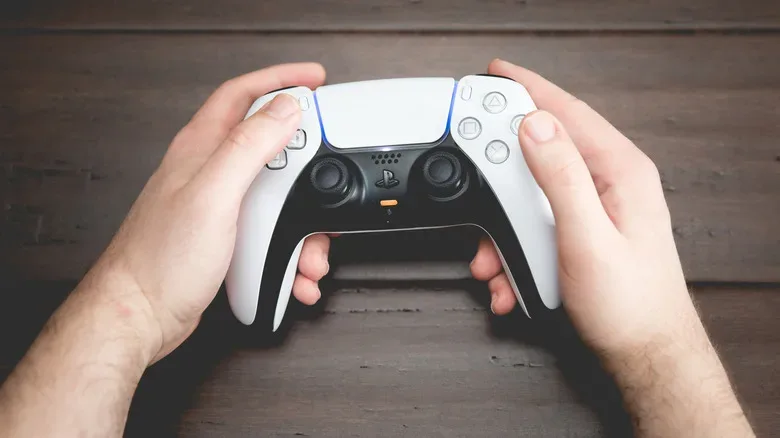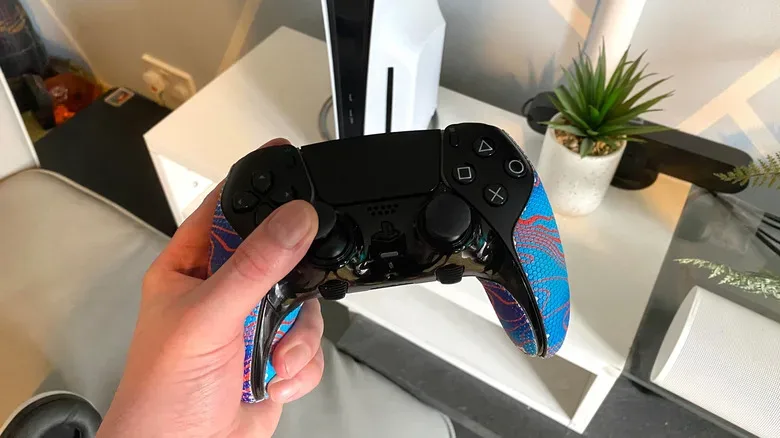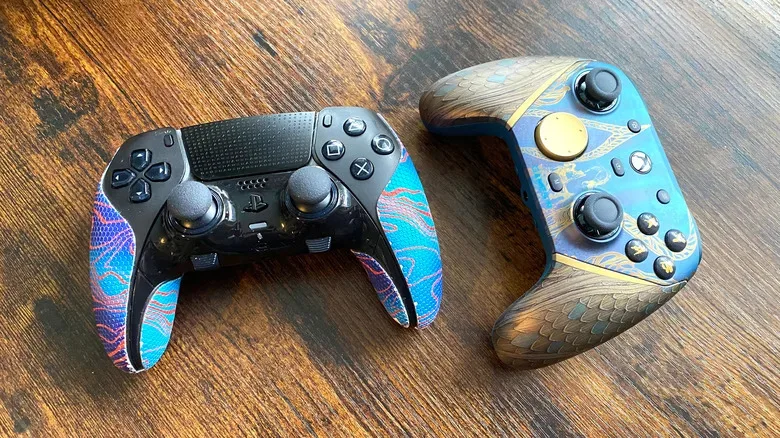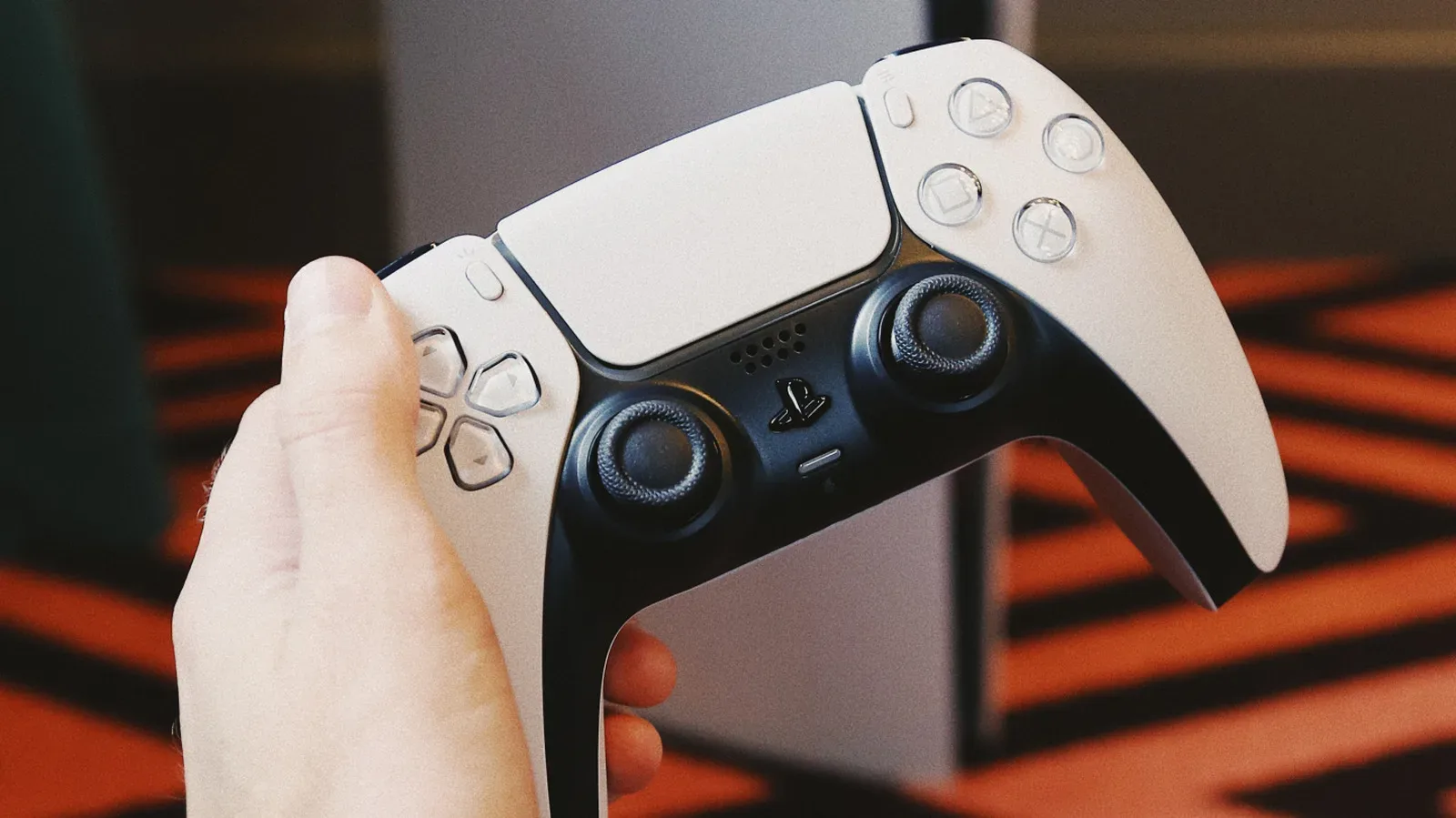
The PlayStation 5’s DualSense is one of the most feature-heavy standard controllers in console gaming: it lights up, talks, vibrates with detailed haptics and can put meaningful resistance behind its triggers. That makes it memorable when a game embraces the hardware, but it also means the controller is a wearable part of the PS5 setup. The console may remain in place for years; the pad is the component repeatedly charged, squeezed, clicked, dropped into sofa cushions and asked to survive an alarming amount of snack-adjacent activity.
So, how long should a DualSense last? There is no single number that covers battery endurance, mechanical durability and the point at which repair stops making financial sense. For day-to-day charging, the regular DualSense generally manages around 6 to 12 hours on a full battery. For overall usable life, the biggest uncertainty is usually analog-stick drift. A lightly used controller can stay dependable for a long time, while a heavily used one may develop an issue much sooner. The sensible approach is to plan for both realities: regular charging and the possibility that a controller may need service or replacement before the PS5 itself does.
DualSense battery life: expect about 6 to 12 hours
The standard PS5 DualSense contains a 1,560mAh lithium-ion battery. In practical terms, a fully charged controller is generally good for somewhere between six and 12 hours, with the game being played making a substantial difference.
That lower end is particularly plausible in games that lean hard into the traits that distinguish the DualSense from a conventional pad. Its light bar, built-in speaker, adaptive triggers and haptic feedback all require power. When several are working constantly, the battery meter falls noticeably faster. Games such as Astro Bot and Returnal showcase the controller’s resistance effects and forceful vibration especially well, but that richer feedback can put play time closer to six hours than 12.
This is not necessarily a defect or a sign that a particular controller is failing. It is a trade-off built into the design. A player who prefers the full sensory package is using more of the controller’s hardware; someone playing a title that makes modest use of haptics and trigger resistance may see better endurance.
For a longer session, it is worth treating power as part of the evening’s game plan. Keep a suitably long charging cable by the usual seat, charge the controller after use rather than waiting for a warning, or rotate between two pads. A second controller is not merely useful for local multiplayer; it can also prevent an unplanned break just as a difficult mission, boss encounter or online match gets underway. That matters if the plan is to spend a serious stretch of time with a new PS5 release such as Ritual Tides, where an abrupt low-battery prompt may be considerably less welcome than the game’s intended tension.
The DualSense Edge has a smaller battery, not a bigger one
The premium DualSense Edge does not solve the standard controller’s battery-life limitation. Despite its $200 price point, it uses a 1,050mAh battery, substantially below the 1,560mAh capacity in the ordinary DualSense. Its typical run time is around 5 to 10 hours.
The smaller battery is tied to the Edge’s additional physical features. It makes room for hardware including rear paddles, adjustable trigger-stop mechanisms and replaceable stick modules. Those are meaningful advantages for players who want customization, especially the ability to replace a stick module rather than discarding the whole controller after a stick-related problem. But it is important to buy the Edge for those features rather than expecting a marathon-grade battery.
Related coverage includes How Long a PS5 DualSense Controller Can Last.
In other words, the choice comes down to priorities. The regular DualSense offers the larger battery of the two Sony pads, although neither is a particularly long-lived wireless controller between charges. The Edge adds control options and serviceable stick modules, but its battery estimate is lower. Either way, a cable, charging routine or backup pad remains useful.
Stick drift is the long-term question that matters most
Battery life decides how often a DualSense visits a USB cable. Stick drift can decide whether it remains pleasant—or even possible—to use. The term describes unwanted analog-stick input: a character walks, a menu selection moves or a camera turns despite the player leaving the stick alone.
It is disruptive in virtually every genre, but the consequences are especially obvious in first-person shooters and racing games. A drifting aim can spoil precision; an unwanted steering input can turn a clean lap into a crash. The problem is not unique to PlayStation hardware. It has affected many controller types over the years, including Nintendo Switch Joy-Cons, and neither the PS5 DualSense nor the Xbox Wireless Controller is immune.
There is also no guaranteed universal cure. Drift may stem from normal wear in the analog mechanism, while contaminants and moisture can make matters worse. Sweat and grime working their way around the stick assembly are not ideal guests, even if controllers have spent decades being treated like they are built for a small-scale apocalypse.
Usage level affects the risk. A PS5 owner playing dozens of hours each week will put substantially more cycles through the sticks than someone who only checks into GTA Online now and then. That does not produce a precise expiration date, but it explains why two identical controllers purchased at the same time can age very differently.
Maintenance can help, but it is not magic
Care will not eliminate mechanical wear, and it should not be confused with a guaranteed repair. Still, a few simple habits may help reduce the chance that dirt or surface residue complicates the situation.
- Clean around the analog-stick bases regularly. A cotton swab lightly dampened with rubbing alcohol can be used carefully around the inputs.
- Use brief bursts of compressed air. This can help remove loose debris near the stick openings. Avoid turning a cleaning attempt into an extended, high-pressure assault on the controller.
- Install controller firmware updates. Updates cannot reverse worn components, but keeping firmware current can address potential software-related behavior.
- Store the controller sensibly. Keeping it away from spills, grime and extreme rough handling is basic advice, but it is also the kind most likely to be ignored after a late-night loss.
- Pay attention early. A faint occasional pull in a menu is easier to document and investigate than waiting until a character is permanently marching left.
If unwanted input persists after cleaning and updates, the issue may need professional repair. Opening a controller without the appropriate skills can introduce more problems than it fixes, and it may complicate warranty support.
Warranty timing changes the repair calculation
The stated warranty window for a DualSense is one year. If stick drift occurs within that period, Sony can repair the controller or provide a replacement under the warranty arrangement. Owners should retain proof of purchase and check the exact warranty terms that apply in their region, since consumer protections and service details can vary.
Once the 12-month period has passed, the equation becomes less friendly. Third-party repair specialists may be able to address stick drift, but the owner is responsible for the cost. Depending on the repair quote, the controller’s condition and the price of a replacement, purchasing a new standard DualSense may be the more straightforward choice. The DualSense Edge changes that calculation somewhat because it has removable stick modules, though its weaker battery estimate remains part of the ownership trade-off.
For anyone buying an additional standard controller, it makes sense to label the purchase date or save a digital receipt somewhere easy to find. Warranty questions are tedious enough without trying to reconstruct a purchase month from old bank statements and a drawer full of cables that may or may not belong to anything still owned.
How the Xbox Wireless Controller compares
In a pure battery-life contest, the Xbox Wireless Controller has a large advantage. The Xbox Series X|S controller uses AA batteries out of the box, and they commonly provide around 30 to 40 hours of use. That is dramatically longer than the standard DualSense’s approximately six-to-12-hour range.
Microsoft’s official rechargeable battery pack also outlasts the PS5 controller, with an estimate of roughly 25 to 30 hours on a charge. The reason is partly design philosophy. The DualSense carries an internal rechargeable battery and dedicates energy to its distinctive feedback features; the Xbox controller’s default AA-based setup prioritizes much longer intervals before power needs attention.
That does not make the Xbox controller categorically more durable in every respect. Both controller families can experience stick drift. But Xbox players will generally spend much less time thinking about a charging cable. PS5 players receive the adaptive triggers, haptics and other DualSense flourishes in return, then pay for them in battery anxiety at an inconvenient moment.
Plan for a controller that is excellent, but consumable
A DualSense does not have a fixed shelf life, and most owners will not need to replace one on a predetermined schedule. Its immediate limitation is its 6-to-12-hour battery range; its less predictable limitation is stick drift and other wear accumulated through use. A controller used gently and kept clean may serve well for years. A heavily used pad can encounter problems earlier, especially after its one-year warranty period has expired.
The most practical PS5 setup is therefore uncomplicated: maintain the controller, install its updates, keep charging convenient and consider a spare if long sessions are common. The DualSense remains one of the PS5’s best features precisely because games can make it feel unusually responsive and tactile. Just do not expect its battery—or necessarily its analog sticks—to possess the same lifespan as the console connected to it.