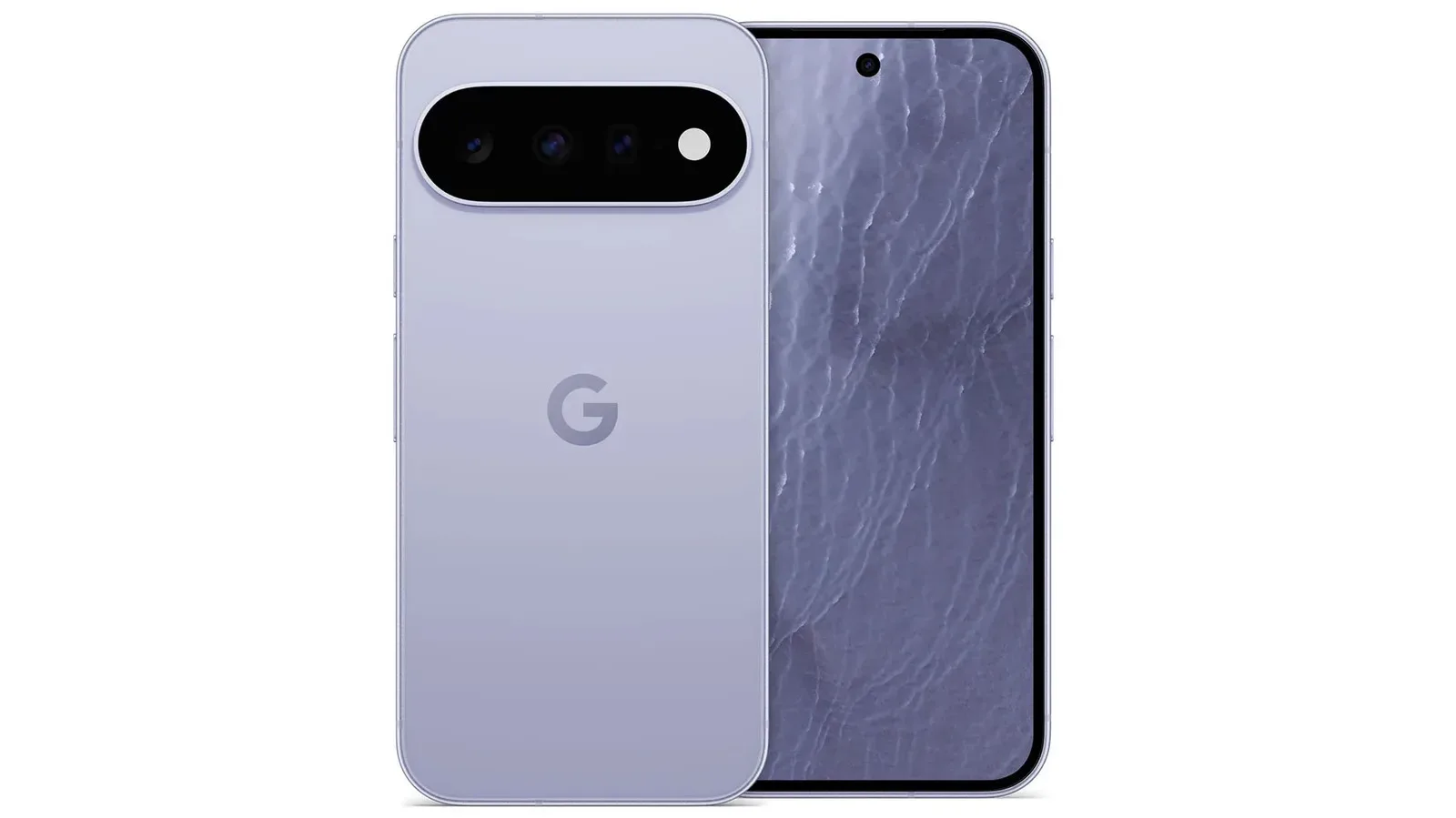
Google’s latest Pixel feature update is built around a simple but increasingly important idea: the devices we use all day should make the right signals easier to notice without forcing us to dig through several apps. The update brings new VIP contact controls to eligible Pixel phones, expands Scam Detection across more places, adds Wear OS 7 features to Pixel Watch 5, and includes a Harry Potter-themed customization option tied to the new audiobooks.
There is no single headline feature here that changes what a Pixel is. Instead, the update concentrates on quick actions, glanceable information, safety prompts and a small piece of fandom presentation. That makes it a practical release, even if each part will matter to a different kind of user.
VIP contacts move closer to the home screen
On Pixel 6 phones and newer, Google is expanding the options available for VIPs and favorite contacts. New widget choices can put a direct text or call action on the home screen, allowing users to reach designated people without first opening a messaging or phone app and then finding the relevant conversation or contact.
VIP notification badges are also part of the change. These badges are intended to show, at a glance, whether an urgent message has arrived or whether there is an unread message from a VIP. In practical terms, the feature separates a small set of chosen communications from the full, often crowded notification stream.
What “VIP” means in this update: it is a contact-prioritization tool, not a new messaging service. Its value depends on how deliberately someone chooses the contacts they want to elevate. For a person who mainly wants to distinguish time-sensitive messages from everyday alerts, a badge and a shortcut may be more useful than another elaborate inbox view. For someone who does not want certain contacts made more prominent, the feature is unlikely to change much.
The larger design point is that Pixel is giving the home screen a more active role. A home-screen widget is a small interactive panel that can surface information or launch a specific task. In this case, it removes steps from two common actions: calling a person and sending them a message. The update does not promise that every conversation will become urgent; it simply gives users a way to make a selected group more visible.
Scam Detection expands across notifications and Gboard
Google is also widening the reach of Scam Detection. In the United States, United Kingdom, Australia, Canada, Singapore, India, Germany, Mexico, Japan and France, the feature can warn users when it identifies potential fraudulent messages from chat apps in their notifications.
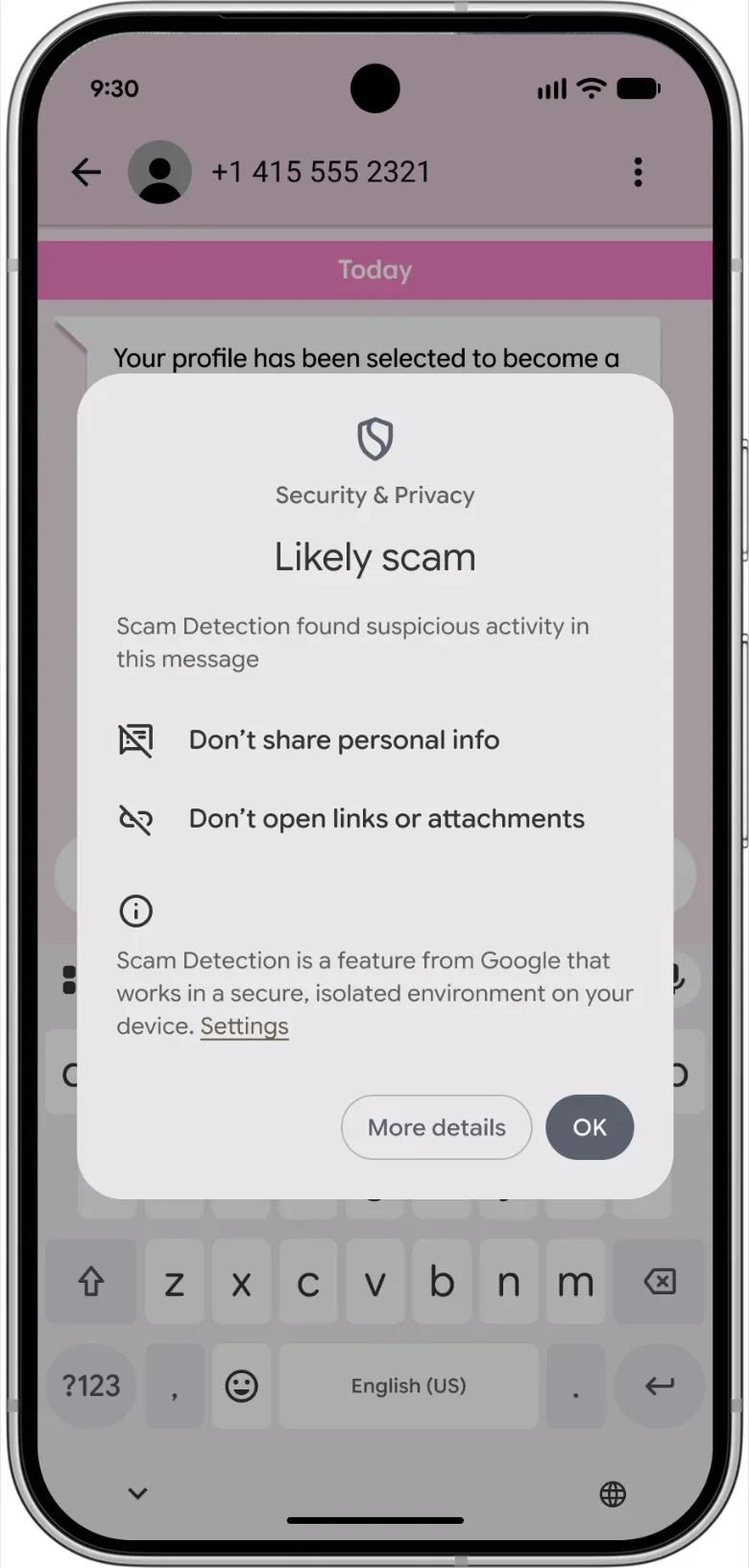
That scope matters because suspicious messages do not arrive through only one service. A warning visible in notifications can help a user spot a potential problem before responding inside the chat app itself. The supplied details describe alerts for potential scams, which is an important distinction: the feature is a warning system, rather than a stated guarantee that it can conclusively determine a message is fraudulent.
US users receive an additional placement for the feature: Scam Detection alerts can appear within Gboard. Gboard is Google’s on-screen keyboard, so this can put a warning closer to the moment someone is typing a reply. The stated rollout is country-specific, and the keyboard-level alert is specifically described for the United States. Pixel owners elsewhere should not assume that every version of the detection experience is available on their device.
The practical benefit is not merely more warnings. Placement is part of the product decision. A prompt encountered in a notification or while using the keyboard can interrupt a rushed response, which is often the point at which a message asking for information, money or some other action becomes consequential. But users should read the alerts as signals to pause and assess the message, not as a substitute for judgment.
Pixel Watch 5 gains Wear OS 7 and more double-pinch actions
All Pixel Watch 5 devices are receiving a Wear OS 7 update. The update includes a more personalized Gemini that can be accessed offline, along with more accurate GPS route tracking.
Wear OS is the software platform that runs the watch interface and its watch-based features. GPS route tracking refers to the watch recording the path of a trip or activity using location data. Google describes the update as improving the accuracy of that route tracking, though no specific measurement, activity type or comparison is provided.
The Gemini change is notable for its offline access. Offline access means a feature can be reached without an active connection in at least some circumstances. The update describes a more personalized Gemini that users can access offline, but it does not detail which requests or functions are supported in that state. That boundary will be significant for people who expect identical behavior on and off a connection.
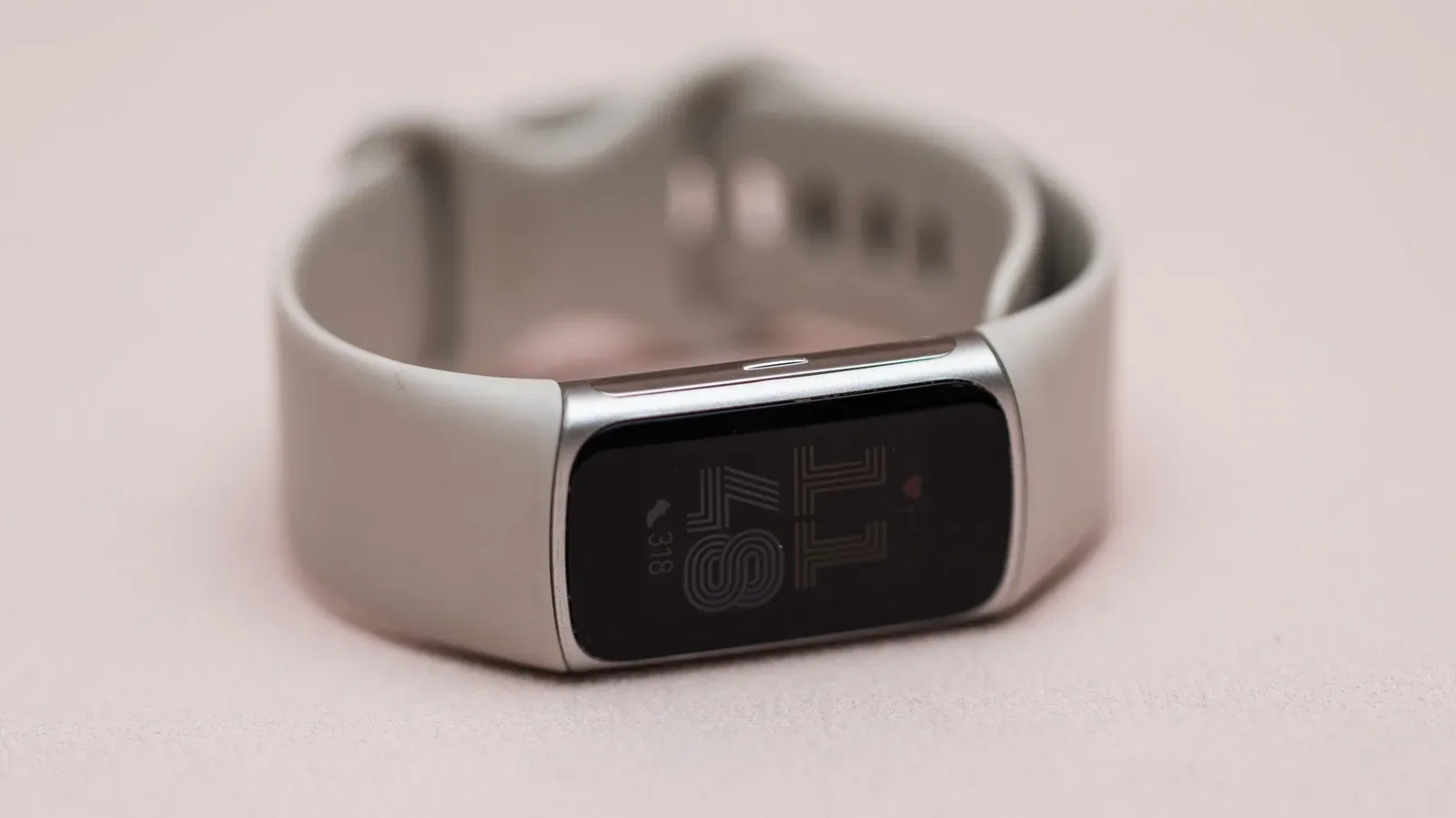
The most concrete watch changes are new uses for the one-handed double-pinch gesture. From the watch face, a double pinch can open Notification Center. It can also scroll through Gemini responses, move through cards in Wallet, and switch between Google Maps reviews, among other uses. Turning the wrist continues to act as a back-navigation gesture.
Gesture controls can be especially useful when touching the screen is inconvenient, whether the other hand is occupied or a quick interaction is preferable to tapping a small display. It is also an accessibility consideration: alternative input methods can make a device easier for some people to operate. That wider design question has become increasingly relevant across consumer technology, as seen in discussions of accessibility controls that look beyond simplistic feature labels.
Still, the update’s promise is appropriately limited to navigation tasks it names. Double pinch is not presented as a universal replacement for touch controls. Its real usefulness will come from whether the listed shortcuts match the screens a wearer visits frequently: notifications, assistant replies, payment cards and map information.
Harry Potter Audiobook Packs offer a themed Pixel look
The most overtly pop-culture-facing part of the update is the addition of Harry Potter Audiobook Packs for Pixel 6 and newer phones. These packs can alter a phone’s wallpaper, icons and sounds using elements connected to the new audiobooks.
The feature is a customization layer, not a game or a new audiobook app. Its appeal is straightforward: people who want their phone interface to reflect the Harry Potter audio releases can apply an integrated visual-and-sound theme rather than changing each element independently. Because wallpaper, icons and sounds are included, the customization is designed to affect several of the interface cues a person encounters throughout the day.
Eligible Pixel users in the United States, Canada, United Kingdom, France, Germany, Italy, Spain, India, Japan and Australia also receive two free months of Audible. The stated eligibility is tied both to having a supported Pixel phone and being in one of those countries. The update does not provide further redemption or account details, so users should look to the offer presented on their own eligible device for the applicable terms.
Who can expect which parts of the update?
The availability rules are the key detail in this release. Pixel 6 and newer phones are the baseline for the expanded VIP widgets and badges, as well as the Harry Potter Audiobook Packs. Pixel Watch 5 owners are the group receiving Wear OS 7 and its new gesture options. Scam Detection varies by country, with notification-based chat-app coverage listed for 10 countries and Gboard alerts specifically listed for the US.
- Pixel 6 and newer: expanded VIP widgets, VIP notification badges, and Harry Potter Audiobook Packs.
- Pixel Watch 5: Wear OS 7, offline-accessible personalized Gemini, improved GPS route tracking and expanded double-pinch controls.
- Scam Detection in notifications: United States, United Kingdom, Australia, Canada, Singapore, India, Germany, Mexico, Japan and France.
- Scam Detection in Gboard: United States.
- Two free months of Audible for eligible Pixel users: United States, Canada, United Kingdom, France, Germany, Italy, Spain, India, Japan and Australia.
This patchwork of device and regional eligibility is more than fine print. It determines whether the update is a contact-management release, a watch-navigation release, a safety-focused release, a themed-customization release, or a combination of several. Owners should check the feature that matters most to them rather than treating “Pixel update” as a guarantee that every announced tool will appear everywhere.
For users with compatible hardware, the strongest common thread is reduced friction. A chosen contact can be reached more quickly. A suspicious chat can be flagged closer to the response moment. A watch can handle a handful of navigational tasks with a pinch or wrist turn. And a Harry Potter fan can change the feel of a phone interface without rebuilding it piece by piece. None of those changes need to be dramatic on their own. Together, they show a Pixel update focused on the small moments that decide whether a device feels helpful or merely busy.