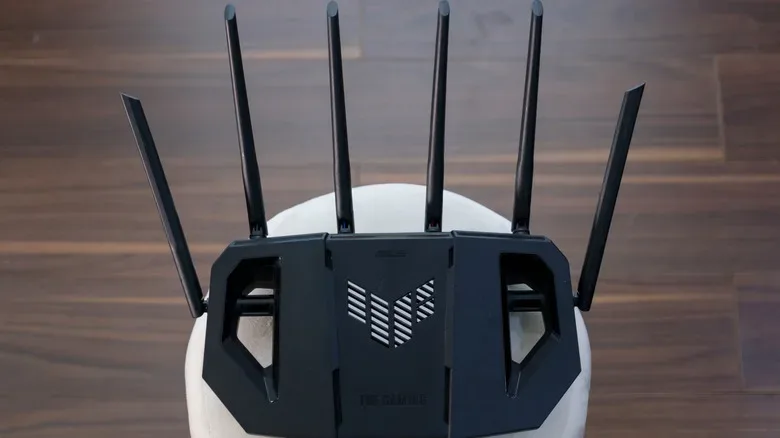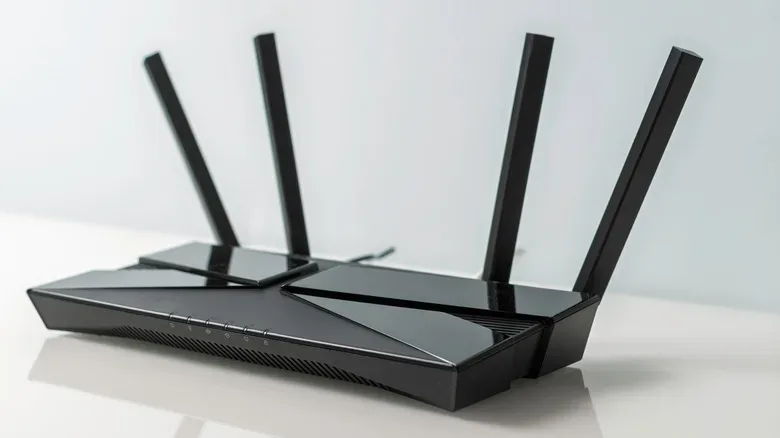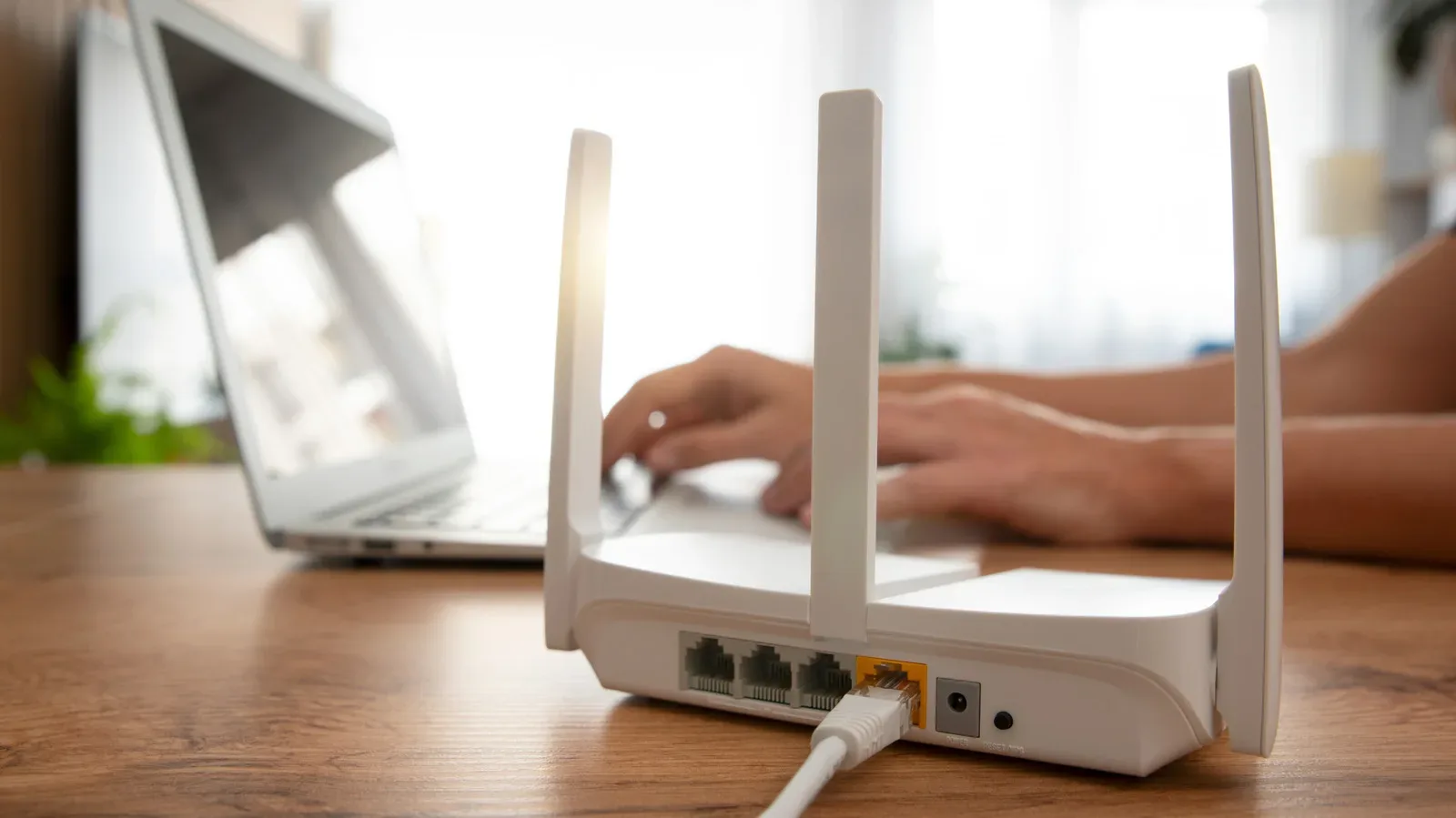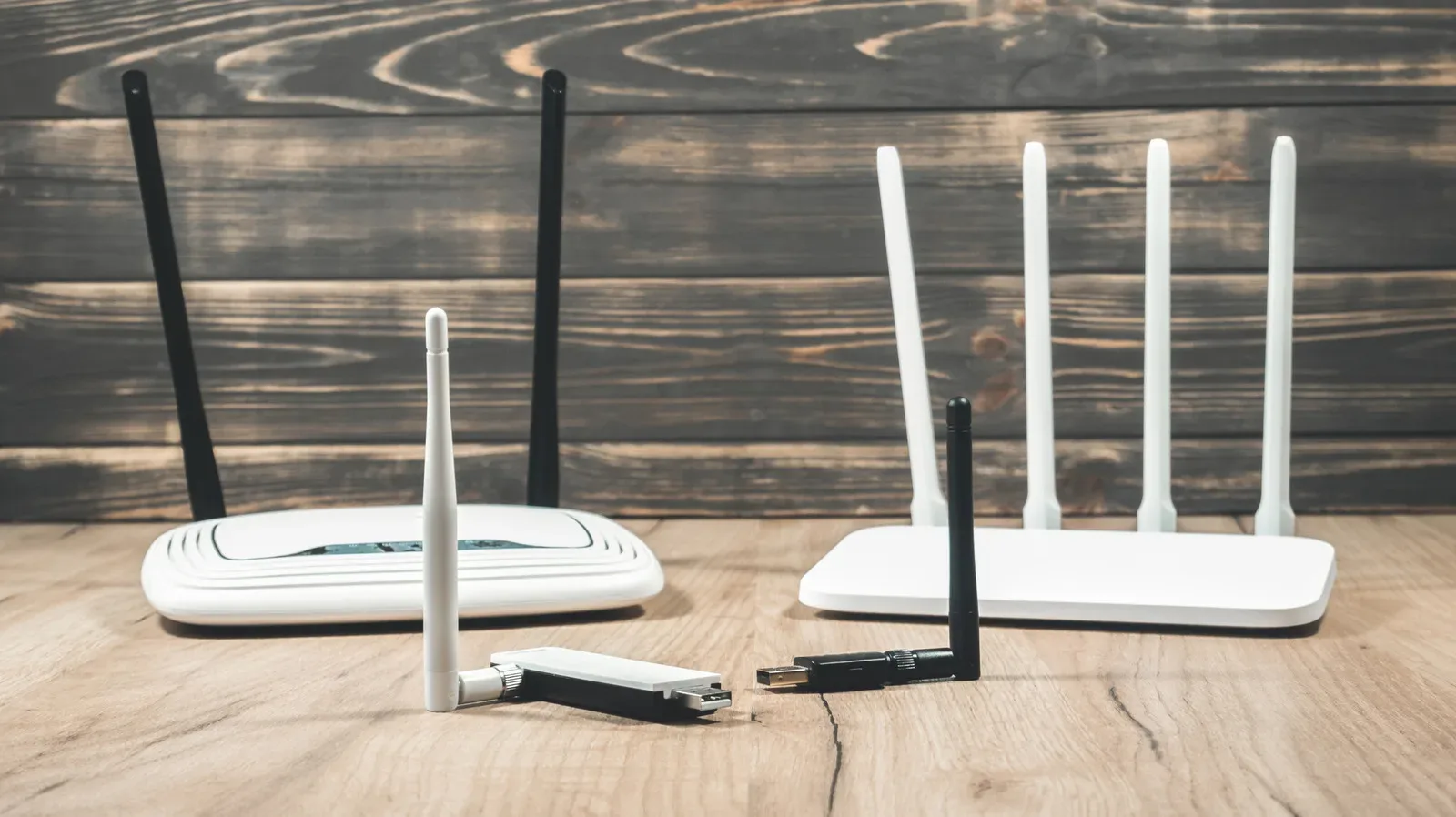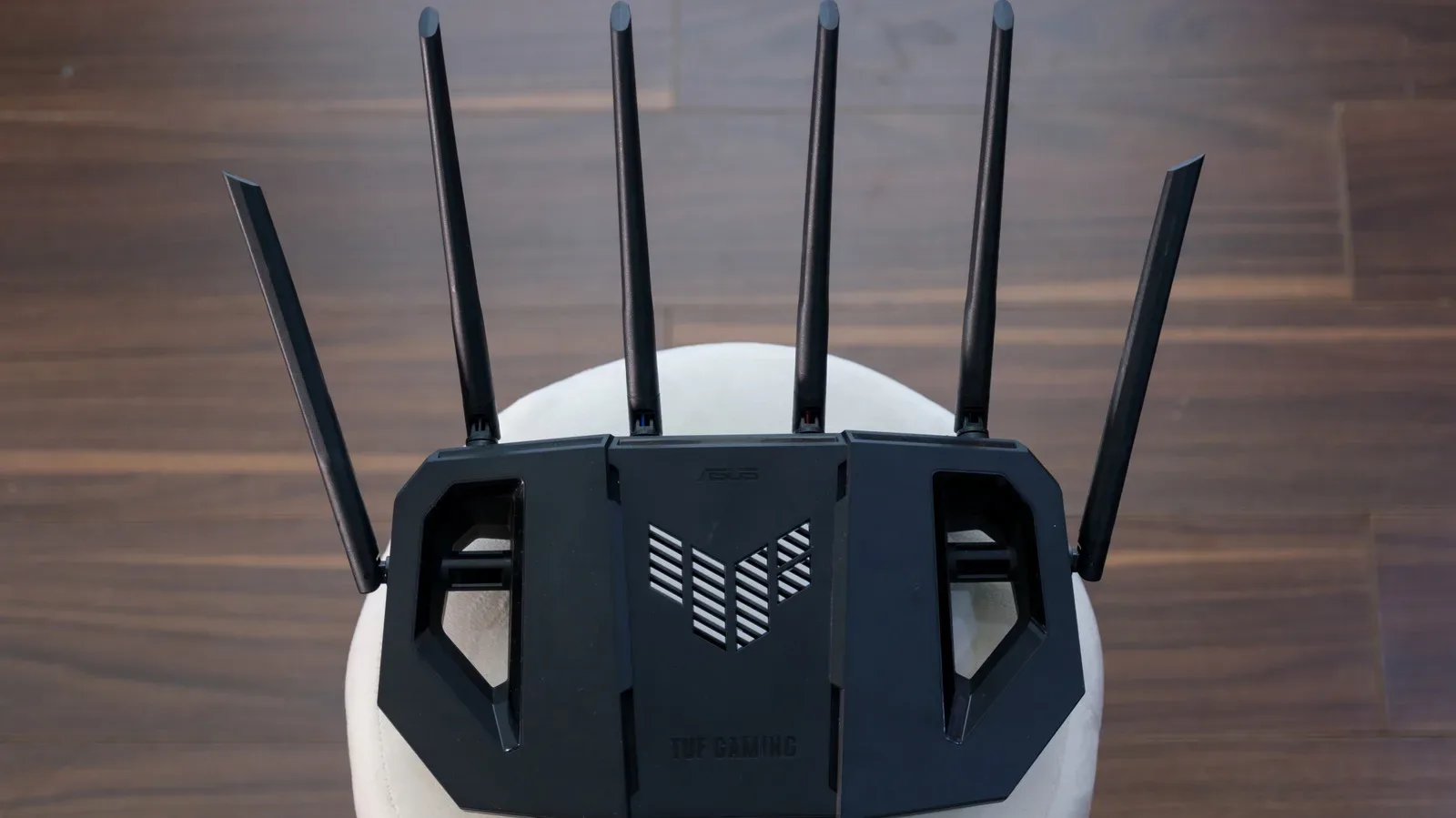
A Wi-Fi router bristling with antennas can look less like a piece of networking gear and more like a defeated robotic spider that has chosen to live behind the television. The visual invites a simple assumption: surely every antenna means more internet. The real answer is more interesting—and somewhat less magical. A router’s antenna count can matter a great deal, especially in homes full of phones, consoles, PCs, smart TVs, tablets, and assorted smart-home hangers-on. But the number by itself does not tell the whole performance story.
Multiple antennas became commonplace because home networks became vastly busier than they were when Wi-Fi was young. A router once had a much easier job: a limited number of devices sending email, browsing basic webpages, or downloading the occasional file. Modern households can have several people streaming video, making video calls, downloading games, playing online multiplayer titles, and keeping a small army of connected devices alive at the same time. In that environment, a single antenna and a single wireless data stream can become a bottleneck quickly.
The important technologies behind the antenna forest are MIMO, short for multiple-input, multiple-output, and its multi-device cousin, MU-MIMO. Antennas provide the physical ingredients, but the router’s radio hardware, Wi-Fi standard, and software determine what can actually be made from them. In other words, counting aerials on the outside is not the same thing as counting useful wireless pathways on the inside.
MIMO turns antennas into more than decoration
The most direct reason routers use several antennas is MIMO. This lets compatible networking equipment use multiple wireless data streams rather than treating Wi-Fi as one narrow route shared by everything. A useful mental picture is a road system: one path can handle traffic in a quiet neighborhood, but it gets crowded when a whole city tries to use it. MIMO gives a router the potential to handle several routes at once.
That potential is commonly associated with spatial multiplexing. Instead of sending all wireless information along one stream, the router can use separate streams to move more data. More antennas can support more streams, provided the router has the required internal design and the receiving device can participate. A laptop, console, phone, or handheld with different wireless capabilities may not take full advantage of every stream a high-end router can offer.
That distinction matters when shopping. An eight-antenna model is not automatically eight times better than a two-antenna model, and mounting extra antennas on a router without the right MIMO implementation does not manufacture extra useful capacity. The antenna count is one part of a wider networking specification, not a shortcut around it.
For players who spend evenings downloading large updates and jumping into online matches, the practical value is usually not an imaginary maximum speed boost from a single device. It is a network that has a better chance of staying orderly when other devices are active. If someone is streaming in another room while another person is on a video call, capable multi-stream hardware can help the router manage a more demanding wireless environment. It cannot, however, rewrite the speed limit imposed by the internet plan coming into the home.
That is worth remembering whenever a huge router promises heroic numbers on its packaging. Wi-Fi capacity inside the house and internet service speed are related, but they are not the same thing. A faster router cannot force an internet connection to exceed the limit supplied by the plan.
Beamforming is the router’s attempt to aim more intelligently
Multiple antennas also make beamforming possible. Despite the name, this is not generally a laser beam of Wi-Fi fired directly at a console. It is a coordinated signal technique. The router uses more than one antenna to shape how signals combine so that the connection is stronger in the direction of a device and less concentrated elsewhere.
Imagine several people creating ripples in water at precisely chosen moments. At one point, the ripples can reinforce one another and create a more pronounced wave. Beamforming relies on the same broad idea of carefully coordinated signals. With several antennas to work with, a router has more ability to fine-tune the transmission toward a connected device. A lone antenna does not have a group of companion signals available for that coordination.
This can be useful in real homes because Wi-Fi is rarely traveling through an empty laboratory. Walls, furniture, metal objects, appliances, and even people influence the path between a router and a device. The signal may reflect, weaken, or arrive by several routes. Beamforming is one tool intended to make those messy conditions easier to manage.
It is not a replacement for sensible router placement. A router still benefits from being located where it can serve the home rather than hidden in the most obstructed corner available. Nor is beamforming a promise that every dead zone disappears. Home layouts and building materials vary too much for a single feature to solve every coverage problem. But it helps explain why the antenna count on modern routers is connected to more than raw data throughput.
Several antennas help when the room fights back
Another major benefit is signal diversity. Wireless signals can bounce around a home rather than taking one neat, uninterrupted journey from router to device. Those reflections can sometimes interfere with one another or leave a particular path weaker than expected. Spacing multiple antennas apart gives the router more chances to work with a cleaner signal path when another is affected by the surroundings.
That reliability angle is easy to overlook because antenna marketing often focuses on maximum wireless rates. For a household, however, a dependable connection in the places where devices are actually used can matter more than a giant theoretical number. A game download can wait a little longer; a connection that becomes erratic whenever someone walks between the router and the PC is considerably more annoying.
There is also MU-MIMO, meaning multi-user multiple-input, multiple-output. Older approaches could effectively focus on one device at a time, switching rapidly among connected clients. MU-MIMO allows an appropriately equipped router to use its antenna array to communicate with multiple devices at once. That is especially relevant to crowded networks, where a single household may have many actively connected products rather than merely many products listed in a Wi-Fi menu.
Online gaming is only one part of that crowd. A game console may be connected alongside a PC, a phone, a television, and a handheld device, while the rest of the household is doing entirely different things. Anyone following a major PC release such as the planned return of StarCraft as a story-driven open-world shooter knows that online games can become a long-term part of a home network’s routine. The router must share its attention across the whole connected home, not just whichever screen is currently running a game.
When two to four antennas are enough
For many homes, a good router with two to four antennas is sufficient. It can offer the multi-antenna capabilities that make a difference without turning the equipment shelf into a mechanical arachnid exhibit. The better question is not “what is the largest antenna count available?” but “how many devices are active, how large is the space, and what problems need solving?”
- Smaller homes with ordinary device use: Two to four antennas will generally be plenty when the router is well positioned and uses a suitable Wi-Fi standard.
- Busy homes: More streams and stronger multi-device handling can be useful when many devices are regularly active at once.
- Large homes or awkward layouts: Extra adjustable antennas may help with coverage, but they are not always the most reliable fix.
- Offices, cafés, and other shared spaces: A higher-capacity router with more antennas and streams can make sense where many people connect simultaneously.
An eight-antenna router is therefore not nonsense. It has a purpose in environments that need higher capacity, more signal-control options, or more substantial coverage help. It is simply more hardware than many households require. Buying based on antenna count alone risks paying for a feature that never addresses the actual issue.
Coverage trouble often calls for mesh, not more spikes
If the main concern is reaching distant rooms, a mesh network is often a more dependable answer than relying solely on a single router with a large collection of antennas. Mesh setups use multiple network points to extend coverage through the home. That approach can be better suited to spaces where walls, floors, long distances, or room layout make one central router struggle.
The Wi-Fi standard and the router’s software remain central to the decision as well. Newer standards, capable client devices, and well-managed software all influence how the network behaves under load. A router that looks faster because it has more antennas may not improve the experience if the limitation is the internet plan, an unsuitable placement, or coverage gaps that demand additional nodes.
So yes, the antenna-packed router has a real job. Its antennas can support multiple streams, beamforming, signal diversity, and simultaneous service for multiple devices. They are engineering tools, not just cosplay accessories. But the smartest networking upgrade is the one matched to the home: appropriate Wi-Fi hardware, sensible placement, enough capacity for the household, and mesh coverage when one router cannot reasonably cover the map.