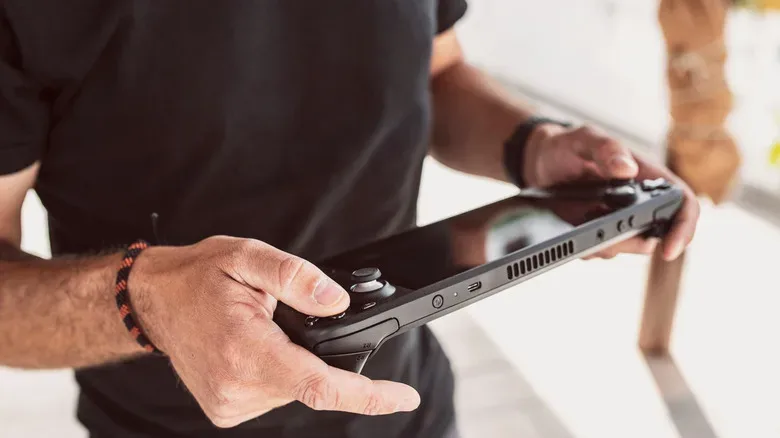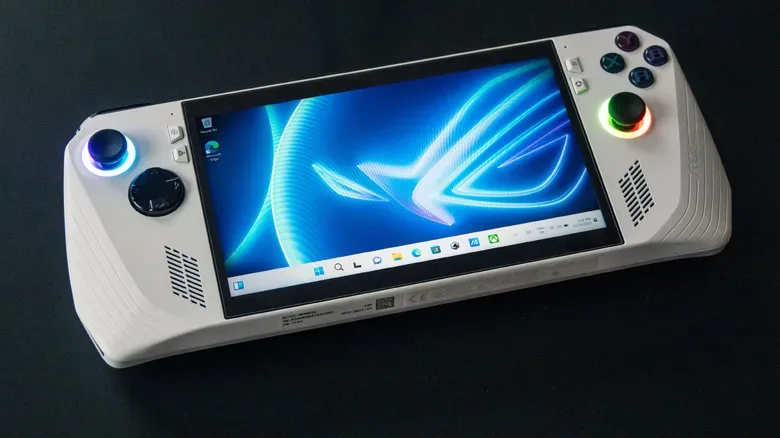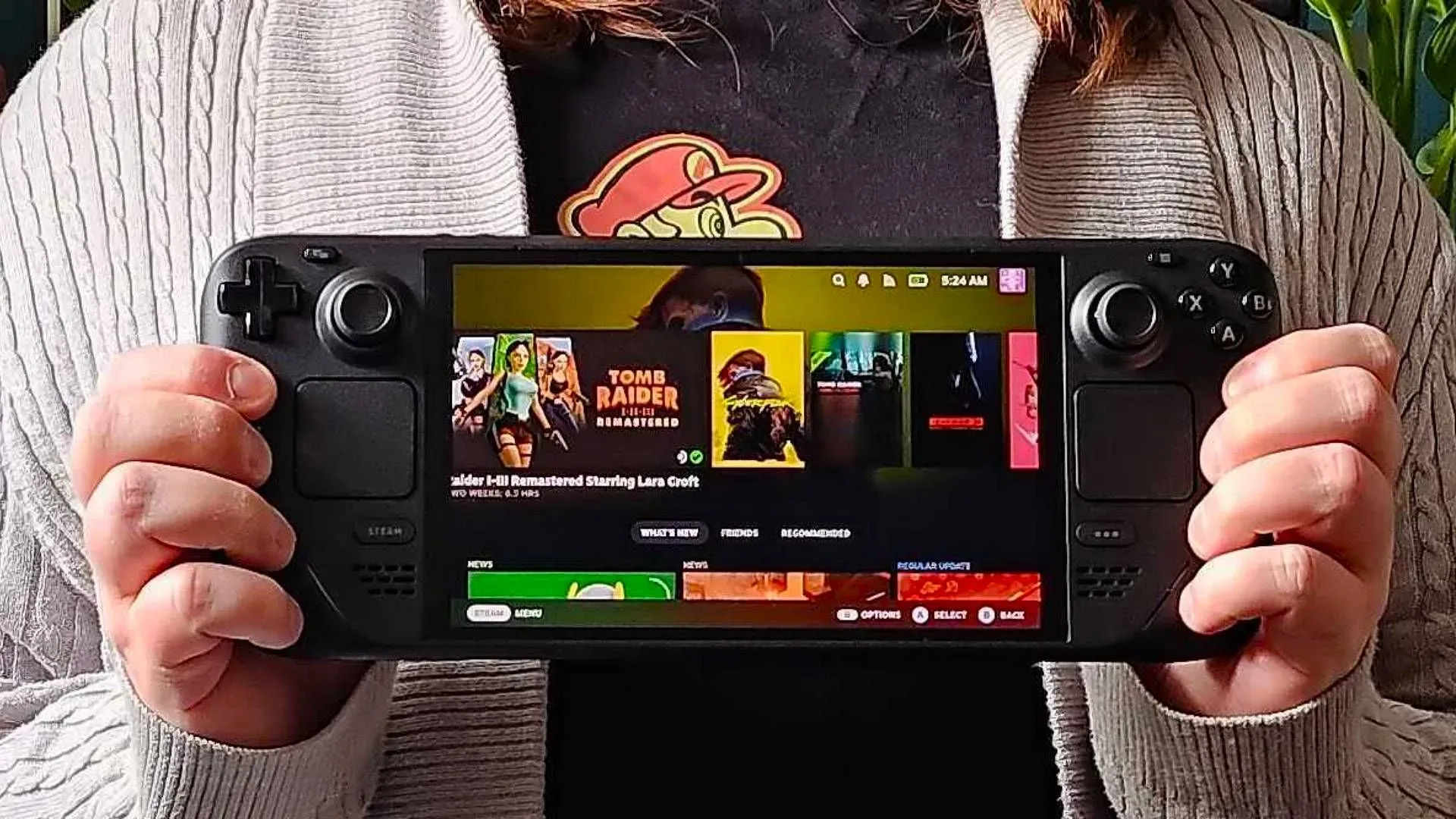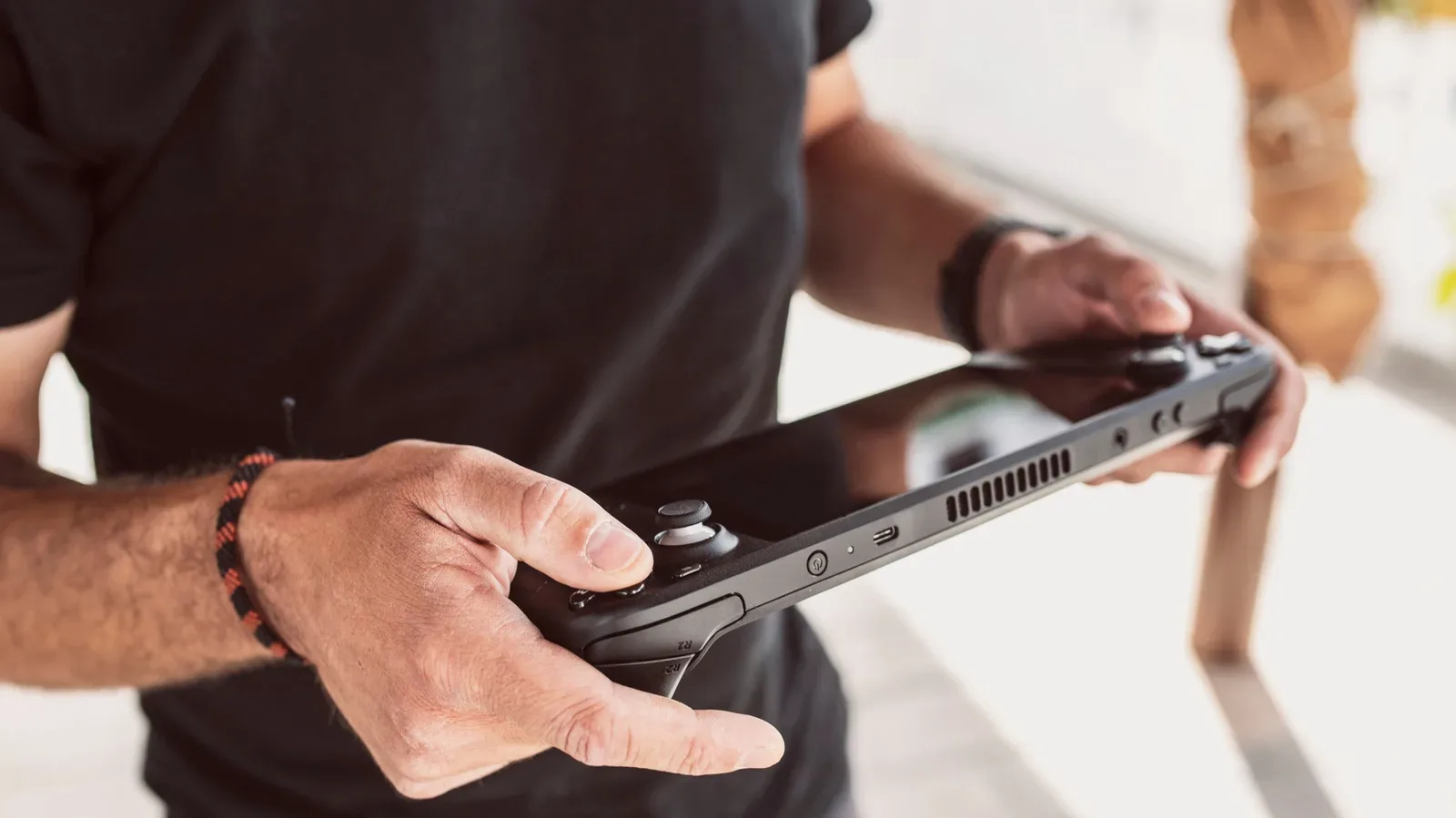
Portable gaming PCs have made it wonderfully easy to treat a full computer like a console: tap the power button, suspend the game, zip the machine into its case, and pick back up later. That convenience is one of the best parts of devices such as the Steam Deck and ASUS ROG Ally. It can also make the humble restart feel unnecessary. If the handheld wakes up and launches games, why interrupt the streak?
The answer is that a reboot remains one of the most useful pieces of maintenance available to handheld-PC owners. These machines may have console-style controls, a compact screen, and a launcher designed around games, but they still operate on PC software foundations. SteamOS and Windows each manage applications, background processes, drivers, memory, updates, and hardware services. Given enough uptime, any of those pieces can occasionally become untidy.
Restarting is not a cure-all, and it will not repair damaged hardware, solve every game-specific defect, or turn an underpowered setting into a smooth experience. But it is a sensible early response when a previously well-behaved handheld develops a crash, unexplained slowdown, stutter, odd sound behavior, or an interface that suddenly feels reluctant to cooperate. A reboot gives the system a genuinely fresh operating state rather than merely closing the game window and hoping for the best.
A restart clears the day’s digital clutter
The main reason a restart helps is memory management. Random-access memory, or RAM, is working space used by the operating system, games, launchers, overlays, and other running tasks. Opening and closing software throughout the day is normal, and systems are designed to reclaim resources when programs exit. In practice, though, an application can sometimes retain memory it no longer needs or fail to return all of it after it has closed.
That is the kind of creeping behavior users often describe as a memory leak or memory hogging. It does not mean every game session will eventually go bad, nor does it mean the handheld is defective. It simply means that, over a long stretch of use, less working memory may be available than expected. The symptoms can be vague: a game takes longer to settle after launch, the interface feels sluggish, frames dip unexpectedly, or switching between applications becomes less responsive.
A restart ends the current session and reloads the core system environment. Programs that had been shut down imperfectly do not carry their leftover memory use into the next session. The result is not extra RAM or a permanent performance boost; it is a reset to the clean baseline the device normally starts from. For a handheld that has been through multiple games, downloads, browser sessions, launchers, and long suspend periods, that reset can be meaningful.
It can also straighten out background software
Gaming handhelds contain more moving software parts than their simple exterior suggests. A title may be running alongside a storefront client, controller services, audio management, wireless networking, cloud synchronization, an on-screen keyboard, an overlay, and system-level performance controls. Windows-based handhelds can add their own collection of desktop processes and vendor utilities. Most of the time, none of this demands attention. When something does go sideways, however, the visible problem may not clearly identify its cause.
A game crash might be tied to the game itself, but it might also be accompanied by a process that did not recover cleanly. Audio may continue behaving strangely after a game is closed. A temporary interface hitch can linger longer than the game that triggered it. Restarting is valuable because it stops that entire collection of active processes and starts them again in their expected order.
That makes a reboot a practical diagnostic step as well as a possible fix. If a problem disappears immediately after restarting and stays gone, it may have been a temporary software state rather than a persistent failure. If it returns reliably in one particular game or under one repeatable circumstance, the owner has learned something useful: the issue likely needs more targeted troubleshooting than another reboot.
Display symptoms deserve a little extra care. A restart can resolve software-side visual glitches, but it cannot mend a physical panel fault. Anyone trying to distinguish a persistent screen issue from a temporary rendering oddity may find this guide useful: Dead Pixel vs. Stuck Pixel: How to Tell Which Screen Problem You Have.
Updates often need the reboot you have been postponing
Updates are another compelling reason not to leave a handheld running indefinitely. System updates can include bug fixes, security changes, driver-related improvements, and performance adjustments. Some components cannot be fully replaced while they are actively being used. A restart supplies the clean transition needed for the device to complete that work and load the newer components on startup.
This is especially important when an update has been downloaded but the handheld has spent days in a suspended session. Sleep-like convenience is great for preserving progress, yet it is not the same as beginning a new system session. If the device indicates that a restart is needed, treating that prompt as part of routine upkeep is usually wiser than repeatedly delaying it until the next inconvenient crash.
A reboot after an update also makes troubleshooting less ambiguous. If new behavior appears after software changes, first make sure the handheld has actually completed the required restart. Otherwise, it may be unclear whether the system is still using old components, partially applying new ones, or simply waiting for the reboot it requested.
Restarting, shutting down, and hibernating do different jobs
These terms are easy to blend together because all of them stop active play. Their purposes are not identical.
- Restarting closes the current operating session and immediately starts a new one. It is the best fit when the device is acting oddly, memory clutter is suspected, or an update needs to settle in.
- Shutting down also ends the active session. When the handheld is powered on again, it starts fresh, delivering many of the same cleanup benefits as a restart without turning straight back on.
- Hibernating is about continuity. The device saves the current session to storage so it can restore it later, allowing players to resume close to where they stopped with little to no battery drain while inactive.
Hibernation is therefore excellent when the priority is preserving an exact moment in a game or returning quickly to an unfinished task. It does not provide the same clean-session benefit as a restart or full shutdown, because the old session is being preserved rather than discarded. That is not a flaw; it is the feature. The useful habit is knowing when convenience should give way to a reset.
For travel, powering off or hibernating is also preferable to leaving the handheld active in a bag or carry case. Poor ventilation and an enclosed space are not places where a running device should be left to generate heat. Suspend and hibernate modes make handhelds flexible, but they should not be mistaken for permission to forget the device is still doing work.
When should a gaming handheld be restarted?
There is no universal schedule. Rebooting every few hours would usually be needless, and a handheld does not require ceremonial weekly maintenance to remain healthy. The better approach is a light routine combined with attention to symptoms. Restart once every few days, or at least weekly, is a reasonable starting point for owners who frequently use sleep or hibernate and move among many games and applications.
It is also worth restarting sooner in a few common situations:
- After the system installs an update and requests a reboot.
- When a game begins crashing repeatedly after it had been stable.
- When frame drops, lag, or interface sluggishness appear without an obvious reason.
- When audio remains broken after closing the game involved.
- Before a long trip, if the device has been left running or suspended through many sessions.
- After experimenting with several launchers, settings, and applications in one stretch.
The key is not to treat restarting as superstition. It is a low-effort way to clear a temporary software state, free working memory that may not have been released properly, and allow updates to finish their job. If the problem continues after that clean start, it is time to look at game files, settings, storage, updates, accessories, or hardware-specific causes. But as the first move, a reboot is still one of the rare troubleshooting steps that is quick, broadly applicable, and often worth the interruption.