Mac mini owners who have filled every convenient port on their desk setup may find a practical answer in UGREEN’s compact dock-and-stand. The accessory is currently listed at $55, down from its stated $63 price, a reduction of roughly 13%. Free shipping is included, and the offer does not require a Prime membership.
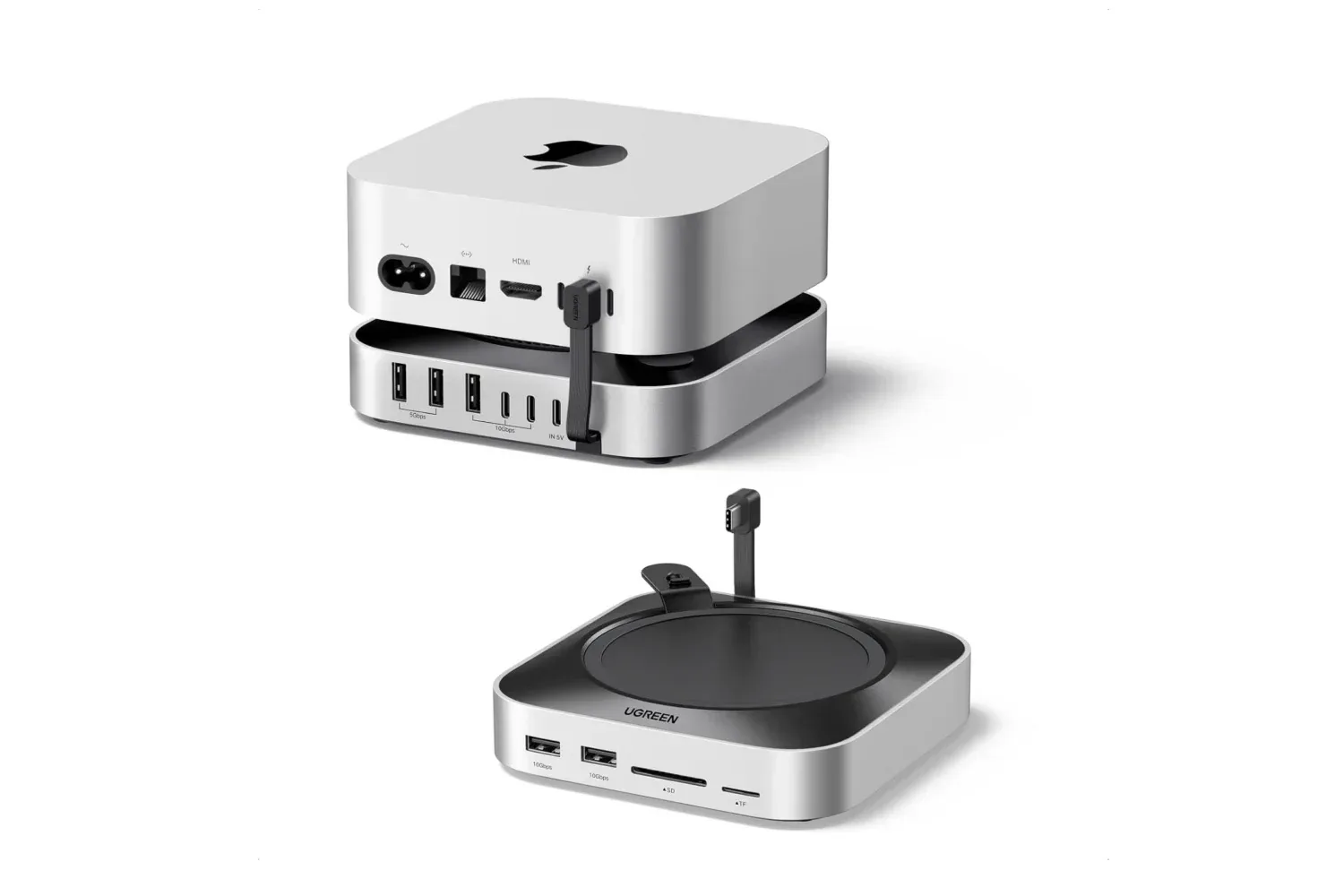
The core appeal is not simply adding ports. This unit is designed to sit beneath a Mac mini, turning otherwise unused vertical desk space into a connectivity hub while also providing a bay for user-supplied SSD storage. For people using a small desktop as a workstation, media machine, or game-library computer, that arrangement can be tidier than spreading separate card readers, USB hubs, and external drives around the desk.
What the dock adds to a Mac mini desk setup
UGREEN advertises 11 ports in total. Among the connections specifically identified are three USB-A 3.2 ports rated at up to 10Gbps, two USB-A 3.0 ports rated at up to 5Gbps, and two USB-C 3.2 ports also rated at up to 10Gbps. There is also a UHS-I SD/TF card reader with advertised transfer rates of up to 170MB/s.
Those labels are useful shorthand, but they describe the maximum data rate of a connection rather than a guarantee that every file copy will reach that figure. Gbps, or gigabits per second, is the link-speed rating used for USB. A 10Gbps port has twice the stated bandwidth of a 5Gbps port. Actual transfer performance can still be influenced by the connected drive, the cable, the files being moved, and the computer at the other end.
In more ordinary terms, the 10Gbps USB-A and USB-C connections are the ports to prioritize for fast external storage and large backups. The 5Gbps USB-A connections may be better suited to accessories where peak storage performance is not the main concern. The dock’s selection gives users a way to keep several peripherals attached without repeatedly swapping cables at the Mac mini itself.
The front-facing card reader is another potentially useful inclusion for anyone regularly moving photos or other files from SD or TF media. TF, short for TransFlash, is the name historically associated with the small cards commonly called microSD. UHS-I is a card-interface standard; the advertised 170MB/s figure is a maximum transfer claim, not a universal speed for every card.
The SSD bay is the more consequential feature
Beyond USB expansion, the dock accepts an M.2 NVMe SSD with up to 8TB of capacity. An SSD is solid-state storage, meaning it has no moving disk mechanism. M.2 refers to the compact physical format used by many internal-style drives, while NVMe is the storage protocol associated with high-speed PCIe SSDs.
UGREEN lists compatibility with 2230, 2242, 2260, and 2280 M.2 sizes. Those four-digit labels indicate the drive’s dimensions: the first two digits represent its width in millimeters and the final digits its length. Put simply, the bay supports several common M.2 lengths rather than locking buyers to one specific physical size.
That flexibility matters because the dock itself does not include the SSD in the supplied details. The $55 purchase price is for the dock; a buyer must budget separately for compatible storage. Capacity, endurance, and real-world drive behavior will therefore depend on the SSD chosen, not solely on the enclosure.
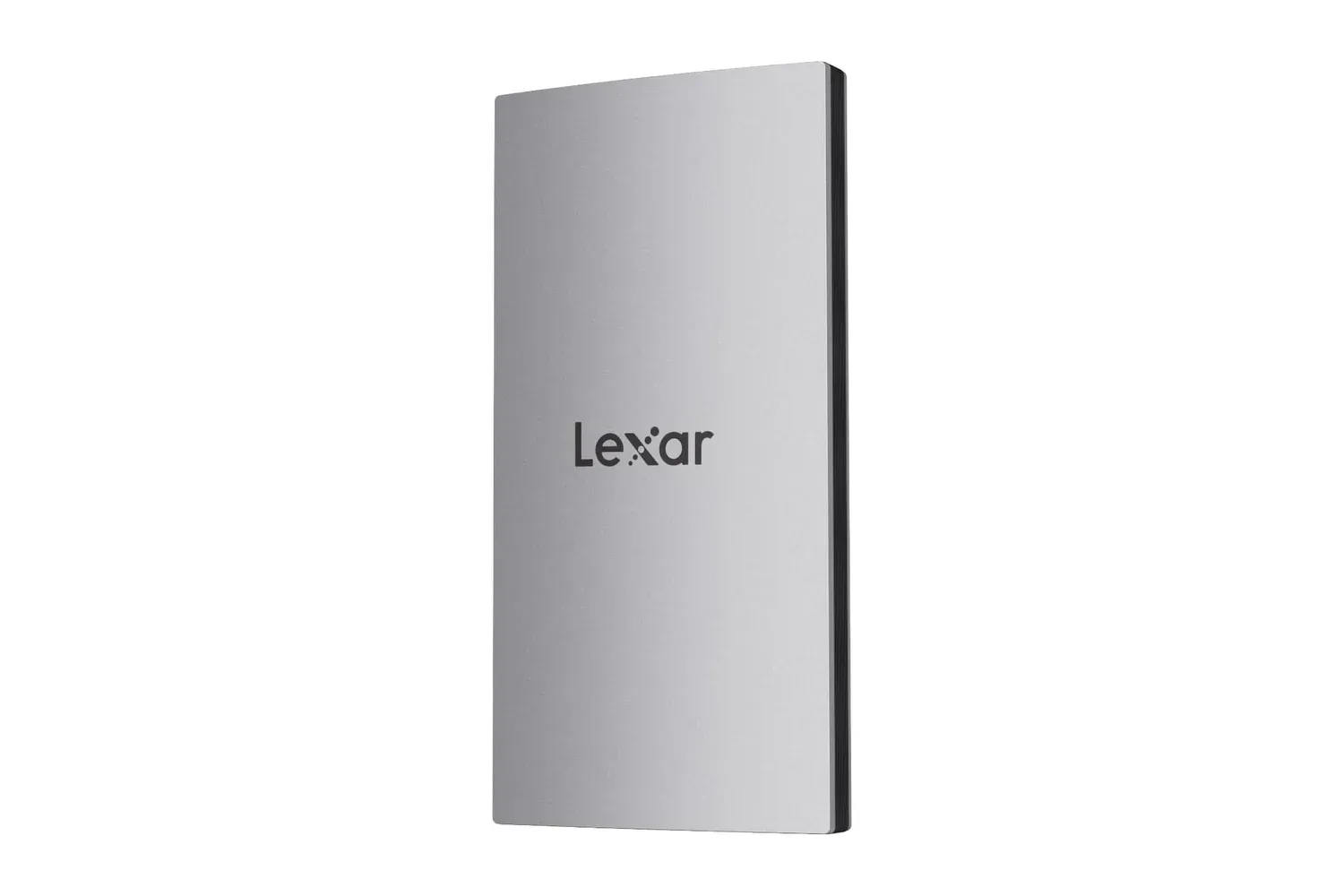
For someone whose priority is a separate portable drive rather than a desktop-integrated storage bay, a device built specifically for travel may be the more appropriate category. Our look at the Lexar ES3 portable SSD covers that different approach. UGREEN’s dock, by contrast, is aimed at keeping expansion in one place beneath the Mac mini.
Why the physical design matters
Desktop docks can create their own small irritations: they slide when a cable is removed, make a compact computer stack look cluttered, or obstruct a button that was already inconveniently placed. UGREEN’s design addresses those practical concerns with silicone anti-slip pads and a shape intended to match the Mac mini’s footprint, color, and curved profile.
It also includes a power-button lever, allowing the Mac mini’s button to be pressed without lifting the computer. That is a modest feature, but it directly addresses the main trade-off created by an under-computer dock. A stand that adds storage and ports should not make powering on the host machine more awkward.
A short 4cm cable is included to link the dock and computer. The short run is intended to keep the connection neat and reduce excess cable around the setup. Buyers should consider where they plan to place the Mac mini and whether the dock will remain directly underneath it, because this is clearly designed as a close-coupled stack rather than a hub positioned elsewhere on a desk.
Protection claims and sensible expectations
The dock is described as having triple protection: surge protection, timing control, and over-current protection. Surge protection is intended to guard against voltage spikes, while over-current protection is designed to respond when electrical current exceeds a safe operating level. The provided details do not explain how timing control functions in this particular product, so it is best treated as a stated protection feature rather than a precisely defined specification.
These safeguards are welcome in a dock meant to host multiple attached devices, but they do not change the usual need to use suitable cables and compatible peripherals. Nor do they eliminate the need to keep important data backed up elsewhere. Expanding local storage can make a Mac mini more convenient; it should not be mistaken for a complete backup plan on its own.
Who should consider the $55 listing
This is most compelling for an existing Mac mini owner who needs several things at once: more accessible USB connections, quick access to SD or TF media, and a place to install a compatible NVMe SSD. The under-computer format also suits users who value a cleaner workstation over a collection of individual accessories.
It is less clearly suited to anyone who needs only one additional USB port, already owns a separate high-capacity external drive, or does not want to purchase and install an M.2 SSD. Those users may be paying for features they will not use.
For the people who do need that combination, the current $55 listing lowers the entry cost from the stated $63 price before the separate SSD expense. The feature set is substantial on paper: an advertised 11-port layout, 10Gbps USB-A and USB-C options, a UHS-I card reader, support for several M.2 NVMe drive sizes up to 8TB, and a form factor built specifically to sit under a Mac mini. As with many limited-time retail offers, the listed price and availability can change, so it is worth confirming both before ordering.
Shop the products
Check current price, model and availability at the retailer.