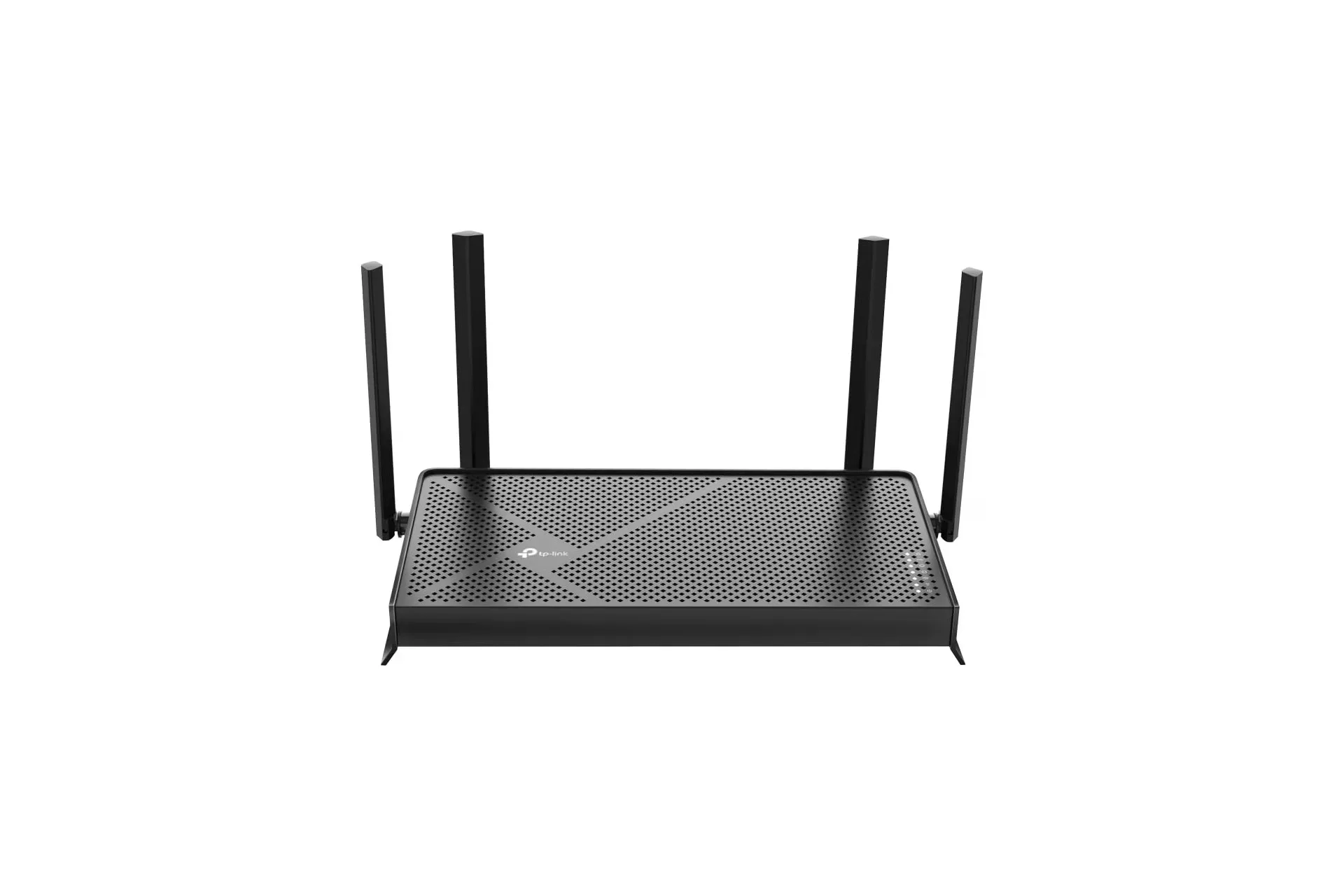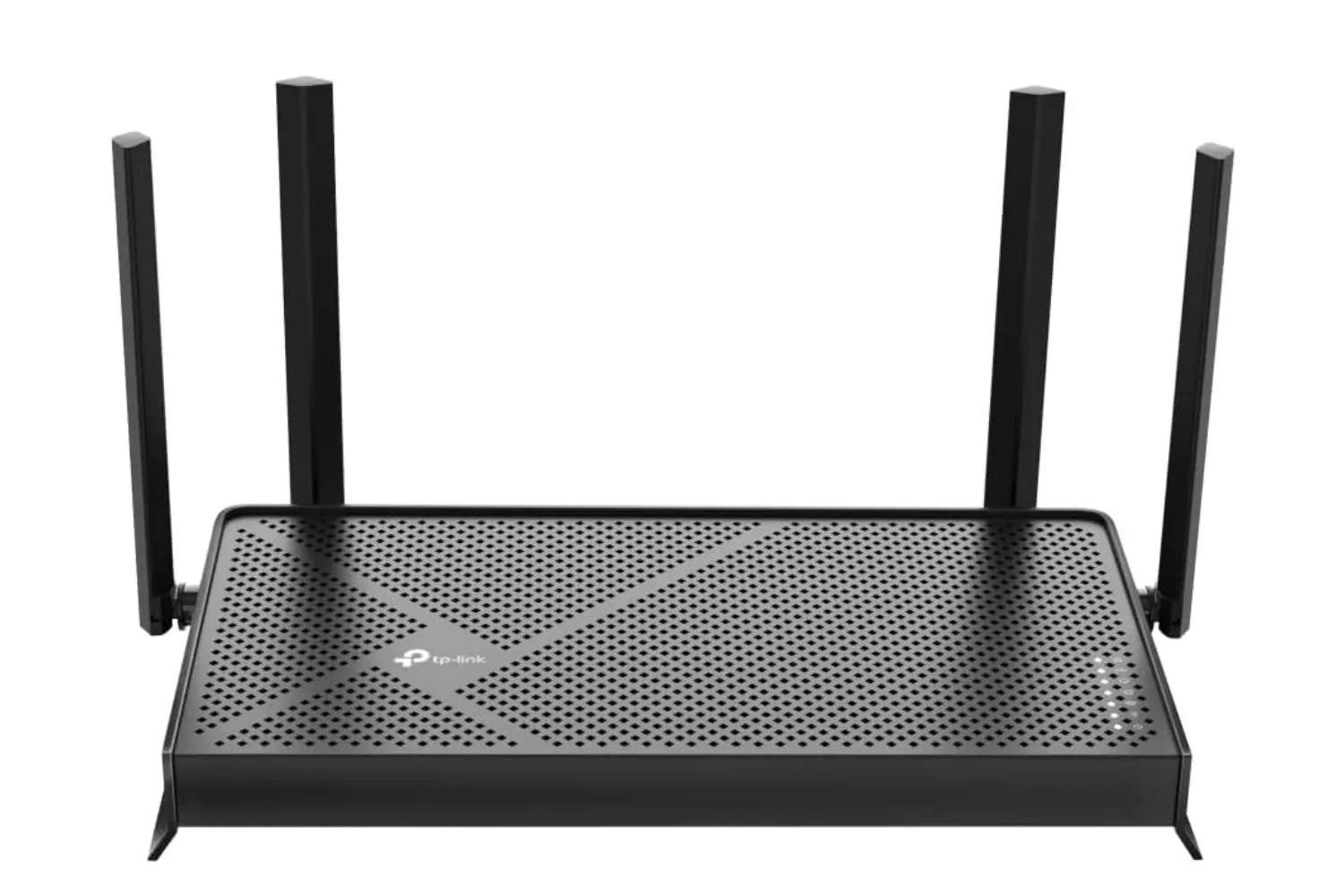
A router is rarely the flashiest line item in a gaming upgrade plan, but it can determine how consistently every flashy line item stays connected. TP-Link’s Archer BE400 is discounted to $122 for Black Friday, down from $179, a 32% reduction. The model is a dual-band Wi-Fi 7 router aimed at homes that want newer wireless features and multi-gig wired networking without stepping up to a more expensive tri-band option.
For players using compatible hardware, including the PS5 Pro and certain newer phones such as the iPhone 16 Pro and Galaxy S24 Ultra, the router could address a familiar problem: a gaming device may support a newer wireless standard while the network hub remains on an older one. That mismatch does not automatically make a game unplayable, nor does a new router guarantee a lower ping to every game server. But a router can matter considerably when a household has multiple devices competing for its local network at the same time.
The BE400’s value proposition is therefore more specific than “Wi-Fi 7 makes games faster.” Its notable hardware includes Wi-Fi 7 support on the 5GHz and 2.4GHz bands, two 2.5Gbps Ethernet ports, three 1Gbps LAN ports, a USB 3.0 port and later expansion through TP-Link EasyMesh-compatible hardware. The practical question for buyers is whether those strengths fit their internet plan, devices and home layout.
A Wi-Fi 7 router that leaves out 6GHz
The Archer BE400 is a dual-band model. It operates on 5GHz and 2.4GHz, rather than adding the 6GHz band found on tri-band Wi-Fi 7 routers. That is a material distinction, not a footnote. The missing third band is part of how pricier Wi-Fi 7 systems can offer more wireless capacity, but skipping it helps hold down this router’s cost.
TP-Link lists wireless speeds of up to 5,764Mbps on 5GHz and up to 688Mbps on 2.4GHz. These figures describe the router’s potential wireless link rates rather than an assurance that an internet connection, a game download service or every device will reach those numbers. Real-world results are shaped by the connected client, the broadband plan, distance, walls, interference and other activity on the network.
For gaming, the important distinction is between a fast local Wi-Fi link and the end-to-end connection to an online game. A router can reduce local congestion and improve the stability of the connection inside the home. It cannot on its own change a broadband plan’s limits or remove latency beyond the home network. Players looking to speed up downloads, meanwhile, need a route that supports the higher speeds all the way through: a sufficiently fast internet service, compatible modem or gateway, appropriate Ethernet hardware and a device with a capable network port.
Multi-Link Operation is the gaming-relevant Wi-Fi 7 feature
The BE400’s key Wi-Fi 7 feature is Multi-Link Operation, often shortened to MLO. On compatible devices, MLO allows traffic to use more than one band at once. In this router’s case, that means the 5GHz and 2.4GHz bands can work together rather than functioning solely as separate lanes a device must choose between.
The intended benefit is both greater throughput and more reliable response times under load. Imagine an online match beginning just as another person starts a 4K stream, while phones, laptops and smart-home hardware remain connected in the background. A network has finite capacity, and devices can contend for it. MLO is designed to manage connections across available links more flexibly, which may help a compatible gaming device maintain steadier traffic when the household gets busy.
Related coverage includes TP-Link Archer BE400 Wi-Fi 7 Router Drops to $122 for Black Friday.
That wording matters: MLO requires compatible client hardware. Buying a Wi-Fi 7 router does not grant every existing console, PC adapter, phone or handheld Wi-Fi 7 capabilities. Older devices can still connect using their supported standards, but the specific multi-link benefit depends on the router and client both supporting it.
The BE400 also includes Multi-RUs and 4K-QAM. These names are technical, but their purpose can be stated plainly. Multi-RUs, or multiple resource units, help a router allocate pieces of wireless channel capacity more efficiently among devices. 4K-QAM is a modulation method that packs more data into a wireless signal under suitable conditions. Neither feature is a magic cure for a poor signal or an overloaded broadband connection. Together, they are part of Wi-Fi 7’s effort to make a crowded network use its available radio capacity more efficiently.
Coverage claims and the limits of a floor-plan promise
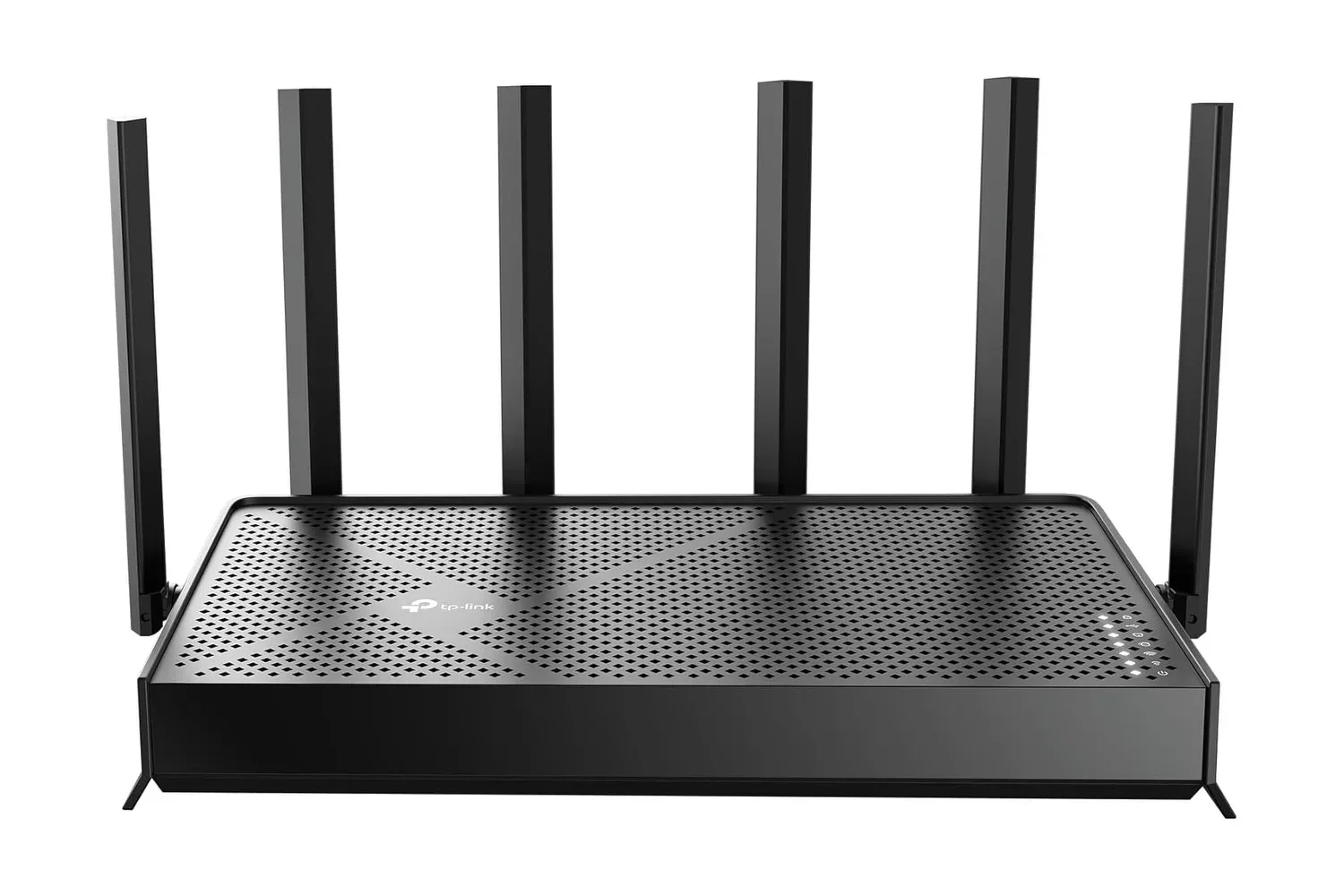
TP-Link rates the Archer BE400 for up to 90 connected devices and up to 2,400 square feet of coverage. Its hardware includes a quad-core processor, six high-performance antennas and Beamforming. Beamforming is the technique of directing wireless signal toward connected devices instead of broadcasting with no such focus, with the goal of improving the quality and reach of a connection.
Those specifications suggest the router is intended for a connected household rather than a single-console setup. A player whose machine sits at the opposite end of a hallway from the router may have a better chance at a stable link than with aging equipment, particularly if the rest of the home is active online. Still, coverage is inherently dependent on layout and construction. A square-foot estimate is useful as a product guideline, not a guarantee that every room will receive the same signal quality.
For larger homes or stubborn dead zones, the BE400 supports EasyMesh. That allows compatible TP-Link routers or extenders to be added later to broaden coverage. Buyers should not assume all TP-Link networking gear works together, however: this EasyMesh arrangement does not work with the separate TP-Link Deco mesh systems. Anyone building around an existing Deco installation should verify compatibility before treating the Archer BE400 as an expansion piece.
Wired players should pay close attention to the ports
Wi-Fi 7 is the headline, but the wired connections may be the deciding feature for a gaming PC or console placed near the router. The BE400 offers two 2.5Gbps ports: one intended for the modem or a wired device and one for LAN use. It also provides three 1Gbps LAN ports.
A 2.5Gbps port can be useful for a PC with compatible networking hardware and a multi-gig internet plan. Under that combination, it provides more local headroom than a standard 1Gbps Ethernet port, potentially shortening large game downloads when the internet service and remote download infrastructure are not the limiting factors. The source material uses a 150GB game download as the kind of task where that extra capacity can matter.
There are two cautions. First, a 2.5Gbps LAN port will not create multi-gig broadband where the plan only offers gigabit or lower service. Second, one of the router’s two 2.5Gbps ports is allocated to the modem or WAN side, while the other is the 2.5Gbps LAN connection. Prospective buyers should map out their desired setup rather than simply counting the ports in the headline specification.
The USB 3.0 port is available for shared storage, adding a non-gaming convenience for a household that wants network-accessible files. And for those considering a broader PC desk refresh rather than network hardware alone, the site’s coverage of the Samsung 57-inch Odyssey Neo G9 deal looks at a very different, display-focused upgrade.
Security and network separation are part of the pitch
The BE400 uses TP-Link HomeShield for parental controls and real-time protection for smart-home devices. It can also place those devices on a private IoT network. IoT, short for the Internet of Things, refers here to connected household products such as smart devices that do not need direct access to a gaming PC or console.
Separating smart-home hardware from the primary gaming network can be a sensible organizational and security measure. It keeps different classes of connected equipment in distinct network spaces rather than treating every device as part of one undifferentiated local environment. The router additionally supports operation as a VPN client or server, allowing devices to use a VPN through the router without requiring a separate app installation on each one.
TP-Link is a signatory to CISA’s Secure by Design pledge, and setup is handled through the free Tether app. These features do not eliminate the need for basic network care, such as managing router access and keeping equipment maintained, but they round out the BE400 as more than a pure speed upgrade.
Who the $122 deal suits
At $122, the Archer BE400 is best understood as a budget-conscious step into Wi-Fi 7 for homes centered on 5GHz and 2.4GHz networking. It has a credible case for a household with Wi-Fi 7-capable devices, lots of simultaneous connections, a need for one 2.5Gbps wired LAN connection or a plan to grow coverage later with EasyMesh-compatible gear.
It is less clearly suited to shoppers who specifically want the 6GHz band or who expect a router alone to solve every online-gaming issue. Device compatibility, physical placement, broadband service and wired hardware still determine what a home can actually achieve. But for buyers whose existing router is now the oldest part of an otherwise modern setup, the Black Friday price makes the BE400 a notably accessible way to update that bottleneck.
Shop the products
Check current price, model and availability at the retailer.