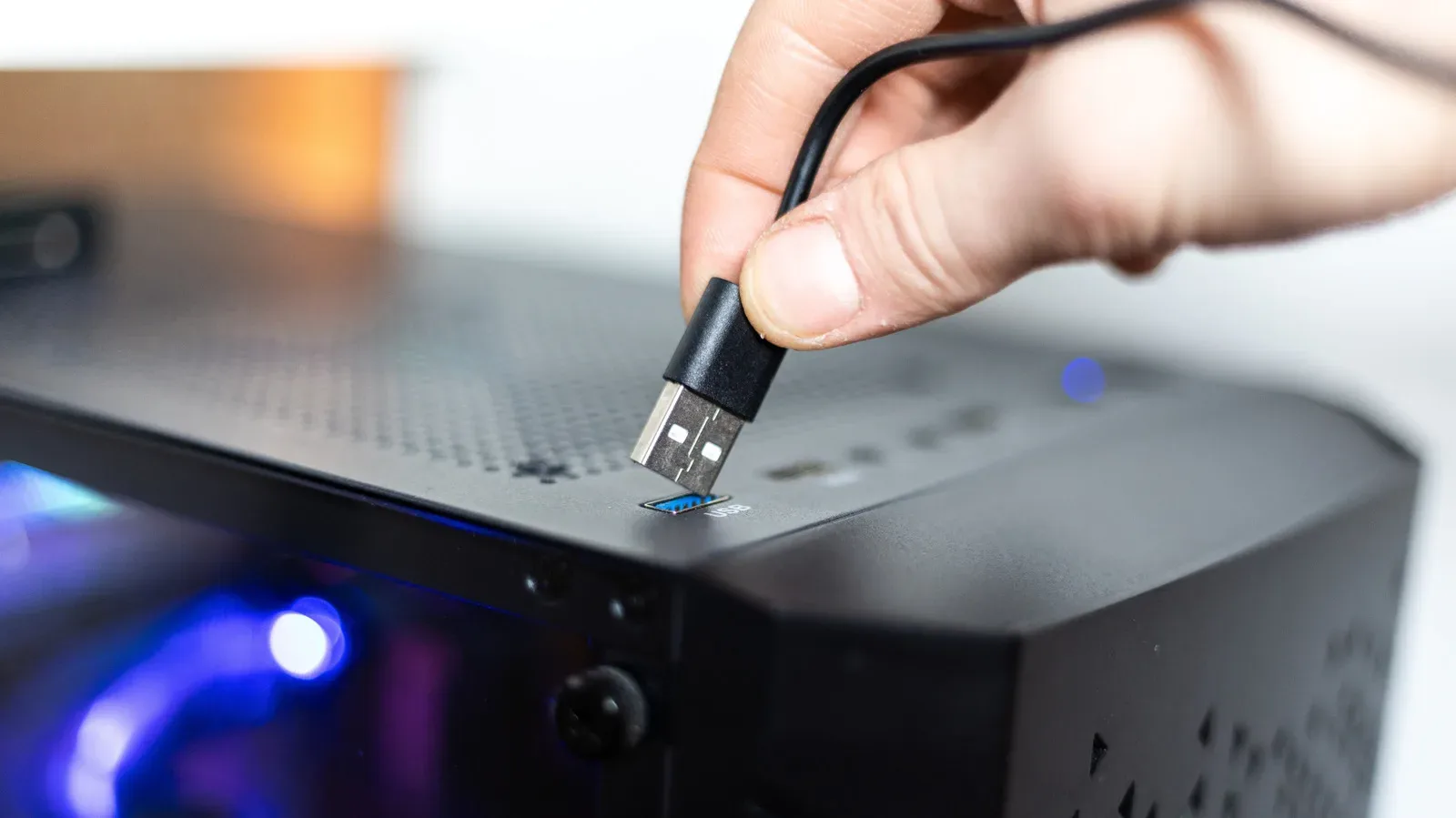
A dusty PC can make even a carefully built gaming setup feel neglected. Systems kept on the floor are especially likely to accumulate grime inside and out, and it is easy to reach for a familiar bottle of isopropyl alcohol when sticky residue or old thermal paste needs attention. But the age and condition of that bottle matter more than its label may suggest.
For electronics work, isopropyl alcohol is valued because high-concentration formulations contain relatively little water and evaporate quickly. Yet it is not a universal cleaner, and an old, long-stored bottle can gradually become a less suitable option for delicate PC parts. The problem is not that a bottle abruptly becomes unusable on a particular date. It is that time, storage conditions and moisture absorption can make its actual condition less certain.
That distinction is practical for anyone doing routine desk-side maintenance, refreshing thermal paste or tidying a gaming PC before troubleshooting an issue. Cleaning should remove dust and residue without introducing lingering moisture or damaging surfaces that were never meant to meet a solvent.
Why the percentage on the bottle matters
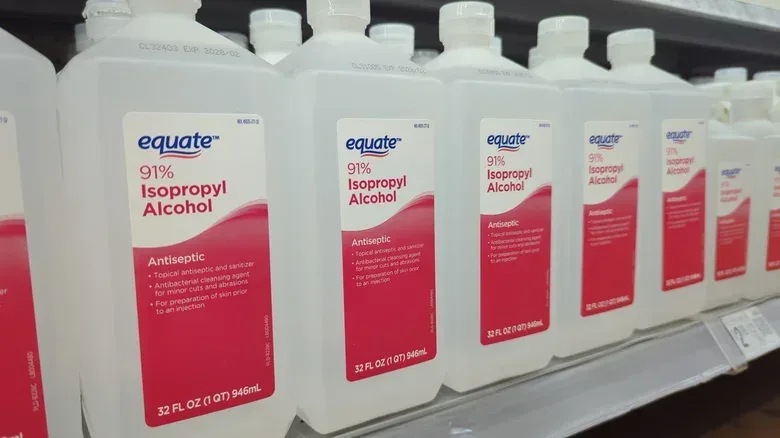
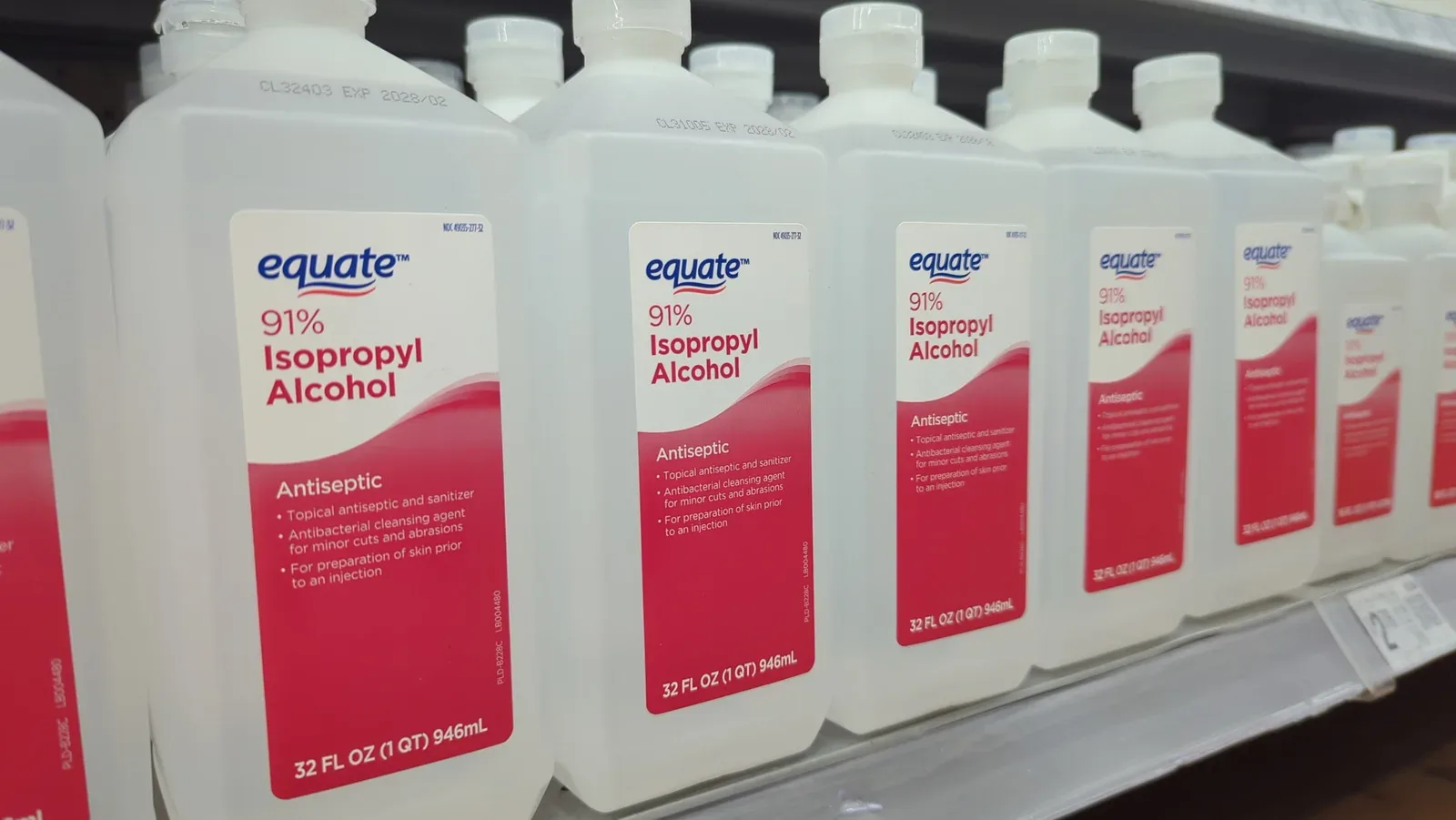
For cleaning electronics, the commonly appropriate range is 90% to 99% isopropyl alcohol. At those concentrations, the product contains less water and evaporates faster than lower-concentration alternatives. Fast evaporation reduces the chance that moisture remains where it could affect sensitive electronic components.
The percentage is not merely a marketing detail. It communicates the balance between alcohol and water in the bottle. When the intended job involves hardware with closely packed parts and electrical connections, a cleaner with less water offers a narrower margin for unwanted moisture to linger.
That does not mean isopropyl alcohol is a free pass to saturate a component. It means a fresh, high-concentration product is generally the better starting point when alcohol is needed for an appropriate task, such as dealing with sticky thermal paste. The amount used and the surface being cleaned remain important.
Old alcohol does not simply stay the same
Isopropyl alcohol has a substantial shelf life, with peak quality often described as roughly three years after manufacture, depending on the brand. A bottle that passes that point does not automatically become bad. Storage away from excessive heat and sunlight can help preserve it, and an expiry point should not be treated as a magical overnight change.
However, a bottle that has spent many years in a cabinet is a different proposition from a relatively recent one. Isopropyl alcohol is hygroscopic, a technical term meaning it can attract water molecules from its surroundings. Over time, moisture can enter through very small gaps, including when a bottle has been capped.
Related coverage includes Why Old Isopropyl Alcohol Can Be a Risk When Cleaning a PC.
As that happens, the alcohol becomes diluted. Isopropyl alcohol can absorb moisture until it reaches an approximate equilibrium of 65% alcohol and 35% water. That is far from the 90% to 99% range generally preferred for electronics cleaning. The longer a bottle has been sitting, the greater the reason to question whether it still has the low-water composition that made it useful for the task in the first place.
The key risk is therefore not simply the calendar age of the product. It is the possibility that an unknown amount of water has become part of the mix, combined with the fact that PC hardware is exactly the kind of sensitive equipment for which avoiding unnecessary moisture is sensible.
What this means for PC maintenance
For a gamer or PC owner, this is a case for choosing the least aggressive effective method rather than treating every speck of dirt as an alcohol-cleaning job. Dust is not the same problem as adhesive residue, and a plastic side panel is not the same surface as a metal heat spreader or a coated display.
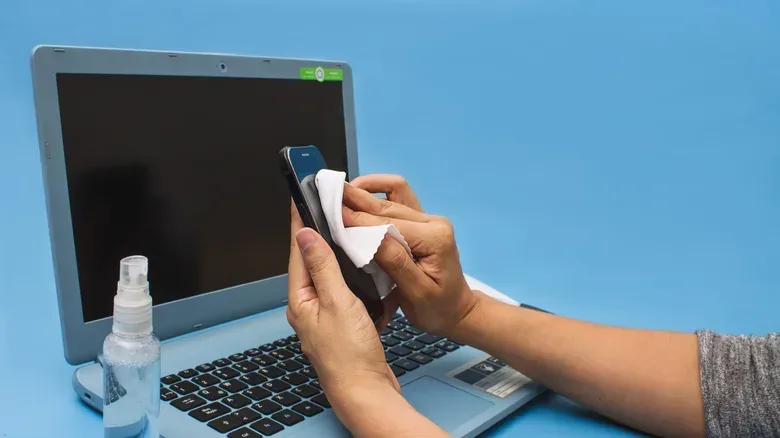
Compressed air and a microfiber cloth can handle many common cleaning needs without bringing alcohol into the process. A microfiber cloth is especially useful for gently lifting surface dust, while compressed air can help remove dust from places a cloth cannot reach easily. These options are appropriate alternatives when alcohol would be unnecessary or could affect the finish.
Dust filters are another separate case. They can be rinsed with water, provided they are allowed to dry thoroughly before being returned to the PC. That is an important condition: water may be suitable for the removable filter itself, but it does not belong on powered or sensitive computer parts.
When troubleshooting a PC issue, cleaning is only one part of the process. A keyboard problem, for example, may require methodical checks before a repair is booked. Our guide to working through MacBook keyboard fixes before arranging a repair covers that more diagnostic-minded approach.
Surfaces where alcohol can cause its own trouble
Even fresh, high-concentration isopropyl alcohol has limits. It is not suitable for every material found on or around a PC. Acrylic and polycarbonate parts can become cloudy when exposed to it. That matters for cases, windows and other clear panels, where a cosmetic mark can be difficult or impossible to reverse.
Alcohol can also smear or dull painted, printed and glossy finishes. A visually clean case panel is not much of a win if lettering, a decorative coating or a glossy surface is left looking worse afterward. This is why a cleaning approach should be selected based on the material, rather than applying one all-purpose routine to every visible surface.
Displays deserve particular caution. If a screen uses a special coating, its manufacturer should approve the use of isopropyl alcohol before it touches the panel. A screen coating is a surface treatment, and the fact that alcohol may be used safely in one electronics-cleaning context does not establish that it is safe for every display finish.
Rubber seals and gaskets are another concern. Repeated exposure to isopropyl alcohol can dry them out over time. That makes alcohol a poor choice for regular cleaning of areas where rubber components are present, especially when a microfiber cloth or compressed air can achieve the needed result without that trade-off.
A cautious checklist before using alcohol
A careful PC-cleaning routine can be short and practical:
- Check the concentration. For electronics cleaning, use alcohol in the 90% to 99% range rather than assuming any bottle marked “isopropyl” is equivalent.
- Consider the bottle’s age and storage. A relatively new bottle stored away from heat and sunlight is a more dependable option than one that has sat for many years.
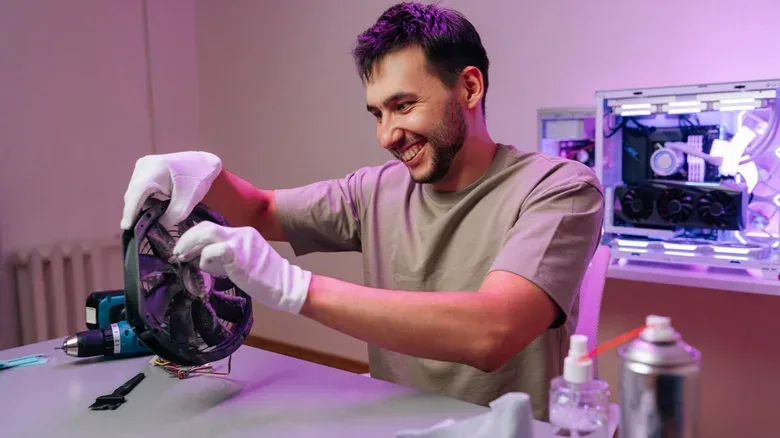
- Match the method to the job. Reserve alcohol for appropriate residue, including sticky thermal paste, rather than routine dust removal.
- Identify the material first. Avoid using alcohol on acrylic, polycarbonate, painted, printed or glossy areas where it can cloud, smear or dull the finish.
- Verify display guidance. Check manufacturer approval before using it on a screen with a special coating.
- Use alternatives where they fit. Compressed air and a microfiber cloth cover many cleaning scenarios; removable dust filters can be rinsed and then thoroughly dried.
The practical takeaway: freshness is part of the tool choice
PC cleaning is often framed as a simple choice between “clean” and “dirty,” but the safer question is whether a specific cleaner is suitable for a specific material and job. An old bottle of isopropyl alcohol may look unchanged, yet its hygroscopic nature means it can slowly take on water and lose the high concentration that makes it better suited to electronics work.
That does not make every older bottle an emergency, nor does it mean alcohol has no place in PC maintenance. It does mean that a decade-old bottle is not the ideal thing to trust around sensitive components when the aim is to minimize moisture exposure. Fresh 90% to 99% alcohol, used only where the material permits it, is the more cautious choice. For everything else, the modest combination of compressed air, a microfiber cloth and fully dried washable filters can keep a gaming PC presentable without turning routine maintenance into a preventable hardware risk.