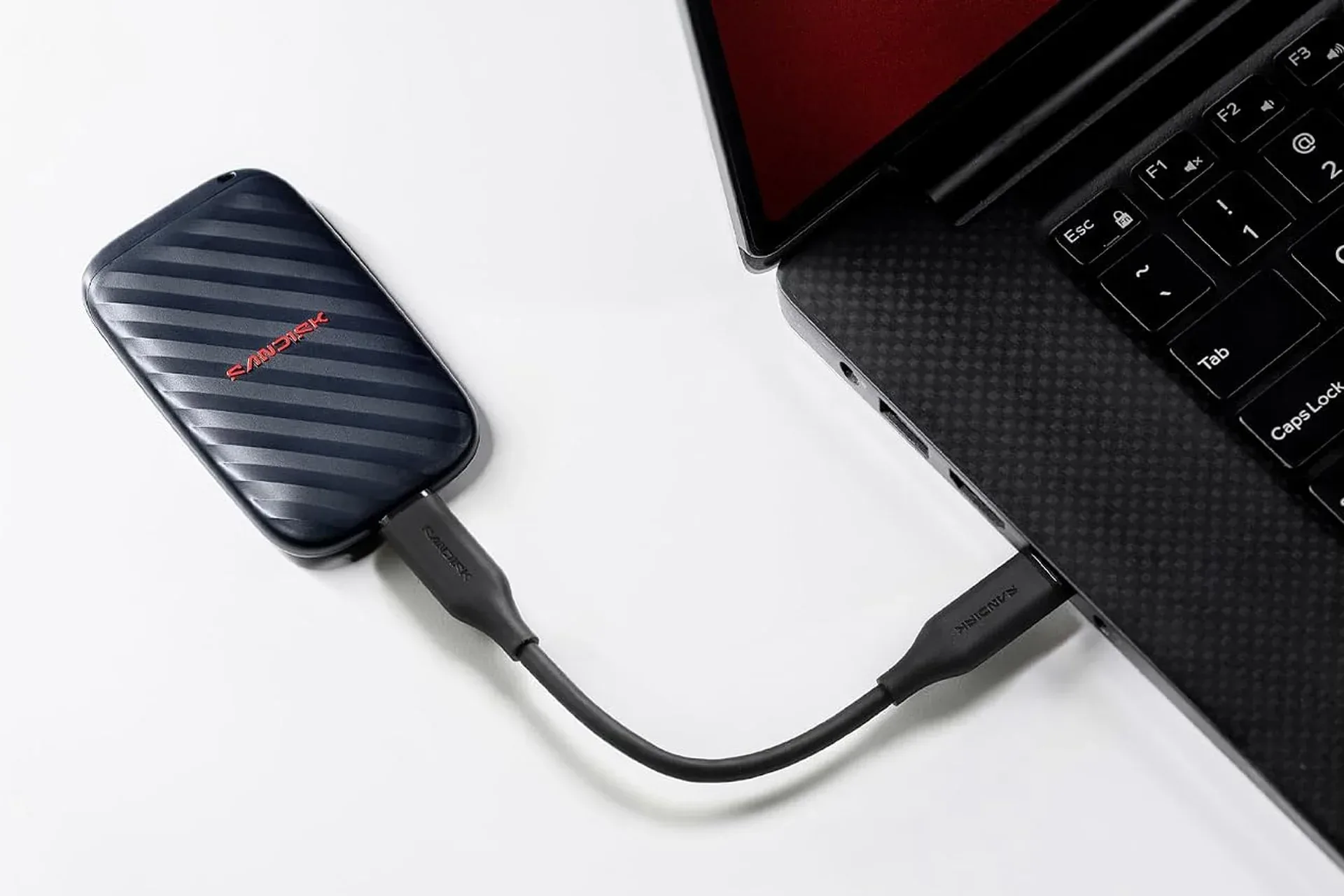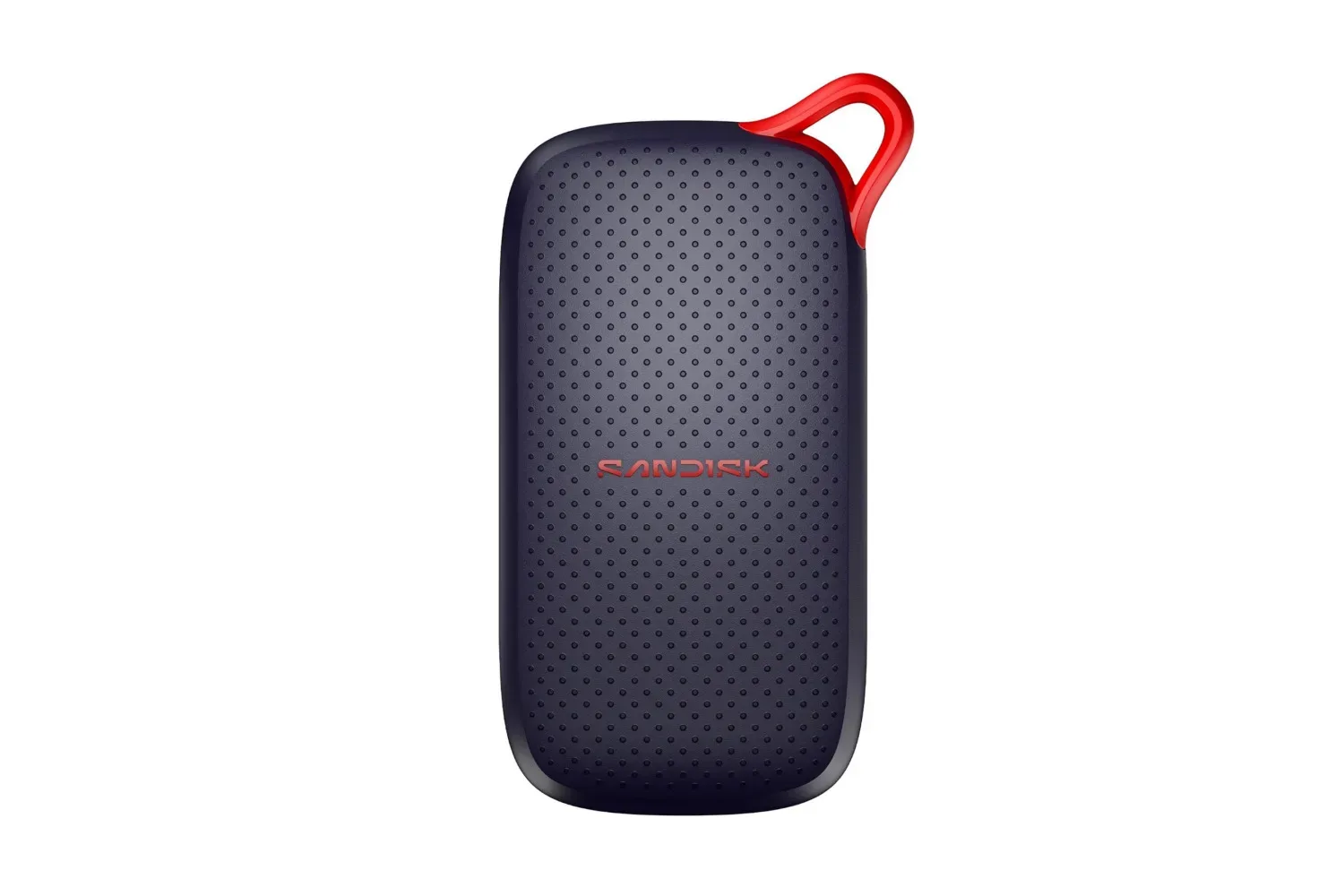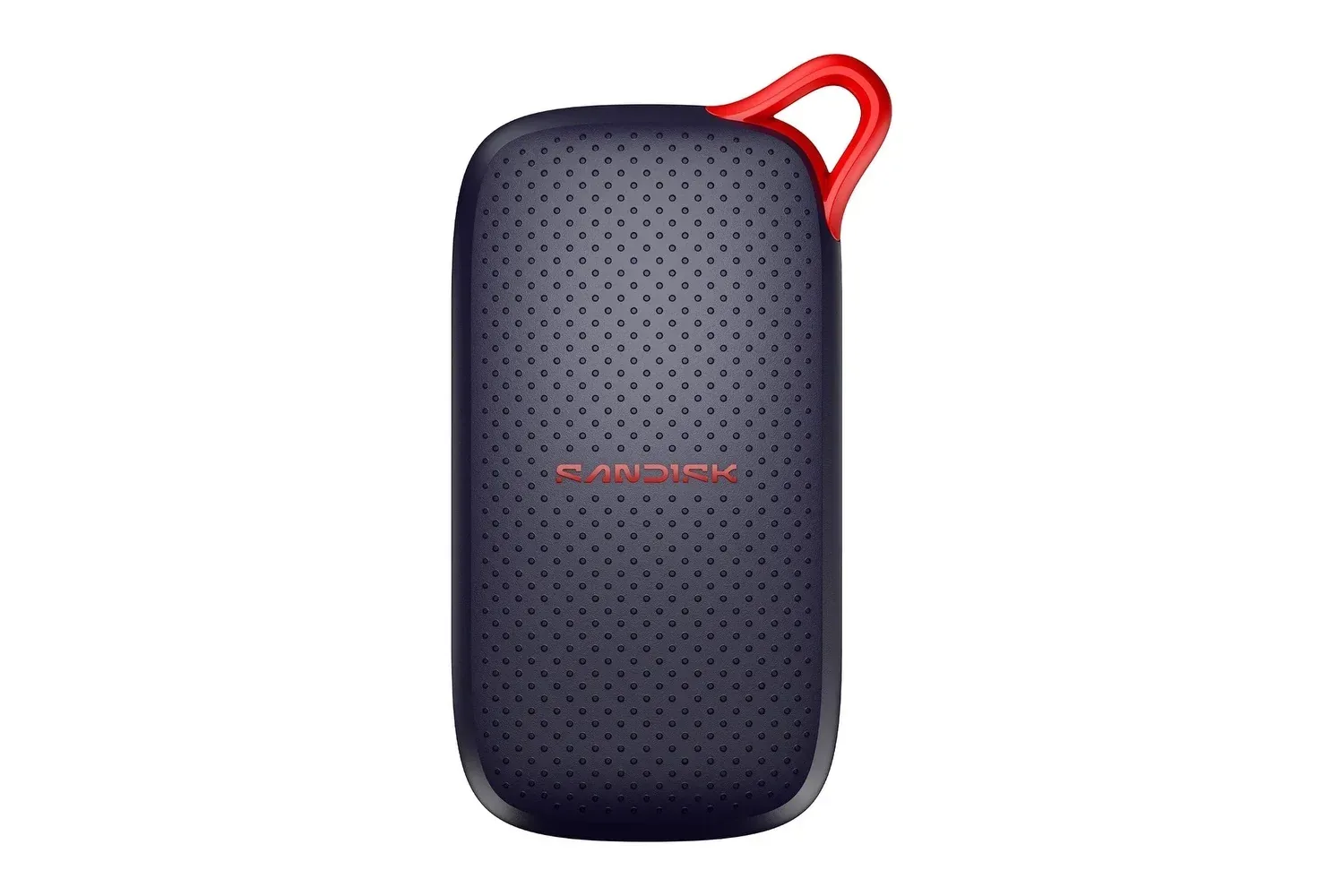
Portable storage is one of those PC-gaming purchases that is rarely exciting until a game library, capture folder or project archive eats the last of a laptop’s free space. A SanDisk 2TB Portable SSD is currently listed at $300, positioned as a compact USB-C drive for moving large files between systems, keeping backups nearby or expanding the practical space available for a library that does not fit comfortably on an internal drive.
The specifications attached to the listing are straightforward: 2TB of capacity, read speeds of up to 1,000MB/s, USB-C through a USB 3.2 Gen 2 connection, and testing for drops of up to 2 meters. SanDisk also includes a three-year limited warranty. Those are useful attributes for anyone carrying files between a desktop, laptop or tablet, but there is one important wrinkle in the deal framing: the stated discount math is inconsistent.
The listing describes a $300 sale price from $406, alongside a claimed $72 saving and a 26% reduction. A fall from $406 to $300 is actually $106, and $106 is approximately 26% of $406. In other words, the percentage aligns with the two prices, while the dollar-saving figure does not. That does not establish what a shopper will see at checkout or what the appropriate comparison price is; it does mean buyers should treat the $300 price as the meaningful number and verify both the live price and any reference price before buying.
What the drive offers on paper
This is an external solid-state drive, or SSD. Unlike a traditional external hard drive, an SSD has no mechanical moving components. That design is relevant to portable use because a device that lives in a backpack, pocket or jacket is more likely to experience knocks and drops than a drive that stays on a desk.
SanDisk says this model has been tested to withstand drops from as high as 2 meters. That is a durability rating, not a promise that a drive and its data will survive every impact or condition. It nevertheless gives the product a more travel-minded profile than a larger, more cumbersome external drive. The small black enclosure is intended to be easy to carry day to day.
- Capacity: 2TB for large folders, backups, media and game libraries.
- Connection: USB-C using USB 3.2 Gen 2.
- Advertised read performance: up to 1,000MB/s.
- Durability claim: tested for drops of up to 2 meters.
- Warranty: three-year limited warranty.
The specification that needs the most context is “up to 1,000MB/s.” MB/s means megabytes per second, a measure of data-transfer throughput. “Up to” is equally important: it describes a maximum rather than a guaranteed result for every computer, cable, file type or task.
The listing specifically says reaching that top read speed requires a USB 3.2 Gen 2 port. USB-C describes the connector shape, while USB 3.2 Gen 2 refers to the interface capability behind that port. A USB-C-shaped connection alone does not guarantee the advertised performance. For shoppers who want the drive principally for fast transfers, confirming that their computer has the required USB 3.2 Gen 2 support is more useful than assuming every USB-C port behaves identically.
Why it may matter for a PC game library
Capacity is the immediate draw. Two terabytes can be used to keep a sizeable game library separate from the internal storage of a laptop or desktop, or to hold installation files and personal data in one portable place. It can also make room on a primary system by moving less frequently used files elsewhere.
But storage capacity and game performance are not the same question. The provided details support the drive as a fast portable option for copying data and accessing large files, particularly when used with a compatible USB 3.2 Gen 2 connection. They do not establish how any particular game will load, whether every game platform supports external installation in the same way, or whether a given game is best run from external storage. Those decisions depend on the computer and the platform’s own requirements.
For PC players, the clearest use case is practical file management. A portable SSD can make it easier to transfer a game archive, move recordings to another computer, keep screenshots and clips out of a crowded internal disk, or preserve local files before making changes to a machine. The same applies to creators working with gameplay footage, where large video files can quickly consume available space.
The 1,000MB/s read-speed claim is also relevant to workflows beyond a game install. The drive is presented as suitable for opening and working with large files, including photo editing and video projects, rather than solely functioning as cold storage. Someone alternating between computers may value having an active project on a small external device instead of repeatedly copying it onto each machine.
That distinction is worth making because “backup” and “working drive” are different jobs. A backup is a separate copy intended to protect files if the original is lost or damaged. A working drive is where files are actively opened and changed. The SanDisk unit can be used for either general purpose, but a person with irreplaceable save data, recordings or work should think about redundancy rather than treating a single portable drive as the only copy.
A practical compatibility check before purchase
The drive connects by USB-C and is intended for desktops, laptops and tablets. Setup is described as connecting the supplied cable, then using ordinary drag-and-drop file transfers. That makes the fundamental use case uncomplicated, yet the best buying decision still starts with the host device.
- Check the port: Verify that the device has USB-C and, if speed is a priority, that it supports USB 3.2 Gen 2.
- Identify the workload: Decide whether the drive is for transfers, a portable game and media library, active photo/video work, backups, or a mixture of those jobs.
- Plan the files: Keep track of where important saves, recordings and documents live before moving or deleting anything from internal storage.
- Confirm the live offer: Check the item price at checkout and compare it with the reference price displayed there, given the discrepancy in the advertised dollar saving.
A player whose main concern is clearing a laptop’s internal drive may care most about 2TB of room and the compact form. A person frequently moving multi-file projects between machines is more likely to care about the compatible high-speed USB connection. For someone who travels, the lack of moving parts and the stated 2-meter drop testing are the more meaningful parts of the specification sheet.
Price is the headline, but verification is part of the deal
At the listed $300, this is a premium-priced way to add portable 2TB storage, with the main selling points being its compact design, USB-C connectivity, claimed 1,000MB/s read speed and travel-oriented durability. It may be a sensible fit for users replacing a bulkier external hard drive or those who need frequent access to large files outside a single PC.
Still, the mixed savings figures should keep the decision grounded. The stated $406-to-$300 change supports a $106 difference, not $72. Shoppers should assess the current checkout price rather than relying on a percentage badge or a conflicting savings line. Anyone timing wider seasonal game purchases may also want to weigh storage needs alongside ongoing promotions, such as the PlayStation Store Black Friday sale, rather than assuming that a storage discount must be acted on immediately.
The portable SSD’s core proposition remains clear: substantial external capacity in a pocket-friendly form, with a connection standard capable of fast reads when paired with the right port. Just make the final judgement on the actual price, the machine it will connect to and the specific files it needs to carry.
Shop the products
Check current price, model and availability at the retailer.