Valve’s Steam Frame appears to be built around a clear, bold proposition: make PC VR feel less like arranging cables around a small nervous animal and more like simply putting on a headset. Its strongest reported feature is not raw standalone power, mixed-reality tricks or a bargain price. It is the effort to make wireless streaming from a gaming PC feel credible enough that PC players can leave the tether behind.
That focus gives the headset a distinct identity. The Steam Frame is a standalone SteamOS device, but it also ships with a wireless dongle designed to establish a dedicated route on a home network for PC game streaming. In reported month-long use, that setup produced sharper, smoother VR streaming than Steam Link on a Meta Quest 3 in games including Blade & Sorcery and Walkabout Mini Golf. Eye tracking and foveated streaming are central to the idea: the headset can concentrate streaming detail on the area the player is directly looking at, rather than treating every part of the image identically.
There is, however, a very large asterisk shaped like a price tag. The entry configuration is listed at $1,049 / £889, while the 1TB version is listed at $1,089 / £1,299. Both include Half-Life: Alyx. That is dramatically above the $599 cited for Meta’s Quest 3, even before prospective buyers weigh the Frame’s battery compromises, optional charging hardware and narrower glasses fit. Steam Frame may make a compelling case for a particular sort of established PC-and-VR enthusiast, but it is not positioning itself as a casual experiment in virtual reality.
Steam Frame is a different answer to the old PC VR problem
The original Valve Index put a premium on a direct, lossless connection to a gaming PC. Steam Frame takes the opposite route. It is lightweight, portable and entirely wireless; there is reportedly no means to connect it directly to a GPU via DisplayPort or another wired PC connection.
That omission matters because a wired setup removes a major variable from VR: wireless encoding, decoding and network latency. Latency is the delay between an input or movement and its visible response. In a headset, excessive latency can spoil both responsiveness and comfort. A direct video cable is the conventional way to minimize it. Steam Frame instead asks players to trust its dedicated wireless approach and its Wi-Fi 7 connectivity.
The payoff, when conditions cooperate, seems substantial. PC-streamed VR reportedly looks cleaner than games running locally on the device, with improved detail and less visual noise. The Frame also exposes more remote visual and graphics controls than the Steam Link interface available on Quest 3, offering owners more scope to tune the streamed experience. This is an important distinction: Steam Frame’s most persuasive use case is not merely “a headset that happens to run Steam.” It is a premium peripheral for someone who already has a capable PC and a sizable Steam library.
The missing wired option remains difficult to ignore. A DisplayPort connection would have given buyers a fallback for situations where a wireless network is unreliable, and it could have expanded the Frame’s relevance for players seeking maximum image fidelity. Its absence makes the product’s design philosophy admirably focused, but also less flexible.
Lightweight hardware, awkward eyewear fit and an unfortunate accessory decision
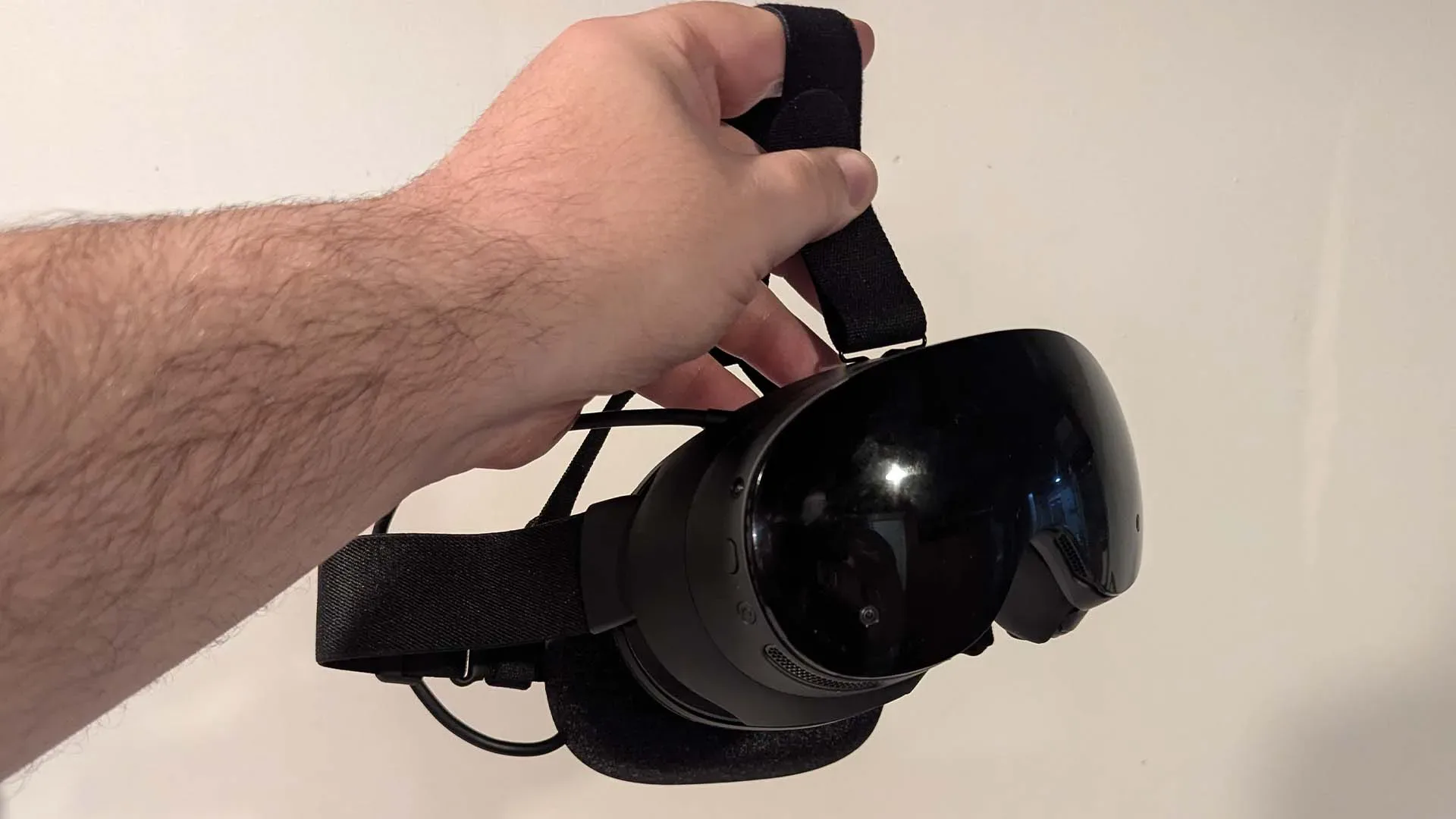
At 440g, Steam Frame is lighter than the cited 514g Meta Quest 3S and 515g Quest 3. The battery is positioned at the rear of the head strap, which helps distribute weight rather than concentrating it at the front of the face. That balance, along with plush cushioning and adjustable elastic headband sliders, reportedly makes it comfortable for extended wear and particularly suitable for movement-heavy VR play.
Related coverage includes Steam Frame Review: Valve's Wireless VR Headset Makes a Powerful Case for PC Gaming Beyond the Deck.
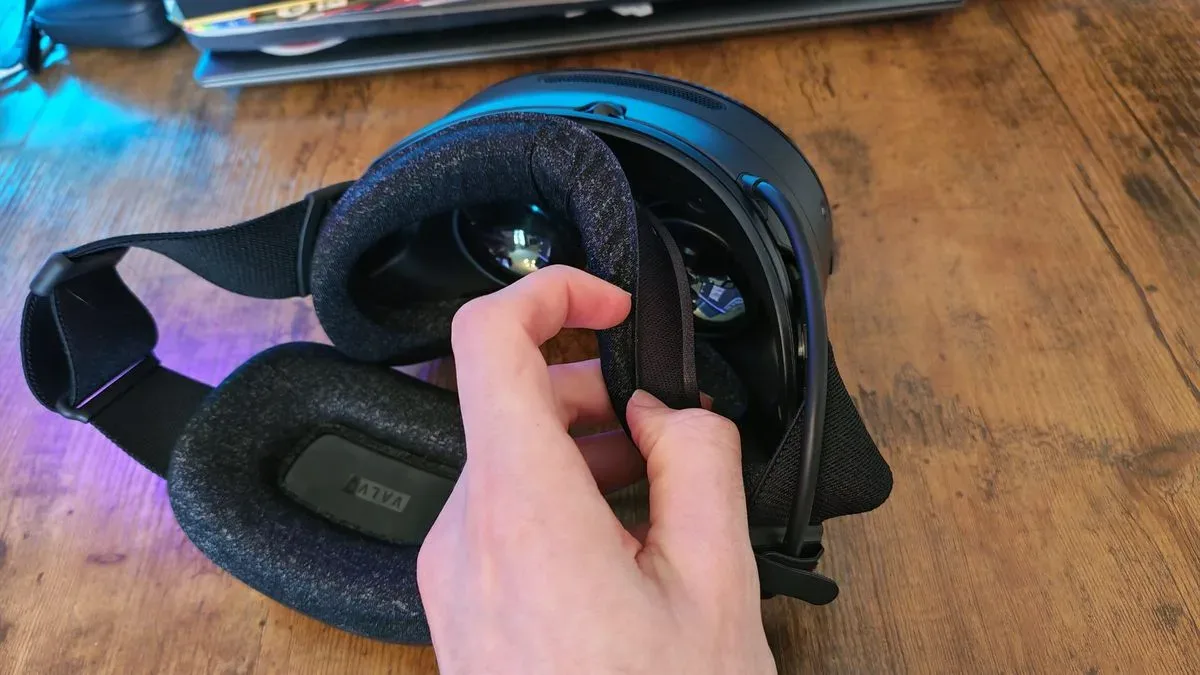
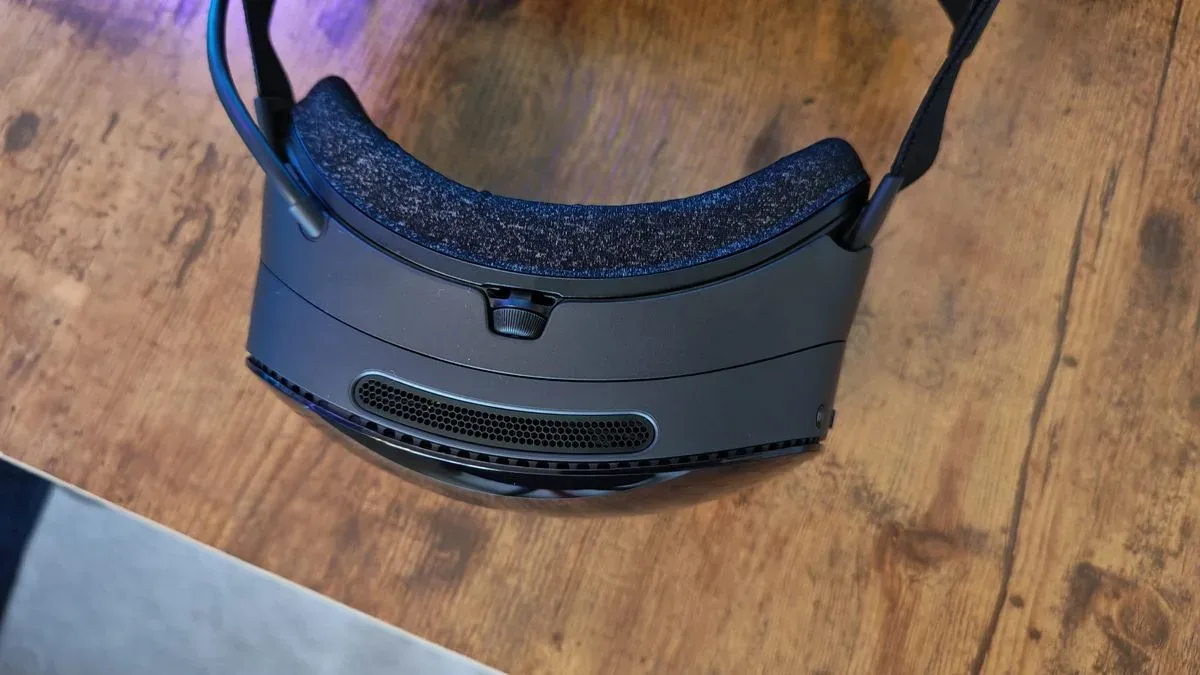
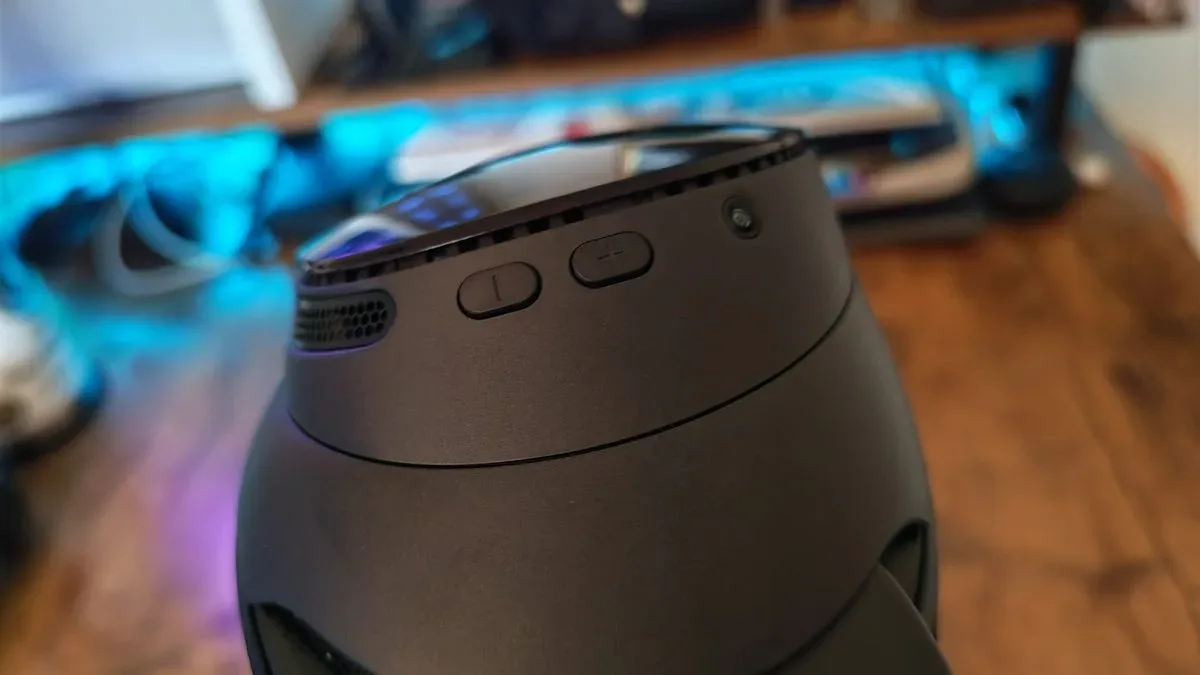
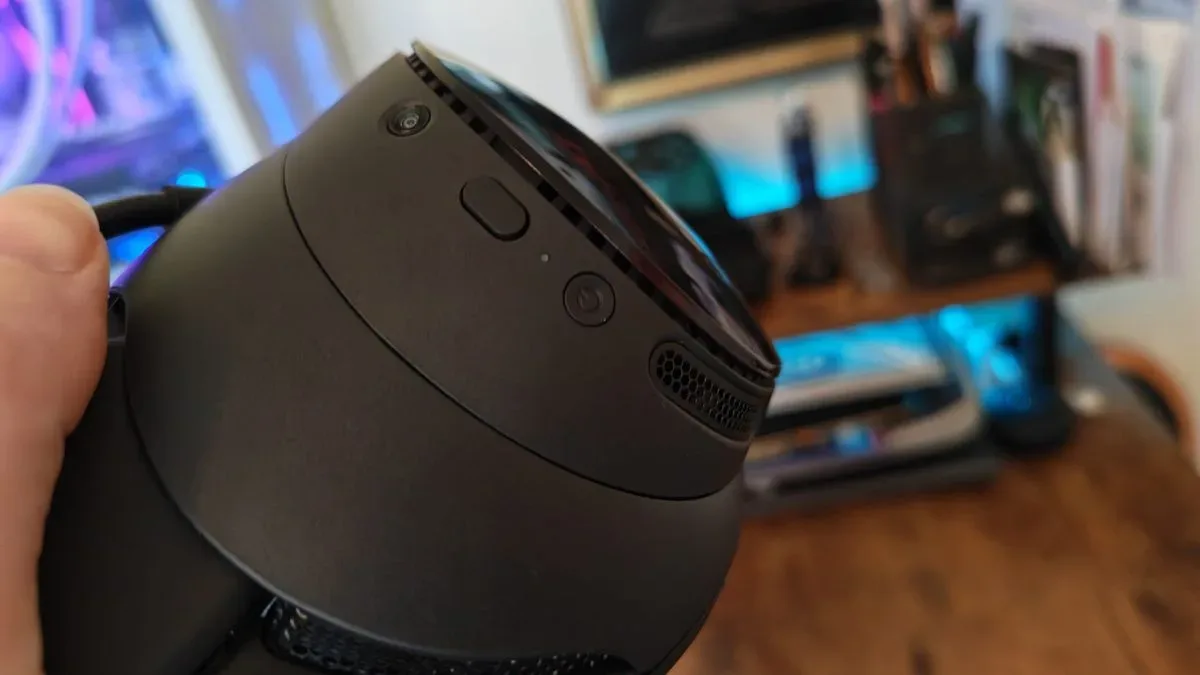
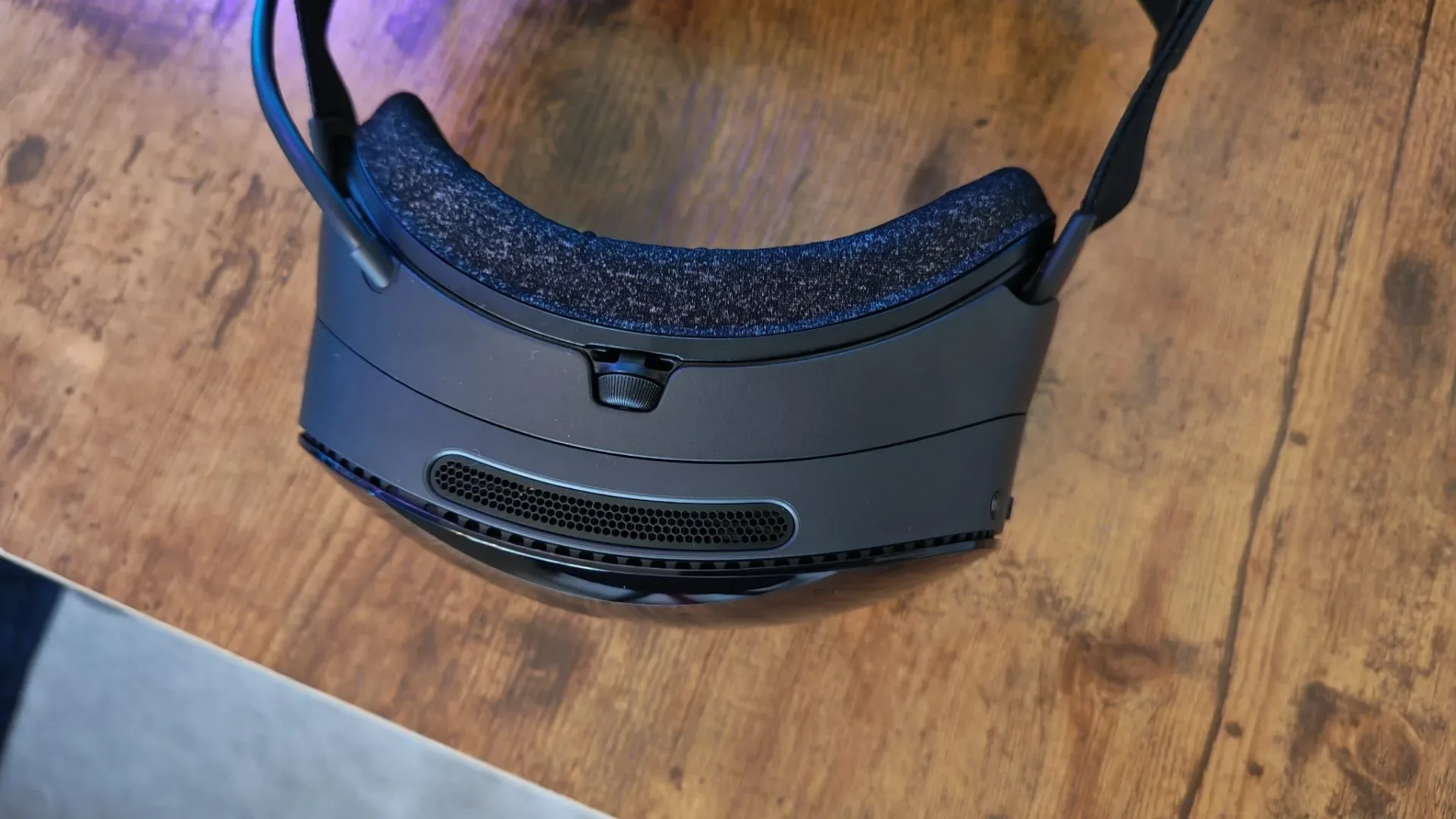
Its facial interface attaches magnetically, making it simple to remove and replace. There are physical controls for power, interaction and volume, plus a lockable IPD adjustment wheel. IPD, or interpupillary distance, is the spacing between a person’s pupils; matching a headset’s lens spacing to the user’s eyes helps preserve clarity and comfort. A top vent exhausts internal heat, and the headset was reported to feel comparatively cool during use.
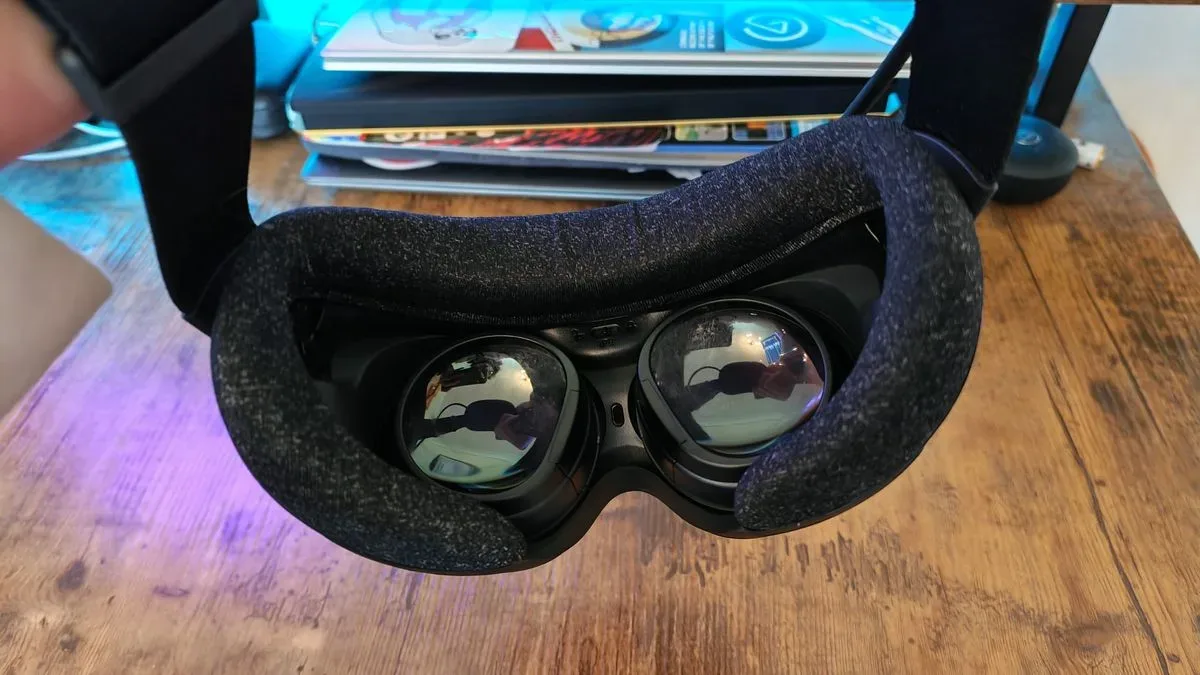
Not every physical design choice lands. The inner space is said to be narrow enough that two pairs of relatively large-lens glasses could not be worn inside, even with the included glasses spacer. That makes prescription inserts a potentially important purchase for players who need glasses to see fine detail. It is a practical limitation worth treating seriously rather than as a footnote. VR is already a product category that asks players to put a small computer on their face; it should not then reject their face’s existing accessories.
The package strategy also raises eyebrows. A separate $59 / £59 accessory pack includes an extended nose light blocker, controller hand wraps, a top strap and, crucially, the power adapter. The charging cable required to plug the headset into a wall is not included with the base purchase. That decision is particularly hard to defend given the reported battery performance. A headset sold on freedom from wires still needs to meet a wire quite often, apparently after stopping by an additional checkout screen.
Specifications favor the Frame, but not in every category
Steam Frame uses a 4nm Qualcomm Snapdragon 8 Gen 3 ARM64 processor, 16GB of unified LPDDR5X RAM, 256GB or 1TB of storage and microSD expansion. Its two LCD displays offer 2160 × 2160 pixels per eye, for 4320 × 2160 total, alongside 72Hz, 90Hz, 120Hz and experimental 144Hz refresh modes. It shares a 110-degree field of view and pancake lenses with Quest 3.
Pancake lenses are a compact lens design associated here with a wider area of usable focus. Steam Frame adds eye tracking, which enables its foveated streaming approach. In simple terms, foveated techniques dedicate more image quality to the region around a player’s gaze and reduce the rendering or streaming burden away from it. It is a practical way to spend performance where the eyes are actually looking.
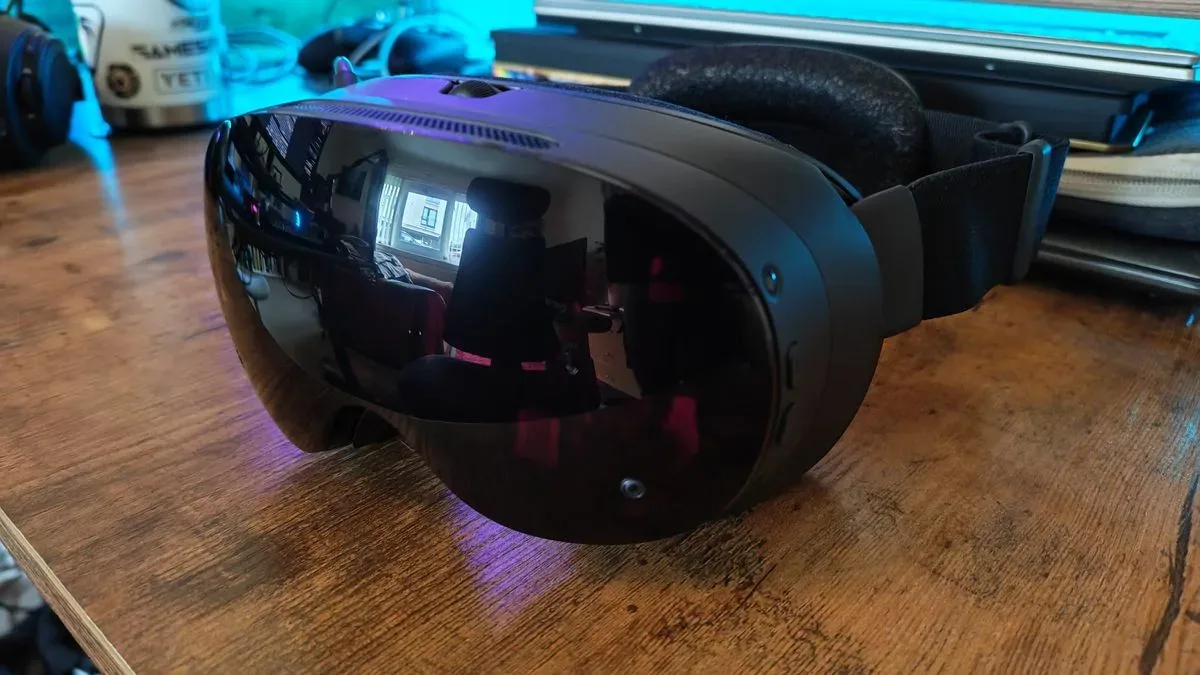
Compared with Quest 3, the Frame has more memory, higher stated resolution, more storage options, Wi-Fi 7 and eye tracking. But Quest 3 retains meaningful advantages for a different kind of buyer. Its color passthrough cameras are described as strong enough to read text on other screens, whereas Steam Frame uses four grayscale passthrough cameras and has no depth sensor. This is not necessarily a failure of Valve’s hardware. It reflects differing priorities. Steam Frame is aimed squarely at Steam games and PC streaming; mixed reality is not its defining trick.
Audio is another area where the Frame reportedly trails Quest 3. Its dual stereo drivers are functional, but sound is described as more treble-forward with less bass impact. For a costly device intended to immerse players in VR worlds and theater-sized flat-screen sessions, that is a notable compromise.
The controllers may be the cleverest part
Valve’s controller design sounds like Steam Frame’s most universally attractive element. Rather than spreading a small selection of face buttons across both hands in the usual VR fashion, the company effectively divides a conventional gamepad in two. The right controller has four face buttons, the left has a D-pad, and each gets a TMR thumbstick, trigger, grip button and bumper.
TMR, short for tunnel magnetoresistance, refers to magnetic sensing technology used for the sticks. More important to a buyer than the acronym is the broader design result: controls feel familiar to people accustomed to standard gamepads, while Steam VR Input can account for the controller layout in VR software. The D-pad can stand in for left-hand button inputs where needed.
That familiarity also supports the Frame’s odd but intriguing second job: functioning like a Steam Deck that is strapped to one’s face. Flat-screen titles can be played on the headset, and Bluetooth pairing with a traditional PC controller was reported to be quick and without noticeable latency. The included VR controllers can also be used, although streamed flat-screen games reportedly exhibited some controller latency with them.
There are caveats. The grip buttons have an additional click at the end of their travel, useful for pointer-mode menu navigation but potentially confusing in games. Tracking glitches can occur occasionally despite the controllers lacking tracking rings. Still, the reported verdict on comfort, feedback and layout is extremely positive.
Native games work, but streaming is the real attraction
SteamOS and a compatibility layer give Steam Frame an ambitious remit: it can theoretically handle x86 Windows or Linux games despite using an ARM processor. In practice, game support is likely to remain uneven. Big Walk, Hades, Sable, TowerFall Ascension and Eastward were reported to run seamlessly natively, though only Hades carried an official “great on Frame” designation among that group.
Native VR also appears playable rather than polished. Half-Life: Alyx, Blade & Sorcery and Walkabout Mini Golf can run locally, but reports describe jagged edges, background visual noise and occasional unwanted motion compared with purpose-built native software on Quest. This is a useful reminder that processor specifications do not automatically equal a perfectly optimized library. Compatibility layers help software run across architectures; they do not magically erase all performance and presentation costs.
Demanding flat-screen games are another warning sign. Dragon Ball: Sparking! Zero reportedly launched at 1080p but ran in slow motion because its frame rate was too low. Streaming was generally more successful, with Dishonored working seamlessly, but games using DLSS upscaling—including Hunt: Showdown, Control Resonant and Crimson Desert—produced mixed results. The combination of a 60fps streaming limit, connection delay and controller latency can become a poor recipe for fast, demanding games.
That uncertainty is familiar to anyone following PC compatibility and ongoing platform support. Even established games can lose access through service changes, as the all-platform outage for Dark Souls 2 and Dark Souls 3 servers illustrates. Steam Frame’s appeal will depend not just on its launch capabilities, but on continued firmware work, compatibility refinement and developer attention.
Battery life is the stubborn practical problem
Battery life is the Frame’s largest reported weakness. Running Big Walk natively initially produced an approximately one-hour session before the headset required charging. Firmware improvements and streaming rather than local processing moved that figure closer to 90 minutes. The stated range is roughly 90 minutes to two hours depending on whether games are streamed or run natively.
That is short for a headset whose central appeal is wireless freedom. Quest 3 is also not celebrated for endurance, but is cited at around two hours depending on use. The evidence suggests Valve has already improved Frame battery behavior through firmware, which is encouraging. It does not turn a sub-two-hour ceiling into a minor concern, especially for longer VR games, social sessions or a player who prefers to avoid frequent charging breaks.
Who Steam Frame makes sense for
Steam Frame’s strongest audience is specific: PC players with capable hardware, reliable home networking, substantial Steam libraries and an interest in VR that extends beyond the cheapest possible entry point. For them, its dedicated wireless setup, fine-grained streaming controls, higher-resolution displays, lightweight fit and excellent controller concept form a convincing package. The ability to use the headset for both PC VR and selected flat-screen games increases its value beyond a single genre.
It is much less clear-cut for buyers who want a standalone device first, robust mixed reality, strong speakers, long battery sessions, a wired PC option or straightforward glasses compatibility. Its price also makes it difficult to recommend purely on promise. At more than $1,000 / £800 to enter, Steam Frame needs its best scenario—a strong gaming PC and a well-behaved network—to be your scenario.
Valve’s wager is that the right wireless PC VR experience can justify that premium. The early picture suggests the company has done impressive work where it matters most to that wager. But it has also built a headset whose biggest virtues are conditional, and whose practical annoyances are difficult to dismiss. Steam Frame looks less like VR’s all-purpose rescue ship and more like a remarkably polished shuttle for PC players already waiting at the launch pad.