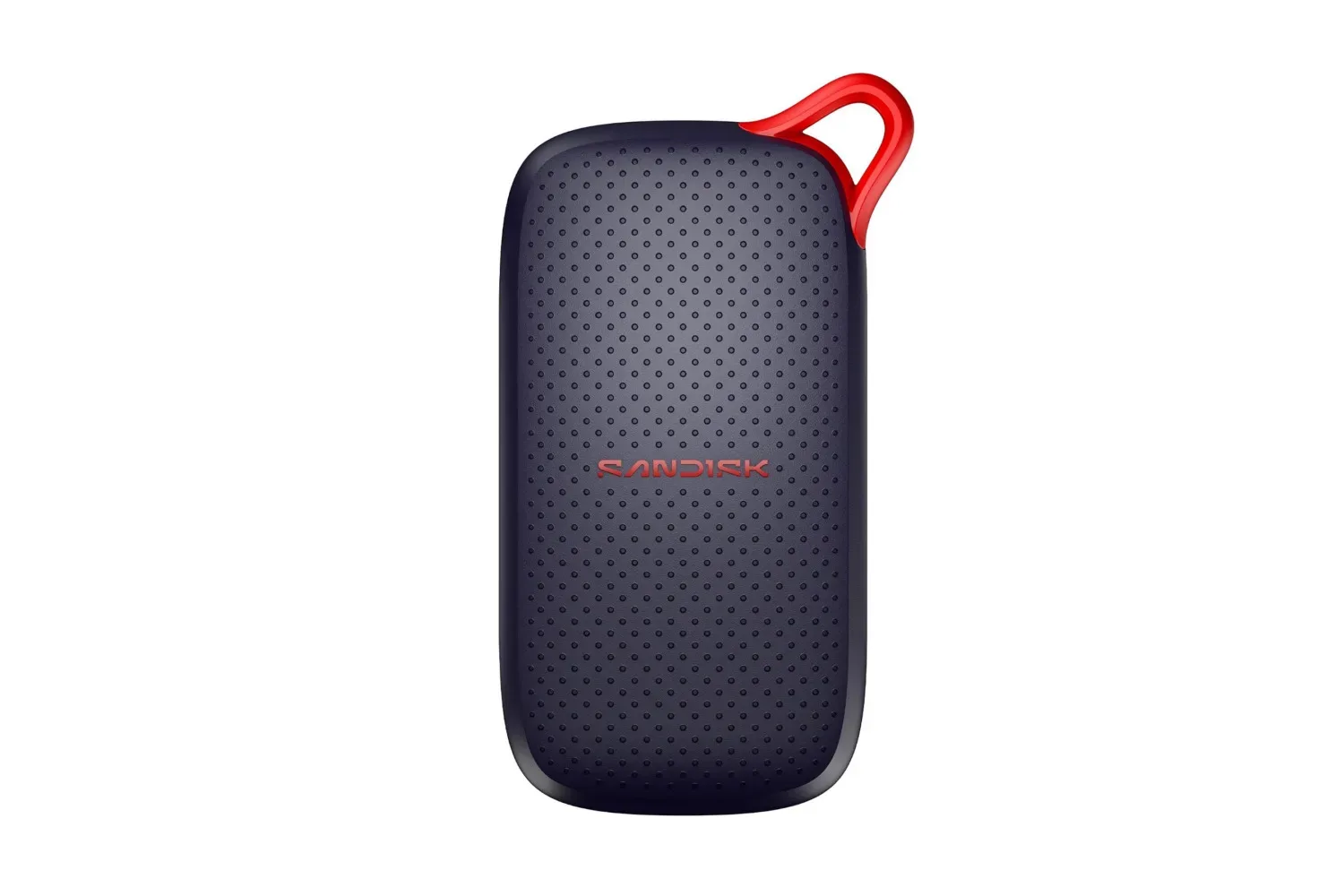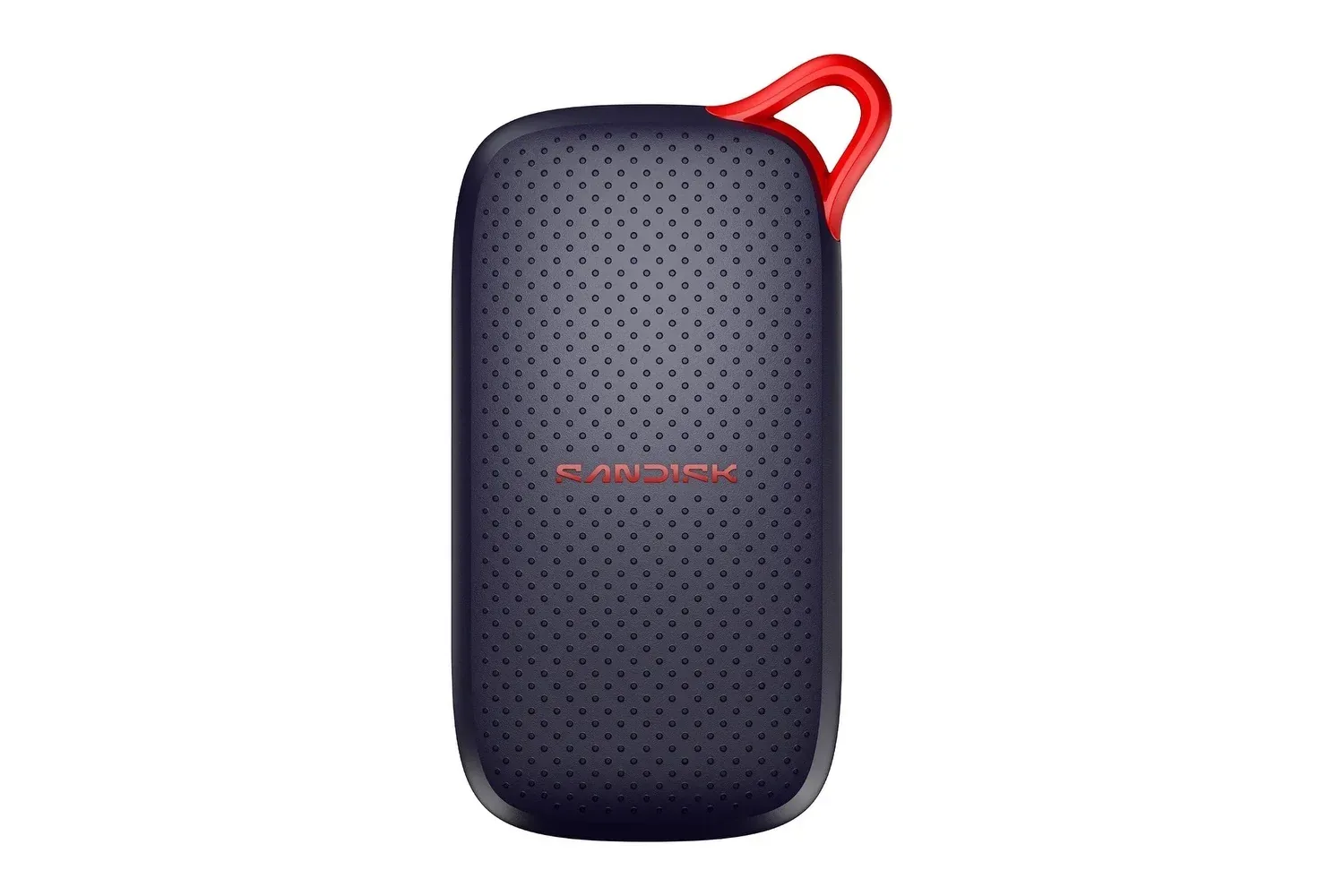
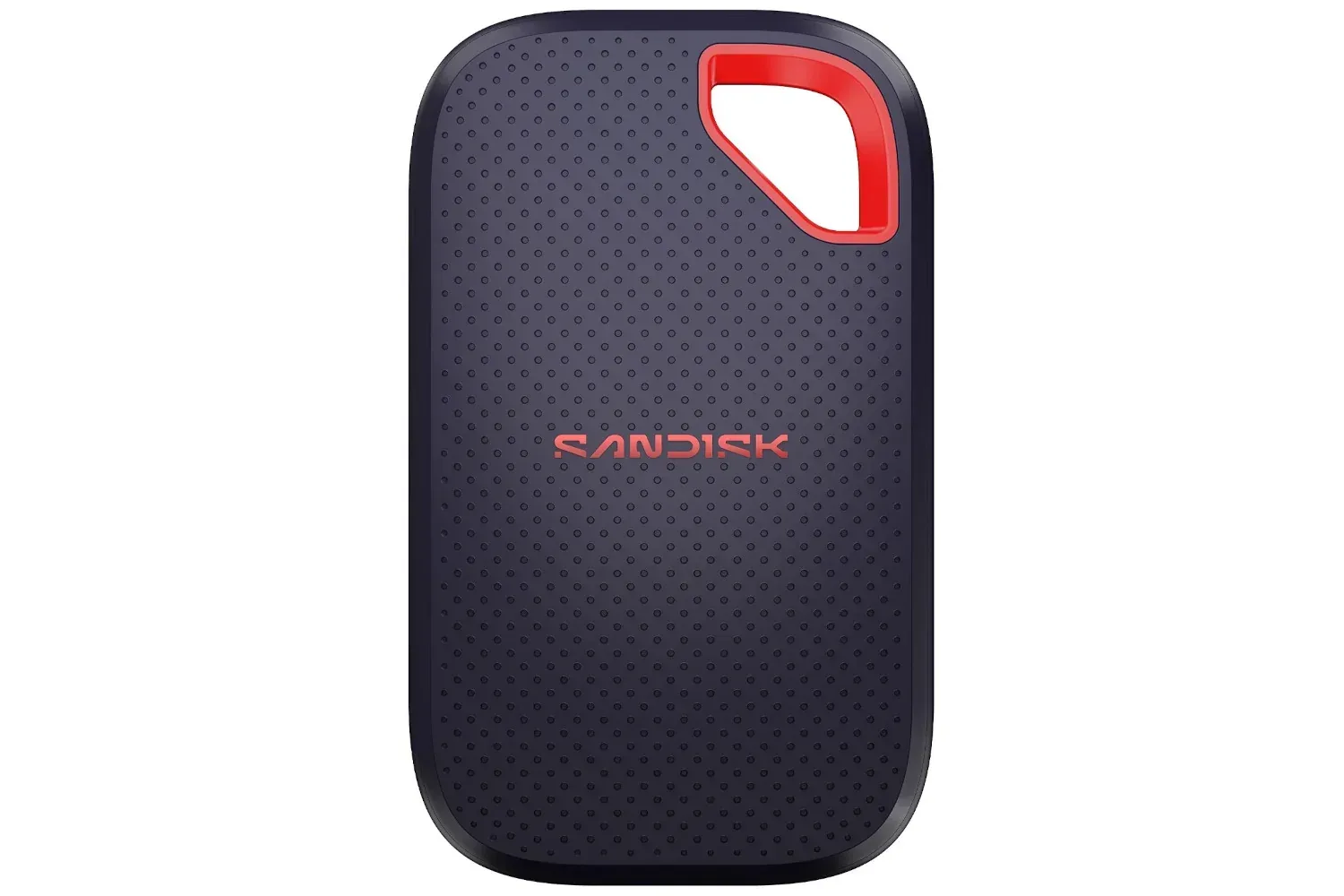
The SanDisk 1TB Extreme Portable SSD is listed at $199 during Black Friday, reduced from a stated regular price of $300. That is a $101 reduction, or roughly 34% off the reference price, for a compact external solid-state drive aimed at people who need portable storage rather than another component permanently installed in one machine.
For gaming audiences, an external SSD can be a less glamorous purchase than a controller or a game, but it can solve an immediate and practical problem: moving large libraries, captures, project files and other data between devices without relying on a slower portable drive. The 1TB capacity, pocketable form factor and stated resistance to drops, water and dust are the headline reasons this model may stand out at the discounted price.
The deal also arrives alongside a wider Black Friday wave of PC hardware discounts, including the MacBook Neo offers that cut $99 from both configurations. As always with sale listings, the more useful question is not merely whether a percentage looks big, but whether the drive’s capacity, connection, performance and portability match the intended job.
What the 1TB Extreme Portable SSD is offering
An SSD, or solid-state drive, stores data using flash memory rather than the moving mechanical parts found in a traditional hard-disk drive. That distinction matters most for portable storage: flash-based drives can be small and convenient to carry, while the absence of spinning disks removes one obvious point of mechanical vulnerability during travel.
This SanDisk model is described as small enough to slip into a pocket, with drop protection and resistance to water and dust. Those features do not turn any storage device into something to casually abuse, and they are not a substitute for backups. They do, however, address the ordinary hazards of carrying a drive between a desk, backpack and different devices. For anyone regularly transporting footage, screenshots, save-related files where supported, or a changing set of games and installs, physical portability has real value.
Capacity is the other uncomplicated advantage. One terabyte is a sizeable pool for a portable device, but not an infinite one when modern game installations and high-resolution media are involved. Whether it feels roomy depends entirely on what is stored. A player moving a selective rotation of PC games may find it ample; a creator archiving extensive video or a household treating it as a permanent catch-all may reach its limit sooner. Buyers should think in terms of their actual files rather than the attractive round number on the box.
The speed figure needs careful interpretation
The listing describes speeds of up to 2,000Mb/s. That is presented as a maximum, not a guarantee that every file, device or workflow will achieve the figure. Transfer performance can vary with the host device, the connection in use, the kinds of files being copied and other conditions outside the drive itself.
There is also a technical distinction worth checking closely: Mb/s means megabits per second, while MB/s means megabytes per second. A byte contains eight bits. Taken literally, 2,000 megabits per second is equivalent to 250 megabytes per second before allowing for any real-world overhead. These abbreviations are easy to mix up, especially in short deal copy, but they describe very different-looking numbers. Anyone purchasing specifically for sustained transfers should verify the manufacturer’s current specifications and the units used for the exact product listing before treating the headline as an expectation.
The word up to carries similar weight. It identifies a best-case ceiling rather than a minimum rate. That does not make the drive unsuitable; it simply means a storage purchase should be judged on more than its largest advertised throughput number. The device attached at the other end and the path between them must support the needed speed, too.
Why connection compatibility is the practical check
An external drive’s performance is not determined by the drive alone. A fast portable SSD can only transfer data as quickly as the computer or other host device, its port and the connecting cable allow. Compatibility also matters when the goal is gaming rather than straightforward file storage.
The listing says games can be run from the drive, which makes the product potentially appealing for PC users who want a more flexible library arrangement. But that possibility should not be generalized into a promise for every platform or every game. Game platforms and software can impose their own rules on where games can be stored, launched, transferred or played. Before buying for a console-specific use case, check that platform’s storage requirements and the exact drive connection requirements.
For PC owners, the relevant questions are simpler but still important: does the computer offer a suitable port, will the drive be used mainly to store games or to play them directly, and is the intent to move data frequently between machines? The answer changes how much value a high-capacity, compact external SSD provides.
Who the deal makes sense for
- Frequent movers of large files: A portable 1TB SSD is a logical fit for someone who needs to carry data between compatible devices rather than leave it attached to a single desktop.
- PC players managing library space: The stated ability to run games from the drive makes it relevant to users who want flexibility for supported PC game installs, while still needing to confirm their individual setup.
- People prioritizing physical portability: Its small size and stated protections against drops, water and dust give it an edge over storage intended to sit untouched on a desk.
- Anyone who values a discount against the stated $300 price: At $199, the deal changes the cost calculation substantially, provided 1TB is enough capacity for the buyer’s actual needs.
What to verify before checking out
The $199 price is the central attraction here, but a quick pre-purchase checklist can prevent an otherwise sensible deal from becoming a drawer-bound accessory.
- Confirm the exact listing and price at checkout. Retail promotions can change, and the stated sale price should be treated as time-sensitive.
- Check the speed unit. Look for whether the detailed specification uses Mb/s or MB/s, and remember that “up to” describes a maximum.
- Check the host device and cable. A portable SSD’s real transfer experience relies on compatible hardware at both ends.
- Check platform storage rules for gaming. Do this particularly if the purpose is playing games directly rather than simply holding files or moving installations.
- Plan for backups. Rugged features may reduce concern about everyday knocks and exposure, but no single drive should be the only copy of irreplaceable files.
At the stated Black Friday price, the SanDisk 1TB Extreme Portable SSD has a clear proposition: a compact external SSD with a meaningful amount of space, a claimed maximum speed figure and durability-focused features at $101 below its cited $300 regular price. It is a strong candidate for buyers whose priority is portable capacity, but the best purchase decision rests on verifying the exact specifications and ensuring the intended device can take advantage of it.
Shop the products
Check current price, model and availability at the retailer.