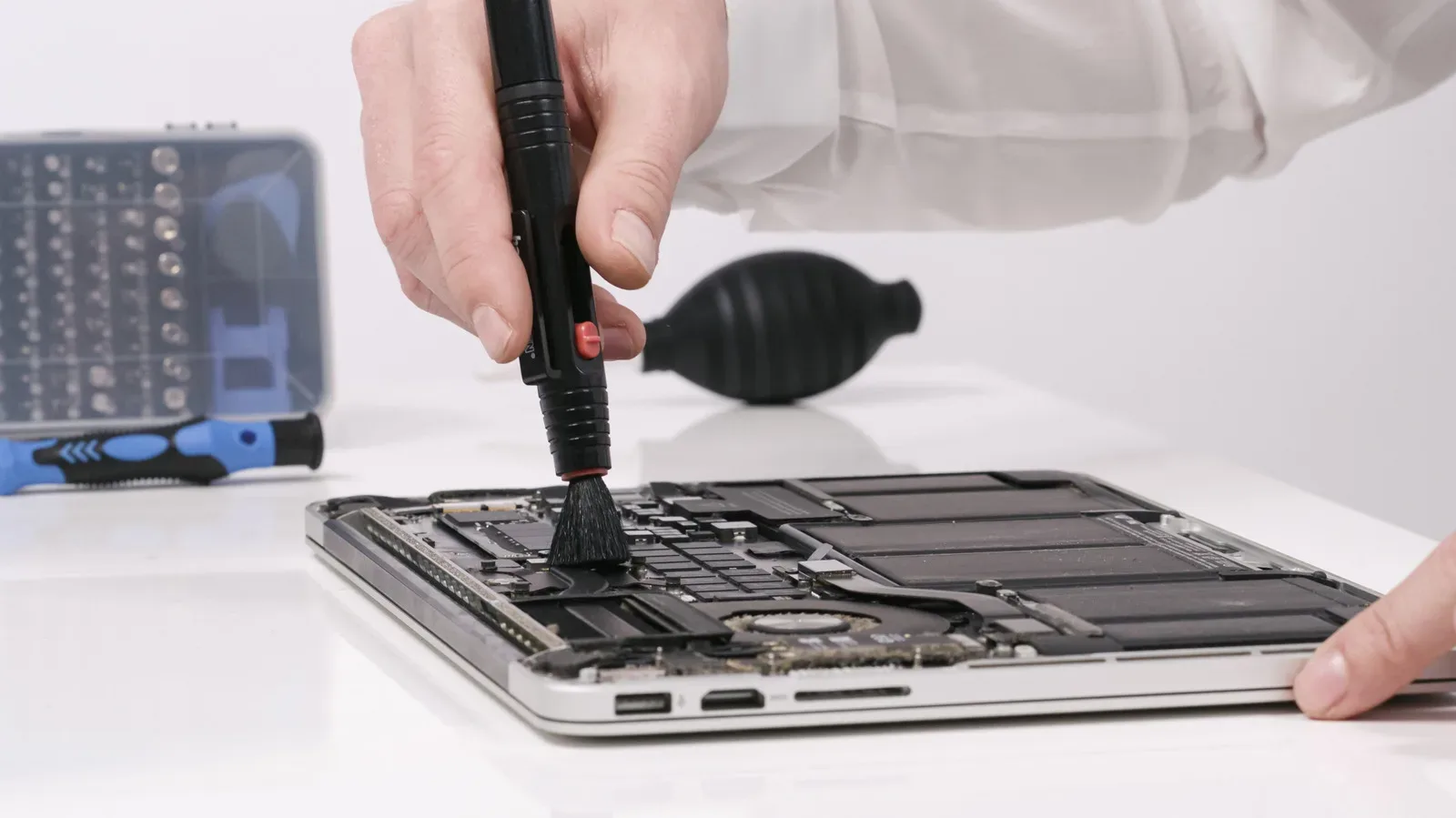
A refurbished laptop is not automatically a bargain, nor is it automatically a risky compromise. For someone trying to build a capable PC setup without paying for a sealed-box machine, it can be a practical middle route: accept a few marks on the lid or an older chassis in exchange for specifications that would be out of reach in a new budget laptop.
That trade can matter for games, everyday work and older PC libraries alike. A refurbished mid-range machine may offer more memory, a better display or a solid-state drive than a similarly priced new entry-level model. But “refurbished” is a sales category, not one universal technical standard. The quality of the inspection, the condition of the battery, the age of the processor and graphics hardware, and the seller’s route for returns all determine whether the lower price is genuine value.
The sensible approach is not to look for a laptop that seems flawless in a listing. It is to identify which imperfections are harmless, which can become expensive faults, and whether the system will actually run the software and games intended for it.
Refurbished, used and open-box are not interchangeable
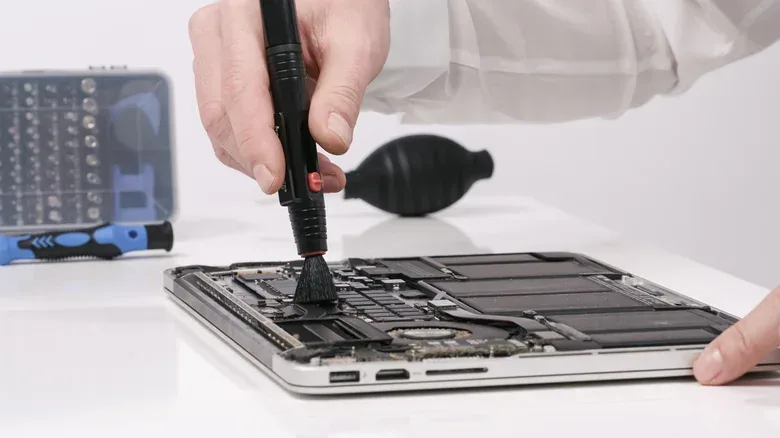
A used laptop is generally being sold in the condition left by its prior owner. It may work perfectly, but there is no inherent promise that it has been cleaned, tested or repaired. Refurbishment should mean more: inspection, cleaning, testing and any necessary repairs before resale. The catch is that the depth of that work differs substantially from one seller to another.
That distinction is why a product page needs reading beyond its headline condition label. A retailer or manufacturer may use grades to describe cosmetic wear, but grades are only useful when they explicitly say what wear is expected. Photos of the exact machine are especially valuable where scratches, dents or screen marks are possible.
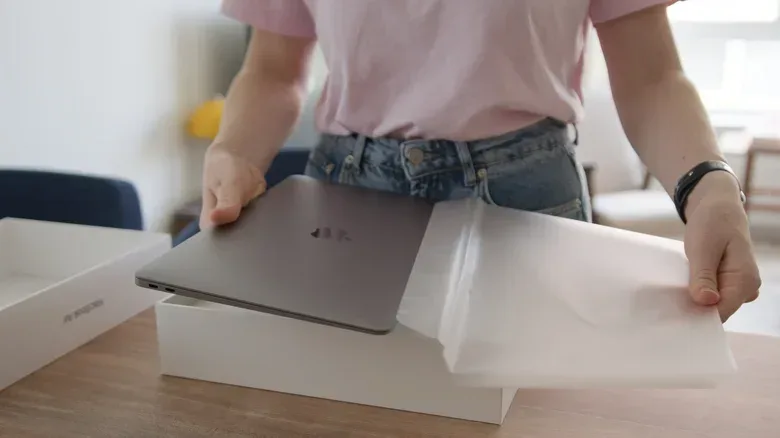
Manufacturer-operated refurbished programs provide a clearer baseline than an unknown repair operation. Apple’s Certified Refurbished products, for example, are tested, shipped in new packaging and include a one-year limited warranty. Dell also runs a refurbished program. That does not make every other seller unsuitable, but it illustrates the questions every seller should answer: what was tested, what was repaired, what condition is the battery in, what warranty applies, and what happens if the unit arrives with a problem?
Open-box is another status worth separating from refurbished. These units were generally returned without being used and can cost a little less than a new device. They may be a useful option for buyers who want less previous wear, though the exact condition and return terms still matter.
Specialist refurbishers can also be viable when mainstream inventory does not include the desired configuration. Transparency is the deciding factor. A seller that explains its process, provides condition details and states a return policy gives a buyer something concrete to evaluate. A listing that relies on vague assurances while avoiding photographs, battery information or warranty terms is much harder to judge.
The real benefit is spec priority, not simply a lower sticker price
The strongest case for refurbished is not that every old laptop is cheap. It is that a buyer can redirect a limited budget toward the features that matter for their own use. Instead of choosing a new budget device with minimal memory or a weaker display, someone may find an older but better-equipped business-grade machine with more RAM and an SSD.
RAM, or system memory, is the short-term workspace used while programs are running. More RAM can make ordinary multitasking more comfortable and is relevant to games that need room for the operating system, launchers and background applications alongside the game itself. An SSD, or solid-state drive, is storage with no moving parts. It is important for general responsiveness and loading, but it does not turn an unsuitable processor or graphics chip into a modern gaming laptop.
That last point is essential. Better memory and storage can be a more meaningful improvement than a pristine finish for browsing, writing, video calls and many older or less demanding games. Yet gaming requirements vary widely. Older graphics processors may struggle with newer games, and an older CPU can be less efficient. Buyers should start with the specific games and software they need to run, then compare those requirements with the exact configuration offered—not merely the laptop family name.
For a PC player focused on earlier titles, compatibility and a sensible keyboard-and-screen package may be more useful than chasing current hardware. The expanding availability of classic PC material is another reason a refurbished machine can have a role in a budget setup; Aces of the Pacific: Enhanced bringing a 1992 flight sim to modern PCs is a reminder that not every worthwhile PC game asks for leading-edge components.
That is analysis, not a guarantee that any older laptop will be sufficient. “Older game” is not a complete specification, and a refurbished unit’s capabilities remain dependent on its individual CPU, GPU, memory and storage configuration.
Battery health deserves more attention than cosmetic grade
A scratched lid may be a fair exchange for savings. A heavily worn battery can be a much more consequential compromise because it limits the entire point of a portable computer. Refurbished does not necessarily mean the battery was replaced. A laptop can look nearly new while carrying a battery that has seen considerable use.
Battery health is therefore information to seek before purchase, not after a disappointing first week. A listing that gives its current condition or confirms testing is more informative than one that says nothing. A minimum battery guarantee is also useful. If the laptop will live on a desk while connected to power, portability may matter less. If it will travel to classes, work or events, weak battery life can change the value calculation dramatically.
Replacement is not a simple fallback in every case. Some models may allow a new battery to be fitted; others may not. The potential cost and feasibility of replacement belong in the purchase decision. Savings that disappear after an unavoidable repair are not really savings.
What physical inspection should cover
A properly refurbished machine should not have serious structural issues such as cracked casing, loose hinges or water damage. Those are not merely aesthetic problems. A damaged hinge can affect the display assembly; signs of liquid exposure raise broader reliability concerns. Such defects suggest either a poor-quality refurbishment or a machine that was not meaningfully refurbished at all.
When a buyer can inspect a laptop in person, a deliberate test is more useful than a quick glance at the desktop. The following checks target the parts that are expensive or inconvenient to discover later:
- Open and close the lid. It should move without strain, and the hinges should not feel loose.
- Inspect the casing and display for cracks, damage and obvious signs of wear.
- Open a blank document and test every keyboard key.
- Use the trackpad and make sure its response feels normal.
- View the display against both light and dark backgrounds to reveal dead pixels or discoloration.
- Test ports, Wi-Fi, speakers and the webcam.
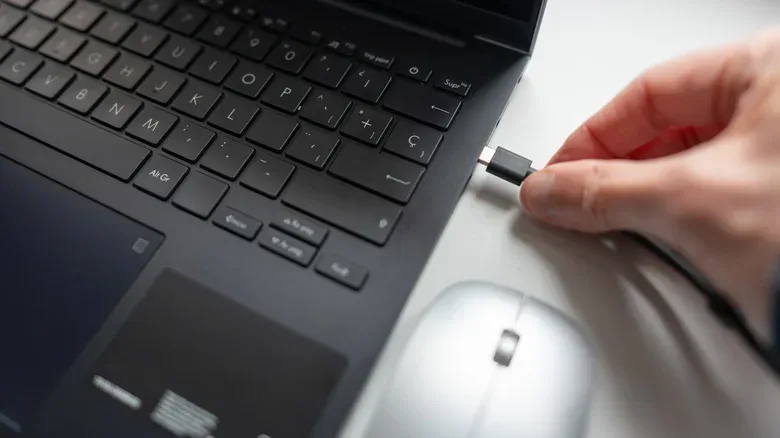
- Connect the supplied charger and confirm that charging does not cut out.
- Confirm that any previous account activation lock has been removed.
- For a Windows device, check that Windows is activated.
Benchmarking software can be another useful performance check if time and access permit. In plain terms, a benchmark runs a repeatable workload to give an indication of performance. It can help reveal whether a system is operating as expected, but it should not replace the more fundamental confirmation that the machine has the hardware and software compatibility required for its intended tasks.
Remote purchases demand a different version of the same caution. Ask for photographs and videos, particularly of any visible wear. A video showing the serial number can also be useful. None of these requests is a substitute for a return policy, but they reduce the amount that is left to guesswork.
Age affects longevity, performance and operating-system choices
Every refurbished laptop has a history. Its age influences its price, but also efficiency, software support and the likelihood of wear on components. An older business laptop with sufficient RAM and an SSD can still be a very capable machine for web browsing, documents and calls. It may even be a better-built option than a new low-cost alternative. That does not remove the need to plan beyond today’s workload.
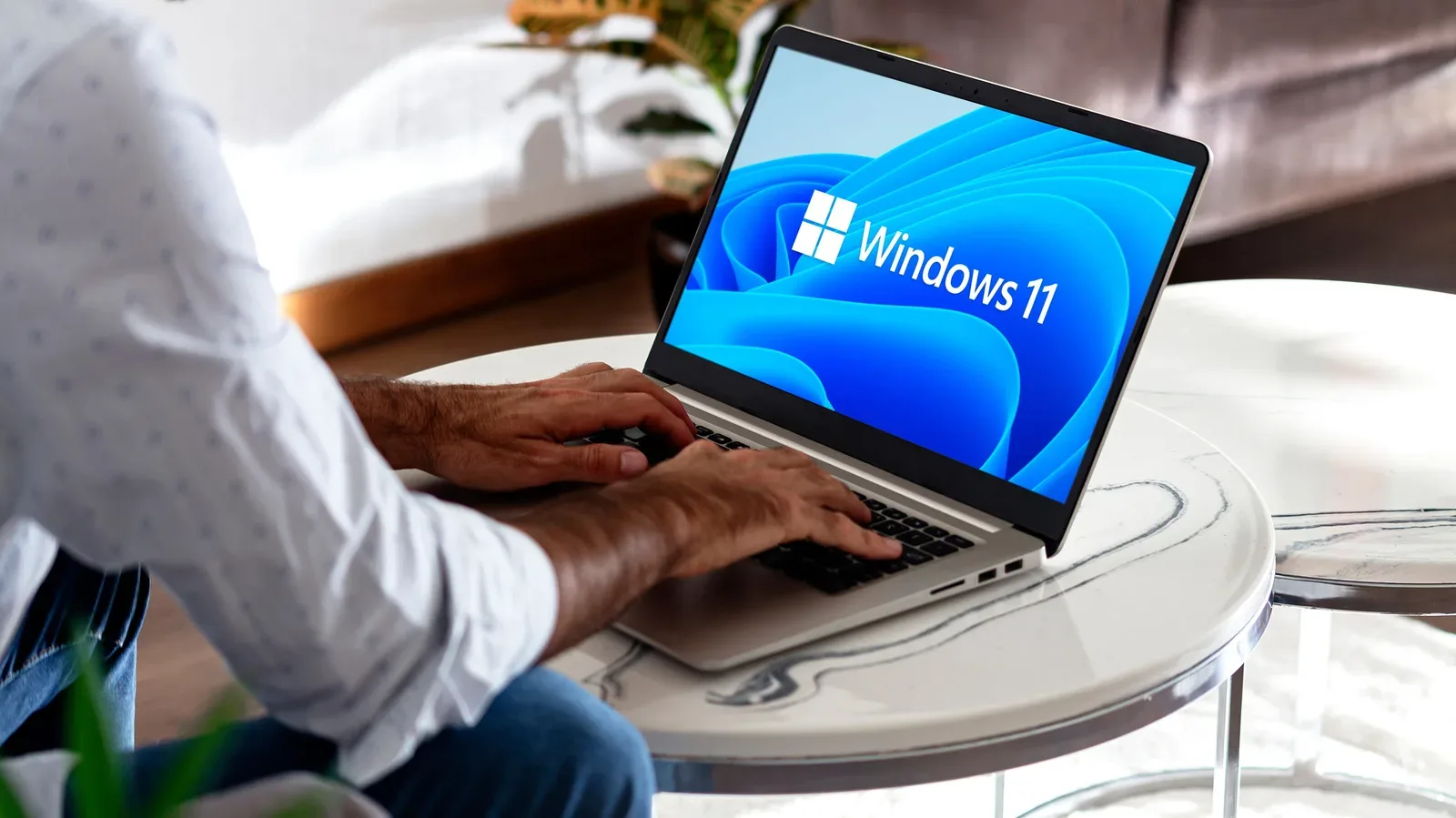
Processor age matters for more than speed. It can affect whether the laptop is eligible for current operating-system requirements. Windows 11, for instance, requires a compatible processor and a motherboard with TPM 2.0 support. TPM 2.0 is a hardware-based security requirement used by the operating system. Before committing to an older Windows laptop, a buyer should make sure it will not leave them confined to an older operating system simply because the platform is too old to meet those requirements.
Storage capacity, screen size and upgrade potential also deserve a realistic look. A particular refurbished model may only be available in certain original configurations. A lower price might come with less storage or a display size that does not fit the buyer’s desk, bag or gaming habits. Some laptops permit RAM or SSD upgrades, which can extend useful life, but many modern designs do not. An upgrade path is a benefit only when the particular model supports it and the added cost still makes financial sense.
Warranty and returns are part of the hardware value
A low price without a meaningful remedy for faults can be a false economy. Warranty coverage varies: some sellers offer shorter coverage, while others may offer none. Check what the warranty includes rather than treating its existence as enough. Equally important is the return process. If a keyboard issue, port failure, faulty screen or battery problem appears after delivery, the buyer needs to know their options.
This is especially important because cosmetic flaws and functional flaws should be evaluated differently. Scratches are often harmless. Screen, keyboard, charging and port defects can require repairs substantial enough to erase the original discount. A good return policy gives the buyer a way to reject a machine that does not match its advertised condition or functionality.
In practice, the best refurbished purchase is usually the one with a clearly stated testing process, realistic condition information, battery details, support for the required software and an adequate warranty or return route. It may not be the cheapest listing. It is the listing where the compromises are visible and acceptable.
A practical pre-purchase checklist
- List the games, programs and everyday tasks the laptop must handle.
- Compare the exact CPU, GPU, RAM, storage and display configuration against those needs.
- Confirm Windows 11 compatibility and TPM 2.0 support if Windows 11 is required.
- Read the refurbishment description and condition grade, rather than relying on the title alone.
- Look for battery-health information or a battery guarantee.
- Check photographs of the actual unit where possible.
- Read the warranty and return terms before paying.
- If inspecting in person, test the keyboard, trackpad, screen, ports, Wi-Fi, speakers, webcam and charger.
- Make sure prior account locks are removed and Windows is activated where applicable.
- Consider whether any likely repair or upgrade would wipe out the discount.
Refurbished laptops reward specificity. A few exterior marks are often an easy compromise if the core machine has been properly tested, remains compatible with the needed software and has a battery and warranty situation that the buyer can live with. But a vague condition label, an unclear return policy or a system too old for the intended games and updates should outweigh the temptation of a low upfront number.