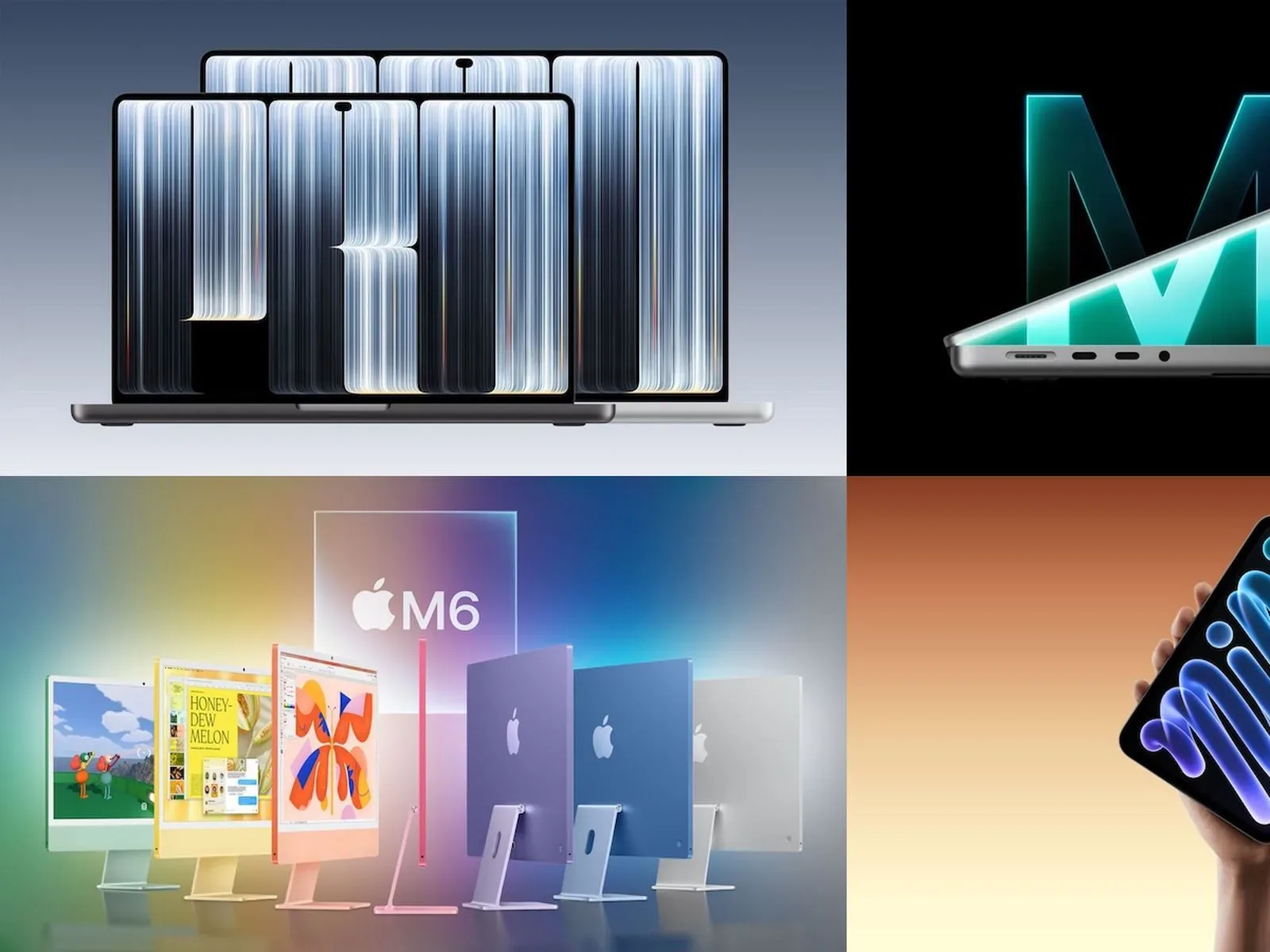
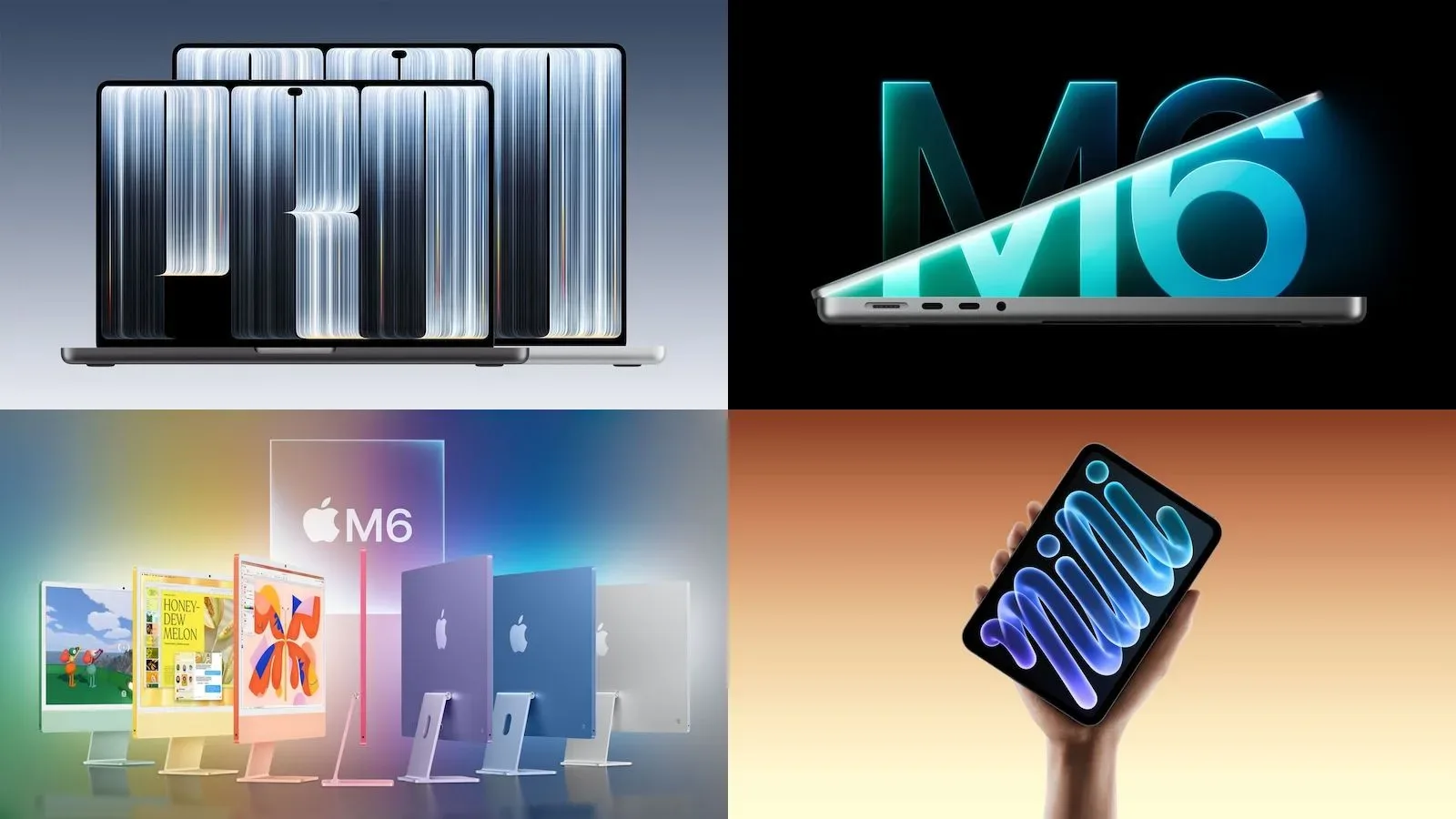
Apple’s newly announced iPad mini, M6 iMac and 14-inch and 16-inch MacBook Pro models are now on sale through its online store and app, while the first pre-orders are arriving and retail locations and authorized resellers are receiving stock. The releases span three very different kinds of personal computer: a compact tablet, an all-in-one desktop, and high-end portable notebooks.
For anyone weighing an upgrade, the headline features are easy to spot. The eighth-generation iPad mini introduces OLED to Apple’s smallest tablet; the iMac moves to M6 silicon; and the newest MacBook Pros add touchscreen PROLED XDR panels, replace the display notch with a Dynamic Island, and use M5 Pro or M5 Max processors. But the more meaningful decision comes from matching those changes with a workflow, budget and tolerance for early shipping delays—not simply picking the product with the flashiest screen specification.
The OLED iPad mini: a major display change in Apple’s smallest tablet
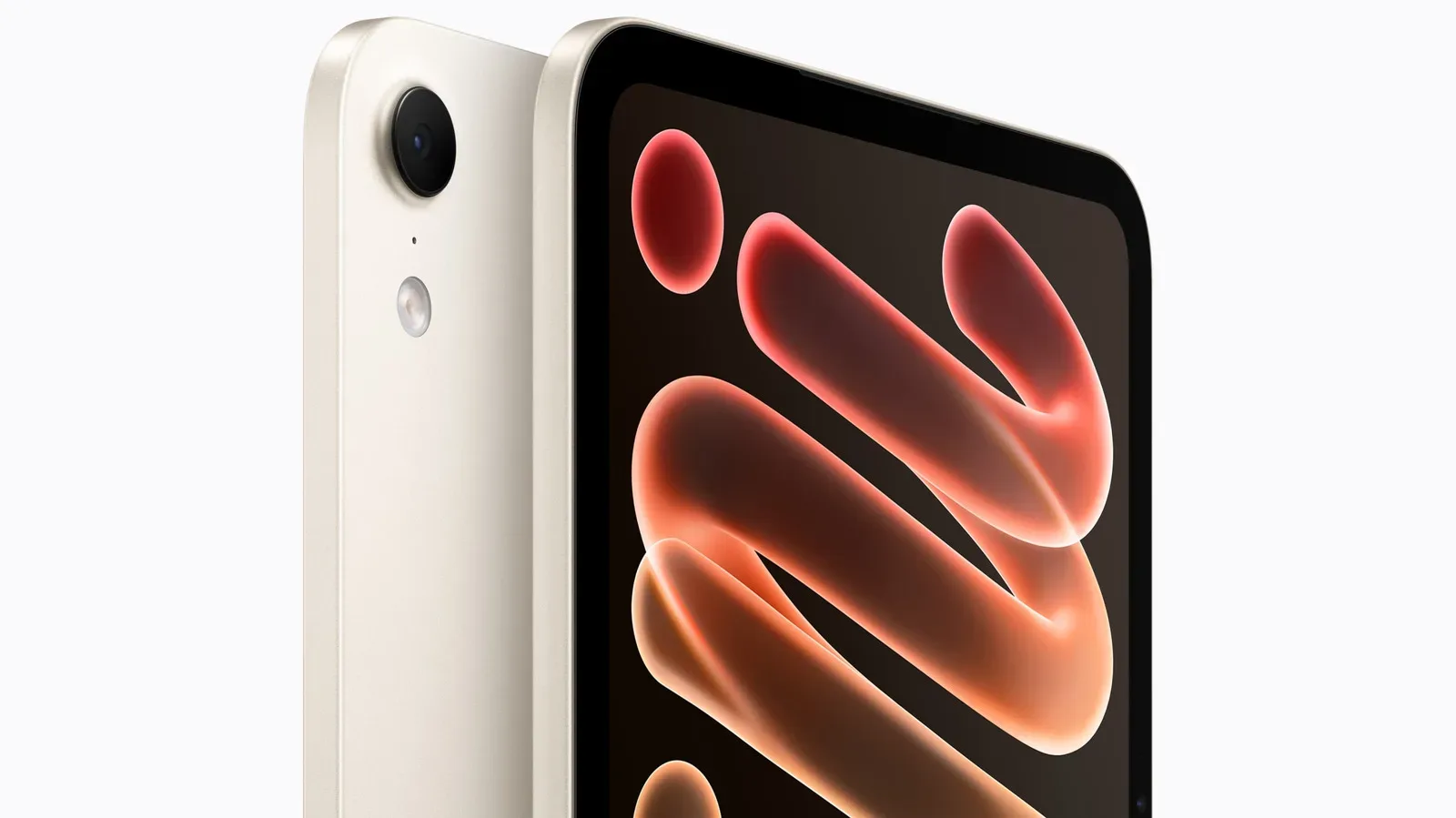
The new iPad mini has an 8.5-inch Super Retina XDR OLED display. OLED, short for organic light-emitting diode, is a display technology where individual pixels emit their own light. In practical terms, that permits very dark blacks because a pixel can turn off rather than relying on a backlight. Apple lists a 2,000,000:1 contrast ratio, up to 1,200 nits of peak brightness, and a 1-nit minimum brightness.
Those numbers describe the panel’s range from very dim to very bright. A nit is a measure of display luminance. The low 1-nit figure should matter to people using the small tablet in dark rooms, while peak brightness is relevant for bright visual material and viewing conditions. They do not, by themselves, tell a buyer how every app, game, video or document will look. Still, OLED is a substantial screen technology change for the mini format, especially for those who prioritize contrast and dark-scene detail.
Apple also offers nano-texture glass on 256GB and 512GB versions for the first time, at an additional $100. Nano-texture is an anti-glare glass treatment. Its presence makes the higher-capacity configurations the only route for a buyer who wants that option, so it is worth treating storage and screen finish as linked purchase decisions rather than independent upgrades.
The tablet uses an A20 Pro processor and an N1 wireless chip with Wi-Fi 7 and Bluetooth 6 support. The supplied specifications establish newer wireless standards, but they do not guarantee a transformation in every household or public network. A buyer’s router, accessories, network conditions and other devices remain part of that equation. The straightforward benefit is longer-term compatibility with those standards for people whose setups can use them.
At 5.4mm thick and 255 grams, Apple calls it the lightest iPad it has made. That reduction in physical burden is arguably central to the iPad mini’s identity: it is a device meant to be held for extended periods, slipped into a small bag and used where a laptop is excessive. The new model is also Apple’s first iPad with IP67 water and dust resistance.
IP67 is an ingress-protection rating: the first numeral relates to dust protection and the second to water protection under the rating’s defined conditions. It should be understood as added resilience, not permission to treat a tablet casually around liquids. The source material does not provide details on warranty coverage or the testing conditions behind the rating, so buyers should not infer more than water- and dust-resistance certification from the designation.
Acoustic Display and a landscape camera position
Apple says the iPad mini’s Acoustic Display creates sound through the screen itself, allowing the enclosure to omit speaker holes. This design supports the device’s sealed construction in combination with its IP67 rating. It is an interesting engineering change, but it should not be confused with a stated claim about louder or higher-fidelity audio; no comparative sound-performance detail has been provided.
The 12MP Center Stage front camera has moved to the landscape edge. That placement makes immediate practical sense for video calls when the tablet is used horizontally, which is the common orientation for a keyboard, stand or desk call. Center Stage is Apple’s framing feature for the front camera, intended to keep people more usefully positioned in view during calls.
Apple Pencil Pro and Apple Pencil (USB-C) are supported. That gives prospective owners a choice between the listed Pencil options, though the supplied details do not set out feature differences, bundle pricing or which accessories are included. Anyone buying the mini primarily for notes, art or annotation should confirm the exact Pencil compatibility and accessory cost at checkout rather than assuming an existing stylus or case will suit the new hardware.
The 60Hz question remains a real buying consideration
The most conspicuous compromise in the new iPad mini is its 60Hz refresh rate. Refresh rate is the number of times a display can update each second. A 60Hz panel updates up to 60 times per second; higher-refresh displays can make scrolling, interface motion and compatible games appear smoother. Apple has not brought ProMotion—its higher-refresh display branding—to this mini.
That limitation has been an early point of criticism. It does not erase the benefits of OLED, high contrast, brightness range or the compact chassis. It does mean the screen’s premium traits are not an across-the-board spec victory. Buyers particularly sensitive to fluid motion, or those who expect a premium tablet to include a higher refresh rate, have a clear reason to pause before equating “OLED” with every possible display upgrade.
In the United States, the Wi-Fi iPad mini starts at $699 with 128GB of storage. The 256GB model costs $799, and the 512GB version costs $999. Cellular-equipped configurations start at $849, while education pricing begins at $649. Because nano-texture is confined to the 256GB and 512GB models and adds $100, the screen-finish option raises the effective entry price beyond the base model by more than its standalone surcharge. That is not necessarily poor value; it simply makes it important to decide whether capacity, cellular connectivity and glare reduction are actual needs.
M6 iMac pricing is straightforward, while configuration still matters
The M6 iMac begins at $1,499 for a version with a 10-core CPU and 10-core GPU. A model with a 12-core CPU and 12-core GPU begins at $1,699. Education pricing starts at $1,449.
A CPU, or central processing unit, handles general computing work; a GPU, or graphics processing unit, performs graphics-focused tasks and can contribute to workloads that use graphics acceleration. Core counts are useful shorthand for comparing the two listed iMac tiers, but they are not a complete measure of what a specific person will experience. The supplied information does not include memory options, storage choices, ports, display specifications or performance benchmarks. As a result, it supports a clean comparison of starting price and stated CPU/GPU counts, but not a definitive performance verdict.
The $200 gap separates the two advertised starting configurations. For a buyer who already knows that additional CPU and GPU cores are useful, that makes the lineup easy to understand at a high level. For everyone else, the key is resisting the urge to interpret larger numbers as automatically necessary. The relevant question is whether the tasks performed on the iMac justify moving past the entry configuration—something these specifications alone cannot answer.
The iMac’s role is also distinct from the iPad mini and MacBook Pro: it is a desktop all-in-one, not a device designed around portability or touch input. A shopper choosing among all three new families is therefore making a form-factor decision first. The iPad mini emphasizes lightness and handheld use; the iMac is a fixed desktop; and the MacBook Pro prioritizes professional laptop capability alongside a larger, newly touch-enabled display.
MacBook Pro adds touch input and Dynamic Island
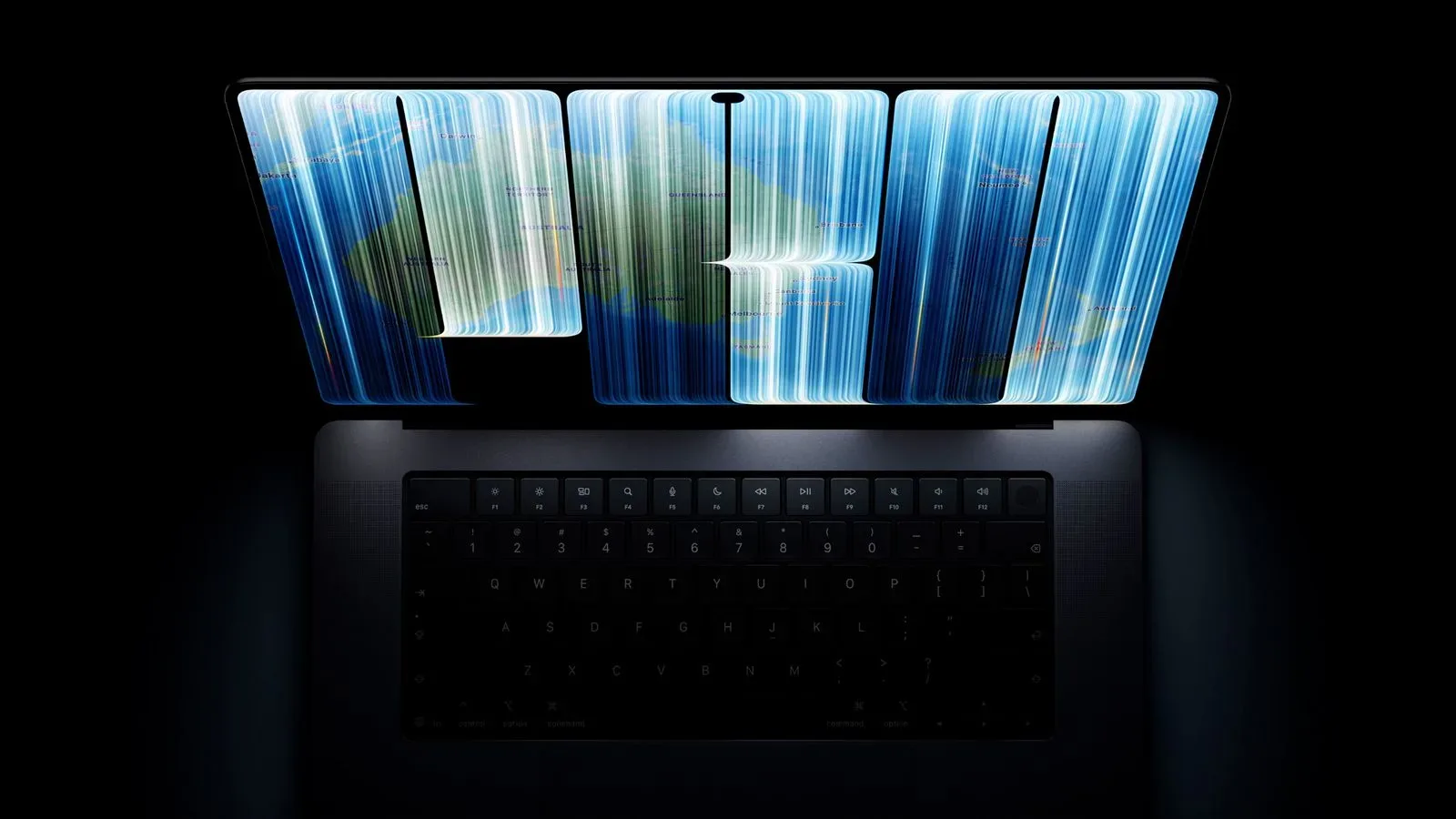
The new 14-inch and 16-inch MacBook Pro models start at $2,899 and $3,399, respectively. They use M5 Pro or M5 Max chips and introduce touchscreen PROLED XDR displays. Apple lists up to 2,000 nits of peak brightness for SDR and HDR material.
SDR means standard dynamic range, while HDR means high dynamic range. In broad terms, HDR content can preserve a wider span between dark and bright parts of an image when the content and display support it. The stated brightness applies to both SDR and HDR, an unusually prominent specification in the product description. As with any peak figure, however, it is a capability measurement rather than a promise that every application or every portion of a screen will continuously appear at that level.
The touchscreen is the central interaction change. It gives owners the option of directly manipulating compatible on-screen elements rather than relying exclusively on a trackpad, mouse or keyboard. Whether that is valuable is personal and task-dependent. Some workflows are built around keyboard shortcuts and precise pointer control; others can benefit from reaching up to interact with visible controls. The provided information establishes that the displays are touch-enabled, but does not claim that macOS itself has been redesigned around touch or detail which software takes particular advantage of it.
These MacBooks also replace the display notch with a Dynamic Island. The Dynamic Island is the display-area design surrounding the camera hardware. Its arrival changes the visual layout of the top of the screen, but prospective buyers should separate that design shift from performance, storage or connectivity decisions. It is a visible change, not a substitute for evaluating the M5 Pro versus M5 Max choice.
Those chip names signal two performance tiers, but no benchmark figures or configuration-by-configuration performance claims are available here. Buyers with demanding work should avoid treating “Max” as a universally mandatory upgrade solely from the name. Conversely, a high starting price means buyers who know they need the stronger tier should check their desired configuration carefully rather than assuming every MacBook Pro is equivalent.
Availability may be the immediate obstacle for MacBook Pro shoppers
Many Space Black and Silver configurations of the touchscreen 14-inch and 16-inch MacBook Pro are showing estimated shipping windows of two to three weeks through Apple’s online checkout. That makes availability a practical part of the launch story. Someone who needs a machine immediately may have better odds by checking a local Apple Store, where at least some base configurations are typically available, rather than waiting for a customized online order.
“Typically” matters here. It is not a guarantee of local inventory, and it does not establish which processor, display size, color or storage setup a particular store will carry. Calling ahead or using a store’s current pickup inventory information is a more sensible approach than traveling on the assumption that any preferred configuration will be on a shelf.
The availability situation also reinforces a useful rule for launch-day buying: do not compromise on an expensive configuration merely because it is the one that can arrive first. The 14-inch and 16-inch models begin at very different prices and may serve different portability needs. A short wait can be preferable to paying thousands for a machine that does not match the intended screen size or processor tier.
What the releases mean for prospective buyers
Apple’s latest hardware wave is unified less by one shared feature than by a series of specialized upgrades. The iPad mini brings OLED, IP67 resistance, a landscape camera and a particularly low weight, while retaining a 60Hz refresh rate. The iMac’s update is centered on M6 and two clear CPU/GPU-count starting tiers. The MacBook Pro line reaches toward premium laptop users with touch displays, high stated brightness, Dynamic Island and M5 Pro or M5 Max silicon.
That makes the buying advice unusually simple in principle: start with the device category, then the constraint. For the mini, decide whether 60Hz is acceptable and whether storage or nano-texture changes the budget. For the iMac, identify whether the higher core-count tier is genuinely needed. For a MacBook Pro, choose screen size and chip tier before letting short-term shipping estimates dictate the purchase.
Apple’s busy run of hardware releases also includes other ecosystem activity, as seen with the HomeView Hub and fourth-generation Apple TV 4K. For this particular launch, though, the immediate decision is more focused: OLED portability, an M6 desktop, or a touch-enabled professional laptop—each with a distinct price floor and a different compromise to consider.