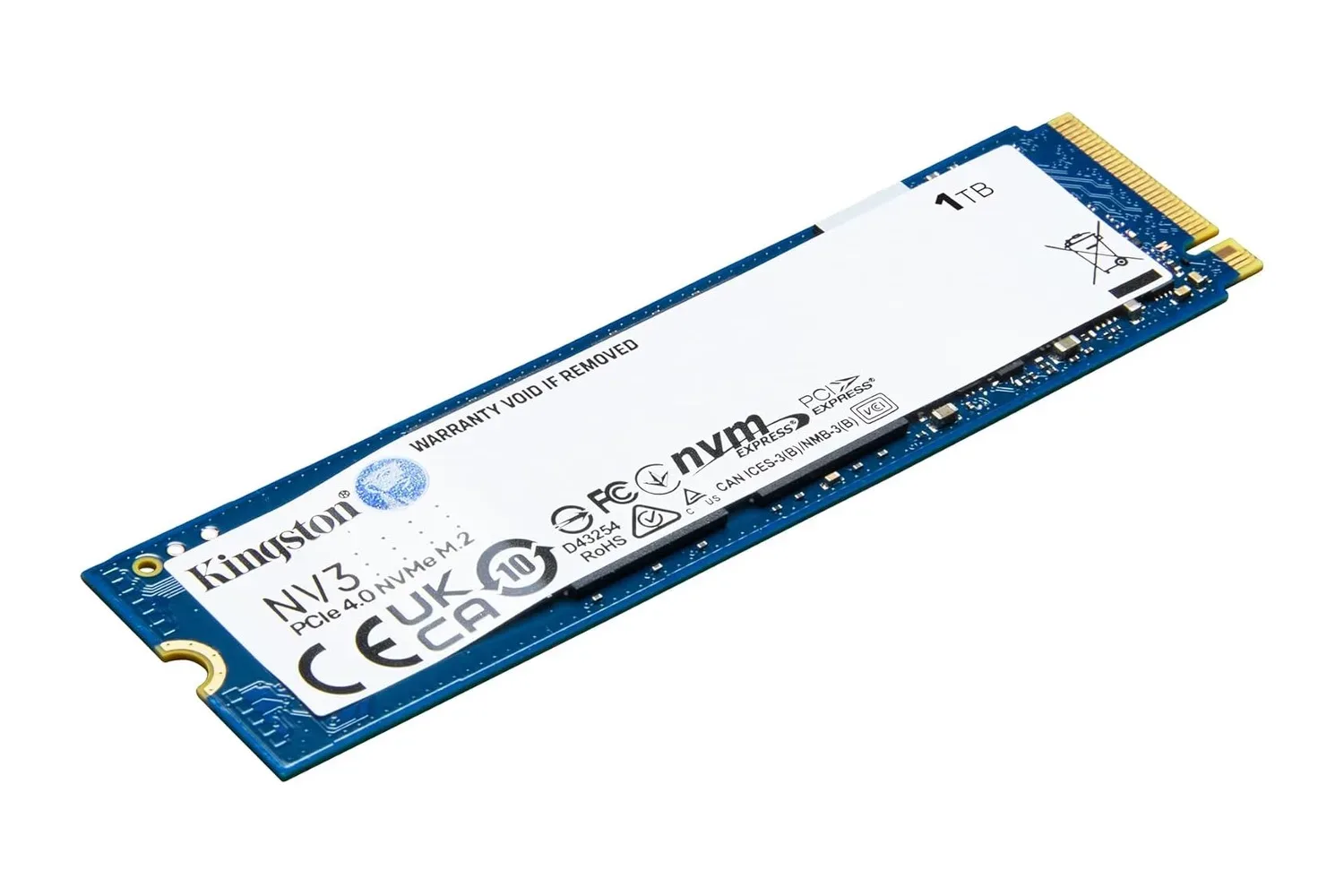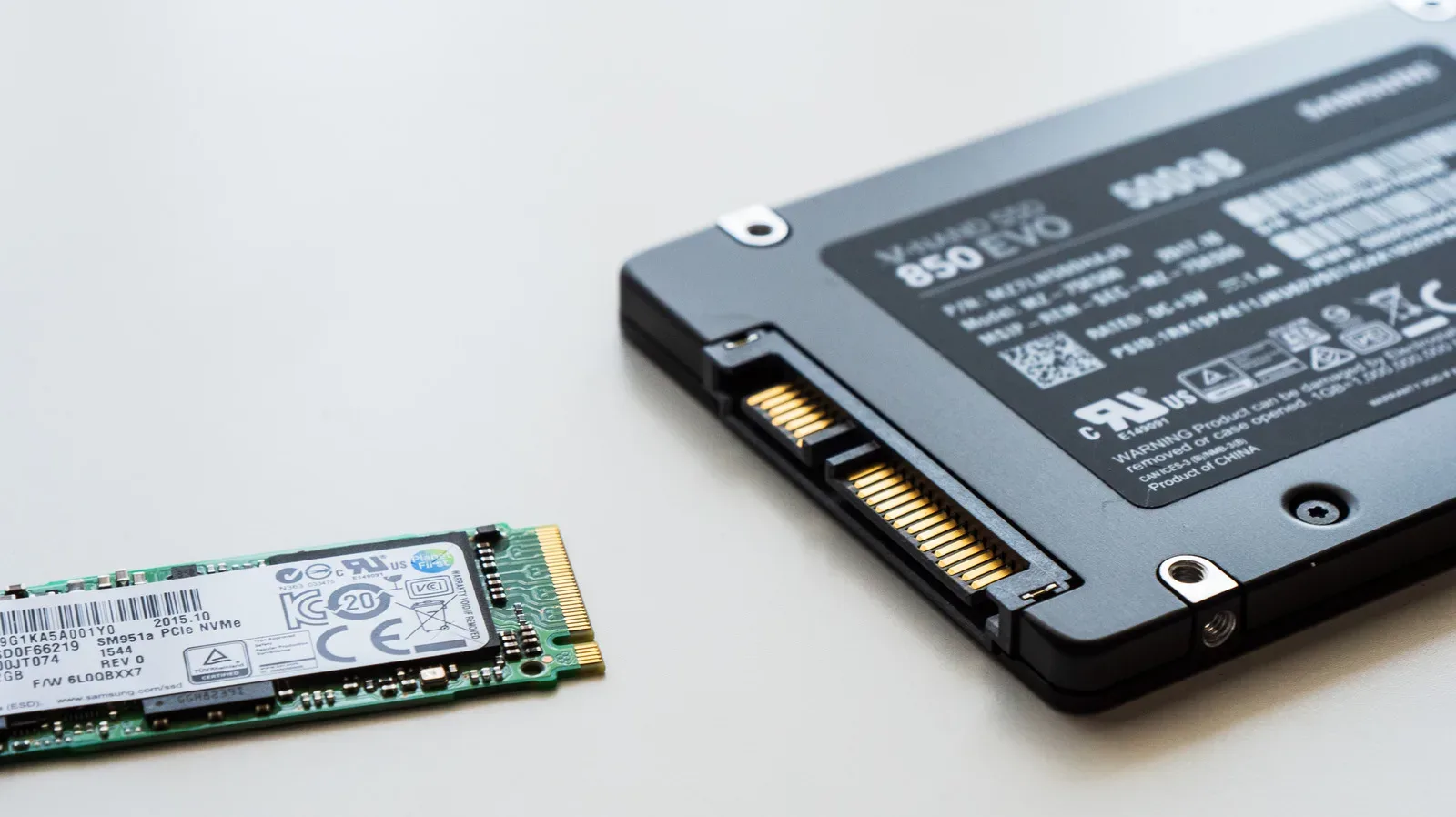
Shopping for an SSD can feel like choosing between a sensible hatchback and a rocket with a heatsink bolted to it. SATA drives are routinely listed around 500 to 560 MB/s in real consumer use, while NVMe models range from roughly 3,500 MB/s on PCIe Gen3 to nearly 15,000 MB/s for leading Gen5 hardware. That is a dramatic numerical gap.
For a gaming PC, though, the useful answer is not simply “buy the drive with the largest number on the box.” NVMe is generally the smarter primary-drive choice when a system supports it and the price is close. But an SSD’s interface, the motherboard slot’s available PCIe lanes, heat management, capacity needs and the intended workload all decide whether that theoretical speed becomes meaningful in day-to-day use.
Most importantly, no storage upgrade turns a game’s frame rate into a bigger number by itself. Faster storage can help move data more quickly, but it does not make the GPU or CPU render a scene faster. Think of the SSD as the route bringing game data into the system, not the component drawing every frame once play is underway.
The basic difference: flash storage, different routes to the PC
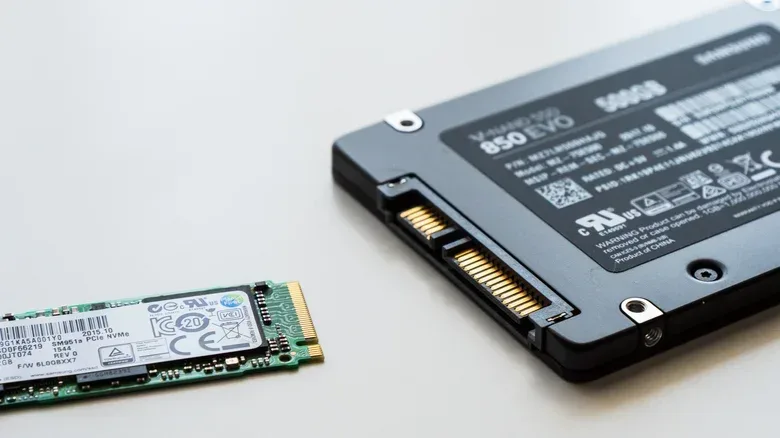
SATA and NVMe SSDs both use flash memory rather than the spinning platters found in mechanical hard drives. Either option is a major responsiveness upgrade over an old hard disk. The important distinction is how each drive communicates with the computer.
SATA is the older connection standard. Its SATA III specification has a theoretical ceiling of 600 MB/s, and fast consumer SATA SSDs commonly land around 500 to 560 MB/s. SATA storage generally uses AHCI, a protocol created for an earlier generation of storage hardware.
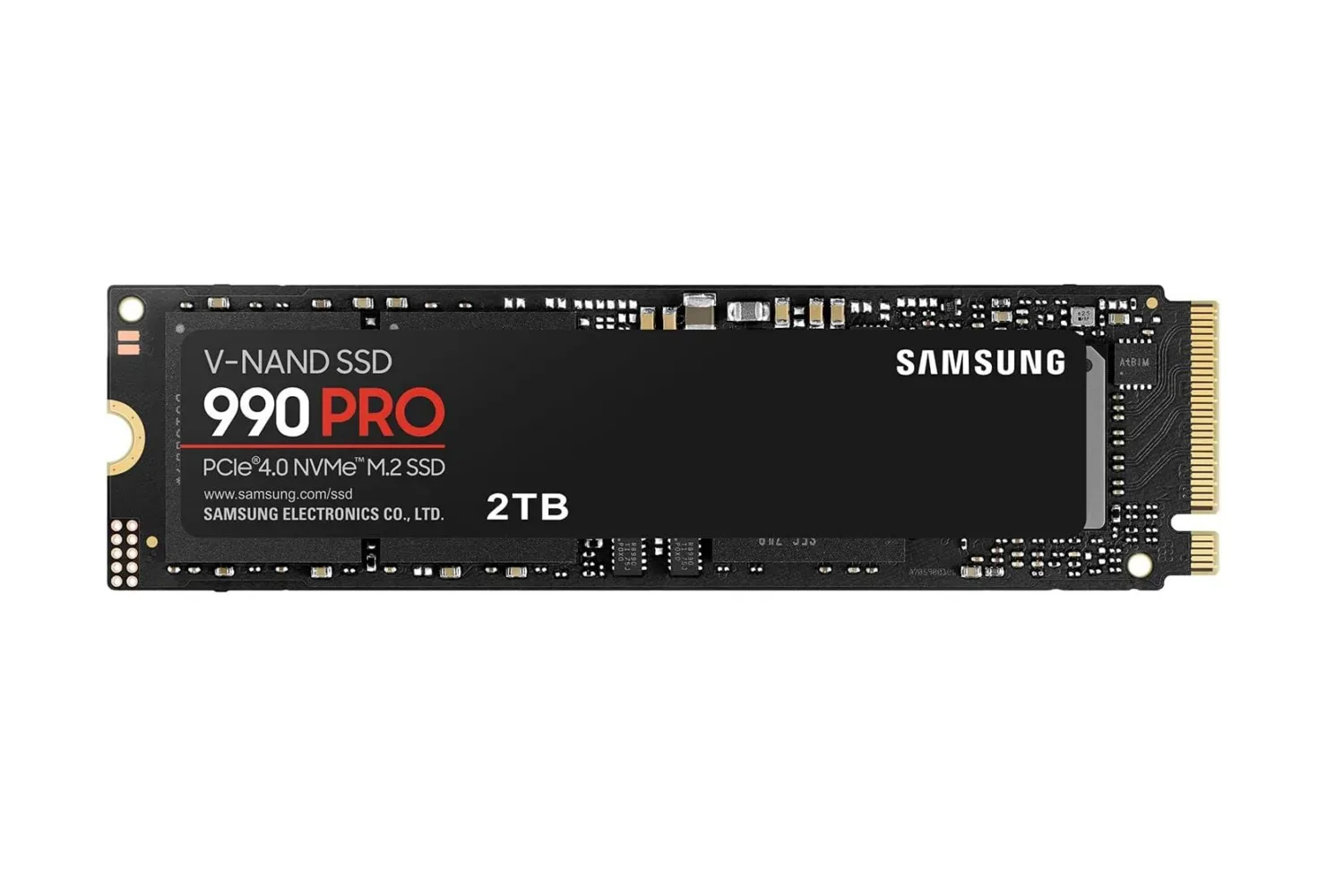
NVMe, short for Non-Volatile Memory Express, was designed specifically around solid-state storage and its ability to work on many operations in parallel. It typically uses PCIe, the same broad interconnect family used for high-bandwidth PC components. This is why a PCIe Gen3 NVMe SSD can reach about 3,500 MB/s, several times SATA’s practical ceiling, while current Gen5 models are approaching 15,000 MB/s.
Sequential speed is the headline measurement behind those figures. In plain terms, it measures how quickly a drive can read or write a large, uninterrupted run of data. It is useful for jobs such as moving large files and storage-intensive creative work. It is not a promise that every action on a desktop, or every loading sequence in a game, will accelerate by the same multiple.
An NVMe SSD can offer far more potential bandwidth than SATA, but only when the PC provides a compatible connection with enough lanes and an appropriate PCIe generation.
M.2 is a shape, not a verdict on speed
The most persistent SSD-shopping trap is treating M.2 and NVMe as interchangeable terms. They are not.
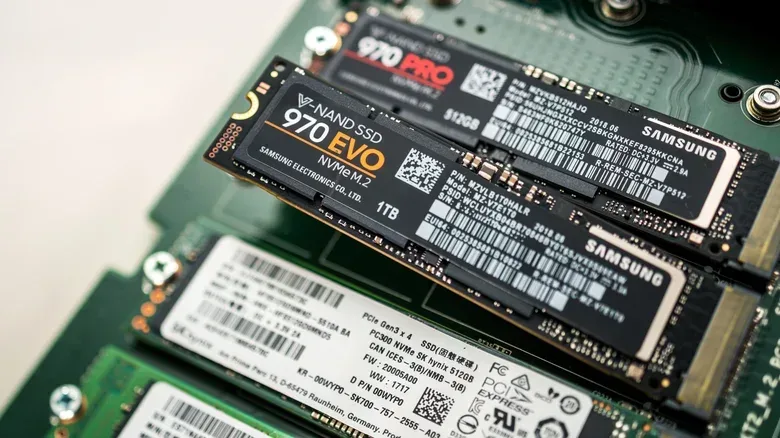
M.2 describes the thin, stick-like physical form factor common in modern laptops, desktops and console storage expansion. NVMe describes the storage protocol and connection approach. A drive can be an M.2 SATA SSD, or it can be an M.2 NVMe SSD. Their similar appearance does not guarantee that they work in the same slot or deliver the same performance.
That means buyers should check the specifications for both the drive and the computer before ordering. A laptop or motherboard may support an M.2 drive but not necessarily the particular SATA or NVMe type being considered. Discovering a mismatch after opening the package is less an exciting upgrade moment than a side quest nobody asked for.
The same caution applies to a desktop with more than one M.2 slot. They may not all have equal capability. A high-performance NVMe drive often expects four PCIe lanes, expressed as x4. Another M.2 slot could offer only two lanes, written as x2, or support an older PCIe generation. In either case, the slot becomes a limiting factor.
PCIe lanes are data pathways. More lanes generally allow more data to move at once; PCIe generation indicates the bandwidth available through those pathways. Put a very fast x4-rated drive into a slot that supplies only x2, and some of the drive’s advertised potential is simply unavailable. The drive has not become bad hardware—it has reached the ceiling of the connection it was given.
What an NVMe upgrade changes for games—and what it does not
NVMe has a persuasive use case as a primary drive in a compatible gaming PC. Its extra bandwidth is especially valuable for large file transfers, video editing and other storage-heavy tasks. Even Gen3 NVMe offers several times SATA’s sequential bandwidth, while Gen4 and Gen5 widen the gap further.
For games, the improvement is real in the broad sense that solid-state storage is much faster than a mechanical hard drive, and NVMe provides a stronger platform for storage-demanding use. Microsoft lists an NVMe SSD as a requirement for storing and running games that use DirectStorage on Windows 11. That makes NVMe more than a benchmark-chasing option for players planning around that storage technology.
DirectStorage is a Windows storage feature intended for games built to use it. The practical takeaway is simple: it is an explicit reason to ensure that the drive used for those games is NVMe rather than SATA. It does not mean every game on a library suddenly receives the same behavior or that upgrading the SSD changes a title’s graphical performance.
That distinction is worth stressing because storage marketing can make every task sound like a drag race. A 15,000 MB/s maximum sequential figure does not mean Windows boots, a browser launches or a game loads fifteen or twenty times faster than it would from SATA. Those experiences involve many parts of a computer and many kinds of work, not only one long, uninterrupted transfer.
Frame rate is clearer still: a faster SSD does not double it. Once data is being processed for a frame, CPU and GPU performance remain central. Storage is still important, but it is not a substitute for either processing or graphics power.
Players comparing game installations should therefore ask a more useful question than “Which SSD has the highest advertised speed?” Ask whether the system supports NVMe, whether a free full-speed M.2 slot exists, and whether the intended games have a reason to benefit from an NVMe-based feature such as DirectStorage. That produces a better purchase decision than chasing a peak number in isolation. It is also worth keeping an eye on the wider PC game release calendar when planning how much fast storage an expanding library may need.
Gen4 and Gen5 speed also raise a cooling question
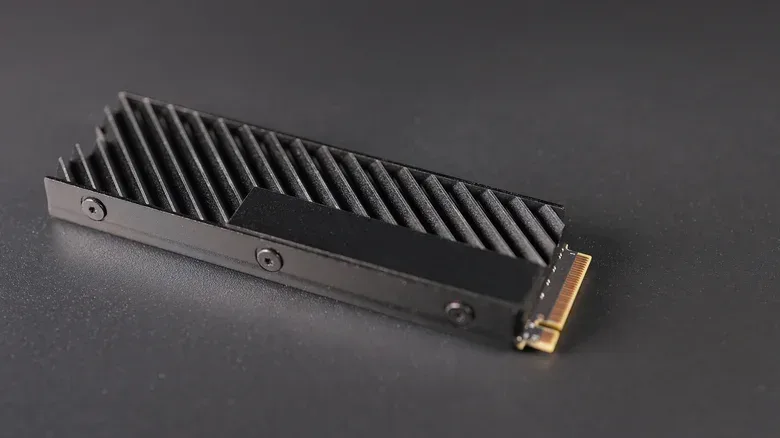
More bandwidth is not a free lunch. The fastest Gen5 NVMe drives can run hot enough that cooling becomes part of the buying decision. Crucial states that its T700 Gen5 SSD requires a heatsink for optimal performance.
A heatsink is a piece of material designed to draw heat away from a component. In this context, it matters because an extremely fast drive needs to stay within suitable operating conditions to perform as intended. Before choosing a Gen5 model, buyers should inspect whether the motherboard has an M.2 heatsink, whether the drive includes one and whether physical clearance allows it to fit.
This is also relevant for PlayStation 5 expansion storage. The console supports Gen4 SSDs, and compatible PS5 SSD options require a heatsink. That requirement turns “will this drive fit?” into a practical compatibility question rather than a cosmetic detail.
It also illustrates why newer is not automatically better for every build. A Gen5 drive may offer spectacular peak transfer figures, but a Gen4 drive may be the relevant class for a given platform. Choosing hardware suited to the platform’s supported generation, physical space and cooling requirements is more useful than paying for an upper tier the system cannot fully use.
When SATA is still the sensible pick
SATA is slower by any straightforward bandwidth comparison, but it is not obsolete. It remains a practical choice in several situations:
- Older PCs: A SATA SSD can modernize a system that lacks suitable NVMe support.
- Secondary storage: A desktop may already have its M.2 slots occupied, leaving SATA as the straightforward route for more capacity.
- Compatible existing bays: Systems built around SATA storage can still benefit enormously by replacing a mechanical hard drive with a SATA SSD.
- Price-specific purchases: SATA can cost less, although the gap changes with capacity, model and shifting SSD prices.
That last point deserves restraint. There is no universal fixed price difference between SATA and NVMe drives. Capacity, particular model and market conditions all affect the comparison. If a compatible NVMe drive is priced close to a SATA alternative, NVMe’s extra performance potential makes it difficult to argue against it for a main drive. If SATA offers the capacity a buyer needs at a substantially better price, or is the only storage route a machine can accommodate, it remains a rational selection.
A short compatibility checklist before buying
- Identify the slot or bay. Check whether the computer has a free M.2 slot, a SATA connection, or both.
- Confirm the protocol. Do not assume an M.2 slot means every M.2 SSD will work. Verify SATA versus NVMe support.
- Check PCIe generation and lane count. An x4 slot offers a different ceiling from x2, and an older generation may limit a faster drive.
- Match the drive to the workload. NVMe makes the most sense for a compatible primary drive, large transfers, editing work and DirectStorage-capable Windows 11 game storage.
- Plan for heat. Especially with fast Gen5 hardware and PS5-compatible Gen4 expansion, confirm the heatsink situation before installing.
- Compare the actual price at the required capacity. A label alone does not settle value; compare like-for-like capacities and supported compatibility.
The cleanest rule is not “SATA bad, NVMe good.” It is that NVMe is the stronger default for a modern, compatible primary gaming drive, while SATA remains a useful answer for older machines, added capacity and systems with no remaining M.2 room. The upgrade that fits the platform properly is better than the supposedly faster one that is limited by the slot, overheats, or never fits in the first place.